
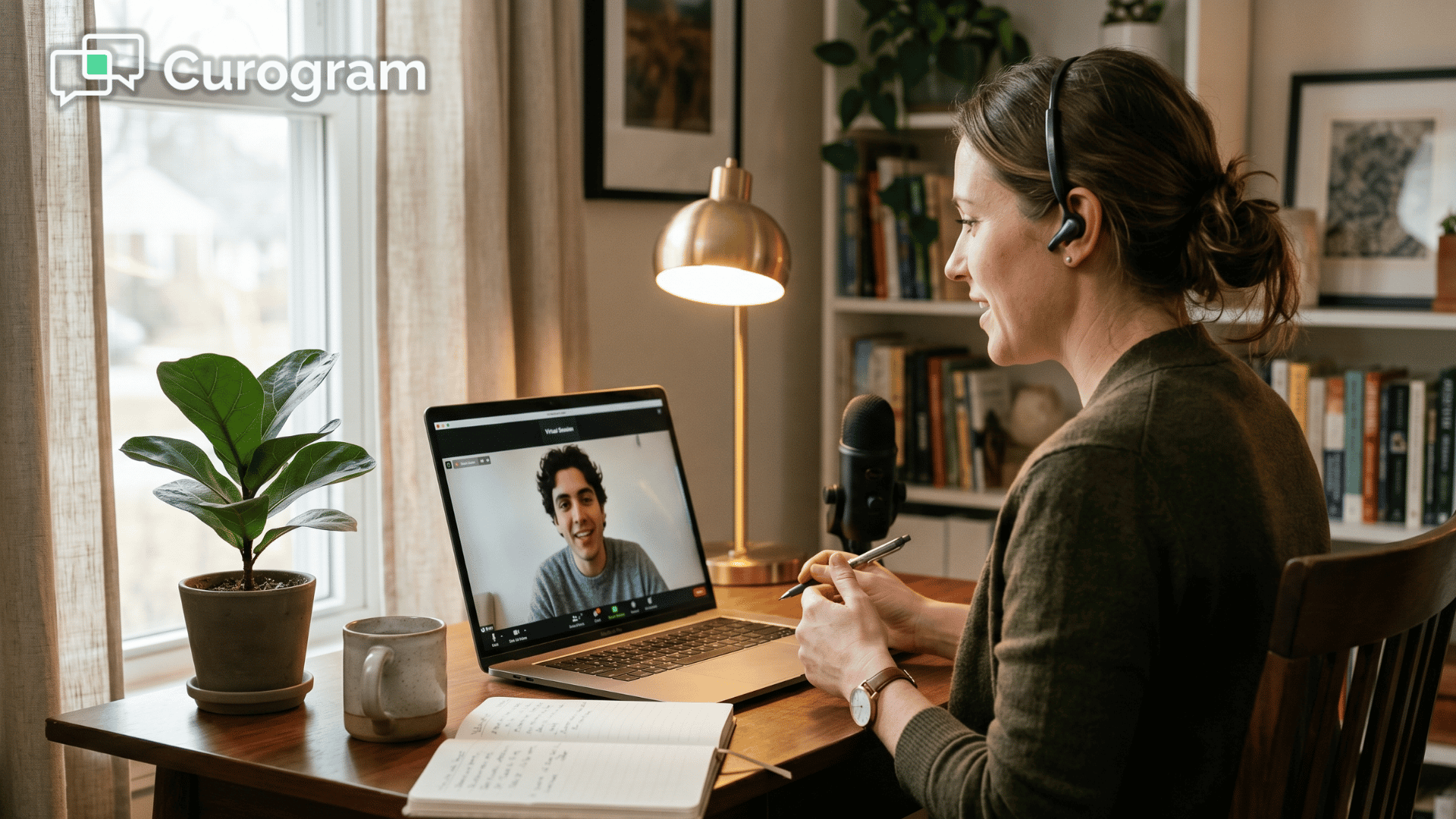
Patients get a text, tap the link, and join a HIPAA-compliant session right in their phone's browser.
No app. No portal login. No software to install. Time from text to therapist: under 10 seconds. Curogram practices see 53% lower no-show rates.
Clinicians document in Netsmart as usual, with no API access required. For behavioral health patients, removing every tech barrier is what makes virtual care actually happen.
Your patient set a reminder. They blocked off the time. They sat down with their phone five minutes early, ready to talk.
Then the app asked them to create an account.
This is where so many telehealth sessions quietly fall apart. A patient who showed up willing to do the work gets stopped by a verification email, a forgotten password, or a portal that won't load. The will to attend was there. The technology got in the way.
For behavioral health practices, this gap is more than an annoyance.
The patients you serve are often managing conditions that make multi-step logins genuinely hard. ADHD, acute anxiety, depression, executive dysfunction — each one can turn a six-step join process into a reason to give up.
So the tool meant to remove a barrier creates a brand-new one.
Meanwhile, your staff become tech support. They spend five to ten minutes per visit walking someone through downloads, resets, and camera permissions.
When the connection fails, the session gets rescheduled, and the whole cascade begins again. It is exhausting, repetitive work, and it is not what your clinical team trained to do.
There is a simpler way, and it already lives in your patient's hand. It costs nothing extra and asks almost nothing of your staff.
No-download telepsych for Netsmart practices removes every one of these friction points. Instead of an app, your patient gets a text with a secure video link. They tap it and see their clinician — no account, no portal, and no install.
This article shows you how it works, why it fits behavioral health populations so well, and what changes when sessions start on time. You will see real numbers, plain workflows, and the reason removing friction is the entire point.
Let's start with the barrier itself.
Meet the Real Obstacle: The Download Wall
Telehealth was supposed to make care easier. For many behavioral health patients, it added steps instead.
The six-step gauntlet
Think about what a typical portal-based visit asks of someone before the conversation even starts:
- Download the app
- Create an account
- Verify the email
- Log in
- Find the session
- Tap join
That is six chances to get stuck before a single word is spoken. Now consider who is being asked to clear those hurdles. For patients managing conditions that affect focus, motivation, or processing, each step is a possible exit point.
The barrier built to enable care becomes the reason care doesn't happen.
The hidden cost to your team
Then there's the human cost on your side of the screen.
Your staff spend 5 to 10 minutes per session troubleshooting connections — walking patients through downloads, password resets, browser quirks, and camera permissions.
When someone simply can't connect, the visit gets rescheduled. That kicks off a chain of rebooking, reconfirming, and sometimes re-authorizing insurance.
Those lost minutes add up faster than most practices realize.
Here's a simple example of what tech friction costs one clinician.
| What happens | Per session | Across a full day (8 sessions) | Per month (20 days) |
|---|---|---|---|
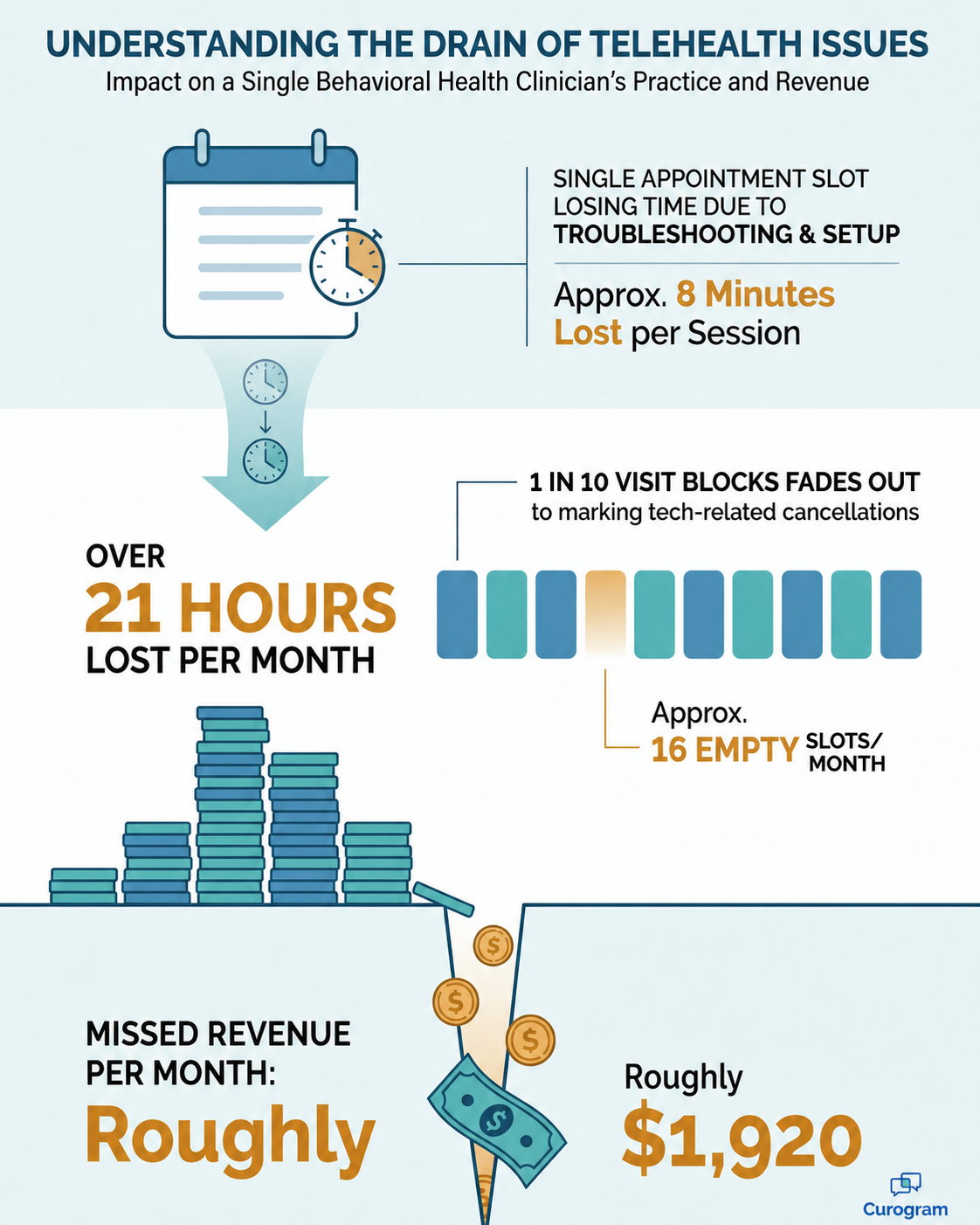
| Late start from troubleshooting | 8 minutes | 64 minutes | ~21 hours |
| Tech-related cancellation | 1 in 10 visits | ~1 lost slot | ~16 lost slots |
For your team, that's nearly a full workday lost to setup every month — plus roughly 16 sessions that never happened.
At an average reimbursement of $120 per session, those empty slots alone represent about $1,920 in missed revenue per clinician, per month.
This means the investment meant to expand access quietly shrinks it. Clinicians grow frustrated. Staff morale dips under constant tech-support duty. And the patients who need virtual care most are the ones most likely to drop off.

How One-Tap Video Sessions Actually Work
Now flip the experience. What if joining a session took one tap and under 10 seconds?
That's the idea behind SMS-launched telehealth. Instead of sending patients to an app store, you send them a text. The technology gets out of the way.
Here's the full workflow, start to finish:
- Your staff select the patient in Curogram and click send.
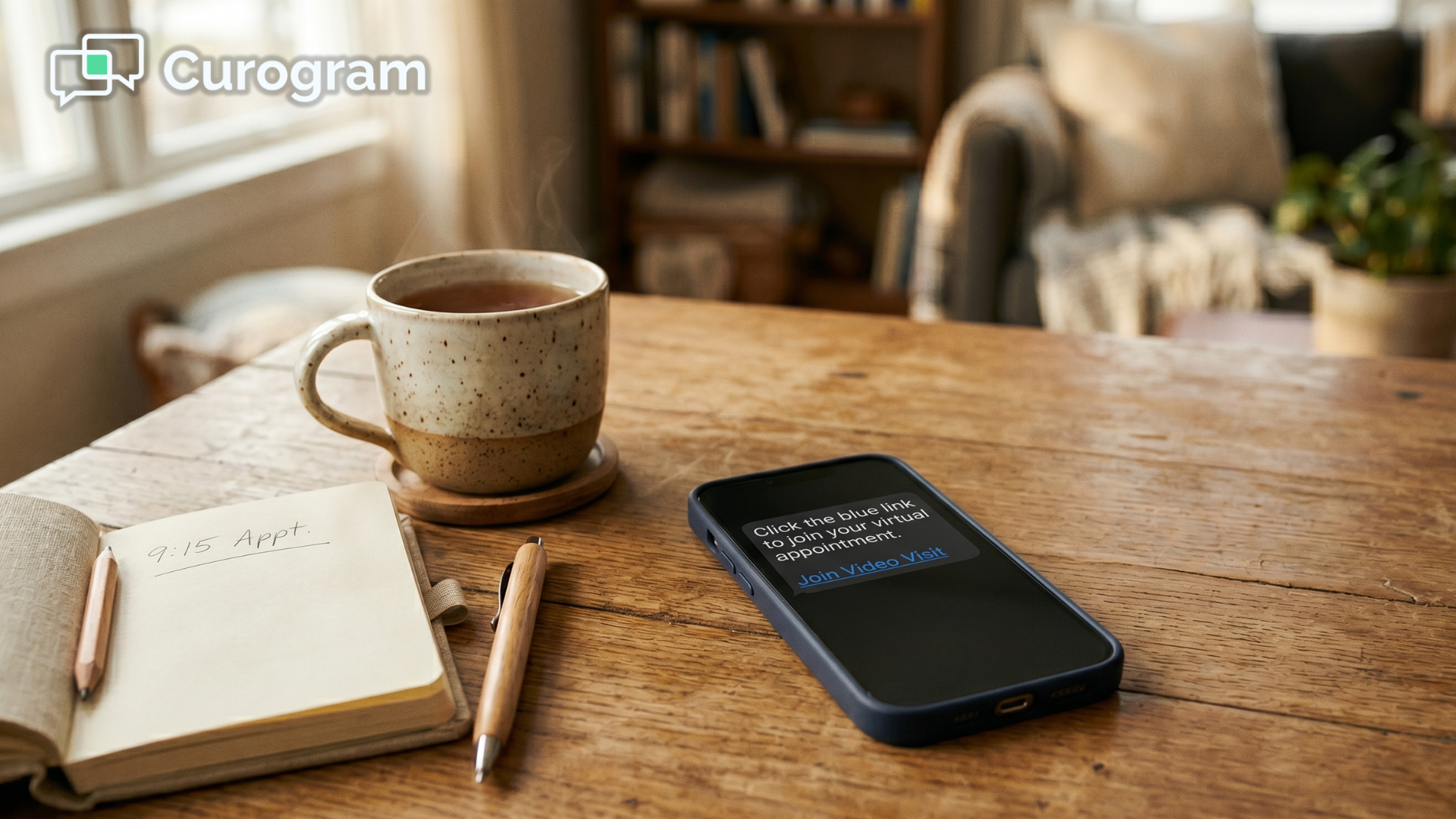
- A secure video link arrives on the patient's phone as a text.
- The patient taps the link — no login, no account.
- They grant camera and microphone access through a one-time browser prompt.
- They see their clinician. The session begins.
That's it. No app store visit, no software updates, nothing to remember for next time. Future sessions need only a single tap.
Built to run alongside Netsmart
This is where the Netsmart telehealth no app download approach earns its keep. Curogram telehealth runs alongside Netsmart rather than replacing it.
Staff send the video links through Curogram. Clinicians document each session in Netsmart exactly as they would for an in-person visit. Virtual and in-person visits sit side by side on the same schedule. Best of all, this HIPAA telehealth Netsmart integration needs no API access and no formal vetting process to get started.
Why it fits behavioral health
The design choices here aren't generic. They map directly to the conditions your patients live with.
- For patients with ADHD, one-tap access cuts the abandonment that comes with multi-step logins.
- For patients with anxiety, zero troubleshooting removes a common trigger for avoidance.
- For patients with depression, less friction makes showing up the path of least resistance.
There's also a quiet privacy benefit. With no app icon sitting on the phone, patients on shared devices or in monitored housing keep their care private.
That's a meaningful detail for SMS-launched telehealth Netsmart behavioral health programs that serve vulnerable populations.

What Happens When the Technology Disappears
Remove the download wall and something simple happens: sessions start on time.
The day runs differently
The shift sounds small. It isn't. When the first 10 minutes aren't spent on troubleshooting, every part of the day works better.
| Before SMS-launched video | After |
|---|---|
| 5–10 min of pre-session tech support | Zero troubleshooting time |
| Frequent tech-related cancellations | Fewer cancellations, fewer reschedules |
| Sessions start late, billable time lost | Clinicians recapture 5–10 min per visit |
| No-shows from connection failures | 53% lower no-show rates |
That last number is the headline. A 53% drop in no-shows means more patients in care and more of your schedule actually filled.
For a clinician running 8 virtual visits a day, recapturing even 8 minutes each adds back over an hour of usable time — time that can hold another session or simply let the day breathe.
The workflow changes character, too.
It goes from "send link, troubleshoot, wait, resend" to "send link, session starts."
The technology becomes invisible. The therapeutic relationship is the only thing left in the room.
What Patients Feel
For patients, this is what easy telepsych alongside Netsmart really looks like. They join from wherever they are — home, a parked car, a break room, a shelter — without a single technical hurdle.
That access shows up in outcomes. Treatment continuity improves across CBT, DBT, and medication management, because attendance stops depending on tech skills. Clinician schedules run smoothly. And the practice finally delivers on what telehealth promised in the first place: fewer barriers, not new ones.
Make Seeing a Therapist as Simple as Opening a Text
Here's the whole idea in one breath. SMS-launched telehealth alongside Netsmart removes app downloads, portal logins, and pre-session troubleshooting, giving behavioral health patients a one-tap connection to their clinician.
Think about the division of labor that creates.
Netsmart handles your clinical documentation, the record where care lives. Curogram handles getting the patient into the room, virtual or otherwise.
Together, they build a telehealth workflow where the technology disappears and care takes center stage. One system remembers everything. The other makes sure the visit actually happens.
That second job matters more than it sounds. A perfect note means nothing if the patient never connected. Attendance is the quiet foundation everything else is built on.
Your patients already carry the only device they need. Seeing their therapist should feel as easy as opening a text — not like setting up new software under stress.
So stop asking them to download an app to reach the care they came for. The people most likely to abandon a six-step login are often the ones who need the session most. Every removed step is a patient who stays in treatment.
The change is faster to make than you'd expect. There's no API project, no IT lift, and no long vetting cycle standing between you and a working setup.
You can launch no-download telehealth alongside Netsmart in under a week. Your documentation workflow doesn't change. Your patients just stop getting stuck.
Imagine your next virtual day running without a troubleshooting call. Sessions starting on time. Schedules holding steady. Clinicians focused on patients instead of password resets.
That's the day SMS-launched telehealth makes normal.
Schedule a Demo to see how one-tap video sessions work alongside your Netsmart EHR — and start removing the download wall between your patients and care for good.
Frequently Asked Questions
Yes. Curogram's video sessions are HIPAA-compliant with end-to-end encryption. For substance use disorder treatment, sessions meet 42 CFR Part 2 confidentiality requirements. No session data is stored on the patient's device — the video runs in the browser with no app footprint.
No. Curogram's telehealth operates independently alongside Netsmart. Staff send video links through Curogram, and clinicians document in Netsmart as usual. There's no integration dependency and no formal vetting process required.
For video sessions, a smartphone with a camera, microphone, and browser is recommended. For patients without one, sessions can fall back to an audio-only phone call while keeping the appointment record in Netsmart. No special app or portal account is required for either option.
Most practices can launch in under a week. Because there's no API build and no software to install, the work is mostly account setup and a short staff walkthrough — not an IT project.
Yes. The secure video link can ride along with your reminder texts, so patients get the join button at the same time they get the nudge to show up. One message, one tap, one session.