9 min read

Consolidate Telehealth for Modmed Staff | One Platform for Everything

Consolidate Telehealth for Modmed Staff | One Platform for Everything
💡 Consolidating telehealth into your Modmed practice's existing patient engagement platform means moving HIPAA-compliant video visits into the same dashboard your team already uses for texting, reminders, intake, payments, and reviews.

With Curogram, telemedicine becomes a feature, not another vendor.        

Staff open one platform to message patients, launch virtual visits, send text-to-pay links, and request reviews. Modmed continues to handle clinical documentation in EMA and billing in PM.

The outcome: 2–3 standalone tools canceled, $500–$1,400 in monthly software costs eliminated, and telehealth adoption that finally takes off because there's no new system for anyone to learn.


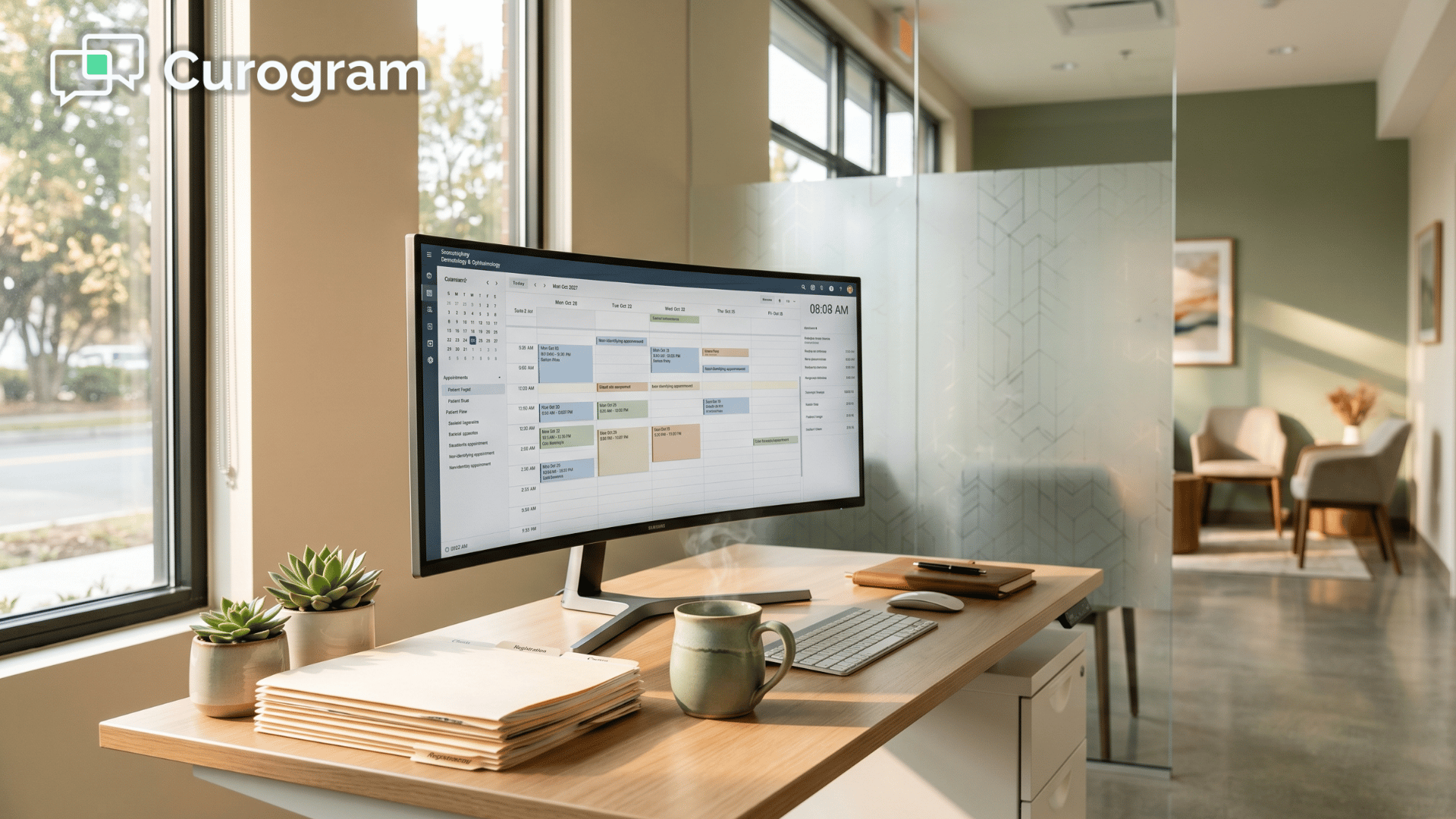
Count the browser tabs open on your front desk monitor.

EMA. PM. Klara or ModMed Patient Engagement. Maybe Analytics. Probably a payment tool. And tucked into its own corner of the screen — a standalone telehealth platform nobody loves but everyone tolerates.

Each tab has its own login. Its own quirks. Its own monthly invoice.

Together they form what your team quietly calls "the stack." It's why a 10-minute virtual visit takes 25 minutes to wrap up. It's why a simple patient question turns into a three-platform scavenger hunt.

And the worst offender in that stack?

The standalone telehealth tool. It sits outside every other system your team uses to actually talk to patients.

Your texting platform doesn't know it exists. Your reminders don't sync with it. When a patient can't connect, your front desk has to leave the messaging tool they live in, open a separate window to troubleshoot, then go back.

Then open billing. Then the review tool. Round and round.

This is the daily reality at most Modmed specialty practices. Not because your team is doing anything wrong — but because the technology was bolted together one vendor at a time.

Each tool solved a real problem. The sum of those tools created a new one: platform fatigue.

The fix isn't another vendor. It's fewer of them.

This guide walks through what consolidating telehealth into your Modmed practice's existing patient engagement platform actually looks like, how much it can save in monthly software costs and staff hours, and why specialty teams running on EMA and PM see the biggest gains when their stack finally gets smaller.

When Every Workflow Starts With a Different Login

The villain in this story isn't a system that's broken. It's a system that's plural. Every extra login your staff manages quietly chips away at the time they should be spending on patients.

Your Front Desk Is Running Six Apps Before Lunch

A typical front desk coordinator at a Modmed specialty practice opens these platforms every morning:

  • EMA for clinical documentation
  • PM for scheduling, billing, and claims
  • Klara or ModMed Patient Engagement for patient messaging
  • Analytics for reporting
  • ModMed Pay or a third-party processor for payments
  • A standalone telehealth tool like Doxy.me or Zoom for Healthcare

That's 5 to 6 separate systems with separate logins, separate menus, and separate support lines. Each platform switch costs a few seconds of clicking and a much larger chunk of focus. Over a full day, those small switches add up to real minutes lost.

The math gets worse with turnover. Every time a new hire joins, the onboarding clock restarts for each tool.

A Telehealth Day at a Modmed Ophthalmology Clinic

A Modmed ophthalmology practice might run 20 in-person visits and 4 virtual ones in a single day — 24 patients across one schedule. The plan looks manageable on paper. The reality on the screen is not.

For every virtual visit, your front desk has to:

  • Open the telehealth platform
  • Create or locate the visit room
  • Send the patient a video link from the telehealth platform's own number, not your regular practice line
  • Troubleshoot when 10–15% of patients can't connect because of an app or browser issue
  • Watch the virtual waiting room while in-person patients check in at the counter

Your provider toggles between EMA and the video window for the whole visit. After it ends, billing keys the telehealth code into PM. The review request goes out from a different tool. The payment statement goes out from yet another channel.

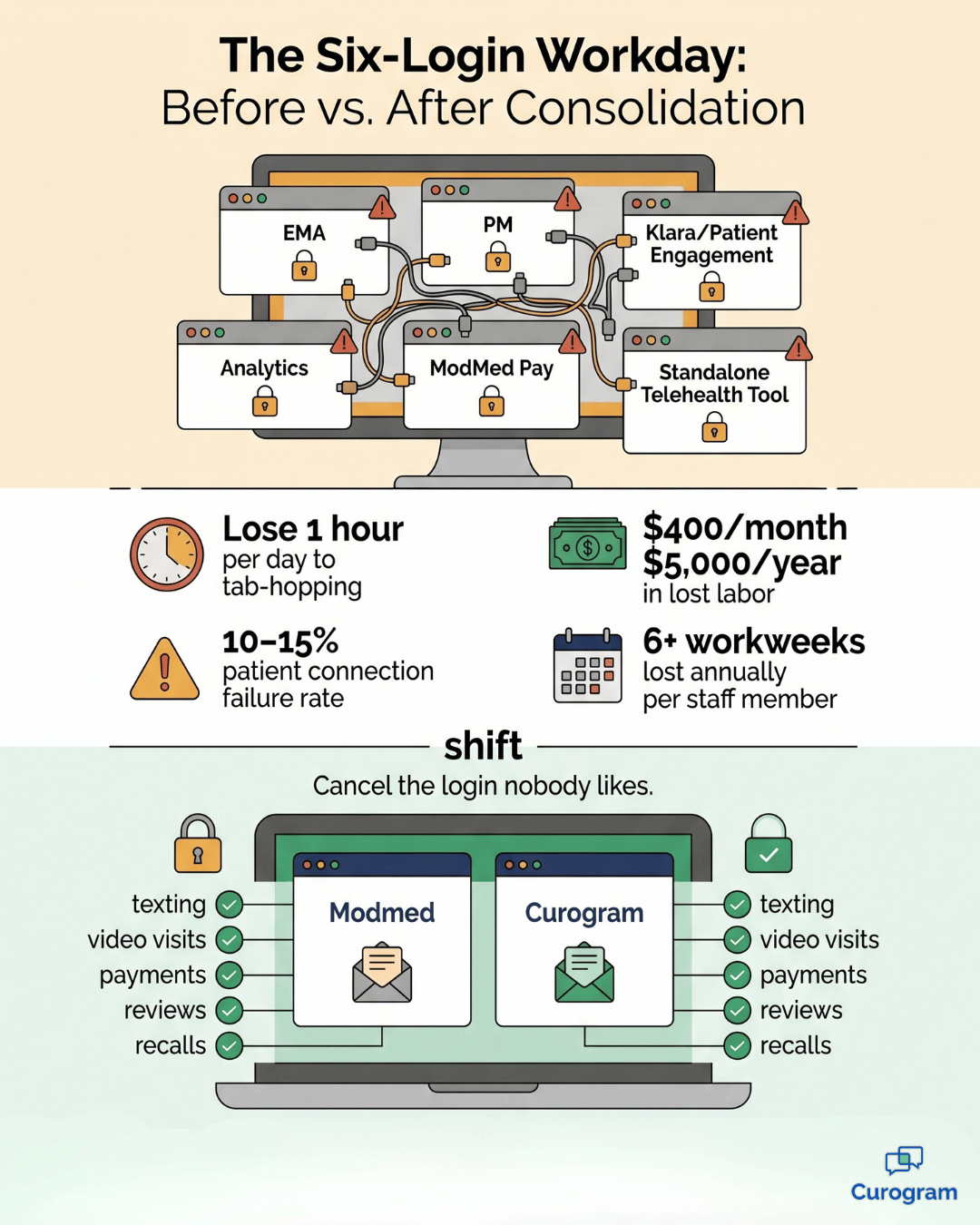
Now do the math. A 10-minute video appointment quietly creates 15 minutes of platform-management overhead across 3–4 systems. With 4 virtual visits a day, that's a full hour of staff time spent jumping between tools instead of helping patients.

Stretch that across a 5-day workweek and you're at 5 hours of platform-switching labor every week.

Over a month, it's roughly 20 hours. Over a year, it adds up to more than 250 hours — the equivalent of more than 6 full workweeks from a single staff member, gone.

Put a dollar figure on it. If a front desk coordinator earns around $20 an hour, that overhead costs the practice about $400 a month and over $5,000 a year. That's money spent managing software instead of seeing patients.

Then there's the connection failure rate.

At 10–15%, roughly 1 in 8 virtual visits hits a snag. In a practice running 80 virtual visits a month, that's 8 to 12 troubleshooting incidents — each one delaying the schedule, frustrating a patient, and pulling your front desk away from in-person check-ins.

That's where the day disappears.

The Hidden Cost of Training Everyone on Every Tool

Now layer in the human side.

Every standalone platform comes with a real training tax that most practices never put a number on:

  • 2–4 hours of initial staff training per new tool
  • 5–10 minutes of troubleshooting time per support ticket
  • Interface updates that quietly change the rules your team just learned

When someone leaves — and front office turnover is famously high — the cycle starts over. Train. Troubleshoot. Repeat. Multiply that by 4 or 5 platforms and a single new-hire onboarding can easily burn a full day of senior staff time.

If you fold telemedicine into the same tool your staff already uses for texting and reminders, that training burden shrinks dramatically. People aren't learning a brand-new platform. They're learning one new feature inside a familiar one.

That's the heart of Modmed staff telehealth platform consolidation — you remove a system instead of adding one.

What All That Software Actually Costs Each Month

Let's price the fragmentation honestly.

Here's a typical monthly stack for a 3-provider specialty practice running on Modmed:

Tool category Typical monthly cost
Standalone telehealth (3 providers @ $35–$200 each) $105–$600
Standalone reputation management $300–$500
Standalone payment processing $100–$300
Combined fragmented stack $505–$1,400

Now compare that to a single platform that covers all three categories — plus texting, reminders, intake forms, and recalls — at one price point.

This is the simplest way to reduce telehealth vendors at a Modmed specialty practice:

Stop paying three companies for three half-solutions when one platform can handle all of them.

Fewer invoices. Fewer renewal cycles. Lower total cost.

The Case for One Patient Engagement Platform Doing It All

Once you accept that the problem is plural vendors rather than missing features, the solution gets simpler. You don't need a better telehealth tool. You need telehealth to live inside the platform your team already opens every day.

Vertical infographic showing a Modmed clinic workday shrinking from six logins to two after consolidation

One Dashboard for Messages, Visits, Payments, and Reviews

Here's the shift. Instead of bouncing between six tools,

Your staff opens one dashboard that shows everything happening with patients in real time:

  • Incoming text messages and active conversations
  • Appointment confirmations and reminders
  • Upcoming and live video visits
  • Payment requests and their current status
  • Review activity and responses

Everything that touches the patient outside of clinical notes and billing lives in one place. One login. One interface. One support line.

That's what single platform telemedicine Modmed clinic operations actually feel like in practice. Your team isn't toggling between systems to do one job. They're just doing the job.

How Curogram Fits Alongside EMA and PM

To be clear:

Curogram doesn't replace anything in your Modmed setup. EMA stays as your clinical documentation system.

PM stays as your scheduling and billing engine. Providers still chart in EMA during or after a virtual visit — Curogram handles the video channel, not the chart.

What Curogram replaces is the patient engagement layer that's currently spread across 3–4 separate vendors. Texting, reminders, intake forms, telemedicine, text-to-pay, reputation management, and recalls all become one platform sitting next to Modmed.

Your practice runs on two systems instead of six. That's the real story behind a unified patient engagement telehealth Modmed practice setup. Modmed runs the clinical and billing side. One engagement platform runs everything that touches the patient outside the chart.

Why High-Volume Specialty Teams Get the Biggest Lift

Not every practice feels platform fatigue the same way. Specialty teams with high patient volume feel it hardest.

Dermatology and ophthalmology practices see dozens of patients a day, which means dozens of micro-switches between tools.

Multi-provider practices add up per-license fees fast — a standalone video tool charging $35–$200 per provider gets expensive at 4 or 5 doctors.

Multi-location practices need a centralized view that fragmented tools rarely deliver well.

The Curogram telemedicine Modmed staff workflow is built for these patterns. Every provider works inside the same dashboard. No per-seat telehealth licenses. No location-specific setup. The bigger your team, the more time and money the consolidation saves.

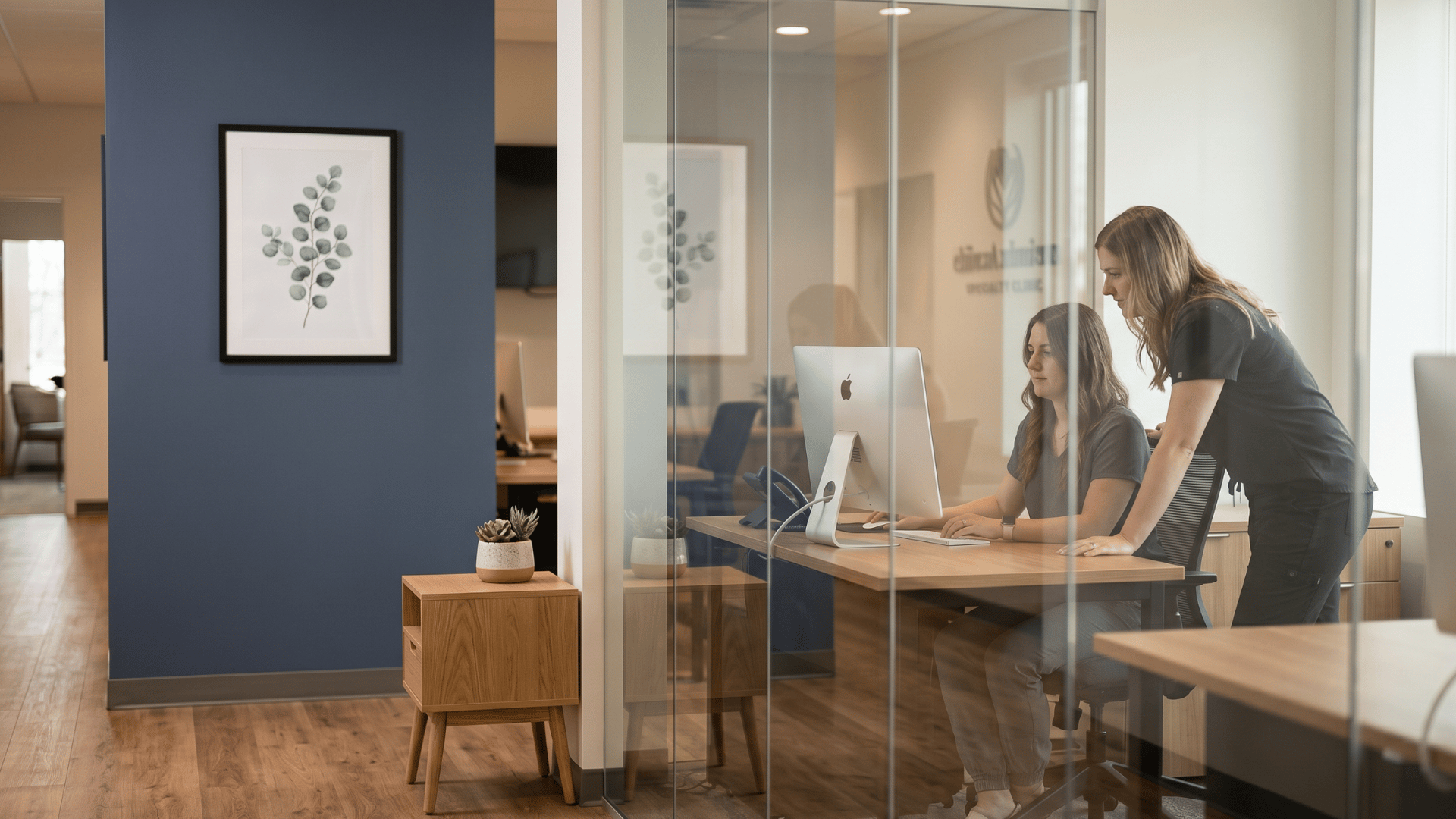
Two clinic coordinators collaborating at a shared workstation inside a modern Modmed specialty practice

What Changes When the Stack Finally Shrinks

Consolidation isn't just a software story. It's a workday story. When your team stops managing tools, they start managing patients.

The Numbers Practice Administrators Actually Care About

Practices that consolidate onto a unified engagement platform usually report three measurable wins: 2 to 3 standalone vendors eliminated, $500–$1,400 saved in monthly software costs, and a noticeable drop in staff time spent on platform management.

But the most interesting number is the one nobody plans for. Telehealth adoption goes up.

When the barrier to offering virtual visits drops from "implement a new system" to "turn on a feature in a platform we already use," teams stop dragging their feet.

They actually offer it.

That single shift — from project to feature — is what makes consolidation feel less like a software change and more like a strategic one.

From Tech Stack Babysitting to Real Patient Work

When the stack gets smaller, roles quietly change shape across the practice:

  • The Practice Administrator stops being a vendor manager and starts being an operations leader
  • The IT Director stops chasing integration tickets and starts optimizing workflows
  • Front desk staff stop hunting for the right tab and start actually talking to patients

Technology slides back into its proper role. It supports care delivery instead of competing with it for the team's attention.

A 3-Provider Dermatology Practice: Before and After

Here's a snapshot of what the shift looks like in real numbers.

A Modmed dermatology practice with 3 providers cancels three vendors after consolidating onto Curogram.

The standalone telehealth platform was costing $180 a month. The standalone reputation management tool added another $350. The separate texting service tacked on $120 more.

All three vendors went away after consolidation — a total of $650 saved every month, or roughly $7,800 over the course of a year.

The wins don't stop at the invoice. New-hire training drops from 12 hours across four platforms to roughly 6 hours across Modmed and Curogram. The Practice Administrator's vendor list shrinks by three relationships, which means three fewer renewal cycles and three fewer support emails to manage.

And the most telling number? Teledermatology follow-ups climb by 40%. Why? Because sending a virtual visit is suddenly as easy as sending a text.

No separate app for the patient to install. No new platform for staff to remember. No additional cost to justify to the owner.

The practice finally offers the telehealth their patients have been asking for. And it took a feature activation, not a tech project. That's what it looks like to eliminate standalone telehealth Modmed staff have been quietly working around for years.

Stop Stacking Vendors. Start Streamlining Telemedicine.

Most specialty practices don't have a telehealth problem. They have a tools problem.

Your team doesn't need another vendor to start offering more virtual visits. They need fewer of them. Modmed already handles the heavy lifting on clinical documentation and billing — EMA and PM are not going anywhere.

The real opportunity sits in the layer above that: every tool your staff uses to talk to patients, schedule them, remind them, collect from them, request reviews, and follow up.

Right now, that layer is probably four or five tools deep. It can be one.

Curogram is built to be that one. Texting, appointment reminders, digital intake, telemedicine, text-to-pay, reputation management, and recalls live in a single dashboard your team already opens every day.

Your standalone video platform gets canceled. Your standalone review tool gets canceled. Your standalone texting service gets canceled. The monthly invoice drops by $500 to $1,400 in most setups.

New-hire training time gets cut roughly in half. And telehealth — the thing your patients have been quietly asking for — finally becomes easy to offer at any volume.

This is the simplest version of consolidating telehealth into your Modmed practice's existing patient engagement platform: you keep the EHR that runs your clinic, you add one engagement platform alongside it, and you delete everything stuck in between.

Schedule a Demo. Bring your current vendor list to a 15-minute demo. We'll walk through what your team uses today, show you exactly which logins disappear after consolidation, and run the numbers on what your stack would cost.


Frequently Asked Questions

Can Curogram's telemedicine handle the same volume of virtual visits as a dedicated telehealth platform?

Yes. Curogram's telemedicine supports the virtual visit volumes typical of specialty practices, from a few visits a week to dozens a day. The platform is browser-based, so concurrent visits across multiple providers run without performance issues. For most specialty practices, where telemedicine supplements in-person care rather than replacing it, Curogram's capacity comfortably exceeds normal usage.

What happens if a patient has trouble connecting to the video visit?

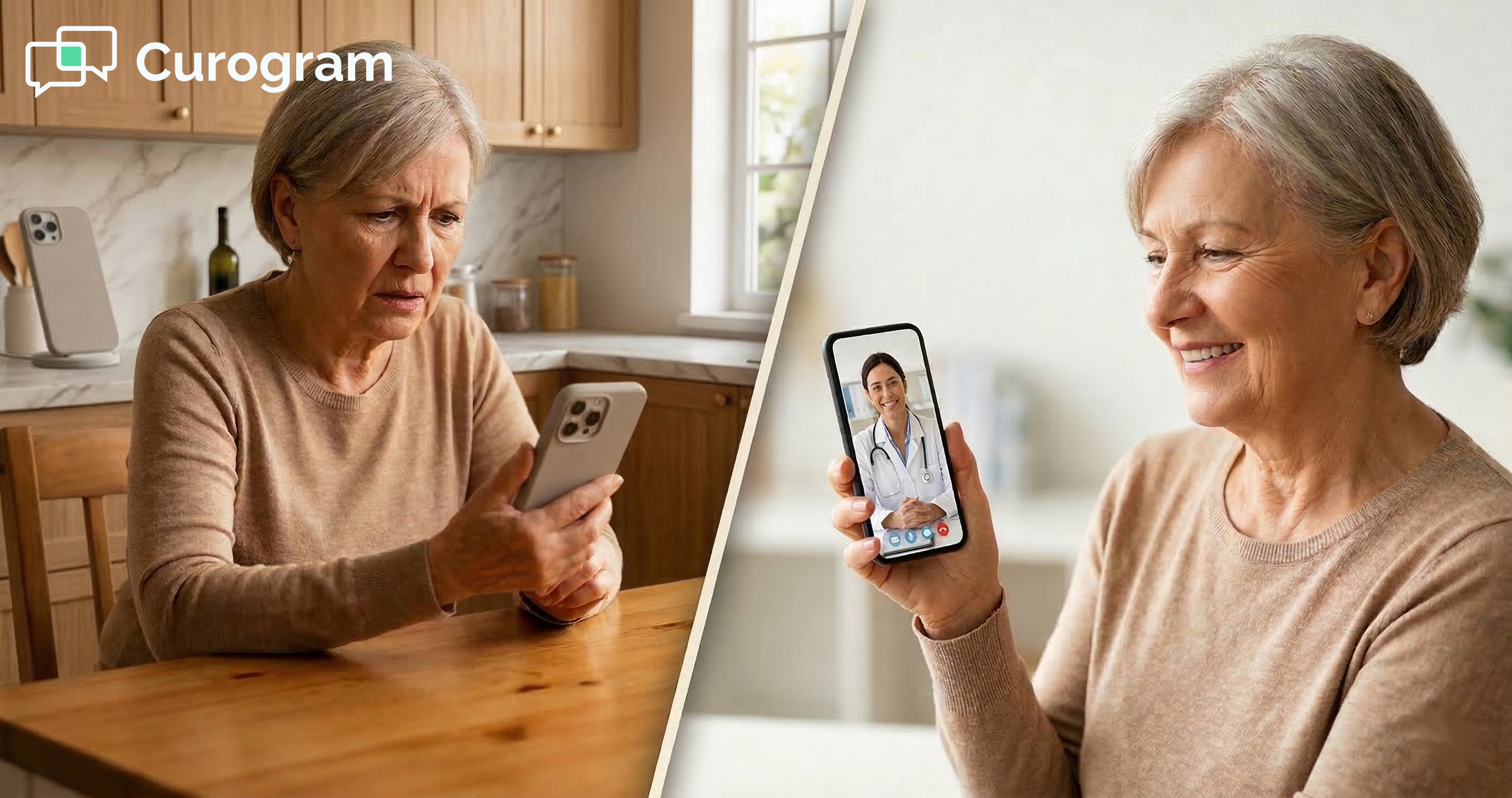
Because Curogram's telemedicine is browser-based with no app required, the most common telehealth issues — app downloads, version conflicts, account creation — simply don't exist. When a patient does struggle to connect, it's almost always a quick camera or microphone permission fix in their browser. Your staff can walk them through it over the same two-way text channel they already use for every other patient question. No switching to a separate troubleshooting tool.

Does Curogram's telemedicine support telehealth billing codes for insurance reimbursement?

Curogram provides the telemedicine communication channel — the video visit itself. Billing for telehealth encounters still happens in Modmed's PM system using standard telehealth CPT codes and modifiers, exactly the way your practice already bills virtual visits today. Curogram doesn't change or interfere with the billing workflow. The only thing that changes is the video platform behind the visit.

How long does it take to migrate from a standalone telehealth platform to Curogram?

Most practices are running virtual visits on Curogram within a few days, not weeks. Because telemedicine is a feature inside a platform your team already uses (or is onboarding to), there's no separate implementation project. Staff who already know the Curogram dashboard for texting and reminders need minimal training to launch video visits — usually under an hour. The longer step is canceling your old vendor, which most practices do once they've run a few visits on Curogram and confirmed everything works as expected.

Do patients need to download an app to join a virtual visit?

No. Patients receive a text message with a secure link and tap it to join the visit directly in their phone's browser. There's no app to install, no account to create, and no portal password to remember. This is one of the biggest reasons standalone telehealth platforms get canceled — most of them require an app, and a 10–15% chunk of patients give up before the visit even starts. Curogram removes that drop-off by meeting patients where they already are: their text inbox.