
 Aubreigh Lee Daculug
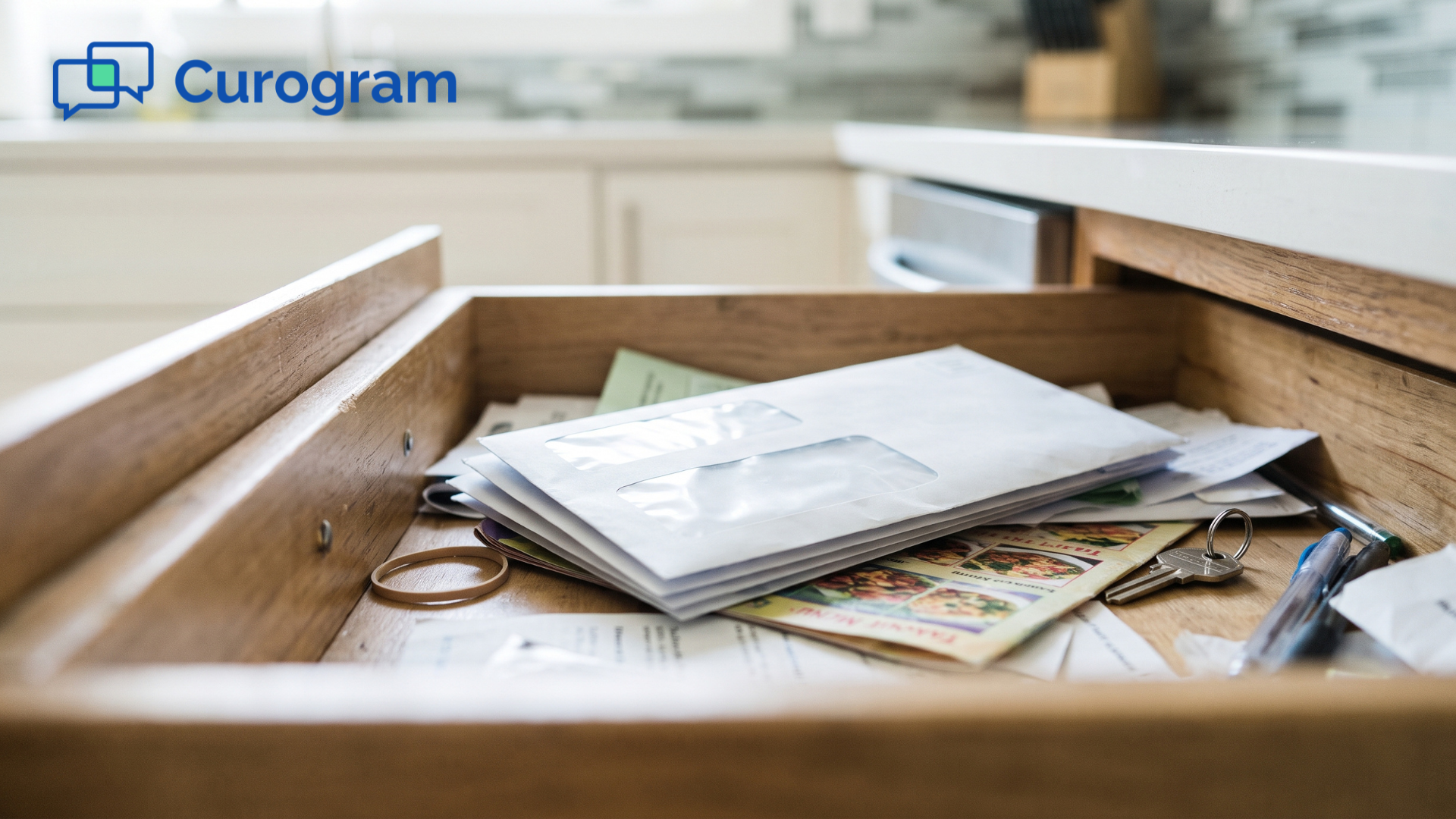
Without it, many patients meet "The 20% Envelope": a paper statement that shows up weeks after the visit and waits in a drawer.
Text works for patients of every age because nearly everyone already texts. And the link rides a trusted channel, since Curogram clients average a >75% appointment confirmation rate in that same thread.
Your patients have a drawer in their kitchen that holds takeout menus, a spare charger, and a few envelopes from your practice that nobody has opened yet. None of those patients plan to skip their bill. They came to the visit, followed your advice, and fully intend to pay, but an envelope rarely feels urgent enough to open on a busy weeknight.
That gap between "I'll pay it" and "I paid it" is where your revenue stalls. Every day a balance sits unpaid, it gets older and harder to collect, so your billing team sends a second statement, then a third. Sooner or later, someone ends up on the phone.
Here's the strange part.
The same patients who ignore your mail answer your texts within minutes, confirming appointments, replying to reminders, and asking quick questions in a conversation they already trust. That thread may be the most reliable connection you have with them.
So why does billing still travel by envelope?
For many practices on CGM Lytec, the answer is habit. Lytec does an excellent job of keeping patient accounts accurate, but the path from that account to the patient's wallet still runs through paper, a portal login, or a phone call.
Each step adds friction, and friction is exactly what turns a small balance into a long-running collections problem.
Text-to-pay changes that path. Instead of mailing a statement, your practice sends a text message payment link for patients to open on the phone they already carry. They tap the link, review the amount, and pay, with no password, no app, and no hold music.
In this guide, you'll see the billing problem from your patient's side. You'll learn how Curogram's Two-Tap Payment works alongside Lytec, and what changes when paying your practice becomes the easiest part of the visit.
A Statement Nobody Wants to Open
Let's be fair to your current setup first. Lytec keeps your patient accounts accurate, and that matters more than most people realize. Many practices have also tried to modernize their statements by adding QR codes so patients can pay online, which is a sincere effort to make billing easier.
The trouble is where those upgrades live. They're printed on paper, the one channel patients increasingly ignore, and if the code leads to a portal, the patient suddenly needs a login they probably never created.
Follow a single balance from the exam room to the front desk. From the patient's perspective, the journey usually looks like this:
- The visit ends, and the patient heads home feeling well cared for.
- Several weeks pass before the statement is printed, processed, and mailed.
- An envelope arrives that looks exactly like every other piece of medical mail.
- It goes into the kitchen drawer "until payday."
- A second envelope appears, now showing an aging balance and firmer language.
- The patient finally calls your office, waits on hold behind other callers, and reads a credit card number out loud to your front desk.
Every one of those steps is a chance for the payment to stall, and the patient feels a little more uncomfortable at each one.
Paper is also expensive when it fails. Mailed statements are widely said to collect only about one dollar of every five billed. That's "The 20% Envelope," and your practice pays to send every one of them.
Here's an illustrative example,
Not Curogram client data. Suppose your practice mails 400 statements a month at roughly $2 each for printing and postage.
That adds up to $800 a month spent on a channel most patients don't act on, and a busier practice can easily pass $1,000.
Your patient experiences that friction as guilt, while your practice experiences it as aging accounts receivable. Neither side wins.
Consider the longtime patient who loves your practice and still owes you $73. They aren't refusing to pay; every available path simply asks them to open mail, remember a password, or make a phone call. So the balance waits, and waits.
A Payment That Lives in the Text Thread
The fix isn't a better envelope. It's a better Lytec patient payment experience, one that meets patients where they already are.
Curogram calls this "The Two-Tap Payment," because the same text thread that reminded your patient about the visit now politely lets them settle up after it.
What Your Patient Sees
A message arrives from your practice's familiar number with a secure payment link. The patient taps it, and a clean payment page opens in their phone's browser. Two taps later, they're done.
That's what paying Lytec bills by text without portal login looks like from the patient's seat. It's a no-portal medical bill payment, so there's no account, no app, and no password to forget.
When patients can pay a medical bill by text with no login, the bill stops feeling like a chore and starts feeling like a quick reply.
How It Fits With Lytec
Lytec stays your system of record for the balance itself. Your billing team decides what's owed, and Curogram carries that message to the patient. The amount your patient sees is the amount your billing office means.
Curogram's Lytec connection is marked Ready and runs through an Integration Agent with database server access. Setup typically takes 2–5 days once your database credentials are in place.
There's no integration fee from the EMR, and Curogram handles the integration work on your behalf.
Why It Works for Every Patient
Nearly everyone can text. According to Pew Research Center, 98% of U.S. adults own a cellphone and 91% own a smartphone. That covers the 80-year-old grandmother and the 25-year-old grad student alike.
Text-first payments also hold up over time. Curogram integrates with almost any EMR, so the payment flow your patients learn to trust stays the same, even if your practice software changes later. That consistency is what makes two-tap patient payments in healthcare stick.
Balances That Move From the Drawer to Done
Here's the core shift.
Your payment request no longer travels in an envelope; it travels in the appointment reminder thread, where Curogram clients see a >75% average appointment confirmation rate.
That number matters because it shows patients actually read and respond to those messages. A payment request inside a conversation they already answer has a far better chance of being noticed than one buried in a drawer.
| Paper Statement | Text-to-Pay With Curogram | |
|---|---|---|
| How the bill arrives | Envelope, weeks after the visit | Text from your practice's number |
| What the patient must do | Open mail, then log in or call | Tap a secure link |
| Where it waits | The kitchen drawer | The thread they already use |
| Front desk effort | Phone payments read aloud | Fewer "Can I pay over the phone?" calls |
| How it feels | A nagging reminder | A quick task, then done |
This is the "drawer to done" shift. For patients of a CGM Lytec practice, the ability to pay a bill from their phone turns a dreaded envelope into a quick task they can finish while waiting in the school pickup line.
Now consider what changes for your patients. They can pay closer to the visit, while the care is still fresh in their minds, and they stop dreading envelopes with your logo on them. They also walk into their next appointment without an awkward past-due conversation at the front desk.
There's a bigger payoff, too. Curogram clients in clinical settings see a 10–20% increase in revenue as automated reminders recover appointments that would otherwise have been missed.
Text-to-pay builds on that same trusted thread, because engaged patients are better medicine and better business.
Rolling Out Text-to-Pay Without Disrupting Your Front Desk
Changing how patients pay can sound like a major project. In reality, most of the work happens behind the scenes, and your Lytec setup stays exactly where it is. Here's what a smooth rollout usually involves.
Curogram's Lytec integration is marked Ready and connects through an Integration Agent. Your practice provides database server access with database credentials, and setup typically takes 2–5 days from there.
There's no integration fee from the EMR for the connection.
Once you're connected, a few simple habits help patients adopt the new option quickly:
- Mention it at checkout. A quick "You'll get a text about your balance" sets the expectation, so the message feels familiar when it arrives.
- Keep paper for those who ask. Some patients prefer a mailed statement, and offering both keeps everyone comfortable during the transition.
- Give your team one consistent script. When a patient calls to pay, staff can remind them to check the text thread from your practice.
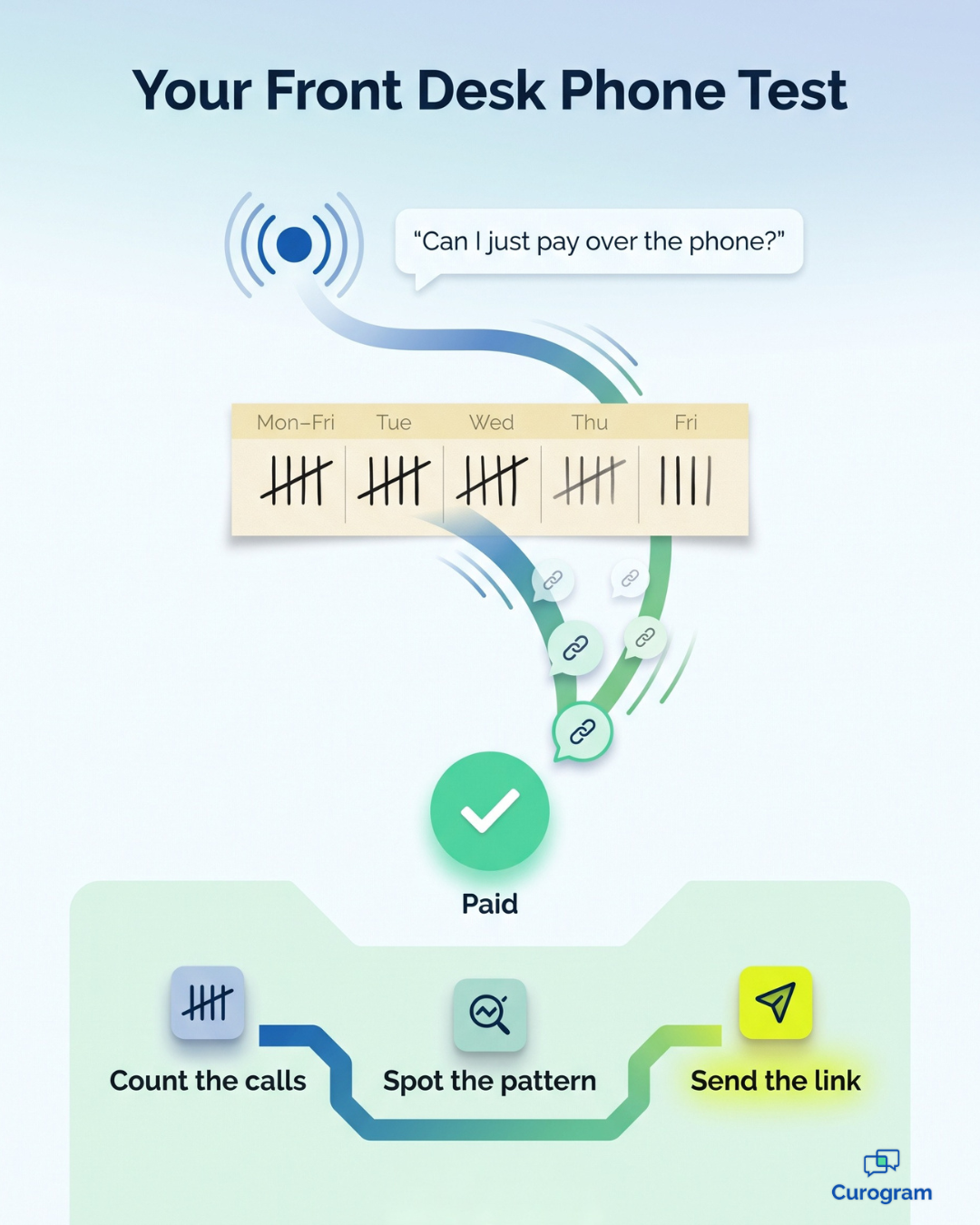
- Count the phone payments. Tracking "Can I pay over the phone?" calls before and after launch gives you a simple way to measure progress.
The goal isn't to force anyone onto a new system. It's to make the easiest path the default one, while still respecting patients who prefer something different. When the simplest option is right in front of them, many patients will gladly take it.
Make the Bill the Easiest Step Your Patients Take
Your patients aren't refusing to pay. They're refusing the friction that stands between them and the payment.
Consider everything a paper statement demands of a busy person. They have to notice the envelope, open it, find a login, and remember a password they created years ago. Otherwise, they must call during business hours and wait on hold, so the balance slides to next week.
Curogram's text-to-pay removes those obstacles entirely. A secure, two-tap link appears in a conversation your patients already trust, from a number they already recognize. They can pay whenever it's convenient, on the phone that's already in their hand.
It also helps to be clear about who does what. Lytec is for your patient accounts, and Curogram is for your patients' convenience. That's the difference between a QR code printed on paper nobody opens and a payment link inside the text they already answered.
You don't have to replace your billing system to make this change. Lytec remains the foundation of your accounts, while Curogram simply gives your patients a faster, friendlier way to act on what they owe.
Want proof that your patients are ready? Try a quick experiment this week by asking your front desk how many "Can I just pay over the phone?" calls came in. Each of those calls is a patient asking for text-to-pay without knowing what to call it.
Those calls interrupt your team, and the payments behind them often arrive late. A link in the right text thread can turn many of those calls into a single, effortless tap.
Ready to see it for yourself? Schedule a Demo today and watch a balance travel from Lytec to a patient's phone to paid. You'll see the exact message your patients receive and the simple, secure page where they complete the payment.
Frequently Asked Questions