Online Patient Forms in Veradigm with Curogram
💡 Online patient forms in Veradigm enable imaging centers to transition away from paper-based intake that causes delays and errors. Patients...
12 min read
Aubreigh Lee Daculug
:
January 7, 2026
Table of Contents
Walk into any busy specialty clinic during peak hours. You'll see patients filling out forms on clipboards while others wait in line. Front desk staff rush to enter information into computers. This scene plays out thousands of times every day across the country.
Paper-based intake creates real problems for clinics using GE Centricity. Staff spend hours typing information from forms into the system. Forms get lost or damaged. Patients forget to answer important questions. The whole process slows down your workflow and frustrates everyone involved.
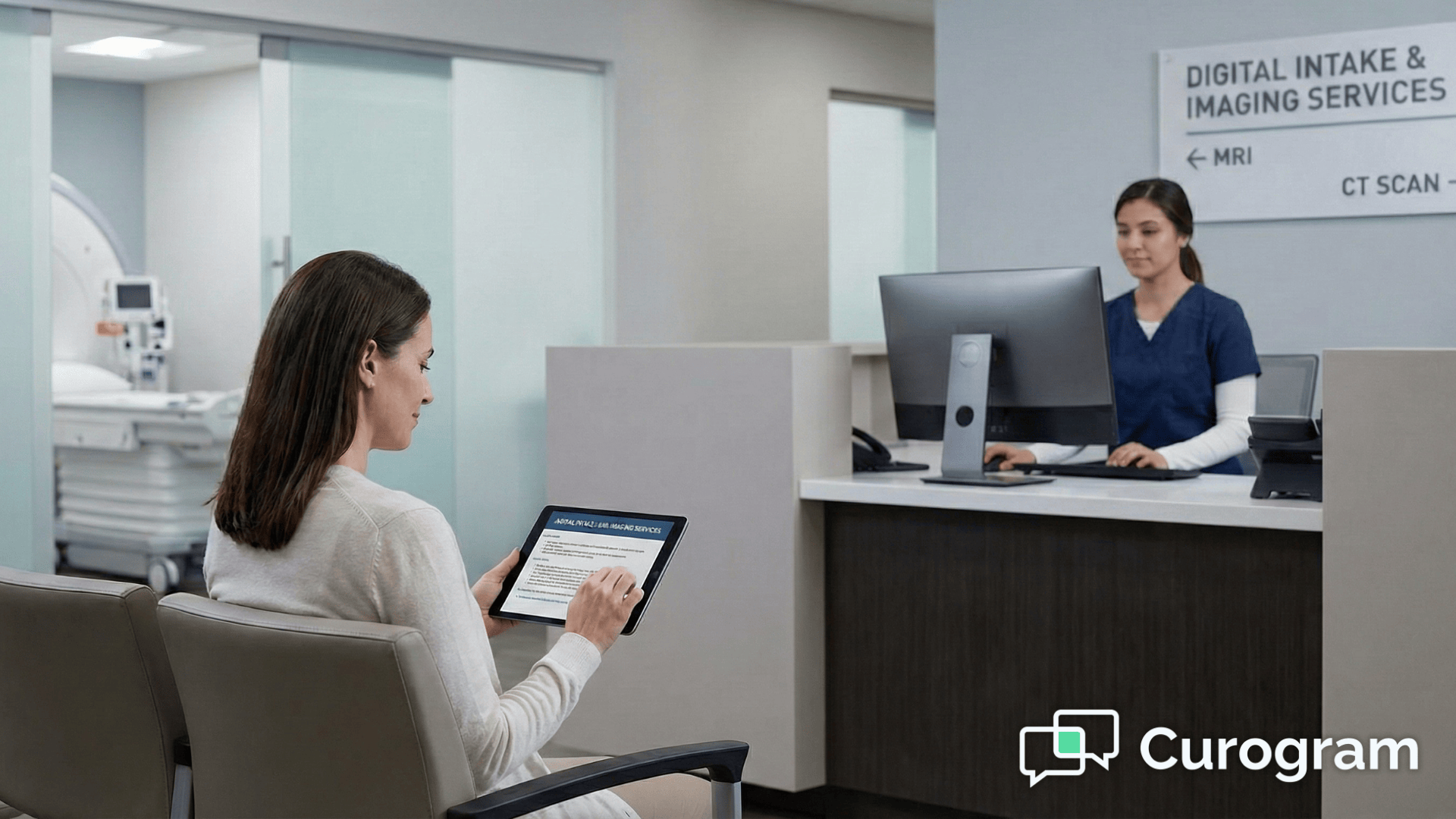
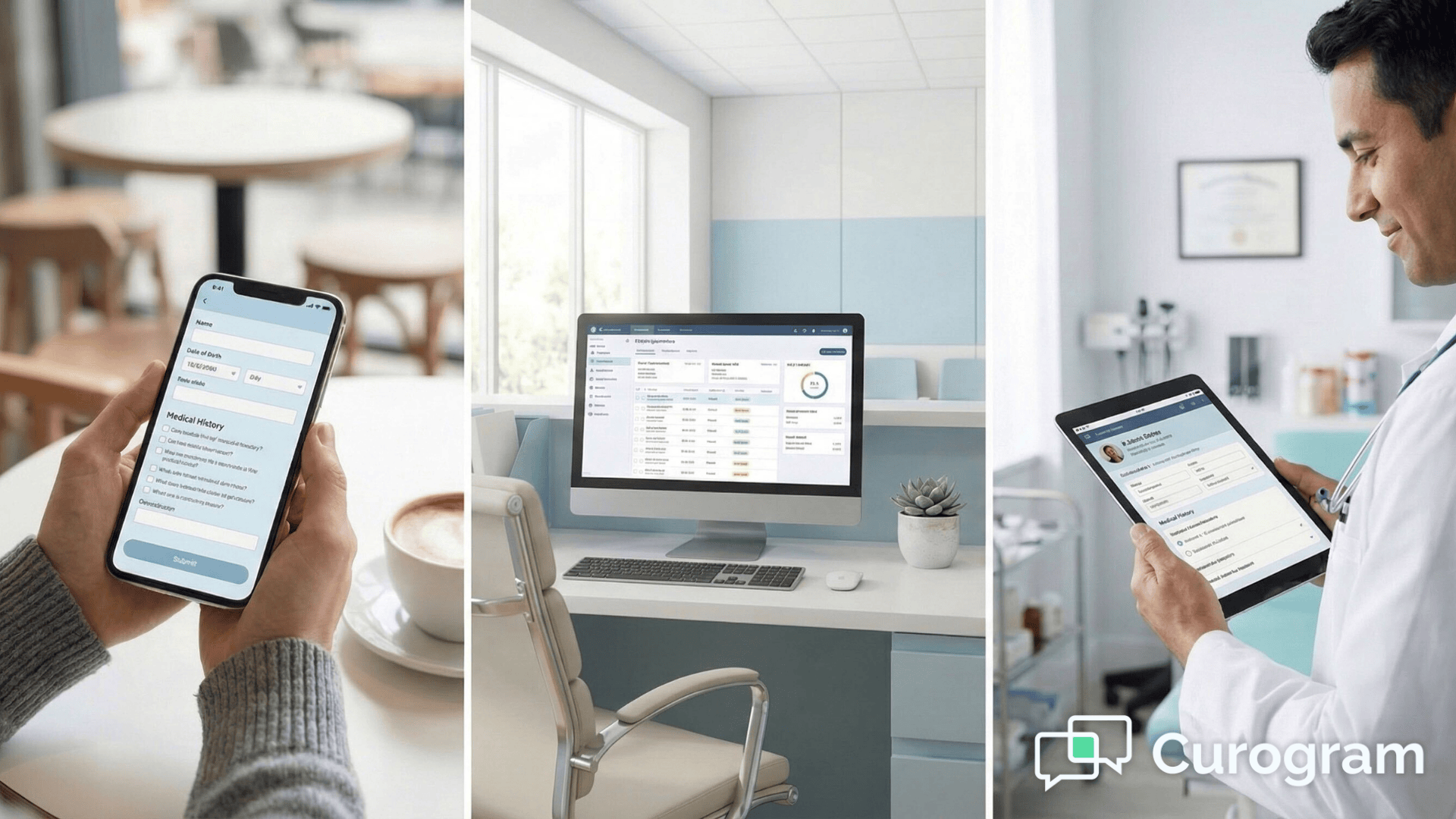
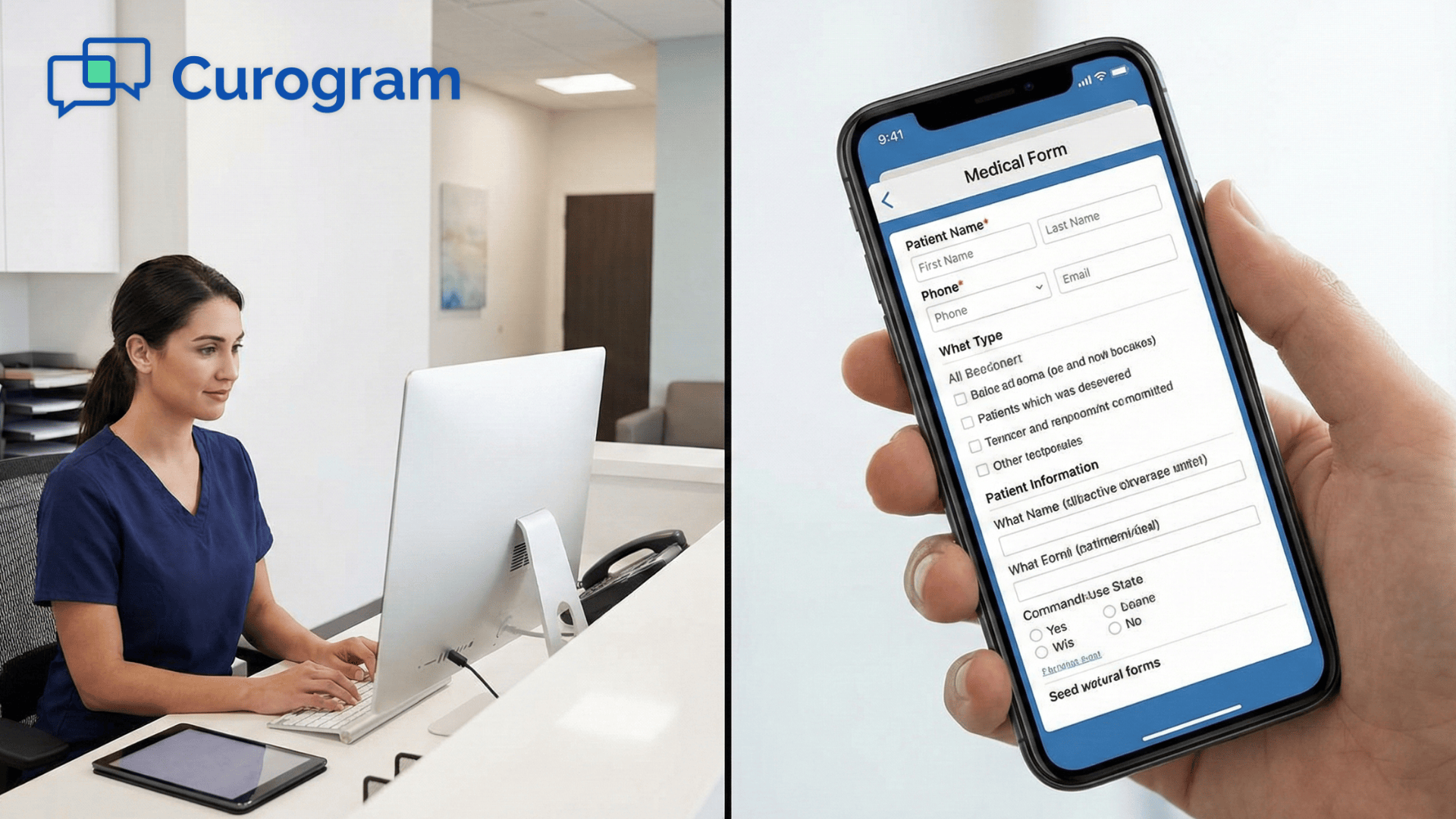
Digital patient forms change this experience completely. Patients receive forms before their appointment through text or email. They fill out everything at home on their phone or computer. By the time they arrive at your clinic, their information is already in your system. Your front desk team can greet them instead of handing them a clipboard.
This shift to online forms matters even more for specialty practices and radiology centers. These clinics often need detailed medical histories and procedure-specific consent forms. Getting complete, accurate information before the visit helps your clinical team prepare better. It also reduces delays caused by missing or unclear information.
Many GE Centricity clinics struggle with intake across multiple locations. Different offices may use different forms or processes. Online patient forms create consistency across all your locations. Every patient gets the same high-quality experience no matter which office they visit.
The benefits go beyond just saving time. Digital forms reduce errors from hard-to-read handwriting. They ensure patients answer every required question. They keep sensitive health information secure. Most importantly, they let your team focus on patient care instead of paperwork.
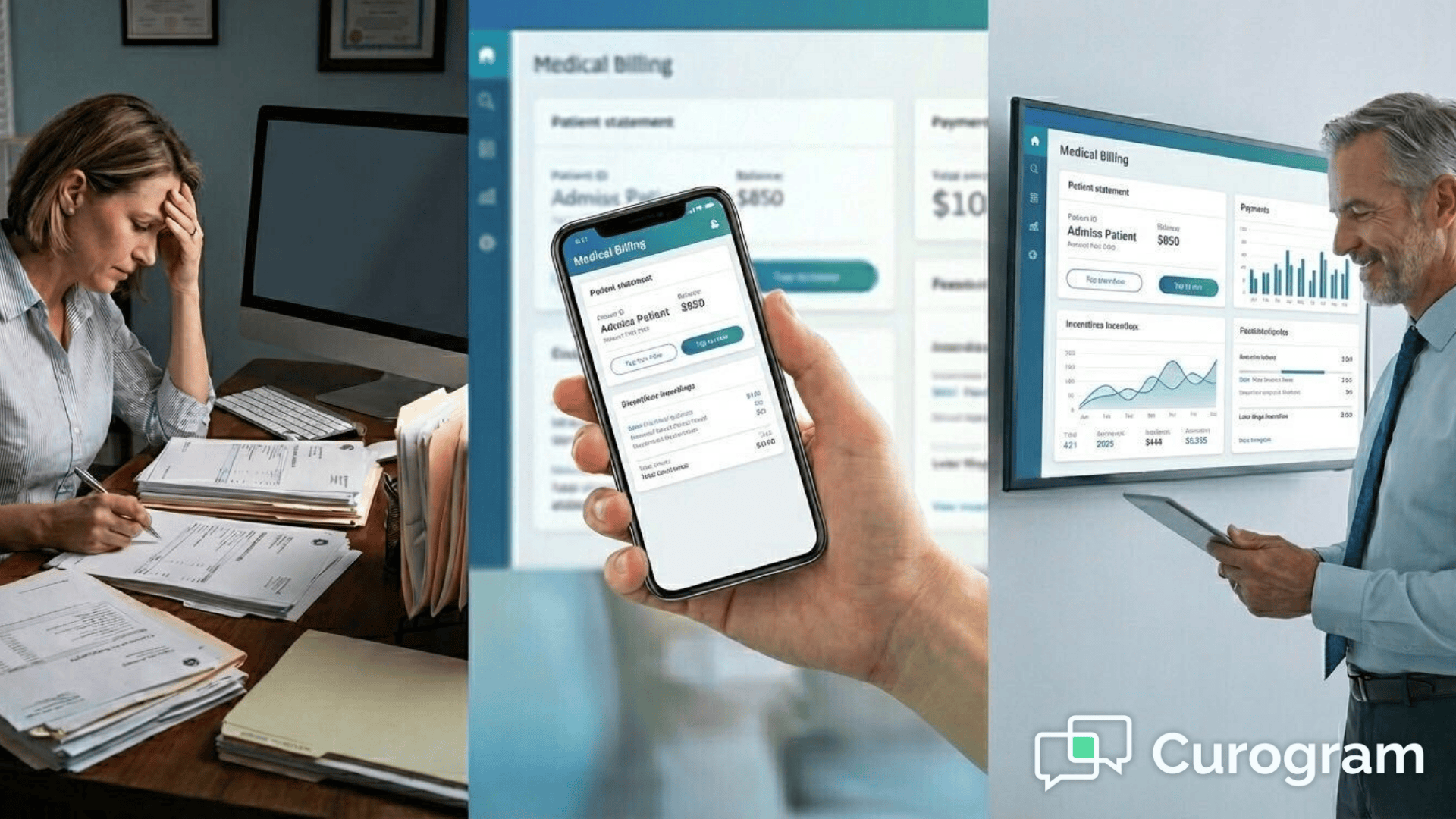
Traditional paper forms create a bottleneck at the front desk. Patients arrive and spend the first 10 to 15 minutes filling out forms. Then staff must manually enter all that information into GE Centricity. This process delays appointments and creates long wait times for everyone.
Paper-based processes slow down check-in in several ways. First, patients must arrive early just to complete paperwork. Second, staff need time to review each form for completeness. Third, someone must type all the information into your system. Finally, another person often verifies the data entry for accuracy. Each step adds minutes that multiply across dozens of patients daily.
Multi-location clinics face extra challenges with paper forms. Each office might have slightly different versions of the same form. Staff at different locations may interpret questions differently. Patients who visit multiple offices must fill out similar information repeatedly.
Multi-location workflows create inconsistencies that affect patient care. When forms differ between offices, important medical information might get captured at one location but not another. Staff spend time figuring out which forms to use for which situations. Updating forms becomes difficult because you need to coordinate changes across all locations.
Specialty practices have unique intake needs that paper forms struggle to meet. Radiology centers need detailed screening about metal implants and contrast allergies. Orthopedic clinics require injury history and pain assessments. Cardiology practices must gather information about symptoms and family history.
Paper forms for these specialties often run multiple pages long. Radiology and specialty visits require complex intake that takes time to complete. Patients may struggle with medical terminology on forms. They might skip questions they don't understand.
The workload on front desk staff keeps growing. They answer phones, schedule appointments, check insurance, and handle walk-ins. Adding manual data entry from forms on top of these duties leads to burnout. Staff overwhelmed with manual data entry make more mistakes.
Digital intake forms solve these problems by moving work to patients before they arrive. The system automatically sends the right forms based on appointment type. Information flows directly into GE Centricity without manual entry. Your staff can review forms quickly and address any issues before the patient arrives.
This shift reduces stress on your front desk team significantly. Instead of juggling phones while typing from paper forms, staff can focus on welcoming patients and handling urgent needs. The change improves job satisfaction and reduces turnover. Everyone in your clinic benefits when intake works smoothly.
Paper forms create serious operational issues. Forms get misplaced between the waiting room and front desk. Pages stick together and get separated. Patients miss questions on the back of forms. Staff discover missing information right before appointments.
These missing pieces of information delay care and waste time. Imaging procedures cannot start without proper screening forms. Procedure consent forms need every field completed. When forms are incomplete, staff must interrupt their workflow to gather information. This back-and-forth frustrates everyone and pushes your schedule further behind.
Front desk bottlenecks happen when multiple tasks compete for staff attention. A patient arrives to check in while the phone rings. Another patient has a question about billing. Meanwhile, three more patients wait to drop off forms. Your front desk team cannot handle everything at once.
Inefficient front desk bottlenecks affect your entire practice. Patients become upset when they see staff juggling too many tasks. Your team feels stressed trying to keep up. Providers wait for patients who are stuck at check-in. The whole clinic operates less smoothly because of these bottlenecks.
Manual data entry introduces errors that affect patient safety and billing. Staff misread handwriting and enter wrong information. They transpose numbers in phone numbers or dates of birth. Patients check boxes incorrectly or skip important questions.
Common transcription errors include wrong medication lists that affect treatment decisions, incorrect insurance information that delays claims, and missed allergy information that puts patient safety at risk.
Your clinic must spend extra time verifying and correcting information that should have been accurate from the start. The financial impact of these delays adds up quickly. When appointments run late, you see fewer patients per day. Staff overtime increases to catch up on data entry after hours.
Digital forms eliminate most of these issues. Patients cannot submit incomplete forms because the system requires all fields. No handwriting means no transcription errors. Forms cannot get lost because they exist electronically. Your front desk handles fewer simultaneous tasks because data entry happens automatically.
Automated form delivery based on appointment type saves your staff from manual work. The system knows which forms match which appointments. Consultation appointments trigger comprehensive new patient intake forms. Imaging appointments send radiology screening questionnaires. Follow-up visits get brief update forms without repetition.
This automation works across all your appointment types. Different specialties need different information. A cardiology stress test requires different screening than an orthopedic X-ray. Curogram handles these variations automatically. Your staff never worry about sending the wrong forms or forgetting to send them at all.
The timing of form delivery matters too. Patients receive forms as soon as they book an appointment. Reminders go out a few days before their visit if forms remain incomplete. This gives patients plenty of time to gather information they might need, like medication lists or insurance cards.
Patient matching ensures information reaches the right person and updates the correct record. The system uses name, date of birth, and other identifiers from GE Centricity. When a patient completes forms, their information updates their existing record automatically. This accurate patient matching using Centricity data prevents duplicate records and data entry errors.
This matching process works even for complex situations. Patients with common names get matched correctly. Family members with the same last name keep separate records. The system handles nicknames and name changes.
For multi-location practices, accurate matching becomes even more important. A patient might visit different offices for different services. Their information stays consistent across locations because everything connects to one record in GE Centricity. Staff at any location can access complete, up-to-date information.
Staff review completed forms through a centralized dashboard. The system flags incomplete submissions or answers that need attention. Your team can review all pending forms at a glance. They can reach out to patients who need to provide additional information. Everything happens in one place instead of checking multiple systems or locations.
This centralized review workflow for staff improves efficiency significantly. Front desk staff can review forms during slower periods instead of all at once during busy morning hours. Supervisors can monitor completion rates across all locations. Clinical staff can prepare for appointments by reviewing patient information ahead of time. The dashboard gives everyone the information they need when they need it.
The review process includes quality checks that help maintain high standards. The system highlights potential issues like conflicting information or unusual answers. Staff can add notes or request clarification before the appointment. This proactive approach prevents problems that would otherwise surface during the patient visit.
Security and compliance guide every part of the system. All patient health information travels through encrypted connections. Only authorized staff can access completed forms. The system maintains detailed logs of who accessed what information and when. These protections ensure your practice stays compliant with HIPAA requirements.
PHI-safe, encrypted collection protects patient privacy at every step. From the moment a patient opens a form link to when information enters GE Centricity, security measures stay active. Patients complete forms through secure web pages. Data transmits using bank-level encryption. Storage follows strict healthcare security standards.
The technical integration happens behind the scenes with minimal setup. Your IT team or Curogram support handles the initial connection to GE Centricity. Once configured, the system runs automatically. Staff do not need special training to use the dashboard. Patients access forms through simple text or email links.
Updates and changes to forms happen centrally and instantly affect all locations. Need to add a new screening question? Update it once and every patient receives the new version. Change the consent language? The update appears immediately on all active forms. This central management saves time and ensures consistency across your entire practice.
Reporting features give you insight into your intake process. You can track completion rates by location or appointment type. See which forms take patients the longest to complete. Identify common questions where patients request help. These insights help you continuously improve your intake process and patient experience.

Multi-location practices face unique challenges that online forms help solve. Each office runs on the same schedule pressures and patient volume issues. Digital intake standardizes the experience across all locations. Patients receive consistent service whether they visit your downtown office or suburban location.
Faster check-in times benefit every location equally. Patients arrive with forms already completed. Front desk staff verify information instead of entering it. The whole check-in process takes 2 to 3 minutes instead of 10 to 15. This speed improvement adds up across all your locations and hundreds of daily appointments.
Consistent form usage across all locations eliminates confusion and errors. Every office uses the same forms with the same questions. Staff training becomes easier because processes match everywhere. Patients who visit multiple locations do not need to relearn your intake process each time.
Central management of forms saves significant time for administrative teams. Update a form once and it changes at all locations instantly. Roll out new procedures or compliance requirements simultaneously everywhere. Monitor completion rates and identify which locations might need additional support.
Better patient preparedness means fewer surprises and delays. Patients know what information to bring before they arrive. They have time to look up insurance details or gather medication lists. Clinical staff can review forms before appointments and prepare for patient needs. Everyone comes to appointments ready, which makes visits more productive.
More efficient front desk operations free up staff for higher-value work. Less time on data entry means more time helping patients. Staff can focus on customer service, insurance verification, and patient education. This efficiency improvement has the biggest impact at your busiest locations where every minute counts.
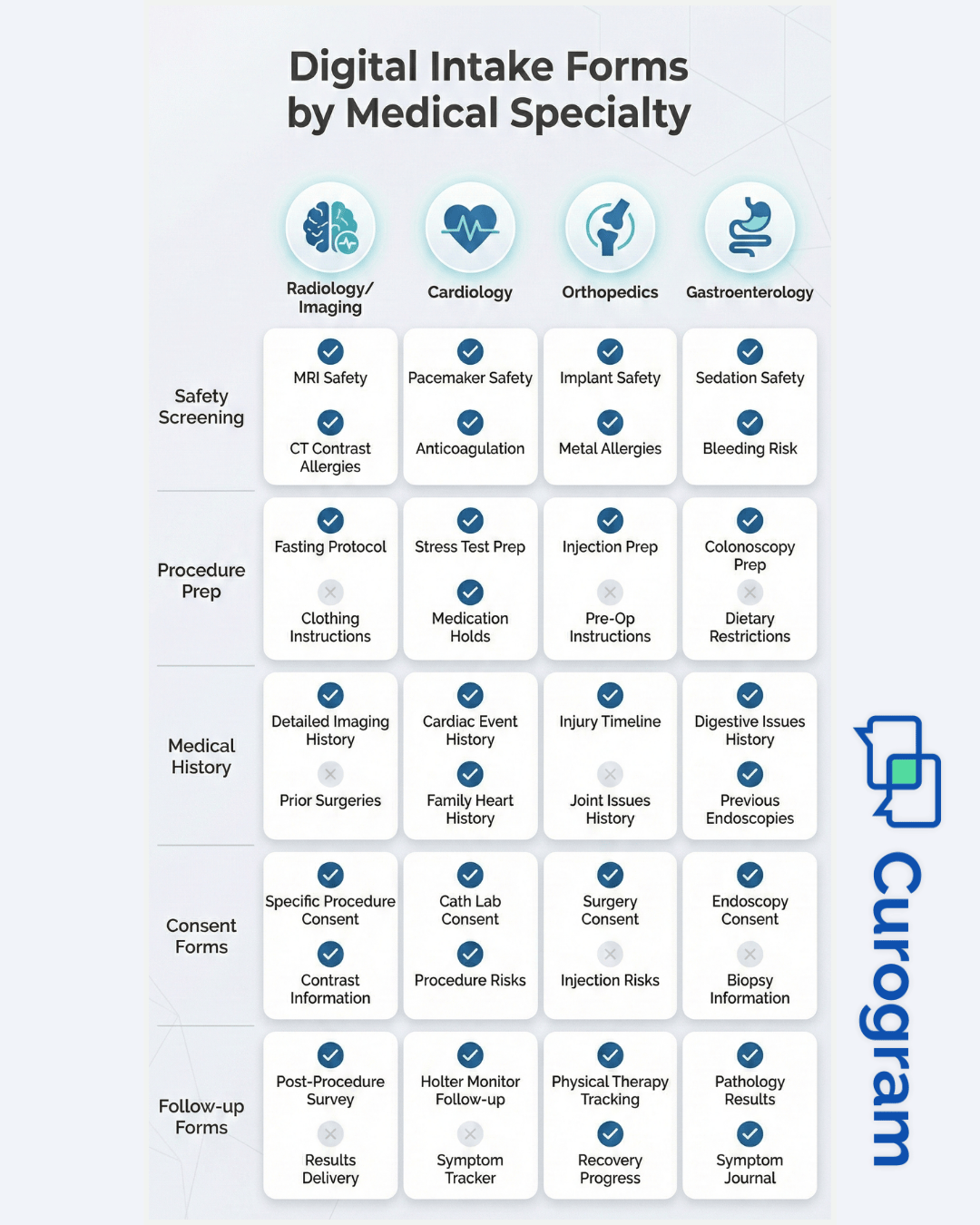
Different medical specialties need different information from patients. Online forms adapt to these specific needs better than generic paper forms. The flexibility of digital forms lets you gather exactly the information your clinical team needs for each type of visit.
Radiology centers need detailed safety screening before imaging procedures. MRI safety forms ask about metal implants and pacemakers. CT scans require kidney function and contrast allergy information. X-ray intake focuses on pregnancy status and previous imaging. Digital forms ensure every critical safety question gets answered before the patient arrives.
Pre-Procedure Safety and Screening Forms
Procedures require extensive safety screening that takes time to complete. Patients need to confirm current medications, allergies, and previous reactions. They must acknowledge risks and provide informed consent. Online forms let patients complete these detailed screenings at home where they can take their time and gather necessary information.
Procedure Prep Confirmation Forms
Many procedures require patients to follow specific preparation instructions. Colonoscopy prep, fasting requirements, or medication adjustments must happen correctly for successful procedures. Digital forms can include prep confirmation questions right before the appointment. Patients verify they followed instructions. Staff catch preparation issues early and can reschedule if needed, preventing wasted procedure time.
Clinical History and Risk Disclosures
Specialty practices need detailed medical histories relevant to their field. Cardiology intake asks about chest pain, shortness of breath, and family heart disease. Orthopedics needs injury details, pain levels, and functional limitations. Gastroenterology focuses on digestive symptoms, dietary habits, and family history.
Online forms can include conditional questions that adapt based on previous answers. This smart questioning gathers comprehensive information without overwhelming patients with irrelevant questions.
Healthcare compliance requires constant attention to data security. Patient information must stay protected at all times. Online forms need strong security measures to meet HIPAA requirements. Curogram builds these protections into every part of the system.
Encrypted PHI capture protects patient information during transmission. When patients submit forms, their data travels through secure, encrypted connections. This encryption prevents unauthorized access even if someone intercepts the transmission. The same level of security used by banks protects your patient information.
Access controls ensure only authorized staff view patient information. The system tracks who can access which forms and data. Permissions align with job roles and responsibilities. Staff see only the information they need for their work. These controls prevent unauthorized access and meet HIPAA requirements for data security.
Centralized audit trail documents every interaction with patient data. The system logs who accessed forms, when they accessed them, and what changes they made. These detailed records help you respond to patient requests and demonstrate compliance during audits. The audit trail also helps identify and address any security concerns quickly.
Paper forms sitting in waiting rooms or on front desk counters expose patient information. Forms get left in exam rooms or taken home accidentally. Digital forms eliminate these physical security risks. Patient information exists only in secure electronic systems with proper access controls.
Why Curogram Is the Best Online Forms Solution for GE Centricity Clinics History and Risk Disclosures
Choosing the right online forms solution matters for long-term success. Your system must work with your current processes and grow with your practice. Curogram provides the features and support that GE Centricity clinics need.
What sets Curogram apart:
EMR-aligned integration ensures smooth data flow with GE Centricity. The system connects directly to your EMR instead of requiring manual imports. Patient information syncs automatically. Updates happen in real time. This tight integration eliminates duplicate work and prevents data inconsistencies.
Multi-location scalability supports practices of any size. Add new offices without complicated setup. Manage all locations from one dashboard. Apply changes across all locations instantly. The system grows with your practice whether you have 2 offices or 20.
Radiology-ready workflows address the specific needs of imaging centers. Pre-built forms cover common imaging procedures. Safety screening questions meet industry standards. The system handles contrast allergy protocols and pregnancy screening automatically. These specialty features save time and ensure thorough patient screening.
Easy for both staff and patients ensures high adoption rates. Staff learn the system quickly with minimal training. Patients complete forms on any device without technical difficulties. Support teams help solve any issues fast. This ease of use means your investment delivers benefits immediately instead of after months of training and adjustment.
Moving from paper to digital intake transforms your practice operations. The change benefits everyone who walks through your doors. Patients enjoy convenience and shorter waits. Staff escape endless data entry and can focus on care. Providers receive complete information that helps them serve patients better.
The implementation process takes less time than you might expect. Most clinics go live with online forms within a few weeks. Your staff receives training and support throughout the transition. Patients adapt quickly because digital forms are actually easier than paper ones.
Results appear almost immediately after launch. Check-in times drop within the first week. Staff report less stress from reduced data entry. Patient feedback improves as waits get shorter. These early wins build momentum for continued improvement.
Online patient forms in GE Centricity represent the future of clinic operations. Practices that adopt digital intake gain competitive advantages. They provide better patient experiences with more efficient operations. They reduce costs while improving care quality. The benefits continue growing as you refine your processes over time.
Your next step is seeing Curogram in action with your own GE Centricity system. A demo shows exactly how online forms work with your specific workflows. You can ask questions about your unique situation. The demonstration takes about 30 minutes and provides clear answers about implementation and results.
Book a demo to see Curogram and GE Centricity in action. Experience how seamless integration creates efficient workflows.
Online patient forms let patients complete intake before arriving at your clinic. They fill out information at home where they can take their time. When they arrive, staff only need to verify details instead of entering everything manually. This process reduces check-in time from 10-15 minutes to just 2-3 minutes. The time savings helps keep your entire schedule running on time throughout the day.
Multi-location practices face challenges when each office uses different forms or processes. Patients get confused when procedures differ between locations. Staff training becomes harder with inconsistent workflows. Digital intake provides the same forms and process at every location. This consistency improves efficiency, reduces errors, and creates better patient experiences. Administrators can manage all locations from one system and make updates that apply everywhere instantly.
The system connects to your GE Centricity schedule and reads appointment details. When a patient books an appointment, it automatically determines which forms they need based on the appointment type. New patient visits trigger comprehensive intake forms. Imaging appointments send radiology screening questions. Follow-up visits get brief update forms. The system sends forms immediately after booking and sends reminders if forms remain incomplete before the visit.
Digital forms provide better security than paper in several ways. All data transmits through encrypted connections that prevent unauthorized access. Access controls limit who can view patient information based on job roles. The system maintains detailed audit logs of everyone who accesses data. Paper forms create security risks when left in waiting rooms, taken home accidentally, or stored in unsecured locations. Digital forms eliminate these physical security concerns while meeting all HIPAA requirements.
The system allows complete form customization for any specialty or procedure. You can create different forms for each service you offer. Radiology centers build forms specific to MRI, CT, X-ray, and ultrasound. Each form includes only relevant safety screening and preparation questions. Conditional logic adapts questions based on previous answers, so patients only see questions that apply to them. This customization ensures you gather exactly the information your clinical team needs for each visit type.
💡 Online patient forms in Veradigm enable imaging centers to transition away from paper-based intake that causes delays and errors. Patients...
💡 Online patient forms in StreamlineMD help radiology, vascular, and IR practices cut check-in time and boost exam readiness. Curogram's digital...
💡 StreamlineMD practices use online patient forms to cut intake delays and boost exam readiness for radiology, vascular, and IR workflows. ...