HIPAA-Compliant Texting for GE Centricity Clinics | Curogram
💡 Multi-location specialty clinics using GE Centricity face workflow problems in radiology, vascular, and interventional procedures. For vascular...
10 min read
Aubreigh Lee Daculug
:
Dec 31, 2025 8:00:00 AM
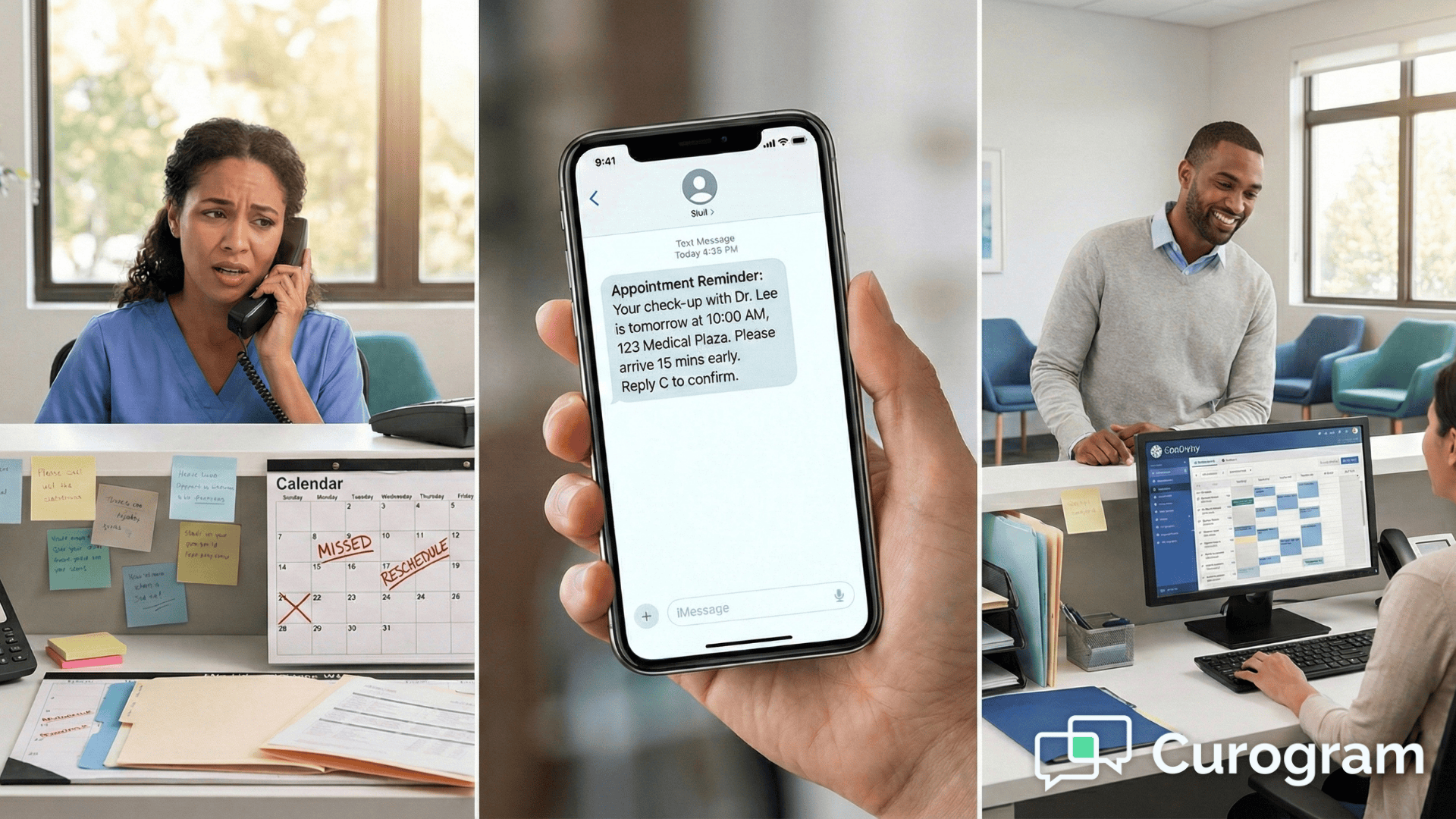
Running a busy specialty clinic means juggling hundreds of appointments every week. When patients miss their scheduled visits, it creates a ripple effect throughout your entire operation. Empty appointment slots mean lost revenue, while staff scramble to fill gaps and reschedule patients.
The problem gets worse when patients show up unprepared for their procedures. A patient who didn't fast before their CT scan or forgot about metal restrictions for an MRI causes delays for everyone. Your front desk staff end up spending hours on the phone making reminder calls instead of helping patients who are already in your office.
Multi-location clinics using GE Centricity face even bigger challenges. Coordinating appointment reminders across different sites takes time and effort. Manual calling means mistakes happen, and important prep instructions get missed or forgotten.
That's where appointment reminders in GE Centricity make a real difference. Automated systems take over the repetitive work of calling and texting patients. They pull data straight from your schedule and send reminders without anyone lifting a finger. This guide shows you how GE Centricity reminder automation works and why it helps specialty clinics run better every single day.
Specialty clinics lose money every time a patient doesn't show up. The average no-show rate in healthcare runs between 20-30%, meaning one in four appointments goes empty. For a busy radiology center or multi-specialty practice, that adds up to thousands of dollars in lost revenue each month.
Manual reminder calls create their own problems. Front desk staff spend 2-3 hours daily trying to reach patients by phone. Many calls go to voicemail, and patients often don't check their messages. Even when staff reach someone, they're pulled away from helping patients who are standing right in front of them.
Multi-location scheduling adds another layer of complexity. When you run clinics in different cities or neighborhoods, keeping track of which patients need reminders becomes harder. Staff at one location might not know the specific prep requirements for procedures done at another site. This leads to confused patients and last-minute cancellations.
Radiology practices face unique challenges with patient preparation. An MRI requires detailed metal screening information. CT scans need specific fasting instructions and contrast prep details. Ultrasounds have their own set of preparation steps. When patients miss these instructions, you can't complete their procedure, and everyone's schedule gets disrupted.
Consider what happens during a typical day without automated reminders. Your receptionist makes 40 phone calls before lunch. She reaches 15 patients directly, leaves 20 voicemails, and gets 5 wrong numbers. Three patients still show up unprepared because they didn't understand the prep instructions over the phone. Two patients completely forget their appointments despite the call.
The cost goes beyond just the empty time slots. When a patient no-shows for an MRI, you can't fill that hour-long block on short notice. The imaging equipment sits idle. The technologist waits. The radiologist's schedule gets thrown off. All of this hurts your clinic's productivity and your bottom line.
Staff burnout becomes a real issue too. Making reminder calls day after day wears people down. Your team didn't go into healthcare to spend their time leaving voicemails. They want to focus on patient care, not phone tag. This frustration leads to turnover, which costs even more money in hiring and training.
Automated appointment reminders solve these problems by taking repetitive tasks off your staff's plates. The system works around the clock, sending reminders when patients are most likely to see them. Text messages get read within minutes, and email reminders sit in inboxes until patients check them. Your staff can focus on the patients who need their attention right now.
Every missed appointment creates a hole in your schedule that's hard to fill. A 30-minute slot that goes empty in the morning stays empty all day. Most practices can't fill last-minute openings because patients need advance notice to rearrange their own schedules. This means direct revenue loss from billable visits that never happen.
The financial impact adds up quickly. If your clinic sees 100 patients per week and has a 25% no-show rate, you're losing 25 appointments weekly. At an average visit value of $150, that's $3,750 in lost revenue every week, or about $195,000 per year. Radiology procedures cost even more, making each missed appointment hurt that much harder.
Workflow disruption goes beyond the empty time slot. When a patient doesn't show for a 10 AM appointment, your whole morning schedule shifts. Other patients who arrived on time end up waiting longer. Staff who planned their tasks around a steady patient flow find themselves with unexpected gaps followed by rushes. This inconsistency makes it impossible to maintain smooth operations.
Your staff carries the heaviest burden when dealing with no-shows. They spend hours calling patients who missed appointments to reschedule them. They field angry calls from patients who had to wait because someone else's late arrival threw off the whole schedule. They also have to explain to providers why there are gaps in the day when the clinic is supposed to be fully booked.
Patient readiness suffers too. When your team rushes to fill empty slots, they might not have time to properly prep the replacement patient. A patient who gets squeezed in might not understand what to bring or how to prepare. This leads to incomplete visits, which means the patient has to come back again, taking up another appointment slot.
The ripple effects touch patient satisfaction as well. Patients who do show up on time notice the chaos caused by no-shows. They see staff stressed and running behind. They wait longer than expected. All of this chips away at their confidence in your clinic's ability to provide good care. Poor reviews and word-of-mouth complaints can follow.
Provider efficiency takes a hit when schedules fall apart. A doctor or specialist who expects to see eight patients in an afternoon might only see five because of no-shows. They can't use that unexpected downtime effectively because it comes in scattered 15-30 minute chunks. This means lower productivity and higher costs per patient seen.
The cycle continues when patients who missed their appointments need to reschedule. Your already-full calendar now has to accommodate makeup visits. This pushes new patient appointments further out, which can hurt your ability to grow the practice. Some patients get frustrated waiting for an opening and go somewhere else instead.
The integration between Curogram and GE Centricity happens automatically once you set it up. The system connects directly to your practice management software and pulls appointment data in real time. When you schedule a patient in Centricity, Curogram sees that information right away and starts the reminder process.
No one on your staff has to manually enter appointment details into a separate system. The connection eliminates double data entry, which saves time and prevents mistakes. If you reschedule an appointment in Centricity, the reminder system updates automatically. Cancel an appointment, and the scheduled reminders stop sending.
You decide when patients receive their reminders. Most clinics send a first reminder three days before the appointment and a second reminder the day before. The system sends these messages based on the appointment date and time in your Centricity schedule. You can customize the timing to match what works best for your patient population.
Each reminder includes the essential information patients need. They see the appointment date, time, and location. For specialty visits, the message includes specific preparation instructions. An MRI reminder tells patients about metal restrictions. A fasting blood draw reminder specifies when to stop eating. All of this information comes from templates you set up once and the system uses automatically.
Multi-location routing accuracy matters when you run several clinic sites. The integration knows which location each appointment is scheduled for and sends the correct address and contact information. A patient scheduled at your north side clinic gets directions to that location, not your downtown office. This prevents confusion and reduces the chance of patients going to the wrong place.
The system tracks which patients confirm their appointments. When someone responds to a text message saying they'll be there, that confirmation updates in your records. Your front desk can see at a glance which patients have confirmed and which ones might need a follow-up call. This helps staff prioritize their outreach efforts.
Patient contact preferences get respected automatically. If a patient prefers text messages, they get texts. If they want email instead, that's what they receive. Some patients want both. The integration uses the contact information stored in Centricity to send reminders through the right channels without anyone having to remember individual preferences.
Real-time synchronization means changes happen immediately. Schedule a same-day appointment at 10 AM, and the patient gets a reminder within minutes. Move an appointment from Tuesday to Thursday, and the old Tuesday reminder cancels while a new Thursday reminder schedules itself. This responsiveness keeps your communication accurate no matter how often schedules change.
The technical side works through secure API connections that meet healthcare compliance standards. Your patient data stays protected during transmission between systems. Nothing about the integration creates new security risks. The connection follows the same privacy protocols as your other medical software.
Setup doesn't require extensive IT knowledge. The Curogram team handles the initial configuration and testing. They work with your Centricity setup to make sure data flows correctly. Most clinics complete the integration process within a few days and start sending automated reminders right away. Your staff learns the system quickly because it works in the background without requiring new daily tasks.

Specialty practices need more than basic appointment reminders. Patients require detailed preparation instructions that change based on the type of procedure they're having. Automated workflows handle this complexity by sending the right information to each patient based on their scheduled service.
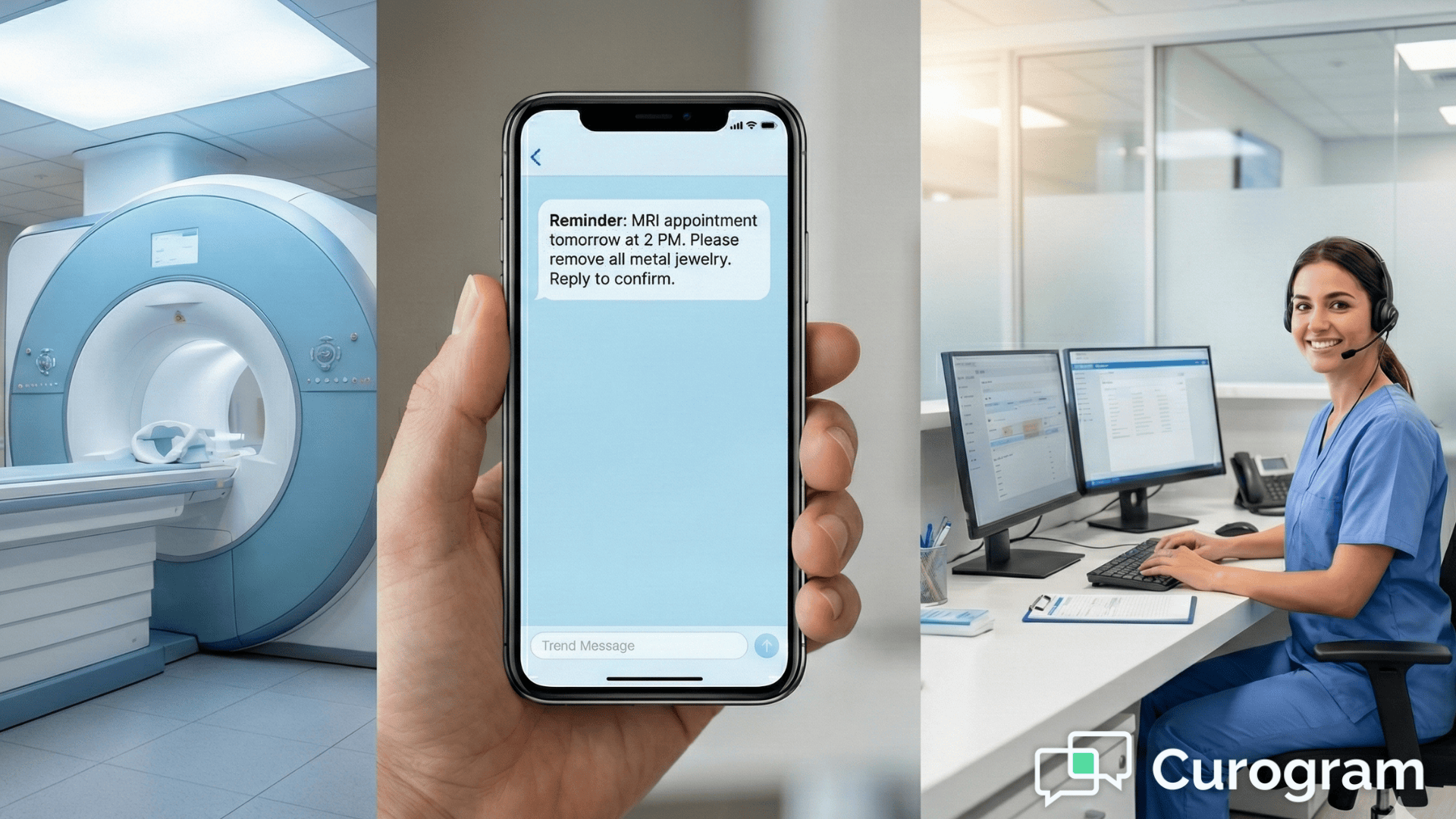
MRI appointments need careful screening for metal objects and implants. Patients must know about jewelry, clothing with metal fasteners, and medical devices before they arrive. The automated reminder explains these restrictions clearly and asks patients to call if they have any metal implants or devices. This advance warning prevents last-minute cancellations when a patient shows up with a pacemaker or other incompatible device.
CT scans with contrast require specific preparation steps. Patients need hydration instructions, fasting requirements, and information about kidney function testing. The reminder system sends these details at the right time, usually 24-48 hours before the appointment. Patients learn when to stop eating, how much water to drink, and what medications to continue or pause.
Many procedures require fasting or medication adjustments. Blood work, endoscopy, and certain scans need empty stomachs. The automated system tells patients exactly when to stop eating and drinking. It also reminds them about which medications to take normally and which ones to skip. This clarity reduces confusion and helps patients arrive properly prepared.
Different imaging modalities need different preparation approaches. The system knows which prep instructions to send based on the procedure code in your schedule. An ultrasound reminder includes bladder filling instructions if needed. A mammography reminder explains what to wear and what products to avoid. All of this happens automatically without staff having to remember which instructions go with which procedure.
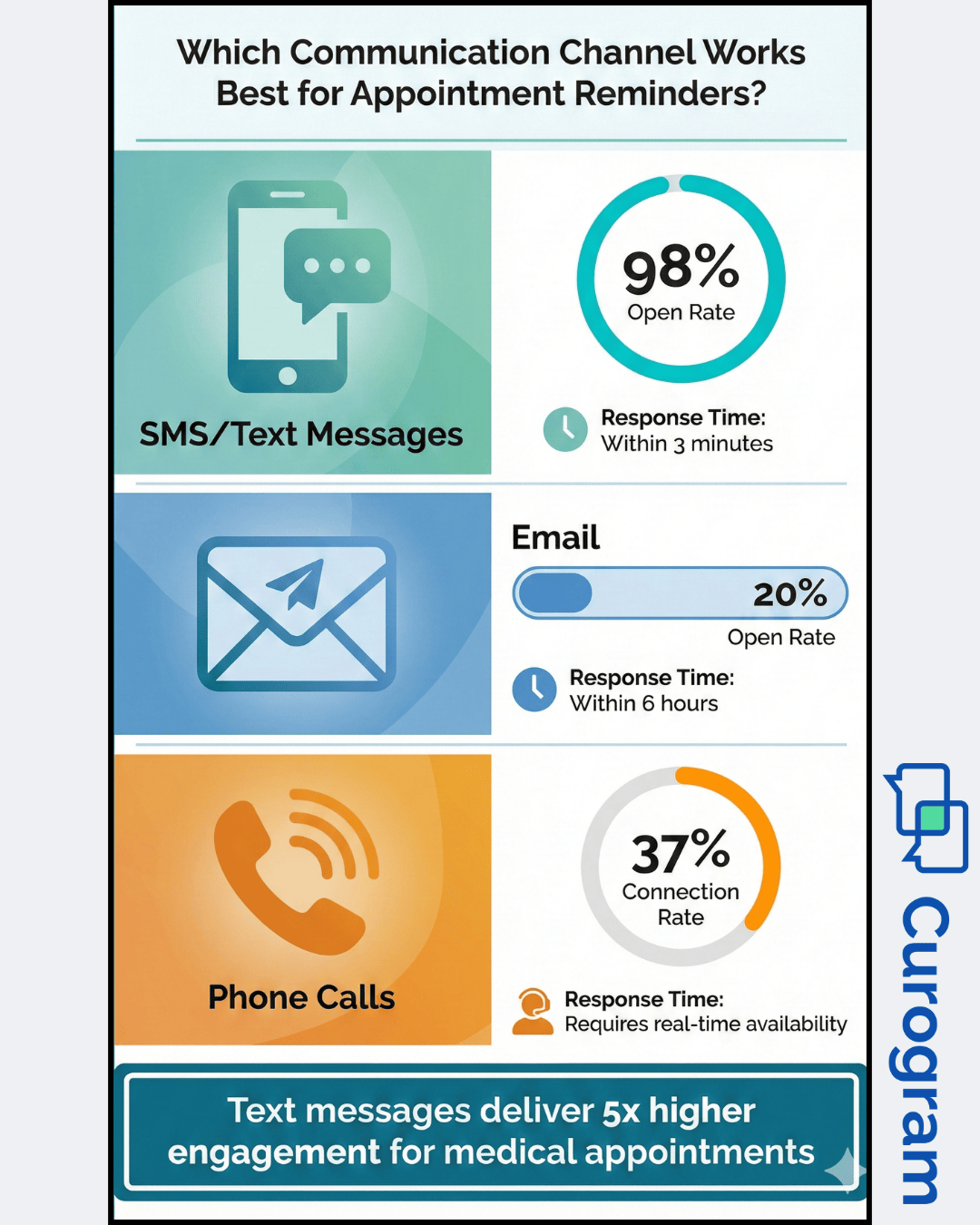
Reaching patients through multiple communication channels increases the chance they'll see and respond to reminders. Text messages work best for many patients because they read texts within minutes of receiving them. The open rate for SMS messages reaches 98%, compared to around 20% for emails. This makes texting the primary reminder method for most clinics.
Email reminders serve as a backup option and work well for detailed preparation instructions. Some patients prefer email because they can save the message and refer back to it. Longer preparation lists or complex instructions fit better in email format than in short text messages. The system can send both, giving patients the information in multiple places.
Clear step-by-step instructions make preparation easier for patients. Each reminder breaks down what they need to do into simple, numbered steps. Instead of a paragraph of text, patients see bite-sized pieces of information they can follow easily. This reduces the mental load on patients and makes it more likely they'll complete all the required preparation.
The timing of reminders matters as much as the content. Sending a reminder too early means patients forget by the time their appointment arrives. Too late and they don't have time to prepare properly. The sweet spot for most appointments is three days ahead for the first reminder and the day before for the final one. Procedures requiring extensive prep might need reminders a week in advance.
Curogram built its reminder system specifically for healthcare practices using major EMR platforms. The GE Centricity integration reflects years of working with specialty clinics and understanding their unique needs. This focus on healthcare means the system handles medical terminology, procedure codes, and compliance requirements that generic reminder tools miss.
Enterprise-grade reliability matters when your business depends on consistent patient communication. The platform maintains 99.9% uptime, which means reminders go out when they're supposed to go out. Backup systems and redundancy prevent the kind of failures that could leave patients without appointment information. Your clinic can trust that the technology works day after day without intervention.
Radiology and specialty-focused workflows address the complex prep instructions these practices require. The system includes templates for common procedures and lets you create custom templates for your specific services. Whether you need to explain contrast protocols, sedation requirements, or equipment restrictions, the platform gives you the tools to communicate clearly with patients.
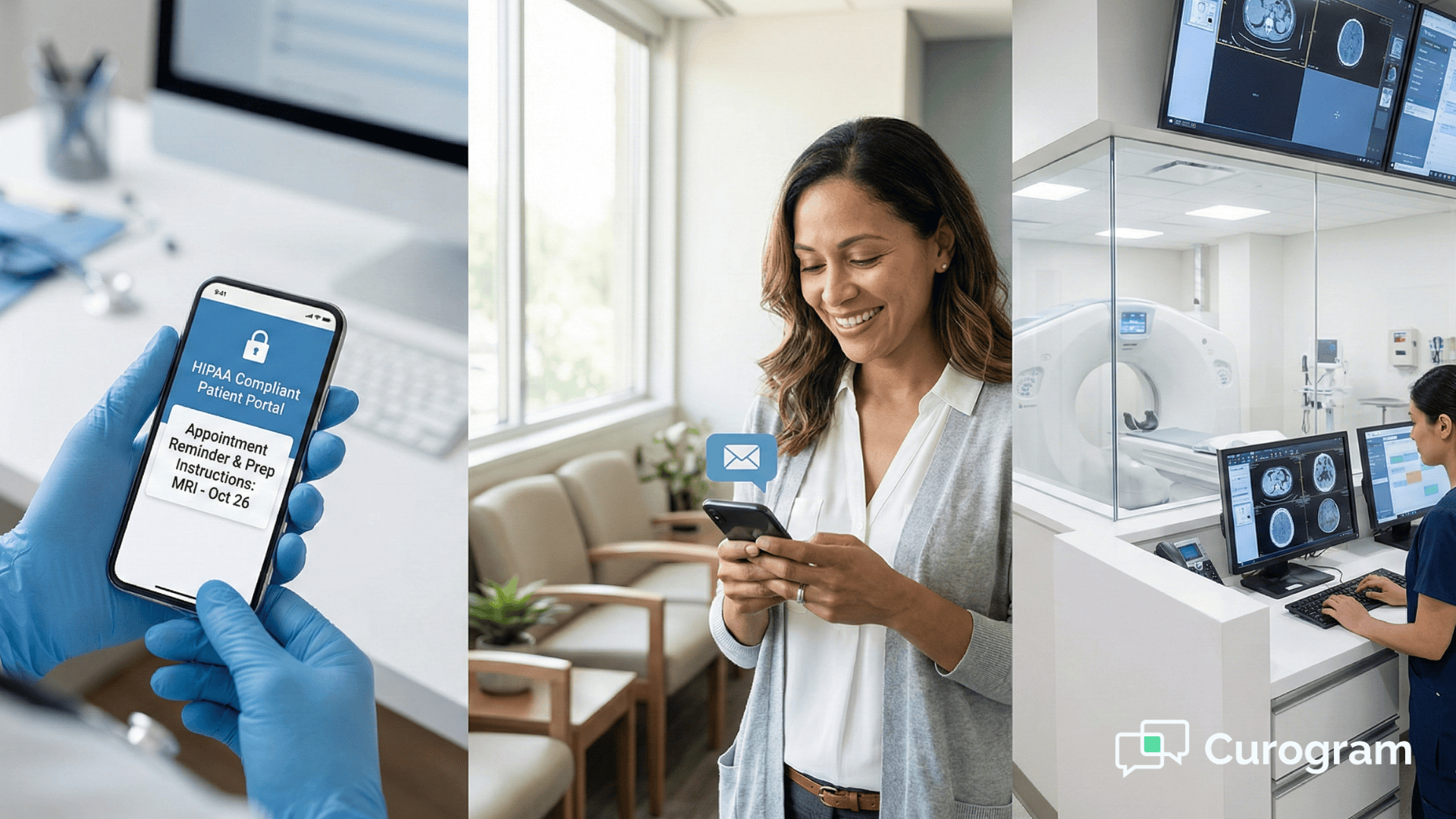
HIPAA-compliant reminders protect patient privacy while delivering effective communication. The platform encrypts all messages and stores patient data securely. It follows strict protocols about what information can be included in text messages versus what requires secure portal access. This compliance gives you peace of mind that you're meeting legal requirements while improving patient engagement.
Automated appointment reminders solve the biggest challenges facing specialty clinics today. No-shows drain revenue and disrupt schedules. Unprepared patients create delays that affect everyone. Manual reminder calls waste staff time that could go toward patient care. These problems multiply when you manage multiple clinic locations.
GE Centricity reminder automation through Curogram addresses all of these issues at once. The integration eliminates double data entry and keeps your reminders perfectly synced with your schedule. Patients receive clear, timely instructions specific to their procedures. Your staff saves hours every week by not making phone calls. HIPAA-compliant messaging protects patient privacy while improving communication.
The results speak for themselves. Clinics see no-show rates drop by 30-50% within the first month. Patient preparation improves because everyone receives the right information at the right time. Staff work more efficiently without constant phone interruptions. Revenue increases as more patients show up ready for their appointments.
Implementation takes less than two weeks from decision to sending your first automated reminders. The Curogram team handles the technical setup and testing. Your staff receives training on the features they'll use daily. Support continues after launch to make sure everything runs smoothly. The investment in automation pays for itself through higher show rates and increased efficiency.
Book a demo now to see Curogram and GE Centricity in action. Find out how appointment reminders in GE Centricity can reduce no-shows, improve patient preparation, and give your staff more time for patient care.
The integration connects directly to your GE Centricity system through secure APIs. When you schedule an appointment in Centricity, Curogram automatically receives that information and creates reminder tasks. The system sends messages based on your chosen timing, such as three days before and one day before the appointment. Any changes you make in Centricity update the reminders automatically.
Specialty clinics handle procedures that require specific patient preparation. A radiology center needs to send metal screening questions for MRI appointments and fasting instructions for CT scans. General practices mostly need basic time-and-date reminders. The complexity of specialty prep instructions requires a system built to handle detailed, procedure-specific communication.
HIPAA-compliant reminders use encryption to protect data during transmission and storage. The messages follow strict rules about what information can appear in text format. Basic appointment details like time and location are safe to text. More sensitive information requires secure portal access. The system logs all communications and maintains audit trails as required by HIPAA.
Managing reminders separately at each location creates inconsistent patient experiences and extra work for staff. Centralized automation ensures every patient gets the same quality of communication regardless of which clinic they visit. The system automatically sends location-specific details like addresses and contact numbers while maintaining consistent messaging. This reduces errors and saves time across your organization.
Most clinics notice improvements within the first few weeks of implementation. No-show rates typically drop by 30-50% in the first month as patients receive consistent reminders. Staff report immediate time savings from reduced phone call volumes. The full impact becomes clear after 60-90 days when you can compare monthly metrics before and after automation. Better patient preparation and smoother daily operations show up in both quantitative data and staff feedback.
💡 Multi-location specialty clinics using GE Centricity face workflow problems in radiology, vascular, and interventional procedures. For vascular...
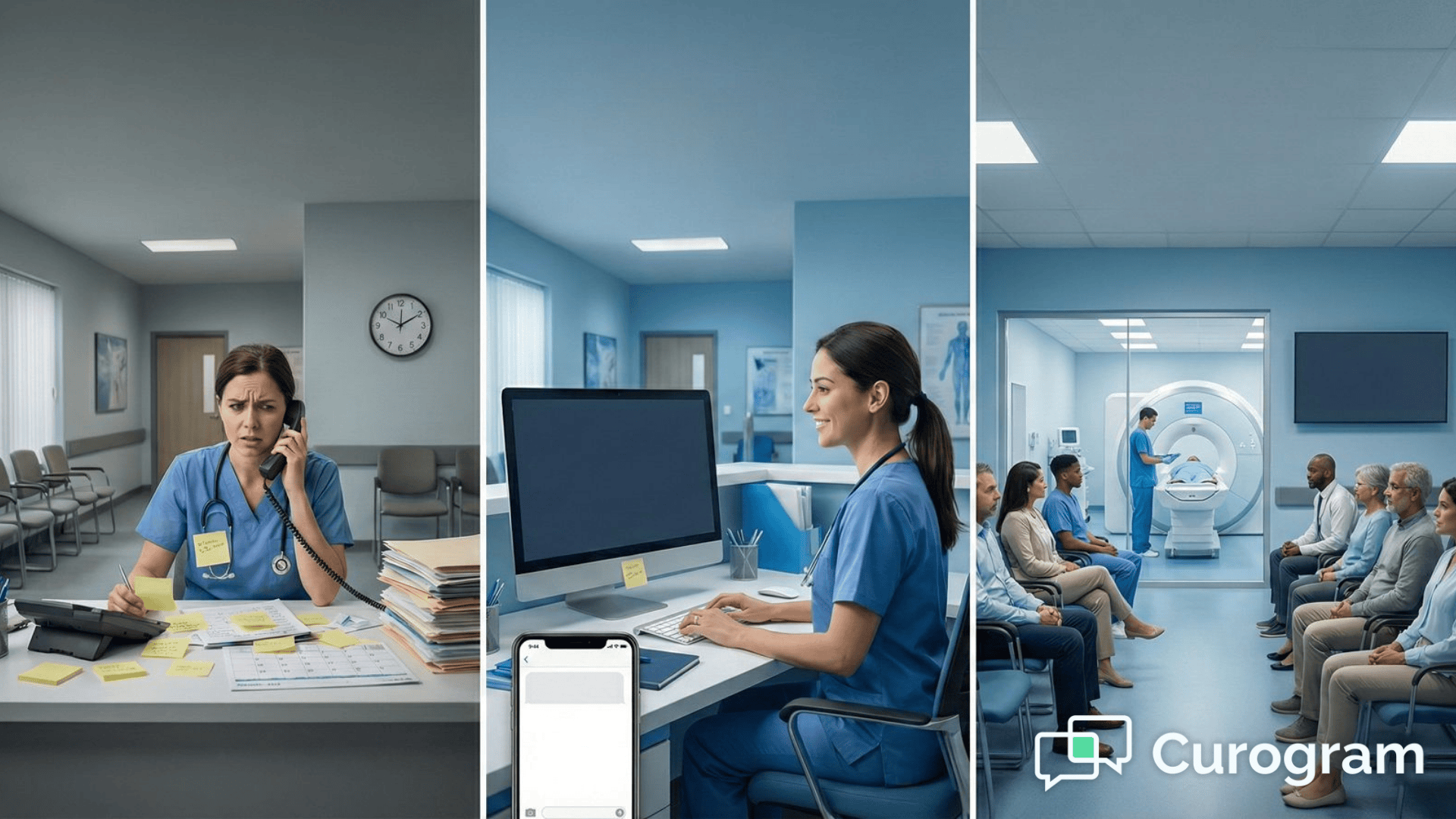
💡 Empty appointment slots are expensive mistakes that most clinics can avoid. Every time a patient forgets their appointment, you lose money that...
💡 Appointment reminders in Office Ally help small clinics boost attendance. cut no-shows, keep schedules stable, and prepare patients before they...