6 min read

End the Billing Chase in eCW | Text-to-Pay Workflow

End the Billing Chase in eCW | Text-to-Pay Workflow
💡 A text-to-pay billing workflow for eClinicalWorks front-desk staff swaps the print-mail-call-write-off cycle for a payment link patients tap the same day.     

Instead of mailing statements that collect just 15–25% of balances, your team texts a secure link and the money clears in hours. 

eClinicalWorks records the charge. Curogram sends the payment request by text and reconciles it. Training takes about five minutes, with no IT project to schedule.


The result is fewer statements, lower costs, and faster patient collections — without the chase.


Your practice earned that money weeks ago. The visit wrapped up, the claim cleared, and the patient walked out owing a balance. So why is that balance still sitting unpaid?

For most eClinicalWorks practices, the answer is the mail. A statement goes out. Then another. Then someone at the front desk picks up the phone.

It sounds like a system. It isn't.

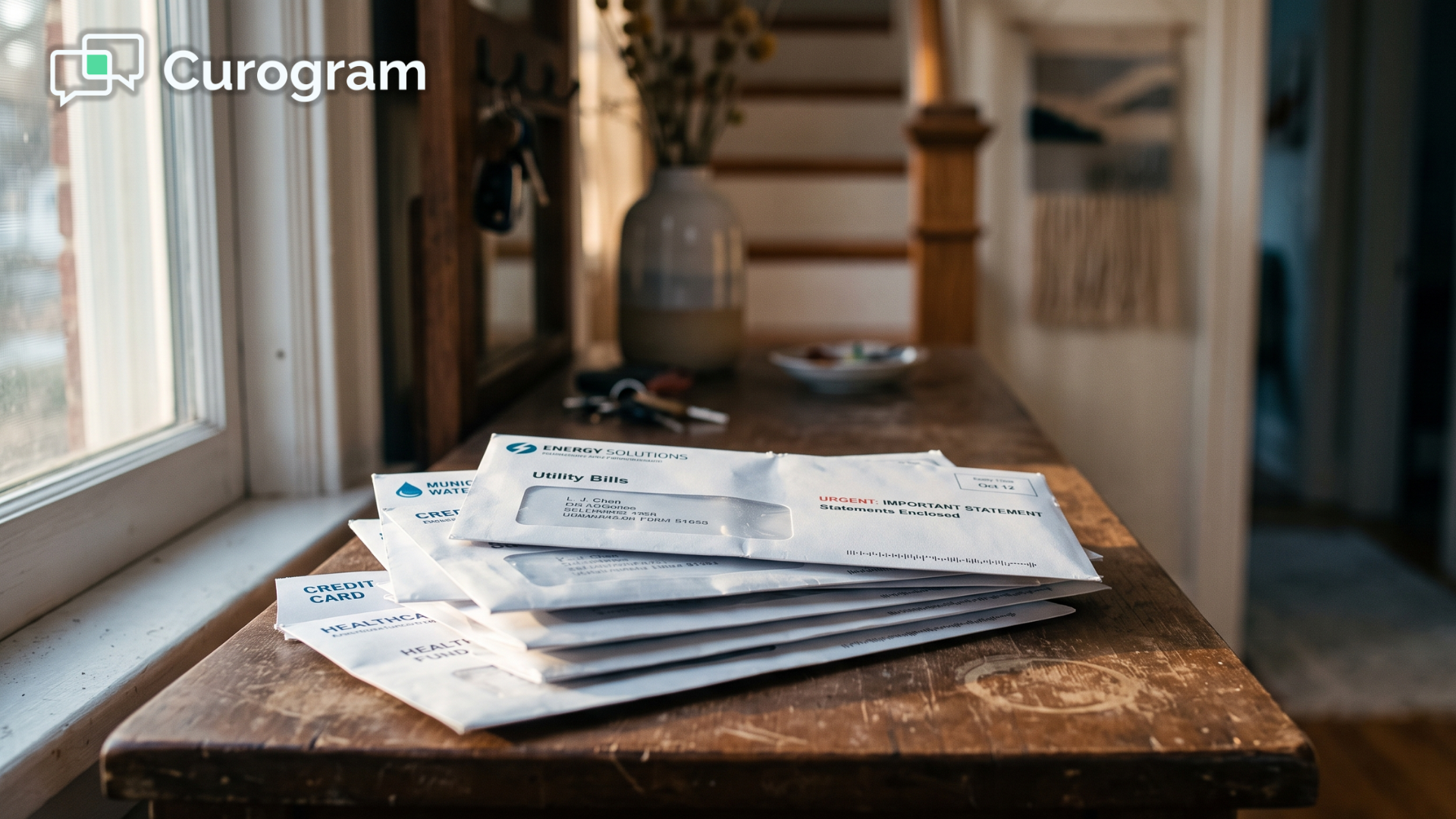
Imagine spending a full afternoon printing, folding, and stuffing envelopes for balances that may never come back. Then imagine doing it all over again next month for the very same patients. That is the daily reality for billing staff stuck with paper, month in and month out.

Here is the part that stings.

The average balance moves through 3.2 statement cycles before it clears or finally gets written off as lost. Each of those statements costs real money to send. And even after all that effort, paper statements collect just 15–25% of what patients owe.

So your team spends more to collect less. The printer hums, the phone calls pile up, and collectible money slips away one write-off at a time.

There is a simpler path. A text-to-pay billing workflow for eClinicalWorks front-desk staff replaces the print-mail-call cycle with a secure link patients tap on their phone.

No envelope. No voicemail. No awkward callback.

This article breaks down why the old paper-and-phone method costs so much, how a text-based approach changes the math for your budget, and what your front desk actually gains once the chase finally ends.

You will see how to stop chasing patient balances in eCW and start collecting them the same day. And you will see it all in plain numbers, so the real impact is easy to picture for your whole team before you spend another dollar.

Let's put down the statement printer.

The Real Cost of Chasing Every Balance

eClinicalWorks does its job well. It records the charge, tracks the balance, and shows you exactly what each patient owes. What it doesn't do is collect that money for you. That part lands on your front desk.

So the collecting happens the old way. A statement gets printed and mailed, and when nothing comes back, a second one follows.

Then a staffer dials the patient, leaves a voicemail, and waits before a third statement goes out. On average, a single balance moves through 3.2 of these billing cycles before it finally resolves.

Every one of those cycles has a price tag.

Here is what the paper trail costs a mid-size practice:

Line item Typical range
Cost to print and mail one statement $0.50–$1.50
Statement cycles per balance ~3.2
Annual statement spend $6,000–$18,000
Balance actually collected by paper 15–25%

This means your practice can spend up to $18,000 a year to recover as little as 15 cents on the dollar. In practice, that is a workflow that loses money even when it "works."

Here is a simple example to make that real.

Say your patients owe $40,000 in balances this quarter, and paper collects at a 20% rate. You recover about $8,000 and write off the other $32,000.

For your team, that is thousands in earned revenue slipping away — not because patients refused to pay, but because paying was a hassle.

There is a human cost too. Billing staff start to feel less like coordinators and more like collectors. They spend their days chasing patient balances that the mail made hard to collect in the first place.

To reduce statement costs in eClinicalWorks billing, you have to change the channel — not just work the phones harder. Cutting that paper billing expense in eCW isn't about pressuring patients.

It is about making payment so easy that they simply do it.

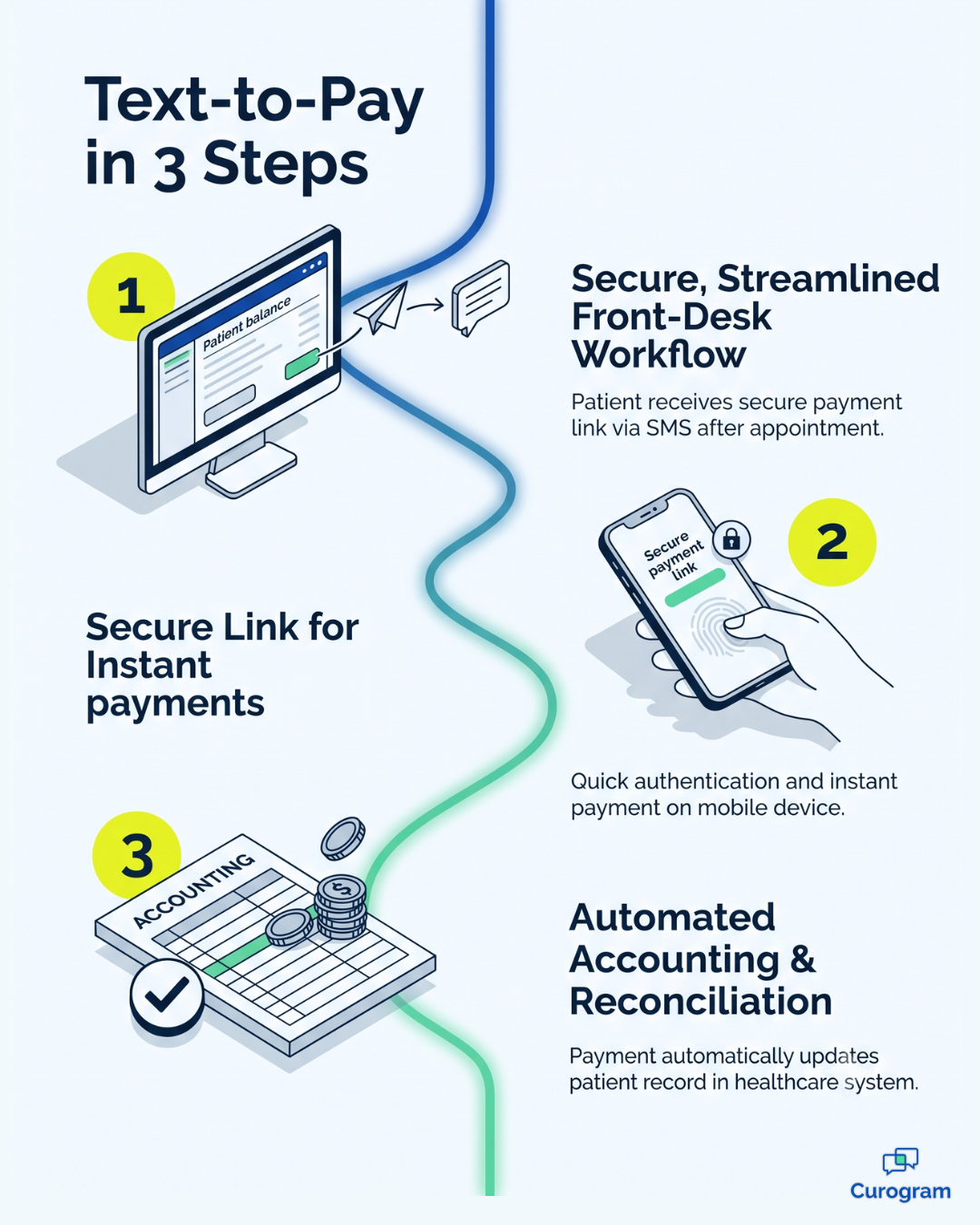
Infographic showing the 3-step text-to-pay workflow for eClinicalWorks billing

A Faster Way to Collect: The Virtual Front-Desk Assistant

Now picture the same balance handled a different way.

Instead of an envelope, your patient gets a text, taps a secure link, and pays on their phone — so the balance clears in hours instead of billing cycles.

That is the idea behind Curogram, a virtual front-desk assistant that collects by text so your staff stop printing, mailing, and dialing.

How Text-to-Pay actually works

Here is the workflow, start to finish:

  • Staff send a secure payment link by text, straight from the open balance.
  • The patient taps the link and pays on their phone.
  • The payment is captured and reconciled, with no re-keying.

Most balances resolve this way without a single phone call. Sending a link is simpler than stuffing an envelope, so this doesn't add work to your day. It removes it.

Here is why text succeeds where paper stalls.

Text messages get opened around 98% of the time, so your request actually reaches the patient, while a mailed statement can sit unopened on a kitchen counter for weeks.

It runs alongside eClinicalWorks

Curogram works next to eClinicalWorks, not instead of it. eClinicalWorks holds the charge, and Curogram handles the payment request and reconciliation. Training takes about five minutes, and there is no IT project to schedule.

When you automate patient payment requests in eCW this way, the front desk collections workflow gets shorter instead of busier.

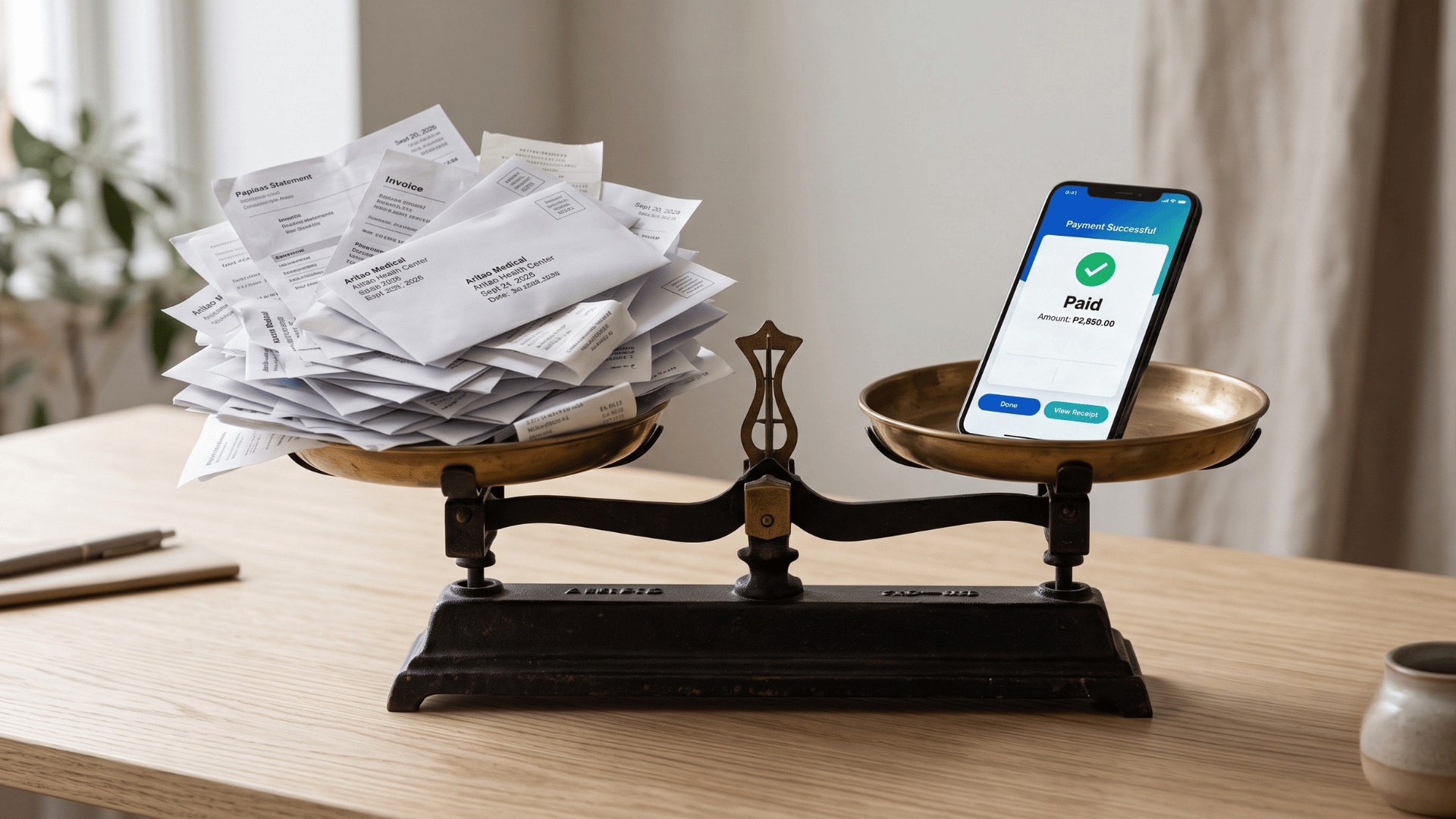
Balance scale weighing paper statements against a phone paid by text-to-pay

Built for how your specialty collects

Different practices collect differently, and text-to-pay flexes to fit:

  • A pediatric front desk collects a parent's balance right after the visit.
  • A primary care team clears high-deductible balances the same day.
  • A behavioral-health office handles session fees discreetly by text, skipping the awkward checkout conversation.

Get paid faster! Strengthen your balance sheet by simplifying patient payments via secure SMS with Curogram.

Same tool, three very different desks. The link does the quiet work in each one.

What Changes When the Chase Ends

When payment moves to text, the whole equation flips. That $6,000–$18,000 in yearly statement spend and the 3.2-cycle chase stop being the price of getting paid. Patients pay by tapping a text, and the money you already earned finally shows up.

Go back to that $40,000 in balances. When the ask reaches patients and paying takes one tap, far more of it comes back — and while the visit is still fresh, not months later when it has faded from memory.

Your staff feel the shift first, moving from bill collectors to patient coordinators who spend far less time on the phone about money. That is the difference between a job that quietly drains people and one that doesn't.

The numbers move too. Statements stop piling up, and write-offs shrink because balances get paid early instead of aging out. Faster patient collections also mean eClinicalWorks staff spend less time reconciling old balances and more time on work that needs a human touch.

The balance was always collectible. The mail just made it hard to collect.

Same patients. Same balances. A completely different result.

Stop Paying to Collect Pennies

Your team shouldn't have to chase balances by mail when a simple text gets paid in hours. That's the real takeaway. The money was collectible all along — the paper just got in the way.

Think about what the old way really costs.

Thousands of dollars a year in printing and postage, staff hours lost to phone calls, and write-offs on balances patients would have gladly paid if paying were quick and easy. You're spending more to collect less, month after month.

A text-to-pay approach flips that. Instead of budgeting for statements that recover pennies on the dollar, your front desk sends a secure link and watches the balance clear. It's faster for staff, easier for patients, and kinder to your bottom line.

Here's the clean way to think about the two tools.

eClinicalWorks is built for your charges — it tracks what each patient owes and keeps your records straight. Curogram is built for their payment, getting that balance paid without the chase. Together, they finally close the loop that paper always leaves open for far too long.

You don't need a big IT project to make this happen. Training takes about five minutes, with no disruption to how eClinicalWorks already works and nothing new for your team to learn from scratch. The change is small. The payoff isn't.

So here's the next step. Schedule a Demo and watch a payment link go out by text, then watch the balance clear without a single phone call. You'll see exactly how the workflow fits your own front desk before you change a single thing about your setup.


Frequently Asked Questions

Will this actually cut our statement costs?

Yes. When patients pay by text, you send fewer paper statements through fewer billing cycles, which directly reduces the $6,000–$18,000-a-year printing-and-mailing expense. You're swapping a slow, costly channel for a fast, near-free one.

How does it reconcile with eClinicalWorks billing?

Payments are captured and reconciled so collection is faster and cleaner, and Curogram runs alongside eClinicalWorks rather than replacing it. The technical detail of posting into the eCW billing module is covered in the Wave 1 integration guide.

How long does it take staff to learn?

About five minutes. Sending a payment link is simpler than preparing and mailing a statement, and there's no IT project to manage. It removes steps from the billing workflow rather than adding them.

Is text-to-pay secure for patient payments?

Yes. Patients pay through a secure payment link, so card details stay protected and the transaction stays private. That privacy matters most for behavioral-health and other sensitive visits, where a discreet text beats an awkward checkout conversation.

What if a patient ignores the text or has no smartphone?

Text-to-pay doesn't force you to drop other options. It handles the majority of balances that patients would happily pay if paying were easy. For the rare holdout, your team can still reach out directly — but they'll be chasing a handful of balances instead of hundreds.


Collect Patient Payments by Text in Your eCW Practice

Collect Patient Payments by Text in Your eCW Practice

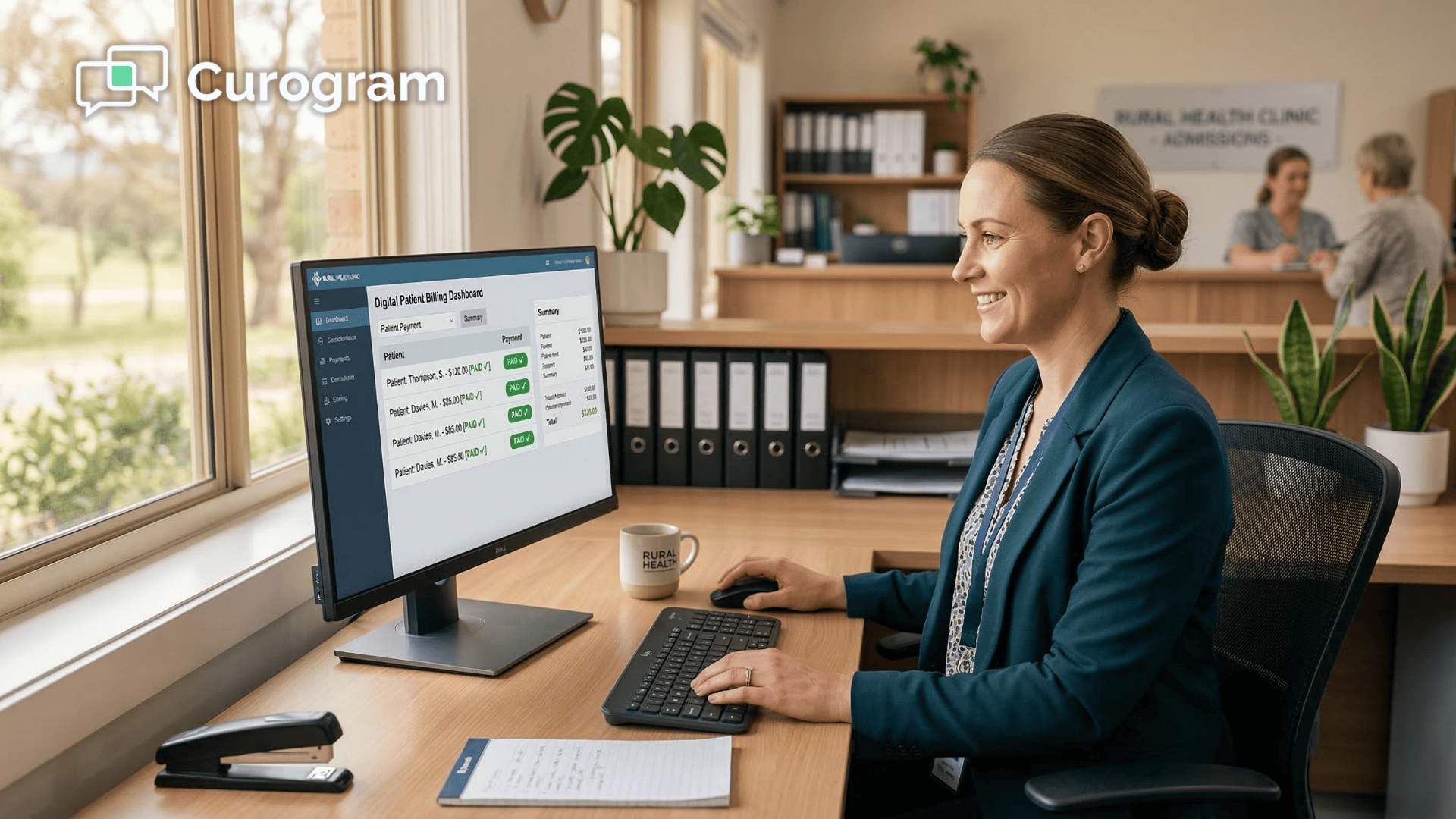
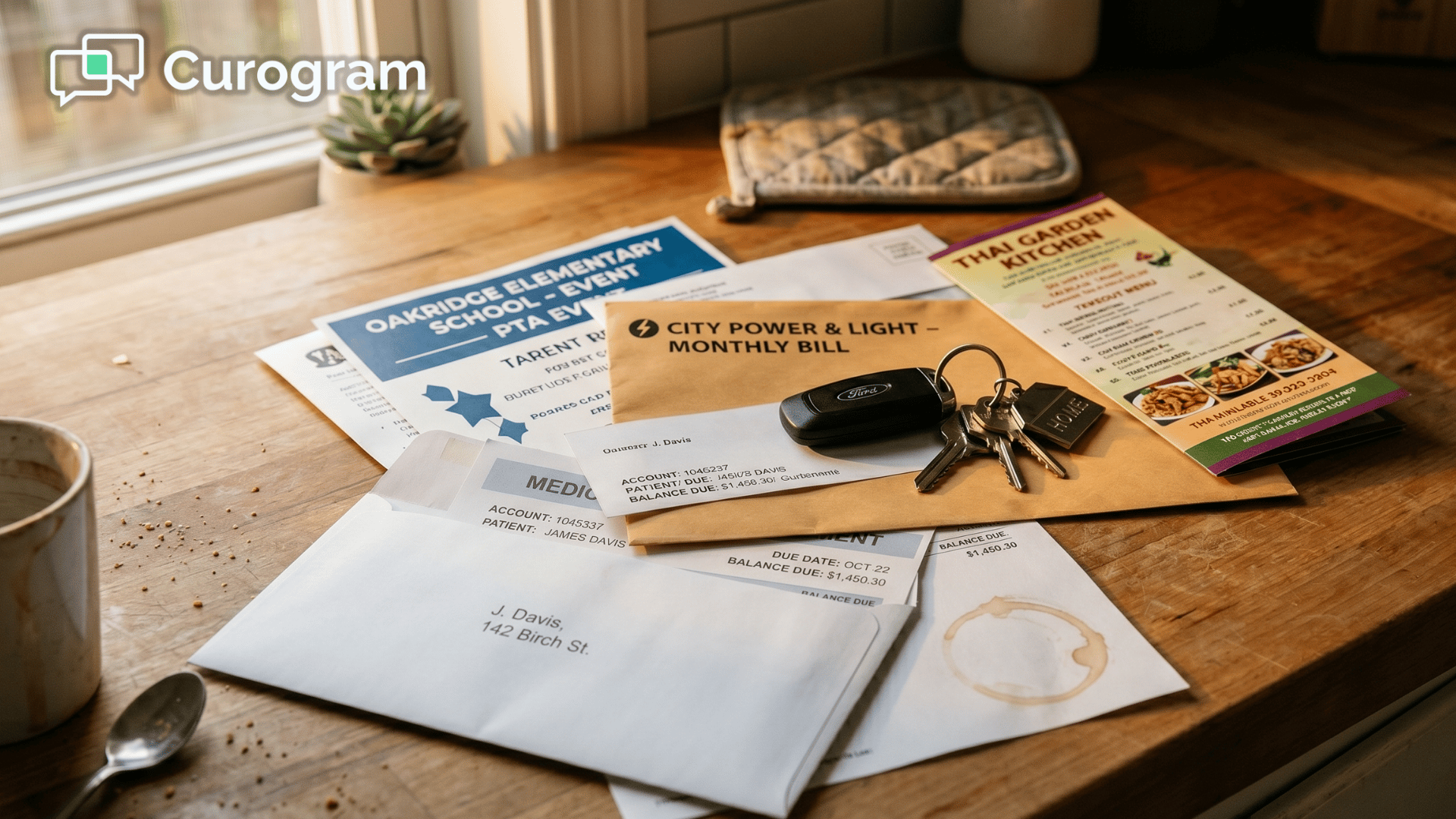
💡 To collect patient payments by text in your eClinicalWorks practice, you send a secure link the patient taps and pays in seconds. eClinicalWorks...
Read More
Text-to-Pay for Azalea Health | Collect Patient Balances by Text

Text-to-Pay for Azalea Health | Collect Patient Balances by Text

💡 Text-to-pay for Azalea Health rural patient balance collection gives rural clinics a faster, cheaper way to collect copays and outstanding...

Read More
Why Patients Pay Faster via Text | Meditab IMS Text-to-Pay

Why Patients Pay Faster via Text | Meditab IMS Text-to-Pay

💡 Meditab IMS patients pay faster when you text them a payment link because text removes the friction that causes delays. Portal logins stop...

Read More