
10 min read

How eCW Teams Reduce Confirmation Calls with Automated Text Reminders

How eCW Teams Reduce Confirmation Calls with Automated Text Reminders
💡 eClinicalWorks front desk automated text reminders that eliminate confirmation calls give scheduling teams a practical way to stop spending hours each day on outbound calls that most patients won't answer.

Curogram reads the eCW resource schedule via API and sends reminders at set intervals — 72 hours, 24 hours, and 2 hours before the visit.

No staff member needs to pull a list, make a call, or update a status field. When a patient confirms, cancels, or reschedules by text, the change writes back to eCW automatically.

Based on our internal data, Curogram clients achieve an average confirmation rate above 75%, with no-show rates 53% lower than the industry average.

Front-desk teams recover up to 3 hours per day, per location. Curogram is HIPAA-compliant under a signed BAA, SOC 2 Type II certified, and offers a 30-day free trial.


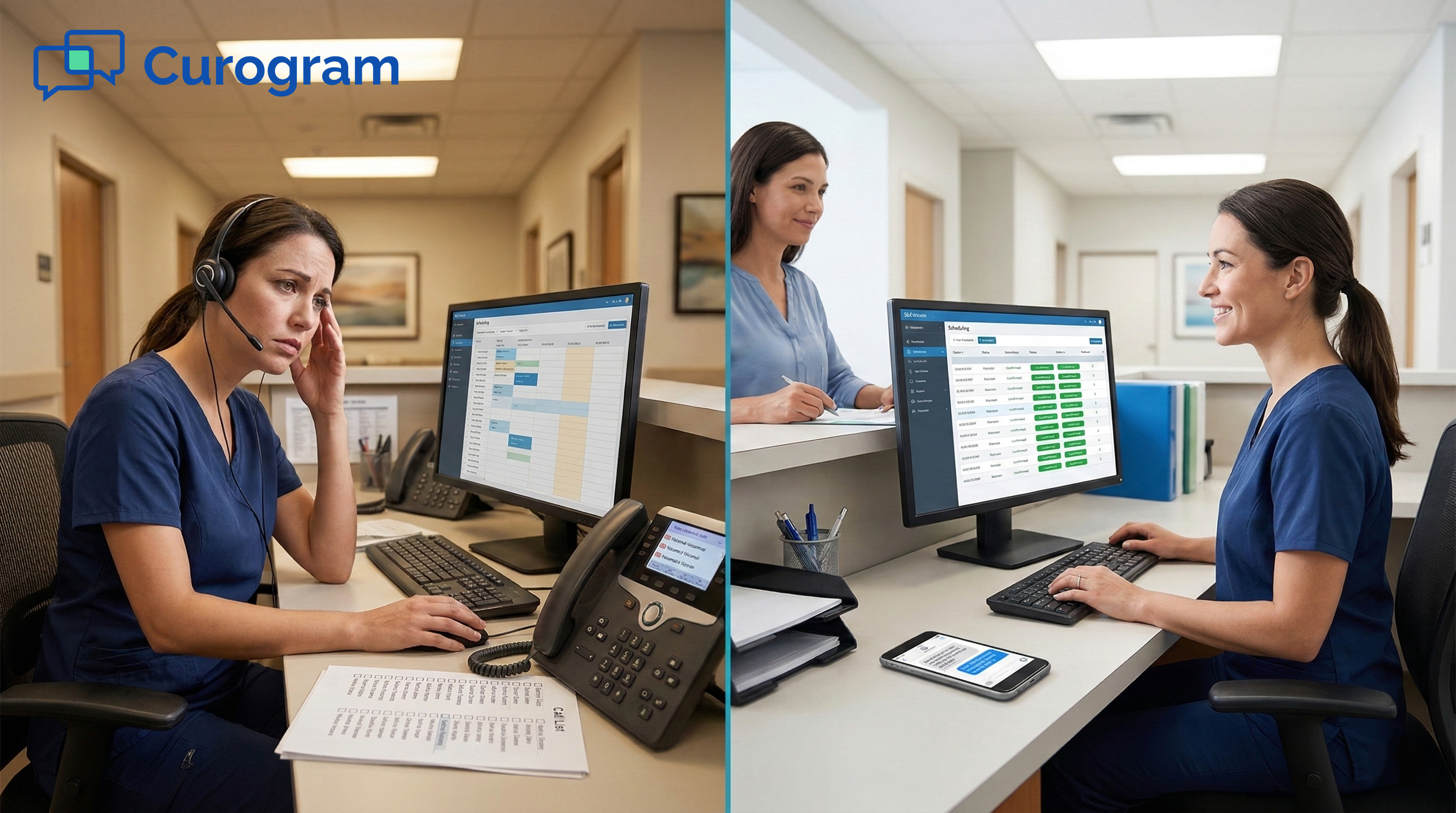
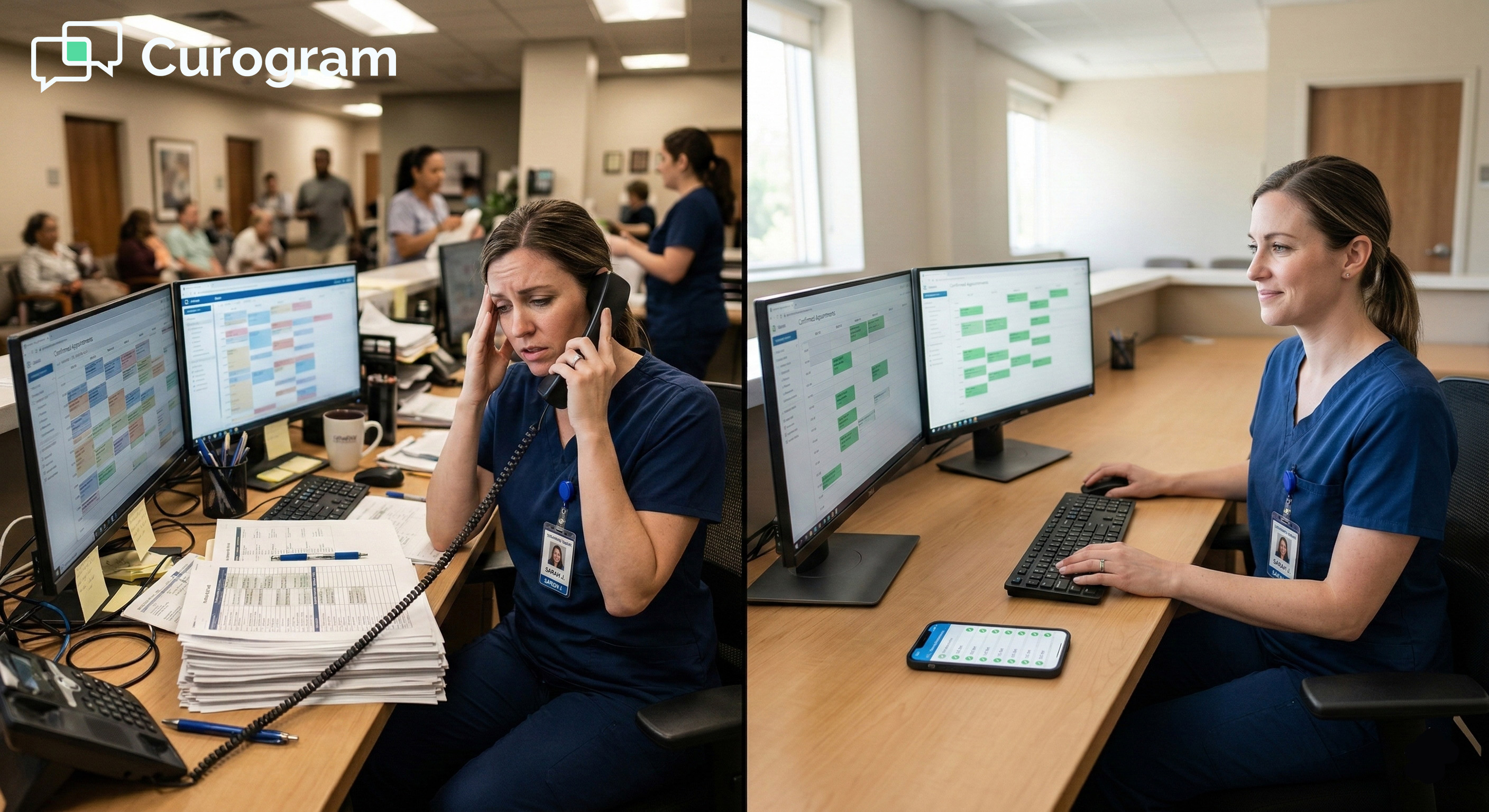
Every afternoon at most eCW practices, the same thing plays out. Staff put down whatever they're doing, pull up the next day's schedule, and start dialing — one patient at a time — for the next two to three hours.

Most of those calls go to voicemail.

This is the daily routine for front-desk teams at eClinicalWorks practices still running on manual confirmation calls. Skilled staff who are needed for check-in, insurance tasks, and patient questions spend a large chunk of their afternoon on calls that rarely get answered.

It's one of the most draining routines in any medical front office. And at most practices, this workflow hasn't changed in years.

The issue isn't effort. Staff are working hard. The issue is that phone-based confirmation was once the only option before text tools became practical. That's no longer true.

Patients are far more likely to reply to a quick text than pick up an unknown number in the middle of their day. The technology to act on that shift already exists.

eClinicalWorks front desk automated text reminders that eliminate confirmation calls give scheduling teams a direct path out of this cycle. Curogram reads the eCW schedule, sends timed reminders, captures patient replies, and updates the schedule in real time. Once it's running, the confirmation loop handles itself completely.

This article covers what makes the manual call workflow so costly, how text-based confirmation fits inside eCW, and what practices have seen once they make the switch.

If your team ends most afternoons with a half-confirmed schedule and worn-out coordinators, you'll recognize the pattern here.

No voicemails. No open call lists. No uncertainty about who's coming in tomorrow. Just a front desk free to focus on the patients already in the building.

The Villain: The 3 PM Phone Marathon

Front-desk teams at eCW practices manage a lot at once. Check-in, phones, scheduling, insurance questions — the list is long.

But one task tends to take over the afternoon and crowd out nearly everything else: calling each patient on the next day's list to confirm they're coming in. This is the 3 PM Phone Marathon, and it costs more than most practices stop to notice.

The Daily Ritual

At first glance, confirmation calling seems straightforward. You call, the patient confirms, you update the status in eCW, and move on. In practice, it rarely works that cleanly.

A Typical Afternoon at a Multi-Provider Practice

Take a practice with three providers and 60 patients on tomorrow's schedule. That's 60 phone calls to make each afternoon — and a large share go to voicemail on the first try. At a 10-location eCW network, that number reaches 600 daily calls.

When a patient wants to reschedule, the coordinator has to pause the call list, open eCW's scheduling module, find an open slot, update the original appointment status manually, and then return to where they left off. Each step adds time.

By the end of the day, a significant portion of the schedule is still unconfirmed.

What Happens When Patients Don't Answer

When no one picks up, staff leave a message and wait for a callback. Most patients don't call back. The coordinator tries again later or flags the slot as pending and keeps going.

A typical afternoon of manual calling confirms roughly 40–50% of the schedule by phone on the first attempt. The other half stays uncertain.

The next morning starts with a schedule full of open questions and no clear way to fill gaps quickly.

The Real Cost to Your Practice

The phone marathon problem goes beyond the time it takes. It creates a ripple effect that touches every other part of the front-desk workflow and the morale of the people running it.

Time That Could Go Toward Patient Care

Every hour spent on confirmation calls is an hour not spent on check-in, insurance verification, referral work, or provider support. These tasks require trained judgment.

Confirmation calling, at this scale, does not. Front desk confirmation call elimination at eClinicalWorks practices isn't just a staff perk. It has direct operational value.

It reclaims hours that were going to a task a text platform can handle without any human input.

Based on our internal data, practices using automated communication tools see staff productivity increase by 30% or more. That's not a small gain. It reflects how much capacity was being absorbed by phone-based confirmation every single day.

How Staff Morale Takes a Hit

Few tasks in a medical office are cited more often as frustrating than outbound confirmation calls. They're repetitive, mostly unsuccessful, and disconnected from patient care.

Staff choose healthcare to help people — not to leave messages that go unanswered. High front-desk turnover often traces back, at least in part, to a high volume of low-value tasks like this one.

Every time a coordinator leaves and needs to be replaced, the practice absorbs the cost of recruitment, training, and reduced output during the transition.

That's a real financial hit and it rarely gets linked back to the confirmation call workflow that helped push them out.

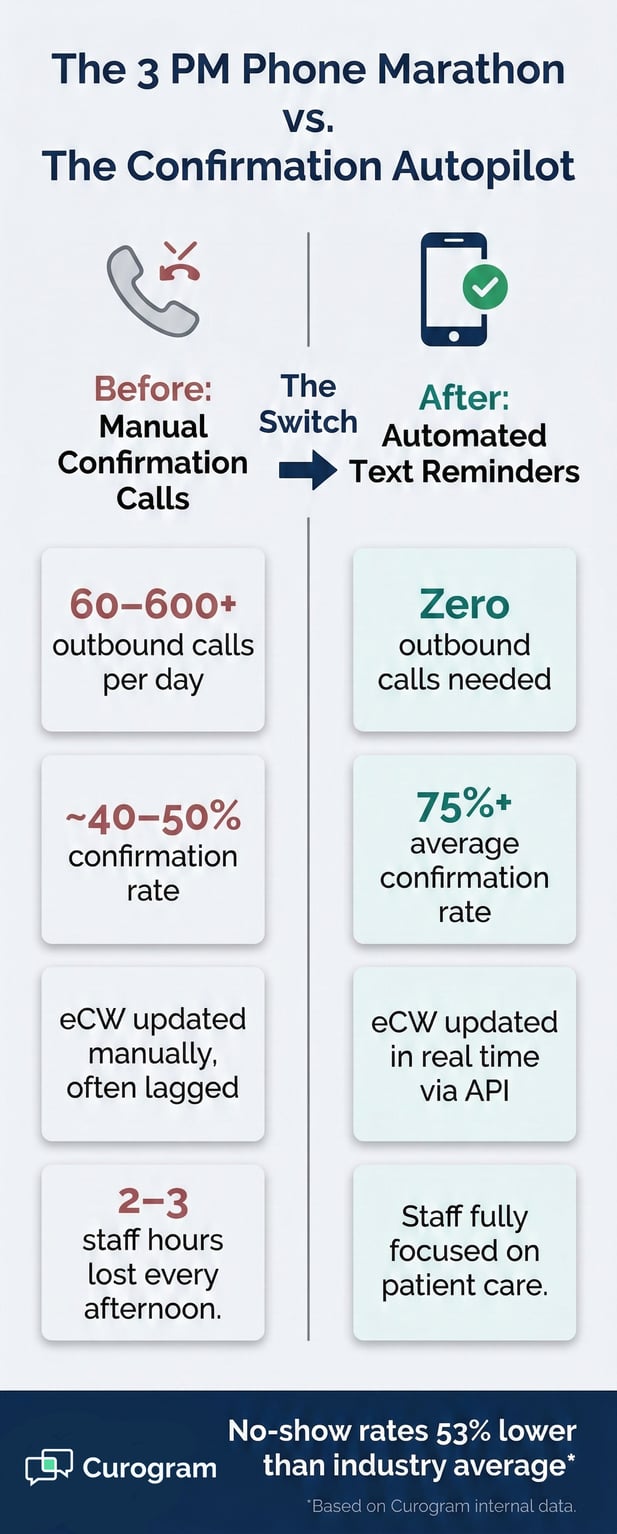
Infographic detailing benefits of automating patient appointment confirmations for medical practices

The Guide: The Confirmation Autopilot

Replacing the manual confirmation workflow doesn't require a major overhaul of how your practice operates.

Curogram integrates directly with eCW via API, automating the reminder process from the first text to the final schedule update. It doesn’t change how clinical staff or providers use eCW day to day.

How the Automated Reminder Workflow Works

The foundation of scheduling coordinator workflow automation in eCW SMS is simple: the system reads tomorrow's appointments, sends texts at preset times, and handles each patient response. Staff don't need to manage it on a daily basis.

From eCW Schedule to Patient Text, Automatically

When an appointment is added to the eCW resource schedule, it enters Curogram's reminder queue automatically. No staff member needs to export a list or trigger anything by hand. Reminders go out at each configured interval — typically 72 hours, 24 hours, and 2 hours before the visit.

If an appointment is cancelled in eCW, it exits the queue. If it's rescheduled, the cadence resets based on the new date and time. The system stays in sync with eCW continuously, so the reminder list is always current and accurate.

What Happens When a Patient Responds

When a patient replies "Y" to confirm, the eCW appointment status changes from "scheduled" to "confirmed" with no staff involvement needed. When a patient cancels by text, the slot opens in eCW and a waitlist notification fires automatically.

If a patient wants to reschedule, they receive a self-scheduling link to choose a new time on their own. Every one of these outcomes is handled by the eCW operations staff automated reminder write-back system.

This means the eCW schedule always reflects what patients have actually said. Coordinators see a live, accurate schedule without checking a second platform.

Built for eCW Front-Desk Teams

This isn't a messaging tool layered on top of an existing workflow. It's a clean division between what the system handles and what staff handle. That separation is what makes the change feel real rather than marginal.

Zero Daily Input Once It's Set Up

Once reminder cadences are configured in Curogram's admin panel, the system runs without daily staff input. New appointments enter the queue. Cancelled ones leave. Rescheduled ones reset. Staff don't pull lists, make calls, or log updates in eCW.

They arrive each morning to a mostly confirmed schedule, already synced. This is how you reduce outbound calls at an eCW practice and turn appointment text reminders into a true replacement for phone-based confirmation, not just a supplement to it.

Customization Per Location, Provider, or Appointment Type

Different locations and specialties have different needs, and Curogram's admin panel supports that. Reminder messages can be customized per location — including directions, parking notes, or prep instructions specific to that site.

Per-provider settings can include the provider's name and any relevant pre-visit guidance. Multi-specialty networks can configure surgical prep reminders to look entirely different from routine follow-up messages.

This flexibility makes the system work equally well for a single-location family practice and a 20-location orthopedic network. The configuration takes time upfront. After that, it requires no ongoing management.


The Success: The Morning That Runs Itself

Automation only matters if it produces real results. Switching from manual calling to automated text reminders doesn't just recover staff time.

It changes how the day starts, how the schedule holds, and how the whole front-office team functions. The data and the real-world cases both tell the same story.

Category

Before Automation

After Automation

Confirmation calls per day

60–600+ phone calls

0 calls — all via SMS

Avg. confirmation rate

~40–50% by end of day

75%+ before staff arrive

eCW schedule accuracy

Updated manually, often lagged

Updated in real time via API

Staff hours spent on calls

2–3 hours/day per location

~0 hours/day

Staff afternoon focus

Split: calls + check-in

Fully on patient care

No-show rates

At or above industry avg.

53% below industry avg.*

* Based on our internal data | Source: Curogram Internal Research

The Numbers Behind the Change

Results from eCW practices using Curogram's automated reminders are consistent across locations, specialties, and practice sizes. Two numbers stand out the most.

Confirmation Rates That Beat Manual Calling

Based on our internal data, Curogram clients achieve an average appointment confirmation rate above 75%.

Manual calling rarely reaches that level, Voicemails don't confirm, and callbacks are unpredictable.

Texts reach patients on the first attempt, at a time when they can reply at their own pace. The result is a higher share of tomorrow's schedule confirmed before staff walk in.

Patients who need to cancel or reschedule also tend to act earlier when reminded by text, which gives the front desk time to fill the slot from the waitlist.

Staff Hours Recovered Per Location Per Day

Front-desk teams report recovering 2–3 hours per day, per location, that were previously spent on manual confirmation calls.

For eCW staff time savings from automated appointment reminders, that adds up quickly: a 5-location practice recovers 10–15 staff hours each day.

Those hours move into tasks with a direct effect on practice revenue and patient care. The afternoon phone marathon was consuming those hours every single day.

What a Real Practice Experienced

Data points tell part of the story. Seeing what automated reminders look like for an actual eCW practice makes it more concrete.

From Afternoon Calls to Meaningful Work

A 6-location eCW orthopedic group deployed Curogram's automated reminders across all sites. Within three weeks, the afternoon confirmation call routine was gone at every location.

Lead coordinators who had previously spent 2–3 hours a day on outbound calls moved that time into referral coordination and insurance pre-authorization — tasks that had been backlogged for months.

Staff morale improved noticeably. One lead coordinator described the first week without the call list as feeling like something had gone wrong. By the second week, the team couldn't imagine going back to the old way of doing it.

How No-Show Rates Dropped Across All Locations

That same orthopedic group saw no-show rates drop across all six locations after deploying automated reminders. This matches broader internal data

Curogram clients see no-show rates that are, on average, 53% lower than the industry average. In one tracked case, no-show rates dropped from 14.20% to 4.91% in just three months.

Based on our internal research, practices also see a 10–20% increase in revenue as recovered and filled slots return to the schedule.

When patients are reminded at the right time, they show up or they give enough notice to let the practice fill the slot with someone else.


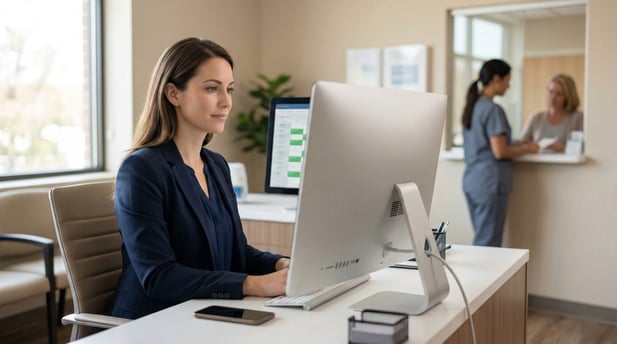
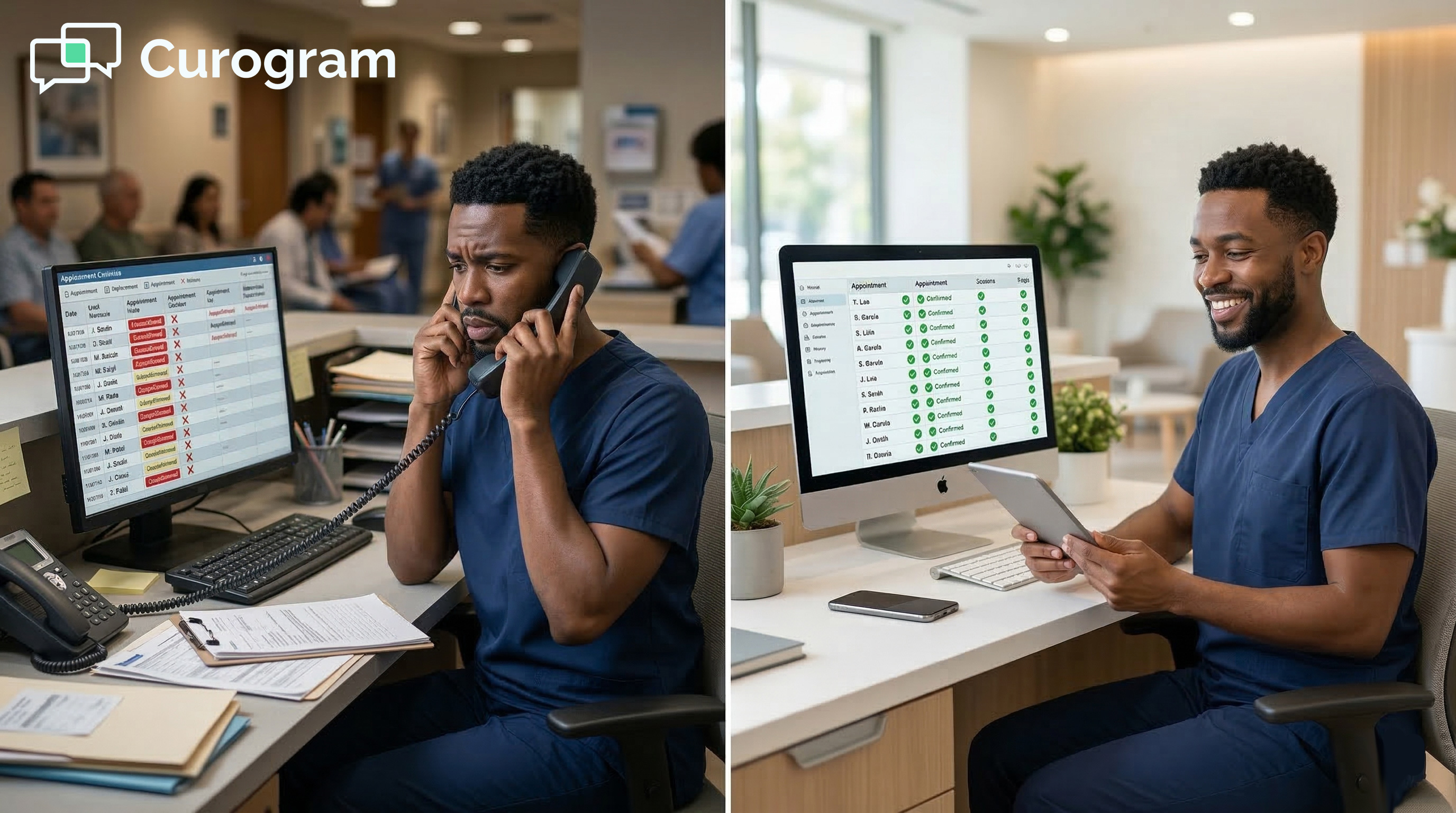
Modern, calm medical front desk with confirmed digital schedules and efficient patient workflow

Free Your Front Desk from the Call List

The manual confirmation call is one of the most stubborn habits in practice management. It takes a lot of time, produces uneven results, and keeps skilled staff from the work they were hired to do.

The good news is that it's a solved problem. Practices that have moved to automated text reminders consistently report that they don't miss the call list.

Curogram's automated reminders replace the call list with a system that runs without daily staff input. The eCW schedule feeds into the reminder queue via API. Texts go out on time.

Patient replies update eCW automatically. By the time the team arrives in the morning, most of the day's appointments are already confirmed and no one had to pick up a phone.

The case for making the change is straightforward. Every hour recovered from confirmation calling is an hour that goes into check-in, insurance work, referral tasks, or provider support.

These functions have direct value for patients and for the practice. Confirmation calling, at best, achieves what a text does — but slower, less reliably, and at the ongoing cost of staff time.

There's also a staffing side worth noting. High front-desk turnover is often tied, in part, to the volume of repetitive low-value tasks like outbound calls.

When staff spend less time on work they find draining and more time on patient-facing care, morale tends to improve and retention follows.

Based on our internal data, Curogram clients report a 30%+ increase in staff productivity after adopting the platform. That has value well beyond the hours saved each afternoon.

eCW is excellent at what it does: managing complex multi-provider schedules and keeping clinical workflows organized. Curogram handles what eCW doesn't: the patient communication layer that determines whether those scheduled appointments actually happen.

Together, they give the practice a schedule that largely confirms itself and a front desk that stays present for the patients in the room.

Your best coordinators shouldn't be spending their afternoons leaving voicemails.  

Schedule a demo today and let the system handle confirmation. Let your team focus on care.


Frequently Asked Questions

How much do front-desk staff need to manage once automated reminders are set up?

For the standard confirm, cancel, or reschedule workflow, very little. The system reads the eCW schedule, sends reminders at each set interval, captures patient responses, and updates eCW automatically.

Staff may review the confirmed schedule each morning to plan their day and will handle edge cases through Curogram's 2-way texting inbox. The core confirmation loop runs without any daily staff input.

What happens when a patient doesn't respond to any of the text reminders?

Non-responsive patients are flagged in the Curogram dashboard so staff can follow up with that specific group. Most practices find that multi-step text reminders cut the non-responsive pool significantly.

Instead of calling 60+ patients, staff are following up with 10–15 who genuinely need a phone call. The manual effort doesn't go away entirely — it just becomes much smaller and more targeted.

How can reminder messages be customized per location or per provider?

Curogram's admin panel supports per-location, per-provider, and per-appointment-type settings. Different locations can include their own directions, parking info, or prep notes in the reminder.

Provider-level settings can include the provider's name and any pre-visit instructions. This is especially useful for multi-specialty networks, where a surgical prep message needs to look very different from a routine follow-up reminder.

Why do text reminders produce higher confirmation rates than phone calls?

Phone calls require patients to be available at the exact moment staff dial — and most aren't. Texts let patients respond when it's convenient for them, often within minutes of receiving the reminder.

There's no voicemail loop: the patient sees the message, replies, and the schedule updates immediately.

Based on our internal data, Curogram clients achieve average confirmation rates above 75%, which is consistently higher than what manual calling produces. 

How does Curogram write patient responses back to the eCW schedule?

Curogram connects to the eCW resource schedule via API, which allows it to both read appointment data and write status updates back in real time.

When a patient confirms by text, their appointment status changes from "scheduled" to "confirmed" in eCW automatically.

When a patient cancels, the slot opens and a waitlist notification fires. No staff member needs to log into a separate system or update a status field by hand.

Automated SMS Reminders for eClinicalWorks | Reduce No-Shows at Scale

Automated SMS Reminders for eClinicalWorks | Reduce No-Shows at Scale

💡 eClinicalWorks automated SMS appointment reminders that reduce no-shows at enterprise scale replace manual confirmation calls with multi-cadence...
Read More
Automated Appointment Reminders for Cerbo: Protect Your Clinical Time

Automated Appointment Reminders for Cerbo: Protect Your Clinical Time

💡 Automated appointment reminders for Cerbo help functional medicine practices protect high-value clinical time and reduce no-shows. Sends 2-way...

Read More
Reclaim Clinical Hours: The Staff ROI of Osmind Appointment Automation

Reclaim Clinical Hours: The Staff ROI of Osmind Appointment Automation

💡 Mental health practices see a strong Osmind appointment reminders ROI when they automate patient contact. Staff spend less time on phone calls...

Read More