
Streamlining Ortho Intake with Online Forms in Cloud 9
 Sharee Narciso : Dec 2, 2025, 8:00:00 AM
Learn how orthodontic practices using Cloud 9 streamline intake and reduce paperwork errors with Curogram’s HIPAA-compliant online forms.
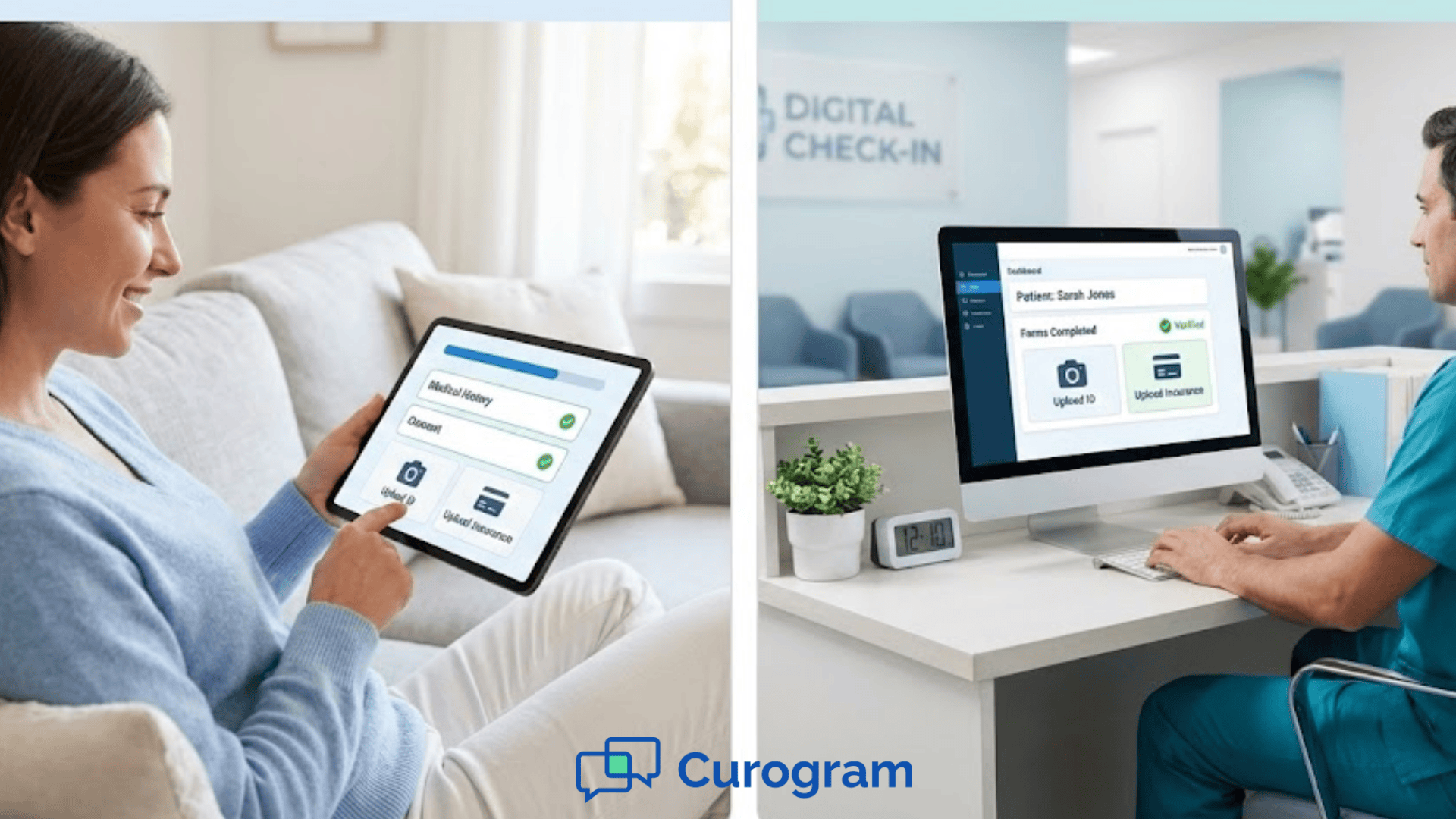
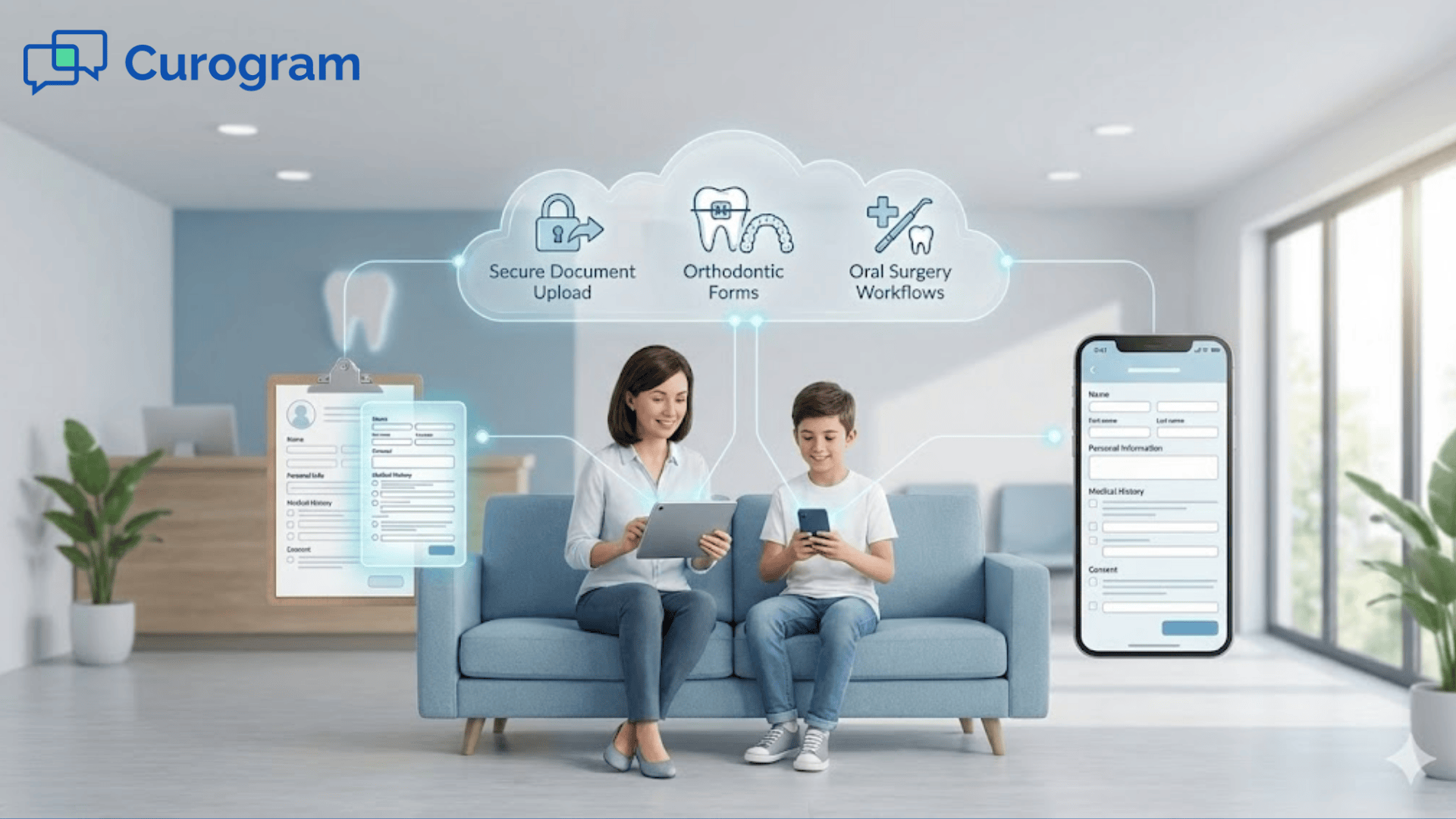
Curogram sends these forms through a secure link so patients finish them before the appointment. Staff review submissions and attach them to the chart, creating a cleaner and more reliable workflow.
When patients arrive prepared, your team can greet families calmly instead of rushing through paperwork. Digital intake makes your patient workflows organized and consistent.
If you have ever watched patients struggle through a clipboard of forms at check-in, you know how overwhelming intake can be. Families are trying to answer questions while managing children, finding insurance cards, and remembering past medical details. Your staff wants to help, but they have phones ringing, schedules to manage, and other patients waiting. The entire process feels crowded and stressful. Even with the best effort, mistakes happen. Forms get rushed, handwriting is unclear, or insurance details are incomplete.
Digital intake in DrChrono helps prevent these challenges. Instead of filling out paperwork in the lobby, patients complete DrChrono secure forms at home. They upload their ID and insurance cards using their phones. You receive the information before the visit, which gives your staff time to review it calmly. This helps you catch errors early and avoid delays during check-in. When families walk in with everything completed, the start of the visit feels more welcoming and less chaotic.
In this blog, you will look at why traditional paper intake causes problems, how Curogram supports digital intake DrChrono users depend on, and the benefits your clinic gains when forms move online. You will also read a real use case from a pediatric clinic that improved wait times when it switched to digital intake. Finally, you will learn simple next steps for integrating online forms into your patient workflows. By the end, you will understand how digital tools can make intake smoother for staff and more comfortable for families.
When your clinic relies on paper forms, the intake process often becomes slow and confusing. Families arrive at the check-in desk and receive a stack of paperwork. They may feel rushed or nervous, especially if they are juggling children or trying to remember medical history. Some patients forget important information at home. Others feel stressed trying to fill everything out while people wait behind them. These small pressures add up and make the visit feel more complicated than it needs to be.
Paper forms also lead to more mistakes. When patients complete forms quickly, handwriting may be unclear or incomplete. Staff must guess what certain details mean, or they must track the patient down later for clarification. The back-and-forth creates delays, and errors can follow patients through their charts. Something as simple as a missing digit in an insurance ID can slow billing. These mistakes feel frustrating for both sides.
Another major challenge is retyping information into the electronic record. Staff members spend valuable time entering every detail by hand. This repetitive task leaves little room for focus. It increases the chances of typos or misread handwriting. It also pulls staff away from helping patients in person. When the front desk is overloaded, the entire day falls behind.
Insurance cards create additional issues. Families may forget to bring them or may hand over damaged or outdated cards. Staff must scan or photocopy everything manually. If the copies are unclear, billing slows down later. These problems often appear weeks after the visit, when it is harder to fix them quickly.
For small clinics with busy schedules, these intake challenges create unnecessary stress. Patients feel the pressure of completing forms under time constraints. Staff feel burdened by repeated data entry and corrections. When intake is built on paper, your workflow becomes unpredictable. Digital intake in DrChrono offers a different path by helping you collect accurate information before the patient ever walks through the door.
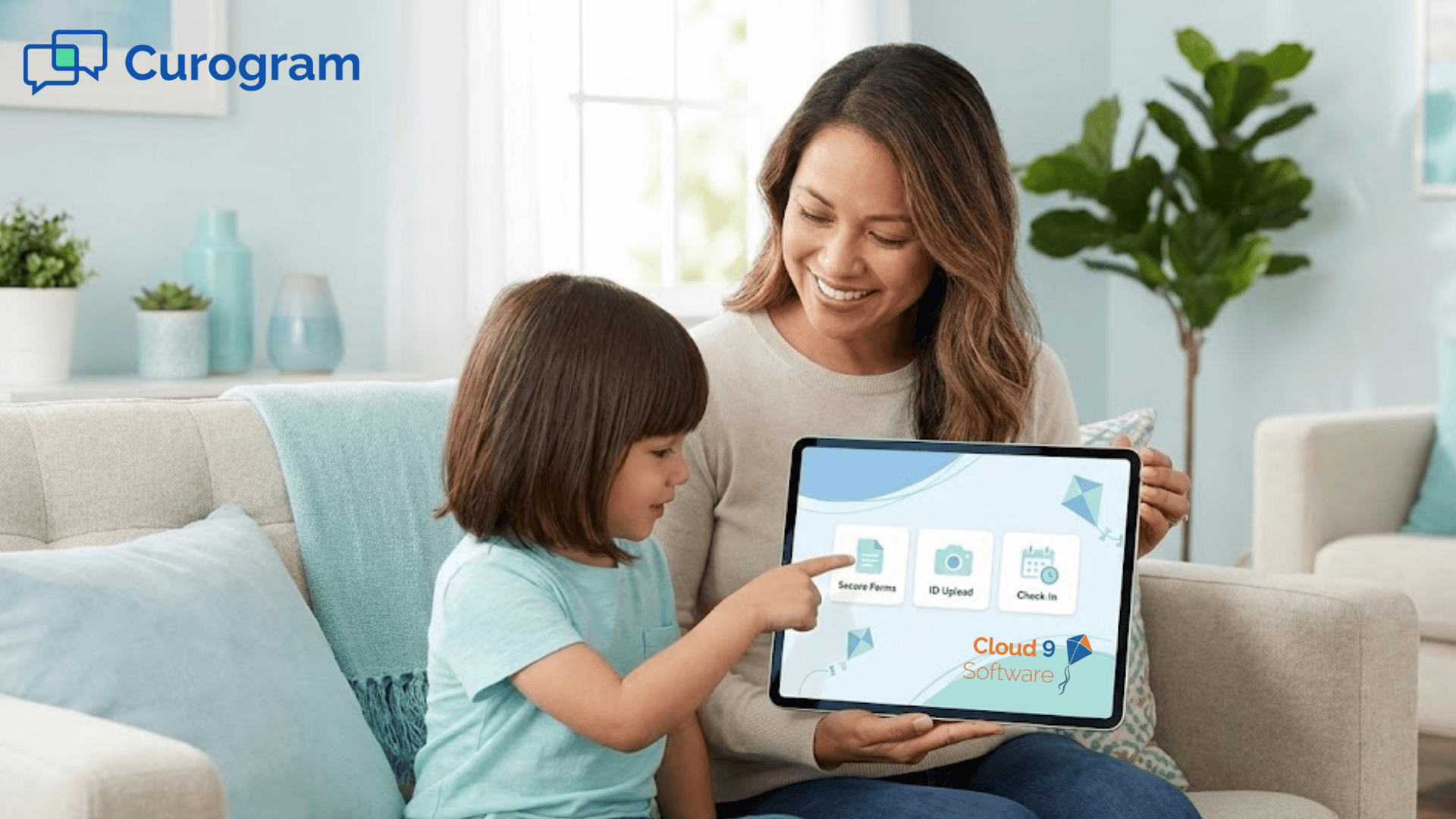
Curogram helps you bring digital intake into your DrChrono workflow in a simple and practical way. Instead of handing out paper forms at the front desk, you send online forms through a secure link. Patients complete these forms at home or on their phones. This gives them time to read each question carefully. They can gather their insurance cards, medication lists, or past medical details without feeling rushed. The experience feels calmer for everyone.
DrChrono secure forms allow patients to upload photos of their ID and insurance cards. These uploads arrive clearly, reducing the guesswork that comes from photocopies or blurry scans. Your staff can review the documents before the appointment. If something is missing, they can message the patient to correct it ahead of time. This reduces surprises during check-in and helps prevent billing delays later.
Curogram also supports standardized templates. These templates ensure every patient receives the same set of questions for a specific visit type. Whether families see different providers or locations, the forms remain consistent. This helps reduce variation in how intake information is collected. It also protects staff from having to guess which questions apply to which appointments.
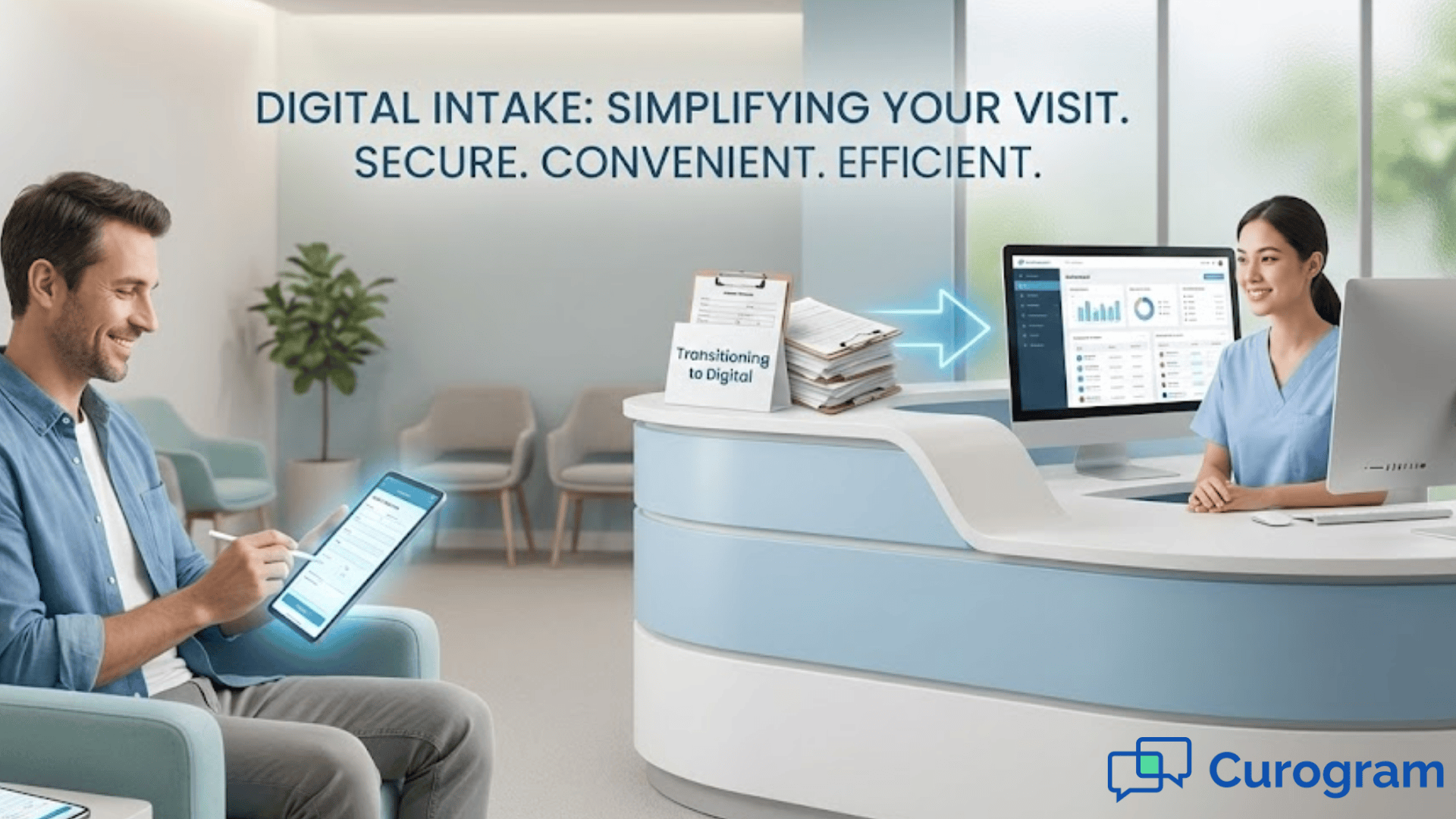
Digital intake DrChrono workflows remove the need for retyping. Once a patient submits a form, staff can attach the completed file directly to the chart. This reduces errors and saves time. More importantly, it frees staff to focus on patient care instead of repetitive administrative tasks.
Because intake happens before the visit, the check-in process moves more smoothly. Families walk in with confidence, knowing their paperwork is already complete. Staff spend their energy greeting patients instead of distributing clipboards. The overall atmosphere becomes calmer, and appointments begin on time more often.
With Curogram and DrChrono secure forms working together, intake becomes a workflow that supports both staff and patients. It keeps information organized, prevents last-minute confusion, and creates a more welcoming start to every visit.
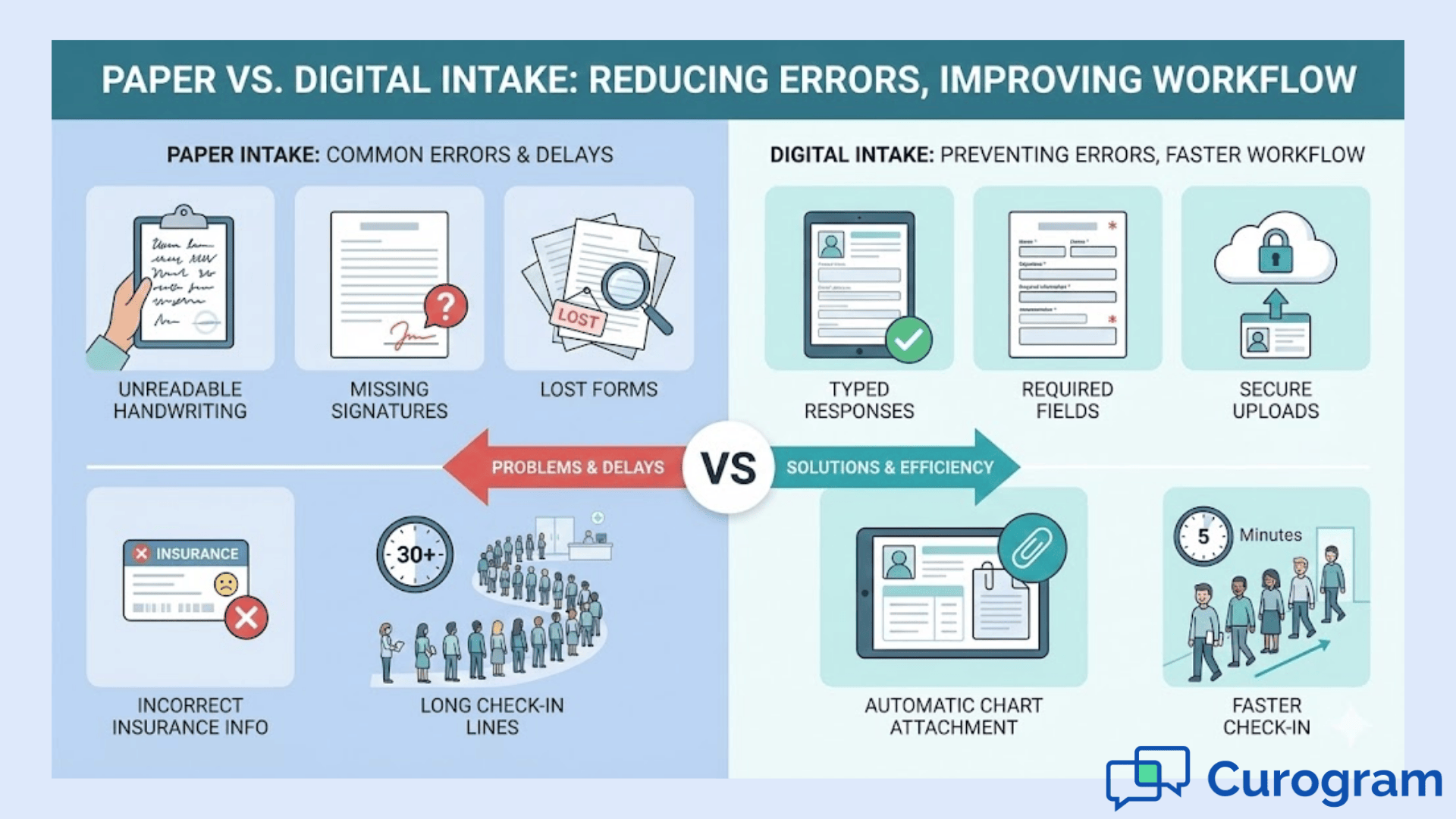
Digital intake in DrChrono creates a better experience for both staff and the families you serve. When forms are completed online before the visit, your workflow becomes more organized. Patients feel more prepared and less overwhelmed. Staff can focus on helping people instead of managing piles of paperwork. Over time, intake becomes a predictable part of your day rather than a stressful bottleneck.
When families arrive with forms completed, check-in moves quickly. They do not have to search for insurance cards or rush through questions. Staff can confirm information instead of collecting it. This creates a calmer start to the appointment.
Insurance mistakes often come from unclear handwriting or missing information. Digital forms reduce these risks because patients enter details directly. ID and insurance uploads are clear and readable. This helps prevent billing delays down the road.
Front-desk teams spend less time retyping information into the chart. They can redirect their attention to welcoming families and answering important questions. This improves the overall experience. It also reduces fatigue caused by repetitive tasks.
When forms are completed before the visit, families can gather information at home. They take the time they need to answer questions accurately. This helps providers understand the patient’s history clearly. It leads to better conversations during the appointment.
Digital intake DrChrono systems give you a defined process for collecting information. Everyone follows the same steps. This reduces confusion for both staff and patients. It also helps new staff learn the workflow more easily.
Check-in becomes smoother when paperwork is handled ahead of time. Staff no longer feel overwhelmed by long lines or rushed handwriting checks. They can give each patient more attention. This creates a more welcoming atmosphere.
Paper forms can get misplaced or damaged. Digital files stay organized inside the chart. Staff can find information quickly. This helps during follow-ups or future visits.
Every provider uses the same intake questions for the same visit type. This ensures consistency. Families receive the same experience no matter who they see. It also protects against missing details.
Patients enter information without time pressure. They can check medication labels or look up past procedures. This leads to more accurate charts. Providers start each visit with clearer background details.
Many families feel anxious during check-in. Digital forms remove that pressure. Patients appreciate being able to complete forms at home. It helps them settle into the visit calmly.
Some patients cannot arrive early to complete paperwork. Digital forms let them prepare on their own schedule. They can fill out forms during breaks or at night. This makes care more accessible.
When intake is completed beforehand, staff can review submissions early. They can identify missing information and reach out to patients before the appointment. This prevents last-minute delays. The visit starts on solid footing.
Digital intake helps large teams stay aligned. Forms look the same across departments. Staff know exactly where to find information. This improves coordination.
Uploaded insurance cards arrive in high quality. Staff can verify benefits more accurately. This prevents surprises for patients. It also reduces follow-up calls later.
The intake process shapes how patients feel about your clinic. When it runs smoothly, families notice. Digital intake shows that your clinic values organization and clarity. It sets a positive tone for the entire visit.
A pediatric clinic noticed that families waited in long lines every morning. Parents struggled to keep children calm while filling out forms. Staff tried their best, but the check-in process moved slowly. Insurance cards were sometimes missing, and handwriting errors led to delays. The clinic wanted a way to prepare families before they arrived.
After adopting digital intake in DrChrono through Curogram, the workflow changed. Families received online forms before the visit. They uploaded insurance cards from home and completed questions at their own pace. Staff reviewed submissions early and identified missing information ahead of time. As a result, the clinic reduced check-in wait time by 15 minutes per family. Parents felt more relaxed, and the front desk had more time to greet families personally.
If you want to bring digital intake into your DrChrono workflow, start with small steps. Identify visit types that need the most paperwork. Build clear templates for each appointment. Make sure the questions stay short and simple.
Next, set up your forms so patients receive them automatically before the visit. Allow patients to upload insurance and ID photos. Train staff to review submissions early and message patients when details are missing.
Digital intake is not complicated to begin. You just need a consistent process and the right tools to support it. When you are ready to move forward, you can explore how Curogram supports DrChrono secure forms with a workflow that feels natural for your team.
Curogram helps you bring digital intake DrChrono workflows to life in a simple and organized way. It gives your clinic a secure system for sending forms and collecting information before the visit. Patients receive clear instructions through a link on their phones. They can fill out forms at home, where they have time to think and gather what they need. This reduces stress for both sides.
Because Curogram supports DrChrono secure forms and document uploads, patients can share ID and insurance cards without scanning or photocopying. The uploads are clear and easy for staff to review. When information arrives early, your front desk no longer feels rushed. Staff can focus on welcoming patients instead of managing paperwork.
By connecting digital intake to your daily workflow, Curogram helps you build patient workflows that feel predictable and calm. Everything stays organized, and nothing gets lost in the shuffle. It creates a foundation your clinic can rely on every day.
Digital intake in DrChrono gives your clinic a clearer and more organized way to gather information. Families can complete forms before the visit, upload important documents, and prepare without pressure. Staff receive accurate details ahead of time and begin each day with a cleaner workflow. The check-in process becomes calmer and more supportive for everyone.
When intake is digital, your clinic spends less time on paperwork and more time caring for patients. DrChrono secure forms help reduce mistakes while giving families a smoother experience. Curogram makes the process even easier by sending forms through secure links and attaching completed files to the chart.
By adopting digital intake, you set the tone for a more welcoming and efficient visit. Patients feel prepared. Staff feel supported. And your clinic gains a workflow that helps each day run more smoothly. Digital tools make intake simpler, and the benefits last far beyond the check-in desk.
Learn how to streamline your intake process with digital tools that work. Book your demo today.
 Sharee Narciso : Dec 2, 2025, 8:00:00 AM
Learn how orthodontic practices using Cloud 9 streamline intake and reduce paperwork errors with Curogram’s HIPAA-compliant online forms.
 Sharee Narciso : Dec 2, 2025, 4:00:00 PM
Learn how Office Ally practices reduce errors and save time with Curogram’s HIPAA-compliant digital patient forms.
 Sharee Narciso : Dec 2, 2025, 11:00:00 AM
Learn how Dolphin users reduce paperwork errors and improve check-in workflows with Curogram’s HIPAA-compliant online forms.