
Streamlining Patient Intake with DrChrono Online Forms
 Sharee Narciso : Dec 2, 2025, 2:00:00 PM
Learn how small practices using DrChrono simplify intake and reduce errors with Curogram’s HIPAA-compliant online forms.
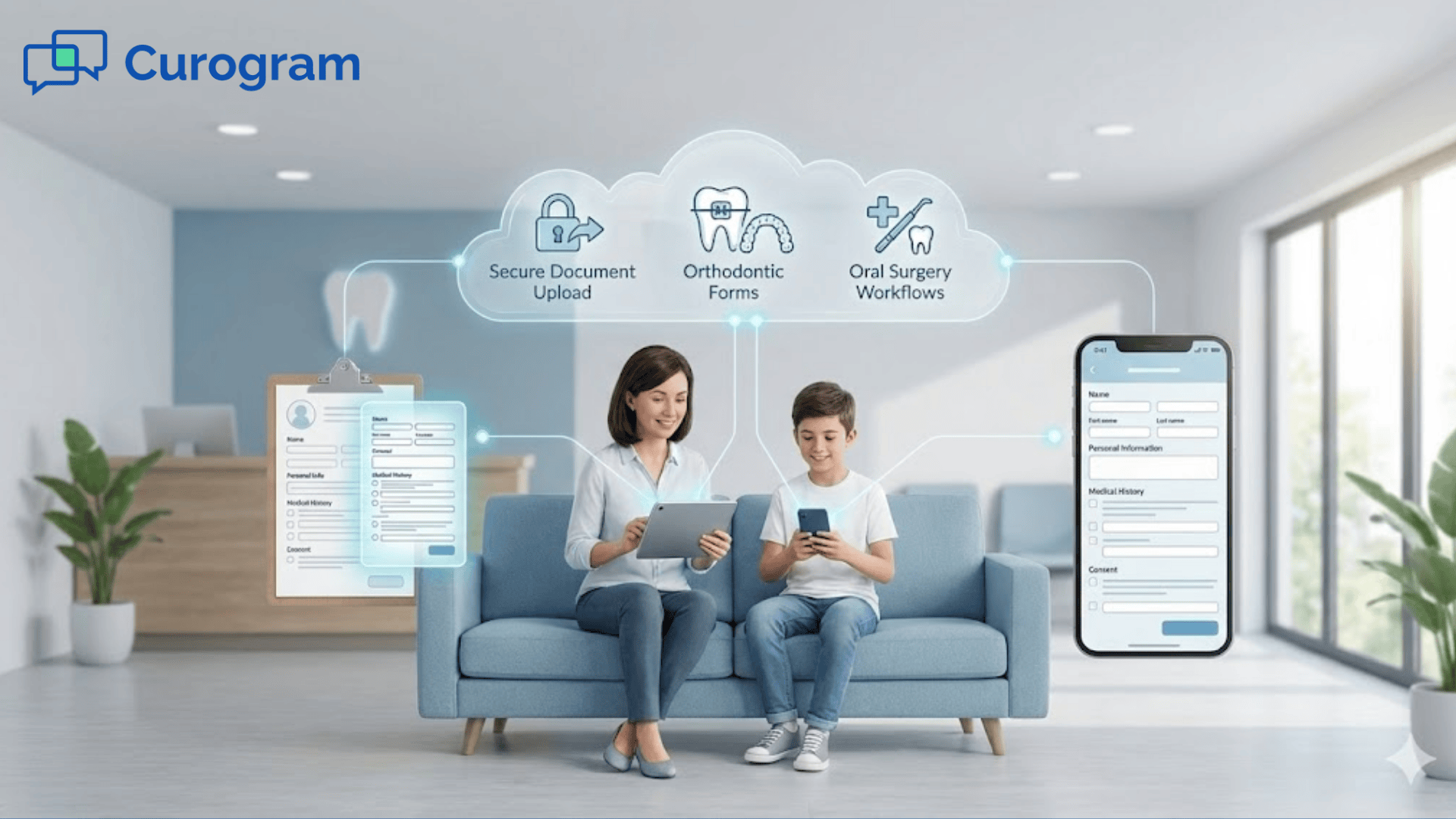
With digital intake connected to Dolphin, orthodontic and surgical teams can prepare for appointments sooner. Families upload information from any device, and staff review details before the patient walks in. This creates a smoother, calmer, and more predictable workflow.
When families visit your practice, the first thing they often face is a clipboard or tablet filled with forms. Many parents arrive rushed after school or work. Teens may feel anxious about their orthodontic visit or surgery consultation. Paper forms slow down the experience before the appointment even begins. Long lines at the front desk can create stress for both families and staff.
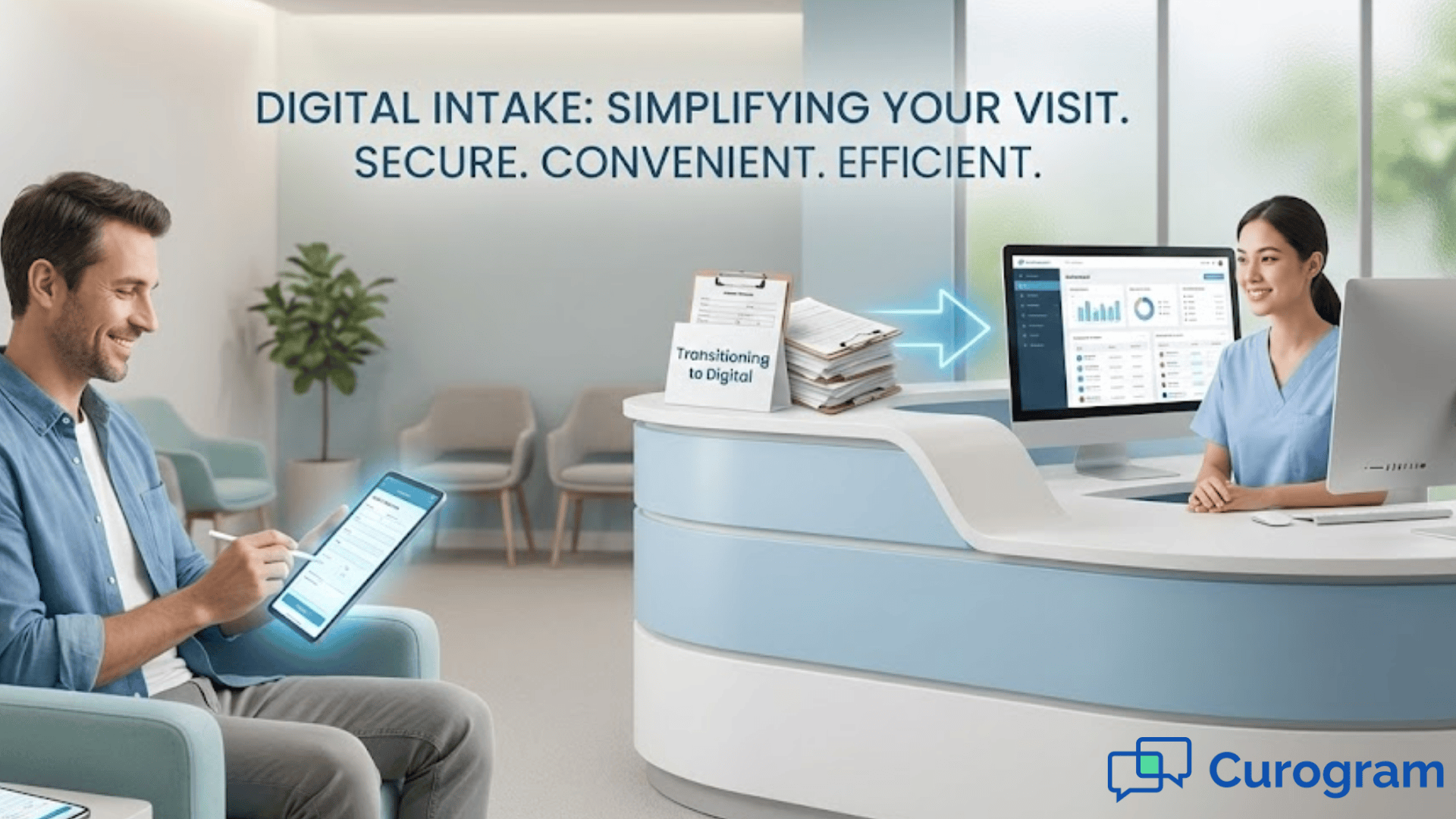
Digital intake Dolphin ortho workflows help you shift this experience into something calmer and more organized. When families complete forms at home, they arrive feeling prepared. Staff do not have to decipher handwriting or re-enter information into Dolphin. Everything is already uploaded and ready for review. This simple change improves the first impression for new families and helps returning patients feel more at ease.
In this blog, you will explore the challenges of paper-based intake and how digital workflows help solve those problems. You will learn how Dolphin secure forms support better organization and help staff manage sensitive documents. You will also see how digital intake supports oral surgery workflows where consent accuracy is important. Then you will walk through the benefits digital forms bring to both families and staff. Finally, you will read a real use case from a surgery clinic and review the next steps to begin simplifying your own intake process.
Paper intake creates several challenges for orthodontic and oral surgery practices. Families often arrive early to fill out multiple pages of forms, but the process still takes longer than expected. When several families arrive at once, lines quickly form at the front desk. This slows down the clinic and increases frustration. Parents may worry about being late for school pickups or returning to work. Teens may feel stressed before their visit even begins.
Another issue is handwriting. Many forms are hard to read, which leads to errors when staff enter information into Dolphin. An incorrect date of birth or insurance ID can delay treatment. Staff may need to call families back or recheck paperwork. These small issues build up over time and interrupt the natural flow of the clinic.
Insurance information creates another challenge. Paper copies of cards may be blurry or incomplete. Front desk staff must scan or photograph the cards, which adds more steps. If the image is unclear, billing problems may occur later. These preventable delays impact both families and clinic staff.
For oral surgery workflows, paper forms create even bigger challenges. Consent packets can be several pages long. Families may feel rushed to read them in the waiting room. If a parent has questions, staff must stop what they are doing to explain details. This leads to longer wait times for others in the clinic. Paper packets can also be misplaced or scanned incorrectly, which creates frustration during pre-op reviews.
Storage is another concern. Paper takes up space and must be organized carefully. When staff need to find a form, it can take several minutes to locate. During busy days, this slows down the clinic and increases stress levels for the team. Digital forms remove the need for physical storage by keeping everything organized in one system.
These challenges make paper intake difficult for both families and staff. A smoother system is needed to create a better first impression and reduce preventable delays.
Digital intake systems help orthodontic and surgical teams prepare for appointments long before families arrive. When forms are sent ahead of time, families complete them from any device. They can take their time, read instructions clearly, and upload accurate information. This supports a calmer check-in experience and reduces stress for staff.
Curogram connects digital intake Dolphin ortho workflows directly to your schedule. When an appointment is created, the system automatically sends the correct forms to the patient or parent. Orthodontic clinics may send health history, insurance details, or treatment agreements. Oral surgery clinics may send pre-op questions, consent forms, and medication lists. Digital delivery helps families feel more prepared because they know what to expect during the visit.
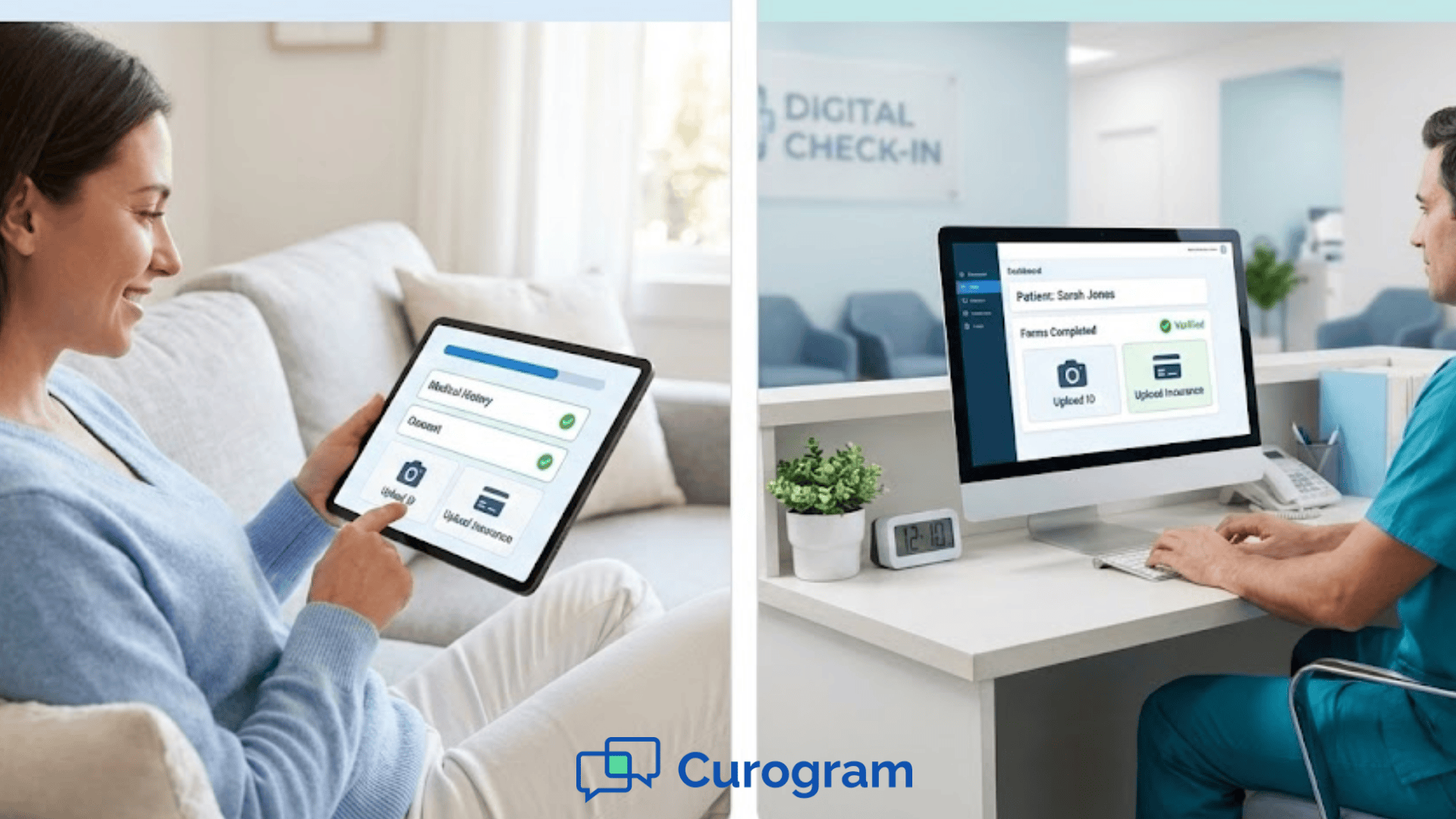
Dolphin secure forms help protect sensitive information. Families upload insurance cards or IDs through a secure link. Staff can review the images before the appointment and verify accuracy. This reduces the chance of billing delays or missing information. It also saves time during check-in because staff do not need to scan documents manually.
Digital intake also supports consistent templates across locations. For multi-site practices, forms often vary slightly between offices. This creates confusion and extra work for staff. When digital templates are standardized, every location uses the same documents. This improves clarity and helps new employees learn the process faster.
Another advantage is that staff can review information ahead of time. When digital forms arrive before the visit, the team can identify missing data or questions that need clarification. This helps prepare for oral surgery workflows where medical history and medications are important. Staff feel more confident and organized because everything is ready before the patient arrives.
Overall, digital intake simplifies communication, reduces manual tasks, and supports a more efficient workflow for both orthodontic and surgical appointments.
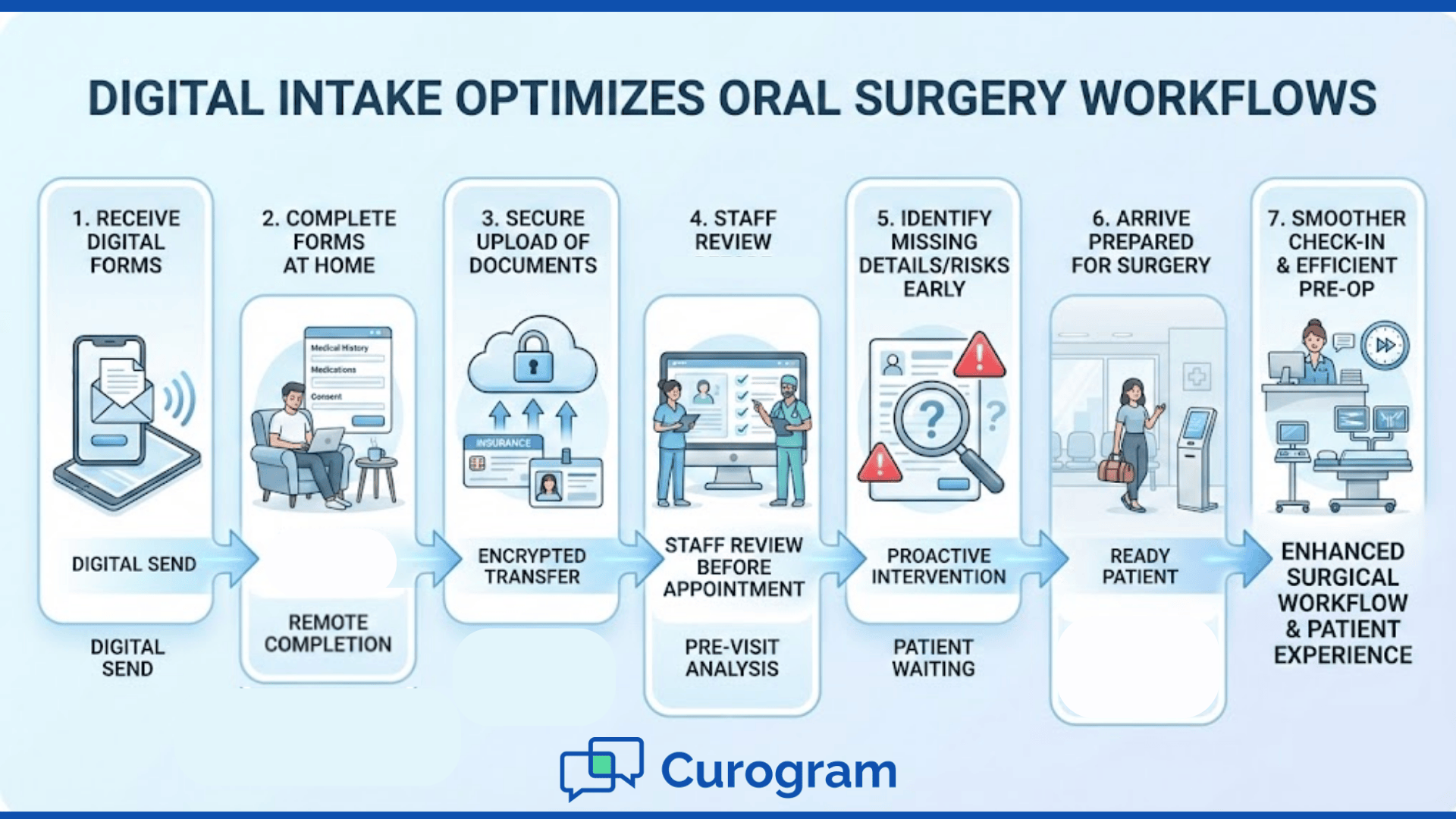
Switching to digital intake brings important improvements for families, staff, and daily workflows. When forms are completed in advance, everyone experiences a smoother visit. The benefits touch several parts of the clinic, from check-in to treatment planning.
Families often feel rushed when completing paperwork in the waiting room. Digital intake Dolphin ortho workflows reduce this pressure by letting families complete forms at home. Parents can gather insurance cards, medication lists, and other information without feeling hurried. Teens feel more relaxed without a long stack of forms waiting for them.
Digital forms eliminate the need for staff to interpret unclear handwriting. Information comes directly from families in a clear format. This reduces mistakes with dates, medications, or insurance numbers. Accurate information helps the clinic run more smoothly.
Dolphin secure forms keep everything in one place. Staff do not need to search through paper folders or scan documents manually. Insurance cards and IDs are uploaded through a secure link. This makes it easy to review and verify information before the appointment.
Oral surgery visits often require detailed consents and medical history forms. Digital delivery allows families to read these documents in a comfortable environment. They can ask questions before the visit if needed. This reduces confusion and supports safer care.
Digital forms encourage families to share accurate information. Parents may be more comfortable writing details at home rather than rushing through forms in the clinic. Staff appreciate having information early, which helps them prepare for the visit. This leads to clearer communication and stronger trust.
Paper intake makes check-in times unpredictable. Digital forms help standardize the process. Staff know what to expect because information arrives ahead of time. This creates a more stable and organized environment.
Front desk teams often feel pressure when multiple families arrive at once. Digital intake reduces the number of tasks staff must do in real time. They can greet patients, answer questions, and start appointments more quickly. This supports a calmer and more positive workplace.
When digital forms are submitted early, staff can review medical history and insurance details in advance. This helps identify missing information or potential problems. For oral surgery workflows, this preparation is especially helpful. It ensures a safer and more efficient pre-op experience.
Insurance cards submitted through secure upload are usually clearer than scanned paper copies. Staff can verify coverage before the patient arrives. This leads to fewer billing delays. Families appreciate the smoother process and feel reassured knowing their information is correct.
Digital intake shows families that your practice values organization and clarity. When check-in moves quickly, they feel welcomed rather than overwhelmed. This positive first impression carries through the rest of the visit. Families are more likely to feel confident in your care.
An oral surgery clinic struggled with long check-in times because families completed paper consents on the day of surgery. Staff often had to stop what they were doing to answer questions or clarify details. Some patients felt rushed and did not fully understand the documents. This sometimes led to pre-op delays or uncertainty.
The clinic switched to digital intake using Dolphin secure forms. Families received consents ahead of time and completed them from home. Questions were addressed before the day of surgery. The team noticed that cancellations decreased and families arrived better prepared. The workflow felt calmer, and staff had more time to focus on patient care.
If you want to improve your own intake process, you can begin with a few simple actions. These steps help you identify where digital forms will make the biggest impact.
Curogram helps orthodontic and oral surgery practices simplify intake by connecting digital forms directly to their Dolphin schedules. When appointments are created, families receive the correct forms automatically. This helps staff stay organized and reduces the need for manual preparation. Families appreciate the clarity and simplicity of the process.
The system supports Dolphin secure forms so that insurance cards, IDs, and medical history information remain protected. Staff can review documents before the visit, which helps reduce uncertainty and creates a smoother workflow. Oral surgery workflows also benefit from early access to medical details and pre-op consents. When information arrives ahead of time, the team can focus on patient needs instead of paperwork tasks.
Because digital intake runs quietly in the background, staff can devote more attention to patients. Families arrive feeling more prepared and supported. The entire environment becomes calmer and more predictable. These improvements help both staff and patients feel confident throughout the visit.
Paper intake creates avoidable stress for both families and staff. Long lines, missing details, and unclear handwriting slow down orthodontic and surgical visits. Digital intake Dolphin ortho workflows provide a more reliable way to gather information. When families complete forms at home, check-in becomes smoother and more predictable.
Dolphin secure forms help staff review important documents early. This reduces the chance of delays during treatment planning or surgery preparation. Oral surgery workflows benefit from clearer communication and better access to medical history. Families feel more at ease when they know what to expect.
By shifting to digital intake, you create a clearer and more organized experience for everyone involved. Patients feel welcomed, staff feel supported, and your practice gains a more stable workflow. Taking small steps toward digital forms can create meaningful improvements for both orthodontic and surgical care.
Learn how to streamline your intake process with digital tools that work. Book your demo today.
 Sharee Narciso : Dec 2, 2025, 2:00:00 PM
Learn how small practices using DrChrono simplify intake and reduce errors with Curogram’s HIPAA-compliant online forms.
 Sharee Narciso : Dec 2, 2025, 8:00:00 AM
Learn how orthodontic practices using Cloud 9 streamline intake and reduce paperwork errors with Curogram’s HIPAA-compliant online forms.
 Sharee Narciso : Dec 2, 2025, 4:00:00 PM
Learn how Office Ally practices reduce errors and save time with Curogram’s HIPAA-compliant digital patient forms.