
9 min read
Pay Your Cloud 9 Ortho Balance via Text | Two Taps, Done
Aubreigh Lee Daculug
:
April 13, 2026
Payment status updates in real time: sent, opened, paid, or unpaid. No phone calls. No paper statements.
Curogram's two-tap text payment lets parents pay their Cloud 9 orthodontic balance from their phone at any hour — before work, after the kids are in bed, or during a five-minute coffee break.
Most parents pay within 24 to 48 hours of receiving the text. That $175 that's been sitting on your kitchen counter for three weeks? Two taps and it's done.
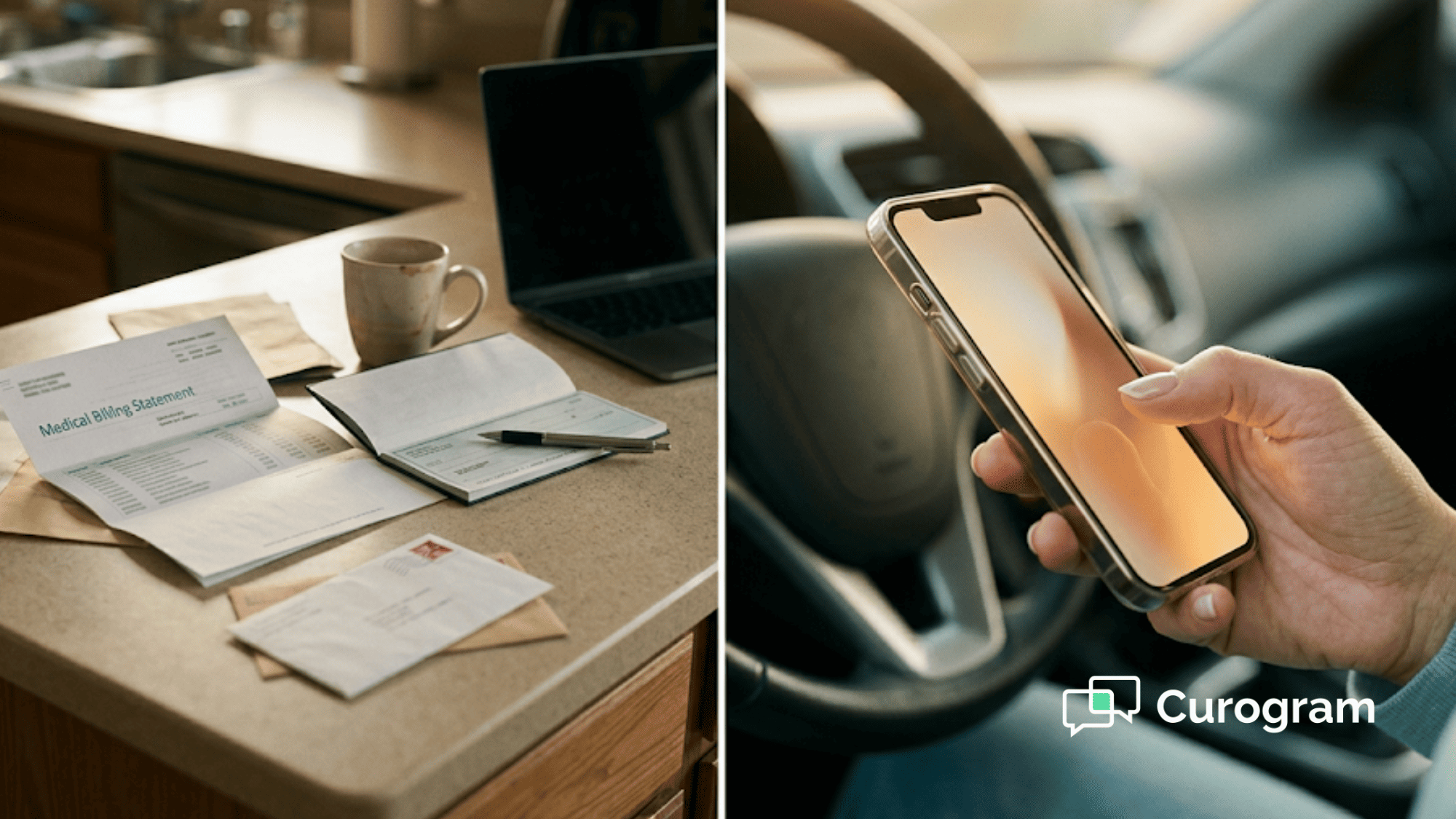
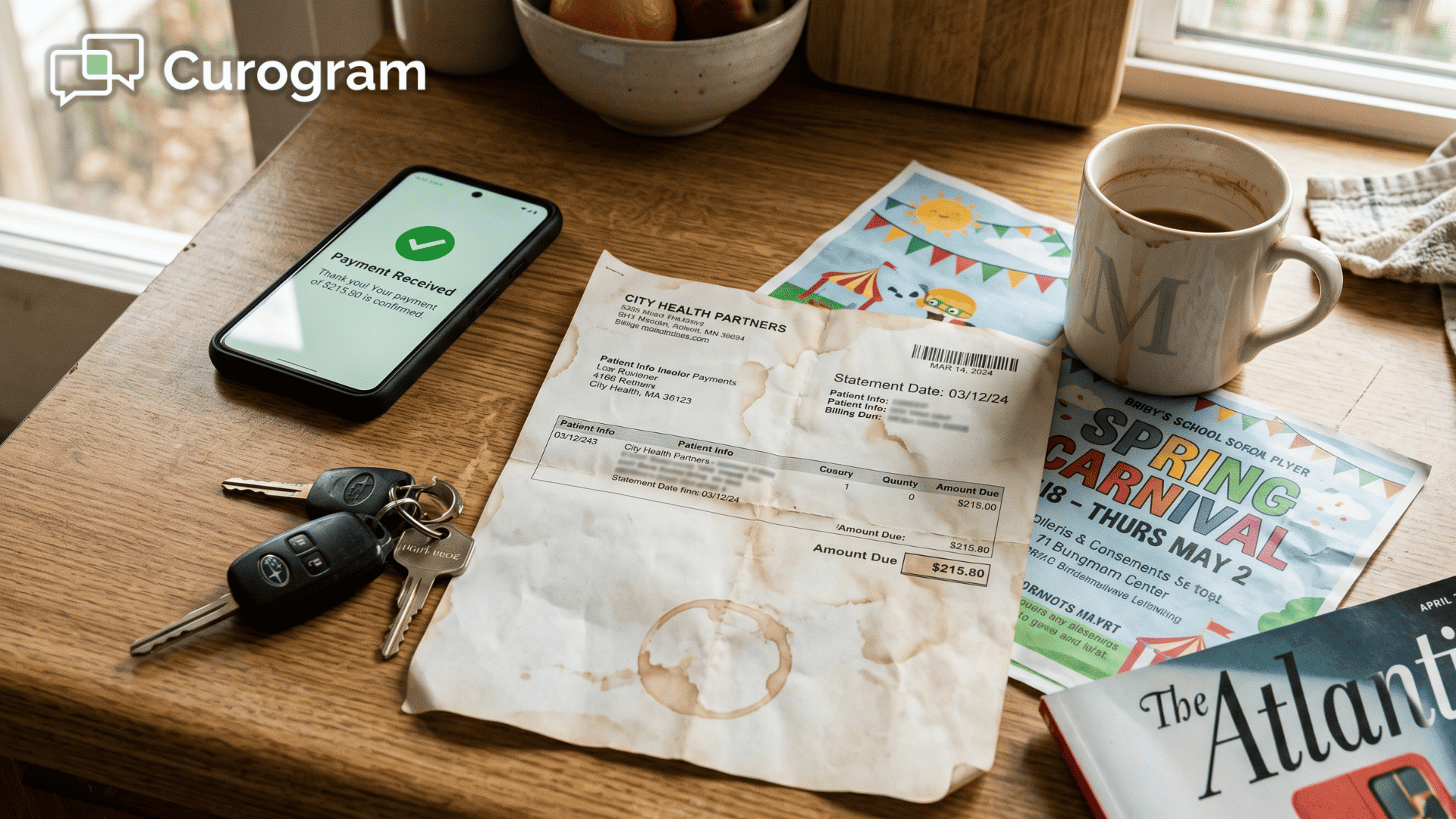
There's a paper statement sitting on your kitchen counter right now.
Maybe it arrived three weeks ago. Maybe longer.
You saw it, set it down next to the car keys, and told yourself you'd handle it tonight.
Tonight came and went. Several nights did, actually.
You know you owe $175 for Tyler's orthodontic treatment. The money is there — this isn't about your finances. But every time you think about paying it, you hit a wall. You'd need to call the office during business hours, which is exactly when you're in back-to-back meetings.
Or you'd have to dig out a checkbook, find an envelope, and locate a stamp — tasks that feel oddly exhausting when your phone handles every other bill you own.
So the statement stays on the counter. Under the school permission slips. Buried beneath a pizza coupon and a birthday party invitation. It keeps drifting to the bottom of the pile, not because you don't care, but because the payment process doesn't fit how you actually live your life.
The good news?
That's a logistics problem, not a money problem. And logistics problems have solutions.
Your phone buzzes at 10:30 AM. "Hi Sarah, Tyler's monthly treatment payment of $175.00 with Dr. Martinez is due. Pay securely here: [Link]." You tap the link during your coffee break. A secure, mobile-optimized payment page opens — practice name, your child's name, the exact amount.
You tap Apple Pay. Confirmed.
Thirty seconds. Done.
That's exactly what happens when a Cloud 9 orthodontic practice uses Curogram's two-tap text payment system.
Parents can pay their Cloud 9 orthodontic balance from their phone in under a minute — anytime, anywhere — with a simple payment link that requires no call, no check, no portal login, and no stamp. Just a text, a tap, and the peace of mind that comes with being current.
Why That Payment Statement Has Been Sitting on the Counter for Weeks
Let's be honest about something your collections report won't tell you directly. Most overdue orthodontic balances aren't overdue because families can't pay.
They're overdue because the payment process is genuinely inconvenient — and that inconvenience compounds quietly, week after week, until a $175 balance becomes a 90-day problem.
The Kitchen Counter Graveyard
Every home has one. A surface — usually the kitchen counter — where mail goes to exist but not be resolved.
School forms, coupons, bills, and orthodontic payment statements all end up there. The statement arrives, gets seen once, and gets set down somewhere visible with the sincere intention of being handled soon.
It's buried within 48 hours.
The statement doesn't go unpaid because parents can't afford it. It goes unpaid because paying it requires too many steps:
- Find the statement (it's somewhere at the bottom of the pile)
- Call the office during business hours
- Provide your card number over the phone
- Or write a check, address an envelope, find a stamp, and mail it
That's six or seven distinct actions to complete a single $175 payment. It sounds simple. It isn't.
The Business Hours Mismatch No One Talks About
Here's the real conflict.
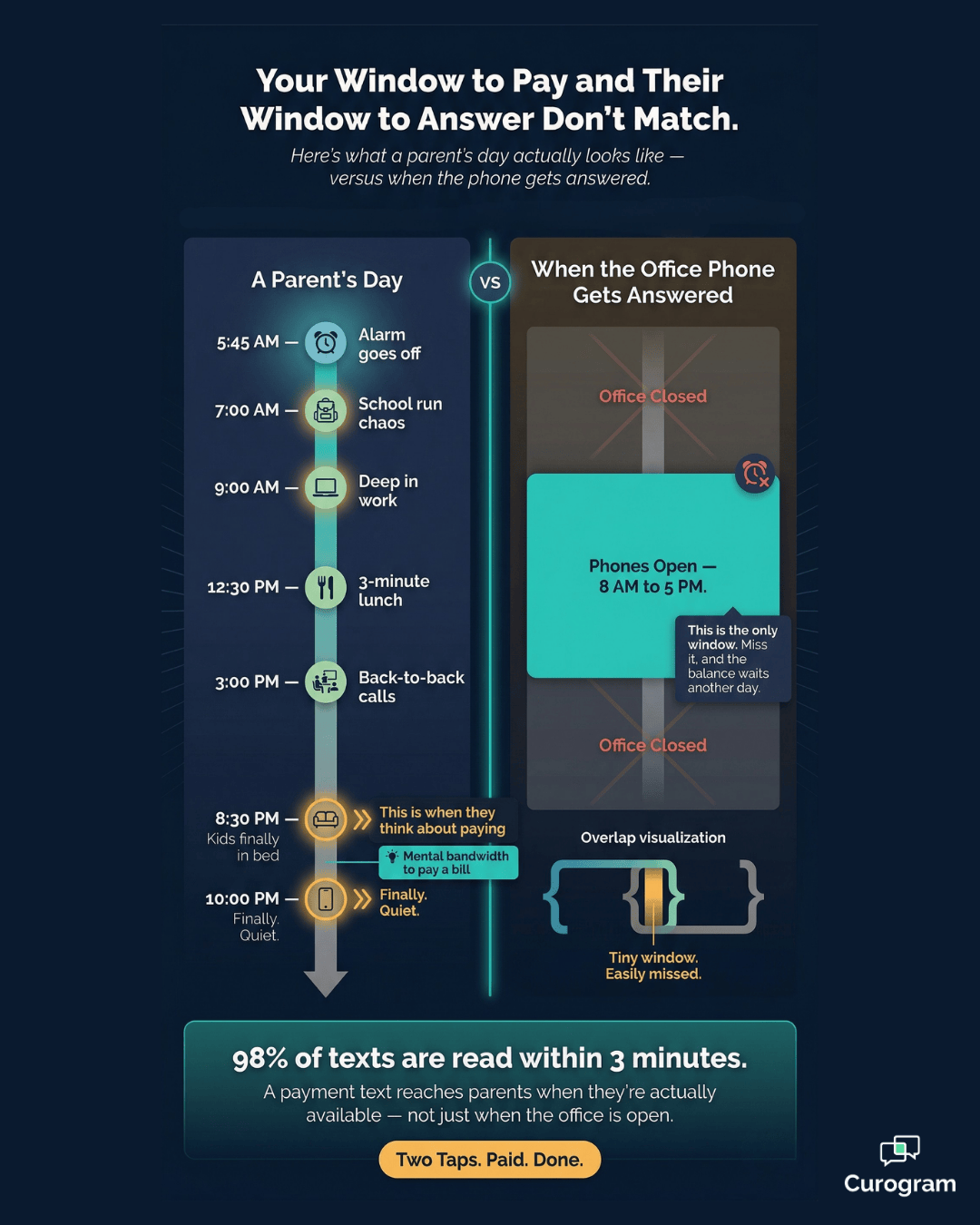
The window to pay by phone — roughly 8 AM to 5 PM, Monday through Friday — is the exact window when most parents are least available.
They're at work, in meetings, on calls, or commuting.
The thought to pay the bill hits at 9 PM on a Tuesday. The office is closed. It hits again at 6:30 AM while making lunches. Still closed.
The parent's available window and the practice's phone hours simply don't overlap. That's not negligence on either side — it's a scheduling mismatch that costs practices real money in delayed collections, month after month.
The Check That Nobody Writes Anymore
Most families under 45 don't own a checkbook anymore. And the ones who do can't find stamps when they need them.
In 2026, writing and mailing a check to pay a healthcare bill feels like a process from a different era.
Parents pay their electric bill, car payment, and streaming subscriptions directly from their phones without a second thought.
The orthodontic statement is the one bill still asking for paper and postage. That friction is a feature of the billing system, not the family's behavior.
The Auto-Pay That Quietly Failed
There's another version of this problem — and it's more expensive for your practice. A parent set up auto-pay months ago and forgot about it. Then their credit card was compromised.
The bank issued a new card with a new number. The auto-pay failed silently. The practice sent a notification; the parent never saw it.
Now two months have passed. Instead of a $175 balance, the parent owes $350. The amount feels more daunting. Fixing it requires a phone call during business hours.
A problem that should have been resolved in 24 hours has quietly grown into a $350 past-due balance — not because anyone ignored it, but because the update process was inconvenient enough to delay.
Here's What Paying via Text Actually Looks Like in Practice
The concept is straightforward. Replace the friction-filled payment process with a text message. But the details matter — because the details are what make parents actually follow through.

A Payment Link That Fits in Your Hand
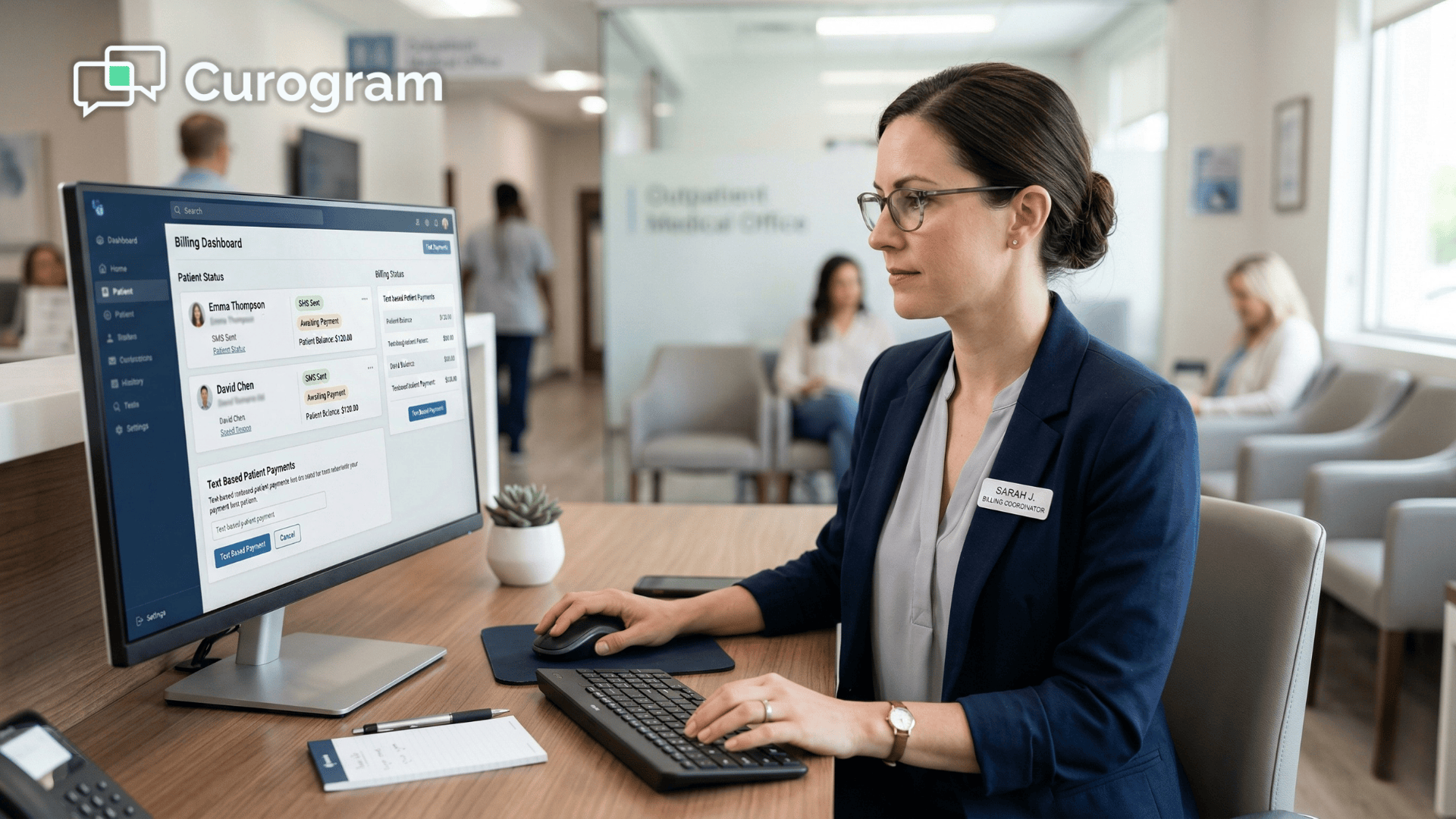
Curogram's two-tap text payment delivers a secure payment link directly to the parent's phone, along with the exact amount owed. The parent taps the link, lands on a mobile-optimized payment page showing the practice name, the patient's name, and the balance due.
They enter their card — or tap Apple Pay or Google Pay — confirm, and it's done.
The entire interaction takes under 30 seconds.
There are no business hours restrictions. No phone call. No portal login.
A parent can pay their Cloud 9 orthodontic balance at 9 PM from the couch or at 6:30 AM before the school run.
The payment happens when they're ready — on the phone that's already in their hand.
Instant Confirmation — No Wondering If It Went Through
The moment a payment is submitted, two things happen. The on-screen payment page confirms the transaction immediately.
Then a follow-up text arrives in the same thread:
"Payment received: $175.00 for Tyler's treatment with Dr. Martinez. Thank you."
No waiting for a mailed receipt. No calling the office to confirm the check cleared.
The confirmation text lives in the same message thread, ready to reference anytime. Immediate confirmation is what makes a payment feel truly complete — it removes the low-grade uncertainty that lingers when you drop a check in the mail and wait.

Updating an Expired Card Without Calling Anyone
If an auto-pay failed because of an expired or replaced card, the payment link includes an option to update the card on file for future payments. The parent enters the new card number, and all future auto-pay transactions use the updated information automatically.
No reading card numbers over the phone. No in-person visit. No searching for a portal login.
One text. One update.
The auto-pay issue that's been compounding for two billing cycles is resolved in under a minute — no staff time required.
Secure, PCI-Compliant, and Built for Mobile
Security is usually the first concern parents raise about paying through a text link.
Here's what's actually in place:
- The link is PCI-compliant and uses bank-grade encryption during transmission
- Card information is never stored in plain text
- Each link is unique to the account and that specific transaction
- The text message itself only displays the practice name, the amount, and a link — no sensitive account details are exposed
Full payment information only becomes visible after the parent taps the link and the secure page loads. They can confirm the connection is safe by looking for the lock icon in their browser — it's there every time.
The experience runs on the same security infrastructure as any major banking app, because it does.
What Changes When Payments Are This Easy to Make
The Numbers Behind Faster Collections
Text messages carry a 98% open rate, and most are read within three minutes of delivery.
That baseline alone changes the math on collections — when a parent sees the payment request in real time, on the device they check constantly, the gap between billing and payment closes fast.
Here's what that looks like for a Cloud 9 practice with 200 active patients, where 15% carry an outstanding monthly balance of $175:
| Billing Method | Outstanding Balances | Est. Collection Rate | Monthly Revenue Recovered |
|---|---|---|---|
| Paper statements only | 30 patients × $175 | ~55% | ~$2,888 |
| Text payment links | 30 patients × $175 | ~88% | ~$4,620 |
| Difference | — | +33% | ~$1,732/month |
That difference adds up to roughly $20,000 in additional annual collections — from a single change in how parents receive and respond to payment requests.
The amount owed doesn't change. The ease of acting on it does.
From a Nagging Task to a 30-Second Win
There's an emotional dimension to unpaid bills that practice managers often underestimate. That $175 sitting on the counter isn't just a collection problem for your practice — it's low-grade stress for the parent.
Every time they walk past the statement, there's a small pang of guilt. It's on their mental to-do list. It follows them around.
When a text arrives and the payment takes 30 seconds, that mental weight lifts immediately. The parent feels a quiet wave of relief. Their relationship with the practice shifts from one defined by a nagging overdue balance to one defined by smooth, easy interactions.
That matters for retention, for referrals, and for how families talk about your practice to other parents at the school pickup line.
One Channel for the Entire Practice Relationship
The text thread that sends appointment reminders and confirmations is the same thread that delivers payment links.
For parents, the entire practice relationship lives in one place:
- Appointment reminders and confirmations
- Payment requests with a secure link
- Card update prompts when auto-pay fails
- Direct replies to billing or scheduling questions
No separate portal. No app to download. No second login to remember.
Parents pay their Cloud 9 orthodontic balance via text in the same thread where they already manage the rest of the relationship.
That kind of invisible convenience doesn't just improve collections — it builds the kind of trust that keeps families coming back and referring others.
Stop Chasing Payments That Were Never a Money Problem
Here's what every delayed orthodontic payment really is: a logistics problem wearing the mask of a financial one.
Your parents aren't avoiding payment. They're avoiding the process.
The statement sitting on the kitchen counter isn't there because the family can't pay — it's there because writing a check or finding a business-hours window to call the office doesn't fit how anyone manages their daily life in 2026.
You already know this, because you pay your own bills from your phone.
A tap here, a confirmation there, and it's closed. Thirty seconds. No friction. No mental overhead.
Your patients' parents want exactly the same experience. They pay their electric bills, streaming subscriptions, and coffee orders from their phones without a second thought.
The Cloud 9 parent patient orthodontic balance pay experience should feel the same way — a payment link on their phone, two taps, and it's done.
Curogram's text payment system makes that the reality. Parents receive a text with the balance and a secure payment link, tap it, confirm the amount, enter or select their payment method, and they're finished — no call, no check, no portal, no stamp.
Quick, easy, and secure from the device that's already in their hand.
Most practices see parents pay within 24 to 48 hours of receiving the text. Balances that used to sit for 30, 60, or 90 days get resolved the same week — sometimes the same day.
The collections friction that felt like a patient behavior problem turns out to be a delivery problem. Fix the delivery, and the behavior follows.
This isn't a complicated technology upgrade. It's a text with a payment link. It just happens to solve one of the most persistent billing problems in orthodontics.
If you want to see exactly how it works for a Cloud 9 practice, the best next step is a quick live walkthrough. Schedule a demo and experience the text payment system that turns a three-week-old statement into a 30-second payment.
Frequently Asked Questions
Yes. The secure payment page supports Apple Pay, Google Pay, and standard card entry. If you have Apple Pay or Google Pay set up on your phone, you can complete the payment with a single biometric confirmation — Face ID, Touch ID, or a fingerprint scan — after tapping the link. That makes the payment even faster, since you don't need to type a card number at all.
Depending on how your practice has configured the system, the payment link may allow you to enter a custom amount. If you'd like to make a partial payment or pay more than what's shown, the payment page will indicate whether that option is available. If you need to set up a payment arrangement or discuss your balance, you can reply directly to the text and a team member will respond.
Yes. Curogram's payment links are PCI-compliant and use the same encryption standards as major banks and retailers. The link is unique to your account and that specific transaction. Your card information is encrypted during transmission and never stored in plain text. When the payment page opens, look for the secure connection indicator — the lock icon — in your browser. The experience is as secure as using any banking app or major retail checkout on your phone.
If you haven't received a text with a payment link, your practice may not have your current mobile number on file, or they may still be using paper statements as their primary billing method. The easiest fix is to contact the office and ask them to update your phone number in their system. If your practice uses Curogram, they can send you a payment link directly — you won't need to call back or wait for the next statement cycle.
In most cases, yes. When you complete a payment through the secure payment link, you may have the option to save your card on file for future transactions. If your practice has auto-pay enabled, your saved card will be used automatically for upcoming balances — so you won't need to tap a link at all next month. If you ever need to update or replace a saved card, you can do that directly through the next payment link you receive, without calling the office.