8 min read

Cloud 9 Ortho Reviews | From 50 to 500 Ratings Without Asking

Cloud 9 Ortho Reviews | From 50 to 500 Ratings Without Asking
💡 Cloud 9 orthodontic review management powered by Curogram's Review Automation Dashboard automatically sends Google review requests to patients via text after every completed appointment — no front desk involvement required.           

The dashboard gives practice managers and DSO/OSO operations leaders real-time visibility into review request status (sent, opened, posted, no action) across all locations.    

Configurable timing rules let you trigger review requests based on appointment type and delay windows.  

Practices using automated review requests report generating 5–10x more reviews per month than those relying on manual asks. 


For a Cloud 9 practice seeing 30–40 patients daily, that can mean 500+ Google reviews within 12–18 months — on autopilot.

Picture this: your practice manager has spent the last three months reminding the front desk to ask patients for Google reviews.

There's a sign at the checkout counter. It was on the checklist. She brought it up at the last two team meetings.

Your current review count? Barely moved.

This is not a people problem. It's a systems problem — and it's costing your Cloud 9 practice more than you think. Google reviews drive local search rankings. Local search rankings drive new patient calls. New patient calls become consultations. Consultations become treatment starts.

That chain reaction begins, or stalls, based on how many reviews you have and how recently they were posted.

The practice manager at a busy orthodontic office tries everything. She prints a sign. She updates the checklist. She adds it to every team meeting agenda. And yet the review count creeps along — a handful per month, mostly from the parents who would have left a review anyway.

Meanwhile, your front desk is managing 30–50 patient interactions per day. Between collecting payments, scheduling follow-ups, answering the phone, and checking in the next patient, the review ask is the first thing that gets dropped.

Not because your team doesn't care. Because it's a 10-second task competing with five simultaneous priorities.

The review never gets asked. The five-star experience goes unrecorded. And your Google profile stays stuck at 50 reviews while a competitor two miles away climbs past 400.

Cloud 9 orthodontic review management automated front desk Google reviews operations dashboard location performance tracking — through Curogram — is built to fix exactly this.

Not by reminding your team to ask. By removing the ask from your team entirely.

Why the Review Ask Always Gets Dropped (And Why It's Not Your Team's Fault)

The Checkout Counter Is the Worst Place to Ask for Anything

Think about what's happening in that 60-second checkout window.

A front desk coordinator is managing all of this at the same time:

  • Collecting a co-pay or processing a payment plan installment
  • Scheduling the next appointment, which is 2–8 weeks out depending on the visit type
  • Checking in the patient who just walked through the door
  • Answering the phone — which is always ringing

Adding "ask for a Google review" to that window isn't just unrealistic. It's operationally unfair.

Even the most motivated team member will prioritize tasks that move the line and protect revenue. Asking for a review has no immediate consequence if skipped. So it gets skipped.

Not once — every time. And when the practice manager brings it up again at the next team meeting, the team already knows what happens: a brief spike in effort, then a slow slide back to baseline within two weeks.

This is the cycle. It repeats every month. The review count barely changes.

The Sign Isn't Working Either

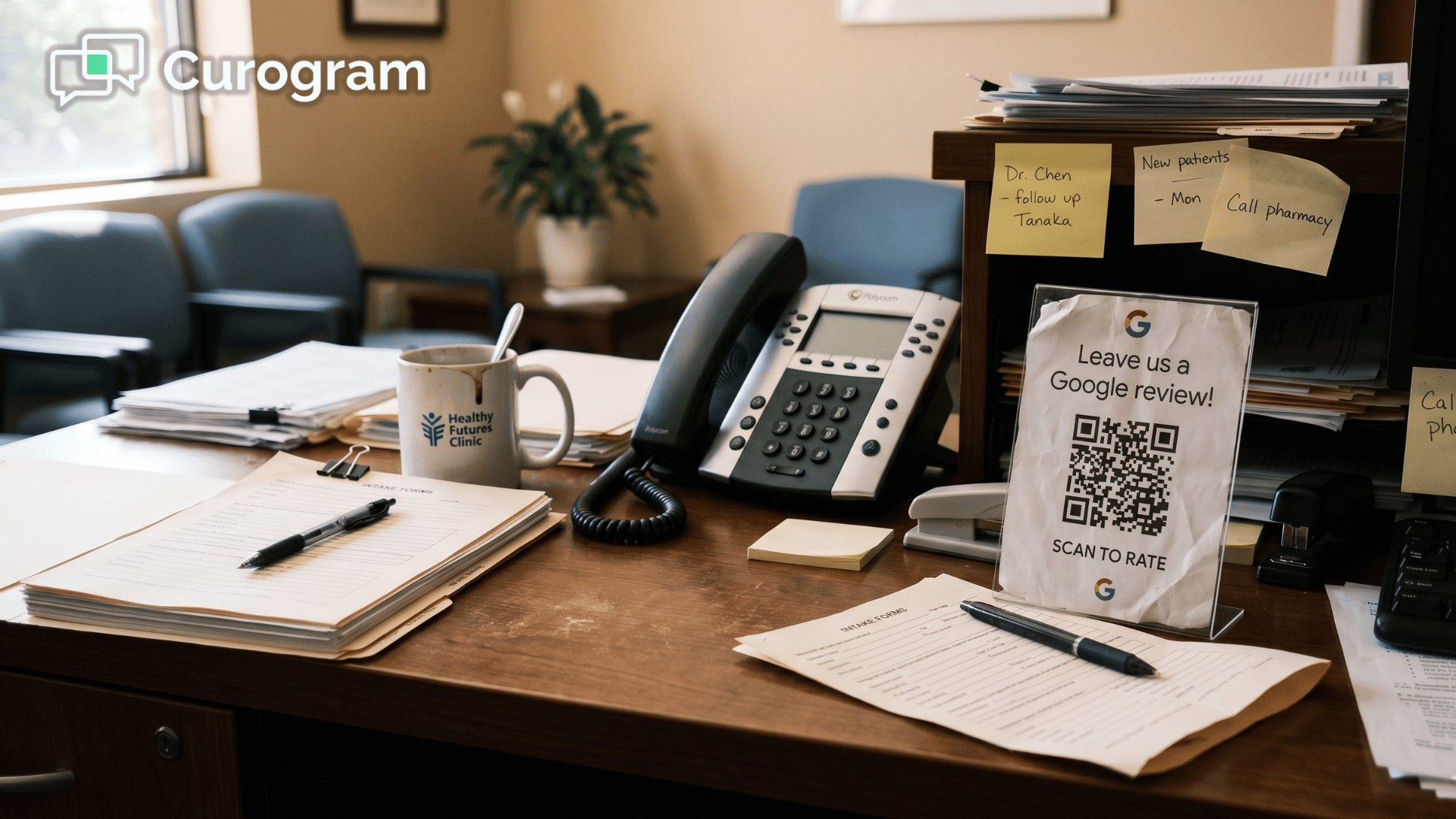
Most Cloud 9 orthodontic practices have a version of the "Loved your visit? Leave us a Google review!" sign at the checkout counter. It has probably been there for over a year.

It generates almost nothing.

A sign tells a patient what they should do. It doesn't give them the link, the moment, or the nudge. It's the difference between a "please recycle" sticker and an actual recycling bin. T

he intention is there. The system is not.

Parents leaving a debond appointment are focused on their kid's new smile, their next appointment date, and getting back to work. They are not stopping to search your practice on Google.

Passive signage does not create action — it just makes the practice feel like it tried.

For DSOs and OSOs, the Problem Is Invisible Too

If you're overseeing multiple Cloud 9 locations, the review generation problem is not just bigger — it's harder to see. You can check each location's Google review count.

But without a centralized system, here's what stays completely invisible:

  • Whether review requests are being made consistently at each location
  • Which locations have a naturally enthusiastic team member who asks — and which don't
  • What your actual request-to-review conversion rate looks like, anywhere in the network

Some locations drift upward because one front desk coordinator takes it personally. Most plateau. The VP of Operations can't diagnose the gap because there's no data on whether the ask is even happening.

Without a centralized Cloud 9 Google reviews orthodontic review management automated front desk operations dashboard, it's not a strategy — it's just hope distributed across zip codes.

How a Zero-Effort Review System Actually Works

Take the Ask Off Your Team's Plate Entirely

Curogram's Review Automation Dashboard removes the review request from the front desk's job description.

After every completed appointment at your Cloud 9 practice, the system automatically sends a text to the patient — or parent — with a direct link to your Google Business Profile review form.

Your front desk doesn't touch it. Your treatment coordinator doesn't mention it. Your practice manager doesn't have to remind anyone. The text goes out every time, for every appointment, on a schedule you control.

That's the foundation:

Orthodontic review management Cloud 9 automated front desk Google operations dashboard performance driven by consistent, system-level automation not human memory.

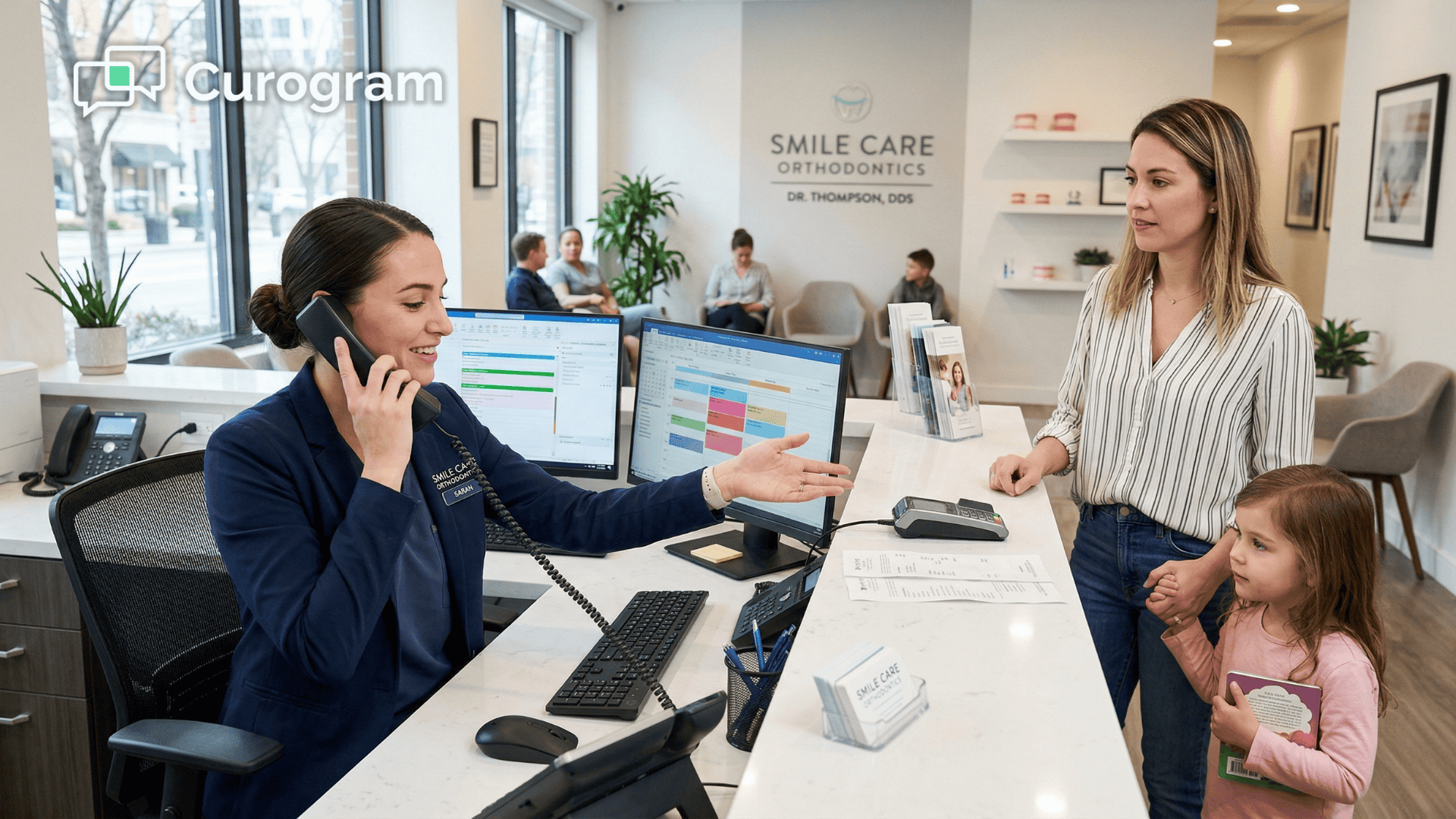
Front desk multitasking during orthodontic checkout — review ask always dropped

Configure Timing Rules by Appointment Type

Not every appointment creates the same emotional moment. A debond is the highlight of the entire treatment journey — braces come off, the smile is revealed, and the family is on an emotional high.

A routine adjustment is... a Tuesday. Sending the same review request at the same time for both misses the opportunity.

Curogram lets your practice manager set different timing rules for different appointment types:

Appointment Type Recommended Timing Messaging Approach
Debond Within 30 minutes Milestone-focused ("Congratulations on the new smile!")
Routine adjustment 1 hour after visit Standard thank-you message
Retainer check Same day Post-treatment loyalty message
New patient consult Next day Reflective, experience-focused
Records appointment Optional / delayed Configurable based on practice preference

You set these rules once. The system applies them to every appointment, every day, across every location.

No ongoing management required.

See Exactly Where Every Review Request Stands

The dashboard gives your practice manager real-time visibility into every review request — not just totals, but status.

For each request, the dashboard tracks one of four outcomes:

  • Sent — the text was delivered to the patient's phone
  • Opened — the parent tapped the link
  • Review Posted — a Google review was successfully submitted
  • No Action — no engagement after the configured follow-up window

This turns review generation from a guessing game into a measurable operational metric. Instead of wondering whether the ask is happening, you can see it.

Instead of assuming your conversion rate is fine, you can track it. Cloud 9 ortho review management automated Google reviews front desk operations location tracking gives you the data layer that manual processes can never provide.

Compare Performance Across Every Location From One Screen

For DSOs and OSOs managing multiple Cloud 9 practices,

The dashboard aggregates review data at the network level.

You can compare review requests sent per location, request-to-review conversion rates, total new reviews per month per location, and average star ratings by location — all from a single screen.

Locations with strong conversion rates become models. Locations with weak conversion rates become investigations.

Is the timing off? Is the messaging not landing?

Is there a patient experience issue that's affecting review motivation?

The data tells you where to look.

This is what review management Cloud 9 orthodontic automated Google reviews front desk dashboard location performance is supposed to look like — a centralized, data-driven operational function, not a per-location guessing game.

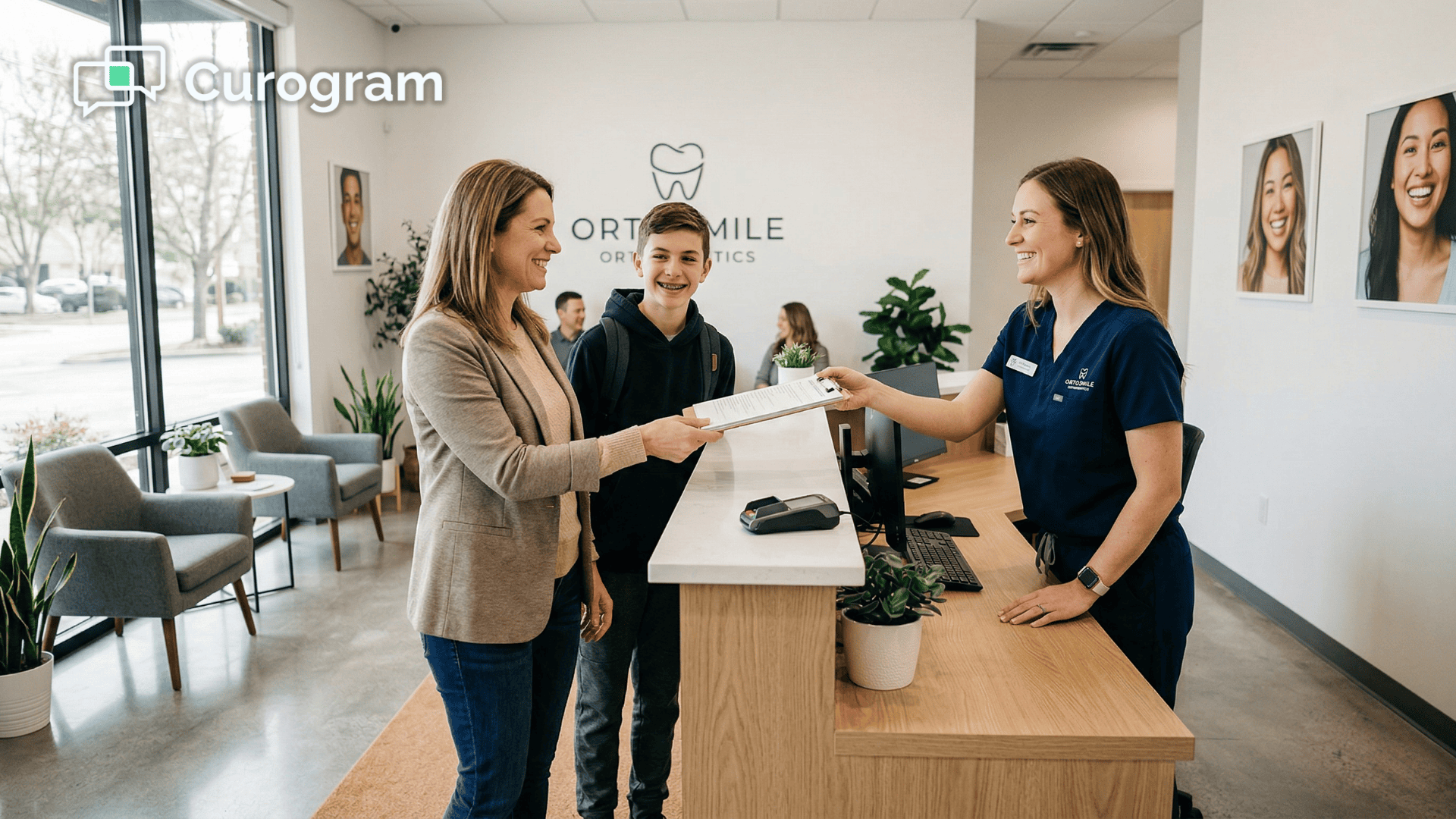
Teen patient smiling after orthodontic debond appointment with assistant

What Happens When Reviews Are Generated Automatically, Every Single Day

The Numbers Speak Clearly

Practices using Curogram's automated post-visit review requests generate 5–10x more Google reviews per month than practices that rely on manual asks or passive signage.

To make that concrete:

A single-location Cloud 9 practice seeing 35 patients per day — roughly 700 per month — should realistically expect 30–50 new reviews per month with a well-configured automation.

In practice, a multi-location Cloud 9 DSO using Curogram grew from approximately 993 to 8,159 total reviews in just three months — generating over 1,064 new five-star reviews through automated text requests alone.

That means a review volume that used to take years to build can now be reached within one treatment cycle.

The Shift That Changes How Your Team Operates

Once the system is running, the practice manager stops bringing up Google reviews at team meetings. The checkout checklist no longer has a review ask on it. The sign at the counter comes down.

Review generation stops being a task and starts being a metric.

Appear at the top of Google. Automate 5-star reviews and build a pervasive online reputation today with Curogram.  

What the Practice Manager Now Tracks Instead

  • Which appointment types generate the highest conversion rates
  • Which timing windows produce the most posted reviews
  • Whether any location in the network needs attention — and why

The energy your team used to spend on reminders and follow-ups gets redirected to the patient experience that earns five-star reviews in the first place.

What This Means for Your Practice's Growth

Google ranks practices in local search based on review volume, recency, and rating. A practice climbing from 50 reviews to 500 doesn't just look better — it ranks higher, shows up in more local searches, and gets more calls from prospective patients.

More calls mean more consultation bookings. More consultations mean more treatment starts.

The math is straightforward: if your practice converts even 20% of additional consultation inquiries generated by improved search visibility, and your average case value is $5,000, then adding 5 new patients per month from organic search translates to $25,000 in additional monthly revenue.

That's $300,000 per year — compounding as your review count keeps growing.

This is the real ROI of automated review management: not a vanity metric, but a patient acquisition engine running in the background every day.

Stop Managing Reviews. Start Growing Them.

Your front desk is doing too much already. Between managing patient flow, processing payments, scheduling follow-ups, and fielding phone calls, asking for Google reviews is the task that will always lose. That's not a staffing issue. It's a design flaw in the system.

The difference between 50 reviews and 500 reviews isn't a more motivated front desk team.

It's a system that doesn't depend on the front desk at all.

Curogram's Review Automation Dashboard automates review requests after every appointment, tracks performance in real time, and gives your practice manager full visibility from a single screen — without adding a single task to your team's day.

For DSOs and OSOs running multiple locations, it turns review generation into a centralized, data-driven operation instead of a network of disconnected manual efforts.

You've already done the hard part: delivering the kind of orthodontic experience that earns five-star reviews. The only thing standing between that experience and a five-star review is the ask — and now you can automate it.

Stop asking your front desk to remember. Let Curogram send the review request for you — after every appointment, every day, across every location — while you watch your Google rating climb.

Ready to see it in action? Schedule a demo and discover how Curogram's Review Automation Dashboard can take your Cloud 9 practice from 50 reviews to 500 without adding anything to your team's workload.


Frequently Asked Questions

Can we customize the review request message for different appointment types?

Yes. Curogram lets you create different review request templates for different appointment types. A debond appointment can trigger a celebratory message tied to the milestone, while a routine adjustment sends a standard thank-you. You can also adjust the timing — sending requests immediately after high-emotion visits like debonds, and with a delay after routine adjustments or retainer checks. The practice manager configures the templates and timing rules once, and the system applies them automatically from that point on.

What if we get negative reviews after turning on automated requests?

Automated review requests go to all patients, which occasionally means hearing from someone who had a less-than-perfect experience. But the net result is overwhelmingly positive. The vast majority of orthodontic patients are satisfied, and automation simply captures the positive reviews that were already earned but never collected. If a pattern of negative feedback emerges, the dashboard helps you identify the source — whether it's tied to a specific provider, appointment type, or location. The volume of positive reviews provides a buffer, and the negative feedback becomes actionable data.

How quickly will we see results after we turn this on?

Most practices see a noticeable increase in review volume within the first week. A practice seeing 30–40 patients per day can expect 5–15 new reviews in the first week alone, depending on appointment mix and timing configuration. By the end of the first month, the growth trend is clearly visible. Within 3–6 months, many practices double or triple their total review count. Because automated requests go out after every appointment every day, the results compound over time — building a review advantage that competitors relying on manual asks cannot easily close.

Does Curogram's review request system work across multiple Cloud 9 locations?

Yes. The Review Automation Dashboard aggregates data across all locations, giving your VP of Operations a network-level view of review requests sent, conversion rates, new reviews posted per month, and average star ratings by location. This makes it possible to identify which locations are performing well, which need attention, and whether differences in conversion rates point to messaging, timing, or patient experience issues. It's the centralized visibility that multi-location organizations need but rarely have.

What appointment types should trigger a review request?

That depends on your practice's goals, but a practical starting framework would be: debonds within 30 minutes (highest emotional engagement), adjustment appointments with a 1-hour delay, retainer checks the same day, and new patient consultations the following day. Records appointments can be skipped or delayed depending on how the visit typically goes. Curogram lets you configure and adjust these rules at any time based on what your conversion data shows.