

8 min read

Automated SMS Reminders for CharmHealth | Stop No-Shows & Manual Calls

Automated SMS Reminders for CharmHealth | Stop No-Shows & Manual Calls
💡 Reducing no-shows with CharmHealth automated SMS reminders works by connecting a 2-way texting platform — like Curogram — directly to your CharmHealth schedule. 

When a patient replies to confirm, the appointment status updates inside CharmHealth automatically, without any staff input.

This approach sends timed alerts at key intervals — three days out, one day out, two hours before — giving patients enough notice to confirm or reschedule. 

SMS messages carry a 98% open rate, which means patients actually see these reminders, unlike emails that land in spam.

The result is a schedule you can trust. Fewer gaps, less time on manual confirmation calls, and revenue that stays intact rather than walking out the door as a missed appointment.

Every empty slot in an integrative medicine schedule is a $300+ write-off. In a practice where appointments run 60 to 90 minutes, a single patient who forgets to show up does more than disrupt the day. It hits the bottom line in a very real way.

The fix is not hiring more staff to make confirmation calls. It is automating those calls entirely. Reducing no-shows with CharmHealth automated SMS reminders means your system does the nudging for you — and then updates your schedule when a patient responds.

No manual logging. No extra clicks.

Curogram connects directly to CharmHealth and sends sequential text reminders at the right time. A patient gets a message three days before the appointment, another the day before, and one more two hours ahead of time.

 If they reply to confirm, CharmHealth marks that slot as confirmed. If they need to reschedule, your team gets an alert right away so the slot can be refilled.

This is what a self-healing schedule looks like. Fewer no-shows. Less time on the phone. More patients seen. And a practice that looks organized and professional to every patient who walks through the door — or clicks into a video visit.

CharmHealth appointment confirmations through SMS are not just a convenience upgrade. They are a revenue protection strategy. For practices already paying CharmHealth API fees, the math is simple: one prevented no-show each month more than covers the cost of the tool.

This guide walks through how the system works, why it fits integrative and holistic practices especially well, and what your staff will notice from day one. If your front desk still runs a daily call list, read on. There is a better way.

Why the Old Way Costs You Every Day

CharmHealth's native email reminders have a real limitation: they often land in spam folders. Patients do not open them, they do not act on them, and by the time the appointment rolls around, they have completely forgotten about it. So staff resort to calling.

What looks like a small communication gap quickly turns into a daily operational problem. When reminders fail, the burden shifts entirely onto your front desk.

Instead of a streamlined system running in the background, your team becomes the system — manually tracking, dialing, documenting, and following up.

The issue is not that patients do not care. It is that email is no longer the channel people pay attention to in real time. Important healthcare reminders compete with newsletters, promotions, and automated notifications.

In that crowded inbox, your appointment reminder becomes just another unread message.

The Daily Call List Nobody Wants to Run

The confirmation call list is one of the most dreaded tasks at any front desk. Calling 20 or more patients, leaving voicemail after voicemail, waiting for callbacks that may never come — it burns through hours that could be spent on actual patient care.

And even after all that effort, you still cannot be sure who will show up.

There is also the hidden stop-and-start cost. Every outbound call interrupts workflow.

Staff must pause what they are doing, dial, wait, document the outcome, and move on to the next number. Multiply that by dozens of appointments per week, and you have a significant operational drag that rarely shows up on a financial report — but absolutely impacts your bottom line.

Even when patients do answer, the process is inefficient. Staff confirm the appointment verbally, manually update the schedule, and hope nothing changes. If a patient cancels late, there is often no immediate system in place to refill the slot. The window to recover that revenue closes quickly.

For integrative medicine practices, the stakes are higher than in a standard primary care setting.

Consider what a single empty slot actually costs:

  • A 60 to 90-minute appointment slot left unfilled equals $300 or more in lost revenue
  • That time cannot be filled on short notice without an active waitlist system
  • The provider sits idle while staff scramble — a double loss of time and money

Now multiply that across multiple providers and multiple no-shows per week. Even just three missed appointments weekly can translate into tens of thousands of dollars in lost annual revenue.

And unlike marketing expenses or software subscriptions, this loss is silent — it happens gradually, without a line item drawing attention to it.

The cost compounds over time. Practices that rely on manual confirmation calls do not just lose revenue from no-shows. They also lose staff productivity and the kind of polished patient experience that builds a strong reputation online.

Patients notice friction. They notice when reminders are inconsistent. They notice when rescheduling feels complicated.

Over time, these small inconveniences influence whether they return, refer friends, or leave positive reviews. What starts as a reminder issue quietly becomes a retention issue.

And in a competitive integrative medicine market, operational efficiency is not just about saving time — it is about protecting revenue, reputation, and long-term growth.

CharmHealth SMS reminder timeline showing automated confirmation flow and no-show recovery

How Smart Reminders Work: From Unconfirmed to Done

Curogram turns one-way appointment notifications into real conversations.

Instead of firing off a generic email that no one reads, the system sends a text message at the right time — and waits for the patient to respond. That simple shift changes everything about how your schedule behaves.

The difference is accountability. With email, you send and hope. With two-way texting, you send and know.

Each appointment moves from:

“scheduled” to either “confirmed,” “needs follow-up,” or “reschedule requested.” The gray area disappears.

Timing also becomes strategic. Reminders can be staggered — for example, one several days before the visit and another 24 hours prior. If a patient has not confirmed after the first reminder, the second nudge feels natural rather than reactive.

The system works in the background while your team focuses on patients in front of them.

The 2-Way Sync: What Happens When a Patient Replies

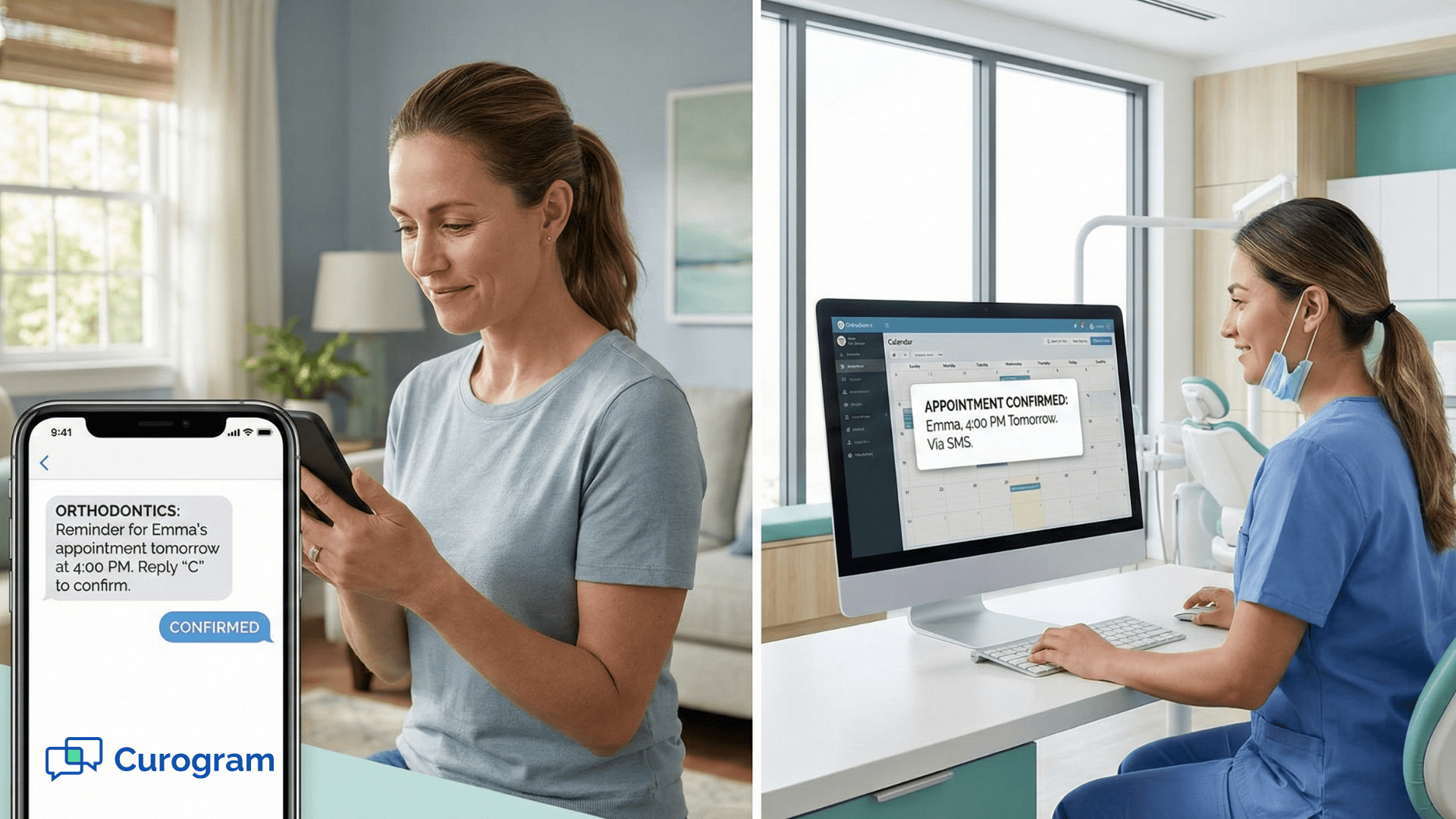
When a patient replies with a simple "Y" or "C" to confirm, Curogram reads that response and automatically updates the appointment status inside CharmHealth.

Staff do not have to click anything. The slot turns green on the schedule, and the team can see at a glance what is confirmed and what still needs attention. This is what it means to sync Curogram with the CharmHealth calendar — the two systems talk to each other in real time.

If a patient replies with “Need to reschedule” or asks a question, that message appears instantly in the Curogram inbox. Staff can respond by text without switching systems or playing phone tag. The conversation is documented, time-stamped, and tied directly to the patient record.

This visibility changes daily workflow. Instead of starting the morning with a call list,

Staff can open the dashboard and immediately see:

  • Confirmed appointments
  • Unconfirmed appointments
  • Patients requesting changes
  • Cancellations that need to be refilled

The schedule becomes dynamic instead of reactive.

And when a cancellation happens early enough, the team has time to activate a waitlist or send a quick fill-the-slot text blast. What used to be guaranteed lost revenue becomes recoverable time.

Customizable Scripts for Every Visit Type

Automated text reminders for holistic practices are especially useful because appointments often involve preparation steps that patients forget. Curogram lets you write reminder messages that match the type of visit — not just a generic time and date.

A few examples of what that looks like in practice:

  • Blood draw patients receive a reminder to fast for 12 hours before their visit
  • New patient consultations include a prompt to bring a current supplements list
  • Telehealth appointments include the video link and login steps directly in the message

You set these templates up once. After that, the system detects the visit type in CharmHealth and sends the right message automatically. Your front desk does not have to think about it.

This reduces last-minute surprises. Patients arrive prepared. Fewer appointments run overtime because instructions were unclear. Providers spend their time delivering care — not repeating pre-visit instructions that could have been sent in advance.

Over time, these small improvements compound. Fewer no-shows. Fewer delays. Fewer frustrated phone calls. More predictable days.

Smart reminders do not just confirm appointments — they stabilize your entire schedule.

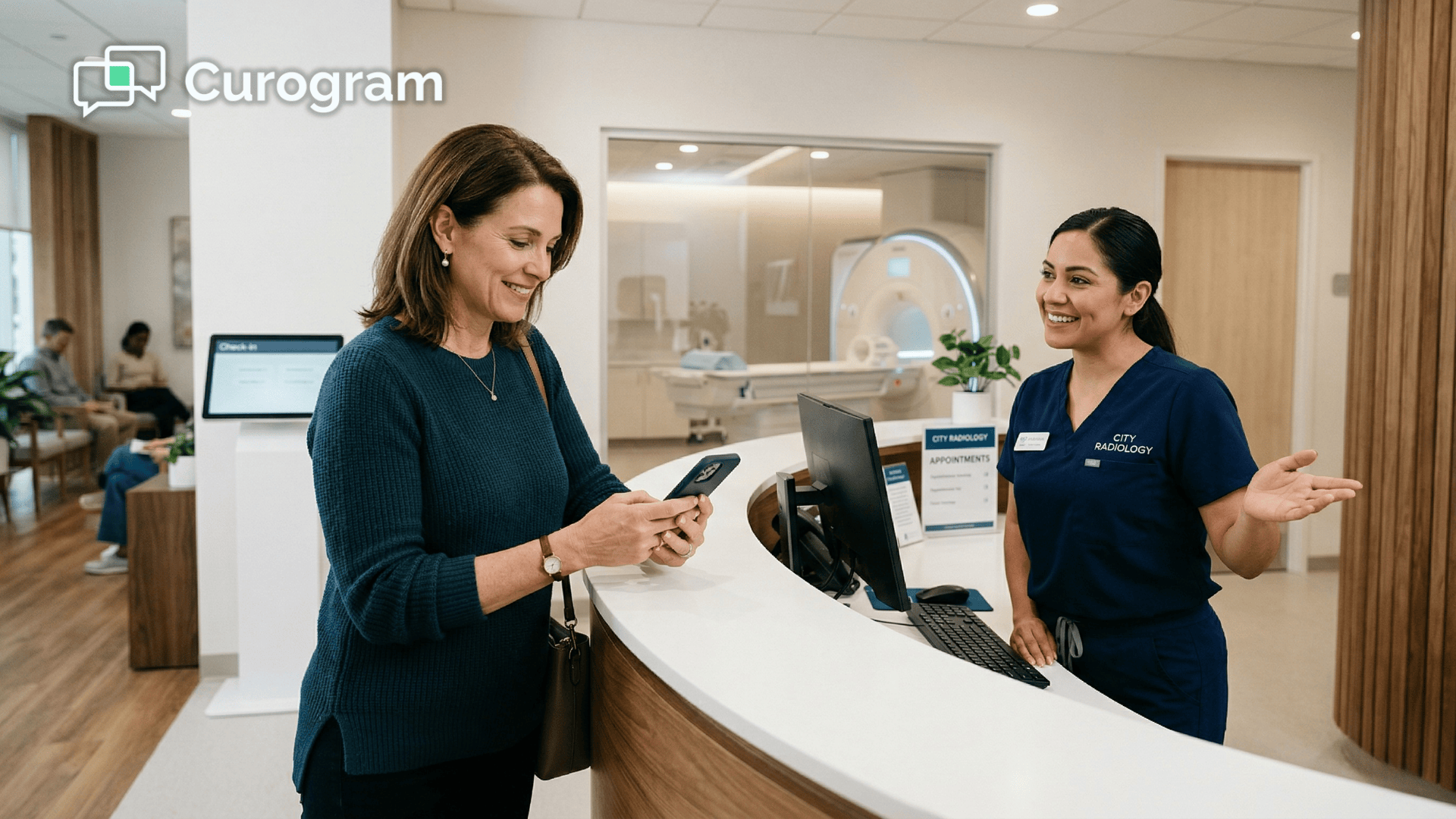
Patient reading an automated SMS appointment reminder in a calm clinic waiting room

The Numbers Behind a Greener Schedule

SMS messages carry a 98% open rate. That single stat changes the calculus on appointment reminders entirely. When patients see a text, they act on it.

Email reminders cannot come close to that kind of reach — and phone calls require a staff member to make them happen in the first place.

What the ROI Actually Looks Like

Practices using automated text reminders report a reduction in no-show rates by as much as 53%. The financial case for CharmHealth users who are already thinking about API costs is straightforward.

If Curogram prevents just one comprehensive visit per month from becoming an empty slot, it has paid for itself — and then some.

Think about what that shift looks like across a full month of scheduling:

  • Fewer gaps mean providers stay productive throughout the day
  • Confirmed slots allow last-minute waitlist patients to fill cancellations faster
  • Staff spend less time chasing confirmations and more time supporting in-office patients

To eliminate manual confirmation calls is not just a time-saving move — it is a financial one. The tool does not just break even; it generates a return from the first prevented no-show, and that return grows the more consistently it runs.

A Schedule Your Staff Can Trust

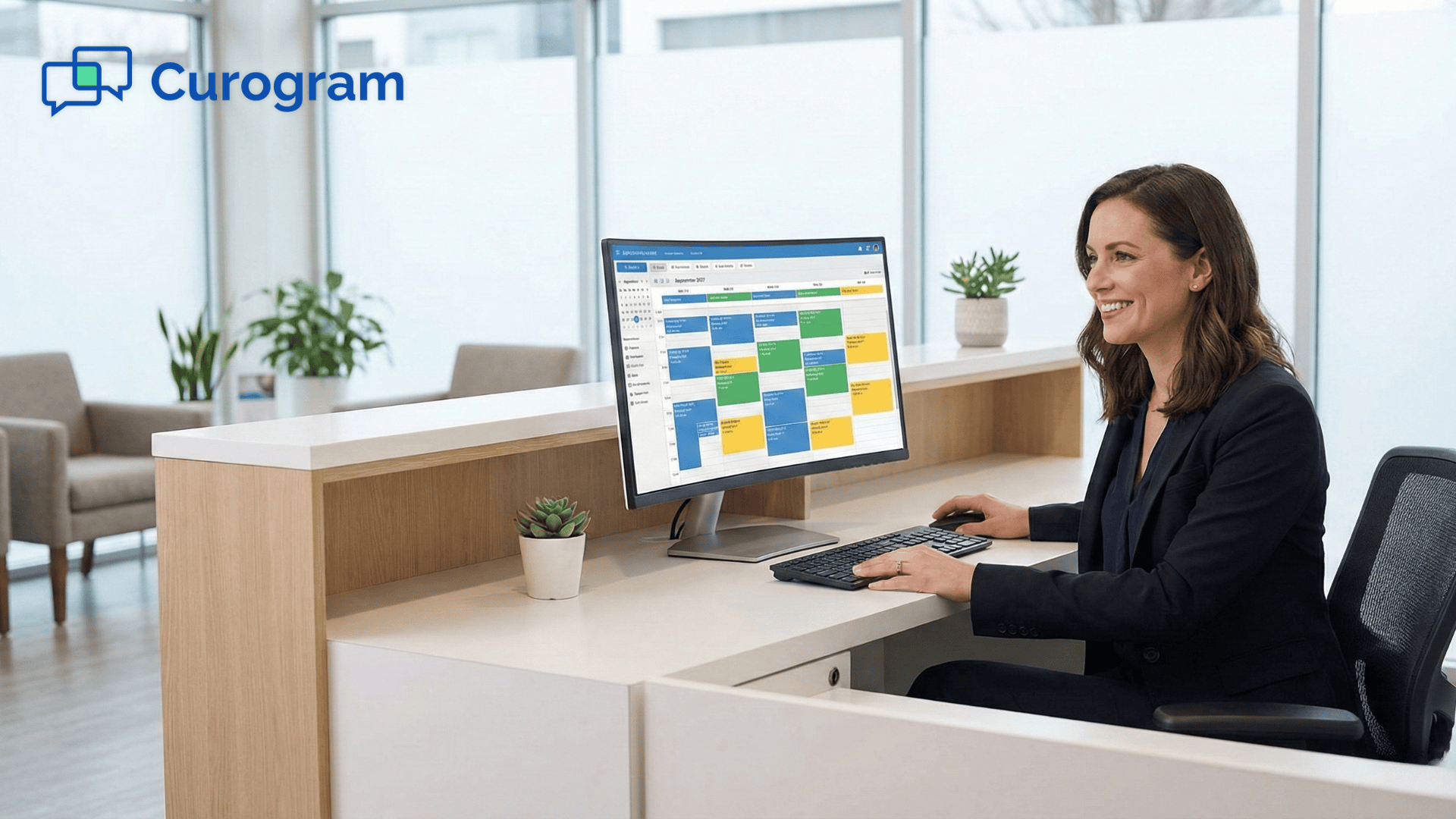
A schedule full of confirmed appointments changes how the entire practice operates. When your team opens CharmHealth each morning and sees a full column of green confirmed slots, they can plan the day with confidence.

They can focus on the patients in front of them instead of worrying about whether the 2 PM block will be another empty room. That clarity is worth more than most practices realize until they have it.

Frequently Asked Questions 

Does this update the status in CharmHealth automatically?

Yes. Curogram writes back to the CharmHealth schedule.

When a patient confirms by text, the appointment icon changes color inside your EMR view — moving from unconfirmed to confirmed without anyone on your team having to lift a finger. You see a live, accurate picture of your day at all times.

Can we send different texts for Telehealth vs. In-Person?

Absolutely. Curogram detects the visit type recorded in CharmHealth and sends the appropriate message for each scenario. Telehealth patients receive their video link along with login instructions.

In-person patients get parking details or pre-visit prep steps. You set up the templates once, and the system handles the rest.

What happens if a patient replies that they cannot make it?

When a patient replies to say they cannot attend, Curogram flags the appointment immediately in the Action Required dashboard. Your team gets an alert so they can pull someone from the waitlist and fill that slot before it becomes an empty hour.

The system does not just confirm appointments — it helps you recover them when plans change.

Is Curogram HIPAA-compliant for use with patient information?

Yes. Curogram is built for HIPAA-compliant patient communication. Standard SMS reminders are designed to share only general appointment details — not protected health information like diagnoses or test results.

For any communication that involves sensitive patient data, Curogram provides encrypted messaging tools that meet HIPAA requirements.

How long does it take to set up the integration with CharmHealth?

Setup is straightforward. Curogram integrates with CharmHealth through its API, and the onboarding process is designed to be fast.

Most practices are up and running — with templates set and reminders going out — in less than a day. Staff training takes about ten minutes, which means your team can start seeing results almost immediately.

Let Your Schedule Run Itself 

You hired your front desk staff to support patient care. Not to spend two hours a day leaving voicemails for people who may never call back.

Automated SMS reminders change that dynamic completely. When Curogram connects with CharmHealth, your reminder workflow stops being a task and starts being a system — one that runs quietly in the background, sends the right message at the right time, and updates your schedule when patients respond.

Your staff sees a confirmed appointment. The patient shows up prepared. The provider stays on schedule.

This is not a small operational upgrade. It is a shift in how your practice manages one of its most important assets: time.

Practices that reduce patient no-shows do not just recover lost revenue. They build a more reliable experience for everyone in the schedule, including the staff who are no longer stuck on the phone.

Consistency matters in healthcare. When patients receive professional, well-timed reminders, they trust the practice more. That trust shows up in online reviews, referrals, and long-term retention.

A schedule that reliably keeps appointments filled is one of the quietest but most powerful ways to grow a practice.

Curogram offers a 30-day free trial — no risk, no long-term commitment required. You can see what your CharmHealth schedule looks like when it manages itself. Watch the confirmations come in. Watch the call list shrink. Watch the empty slots fill before the day even starts.

Schedule a demo with Curogram today and see firsthand how automated reminders transform your CharmHealth workflow.

Reducing No-Shows and Maximizing Chair Utilization with Appointment Reminders in Cloud 9

Reducing No-Shows and Maximizing Chair Utilization with Appointment Reminders in Cloud 9

💡 Many practices rely on manual reminders, but this leads to gaps, inconsistent follow-up, and lower patient compliance. Automated reminders in...

Read More
Reducing No-Shows and Maximizing Chair Utilization with Appointment Reminders in Dolphin

Reducing No-Shows and Maximizing Chair Utilization with Appointment Reminders in Dolphin

💡 Many orthodontic clinics struggle with missed appointments that create empty chair time and lower revenue. Using appointment reminders helps...

Read More
End the Morning Scramble with Elation Health Automated Confirmations

End the Morning Scramble with Elation Health Automated Confirmations

💡 Automated patient confirmations for Elation Health cut the morning phone rush that drains clinic staff. With Curogram, your team stops calling...

Read More