6 min read

CharmHealth Front Desk Texting | End the Call List

CharmHealth Front Desk Texting | End the Call List
💡 A CharmHealth patient texting workflow for front desk staff runs best when every patient message lands in one shared inbox, not split across the patient portal, the Two-Way Text screen, and the phone.    

Curogram gives your front desk a single HIPAA-compliant SMS workspace that writes confirmations back to CharmHealth automatically.  

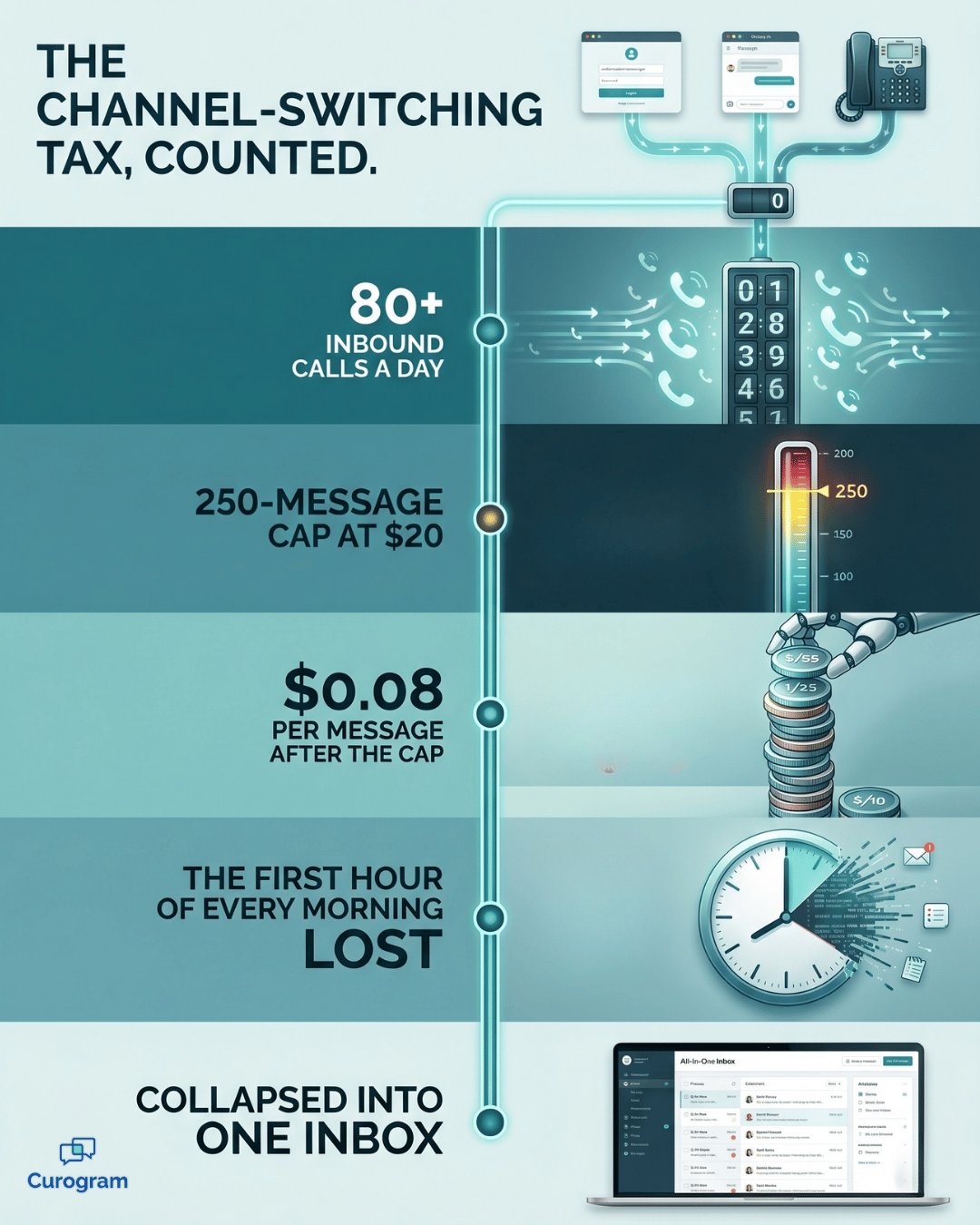
The hidden cost is the channel-switching tax: minutes lost each hour just toggling between tools to answer one routine text. For busy offices, that shows up as 80+ calls a day and a confirmation list that eats the morning.

Comparable practices that consolidated texting cut inbound calls by 24% with the same staff.


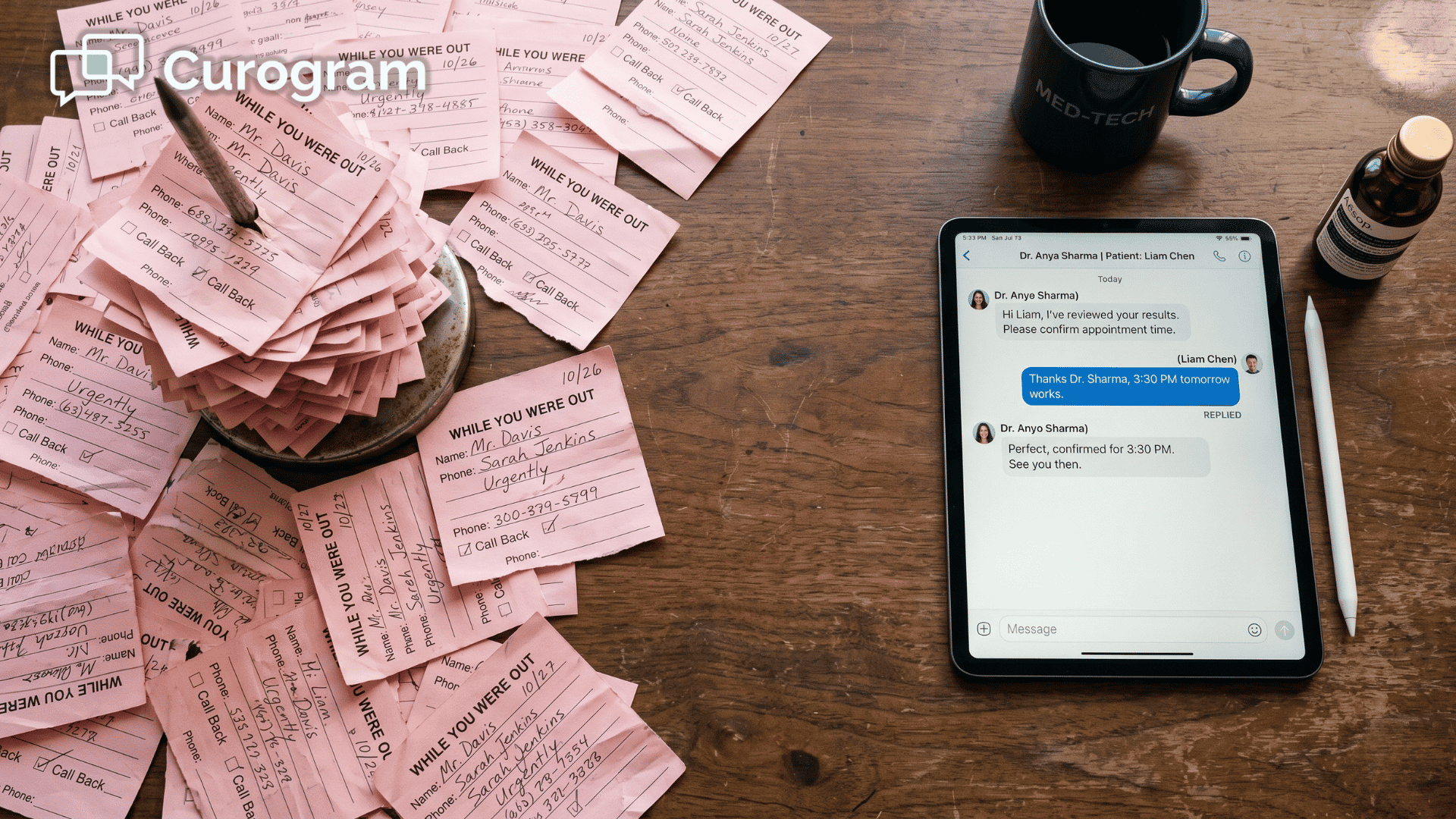
Your front desk did not sign up to be a switchboard. Yet that is what too many mornings quietly become.

Consider how a single confirmation actually travels through your office.

A patient texts to confirm, another replies through the portal, and a third one calls because they never saw either message. Running a CharmHealth patient texting workflow for front desk staff without one place for those messages to land means handling that single task across three separate tools.

The clinical record itself is rarely the issue. The friction is operational, and your staff absorbs the cost in lost minutes.

None of this reflects badly on your team; it reflects a system never designed to keep one conversation in one place. You can see the bigger picture in our complete guide to two-way patient texting for CharmHealth practices.

Think about the first hour of your day.

Before a single patient walks through the door, someone is already dialing a call list and waiting on hold for people who simply forgot to reply. That hour rarely comes back.

It sounds small. It isn't.

Across a month, those scattered threads and chase-down calls accumulate into lost hours, missed confirmations, and a schedule nobody fully trusts. What looks like a few stray minutes is really a steady weekly leak.

Multiply that by every provider you support, and the cost stops feeling minor at all.

The encouraging part is that fixing it does not require ripping out CharmHealth. It only requires giving your team one consolidated place to text from, instead of three.

In the sections ahead, you will see where the time goes, why the usual workarounds fall short, and how a single shared inbox quietly clears the morning. Expect real numbers, straightforward math, and a workflow your newest hire can learn in minutes.

The Hidden Tax Your Front Desk Pays Every Morning

CharmHealth is excellent at maintaining the clinical record. The trouble begins the moment a patient wants to talk, because that conversation has no single place to live.

The Three-Tool Routine

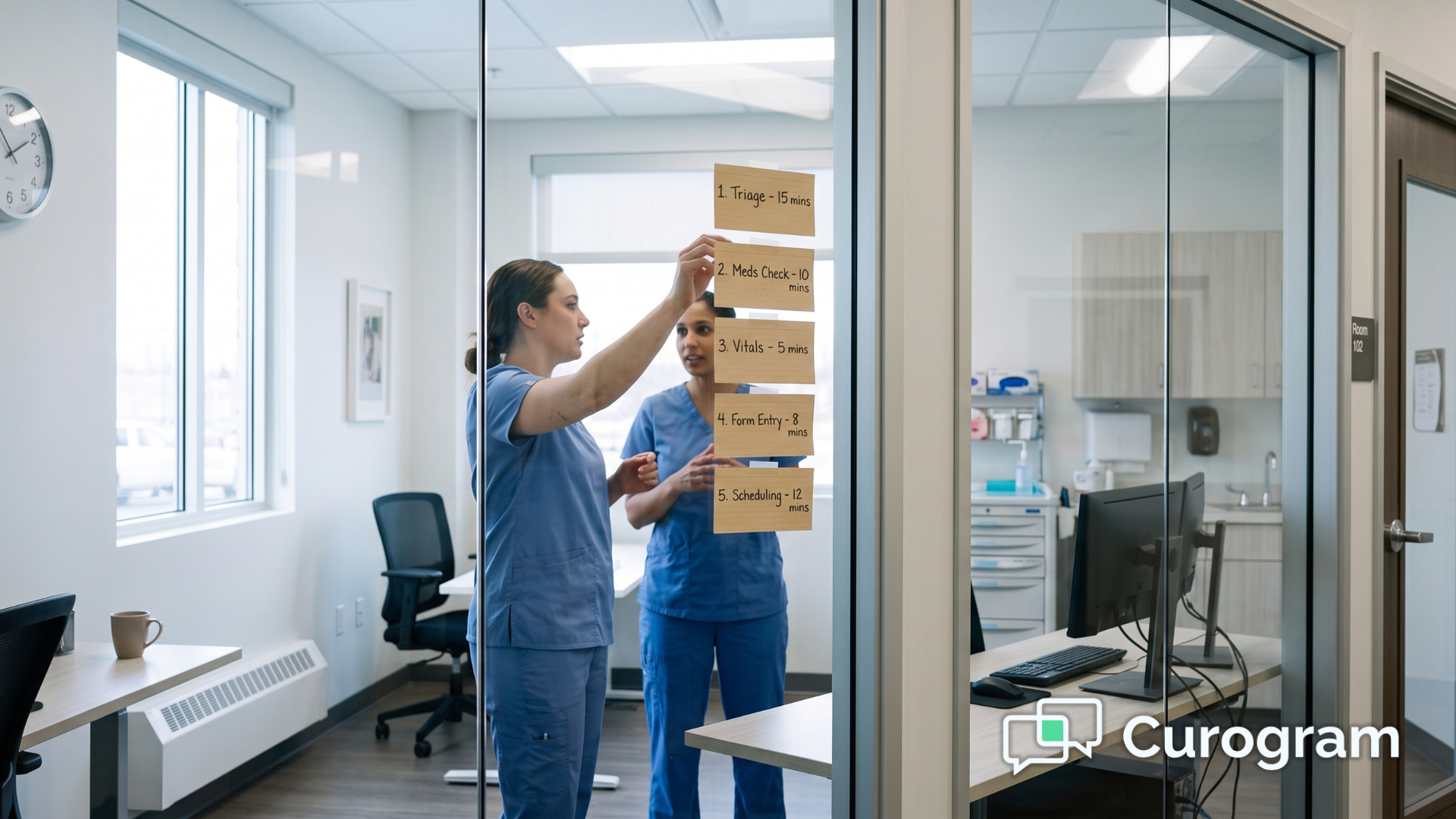
To confirm tomorrow's schedule, your team effectively opens three separate doors:

They scan the portal for messages, navigate to the CharmHealth Two-Way Text interface for SMS replies, and then work the CharmHealth confirmation call list by phone for everyone who never answered.

We call this the channel-switching tax. It is the time you surrender every hour just moving between tools to handle a routine message.

Here is where it hides:

The task Tools it takes What it costs you
Confirm tomorrow's visits Portal + texting screen + phone The first hour of every morning
Answer one routine text Toggle between 2–3 screens A few minutes, again and again
Chase the no-replies Phone call list 80+ calls a day

The Cost Hiding Beneath It

The time is only half the bill. There is a hard cost layered on top of it. The Text/Voice add-on caps at 250 messages for $20, then charges $0.08 for every message beyond that. A busy office exceeds that cap quickly, so someone ends up monitoring a meter instead of helping patients.

This is also why CharmHealth front desk call volume keeps climbing. Every patient who cannot get a quick text reply simply picks up the phone instead.

The result feels less like running a practice and more like operating a switchboard, for an office that purchased software specifically to avoid one.

Infographic counting CharmHealth front desk call volume, message caps and texting overage costs

One Inbox That Writes Straight Back to CharmHealth

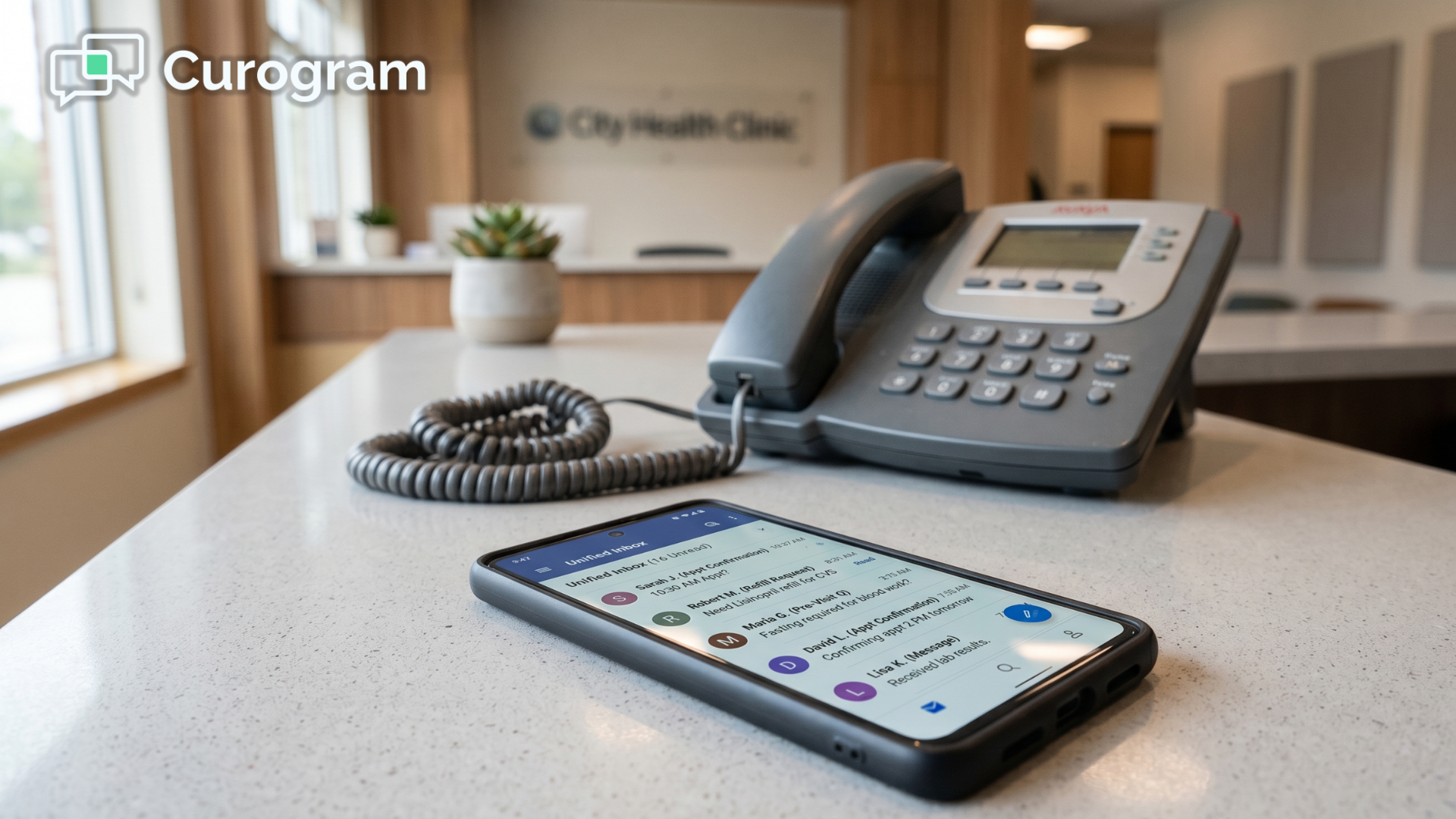
Curogram resolves this by giving your front desk a single direct line. Every patient thread, regardless of how it begins, arrives in one shared team SMS inbox CharmHealth front desks can actually trust.

Here is how that reshapes the day, step by step:

  1. A confirmation, refill request, or pre-visit question arrives as a text.
  2. It drops into the shared inbox, where any team member can pick it up.
  3. Staff respond with a saved quick-reply, or assign the thread to the right person.
  4. When the patient confirms, the appointment status writes back to the CharmHealth schedule automatically.

No re-keying. No copying a thread from one system into another. The confirmation that used to demand three tools now requires only one.

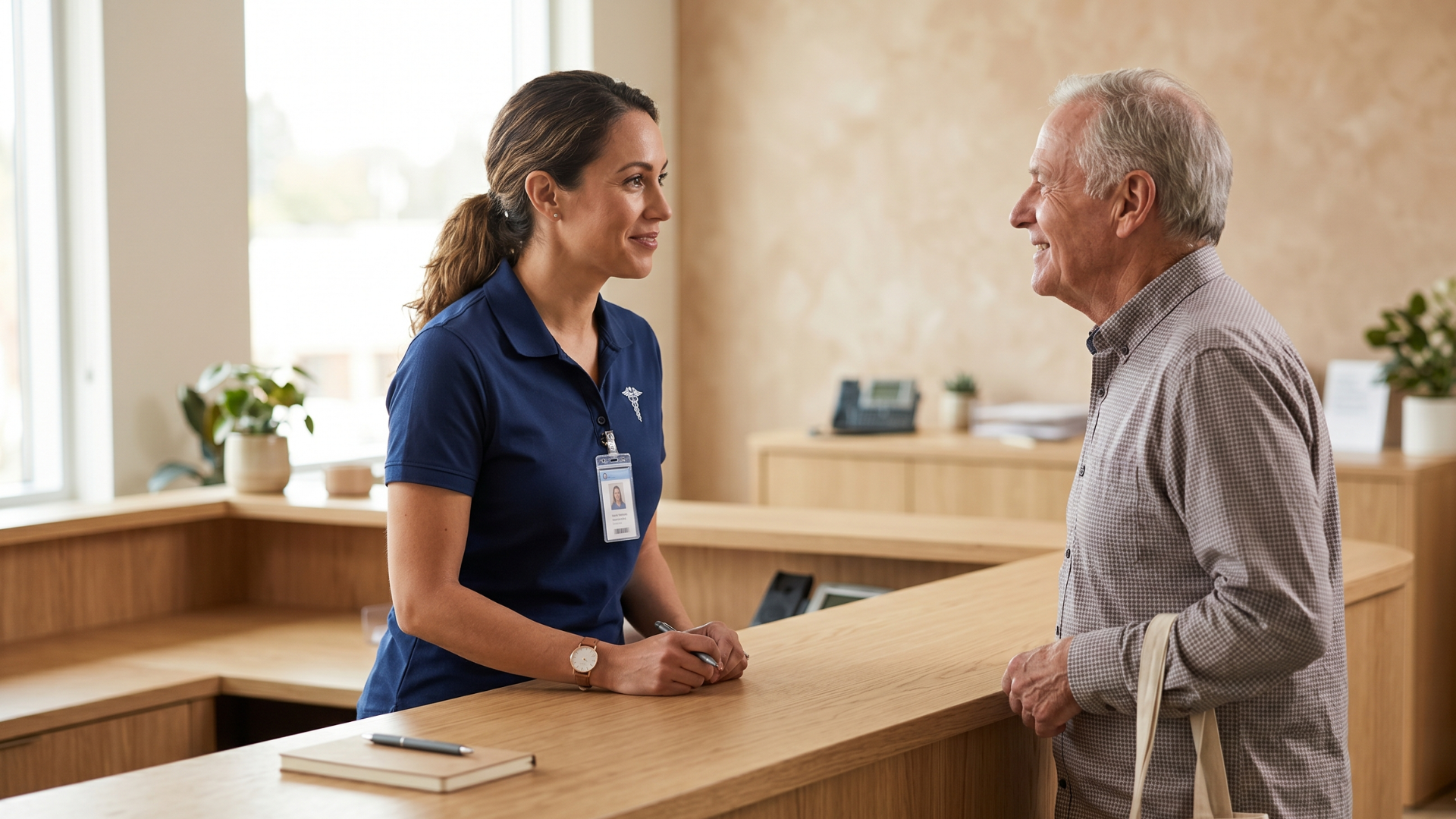
Clinic front desk coordinator standing to greet a patient at the check-in counter

Beyond the steps, the inbox keeps the working details in plain view:

  • Assignable threads, so the right person owns each conversation.
  • Saved quick-replies for the questions you field all day.
  • Confirm and read status beside every thread, visible at a glance.

That at-a-glance view is the front desk automation CharmHealth offices have been waiting for, and it stays simple by design.

Stop playing phone tag! Reduce your call volume by 50% with Curogram's HIPAA-compliant 2-way texting platform.  

For a 1- to 20-provider office, a new hire becomes productive in under 10 minutes, instead of memorizing a multi-screen routine on their first day.

What a Morning Without the Call List Looks Like

The clearest signal that this works is a quiet phone. When patient texting lives in one consolidated place, the chase-down calls diminish, and the entire morning begins to feel different.

Here is what changes, by the numbers:

24% fewer inbound calls. A comparable practice reduced its call volume by nearly a quarter with the same headcount. In practice, that frees your team from playing answering machine and lets them coordinate the patients standing right in front of them.

The first hour, returned. When replies update the schedule on their own, nobody dials down a no-response list before opening. That hour goes back to meaningful work.

A schedule you can trust. The confirmation queue clears itself overnight, so the day's lineup is accurate before the first patient ever arrives.

What the Quiet Phone Is Worth

Put a dollar figure on it. If consolidating threads helps you reduce inbound calls CharmHealth front desks field all morning, and it prevents even two or three no-shows, a single recovered visit often covers the entire cost.

Industry benchmarks on front-desk staffing and no-show rates, like those published by MGMA, reinforce the same point: time at the front desk is money. This pairs naturally with automated SMS reminders and confirmations, the next workflow most offices activate once texting is live.

Give Your Front Desk One Direct Line

Here is the simplest way to think about it.

CharmHealth holds the record. Curogram holds the conversation. Put them together, and the daily toggle disappears.

Your front desk should not begin each day as a switchboard. They should begin it knowing the schedule is already accurate, because patient replies updated it overnight. That is the genuine difference between answering machines and coordinating care for real people.

Consolidating patient messages into one inbox does not change how CharmHealth works. It changes how your team works around it.

No more hopping between the portal, the texting screen, and the phone for a single confirmation. No more first hour surrendered to a no-response list.

The math is hard to ignore. When a comparable practice cut inbound calls by 24%, those minutes did not simply vanish. They shifted toward the patients actually standing at the desk.

For your team, that is a real change in how the morning feels from the moment the doors open.

The cost case is equally plain. Retiring the texting add-on and the phone workarounds in favor of one inbox tends to pay for itself the moment it prevents two or three no-shows a month. A single recovered visit can cover the difference, and everything beyond that becomes upside.

You do not need a lengthy rollout to find out. You only need a clear look at where your team toggles today, and an honest picture of what one inbox would actually replace.

That is precisely what a demo is for. We will map the screens your staff switches between right now, show you how confirmations write back automatically, and put real numbers against your own call volume.

Stop paying the channel-switching tax every single busy morning. Bring the threads together, and let the call list clear itself. Schedule a Demo.


Frequently Asked Questions

Is a shared team SMS inbox still HIPAA-compliant?

Yes. Curogram runs under a signed BAA on SOC 2-certified infrastructure, with role-based access and a full audit trail. A shared inbox keeps your team coordinated and stays compliant at the same time.

Will we have to re-enter confirmations into CharmHealth?

No. Write-back syncs each appointment status to the CharmHealth schedule on its own. Your staff never re-keys a confirmation or copies a thread from one system into another.

What happens to our CharmHealth Two-Way Text add-on and its message caps?

You can retire the workarounds built around it. Curogram is not capped at 250 messages, so there are no per-message overages for your team to track or budget around.

Do patients have to opt in before we can text them?

Yes, and the system is built to handle that for you. Patients confirm consent before messaging begins, and that record is stored alongside the thread. Your front desk stays aligned with TCPA and HIPAA expectations without managing a separate paper trail.

Do patients need an app or a portal login to reply?

No. Messages arrive as a normal text on the patient's phone, so they reply the way they already text anyone else. Removing the download-and-login step is a big reason response rates climb and the morning call list shrinks.


Notenetic Front Desk: Cut Phone Tag With 2-Way SMS

Notenetic Front Desk: Cut Phone Tag With 2-Way SMS

💡 Behavioral health front desks field 40 to 80+ calls a day. Notenetic runs the schedule but offers no native texting, so staff chase confirmations...

Read More
TherapyNotes Front Desk SMS: Cut Calls by 50% with Curogram Texting

TherapyNotes Front Desk SMS: Cut Calls by 50% with Curogram Texting

💡 A TherapyNotes front desk SMS workflow for behavioral health staff swaps daily phone tag for a single text inbox.TherapyNotes handles charting...

Read More
Proven BH Clients Prefer Texting Over Calling | Curogram

Proven BH Clients Prefer Texting Over Calling | Curogram

💡 Most behavioral health clients prefer texting over calling. For people managing anxiety, depression, ADHD, or addiction, a phone call feels like...

Read More