6 min read

Cerbo Mobile Intake | Forms Patients Finish

Cerbo Mobile Intake | Forms Patients Finish
💡 Mobile intake forms for Cerbo integrative medicine patients remove the portal login from the intake process. Curogram sends the form as a secure text link that opens in one tap on any phone. No account, no password, no laptop.

Progress saves automatically, so a 15-page functional medicine history can be finished across several short sittings.

E-signature is included, and completed responses route back into the Cerbo chart with no staff re-keying.

The result is fuller charts days before the visit, fewer chase calls, and first appointments that start with medicine instead of paperwork.


Your new patient is ready to tell you everything.

She spent two years collecting symptoms that nobody connected. She found your practice, read your approach to chronic illness, and booked the first appointment that felt like it might matter. She wants to hand you the whole story, in detail.

Then the intake email lands.

Create an account. Check your inbox for a verification link. Choose a password with one capital letter and one symbol.

Log in. Find the forms tab. Begin.

She is standing in a grocery line with her phone in one hand. So she tells herself she will do it later, on the laptop, when she has time.

Later rarely arrives.

This is the quiet failure point in most integrative practices, and it has nothing to do with how long the intake is. Root-cause medicine needs a long history. Fifteen pages of diet, sleep, stress, exposures, medications, and supplements is not padding. That is actually the clinical work.

The problem is the door standing in front of it.

A portal login looks like a small ask. In practice, it is a password screen between an eager patient and the story you need before visit one. Some patients push through it anyway. Many do not, and your front desk spends the next week calling people to finish paperwork they never opened.

There is a simpler path. Mobile intake forms for Cerbo integrative medicine patients can arrive as a text link, open in one tap, and save as the patient goes.

No account. No password reset. No laptop needed at all.

This article covers why the login is the real barrier, how a text-based intake shifts patient behavior, and what a full chart does to the first visit. The clinical depth stays exactly as it is. Only the friction leaves.

Where Integrative Intakes Actually Break Down

Long intake is not the villain. Root-cause medicine needs to know what someone ate in 2019, how they slept through a divorce, and what sits in their supplement cabinet. Cutting that history would make the medicine worse.

The breakdown happens earlier than that, at the doorway.

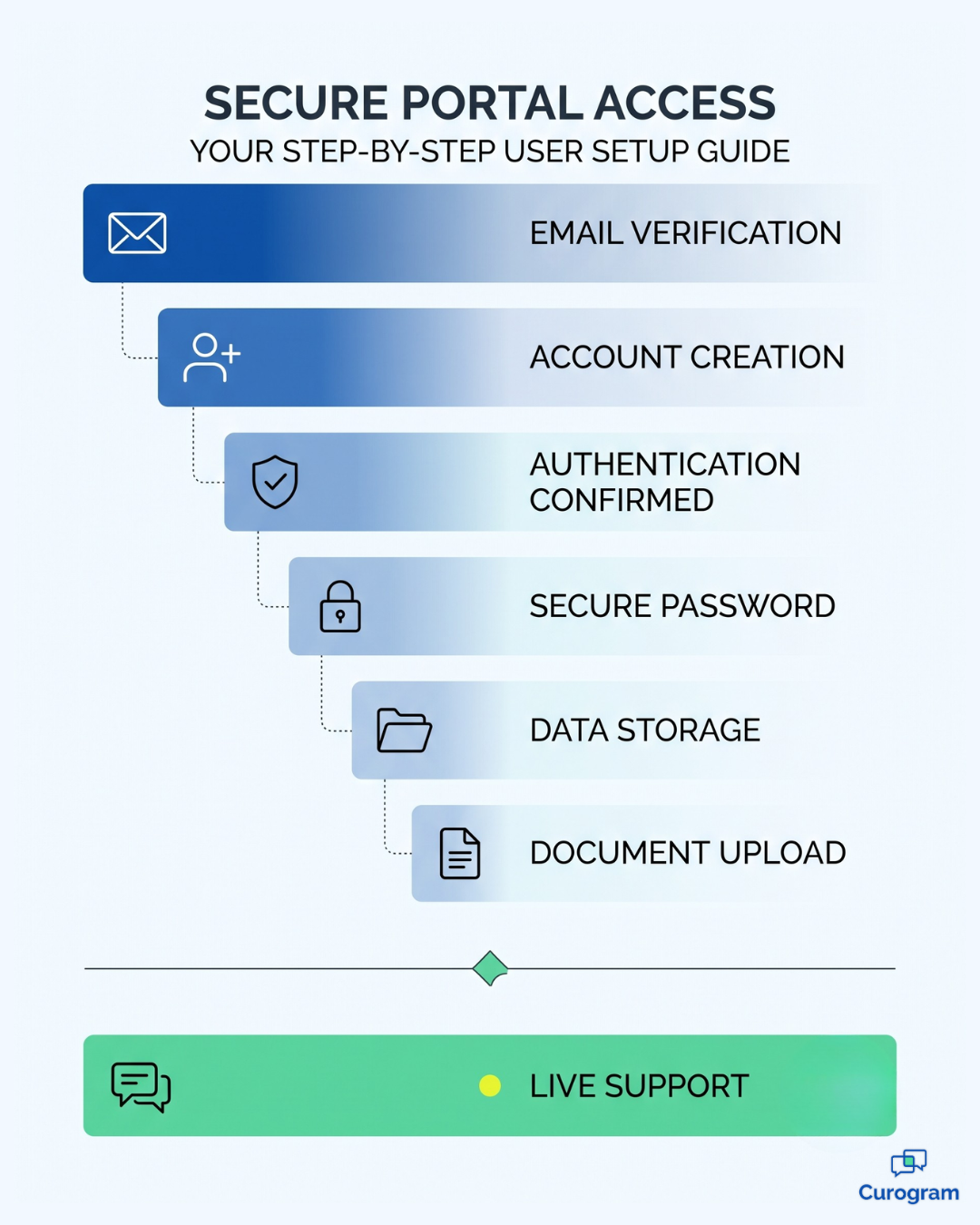
Before a patient answers one clinical question, they have to:

  1. Find a portal invite that often lands in spam.
  2. Create an account and choose a password.
  3. Wait for a verification email, then confirm it.
  4. Log back in and hunt for the forms tab.
  5. Start 15 pages on a laptop they will open "later."

Later rarely arrives for anybody. Every step is a chance to stop, and the person most likely to stop is already exhausted and already managing four specialists.

National data agrees. In 2024, 77% of individuals were offered online access to their health information, yet only 65% actually used it. Roughly one in six people handed a portal never walked through it.

That gap is not apathy. It is friction, and friction is an engineering problem.

Now count the cost. A practice onboarding 60 new patients a month at 40% completion has 36 empty charts, and someone has to call all 36. Those calls become your first real conversation with a patient who has not met you yet.

The patient experience digital intake creates is your brand, delivered before the provider speaks. Someone chose you because your approach felt personal.

Their first taste of it was a password reset, and that is the functional medicine intake experience most practices ship without meaning to.

The Pocket Intake: Health History That Fits in a Text Thread

Change one variable. Not the questions, not the clinical depth. Simply the delivery mechanism.

Mobile intake forms for Cerbo integrative medicine patients arrive the way everything else in a patient's life arrives: As a text.

The link opens instantly in the phone's browser. No account, no verification loop. The phone already in their hand becomes the clipboard.

Clinician reviewing a completed patient intake history on a tablet before a first visit

Save-and-resume turns 15 pages into three sittings

Nobody finishes a full history in one block. The realistic pattern is a lunch break, a school pickup line, and a quiet stretch after the kids go down.

Progress saves automatically, and patients resume on the exact question where they stopped. The ability to complete health history on phone screens in short bursts is what makes 15 pages finishable. E-signature runs in the same flow.

Keep the symptom timeline form mobile and the answers get better. Reconstructing when the fatigue started works best at home with time to think, not in a lobby with a pen and four minutes.

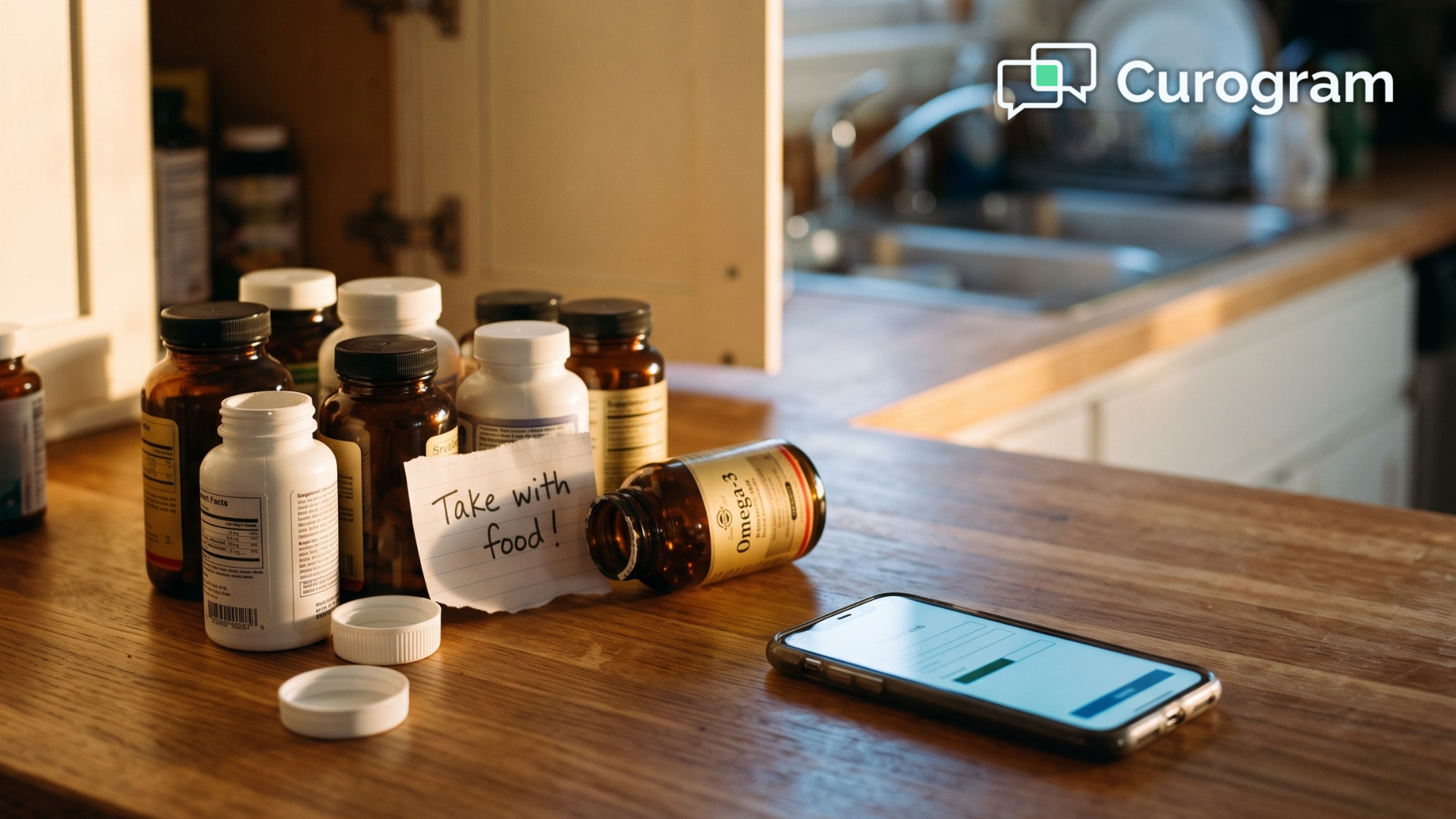
A supplement inventory intake form filled at a kitchen counter, cabinet open and bottles in hand, gives you a list you can trust. The same form from memory gives you guesses.

Responses land in the Cerbo chart, not a staff inbox

Completed answers route into the patient's chart, where your clinical team expects to find them. Nobody retypes a symptom timeline or tags PDFs into a queue.

Curogram connects to Cerbo through its open API, so the handoff runs on its own. Cerbo was built to hold questionnaires this detailed, and it carries those answers straight into the encounter note. The chart was always ready for the depth. Delivery was the actual bottleneck.

Your patients are not the obstacle

Research-driven integrative patients want to give a thorough history. Many have waited years for someone to ask.

No login patient forms do not lower the bar for what you ask. They remove the one step that was never clinical, and text is where that removal pays off. SMS open rates run near 98%, against low double digits for email.

Willingness was never the missing ingredient. Accessibility was

Six-Step Portal Login Versus One-Tap Text Link For Cerbo Patient Intake Forms

What Changes When the Chart Is Full Before the Door Opens

Charts stop arriving on visit day and start arriving days ahead of it.

Here is a sample comparison for a practice seeing 60 new patients a month. These figures are illustrative, not a client result.

Measure Portal-gated intake Text-link intake
Complete before visit 24 of 60 (40%) 51 of 60 (85%)
Charts needing a chase call 36 9
Staff minutes chasing and re-keying 432 per month 108 per month
First-visit minutes lost to paperwork 15 to 20 0 to 5

Sit with that third row. Cutting 324 minutes a month returns about 5.4 hours, or roughly 65 hours a year. For your team, that is a working week and a half spent on patients instead of paperwork.

The same pattern shows up in Curogram client data. Atlas Medical Center cut no-shows from 14.20% to 4.91% in three months, about 3X better than the industry average. When the ask arrives by text instead of behind a login, patients follow through.

Then there is what your providers feel. A first visit that opens with a completed timeline, a verified supplement list, and a signed consent opens with medicine. You read the history the night before and walk in with questions, not blanks.

That is precisely the visit the patient believed they were booking.

Getting the First 30 Days Right

Switching how intake is delivered is a workflow decision, not an IT project. Most practices run live within two weeks. What matters is how you sequence that first month.

A few choices do most of the work:

  • Send the link 7 to 10 days before the visit, never the night before.
  • Set two automated reminders, then stop. A third reads as nagging.
  • Keep your portal live for records and labs. Only intake moves.

Notice what is absent: retraining your clinical team. The questions are unchanged, the chart is unchanged, and providers keep reading history where they always have.

Track one number in month one: the share of charts complete 48 hours before the appointment. When that climbs, everything downstream follows.

Make Intake the First Thing You Get Right

Patients will give you 15 pages of health history. They will detail the year their sleep fell apart, list every supplement on the shelf, and map symptoms back a decade. What they will not do is create an account first.

That is the entire gap, and it is considerably smaller than most practices assume.

Cerbo already asks the right questions. It holds the depth integrative and functional medicine needs, and it keeps that depth usable inside the encounter note.

What Curogram adds is reach. Forms go out by text, open in a tap, save as patients go, and come back to the chart without anyone retyping a word.

The result is not a shorter intake. It is a completed one.

Think about what your practice loses each month to intakes nobody opened: the chase calls, the thin charts, the first visits that start with a clipboard. None of that is a clinical problem. It is purely a delivery problem, and delivery problems are fixable in weeks.

There is also the softer return. Your first impression stops being a password screen and starts being a text that says, in effect, we already know how busy you are.

For a patient who came to you because they wanted care that felt human, that message lands before you say a word.

Ready to see it work on your own device?

Book Your  Demo and complete a sample intake on your own phone during the call. You will watch the text arrive, tap through a real form, save halfway, resume, and see the response land in a Cerbo chart. Fifteen minutes, no slide deck required.


Frequently Asked Questions

Is my health information safe in a text-link form?

Yes. The text itself carries only a secure link, never your health data. The form opens on an encrypted, HIPAA-compliant platform backed by a signed Business Associate Agreement, and access to your responses is limited to your care team.

What if I can't finish the form in one sitting?

It saves as you go and resumes on the exact question where you stopped. You can switch devices partway through and keep going. Gentle text reminders take the place of phone calls from the office, so nothing depends on you remembering.

Do I still need a Cerbo portal account?

Not for intake. The portal stays available for records access, lab results, and secure messaging with your provider. Forms complete entirely from the text link, with no account required.

How long does a 15-page intake really take on a phone?

Most patients spend 25 to 40 minutes total, spread across two or three sittings. Because the form saves automatically, that time does not have to happen all at once. Practices generally send the link 7 to 10 days before the first visit to give patients room.

What happens if a patient doesn't have a smartphone?

The same secure link works on a tablet or desktop browser, and it can be emailed instead of texted. Nothing about the workflow requires a specific device, which is the point: the form goes where the patient already is.