7 min read
Consolidate Cerbo Telehealth Platforms Into One Staff Workflow
Mira Gwehn Revilla
:
June 4, 2026
- One dashboard for video visits, texting, reminders, forms, payments, and reviews.
- Fewer logins, bills, and vendors to track.
- Faster training, since new hires learn one tool instead of four.
- Less daily tab-switching, so staff focus on patients.
- Lower monthly cost from dropped subscriptions.
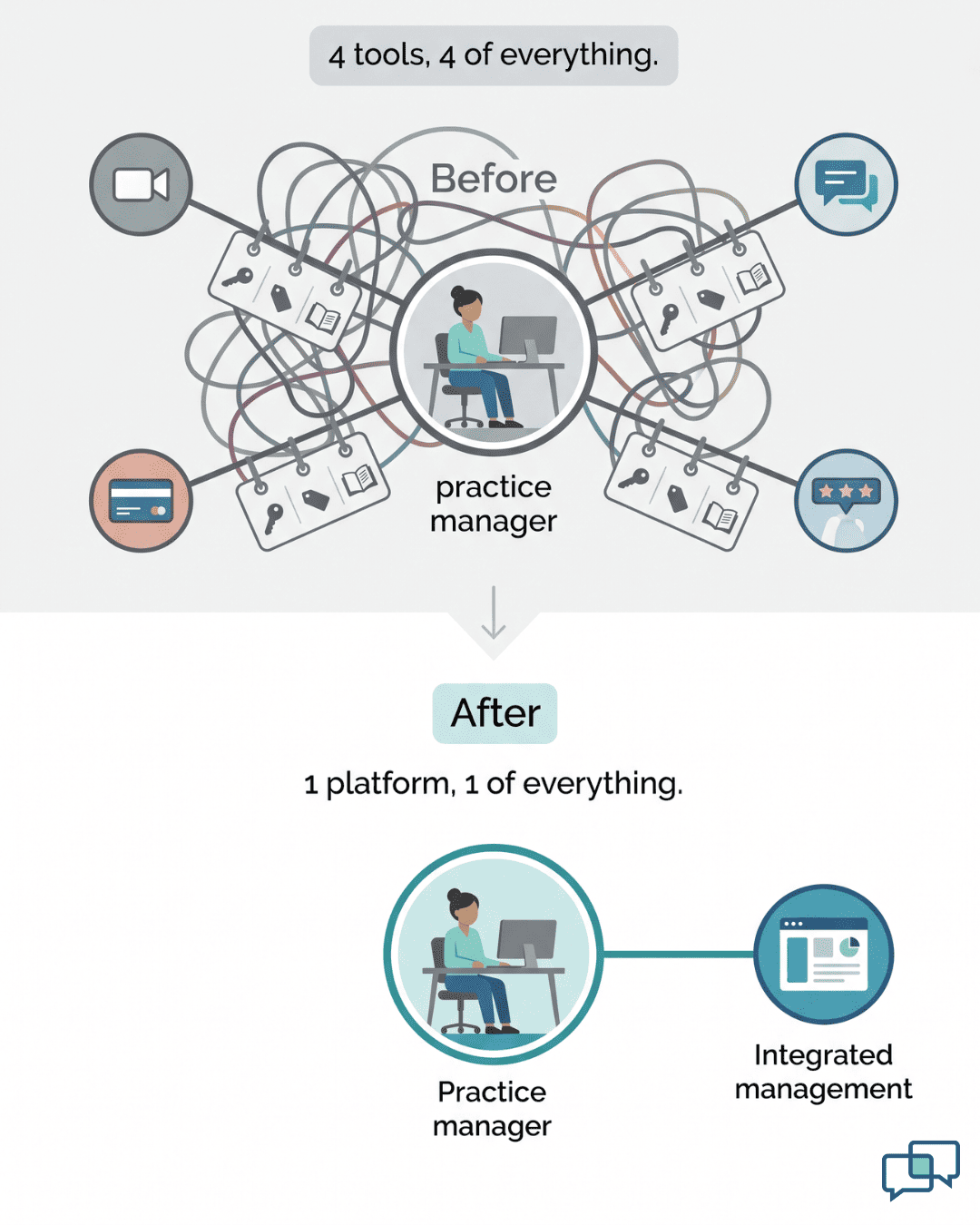
Count the browser tabs open during one virtual visit at a Cerbo practice. There is Cerbo for the schedule. There is a video tool for the visit link. There is a texting app, a payment page, and a review tool.
None of these tools talk to each other. So your medical assistant clicks between them all day. Each switch costs a few seconds and a little focus. Across 15 to 20 visits a week, those seconds turn into hours.
We call this the Tab-Toggle Tax. It is the daily cost of running one visit across four systems. The good news is simple. You can consolidate telehealth platforms for Cerbo EHR into a single system that matches your staff workflow.
Cerbo is a strong clinical record, but it has no native telehealth. That gap is why the extra tools showed up. Each one solved a real problem on its own. Together, though, they created a new one: too many platforms to manage.
Add it up and the math turns ugly. Four bills replace one. Four logins replace one. Every new hire learns four interfaces instead of a single screen.
The person who feels this most is the practice manager. She owns the tools, the logins, and the training. She is the one who fixes the video app on a busy morning. She has asked for something simpler more than once.
Curogram closes the gap. It folds video visits, texting, reminders, forms, payments, and reviews into one screen. That screen sits next to Cerbo and pulls from its schedule. This guide breaks down what the sprawl really costs, and how one dashboard can fix it.
The Villain: The Tab-Toggle Tax
Every tool in your telehealth stack was added for a good reason. The trouble is what happens when you add them all up.
Each Tool Solved One Real Problem
You added a video tool because Cerbo has no native telehealth. You added texting because portal messages get low replies. You added a payment link tool to stop mailing paper statements. You added a review tool because Google ranking brings in new patients.
Each choice made sense at the time. None of them was a mistake. But now your practice runs on four or five separate logins. And none of them share data with each other.
A Day in the Toggle
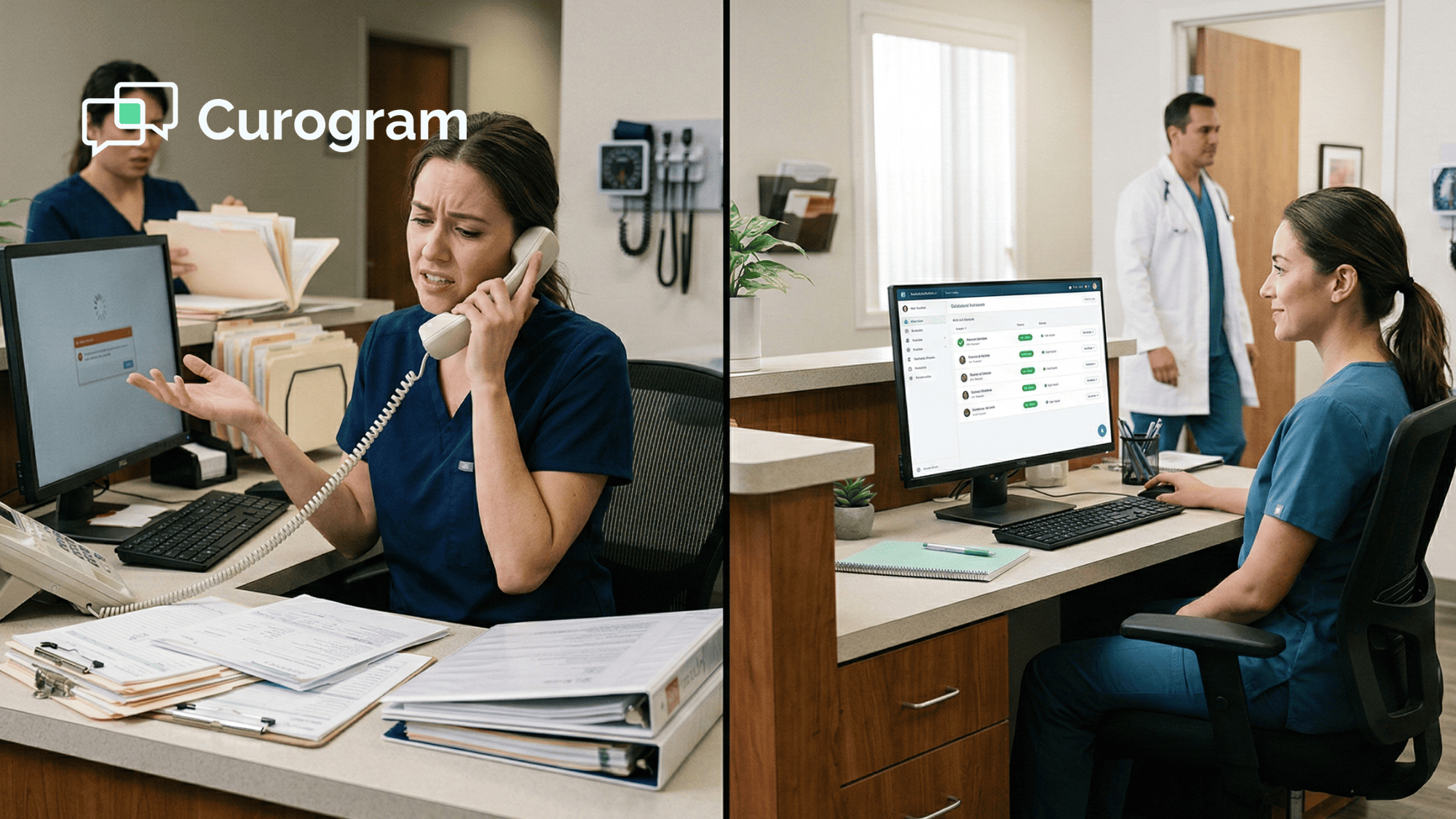
Here is a normal morning for a medical assistant, or MA. She opens Cerbo to check the day's virtual visits. She opens the video tool to make each visit link. She opens the texting app to send those links and any prep notes.
Then a patient replies with a question. She checks two inboxes, since some patients text and some use the portal. After the visit, she opens the payment tool, then the review tool. That is at least five tabs for one patient.
What It Really Costs
The bills are only part of the cost. Standalone tools often run $200 to $550 each month combined, with no bundle discount. The bigger cost hides in time.
Try simple math. Say one visit needs eight tab switches at about 10 seconds each. That is 80 seconds of clicking per patient. At 18 visits a week, that adds up to roughly 24 minutes of pure clicking, before any glitches.
Then add the slow parts. Fixing a video tool that breaks mid-visit. Comparing vendor features. Chasing four separate renewals. And because patient history sits in four apps, no one can see the full story.
|
Cost driver |
Typical monthly impact |
Why it hurts |
|
Standalone subscriptions |
$200–$550 |
Four bills, no bundle discount |
|
Tab-switching time |
A few hours |
Less time for patient support |
|
New-hire training |
3–4 days |
Slow start for every MA |
|
Vendor management |
2–3 hours |
Renewals, disputes, feature checks |
The Person Stuck Holding It Together
One person usually owns all of this: the practice manager. She keeps the passwords. She knows which text template goes to which patient. She is the one who fixes the video app on a bad Tuesday.
She has pitched a simpler setup before. The reply is always the same: "These tools work well enough." Her job now is to show that "well enough" quietly costs real money and real hours.

The Guide: The One-Dashboard Workflow
What if the toggle simply stopped? That is the idea behind moving your stack onto one screen.
One Screen, The Whole Visit
With Curogram, the MA opens one dashboard to start her day. She sees the schedule synced from Cerbo. She sees pending messages, upcoming video visits, open payments, and review status.
When a visit nears, she does not switch tabs. She clicks Send Video Link from the same screen where she confirmed the appointment. After the visit, she clicks Send Payment Link and Send Review Request. Same screen, same patient.
The Unified Visit Lifecycle Dashboard
Curogram calls this the Unified Visit Lifecycle Dashboard. It runs every step of a visit, from the first reminder to the last review request. It also shows the patient's full history in one place.
Staff can see every text, form, payment, and review without hunting across apps. This gives you a single dashboard for telemedicine and patient engagement next to Cerbo. New hires learn one tool, not four.

How It Connects to Cerbo
The setup is clean. Cerbo stays your clinical record for charts, labs, and treatment plans. Schedule data flows to Curogram through the API, so visits show up on their own.
Patient contact details sync for texting and reminders. Curogram then runs the whole engagement layer around those visits. One link replaces three or four separate tool setups.
Built for the Practice Manager
In a 5 to 10 provider integrative or functional medicine clinic, the practice manager owns tech, training, and vendors. Cutting three or four tools does more than save fees. It shrinks her whole job.
One vendor. One training guide. One support line. One bill. This helps eliminate platform fragmentation in integrative medicine telehealth. For the Cerbo practice manager, that is real telehealth workflow optimization.
The Success: The Streamlined Practice
So what changes when the toggle is gone? The day gets simpler, and the numbers move in your favor.
The Numbers That Move
Most practices that switch drop two big costs at once. Cerbo practices reduce telehealth platform subscriptions from four to one, and many cut $150 to $450 each month by canceling redundant tools. New-hire setup shrinks from 3 or 4 days to about one day.
Staff also win back time. Many teams recover 2 to 4 hours a week once the tab-switching, cross-app fixes, and vendor chores go away. A Cerbo EHR telehealth stack adds real staff training overhead, and that overhead drops fast with one tool.
|
Before: four tools |
After: one dashboard |
|
4 subscriptions ($200–$550/mo) |
1 subscription |
|
4 logins and bills |
1 login and bill |
|
3–4 training days per hire |
About 1 training day |
|
4 support lines |
1 support line |
|
History spread across apps |
One patient timeline |
Here is a quick example. Say a clinic cancels three tools and saves $300 a month. That is $3,600 a year, before counting staff hours. Add a few recovered hours each week, and the value climbs higher.
The Shift in the Workday
The stack drops from a pile of apps to two clear systems. Cerbo handles the clinical side. Curogram handles patient engagement. Training now focuses on doing the work, not finding the right tab.
The same dashboard also drives results. The reminders inside it help practices reach an appointment confirmation rate above 75%, based on our internal data.
Lower no-shows follow close behind, and our internal numbers show no-show rates running about 53% lower than the industry average.
That one engagement layer does more than visits. Its review requests matter because, based on our internal research, about 90% of new patient leads check your Google profile before your website.
One practice gathered 1,064 new 5-star reviews in just three months using these automated requests.
Recalls live in the same place. Based on our internal data, 35% of patients who received an SMS recall booked within a month, and one group saw 1,240 patients from recall messages alone. All of it runs from the screen your staff already knows.
A New Hire's First Week
Walk through a new MA's first week. She starts on Monday. By Tuesday afternoon, she has finished training: one tool, one screen, one flow. By Wednesday, she runs virtual visits on her own.
She sends video links, takes payments, and triggers review requests from the same place she sends reminders. No four logins. No four printed guides. There was only one system to learn, so she learned it.
At month's end, platform spend has dropped from about $450 across four vendors to one Curogram bill. The practice manager's update is short: "We spend less, train faster, and the team is calmer. The patchwork is gone."
How Curogram Turns Four Telehealth Tools Into One
Curogram is an all-in-one patient communication platform built for clinics, not IT teams. It sits beside your Cerbo record and handles everything around the visit. That means HIPAA-compliant video, two-way texting, reminders, intake forms, payments, and Google review requests.
For a Cerbo practice, the key word is "around." Cerbo keeps doing what it does best: clinical charting, labs, and treatment plans. Curogram takes over the busy work that used to need three or four separate apps.
The video visits need no app and no download. Patients click a link and join from a phone or laptop. Staff send that link from the same dashboard that holds the schedule, the texts, and the payment page.
The payoff shows up fast. Based on our internal data, automated reminders help practices hold a confirmation rate above 75%, and one clinic confirmed more than 1,100 appointments a month after switching. Those gains come from tools your team already touches every day.
Setup is low-risk. You can run Curogram next to your current tools for a week or two. Once it covers your workflow, you cancel the extras. Most staff feel at home with the dashboard within a day or two.
Conclusion: Stop Managing Platforms, Start Managing Care
Cerbo has no native telehealth, so the extra tools were never your fault. But four apps for one visit is a tax your practice keeps paying.
Curogram replaces that stack with one dashboard for texting, reminders, forms, video, payments, and reviews. It pulls from Cerbo's schedule, so visits appear on their own.
The split is simple. Cerbo stays your clinical system, with the depth your medicine needs. Curogram becomes your engagement system. It handles every patient touchpoint, from the first reminder to the final review.
The win is bigger than a smaller bill. Your staff stop hunting for the right tab. New hires learn one screen, not four. Less time on platforms means more time on patients. And the person who once managed the whole patchwork gets her time back.
So stop paying four vendors for one visit. Stop training your team on four tools. See how much simpler one dashboard can be.
Bring your current vendor list to a Cerbo integration demo and we'll map your costs and show how one dashboard replaces three or four tools.
Frequently Asked Questions
Cerbo stays your clinical record for charts, labs, and plans. Curogram connects through the API and runs everything around the visit, like video, texting, reminders, payments, and reviews. The two systems work side by side.
Cerbo has no built-in telehealth, so clinics add a video app, then a texting tool, a payment page, and a review service. Each one fixes a single gap, but together they create platform sprawl.
Very little. Most practices run Curogram beside their current tools for a week or two, confirm it fits, then cancel the extras. Contact details sync from Cerbo, so there is no manual data move.
Usually one to two days. Because one screen handles the whole visit, there is no jumping between apps. New hires train on a single tool, which cuts onboarding time and speeds up their first solo visits.
She owns the tools, logins, training, and vendor calls. Moving to one platform means one bill, one support line, and one guide. That removes hours of low-value work and frees her for higher-priority tasks.