
1 min read
Join a Video Visit by Text — No App Needed
 Jo Galvez : Jul 13, 2026, 8:00:01 AM
💡A CollaborateMD video visit with no app download for patients starts with one tap. The patient taps a link in a text. The visit opens right away....
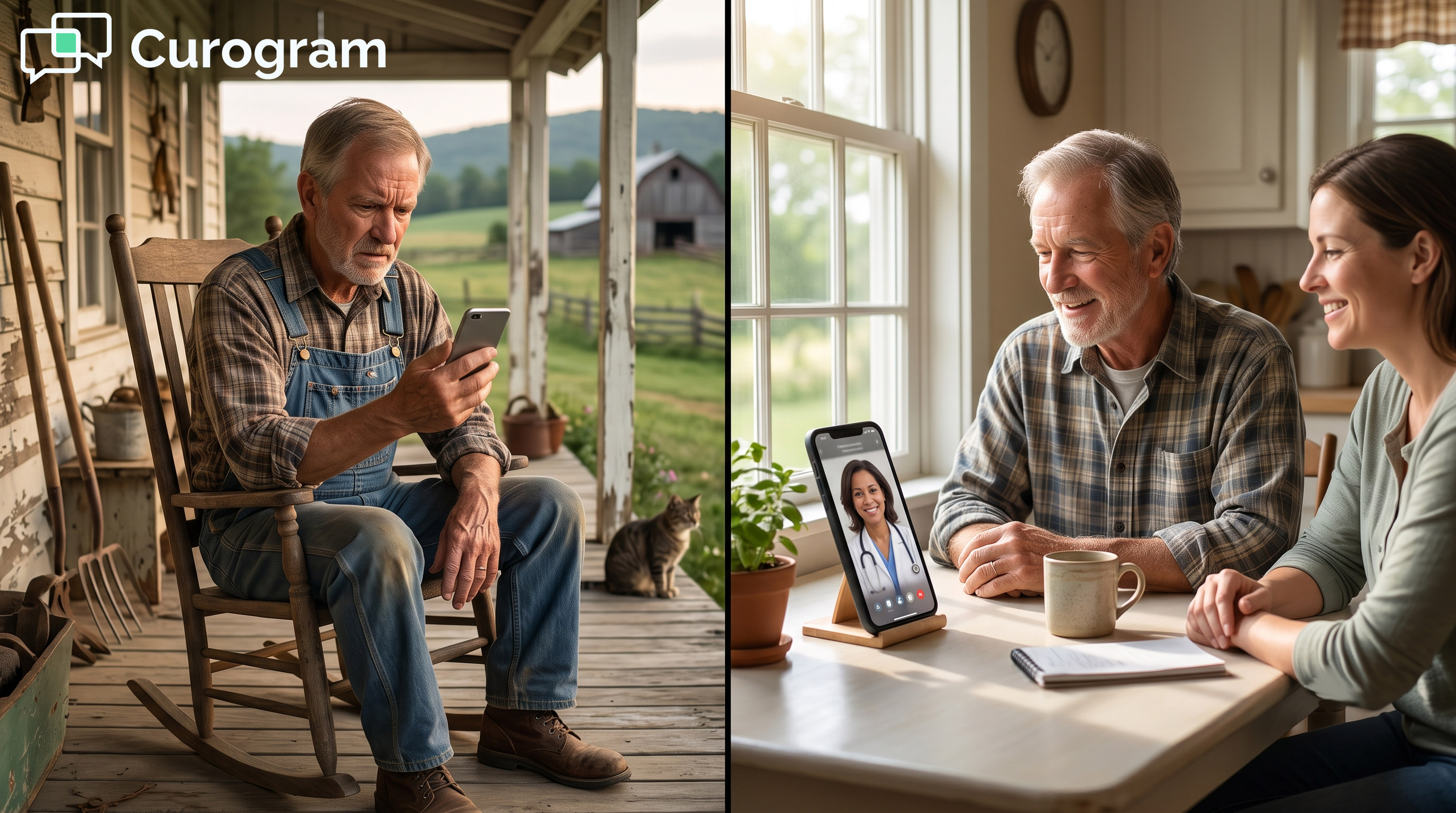
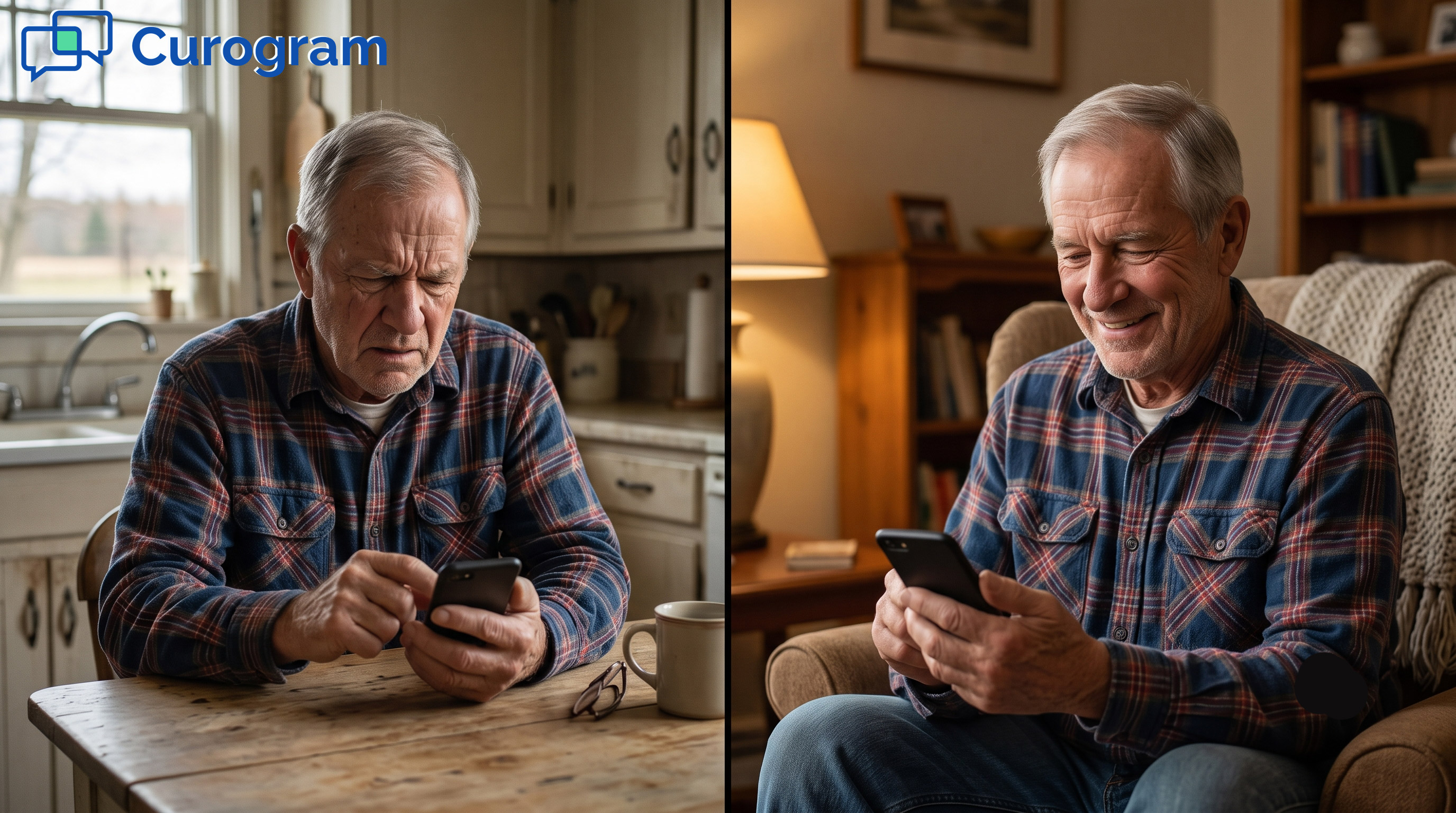
A rural patient is thinking of the journey to the nearest clinic, which is an hour away. Their knee aches, and a follow-up is due. The weather looks bad, and the truck is low on gas.
So they skip it. This is daily life for rural health. The drive is the reason care does not happen.
Telehealth was supposed to fix this. The promise was simple: see the doctor from home. But most telehealth broke that promise at the very first step.
It asked the patient to download an app. Then it asked them to build a login with a password. For an older patient, that wall ends the visit before it starts.
This is where text-link telemedicine visits for rural Azalea Health patients change the story. The patient gets a text and taps the link. The visit opens right there in the phone they already hold.
No app. No password. No setup. The thing they scheduled to skip the drive finally works.
Azalea Health runs the practice behind the scenes. It holds the chart and the schedule. Curogram handles the patient side of the visit. Together, they turn a missed appointment into a face-to-face talk.
The stakes are real out here. A failed connection is not a quick reschedule. It can mean a long trip or no care at all.
So the join has to be easy and forgiving. It has to work on a basic phone. It has to let a daughter or interpreter hop on too.
This post walks through the wall that blocks these visits. Then it shows the one-tap fix that opens them. You will see how the right setup brings the doctor to the patient. The drive stops being the deciding factor.
It is a small change with a big payoff. The care travels to the patient instead.
Most telehealth tools ask for too much before the visit even starts. They drop an app, a login, or a portal in the way. For a rural panel, that ask is often a dead end.
The patient wanted to see their doctor without the long drive. The tool asked them to be an IT expert first. Here is why that wall does the most harm where care is needed most.
The barrier is not the doctor or the diagnosis. It is the screen that loads first. That screen asks for things many patients cannot give.
A patient taps a telehealth link and hits a sign-up form. They need an email, a password, and sometimes a code. Many give up right there at the first field.
The visit they wanted is now a chore they did not sign up for. They scheduled a doctor, not a tech project. So the phone goes back in the pocket.
The link was meant to help, yet it became a hurdle. That hurdle is small for some people. For this patient, it was enough to stop the visit.
Older rural patients often skip app-based tools on purpose. They may not have the app store set up. They may not trust a fresh download from a name they do not know.
Telehealth for older rural patients fails when it assumes everyone is fluent with phones. The tool asks too much, so the patient simply walks away. The care plan stalls with it.
Comfort with phones varies a lot across a rural panel. A tool built for one type of user misses the rest. The result is a visit that never starts.
In a city, a blocked video visit is a small delay. Out here, the cost is much higher. A bad screen can erase a whole visit.
The patient weighed a long drive against this one visit. The video call was the easy choice. When the join fails, that easy choice is suddenly gone.
Now the trip and the care both vanish in the same moment. The clinic loses the slot it had saved. The patient loses the visit they needed.
That is not a minor hiccup for a busy clinic. An empty slot is lost time and lost care. The next opening may be weeks away.
Most patients try exactly once. If the screen blocks them, they do not call the front desk for help. They close the phone and move on with their day.
A single failed attempt can stall a care plan for months. The gap telehealth meant to close gets wider instead. That is the quiet harm of the download wall.
No one tracks these silent drop-offs. They do not show up as a complaint. They show up later as a patient who got sicker.
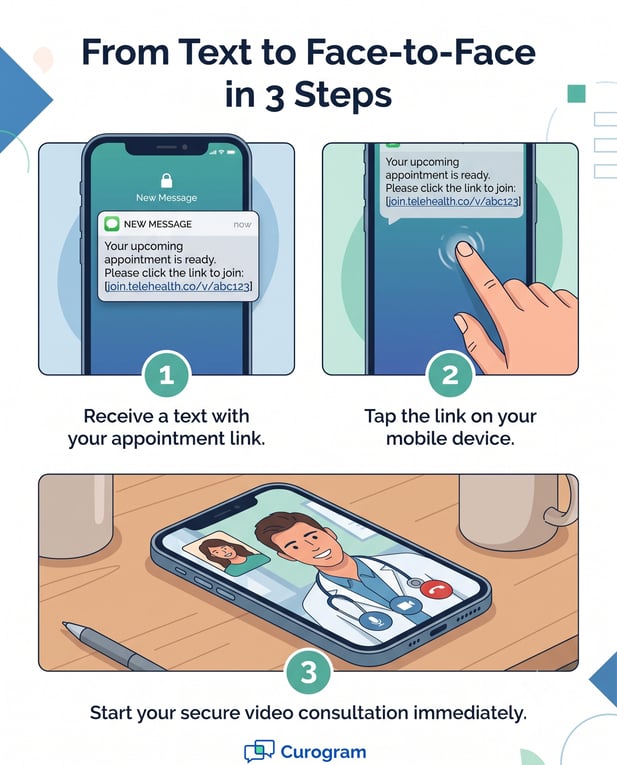
Curogram removes the wall, not the visit. The patient taps the text, and they are face-to-face with their provider. There is nothing to climb and nothing to install.
This is the one-tap visit, and it is built for the people app-based tools leave behind. Here is how that single tap works, and why it fits a busy rural practice.
The whole point is to let the patient join a virtual visit with no app in the way. The link does the heavy lifting. The patient just taps.
The no-download video visit starts from a plain text link. It opens in the phone’s own browser. There is no app to fetch and no login to build.
So a patient can see the doctor by text link on the device they use every day. Basic phones work fine. The tap is the only step they have to learn.
There is no new skill to master and no account to recall. The link carries the patient straight into the visit. That is the whole flow, start to finish.
Care out here is rarely a solo event. A daughter, a caregiver, or an interpreter can join the same call in one tap. No separate account is needed for them.
That single feature makes the Azalea Health telehealth patient experience work for the whole household. The patient is not alone on the screen. Help can sit right beside them.
Many rural patients lean on family to manage care. The visit should make room for that, not block it. One tap brings the helper onto the call.
An easy join still has to fit the clinic. Curogram ties the visit back to the practice through its Azalea Health integration. The patient side feels simple, and the staff side stays in order.
The text-link visit links back to the right slot on the calendar. Staff see it on the schedule, just like an in-person visit. Nothing floats off on its own.
So an effortless tap on the patient side stays organized on the clinic side. The front desk keeps its rhythm. The provider knows who is coming and when.
The clinic does not trade order for ease. It gets both at once. The patient sees a simple link, and staff see a tidy schedule.
After the call, notes and next steps live where the team already works. The chart stays the single source of truth. No one rebuilds the record by hand.
The provider does not juggle two systems during a visit. The patient gets a clean, simple call. The staff get a record that fits their normal day.
One workflow means fewer errors and less double entry. The team trusts the chart they already use. Care notes do not scatter across tools. For the staff view, see Telemedicine Without the Front-Desk Tech Support.

When the wall is gone, the visit happens. The patient sees their provider from home, with a caregiver close by if needed. The drive drops out of the plan.
This is the shift that text-link visits make real for a rural panel. The app store stops being the gatekeeper. Here is what that win looks like at the kitchen table.
A visit only helps if the patient can actually join it. Text-link visits open the door for nearly everyone. The reach is wide, not narrow.
Industry data puts SMS open rates near 98%. A text reaches a patient far more often than an email or a portal note. It lands in a place they check all day.
So the visit link gets seen, not buried. The patient does not lose it in a crowded inbox. They do not stall at a login they forgot months ago.
A seen link is a link that gets tapped. That is the first step toward a visit that happens. Reach is where access truly begins.
Because the link opens in any browser, the whole panel can join. Access is not limited to the app-savvy few. The grandmother joins as easily as the teenager.
This is the kind of visit built to save the drive and still reach everyone. Care meets patients where they already are. The phone in their hand is enough.
No download means no one is left at the gate. The shy phone user joins with ease. So does the patient who fears a new app.
The biggest win is the visit that occurs instead of failing at the app store. The drive disappears. The care arrives.
A patient on a back road sees their doctor from the kitchen table. Hours on the road become a single tap on a phone. The truck stays parked.
For someone weighing a long trip, that is the whole game. It is the line between getting care and getting none. The visit happens because the join was easy.
Distance used to decide who got seen. A text link erases that math. The clinic comes to the kitchen table instead.
A spouse can take notes during the visit. A grown child can ask the questions the patient forgets. An interpreter can bridge the language gap in real time.
The whole support system joins from one couch. That is real access, not access in name only. The patient leaves the call understood and informed.
A patient who understands the plan follows it better. A caregiver who heard it can help at home. That is care that sticks after the call ends.
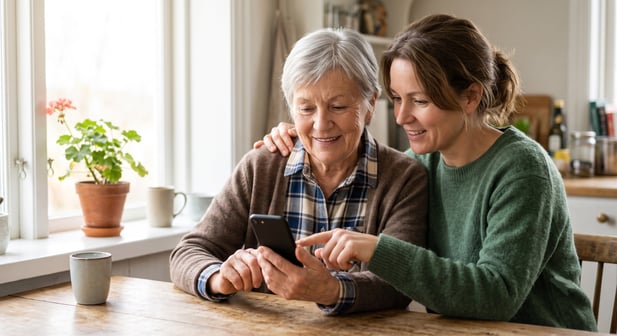
The math out here is simple. The drive is one wall, and the download is the second. Knock both down, and care finally happens.
That is the heart of text-link telemedicine visits for rural Azalea Health patients. The patient gets a text and taps once. The visit opens with no app store, no login, and no long trip.
Azalea Health and Curogram play two different roles. Azalea Health is for your record. It holds the chart, the schedule, and the clinical history in one place.
Curogram is for their access. It is the visit that opens with a tap, not an app store. One runs the practice, and one lets the patient in the door.
Think about who this reaches. The grandmother who never set up an app store. The farmer an hour from the clinic. The patient who tried once, hit a login, and quietly gave up.
A text link meets all of them where they are. The visit runs in the phone they already use. A daughter or interpreter joins in a single tap.
The result is care that would not have happened otherwise. Hours on the road turn into a face-to-face talk from home. The slot stays filled, and the patient stays seen.
This same text channel does far more than launch visits. It also powers reminders, recalls, and two-way patient texting that keep the whole panel connected.
So stop letting the drive be the reason care does not happen. And stop letting the download be the second reason. The fix is not a bigger app.
The fix is a smaller ask. One tap, from a text, on any phone. That is all a rural patient should ever need to join.
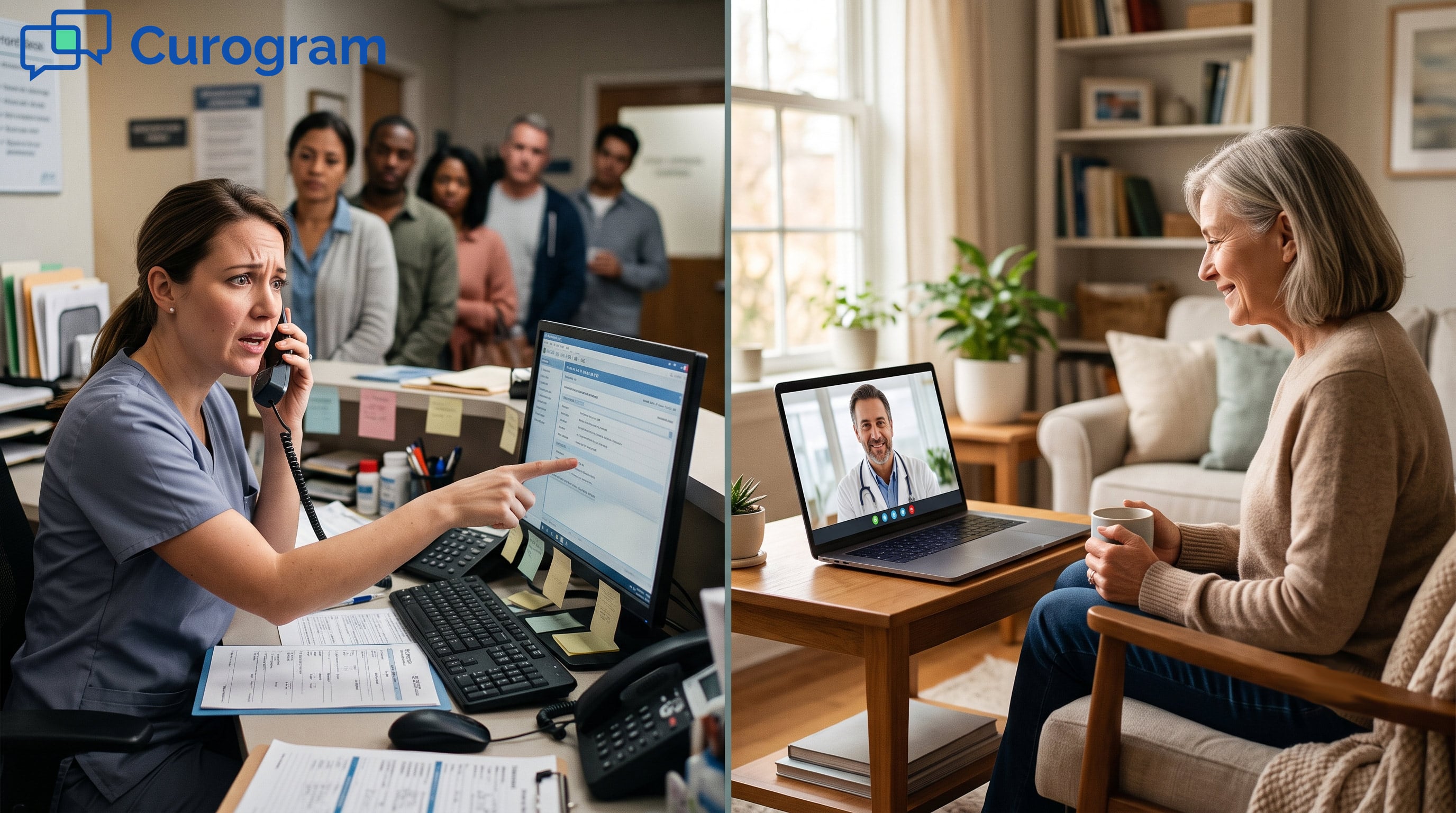
Think of the staff side too. There is no help-desk call when a patient cannot log in. The front desk spends less time on tech and more time on care.
And think of the trust this builds. A visit that just works tells the patient you respect their time. They come back for the next follow-up, and the one after that.
Rural care has always fought distance and cost. The download wall added a third hurdle on top. A text link clears all three with one simple tap.
That is the promise worth keeping. See the doctor from home. No app, no login, and no long drive standing in the way.
See the one-tap virtual visit from the patient’s point of view. Watch how fast a rural patient goes from a text to a face-to-face talk, with no wall standing in between.
Book your Azalea Health integration demo and see the one-tap virtual visit from the patient’s side.
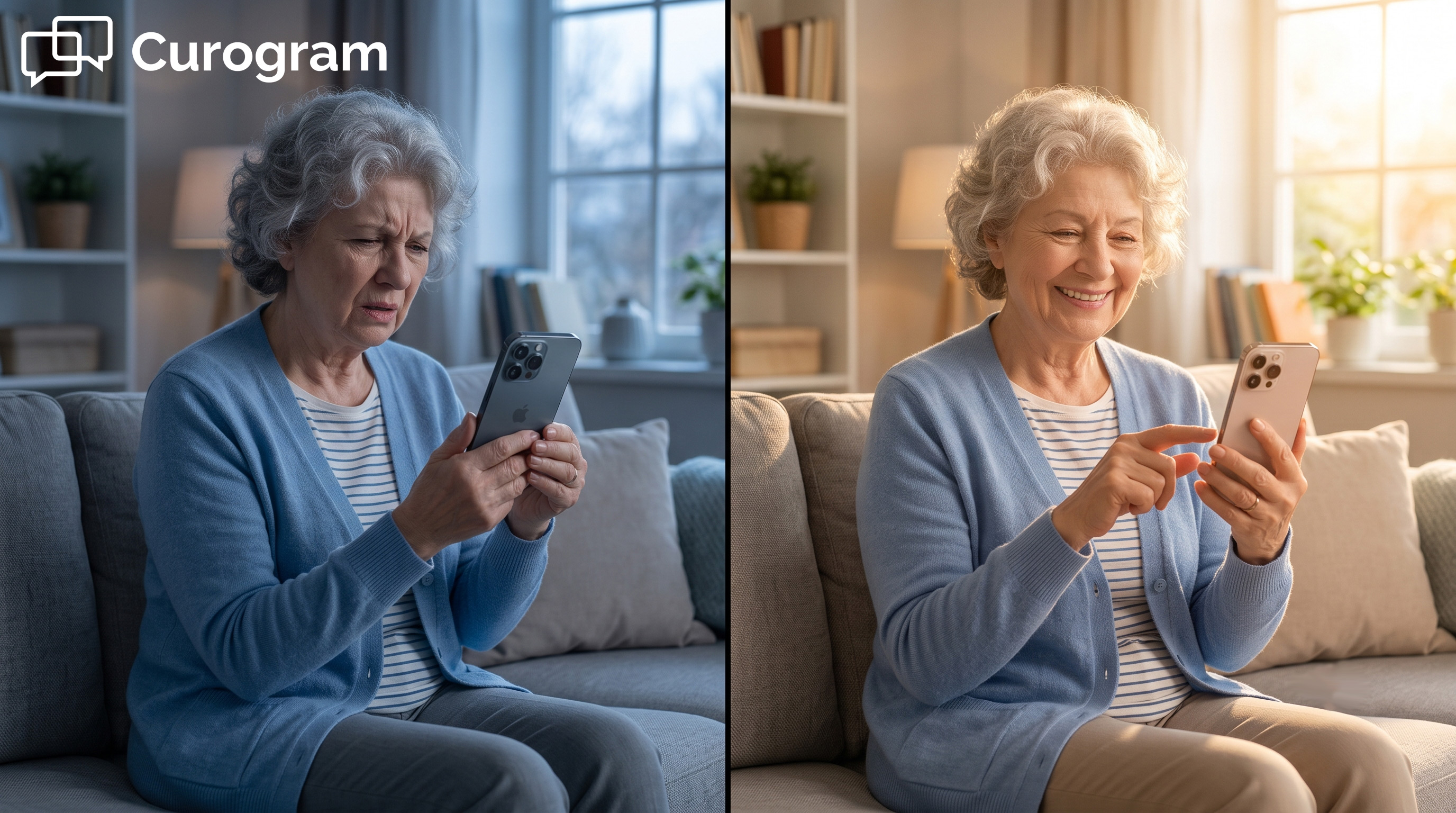
1 min read
Jo Galvez : Jul 13, 2026, 8:00:01 AM
💡A CollaborateMD video visit with no app download for patients starts with one tap. The patient taps a link in a text. The visit opens right away....
1 min read
Jo Galvez : Jun 30, 2026, 10:00:00 AM
💡No-download telemedicine for Azalea Health practices lets patients join a video visit from a text link. There is no app to install and no portal...
1 min read
Jo Galvez : Jun 30, 2026, 11:00:01 AM
💡Low-friction telemedicine for the Azalea Health front desk workflow lets patients join a virtual visit from a text link. There is no app to...