AdvancedMD 2-Way Texting | Clinical Communication, Not Just Lead Gen
💡 AdvancedMD two-way patient texting, delivered through Curogram's Unified Clinical Inbox, gives practices a direct, HIPAA-compliant SMS channel....
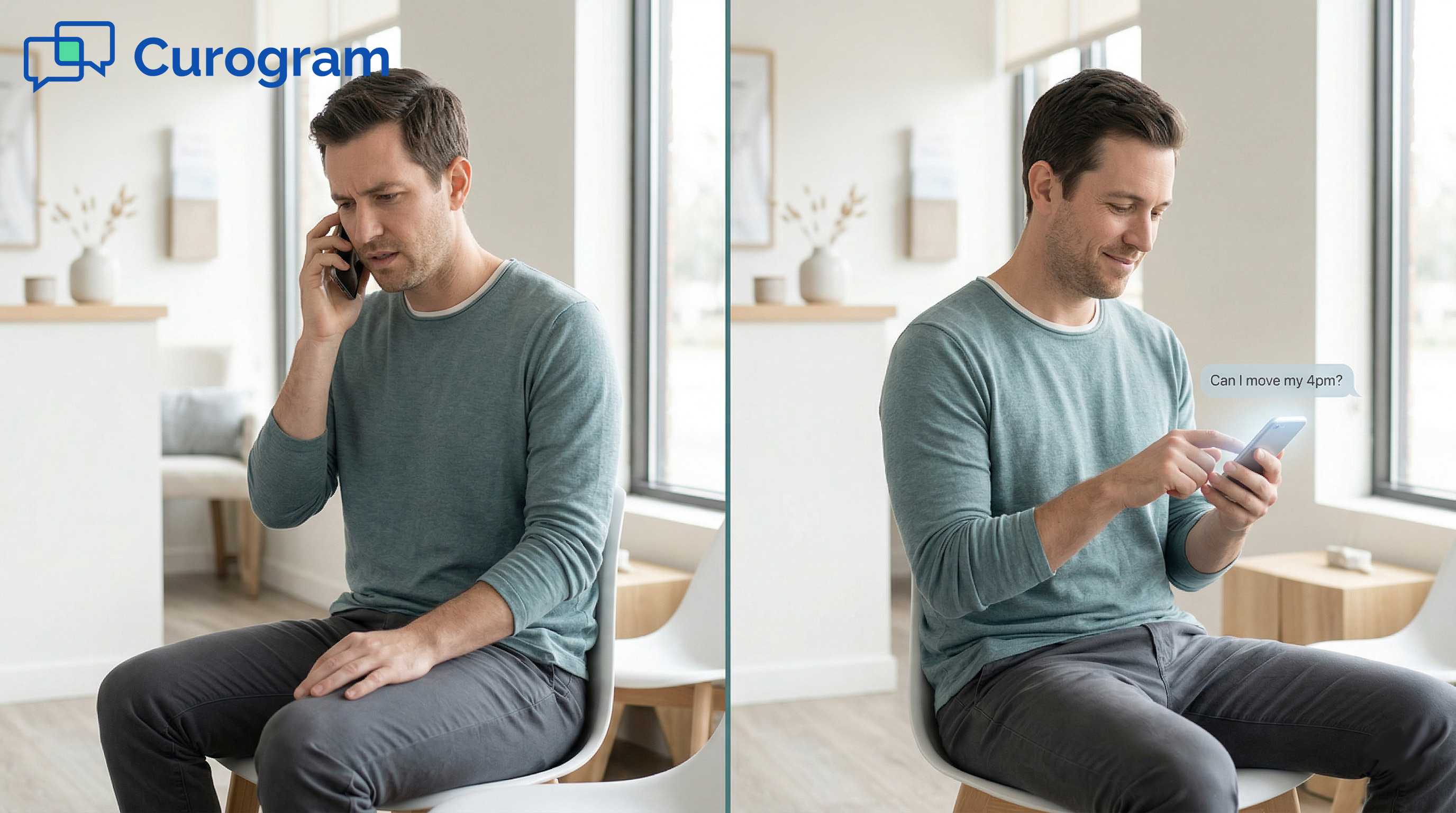
One text. That’s all it should take.
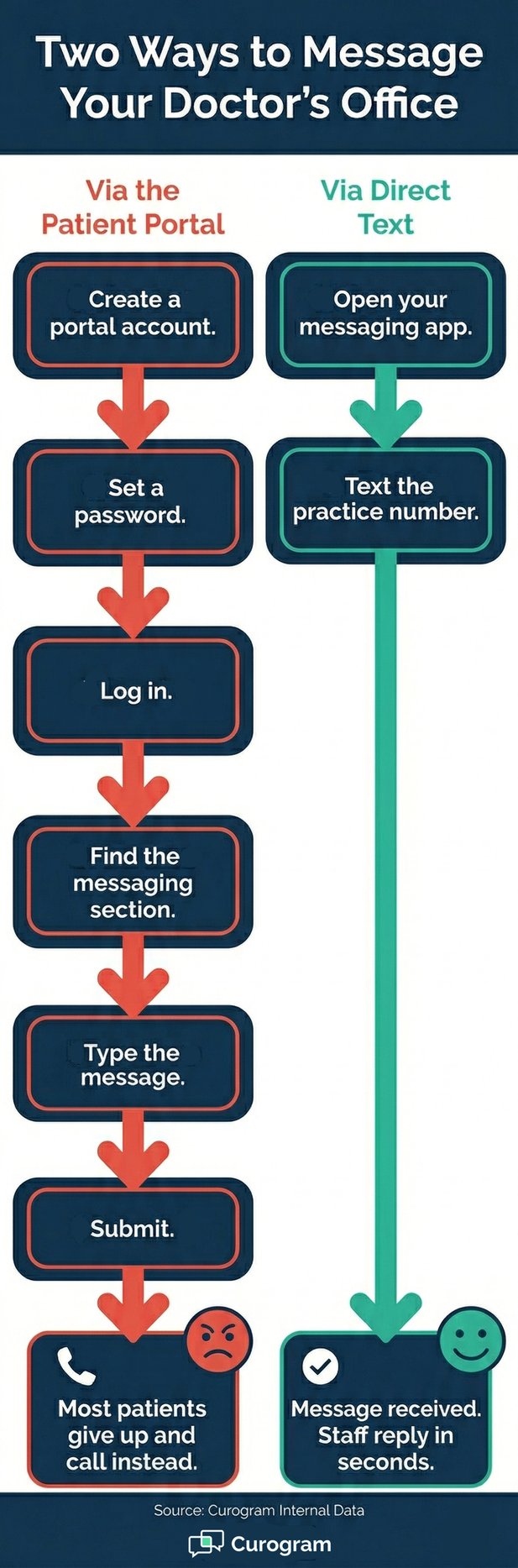
But at most AdvancedMD practices, a quick message takes more steps than it should. A patient has to create a portal account, set a password, and log in.
Then they find the messaging section, type their question, and hit submit. That’s five steps before they can even start the conversation.
Most patients don’t make it through. They close the tab and call instead.
AdvancedMD’s patient portal handles many things well. It covers records access, bill pay, and intake forms for patients who use those features.
But for fast, routine messages, the portal creates friction. Each extra step is a reason to stop and do something quicker.
That’s where AdvancedMD patient texting with no portal and no app comes in. Curogram gives patients a direct line to the practice. They text your practice’s phone number from their regular messaging app.
No login, no app, no chatbot. The message lands in a HIPAA-compliant inbox, matched to the patient’s record.
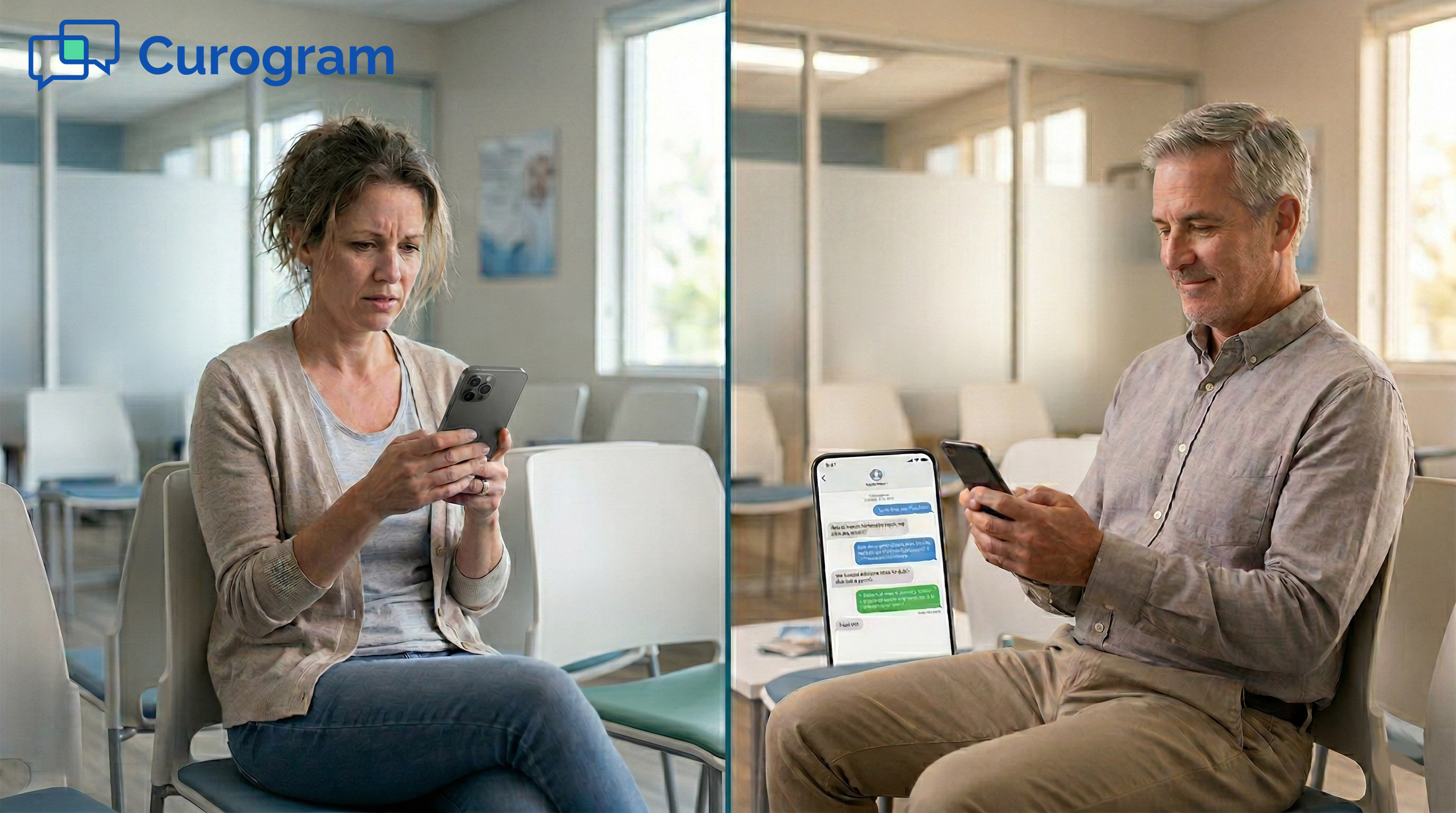
Here’s the reality: your patients already text their bank, their pharmacy, and their airline without thinking twice. But texting their doctor often means finding a password first.
That gap has a real cost. It shows up as extra calls to your front desk, missed replies, and patients who simply stop reaching out.
This article looks at why portal-based messaging falls short for routine daily contact. It also covers how Curogram’s direct text channel works alongside AdvancedMD.
It also covers what shifts when every patient can reach your practice with one tap. No portal login. No app download. No chatbot. Just text.
You don’t have to replace what’s already working. The portal stays for patients who prefer it. The text channel fills the gap for everyone else.
AdvancedMD’s patient portal is a strong tool. It handles records, bill pay, and intake forms. But when patients need to send a quick, routine message, the portal often creates more work than it solves. The result is a communication gap that shows up in your call volume every single day.
For patients who need access to records or lab results, the portal is worth the setup. For quick questions, the login process is a wall they’d rather not climb.
Think about what it takes to ask one simple question through the portal: create an account, set a password, and log in. Then navigate to messaging, write the message, and submit.
That’s six steps to send one text. Most patients don’t finish. They close the tab and call instead.
If a patient visits more than one AdvancedMD practice, they need a separate account for each one. That’s more passwords, more steps, and more reasons to pick up the phone.
Portal accounts require patients to opt in before they can send a message. They need an invite, an email, and time to set things up.
For a patient who just wants to ask one quick question, that setup isn’t worth it. They skip the whole process and call.
Based on general patient data, 30 to 60% of patients at independent practices have never created a portal account.
That means up to 6 in 10 patients can’t be reached through the portal at all. They’re in your system, but your only digital channel doesn’t work for them.
When the portal is too much trouble, patients do what’s fast and easy: they call. They call to confirm appointments. They call about billing. They call to request refills. Each of those calls could have been handled by text in seconds.
Based on our internal data, practices can field 80 or more calls per day. A large share of those calls are simple, routine questions.
These calls extend hold times and stretch front desk staff thin. The portal was meant to reduce call volume. Instead, its friction pushes patients right back to the phone.
Portal adoption has more than a login problem. It has a reach problem. When a patient won’t or can’t use the portal, the practice has no digital way to contact them.
They can’t be messaged, surveyed, or reached through any digital channel. The gap in your reach isn’t based on patient need. It’s based on who chose to create an account.
Portal enrollment at independent practices typically runs between 40 and 70% of the active patient panel. That leaves 30 to 60% of patients without portal access.
For routine outreach like appointment reminders, billing follow-ups, or post-visit notes, these patients simply can’t be reached through the portal.
This is a built-in ceiling on your digital reach. You can’t communicate digitally with patients who never enrolled. And there’s no way to know which patients those are until they call, or until they stop showing up.
Portal use tends to skew toward younger, more tech-comfortable patients. Older patients, those with limited English, and those who spend less time online are far less likely to set up an account. But these patients still have phones. They text their families and friends every day.
The barrier isn’t technology in general. It’s the specific steps the portal needs: account creation, password setup, and web navigation.
Remove those requirements, and the channel opens to every patient who owns a phone.
Here’s how portal messaging compares to direct text contact for your patients:
|
Feature |
Portal Messaging |
Direct Text via Curogram |
|
Account required |
Yes |
No |
|
Password needed |
Yes |
No |
|
Steps to send a message |
5 to 6 steps |
1 step |
|
Separate account per practice |
Yes |
No |
|
Works for all patients |
No (40–70% enrolled) |
Yes (any patient with a phone) |
|
HIPAA-compliant |
Yes |
Yes |

The fix is simpler than it sounds. It’s a direct text channel that removes every step a patient has to take before they can message your practice.
Curogram makes AdvancedMD patient texting with no portal and no app a real option, so the whole process starts and ends with one text.
When a patient texts your practice’s phone number, the message arrives in Curogram’s HIPAA-compliant inbox. That’s it on the patient’s end. No portal login. No app to download. No chatbot to click through. They open their regular messaging app, type their question, and send.
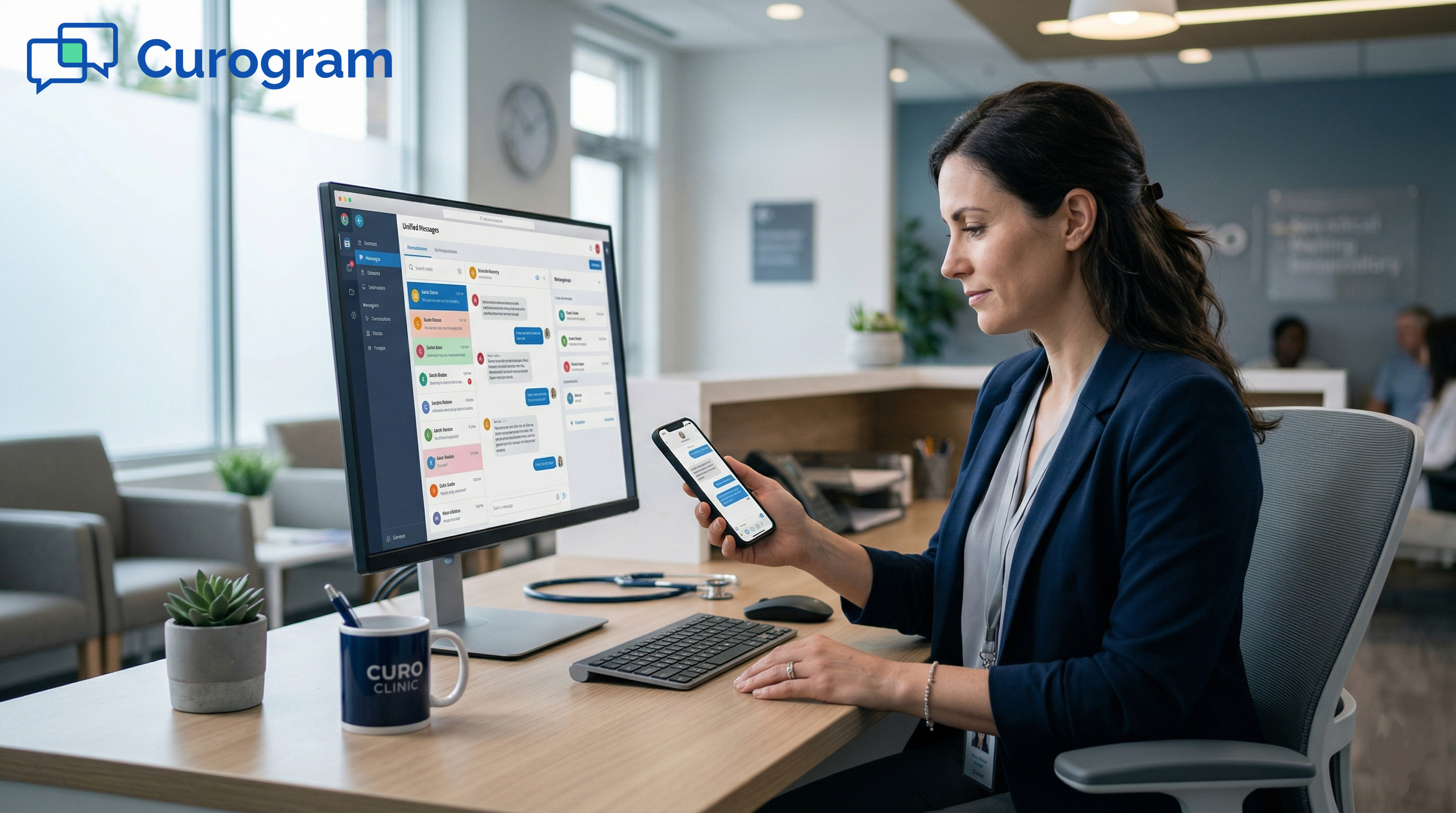
Your team sees the message, the patient’s name, and their full message history in one view. Staff reply directly, and the patient gets the response as a standard text. The whole exchange can take under a minute. There are no new tools for the patient to learn.
Patients can text the AdvancedMD practice directly using the phone number they already have. There’s no app to install, no portal account to create, and no password to manage. The process is the same as texting a friend or a family member. That simplicity is the point.
The barrier between a patient and your practice drops to zero. If a patient wants to confirm an appointment, they text. If they have a billing question, they text. If they need a refill, they text. None of those actions require an account or a login.
Curogram connects to AdvancedMD’s patient data. When a text comes in, Curogram checks the phone number against patient records and pulls up the right person right away.
Your staff don’t have to ask “Who is this?” or look up the patient by hand.
The conversation is logged in a HIPAA-compliant thread tied to that patient’s record. Everything is encrypted, access-controlled, and audit-logged.
Compliance doesn’t require a portal. It requires proper data handling, and Curogram handles that on the back end.
Most practices talk about patient engagement. But if your main digital channel only reaches 40 to 70% of your panel, you’re not engaging your full patient base.
You’re engaging the patients who were willing to create a portal account. Curogram changes that reach entirely.
When patients can text the practice directly with no portal login and no app download, the group you can reach expands from portal-enrolled patients to every patient in your system.
For a practice with 3,000 active patients, that can mean hundreds of additional patients now reachable by text.
This matters most for routine, high-volume contact: confirmations, balance questions, refill requests, and post-visit follow-ups.
These are the messages that pile up as calls when there’s no easy way to send them digitally.
Text messaging doesn’t belong to one age group. Research shows that adults across all age groups send and receive text messages every day, including those over 65. It’s the one digital channel that cuts across age, language, and tech comfort level.
By making text the default contact channel, AdvancedMD practices can reach the patient who texts their grandchildren daily, the new patient who hasn’t set up a portal account yet, and the busy professional who doesn’t have time to log in. One number. No barriers. Every patient.
When the steps to message a practice drop from six to one, things change fast. Patients reach out more. Staff spend less time on hold calls.
The practice connects with patients it couldn’t reach before. The shift is measurable, and it happens quickly.
Direct texting reshapes daily patient contact. When patients can text the practice without a portal login or an app download, more of them do it.
Appointment confirmations come through faster. Billing questions get answered by text instead of after three rounds of phone tag. The daily rhythm of the front desk changes.
The front desk still handles calls. But the calls that come in tend to be more complex ones that need a real-time conversation.
Routine questions move to text, where they belong. That shift frees up your team for work that actually needs their attention.
Based on our internal data, practices that use direct two-way texting can see phone call volume drop by up to 50%. That’s a meaningful shift for a front desk that handles dozens of calls a day. It frees up staff to focus on patients who are physically in the office.
Patient response rates go up when the channel is text. A text is easy to reply to. It doesn’t require a login or a quiet moment to navigate a website.
Patients reply when they have 30 seconds, not when they can set aside five minutes to log into a portal.
Two of the most common call reasons, billing questions and refill requests, are well-suited for text. A patient texts to ask about their balance.
Staff reply with the amount and a payment link. The whole exchange takes two or three messages and no hold time.
Refill requests work the same way. A patient texts in. Staff confirm the request and route it to the right team. No voicemail. No callback tag. The request moves faster, and the patient has a record of the exchange right on their phone.
Adding a direct text channel doesn’t replace what the portal does well. It adds a layer for the everyday, high-volume contact that drives a practice’s day.
The portal keeps handling records, results, and full-account functions. Text handles everything that’s fast and routine.
Patients who prefer the portal can keep using it. Nothing changes for them. But for the 30 to 60% of patients who never created a portal account, and for those who find logging in too slow for a quick question, text becomes the go-to channel.
This shift benefits the practice as much as the patient. Staff send fewer follow-up calls. Patients respond to text-based reminders at higher rates. And the practice communicates with its full patient panel, not just the portal-enrolled portion.
The results are measurable. Based on our internal data, Curogram no-show rates run 53% lower than the industry average.
Practices using automated reminders and direct two-way texting confirm over 1,100 appointments per month on average.
Patient engagement goes up because the channel patients use every day is the same one they’re using to reach their doctor. One tap to confirm an appointment. One text to ask about a balance. That’s what zero friction looks like in real practice.
Here’s a quick look at how the three main contact channels compare for routine patient messages:
|
Channel |
Steps to Send a Message |
Works Without an Account |
Typical Response Rate |
|
AdvancedMD Portal |
5 to 6 steps |
No |
Low (only enrolled patients) |
|
Direct Text via Curogram |
1 step |
Yes |
High (all patients with a phone) |
|
Phone Call |
1 step + hold time |
Yes |
Varies (hold times increase drop-off) |

Your patients already text. Every day, they text their family, their pharmacy, and their bank. The gap is that they can’t easily text their doctor’s office the same way. That’s a gap worth closing, and the fix is already available.
Most patients want a simple way to reach their doctor’s office. They don’t want to create a new account, remember a new password, or navigate a web portal to ask one question. Text is what they already know how to do.
The issue isn’t patient effort. It’s available channels. When the only digital option has a login wall, patients who won’t or can’t use it go quiet.
They stop confirming appointments. They stop asking billing questions. They call when they have to and don’t reach out when they don’t.
Think about the services your patients connect with most. Banks send balance alerts by text. Airlines send gate updates by text. Pharmacies send pickup notices by text. All of this happens without a login, without an app, and without friction.
When a patient can text your AdvancedMD doctor directly with no portal login and no app, using the practice number they already have, it feels natural. Not like a new tool. Not like a patient portal. Just like texting.
Closing this gap doesn’t take a big overhaul. Curogram connects with AdvancedMD and adds a direct text number to your practice.
Patients get a channel they’ll actually use. Staff get an inbox that organizes every message by patient name and record.
The result is fewer missed connections. More confirmed appointments. More questions answered before they become calls. And a practice that communicates with its full panel, not just the patients who enrolled in the portal.
AdvancedMD’s portal handles what it handles well. Curogram fills the gap for everything else. Together, the two cover every patient, every contact type, and every preference, without replacing what’s already in place.
Patients don’t learn anything new. They text the practice number from their regular messaging app. That’s it. Staff work from a clean, organized inbox where messages arrive labeled with the patient’s name and record. Replies go out as standard texts. No new workflow.
Based on our internal data, practices can be up and running with Curogram quickly. Staff training takes as little as 10 minutes. That’s a low bar for a tool that extends your reach to every patient in your panel.
The best way to understand zero-friction patient texting is to see it run alongside your existing AdvancedMD workflows. A short demo shows how inbound texts arrive, how patients are matched to records, and how your team manages replies from one inbox.
Stop losing routine messages to portal friction. Every patient with a phone number is already reachable. All it takes is a direct line. Schedule a demo today.
Patients text your practice’s phone number from their regular messaging app, the same one they use to text anyone else. The message arrives in Curogram’s HIPAA-compliant inbox and gets matched to the patient’s record right away. No portal account is needed on the patient’s end. Staff see the patient’s name, history, and message, then reply directly from the inbox.
Portal messaging requires patients to create an account, log in, and navigate to a messaging section before they can type a single word. Most patients skip that process for quick questions and call instead. Direct text removes every one of those steps. When the channel is easy, patients actually use it.
HIPAA compliance doesn’t require a portal. It requires encryption, access controls, and proper data handling. Curogram encrypts all messages at rest and in transit, logs access, and controls who can view each conversation.
The platform is also SOC 2 Type II certified and covered by a Business Associate Agreement. Patients don’t need to do anything extra for compliance to work on their end.
The portal requires account setup, a password, and several navigation steps just to send a message. For patients who only need to ask a quick question, those steps aren’t worth the effort. The cost to the practice shows up as higher call volume, longer hold times, and a digital communication channel that only reaches 40 to 70% of the active patient panel.
Curogram integrates with AdvancedMD’s patient data, so inbound texts are matched to records without any manual work from staff. The portal continues to function exactly as it did before for patients who prefer it. Curogram adds a parallel text channel for routine contact. Both run at the same time, and the staff manages all text messages from one organized inbox.
💡 AdvancedMD two-way patient texting, delivered through Curogram's Unified Clinical Inbox, gives practices a direct, HIPAA-compliant SMS channel....
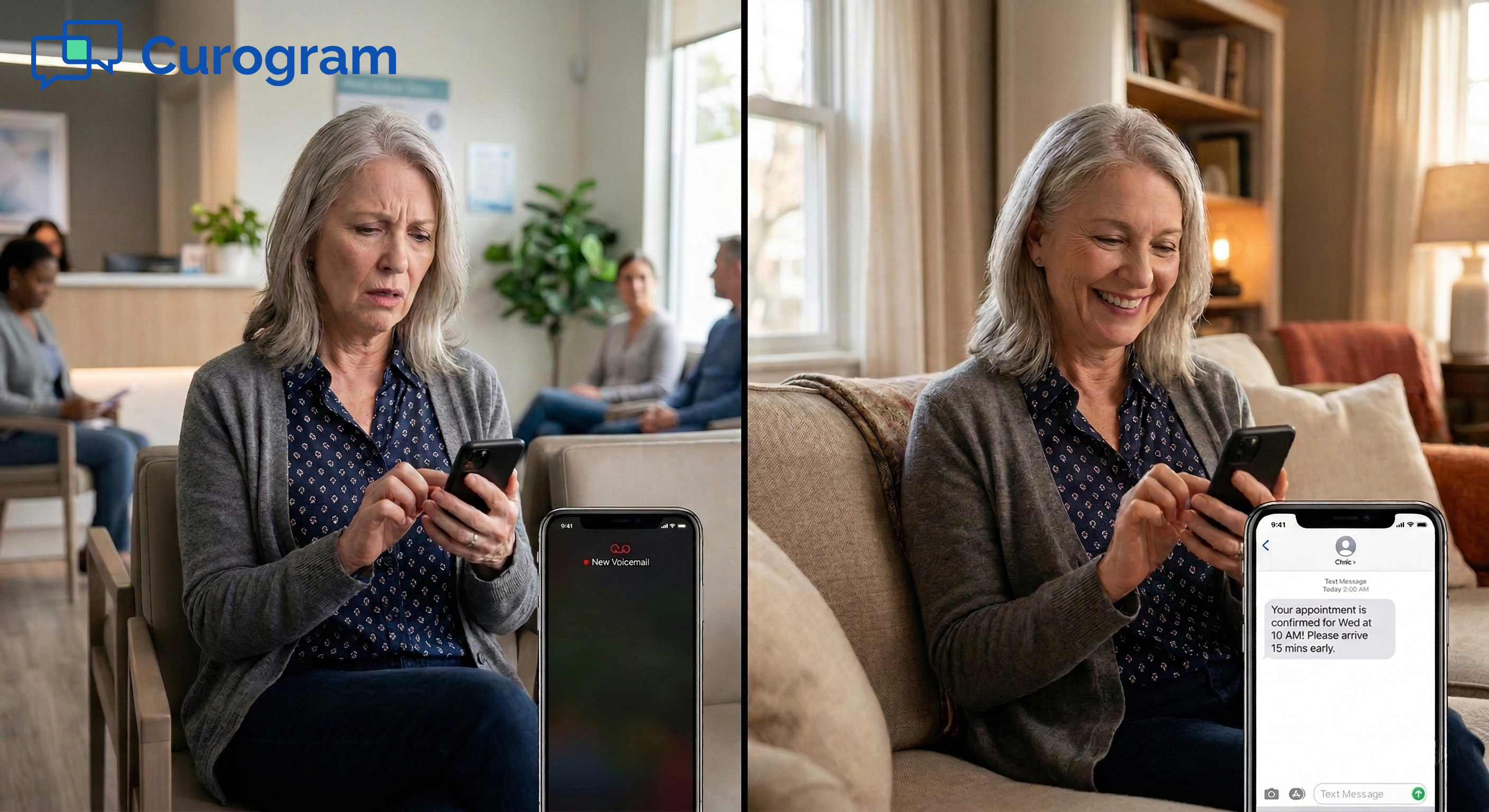
💡 Patients at eClinicalWorks (eCW) networks often face a wall before they can ask a simple question. They need to download the healow app, create...
💡 Curogram gives Tebra practices a direct SMS text line so patients can reach the office with no portal login or app download needed. Patients...