
 Carylee Gali
6 Drivers of Patient Satisfaction
Learn some industry insights into what drives patients' satisfaction, improving patient retention, staff morale, and profitability.
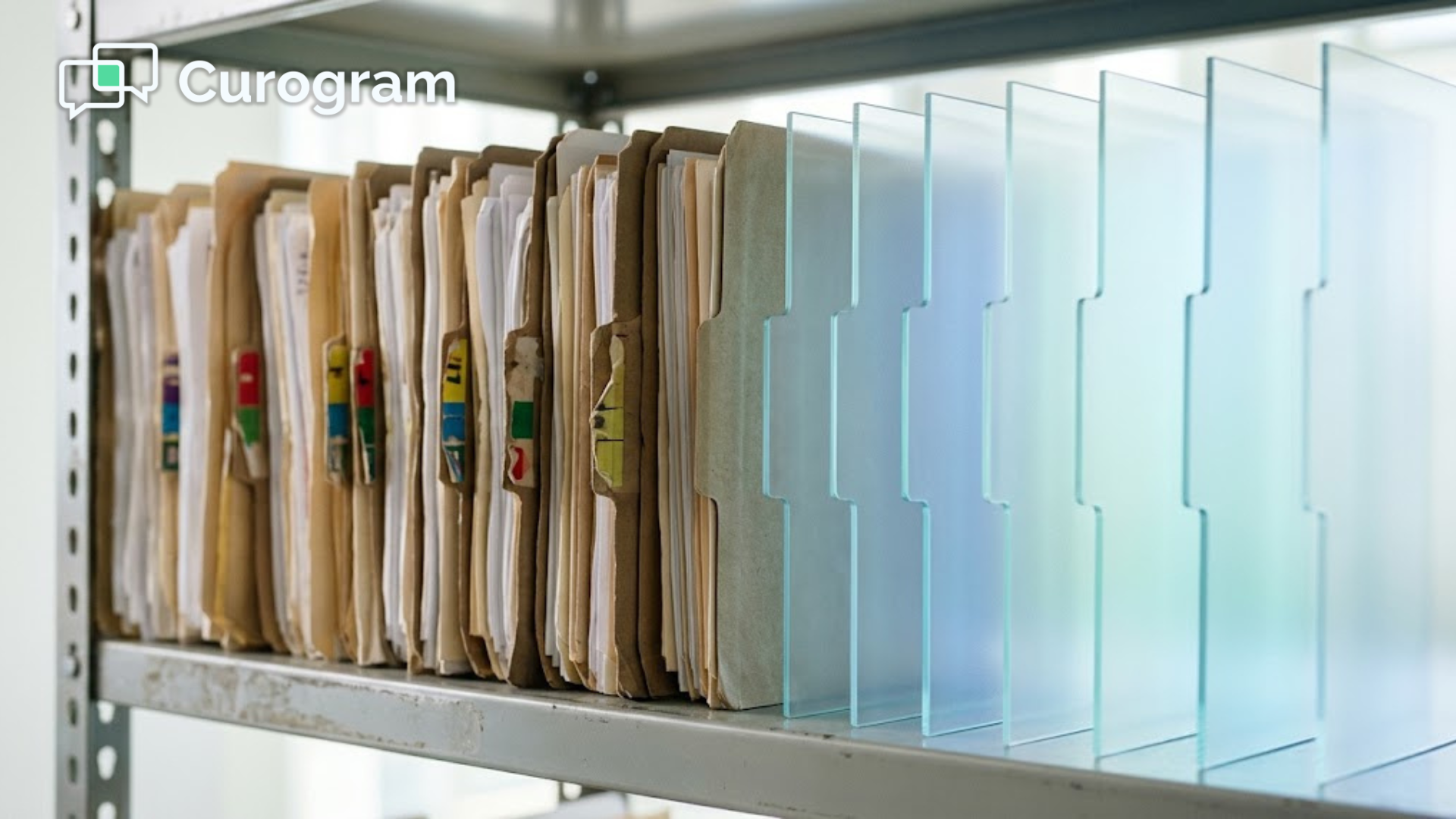
One sheet of paper. Four sets of hands.
That's the life of a typical intake form: a patient fills it out on a clipboard, and your front desk checks it for blanks. Someone types every answer into your system, and then the page gets scanned, filed, or shredded.
Now multiply that by every new patient, every yearly update, and every consent form you collect in a typical week. The work adds up quickly, and most of it happens while patients wait and phones keep ringing.
Healthcare has always depended on paperwork, from registration packets and health histories to consent forms, insurance details, lab results, and receipts. For years, paper was simply how things worked in most medical offices.
That's changing. Banks, airlines, and retailers digitized their paperwork long ago, and patients now expect the same convenience from their healthcare providers. More practices are replacing paper with digital patient forms that patients can complete from home on a phone, tablet, or laptop.
The shift isn't just about going green or looking modern, because paper creates real operational problems. It costs money to print and store, and it invites errors whenever staff misinterpret handwriting. It also puts private health data at risk on desks and in filing cabinets, and it slows down check-in at the exact moment your team is busiest.
Electronic patient forms address many of these issues simultaneously. Patients enter their own information, the system flags what's missing, and the data is ready before the visit starts. Your team then spends less time on paper and more time on people.
If you're still weighing the move to paperless patient intake, here are five practical ways digital patient forms help your practice. You'll see where the savings come from, how accuracy improves, and why patients tend to prefer the digital option.
Printing, copying, and mailing a few forms doesn't seem expensive. The real cost hides in the volume, and in the staff time it takes to handle all that paper.
Consider everything a single paper packet requires:
Paper, ink or toner, a printer that occasionally breaks down, filing cabinets, and off-site storage once those cabinets fill up. Then add the minutes your team spends handing out forms, scanning them, and typing answers into your system.
Here's a sample calculation for a practice that processes 40 intake packets a week. These figures are an illustrative example, not real practice data.
| Cost Area (Illustrative Example) | Per Week | Per Year |
|---|---|---|
| Pages printed (5 per packet) | 200 pages | 10,400 pages |
| Printing cost (at $0.10 per page) | $20 | $1,040 |
| Staff time on data entry (10 minutes per packet) | About 6.7 hours | About 347 hours |
| Labor cost (at $20 per hour) | About $133 | About $6,900 |
In this example, paper intake costs close to $8,000 a year and more than 340 staff hours. Digital forms remove most of the printing costs and cut down on manual data entry. For your team, that's time that can go back to patients instead of paperwork.
Let's be honest:
Some handwriting is nearly impossible to read, and even careful staff members make mistakes when they have to guess at a scribbled date or a smudged phone number. One wrong digit can lead to a denied claim or a missed callback.
With digital forms, patients type their own details into a secure system.
Built-in form validation reviews each entry automatically and flags common problems, such as:
If a patient forgets something, they can return and correct it from their laptop or phone, and they can review every answer before submitting. That means fewer follow-up calls for your staff and a quicker, more accurate check-in for every patient.
Privacy issues regarding patient records are a widespread concern in clinical settings. As a medical professional, you have to comply with Health Insurance Portability and Accountability Act (HIPAA) regulations regarding the security and confidentiality of protected health information (PHI).
With the right system, digital document management is a secure way to oversee the access and use of PHI, unlike paper-based records that are vulnerable to damage and theft. However, the digitization system must comply with existing healthcare regulations, such HIPAA, to avoid violating your patients’ privacy.
Additionally, storing digitized patient forms in a secured system lets the appropriate people access them as needed for patient care.
Healthcare moves fast, and your front desk feels it most. Every minute spent on paperwork is a minute not spent greeting patients, answering calls, or managing the schedule.
Here's how a digital intake flow usually works:
Compare that to the paper process, where staff hand out clipboards, explain what to fill in, answer questions, check for blanks, and retype everything. Digital patient forms remove most of those steps.
Patients benefit as well. With many systems, returning patients don't have to repeat the same details on form after form, since their saved information can carry over and they only update what's changed.
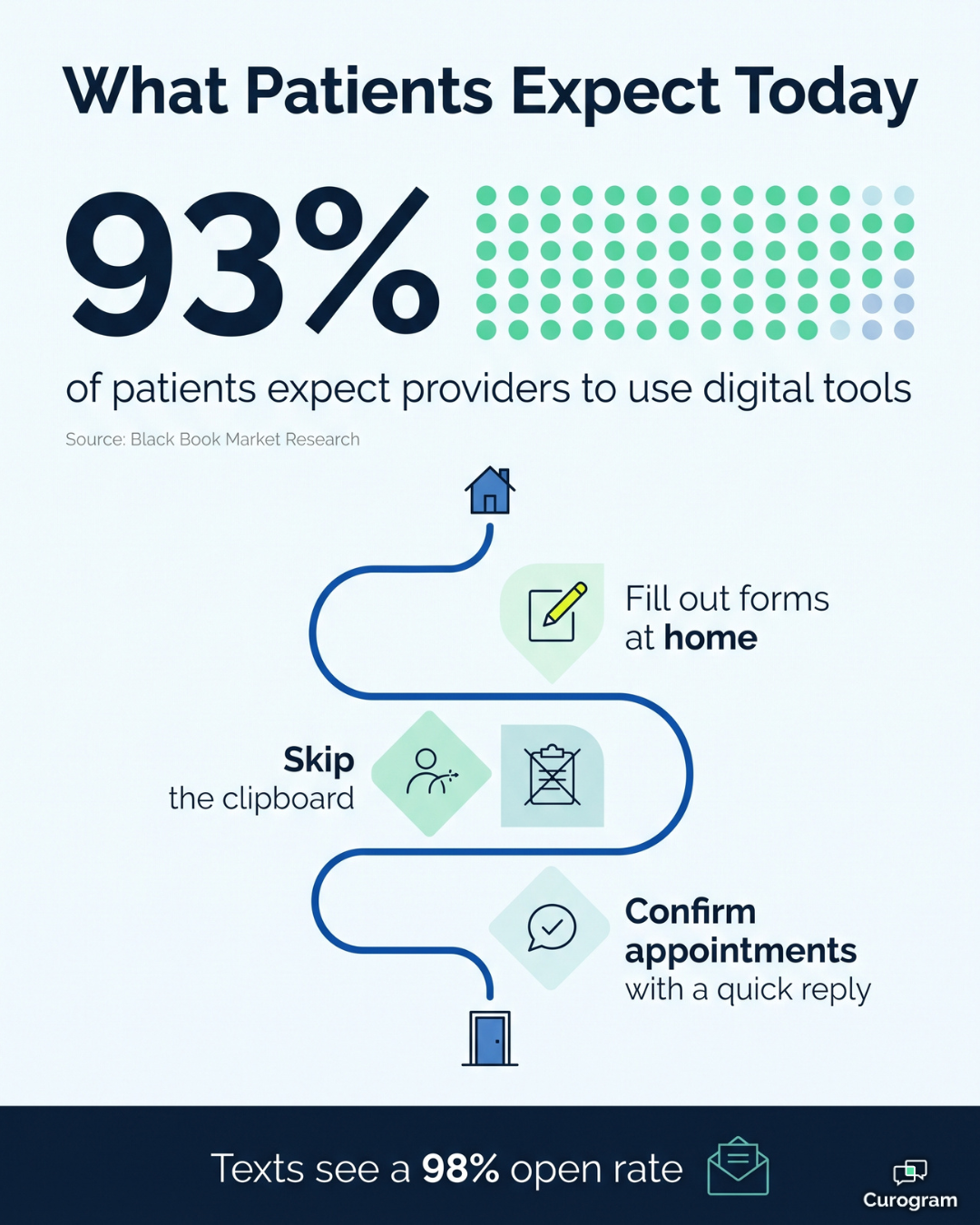
93% |
| Of patients expect healthcare providers to use digital tools, according to a Black Book Market Research study. |
That number shows what patients want: the same ease they get from their bank or airline. In practice, a paper-only process can feel outdated before the visit even starts.
Online forms make the whole experience calmer. Patients can book visits, complete online patient registration, and confirm their appointment from home. They arrive ready to be seen instead of juggling a clipboard in a crowded waiting room.
You can also use digital surveys to measure satisfaction after a visit. Patients are more likely to answer a short online survey than a paper one. That gives you better feedback to improve your services.
|
Digital forms only help if patients actually complete them, and email links often get buried in crowded inboxes. Text messages see open rates as high as 98%, so sending your forms by text gives you a much better chance of getting them back on time. For the best results, send the link a few days before the appointment, then follow up with a brief reminder the day before for anyone who hasn't finished yet. |
Paper forms had a long run in healthcare, but today they cost more than they appear to, slow down your front desk, and leave room for errors and privacy risks.
Digital patient forms offer a simpler, more reliable alternative. They give you a secure way to collect and store patient data without filing cabinets or stacks of paper. Patients fill in their own details, the system catches mistakes early, and your team gets accurate information before anyone walks through the door.
These benefits also build on each other over time. Lower costs free up budget, and cleaner data means fewer billing issues. Stronger security protects both your patients and your practice's reputation. Time saved at the front desk turns into more attentive service, and a smoother check-in leaves patients with a better first impression.
You're also not making this transition alone. State governments, insurance companies, and large health systems all encourage the shift to digital records. Moving your intake online now puts your practice in step with where the industry is already heading.
The key is choosing a tool designed specifically for healthcare. Look for a HIPAA-compliant platform that makes forms easy for patients to open and finish, especially on a phone. It should also fit the way your team already works, so you aren't trading one manual process for another.
Curogram helps practices send digital patient intake forms by text, so patients can fill them out before they arrive. Forms open on any phone, and your staff spends less time chasing missing paperwork. It's one more practical way to reduce the administrative busywork that keeps your team away from patients.
Ready to retire the clipboard? Book a demo to see how Curogram's digital forms work and find out how much time your front desk could get back each week.

Learn some industry insights into what drives patients' satisfaction, improving patient retention, staff morale, and profitability.

Save time at check-in with automated online patient forms that reach patients by text, collect insurance photos and signatures, and land in your EMR...

Learn 5 ways healthcare providers can increase their medical practice revenue, all of which focus on patient care, patient satisfaction, and security.