
Contactless Patient Intake: Powering the New Patient Journey & Your Bottom Line
Transform your patient journey with contactless patient intake. Reduce no-shows, cut admin costs, and boost patient satisfaction. See how contactless...
11 min read
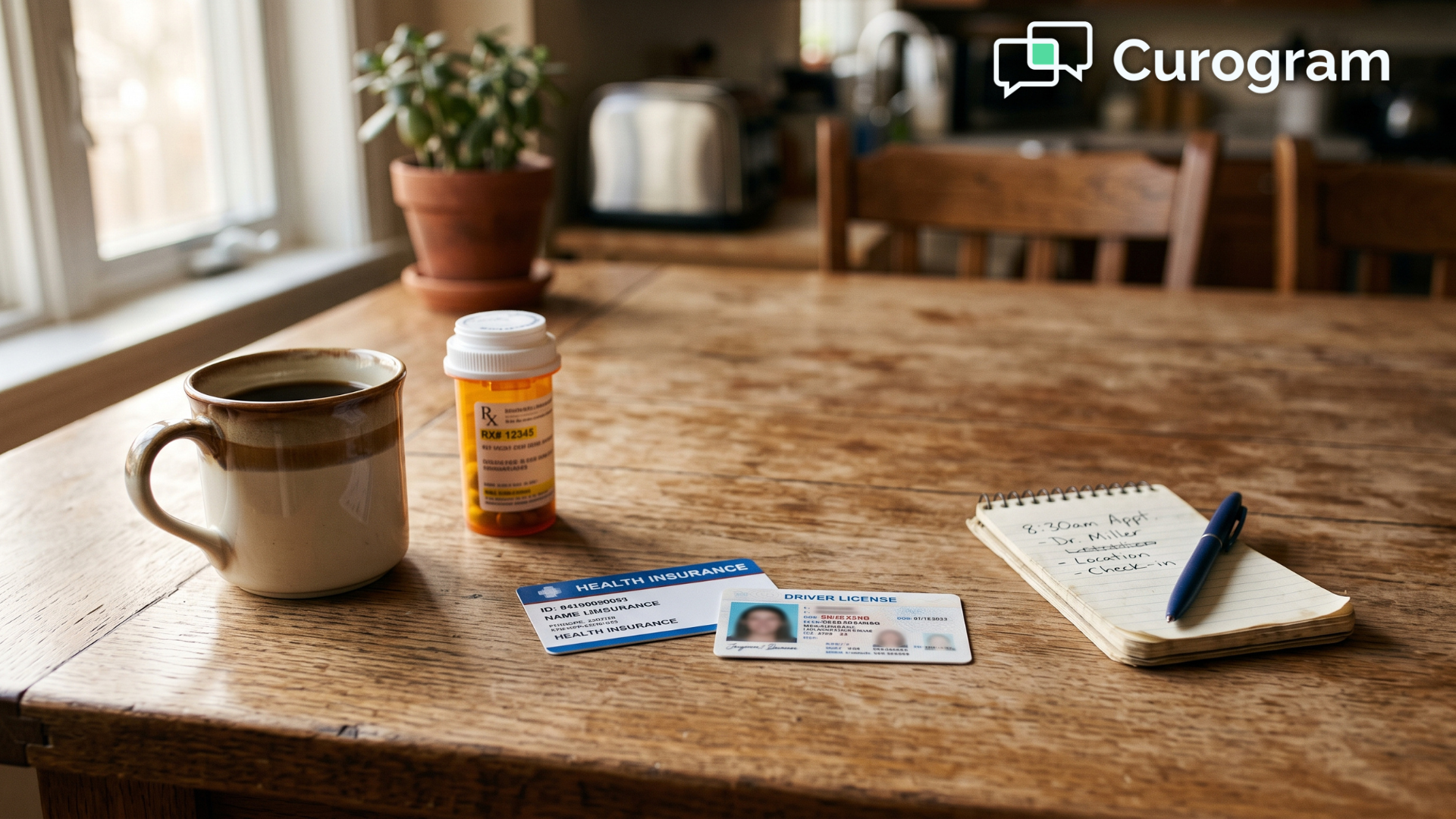
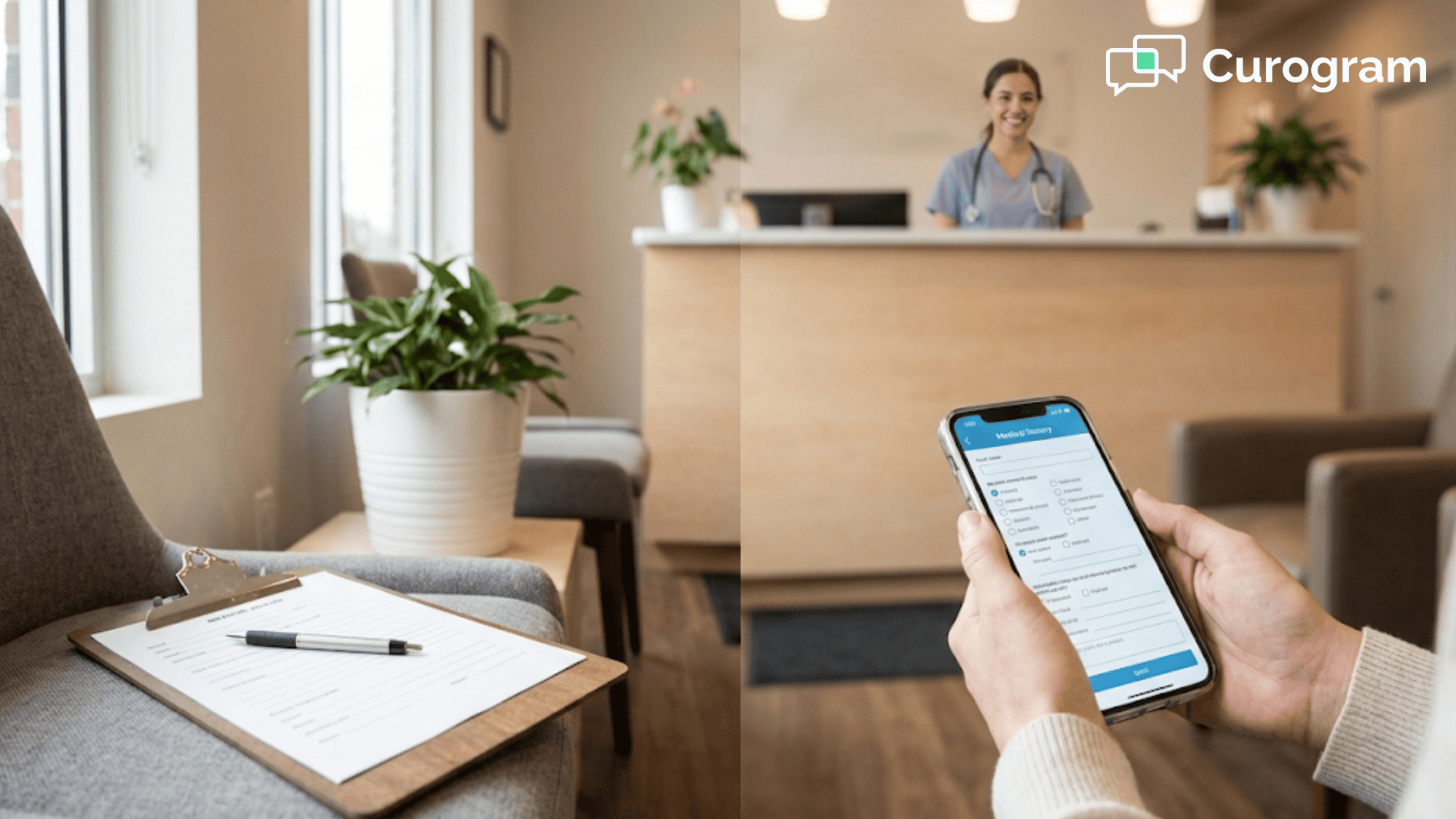
The clipboard is still the first thing most patients touch when they walk into a clinic. It holds the same five pages of questions they answered at their last visit, attached to a pen that barely works.
Then they sit down and wait.
Meanwhile, your front desk is quietly doing the same job twice. Someone collects that clipboard, deciphers the handwriting, and retypes every line into your practice management system. If one digit in the insurance number is wrong, nobody discovers it until the claim comes back denied six weeks later.
It sounds like a small inefficiency. It isn't.
Every minute your team spends on manual registration is a minute nobody spends with the patient waiting at the counter. Multiply that across 40 arrivals a day, five days a week, and the cost stops looking like a rounding error and starts looking like a staffing decision you never meant to make.
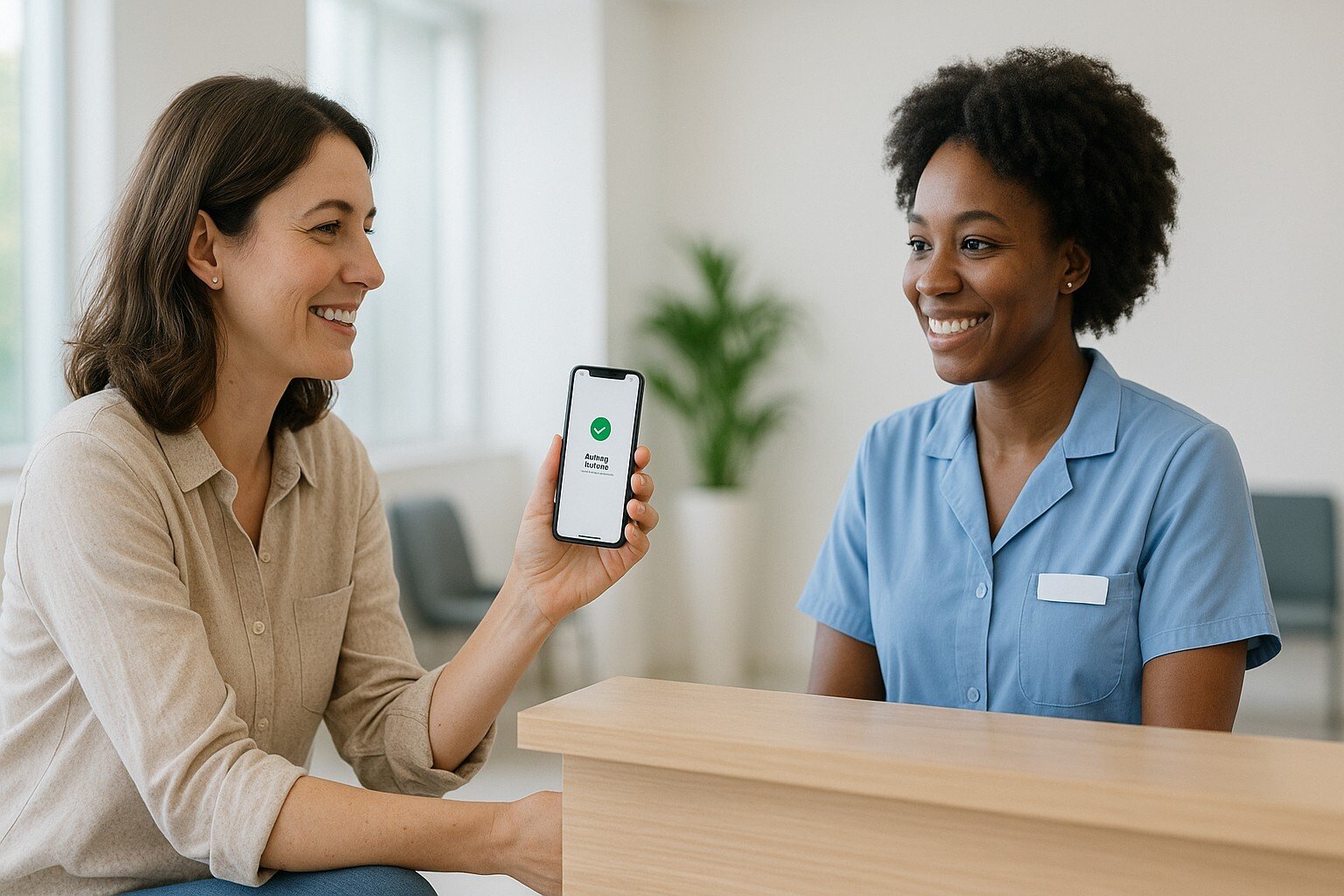
Contactless patient check-in removes the problem at its source. Patients receive a secure link a day or two before the visit, complete their forms at home, photograph their insurance card, and pay the co-pay from the couch. By the time they walk through your door, the administrative work is finished and sitting in the chart.
That single change ripples out further than most practices expect. It shapes how quickly patients reach the exam room, how accurate your records are, and how much you collect up front instead of chasing months later.
This guide covers all of it: why contactless hospital check-in became the default so quickly, which features genuinely matter when you compare vendors, and how to launch one without frustrating your staff or your patients. You will also see the math, including what the savings look like for a practice your size.
No theory. Just what works, what it costs, and where to start.
The contactless patient check-in is rapidly becoming the new standard because it directly addresses the modern healthcare demands for enhanced safety, operational efficiency, and a superior patient journey. In the wake of global health concerns, both patients and providers are seeking methods that minimize physical contact and reduce time spent in communal areas.
This shift has accelerated the adoption of technologies that were once considered a luxury but are now seen as a fundamental component of quality care delivery.
The system moves tedious administrative tasks online, freeing up valuable time and resources while offering patients a level of convenience they have come to expect from other industries.
A primary driver for adopting a contactless patient check-in is the significant enhancement in patient and staff safety. Traditional check-in processes often involve sharing pens, clipboards, and insurance cards, as well as prolonged periods in crowded waiting rooms—all of which create multiple touchpoints for germ transmission.
A contactless hospital check-in system virtually eliminates these risks. Patients can complete all necessary steps from the safety of their car or home using their personal smartphone or computer.
This drastically reduces the potential for cross-contamination within the facility, creating a safer environment for everyone, especially immunocompromised individuals.
A contactless check-in system streamlines front desk operations by automating the most time-consuming administrative tasks. Staff no longer need to manually enter patient data, scan documents, or chase down missing information, as patients complete these steps themselves prior to arrival.
This automation reduces the administrative burden on front-office employees by up to 80%, allowing them to focus on more complex, high-value responsibilities such as patient coordination, handling urgent inquiries, and providing a more personal level of care to those who need assistance.
The result is a more efficient, less stressed, and more productive front-office team.
The patient experience is profoundly improved with a contactless patient check-in process that values their time and convenience. Eliminating wait times is one of the most impactful ways to increase patient satisfaction.
When patients can check in on their own schedule and arrive just in time for their appointment, it shows respect for their busy lives.
This modern, seamless experience mirrors the user-friendly interactions they have with banks, airlines, and retail, setting a positive tone for the entire clinical encounter.
This convenience helps build patient loyalty and enhances the facility's reputation as a modern, patient-centric organization.
A contactless hospital check-in system boosts data accuracy by placing the responsibility of information entry directly into the hands of the patient.
When patients enter their own demographic, insurance, and medical history details, the likelihood of transcription errors and typos by administrative staff decreases significantly.
These errors, though seemingly small, can lead to major billing issues, claim denials, and even clinical risks. Digital forms with mandatory fields ensure that all necessary information is collected completely and legibly, leading to cleaner data, smoother billing cycles, and a more reliable patient record.
A capable system is much more than a form you email out. It should carry the patient from the reminder text into the exam room without producing a single sheet of paper.
| Feature | What the patient does | What your staff stops doing |
|---|---|---|
| Pre-arrival registration | Confirms and updates details by phone | Retyping demographics |
| Digital forms and uploads | Signs consents, photographs ID card | Scanning and filing |
| Online payment | Pays the co-pay before arriving | Chasing balances after the visit |
| QR code check-in | Scans a code in the lobby | Wiping down shared tablets |
| Queue updates | Waits in the car until called | Managing a crowded lobby |
| Automated reminders | Taps a link in a text | Making confirmation calls |
Pre-arrival mobile registration is the backbone of the whole workflow. A secure link goes out by text or email a day or two ahead, and the patient confirms the visit, updates their details, and answers health history questions whenever it suits them.
That one step removes most of the lobby wait before it starts.
Patients should be able to read, complete, and sign every form on a phone screen, including consents, HIPAA notices, financial policies, and health history.
They can also upload a photo ID and insurance card in a couple of taps. The system files those answers into the chart on its own, with no scanning step in between.
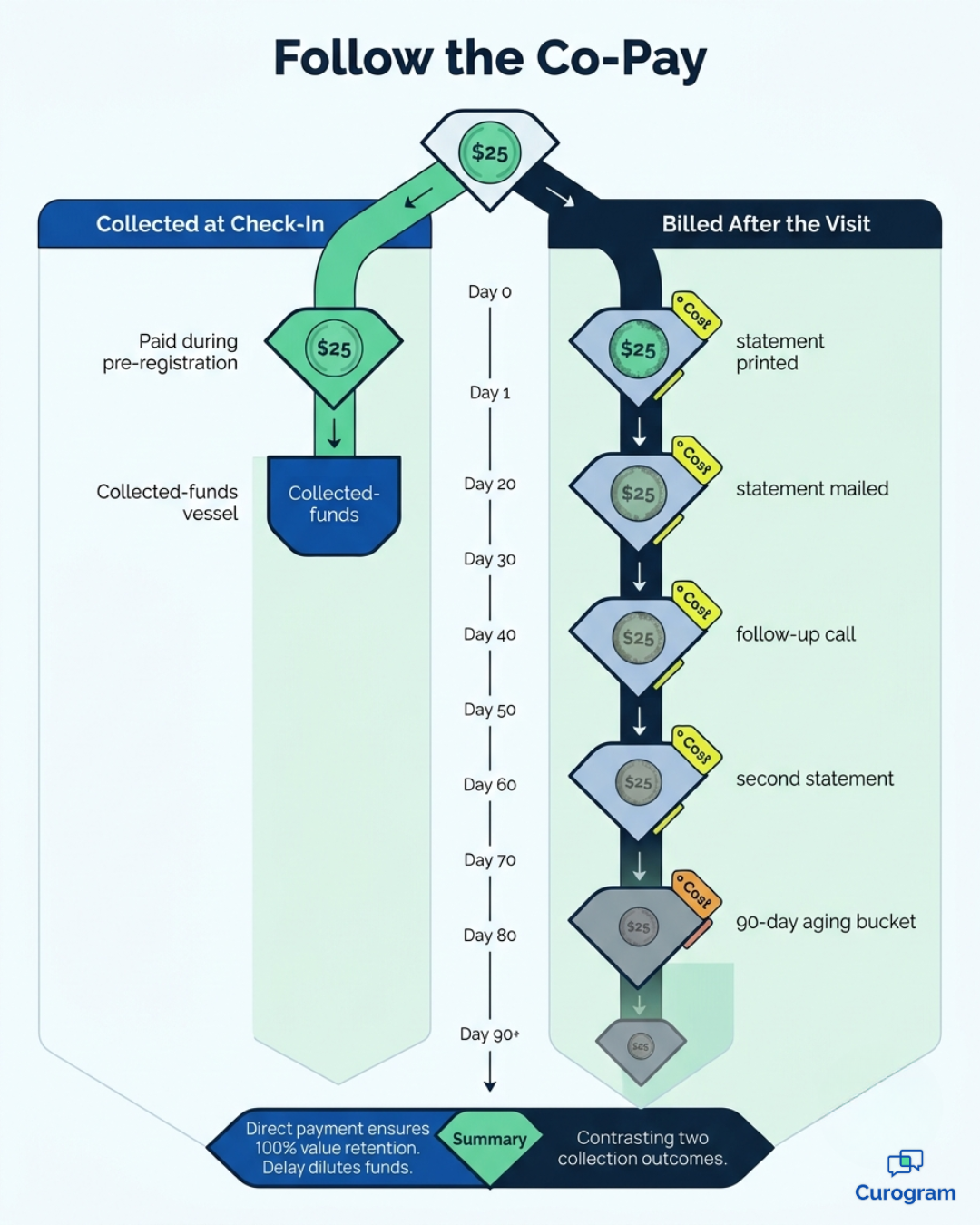
Secure online payment is where the patient check-in process starts paying for itself. Patients review what they owe and settle it during pre-registration, before they have even parked. Money collected up front costs far less to recover than money billed later. To compare setups, review Curogram's pricing options.
Some patients forget the link, and others never open it. A QR code posted at the entrance lets them scan with their own camera and finish check-in on their own device.
No shared tablet to wipe down, no line at the counter, and no awkward talk about the email they ignored.
Once a patient has checked in, the system can text updates about their spot in the queue and when the exam room is ready, so they can wait in the car until you call them forward. Lobbies stay quieter and arrivals spread out naturally, which makes the whole visit feel less like a trip to the DMV.
Automated reminders are what make everything above actually work. Every reminder should carry a direct link to start check-in, plus any prep instructions the patient needs.
Text reaches patients where they already are, with open rates around 98%. Compare that to a portal message most people never log in to read.
To successfully implement a contactless patient check-in solution, a healthcare facility must follow a structured, step-by-step approach that prioritizes planning, integration, and communication.
A hasty rollout without proper preparation can lead to staff frustration, patient confusion, and a failure to achieve the desired outcomes. A thoughtful implementation process ensures a smooth transition and maximizes adoption rates among both staff and patients, unlocking the full potential of the technology.
The first step is a thorough assessment of your current patient intake workflow. Identify every touchpoint, from the moment an appointment is scheduled to when the patient is in the exam room. Document existing pain points, such as long wait times, high rates of data entry errors, or low upfront payment collection rates.
This analysis will help you define clear goals for your new contactless hospital check-in system and provide benchmarks to measure its success.
Choosing the right technology partner is the most critical decision in this process. Look for a vendor that specializes in healthcare and offers a solution that is secure, HIPAA-compliant, and user-friendly for all demographics. The ideal partner offers robust features, seamless integration capabilities with your existing software, and dedicated customer support for a smooth implementation.
A robust contactless patient check-in solution like the one offered by Curogram's Patient Check-in can provide the comprehensive tools and support needed for success.
Seamless integration with your existing Electronic Health Record (EHR) and Practice Management (PM) systems is non-negotiable.
A non-integrated system creates data silos and requires staff to manually transfer information, defeating the purpose of automation. Your chosen solution should offer bidirectional integration, meaning it can pull appointment schedules from your PM system and push completed patient data directly back into the EHR.
This ensures data consistency and maximizes operational efficiency.
Your staff are the champions of this new technology, and their buy-in is essential for a successful rollout. Conduct comprehensive training sessions that cover not only how to use the software but also how to troubleshoot common patient issues and articulate the benefits of the new process. Empower them to be confident guides for patients who may need assistance.
Training should also focus on how the contactless check-in system will free them from mundane tasks, allowing them to engage in more meaningful patient interactions.
Proactive and clear communication with your patients is key to high adoption rates.
Before launching, use multiple channels—such as your website, social media, email newsletters, and in-office signage—to inform patients about the upcoming change and its benefits. Explain how the new contactless patient check-in will save them time and provide a safer, more convenient experience.
When you send the first check-in links, ensure the instructions are simple, clear, and provide a contact number for anyone who needs help.
These gains are measurable rather than theoretical, and they land in three places: time back, money back, and reputation. For a closer look at the tools behind them, see our guide to patient check-in system options.
When check-in is finished in advance, patients move from the door to the exam room quickly, which either creates room for extra visits or lets you run on schedule.
Automated reminders push in the same direction. Atlas Medical Center cut its no-show rate from 14.20% to 4.91% in three months, turning empty slots back into billable ones.
Wait times and paperwork top nearly every patient complaint survey, so fixing both tends to lift satisfaction scores right away. Those scores go public too, in the reviews new patients read before they choose you.
One Curogram client earned 1,064 new five-star reviews in three months from automated post-visit surveys.
Think about it this way:
Every hour your staff spends retyping forms is an hour you paid for twice.
Below is a sample month for a practice seeing roughly 880 patients, rounded to show the shape of the savings rather than to promise a result.
| Line item | Manual check-in | Contactless check-in | Monthly difference |
|---|---|---|---|
| Staff time per patient | 6 minutes | 1.5 minutes | 66 hours saved |
| Front-desk labor at $22/hour | $2,112 | $528 | $1,584 saved |
| Paper, printing, storage | $180 | $20 | $160 saved |
| Co-pays collected at check-in | 60% | 85% | $5,500 collected sooner |
That is about $1,744 a month in direct savings, or roughly $20,900 a year.
The co-pay line is not new revenue, but it is money you already earned arriving weeks sooner and costing far less to chase. For your team, the 66 hours matter most, because that capacity arrives without a new hire.
Patients compare you to every other business they deal with, not just the clinic down the road. A practice that texts a secure link looks organized, while one handing out a clipboard looks stuck. That impression forms fast and colors everything after it.
|
Time your current check-in before you sit through a single vendor demonstration. Ask three staff members to record how long intake really takes for the next 20 patients, measured from the first clipboard handed over to the finished chart entry. Most practices discover the true number is two or three times the estimate they had been working from. That one figure becomes your baseline, your budget case, and the clearest proof that the new system delivered. |
Contactless check-in is not hard to operate, but it is very easy to launch badly. Three issues come up again and again, and planning for them now keeps all three small.
Not everyone owns a smartphone or trusts one with their medical details, so your job is to offer options rather than ultimatums.
Keep a staffed backup path:
A team member walking the lobby with a tablet, a QR code at the entrance, or a paper form on request.
Aim for most patients to pre-register, not all of them.
Trust is the whole foundation here, so be specific about how the protection works. A standard text message is not a secure channel, which means clinical details should never sit in the message body. The text carries a link, and the patient's answers live behind an encrypted form.
Choose a vendor that signs a business associate agreement and explains that split clearly.
Some pushback is fair. A workflow people have leaned on for years feels safe, and new software often arrives carrying a quiet hint that someone is being replaced. Frame the tool as the thing that removes the worst part of the job, then share an early win in week one.
The move away from clipboards is not a trend that will quietly pass. It reflects a permanent shift in what people expect from the first five minutes of a medical visit, and expectations rarely travel backward once they settle.
The good news is that this remains one of the easier upgrades a practice can make. You are not replacing your EHR or retraining clinicians on anything clinical. You are changing where the paperwork happens and letting the system carry those answers into the chart for you.
The gains accumulate quickly: shorter waits, cleaner records, fewer denied claims, and more revenue collected before the visit rather than months afterward. Most staff mention the calmer front desk first.
Start small if that feels safer. Pick one appointment type, send the link a day ahead, and watch what happens to your lobby over the following two weeks. Most practices notice the difference well before the rollout is finished everywhere.
Then keep measuring. Compare check-in time, upfront collections, and no-show rate against the baseline you recorded in step one, because those three numbers will tell you more than any feature comparison.
What matters in the end is not the software itself. It is the message you send patients every time they arrive, because a smooth arrival says you planned for them and a clipboard says you did not.
If you want to see how a contactless patient check-in workflow would run inside your own schedule, request a Curogram demo and walk through it using your real appointment types. You will see the patient experience, the staff experience, and exactly where the completed forms land in your chart. Bring your current numbers, because 30 minutes is usually enough to determine whether the math works for your practice.
Frequently Asked Question
Transform your patient journey with contactless patient intake. Reduce no-shows, cut admin costs, and boost patient satisfaction. See how contactless...

Compare the best patient check-in system options for your practice, and see how the top ten platforms rank on integration, cost, and real patient...
.jpg?width=30&name=square-formal-photo%20(1).jpg) Mira Gwehn Revilla : 1/31/26, 4:00 PM
Mira Gwehn Revilla : 1/31/26, 4:00 PM
Streamline your clinic with a digital patient intake workflow. Learn how automated forms reduce wait times and eliminate manual data entry.