8 min read
Curogram vs. Updox: Clinical Workflow Automation for Modern Practices
Mira Gwehn Revilla
:
April 13, 2026
The EHR updates on its own at each step. Updox uses an inbox-based model where faxes, forms, and messages arrive as documents that staff must open, read, match to a patient, and manually enter into the EHR.
Based on internal data, Curogram clients have seen no-show rates drop from 14.20% to 4.91%, over 1,100 monthly confirmations processed with zero staff effort, and 1,064 new five-star reviews in three months.
For practices that want to reduce manual work and scale without adding staff hours, the core platform design matters more than the feature list.
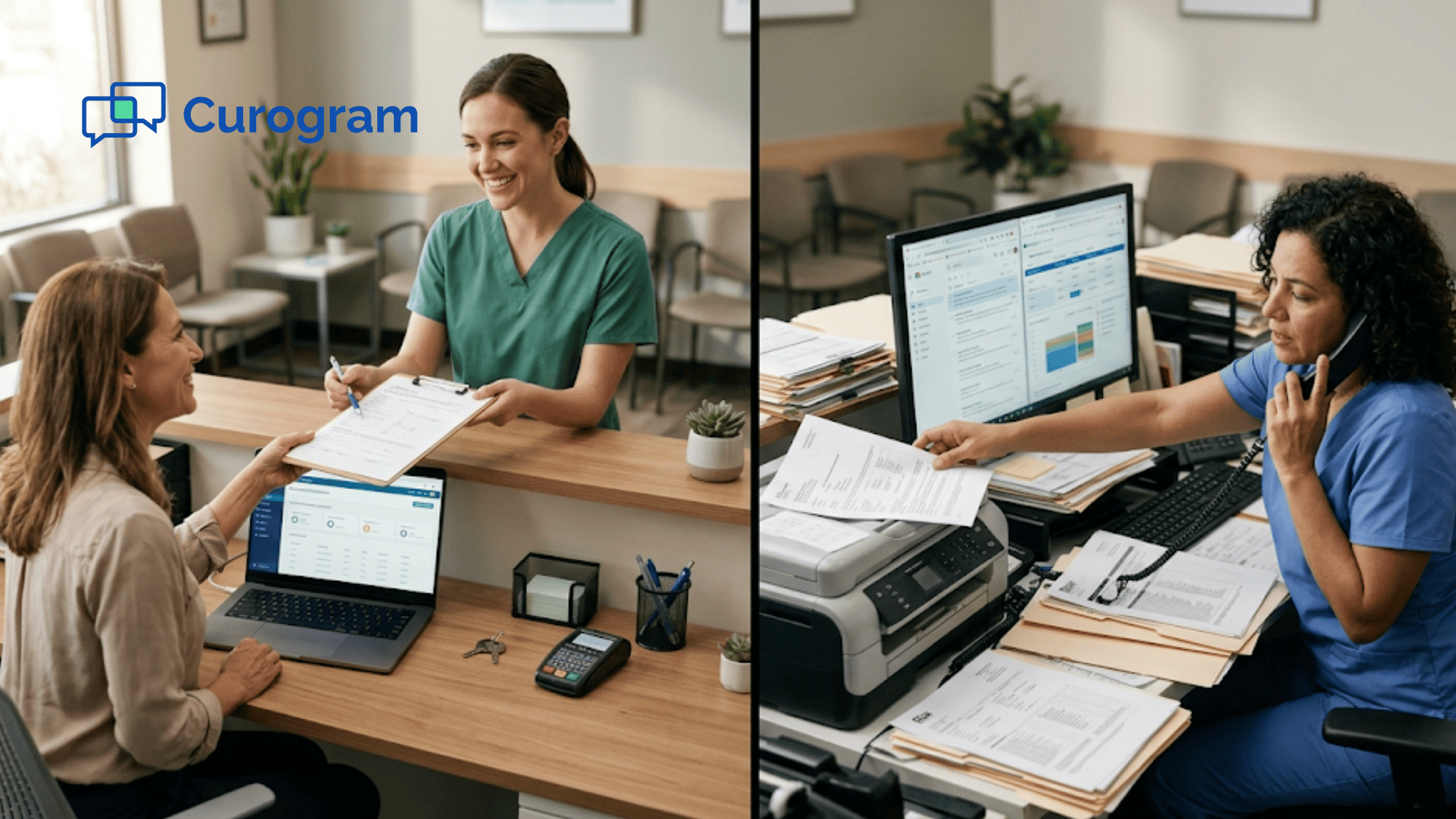
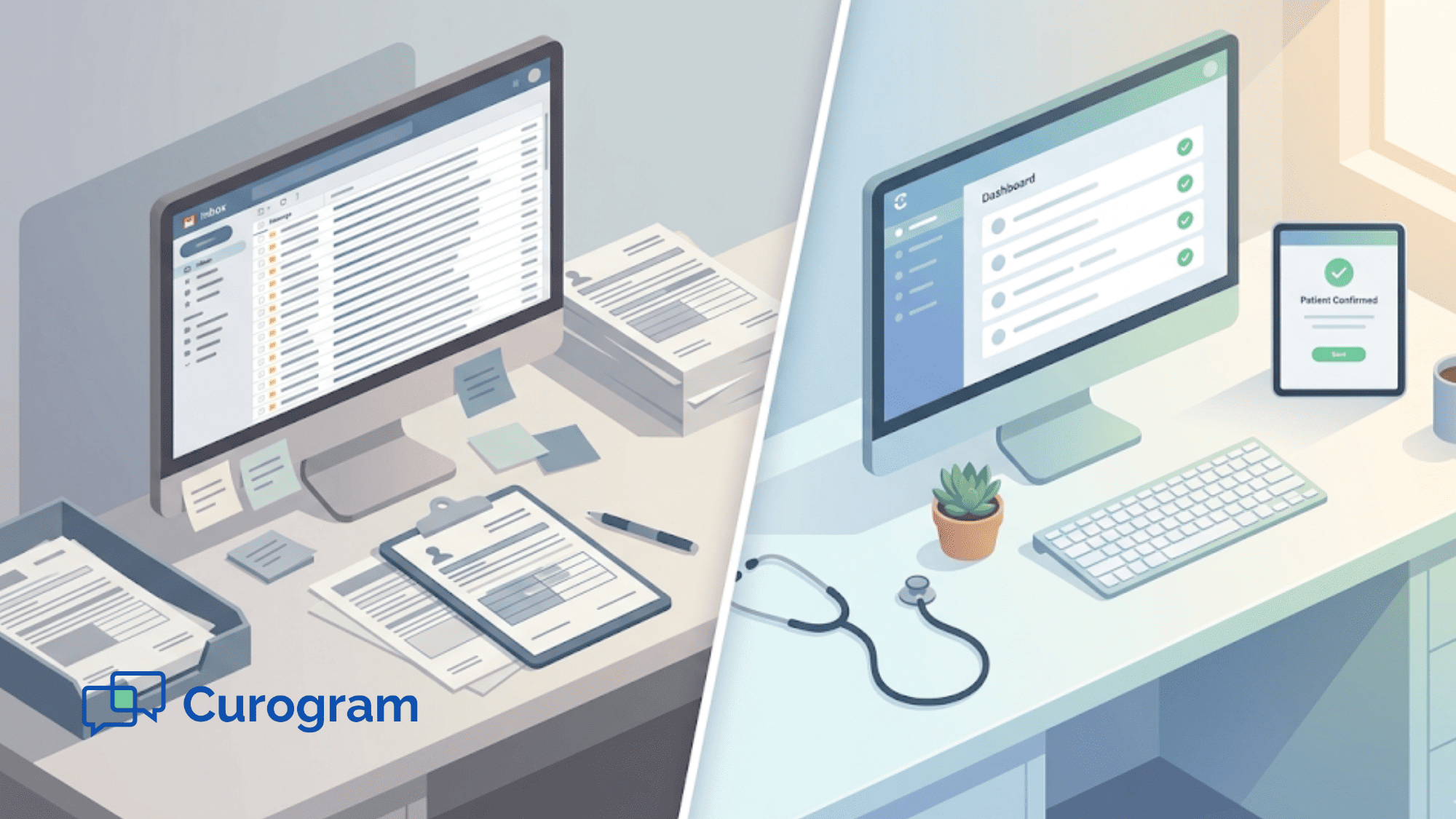
It is 8 a.m. and the inbox is already full. Faxes, form replies, and messages are stacked up. Each one needs to be opened, matched to a patient, and typed into the EHR. Your front desk team will spend the next few hours just sorting through it all.
This is a normal morning on a document-based platform.
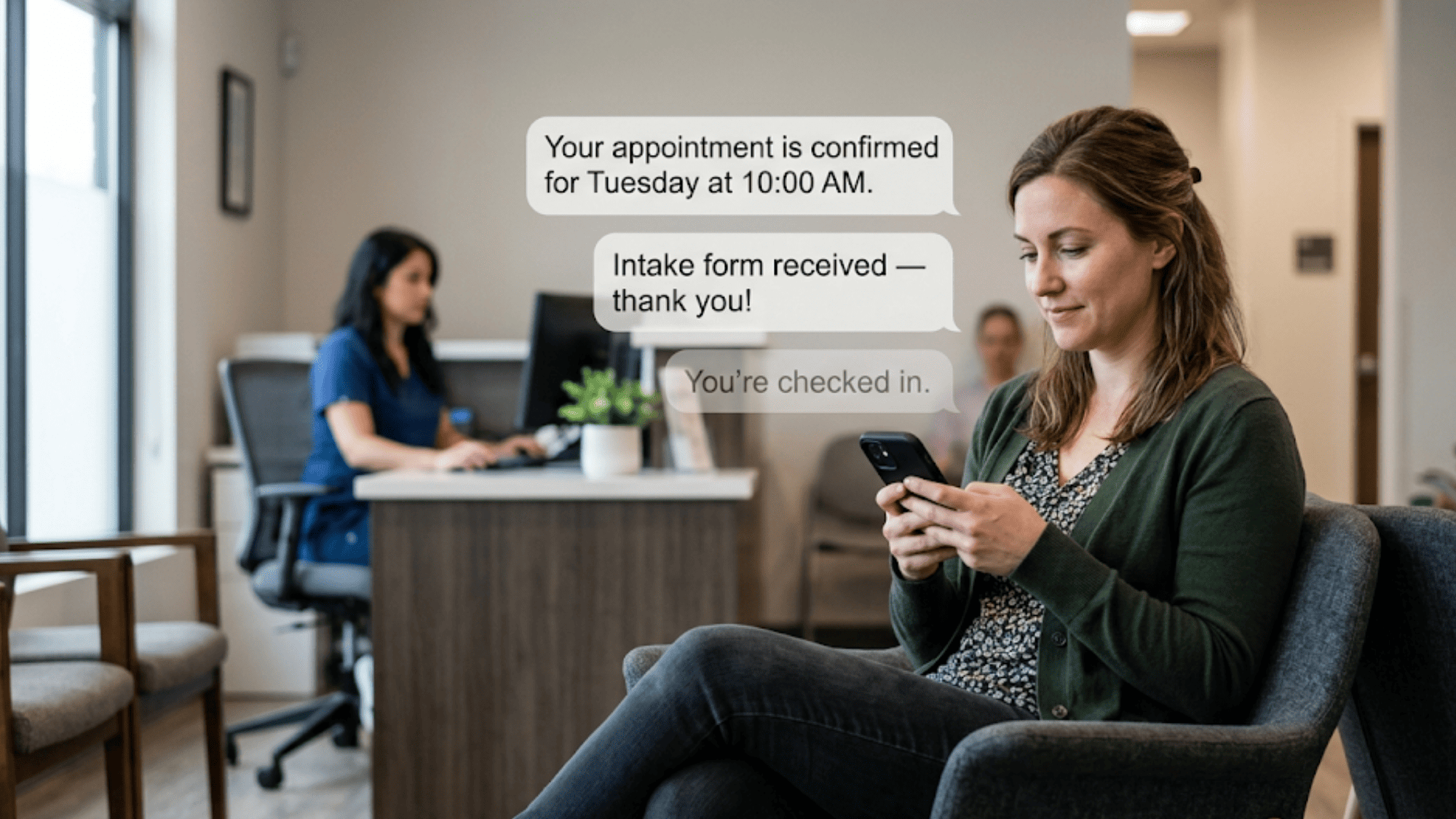
Now picture a different start. Patients confirmed their visits by text overnight. The EHR already shows those updates. Intake forms were filled out on a phone, and the data wrote itself to the right chart fields. Missed calls turned into text threads on their own. The front desk is ready for patients, not stuck on data entry.
That is the real gap between Curogram Updox clinical workflow automation models.
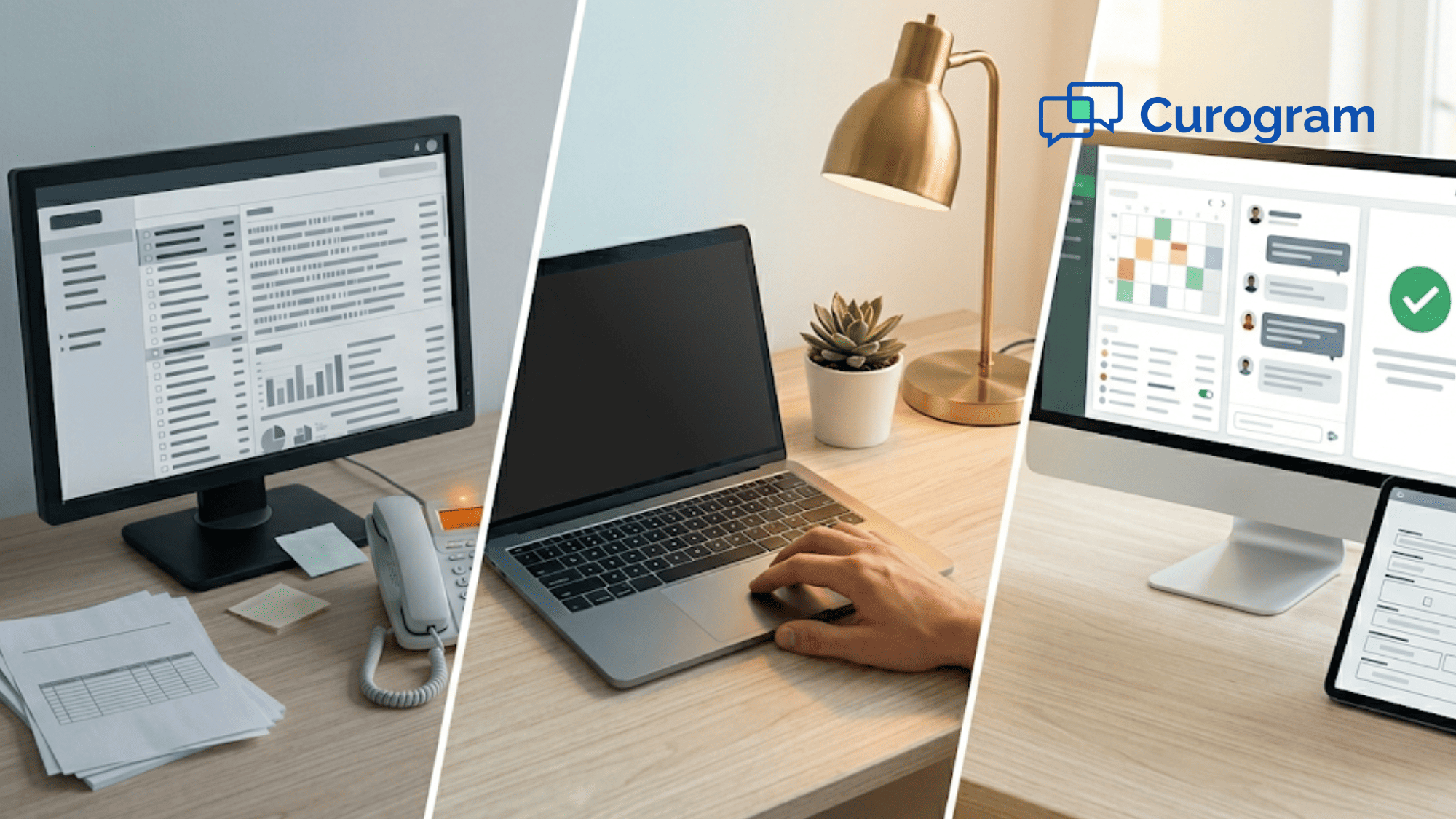
Both tools aim to help medical offices. Both promise better patient engagement. But the way they get there could not be more different. Updox collects documents in an inbox for staff to sort. Curogram runs set rules that finish clinical tasks without human input.
This is not just a tech detail. When your team spends hours each day on manual routing, the cost shows up as burnout, longer wait times, and missed revenue. The choice between patient engagement automation vs document routing affects every part of your day.
In this guide, we break down how each platform handles real clinical tasks. You will see how they compare on messaging, intake, confirmations, telehealth, payments, reviews, and recall. We will use real data from practices that have made the switch. And we will show where each platform shines and where it falls short.
If your office is weighing these two options, this will help you make a clear, informed choice.
The Architectural Divide Between Clinical Automation and Document Management
Patient engagement platforms in 2026 fall into two groups. Some automate clinical data tasks. Others manage and route clinical documents. This one design choice shapes what the platform can do on its own and what still needs a person.
Think of a self-checkout lane versus a service counter. Both get the job done. But when the line grows, only one of them scales without adding more hands.
Updox is built around a central inbox. Faxes, secure messages, and patient form replies all land in this hub. Staff must then open each item, figure out which patient it belongs to, decide what to do, and push it into the EHR.
This was a smart model when it launched, because most offices still ran on paper. But the core logic stayed the same: a human must process every item.
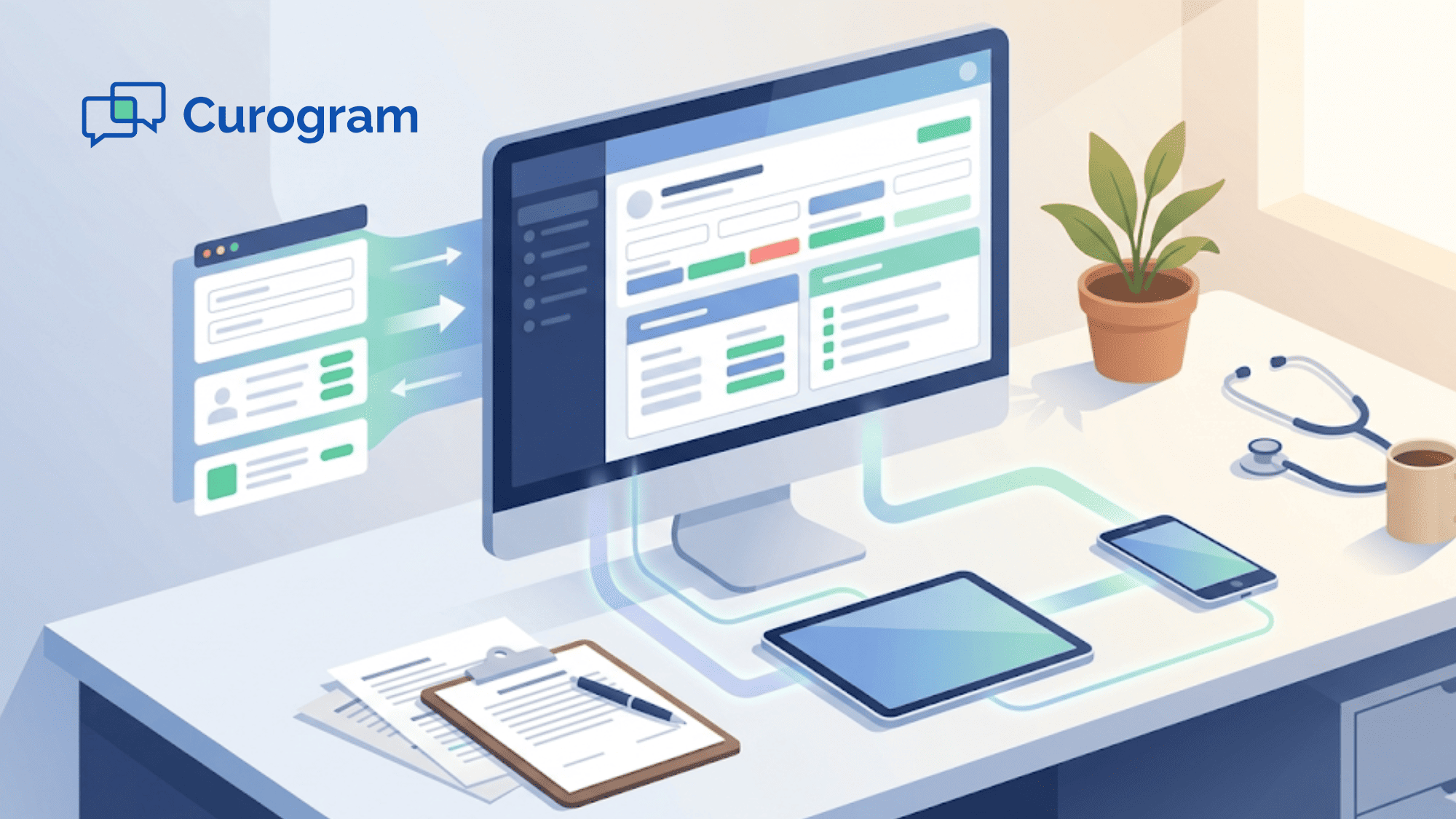
Curogram takes a different path. Instead of collecting documents, it moves clinical data through set rules. When a patient confirms a visit, the EHR updates on its own. When intake forms are filled out, answers write to the right chart fields. When a call is missed, the system sends a text and routes the task.
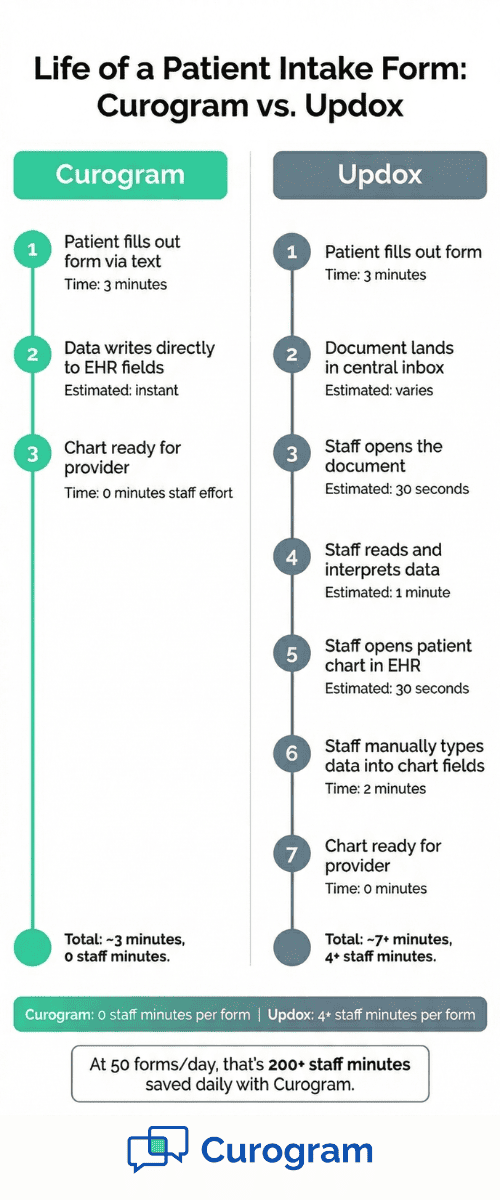
The impact shows up fast in daily work. Say your office gets 50 patient forms a day. If each takes a staff member three minutes to open, read, and enter into the EHR, that is 150 minutes of manual work. With direct write-back, that time drops to near zero.
This is the core of front desk automation versus a document-centric platform. One design does the work. The other shows you the work that still needs to be done. Over weeks and months, that gap grows wider with every form, fax, and message that lands in the queue.

Deterministic Clinical Automation vs. Inbox-Based Document Routing
The word "automation" gets used loosely in health tech. Some platforms call it automation when they send a reminder. But real clinical workflow automation means the system completes a task start to finish with no staff input.
Curogram uses a rules-based model. Each task follows a set path with a known result. When the system sends a reminder, it reads the reply and writes the result to the EHR. The schedule updates in real time. No one has to open a message, switch to the chart, and type in the change.
Updox follows a different model. When a patient replies, the response lands in the inbox. A staff member must open it, confirm what the patient meant, switch to the EHR, and update the record.
This is Updox inbox management in action, and each step adds time and room for error. These clinical workflow limitations add up across every task.
Here is a real example. Based on our internal data, Covina Arthritic Clinic processes over 1,100 automated confirmations per month through Curogram. Every one completes the full cycle with no staff action.
On an inbox-based platform, each of those 1,100 replies would need a person to open, read, and log. At two minutes each, that is over 36 hours of staff time per month.
This is why the debate around clinical automation vs inbox triage in healthcare matters so much. An inbox system gets harder to manage as volume rises. A rules-based system handles more volume without adding staff effort.
Staff on inbox-heavy platforms often describe their day as "constant catch-up." They route data instead of helping patients. When the platform handles the routing, the team is free to focus on care, not admin.

Measurable Clinical Outcomes Through Modern Automation
Claims are easy. Results are harder. The real test is what a platform does in daily practice, not what it promises on a features page.
No-Show Rates Cut by More Than 65%
Based on our internal data, Atlas Medical Center cut its no-show rate from 14.20% to 4.91% in three months. That is 3X better than the industry average. The system sends reminders, reads the reply, and updates the EHR. No staff follow-up needed. On an inbox platform, a reply that sits unread for an hour could mean a slot that never gets refilled.
Over 1,100 Confirmations Per Month with Zero Staff Effort
Covina Arthritic Clinic confirms over 1,100 visits per month through Curogram. Based on our internal research, Curogram clients see an average rate above 75%. If each manual entry takes two minutes, that is 37 hours of staff labor saved every month — close to $8,000 a year at $18 per hour.
1,064 New Five-Star Reviews in Three Months
One multi-location practice earned 1,064 new five-star reviews in three months using the automated review engine. The system sends a survey after each visit and guides happy patients to Google. Updox does not offer a built-in review tool.
35% Recall Rate, 1,240 Patients Recovered
Based on our internal data, a practice using SMS recall saw 35% of patients book a follow-up within a month. That brought back 1,240 patients. At $150 per visit, that is $186,000 in revenue from one feature.
Built-In Telehealth and Text-to-Pay
Curogram includes native telehealth with a virtual waiting room and text-to-pay for digital payment. Updox offers a basic video link with no waiting room and no native payment tool.
Clinical Workflow Capabilities Comparison
Seeing the gaps side by side makes the picture clear. The table below shows how each platform handles the core tasks your office deals with every day.
|
Workflow |
Curogram |
Updox |
|
Two-Way Messaging |
Native unified inbox; no app needed |
Secure messaging in central inbox; document-based |
|
Missed-Call Recovery |
Native missed-call-to-text with auto routing |
Not a native feature |
|
Confirmations |
Auto EHR update; 75%+ rate |
Reminders sent; manual EHR update often needed |
|
Intake Data Sync |
Direct write-back to EHR fields |
Document created; staff must enter data by hand |
|
Telehealth |
Virtual waiting room + patient queue |
Browser video link; no waiting room |
|
Text-to-Pay |
Native text-based payments |
No native text-to-pay |
|
Reviews |
Automated; 1,064 in 3 months |
No built-in review tool |
|
Recall |
SMS-based; 35% reconversion |
Not a native recall feature |
|
Core Design |
Clinical automation; resolved workflows |
Document management; inbox-routed workflows |
The pattern is clear. Curogram handles each task through built-in rules. The data moves, the EHR updates, and the task closes. Updox handles most tasks by sending a document to an inbox for staff to finish.
For a small office with light volume, inbox routing may feel fine. But for any practice that handles dozens of forms, calls, and confirmations each day, the manual steps add up. Each "manual" entry in the Updox column is time your staff could spend on patient care.
This table shows why Updox manual mapping slows down a medical practice at scale. More volume means more items in the inbox, and more work for your team.
Upgrading from Document Management to Clinical Automation
The gap between these two platform types is not something a patch can fix. It comes from the core design. A platform built to route documents will always need a person at each step. A platform built to automate data will handle those steps on its own.
Why New Features Will Not Close the Gap
Adding a feature to an inbox platform does not change how data flows. It adds one more item to the queue. Staff still have to open, read, and push it into the EHR. More features on an inbox system can mean more work, not less.
Clinical automation works the other way. Each new tool connects to the same engine. Data flows through set paths and lands where it needs to go.
What Growth Does to Each Model
A practice that confirms 500 visits per month today may confirm 1,000 next year. On an inbox system, that means twice the manual effort. On an automated system, the workload stays flat.
This is why the choice matters more than most offices think. It is not just about today. It is about whether your system keeps up as you grow.
How Curogram Meets That Need
Curogram is cloud-native and uses a two-way API for direct data exchange. Every workflow runs through one unified platform — from missed-call-to-text to intake, confirmations, telehealth, payments, reviews, and recall. There is no need to patch together separate tools or manage multiple logins.
When your platform resolves clinical tasks through structured data instead of routing documents for manual entry, your staff gains time for care. Not inbox admin.
For practices ready to move past document-based workflows, Curogram offers a clear path to modern front desk automation over a document-centric platform.
Conclusion
The choice between Curogram and Updox comes down to one question. Do you want your platform to finish the work, or just show you the work that still needs to be done?
Updox built a solid system for moving paper tasks into a digital inbox. That was a big step forward when it launched. But in 2026, practices need more than digital documents. They need tasks that run, resolve, and update the EHR without staff in the middle.
Curogram does that. Confirmations update the chart on their own. Intake data writes to the right fields. Missed calls become text threads. Payments collect by text. Reviews build after visits. Recalls bring patients back. Each task runs through one system with no manual routing.
The data backs it up. No-show rates dropped from 14.20% to 4.91%. Over 1,100 monthly confirmations close without a staff click. More than 1,000 new five-star reviews came in three months. A 35% recall rate brought back 1,240 patients. These are real results from real practices.
For front desk teams tired of spending their days in an inbox, the change is felt right away. Less data entry. More patient time. Fewer errors. Faster check-ins. Better days.
The gap between document routing and clinical automation is not closing. As patient counts rise and digital demands grow, it gets wider. Practices that switch now set themselves up for smoother work, stronger revenue, and a better experience for staff and patients alike.
If your current tool still asks your team to do what software should handle, it may be time to see what modern Curogram Updox clinical workflow automation looks like in action.
Your front desk has better things to do than data entry. Schedule a demo to see how Curogram replaces manual document routing with clinical automation that updates your EHR on its own.
Frequently Asked Questions
Updox operates primarily as a document management and inbox routing platform—faxes, secure messages, and forms arrive in a centralized inbox that staff must manually triage, map to patients, and push into the EHR. Curogram provides deterministic clinical workflow automation: confirmations update the EHR automatically, intake data writes to discrete fields, and missed calls convert to text conversations with automated routing. Updox digitizes communication; Curogram automates the clinical workflow.
Updox provides a browser-based video chat link for telehealth but lacks a virtual waiting room, automated patient queueing, or unified pre-visit intake flow. Updox does not offer native text-to-pay. Curogram includes both capabilities natively: a telehealth module with virtual waiting room for structured virtual care, and text-to-pay for digital payment collection within the messaging workflow.
Updox’s document-centric architecture requires staff to manually map incoming communications to patient records, manually route documents to EHR charts, and manually transcribe form data into clinical fields. According to patterns in verified reviews, this push/pull model creates significant administrative overhead. Curogram’s bi-directional API automates these same data exchanges through discrete field-level write-back, eliminating the manual mapping and routing that document-centric platforms require.
The limit is in the core design, not the feature list. Updox routes data as documents through an inbox, so every new feature still needs staff to read, sort, and push data into the EHR. Fixing that would mean rebuilding from scratch.
When a call goes unanswered, Curogram sends an instant text to the caller. The patient can reply, ask questions, or book a visit through the text thread — turning a missed call into an active conversation with no callback needed.