
Two-Way SMS for Imaging Appointment Confirmation: A Practical Guide
💡 Two-way SMS confirmation integrated with StreamlineMD reduces day-of cancellations. It captures patient prep compliance status 24 to 48 hours...
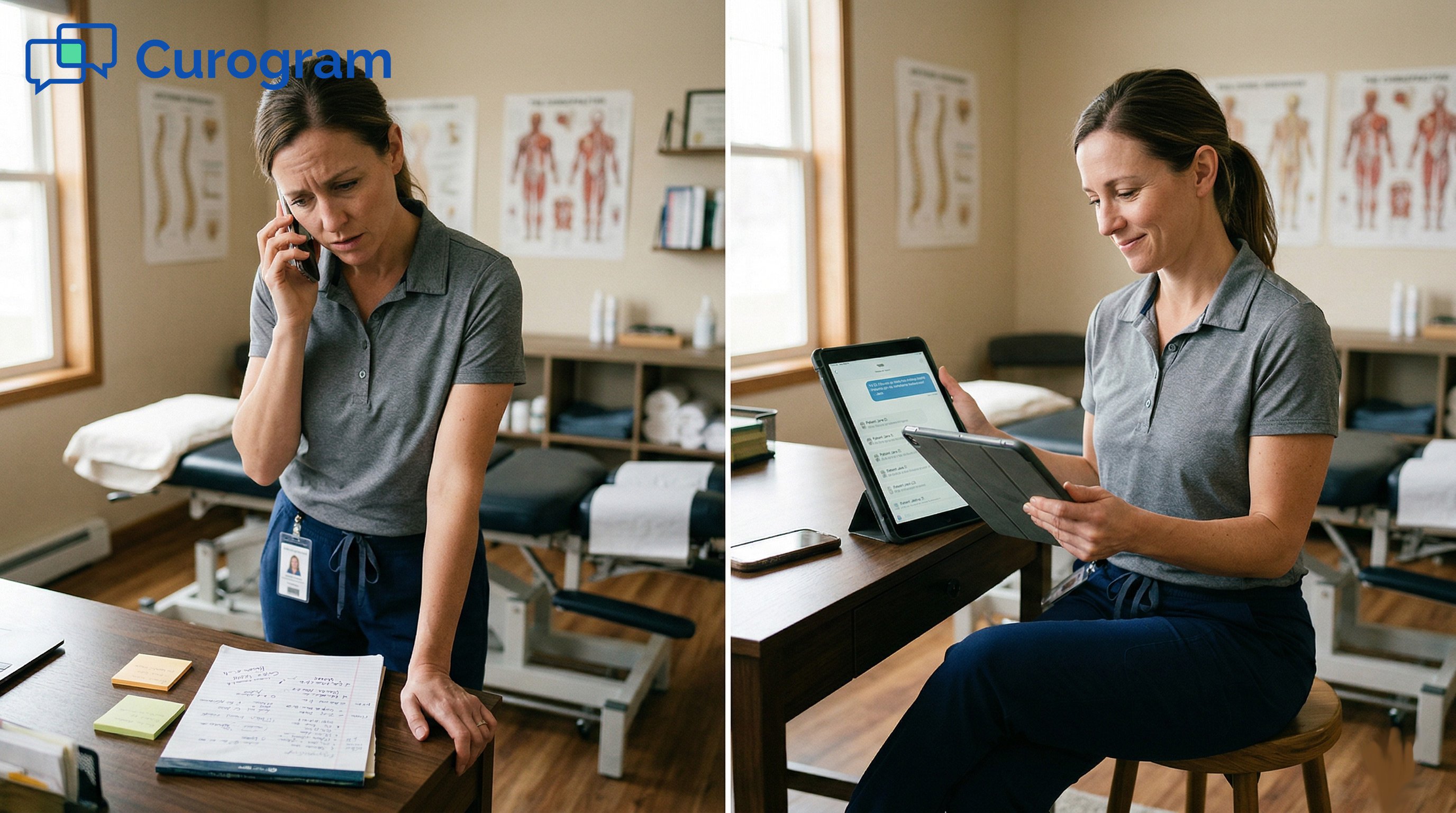
It is 9 a.m., and the phones are already ringing. One client wants directions. Another needs to move a session. A third just wants to know if their intake went through.
Your front desk has not even had coffee yet. By noon, they have fielded dozens of calls. Most could have been a quick text. None of them needed a live voice.
This is the daily reality for many behavioral health teams on Proven EHR. The platform is modern and smart.
It handles notes, billing, and scheduling with ease. Yet it gives clients no way to text the practice.
So every question still flows through the phone. Staff spend 2 to 4 hours a day on calls that text could solve.
They make dozens of confirmation calls daily, and most land in voicemail. The work never really ends.
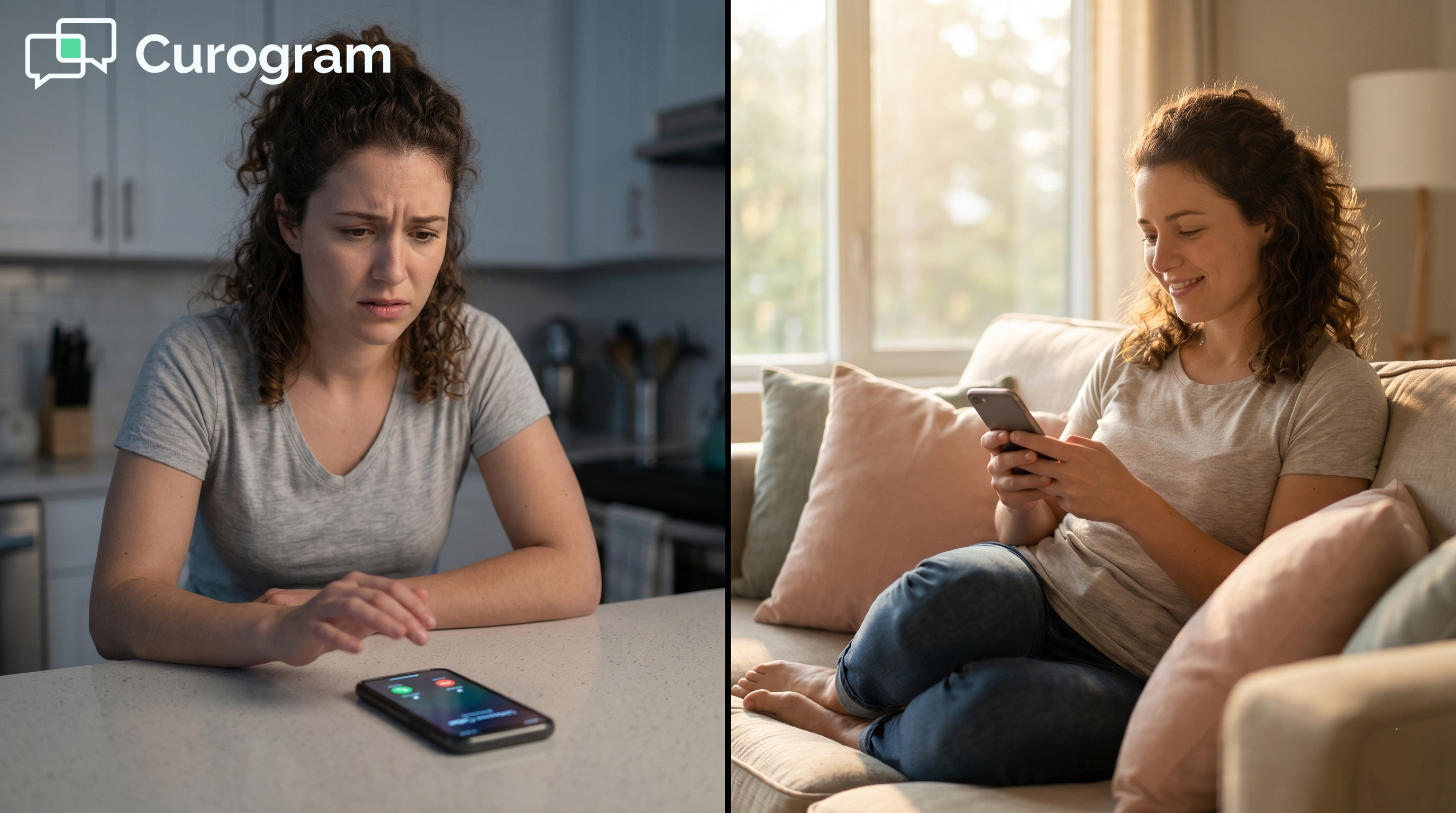
Now think about the client on the other end. Some are managing anxiety. Some are in recovery. For them, a ringing phone is the hardest way to reach out. A simple text often feels far safer.
Your team feels the strain too. They chose a smart, modern EHR for a reason. They did not sign up to live on hold music and callbacks. There has to be a better way, and there is one.
Here is the good news. You do not need to switch systems or wait months to fix this.
You can set up client texting for your Proven EHR practice in minutes, not weeks. Curogram adds the missing channel without touching your clinical setup.
This guide walks your team through it. First, we look at why phones drain your front desk. Then we show how a simple Proven EHR SMS setup for behavioral health works.
By the end, you will see what a calmer, text-enabled front desk feels like.
Before we fix the problem, let us name it. The phone is not the enemy. But when it is your only client channel, it becomes a heavy load.
For behavioral health teams, that load falls hardest on the front desk.
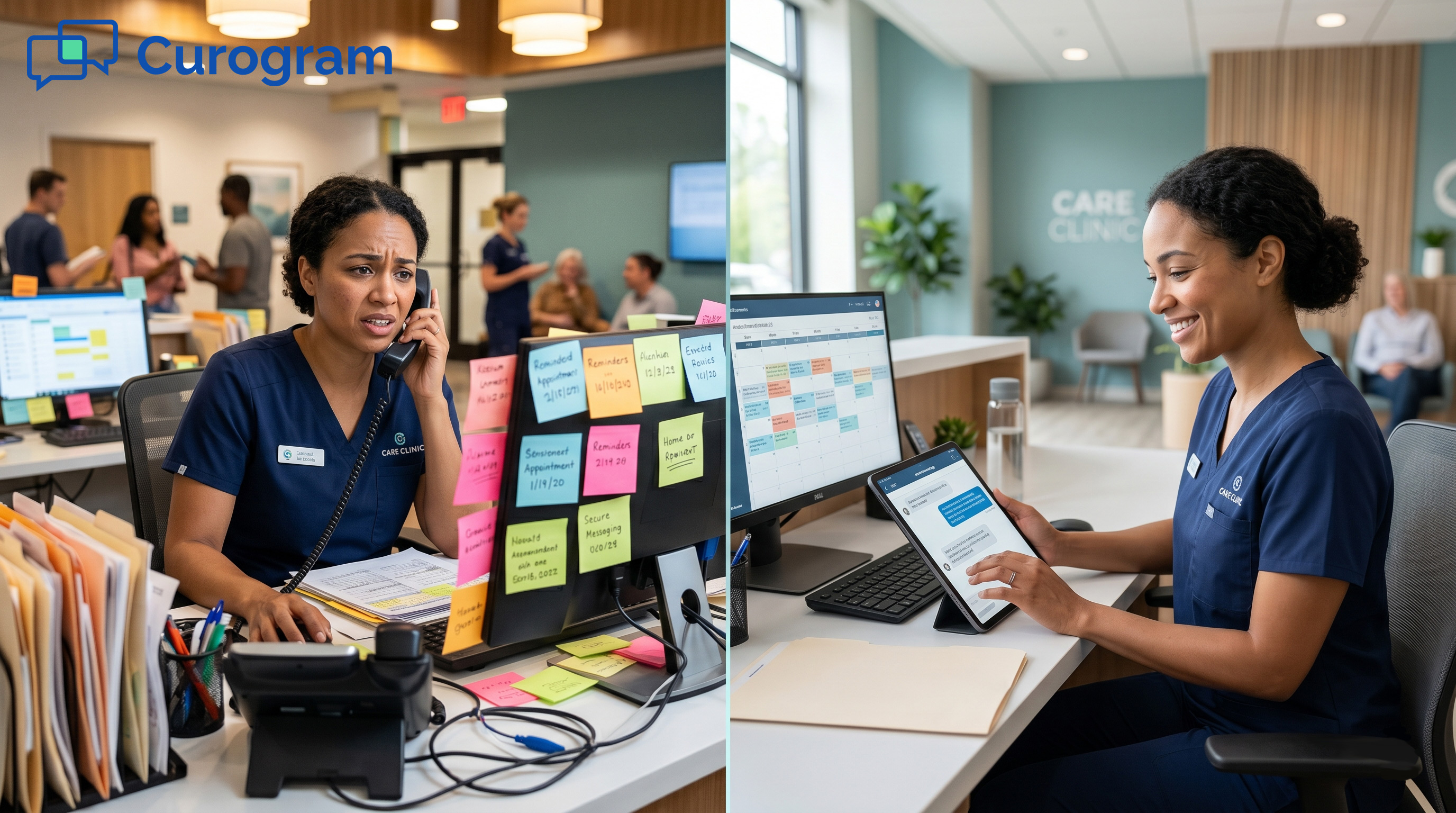
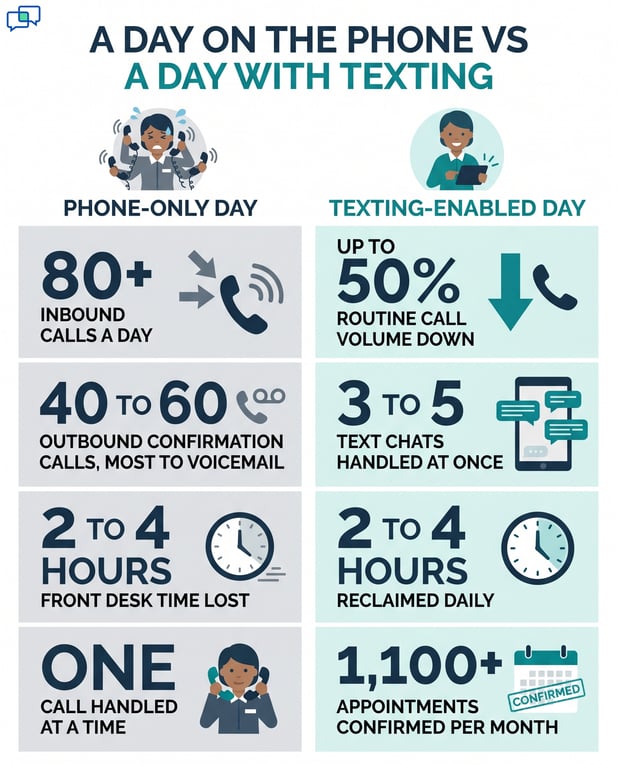
Picture a busy practice with 80 or more inbound calls a day. Each call pulls a staff member away from other work.
Many are simple asks, like hours, directions, or intake status. All of them still need a live person to pick up.
Add it up, and you lose 2 to 4 hours of front desk time daily. That is time spent on tasks that a text could handle in seconds.
Staff also make 40 to 60 confirmation calls each day. Most go straight to voicemail, so the work repeats.
Each ring also breaks focus. A staff member stops a task, takes the call, then tries to return. That start-and-stop pattern wears people down. The whole front desk runs in fits and starts all day.
The cost is not just time. It is also your ability to grow. When staff are stuck on calls, the practice hits a ceiling. There is no real Proven EHR front desk texting workflow to take the routine load.
To take on more clients, many practices just hire more help. A new front desk role can cost $35,000 to $45,000 a year.
That is a steep price to answer phones. And it does not fix the root issue, which is the channel itself.
Clients feel the squeeze too. When lines are busy, some give up and never call back. A missed call can mean a missed session or a lost new client. The phone quietly leaks both care and revenue.
There is a human cost, too. Your staff chose a modern, AI-powered EHR. They expected modern tools to match. Instead, they spend the day on the phone like it is 2005.
|
A phone-only day |
What busy practices report |
|
Inbound calls |
80+ per day |
|
Front desk time lost |
2 to 4 hours daily |
|
Outbound confirmation calls |
40 to 60, most to voicemail |
|
Cost to add capacity |
$35,000 to $45,000 per new hire |
Typical figures for a mid-market behavioral health practice without client texting.
None of this means your team is failing. It means the tool set has a gap. The fix is not more effort or more hires. The fix is a better channel.

So how do you fix the gap without a big project?
You add a thin texting layer that sits beside Proven EHR. Curogram is that layer.
A two-way texting implementation in a Proven practice is fast and low-risk.
You do not need a new phone number. Curogram switches on texting for the number clients already know.
There is no porting, no rewiring, and no client confusion. They text the number they know, and your team replies.
There is no downtime while this happens. Your phone keeps working as it always has.
Texting simply turns on as an added layer. Clients notice a new option, not a disruption.
Next, you sort messages by topic. Set up clear lanes for clinical, billing, scheduling, and intake.
Each text lands with the right team, not a random inbox. Staff work from one dashboard with threaded, time-stamped chats.
Threaded chats keep context in one place. Staff can see the full history with each client. No more digging through call notes or sticky pads. The next reply is always informed.
This is the part teams worry about most. They fear a messy tech project. With Curogram, there is none. The tool runs as its own communication layer and needs no Proven EHR API.
Curogram sits next to Proven, not on top of it. Each system does its own job. Proven runs the clinical record. Curogram runs the conversation.
Curogram changes nothing inside your records. The first text triggers an automatic opt-in, so consent stays clean.
The whole HIPAA texting setup for Proven EHR staff is private and 42 CFR Part 2 compliant. You add a channel without risk to your core system.
Security is built in, not bolted on. Messages are encrypted in transit and at rest. Access is set by role, so the right staff sees the right threads. Your compliance lead can rest easy.
Training is light, not a burden. Most staff learn the dashboard in one short session. They get response templates and simple escalation rules. By day's end, the new texting habit feels normal.
The full setup is short and clear:
Most teams go live the same week they decide to start. There is no long rollout and no big training day. You turn on texting, set your lanes, and go. The phone burden starts lifting right away.
Now, picture the same practice a few weeks later. The phones are quieter. The team is calmer. Texting carries the routine load, so staff focus on people, not voicemail.
With texting on, routine call volume can drop by up to 50%, based on Curogram client data from clinical settings. Clients confirm, reschedule, and ask quick questions by text.
Staff stops chasing voicemail chains. Department routing means fewer transfers and faster answers.
Fewer no-shows follow the same pattern. Curogram clients see no-show rates about 53% lower than the industry average, based on Curogram client data from clinical settings.
A quick text reminder is simply easier to act on. Clients reply, confirm, or move a session in seconds.
A phone call is one-to-one. A text thread is not.
Staff can run 3 to 5 text chats at the same time. That is a real jump in capacity with no new hire.
The mood on the floor shifts as well. Calmer phones mean calmer staff. Burnout eases when the day stops feeling like a sprint. People get to do the work they were hired to do.
These are not just nice ideas. Curogram clients see them play out every month. The numbers below come from live clinical use.
|
Result |
What teams see |
|
Routine phone volume |
Down up to 50% |
|
Appointments confirmed |
Over 1,100 per month at one clinic |
|
Text chats at once |
3 to 5 per staff member |
|
Front desk time reclaimed |
2 to 4 hours per day |
Curogram client data from clinical settings.
Here is the part leaders love. The practice can serve more clients with the same team. There is no rush to add a $35,000 role just to answer phones.
Across Curogram clients, the average appointment confirmation rate tops 75%, based on Curogram client data from clinical settings.
Texting also powers more than chat. The same channel sends your automated appointment reminders. It can deliver secure online forms before a session. One simple setup, many wins.
And clients actually read texts. Texts open near 98% of the time, while email sits around 20%, according to common industry estimates.
When you meet clients where they already are, more of them respond. That is the quiet engine behind every result above.
There is a bottom-line effect, too. Each recovered session adds to revenue. That lift often lands between 10% and 20%, based on Curogram client data from clinical settings. The same texting layer that calms the front desk also helps the practice grow..

Setting up two-way client texting beside Proven EHR is not a big project. It takes minutes, not months.
Curogram turns on texting through your current number. It routes messages by team and runs on its own, apart from your EHR.
Think of it as a clean split of work. Proven EHR handles your clinical and billing tasks well. Curogram handles the client conversation. Your staff should not have to pick between answering the phone and doing their real job.
There is a deeper win here, too. Many behavioral health clients dread phone calls. Anxiety, depression, or recovery can make a ringing phone feel like too much. A text lowers that barrier and meets clients where they already are.
The payoff is real and quick. Routine call volume can fall by up to 50%. Staff trade phone tag for fast text threads. The front desk finally gets room to breathe.
Clients win in the same motion. They reach you without the dread of a phone call. They get answers between sessions, not just during them. Access improves for the people who need it most.
You will know it worked by the quiet. Fewer rings. Shorter hold times. A team that answers questions calmly, all day long.
Adoption is quick because nothing feels foreign. Clients text a number they already trust. Staff use one simple dashboard. The habit forms in days, not quarters.
There is no risk in looking. A solid Proven EHR two-way texting setup for staff workflow can be live before your next busy week.
You keep your number, your records, and your routine. You simply lose the phone burden.
You do not have to overhaul anything to start. You are adding one missing piece, not rebuilding the machine. That is why teams move fast and stay calm. Small change, real relief.
So free your front desk from phone dependency. See what two-way client texting looks like for your Proven EHR practice. The change is simpler than your team expects.
Ready for a closer look? See how Curogram completes your Proven EHR practice and book a demo.
You start by turning on texting for your current practice number through Curogram. Then you route messages by team, set an auto opt-in, and train staff on one dashboard. There is no Proven API and no change to your records. Most teams are live within minutes, not months.
Curogram runs as its own communication layer beside Proven EHR. It does not reach into your clinical or billing data, so nothing inside the EHR shifts. That keeps your workflows safe and the setup low-risk. You add a channel without touching the core system.
Most front desk staff learn it in a single short session. The dashboard uses threaded chats, clear routing, and ready-made templates. These tools make the move from phone to text feel natural. By the end of the day, the new workflow feels routine.
Curogram activates texting on the number clients already call. There is no porting and no new number to share. Clients reach you the same way they always have, just by text. That removes confusion and speeds up adoption.
Texting moves routine asks off the phone, like directions, hours, and confirmations. Staff can handle 3 to 5 text chats at once instead of one call at a time. Routine call volume can drop by up to 50%, based on Curogram client data from clinical settings. The team reclaims hours every day.
💡 Two-way SMS confirmation integrated with StreamlineMD reduces day-of cancellations. It captures patient prep compliance status 24 to 48 hours...
💡 Patients at GE Centricity practices engage 10x more through SMS text messaging than through the patient portal. The reason is simple: texting...
💡 Imaging centers that use StreamlineMD often have a gap in patient communication. The platform handles clinical data well, but it relies on a...