
1 min read
Simple Telehealth for Proven EHR | Curogram
 Jo Galvez : Jun 19, 2026, 12:00:00 PM
💡Proven EHR telehealth for behavioral health through SMS video lets clients join with one tap. The clinician texts a secure link. The client taps...
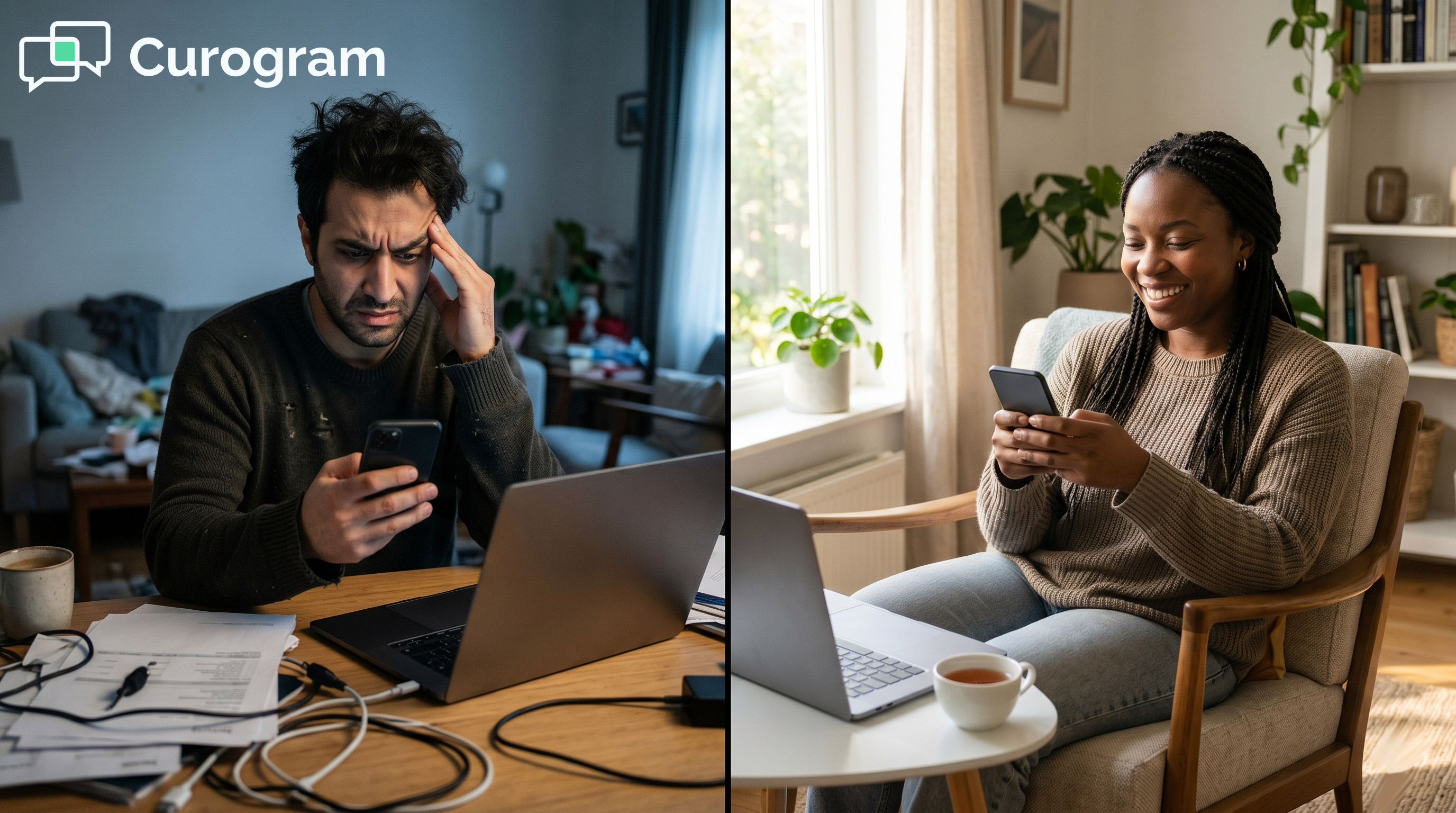
Your clients cannot always come to you. But you can always reach them. Telehealth makes that promise. The technology, too often, breaks it.
Behavioral health practices adopt telehealth to remove barriers. They want rural clients to stay in care. They want continuity during a crisis or illness. Then the app gets in the way.
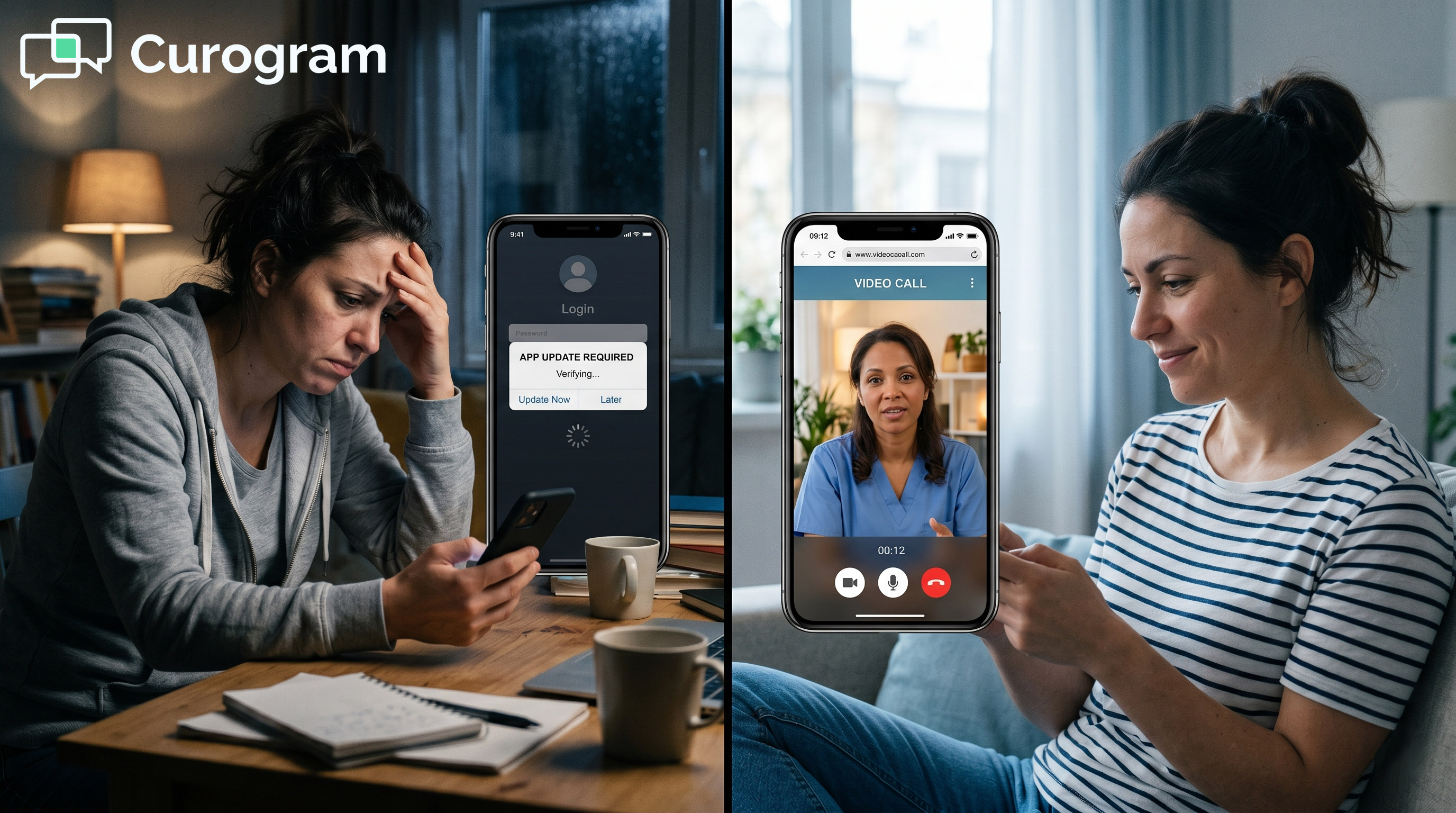
Most telehealth tools ask the client to do too much. Download the app. Create an account. Grant permissions. Install updates. For many clients, that is one hurdle too many.
Some clients live with depression, ADHD, or active substance use. The focus needed for setup is not always there. They give up before the session starts. The clinician waits in an empty room.
There is a better way. It is the Proven EHR telehealth setup for a simple video workflow. The tool is Curogram. The method is SMS-launched telemedicine, built for ease.
The idea could not be simpler. The clinician sends a text link. The client taps it and joins in the browser. No app. No login.
To set up telehealth, Proven EHR users never touch their EHR. Documentation stays where it belongs. Curogram handles the video. Proven EHR handles the chart.
This guide walks your staff through the setup. You will see why app-based tools fail so many clients. You will learn how SMS telehealth works in plain steps. You will see the results for clients and clinicians.
Friction is not a small thing in this field. A single barrier can end a client's effort for the day. The right tool clears the path instead of adding to it. Simplicity is a clinical feature, not a nice extra.
The goal is steady care, not lost sessions. When the tool is easy, clients show up. When clients show up, treatment continues. That is the whole point of telehealth.
App-based telehealth was meant to make care easier. For many behavioral health clients, it does the opposite. The setup itself becomes the barrier. Here is how the trap works.
Most telehealth apps ask clients to clear several hurdles. They must download the app and create an account. They must grant camera and microphone access. They must keep the app updated.
Each step is a chance to get stuck. A weak signal can stall the download. A lost password can block the login. For a stressed client, one snag can end the attempt.
The maze rewards tech skill, not need. The clients who need care most often have the least patience for it. That is a cruel mismatch.
Picture a client on a low day. Even three taps can feel like ten. The app does not bend to meet them. They close it, and the chance is gone.
When clients cannot connect, they call the front desk. Staff then walk them through settings and updates. This can take 10 to 15 minutes per session.
That time was meant for client care. Instead, it goes to tech support. No one trained for that role, yet the team does it daily.
Multiply that by a full schedule. The cost in lost hours is high. Front desk staff burn out doing work that is not theirs.
Each call pulls staff off their real tasks. Phones ring while clients wait at the desk. Tech support has no clear end. It just repeats with the next session.
A client who cannot connect becomes a telehealth no-show. The slot sits empty. The revenue is gone. The care does not happen.
No-shows hurt behavioral health in a deeper way. A missed session can break a fragile run of progress. Momentum is hard to rebuild once it slips.
Based on Curogram client data from clinical settings, no-shows run high without support. The cause is often friction, not a lack of will.
A lost session is more than lost money. It is a gap in someone's care plan. Gaps widen fast in behavioral health. Each miss makes the next visit harder to keep.
One-off tech help may seem minor. Across a busy week, it piles up fast. Mid-market practices cannot staff an IT desk for client phones.
The math does not work. Every minute on tech support is a minute lost. Clinician time is too scarce to spend this way.
The practice adopted telehealth to remove barriers. The tool became the barrier instead. That is the trap, and it is avoidable.
Now scale that across many clinicians. The hidden hours grow into full days. No budget covers an IT desk for client phones. The model breaks under its own weight.
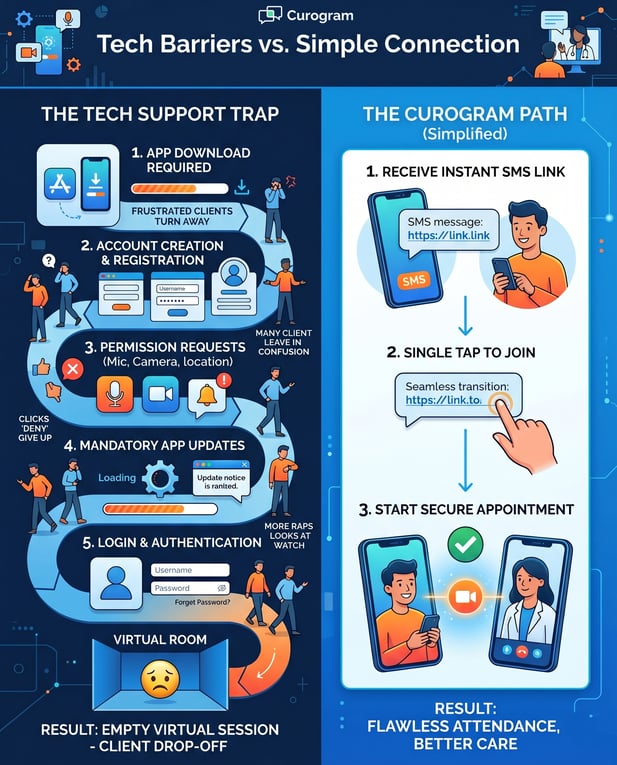
Curogram closes the gap that app-based tools leave open. It runs alongside Proven EHR, never in its place. The setup takes minutes, not weeks. Best of all, clients do nothing but tap a link.
Each clinician gets a personal Curogram telehealth link. At session time, they send it by text. Staff can also add the link to confirmation texts for virtual sessions.
The client gets a message they already know how to use. Texting needs no training. The link is right there, ready to tap.
This SMS telehealth setup for behavioral health meets clients where they are. The channel is one they trust and use every day.
There is no new habit to build. Clients open texts without a second thought. The link sits in a familiar place. That comfort is half the battle won.
The client taps the link, and the session opens in the browser. There is no app to find. There is no account to build.
The whole path takes under 10 seconds. From text reminder to live video, it just works.
It is a simple video workflow that any Proven practice can run, day after day. The steps never change and never get harder.
Browsers handle the video on most phones. No setup screen stands in the way. The client sees the clinician, and care begins. Speed like this keeps sessions on track.
Connection problems mostly vanish here. There is no app version to mismatch. There is no store update to chase. The browser handles the rest.
To set up telehealth, Proven EHR users change nothing in their EHR. Curogram runs on its own, beside the system you have. There is no API to build and no risky integration.
Proven EHR video session setup takes minutes through the Curogram dashboard. Each clinician gets a link and is ready to go.
This telehealth implementation lets Proven EHR staff start the same day. No long rollout, no vendor delays, no downtime.
Your IT team can rest easy here. Nothing touches the Proven EHR core. The two systems never collide. Risk stays low while value stays high.
Your clinical records do not move. Documentation continues in Proven EHR, just as with in-person visits. Curogram handles the video, and Proven EHR handles the chart.
Clinicians can also mix visit types in one day. They run in-person and virtual sessions back to back.
Hybrid scheduling keeps the calendar full and flexible. Each clinician picks the format that fits the client.
Clients feel no seam between the tools. To them, it is just a session. Behind the scenes, each system holds its lane. The result is smooth care with clean records.
Audits stay simple as well. Records live in one trusted place. Nothing is scattered across apps. Compliance teams keep a clear view.
App-Based Telehealth vs SMS-Launched Telehealth
|
Step |
App-Based Telehealth |
SMS-Launched (Curogram) |
|---|---|---|
|
Download an app |
Required |
Not needed |
|
Create an account |
Required |
Not needed |
|
Log in with a password |
Required |
Not needed |
|
Time to join |
Several minutes |
Under 10 seconds |
|
Staff tech support |
10 to 15 min per session |
Zero |
|
Changes to Proven EHR |
Varies |
None |
Source: Curogram client data from clinical settings.

Easy setup is the means. Connected care is the goal. When the barrier is gone, clients show up. The whole practice feels the change.
Most fixes only swap one app for another. This removes the barrier itself. There is nothing to download and nothing to learn.
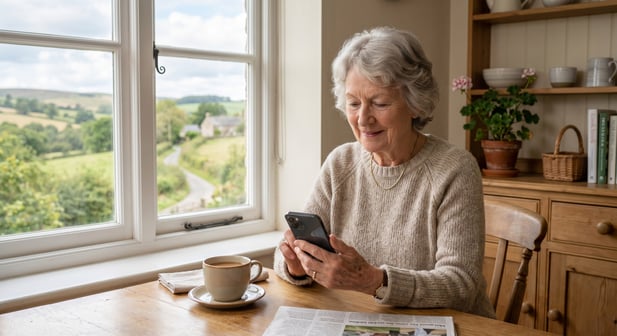
Every client can join, whatever their device or skill. Older phones work. Low tech literacy is no longer a wall.
Access widens for the people who need it most. The tool stops sorting clients by tech comfort.
Equity improves when access is simple. Care should not depend on a new phone. It should not depend on tech know-how. One link levels the field for all.
When joining is instant, sessions begin on schedule. The clinician is not waiting in an empty room. The client is not stuck on a login screen.
Based on Curogram client data from clinical settings, no-shows fall sharply with simple messaging. One behavioral health setting cut no-shows from 14.20% to 4.91% in three months.
Across clients, no-show rates run 53% below the industry average. Fewer empty slots mean steadier care.
On-time starts respect everyone's day. Clinicians keep their full schedule. Clients feel the visit was worth it. Trust grows with each smooth session.
Steady starts also protect group programs. Late joins no longer stall the room. Each member arrives on cue. The session keeps its rhythm.
With zero tech support, staff get their hours back. The shift is clear: from troubleshooting to treating. That time returns to client care, where it belongs.
The change lifts morale, too. Staff do the work they are trained for.
The front desk stops dreading the next tech call. The day feels lighter and more focused.
Reclaimed time changes the whole shift. Staff plan instead of scrambling. They greet clients with focus, not stress. The mood at the front desk lifts.
Care quality rises with the freed time. Clinicians prepare for each client. Notes get written, not rushed. The whole visit feels more present.
Clinicians can fill slots that once sat empty. A client who cannot travel still keeps the session by video. This setup lets staff build flexible days.
Fuller schedules support the practice as well. Recovered sessions add up over time.
Based on Curogram client data from clinical settings, recovered visits can lift revenue by 10% to 20%. Better access and steady income go hand in hand.
Empty slots are costly over a year. Video fills many of them again. The schedule holds even in hard weeks. Steady access supports a steady practice.
Reach extends past the clinic walls. Homebound clients still get seen. Rural clients skip the long drive. Distance stops deciding who gets care.
Telehealth was built to remove barriers to care. App-based tools added new ones instead.
The Proven EHR telehealth setup for a simple video workflow puts that right. One text and one tap replace the whole maze.
The split of duties is clean and clear. Proven EHR handles your clinical records and billing. Curogram handles the virtual connection. Each tool does what it does best.
This is not a swap or a rebuild. Curogram complements Proven EHR; it never replaces it. There is no API, no downtime, and no risk to your records. Setup happens in minutes, beside the system you trust.
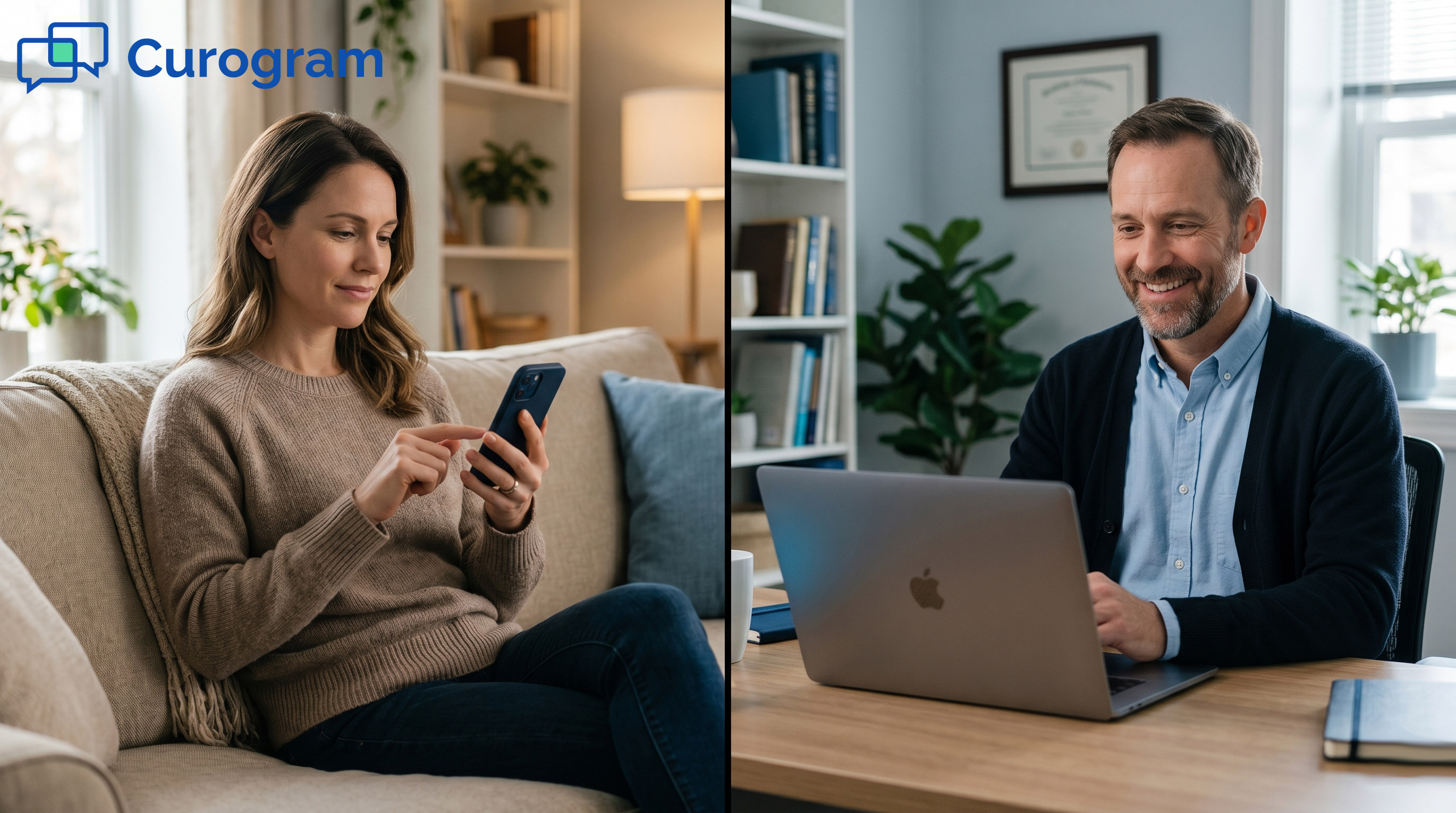
For your clients, the change is felt right away. No app to chase. No password to recall. Just a link, a tap, and a face on the screen.
That ease matters most for clients who struggle. Focus and energy can run low on a hard day. A single text link asks almost nothing of them. Care stays within reach.
For your staff, the win is just as real. The 10 to 15 minutes once lost to tech support comes back. That time returns to client care. The front desk stops playing IT and starts supporting people again.
The results follow the ease. Sessions start on time. No-shows drop when friction is gone. Based on Curogram client data from clinical settings, no-shows can run well below the industry norm.
Hybrid days become normal, not a hassle. Clinicians mix in-person and virtual sessions with ease. The calendar fills, and clients pick what works for them.
The setup asks little from your team. Most staff learn it in one short sitting. The dashboard is plain and quick. Confidence comes fast.
Cost stays low while value stays high. There is no big license to buy into blindly. A short demo shows the fit first. You decide with clear eyes.
Telehealth also has strong backing in behavioral health and supports virtual care for substance use treatment. The simplest tools help the most people reach it.
Most of all, clients stay in treatment. A client who cannot come in still connects by video. Care continues through a crisis, an illness, or a hard week. Continuity is the real prize, and ease protects it.
Your clients cannot always come to you. But you can always reach them. Telehealth should be as simple as sending a text. Now it can be.
Think of the clients you have lost to tech. Many would have stayed with an easier path. This is the easier path. It is ready when you are.
Book a demo today and stop losing sessions to technology barriers.
1 min read
Jo Galvez : Jun 19, 2026, 12:00:00 PM
💡Proven EHR telehealth for behavioral health through SMS video lets clients join with one tap. The clinician texts a secure link. The client taps...
1 min read
Jo Galvez : Jun 23, 2026, 9:00:03 AM
💡The behavioral health telehealth client experience with no download is the simplest path to virtual care. The clinician sends a text with one link.
1 min read
Jo Galvez : Jun 1, 2026, 4:00:00 PM
💡 HFor behavioral health teams using Opus EHR, virtual follow-ups stall when staff juggle Zoom, portals, and phone troubleshooting. An Opus EHR...