
Cut CollaborateMD No-Shows, Fill Empty Slots
 Jo Galvez : Jul 3, 2026, 10:00:00 AM
Reminders that don’t confirm leave staff guessing. See how CollaborateMD two-way reminders cut no-shows 65% and fill cancellations the same day.
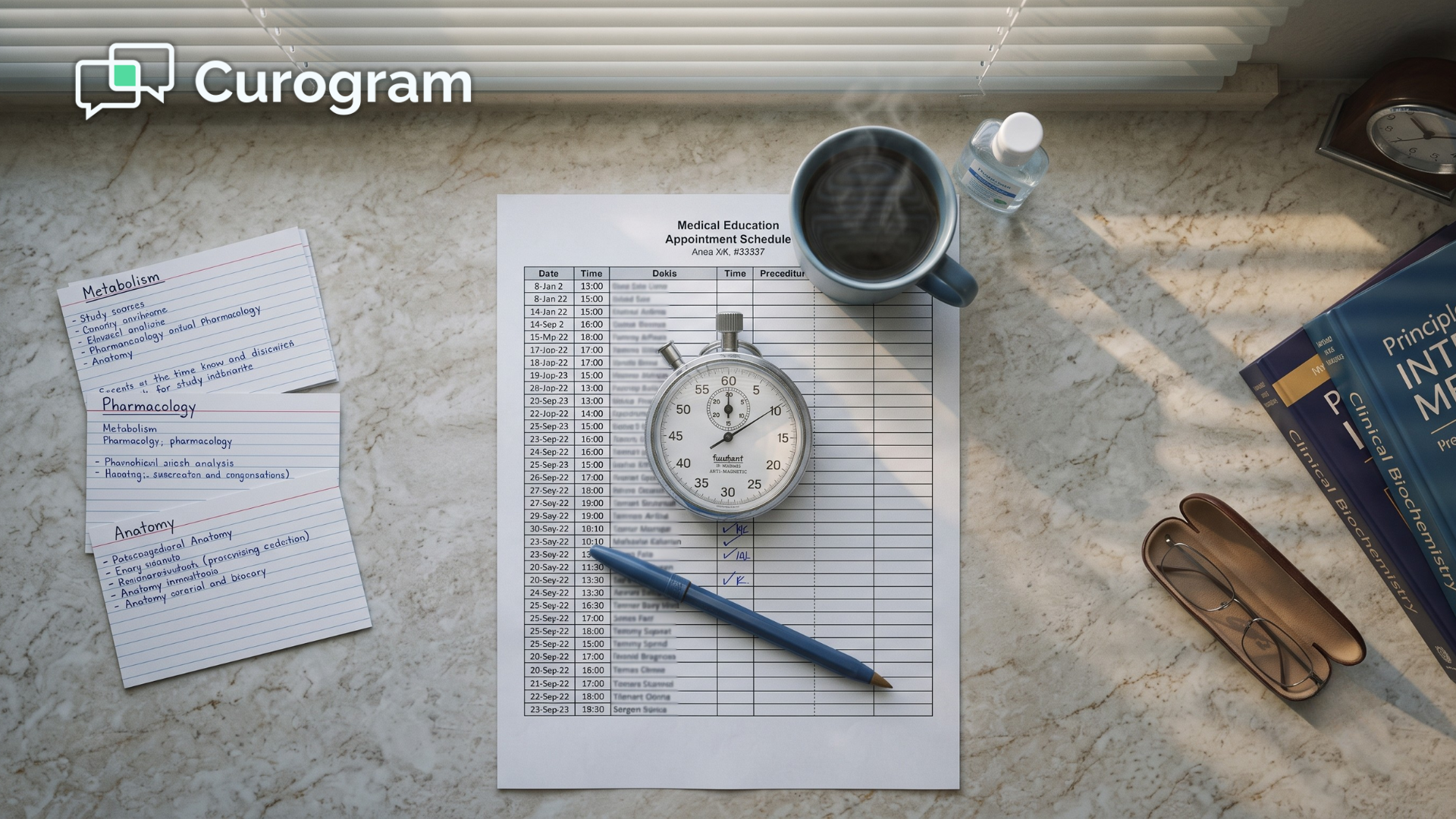
Count the calls your front desk made yesterday. Not the ones that came in, but the ones that went out, one after another, down a printed list of tomorrow's appointments.
At most practices, that number lands somewhere near 80. Each call takes two to three minutes once you add the voicemails, the wrong numbers, and the patients who want a different day. Do the math and a part-time job appears inside every single day. Nobody ever hired for that job.
It just grew there. And it hides well, because it never shows up on a budget line or a staffing plan.
The calls look like work, and they are work, so the task never really gets questioned. It stays year after year, quietly eating the best hours of the morning. Meanwhile, the schedule your team is calling about already sits complete inside your practice management system.
Prime Clinical has been the foundation of your practice for years, and it builds the day exactly the way you ask it to. It just cannot pick up the phone and confirm that day for you. That gap is exactly where your morning disappears.
The fastest way to reduce appointment confirmation calls at a Prime Clinical front desk is to stop placing most of them. That is not the same thing as skipping confirmations.
An automated 2-way reminder works the whole list overnight, so your team walks in to a column that has already answered for itself. Nothing gets replaced along the way, and Prime Clinical stays exactly where it is today.
What changes is who does the dialing, and what your staff do with the hours that come back to them.
This article walks through that before and after, hour by hour, so you can see what a reshaped morning is really worth.
Ask an office manager what confirmation calls cost and you will usually get a shrug, because the task has always been there and nobody ever attached a number to it.
The number is easy to build, though, and it is bigger than most teams expect.
Here is a sample calculation for a practice with 80 appointments a day. Treat it as an illustration, not a benchmark, and swap in your own volume and hourly wage.
| What you are counting | The math | The result |
|---|---|---|
| Calls per day | 80 appointments | 80 calls |
| Time per call | 2.5 minutes average | 200 minutes |
| Daily total | 200 minutes | 3.3 hours |
| Weekly total | 3.3 hours x 5 days | 16.5 hours |
| Monthly total | 16.5 hours x 4.3 weeks | 71 hours |
| Yearly cost at $20/hour | 852 hours x $20 | $17,040 |
This means a full salary is quietly funding a task that adds no clinical value on its own. In practice, you are spending about $17,000 a year to leave voicemails that most patients will never return.
The expense is not only financial. It shapes the entire day.
Dialing usually starts around 8 AM and runs until 11, and a patient stands at the window while a staff member finishes a message she knows will go unanswered. Lunch gets eaten at the desk, because tomorrow's list has not been started yet.
By four in the afternoon, the team is dialing again. Same script, new set of names.
That rhythm is the phone-shaped day, where the call sheet decides your schedule and the people in the room fit around it.
There is a second cost, quieter than the first, and it belongs to the patients you never speak to.
Every outbound confirmation ties up a line and a person, so the new patient trying to book hears a busy signal and the specialist calling with a referral lands in voicemail. The patient with a real clinical question waits on hold and eventually gives up.
You will never see those calls in a report, because they never connected. That is the hardest part of front office efficiency for Prime Clinical practices to measure honestly: revenue that hangs up before it ever reaches you.
The real competitor here is not another vendor or another platform. It is habit, and habit is unusually expensive.
Confirmation calls feel normal because they are familiar. But familiarity does not lower the price, and those 852 hours get spent either way. The staff burnout that phone volume creates shows up in turnover long before it shows up in a report.
MGMA staffing benchmarks put front office turnover among the most expensive staffing problems a practice can absorb. Every departure resets your training, your patient relationships, and your schedule.
Now flip the picture, because your practice already holds everything it needs to confirm tomorrow, and that information sits inside Prime Clinical right now.
Curogram works as a virtual front desk assistant on top of that data, handling the confirmation list while the office is dark and using 2-way HIPAA-compliant texting instead of the phone.

The workflow shift is the entire point. Instead of working through all 80 names, your team works only the appointments that need a human being.
That is an exception-only workflow, and it is how a practice can eliminate manual confirmation calls without losing sight of the schedule.
The list does not vanish. It shrinks to the handful of names that deserve an actual conversation.
This is the question office managers ask first,
So here is the plain answer:
Apointment data moves from Prime Clinical into Curogram through a live HL7 feed.
There are no exports, no spreadsheets, and no re-keying of names into a second system at the end of the day.
Your scheduling process inside Prime Clinical does not change in any way. Setup takes about 48 hours, and staff training runs about 5 minutes, largely because the screen behaves like the texting your team already does at home.
Practices with older patient panels often assume texting will not land, but the opposite is usually closer to the truth.
An unknown number ringing a landline now reads as a scam, so it goes unanswered. A message with your practice name on it reads as your practice. It waits until the patient is ready, and it ends with one tap instead of a callback.
The quieter win happens at the window, where your staff finally greet the person in front of them instead of the voicemail in their ear.
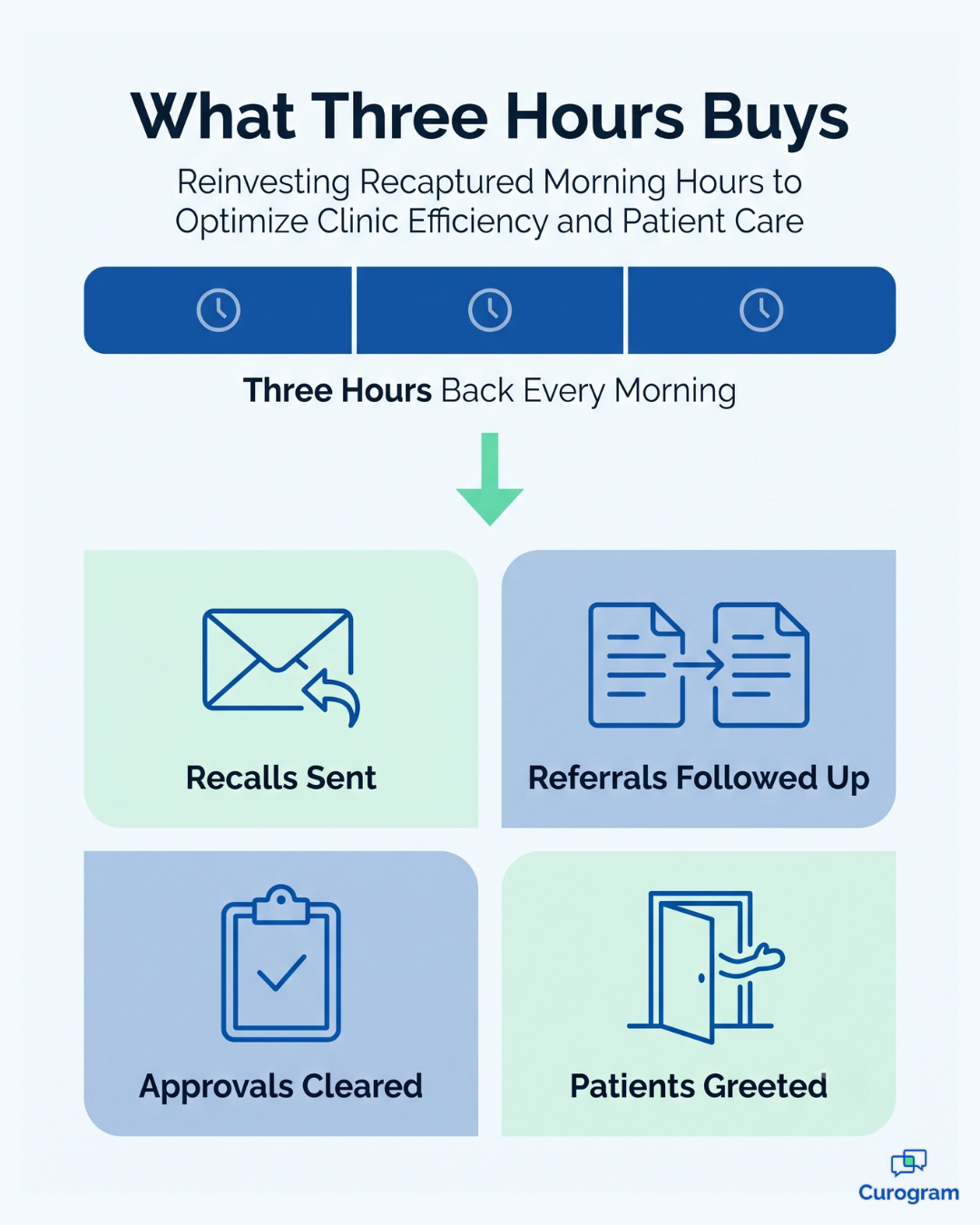
Here is what the math looks like once automated appointment reminders absorb the list.
More than 75% of confirmations get handled with zero staff touch, Curogram practices run no-show rates 53% below the industry average, and Covina Arthritic Clinic now confirms more than 1,100 appointments a month this way.
For your team, that is the difference between two very different mornings.
| Before | After |
|---|---|
| 80 names on the call sheet | 8 to 15 exceptions to review |
| 3+ hours of dialing | 20 to 30 minutes of review |
| Reschedules settled by phone tag | Reschedules settled by template |
| Confirmations known by 11 AM | Confirmations known at 8 AM |
| Recall campaigns postponed again | Recall campaigns actually sent |
Practices using 2-way SMS also report phone volume falling by as much as 50%, while front desk productivity climbs 30% or more. That is real front desk time savings from automated reminders, not a rounding error.
So what fills the space that opens up? The work that never fit before.
Recall campaigns actually get sent instead of postponed indefinitely, referrals get chased while they are still warm, and prior authorizations move through the queue on time. Unpaid balances get followed up through your unified inbox instead of another round of paper statements.

And the waiting room gets a human being who is looking up.
None of that requires more staff, but it does require the office manager workflow at a medical practice to stop organizing itself around a phone list.
Once confirmations run themselves, the rest of the job finally has somewhere to happen.
You do not have to take three hours on faith. The change is easy to measure, and most office managers can see it clearly inside a single month.
Track four numbers, starting the week before you go live so you have a real baseline.
The first two move almost immediately, usually within the first full week of reminders. Your call count drops toward the exception list, and the confirmed column fills overnight instead of by late morning.
The third number is the one teams underestimate. When 80 outbound calls disappear, the same line that used to ring busy is suddenly free for scheduling, referrals, and clinical questions.
That is front desk capacity you already pay for and have never been able to use.
The fourth takes longer, because no-show behavior follows a monthly pattern rather than a weekly one. Give it two full cycles before you judge it.
For your team, this means the business case does not rest on a vendor slide. It rests on four numbers your practice already produces every day, measured against the week before anything changed.
Your front desk was never the problem here. The call sheet was.
Those 80 daily calls were not a sign of a slow team. They were a sign that a task built for 1995 still sat in the middle of a modern workflow, quietly eating the three best hours of every morning.
The division of labor here is simple enough to explain in one line. Prime Clinical schedules the day, and Curogram confirms it before the office opens.
Neither system gives anything up for that to work. The HL7 feed reads what Prime Clinical already knows, the reminders go out overnight, and your staff walk in to a schedule that has largely answered for itself.
Try one small test this week. Time one morning of confirmation calls with a stopwatch, and write the number on a sticky note.
Then picture the same block empty.
That is not a thought exercise. It is roughly 71 hours a month, and it is the block your team would otherwise spend on recalls, referrals, and the patients standing at the window right now. The only question is which of those two you would rather buy with it.
Implementation is not the hard part. Deployment runs about 48 hours, training takes about 5 minutes, and your scheduling workflow inside Prime Clinical stays exactly as it is today. Nothing gets torn out here, and one gap gets filled.
Your patients already text everyone else in their lives. That leaves your practice as the outlier still asking them to answer an unknown number during a workday.
See how Curogram fills the communication gap in 48 hours — Schedule a Demo.
 Jo Galvez : Jul 3, 2026, 10:00:00 AM
Reminders that don’t confirm leave staff guessing. See how CollaborateMD two-way reminders cut no-shows 65% and fill cancellations the same day.
 Aubreigh Lee Daculug : Jun 26, 2026, 9:00:01 AM
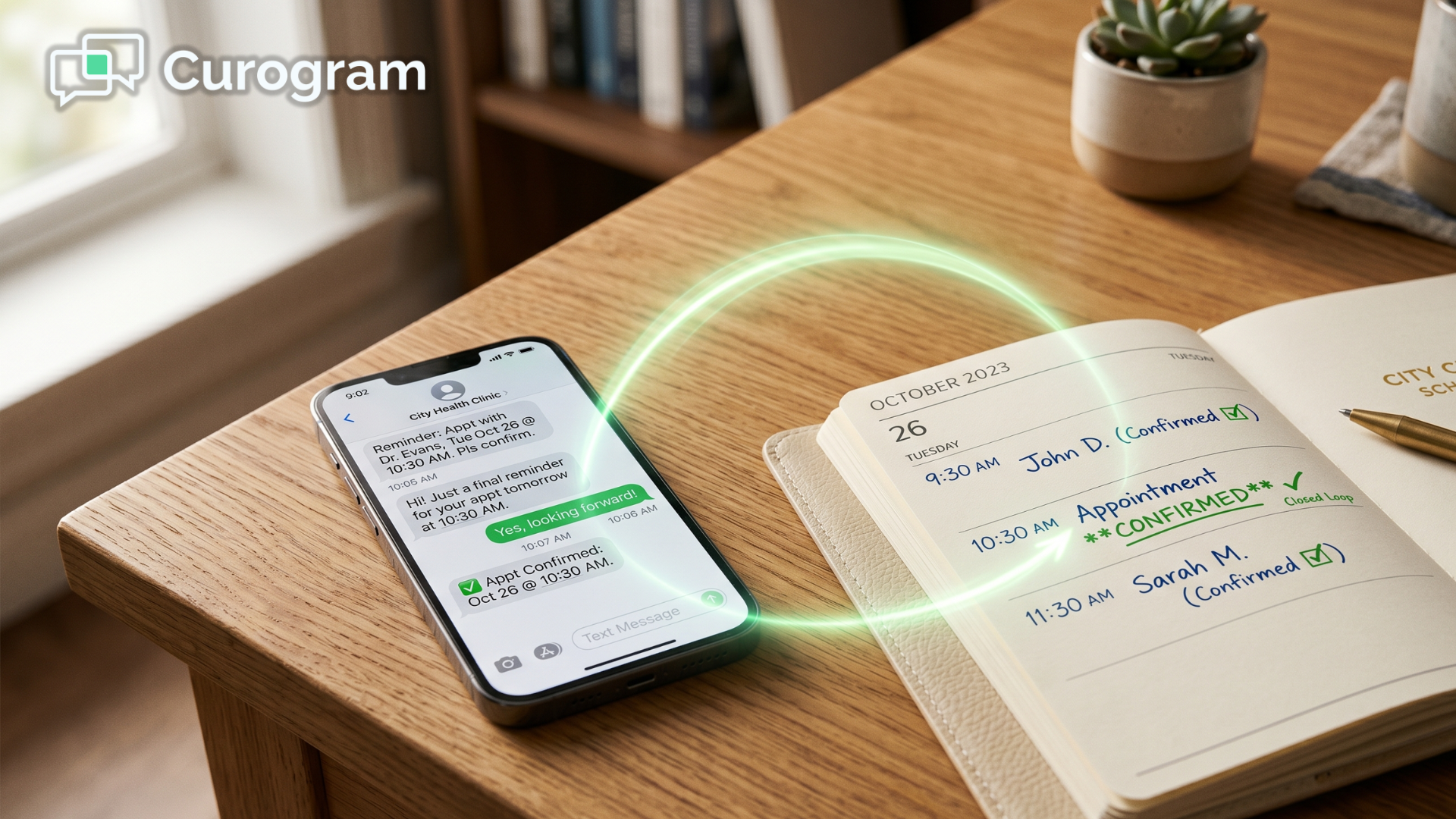
CharmHealth reminders that close the loop: texts write confirmations back to the schedule with no 250-message cap. Clinics hit 1,100+/mo. Book a demo.
 Aubreigh Lee Daculug : Apr 9, 2026, 9:00:00 AM
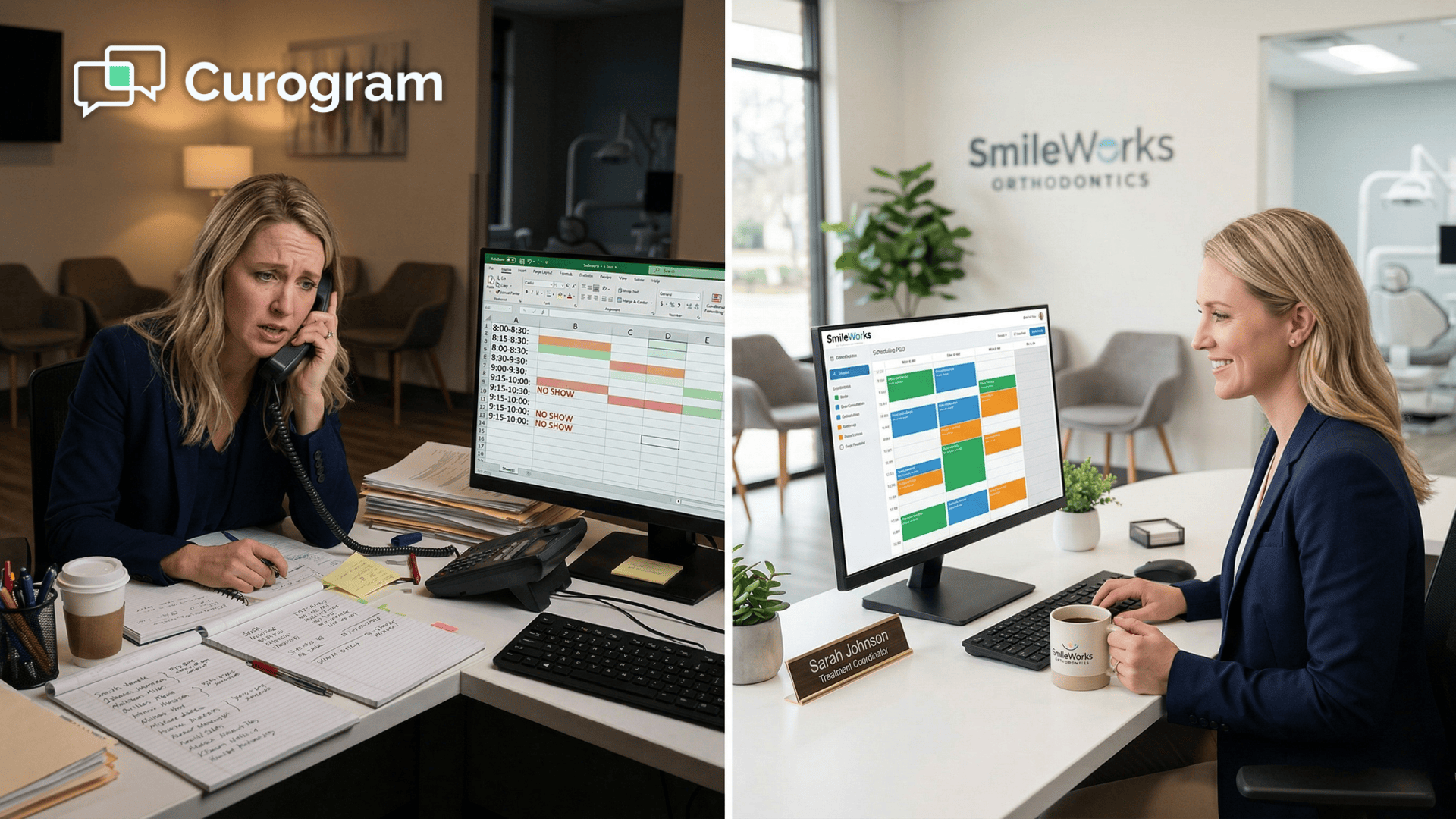
50 appointments tomorrow—how many are confirmed? Curogram’s Confirmation Dashboard shows real-time status and cuts ortho no-shows to <5%.