
8 min read

Eliminate Pre-Treatment Form Delays in Osmind Clinics | SMS Forms

Eliminate Pre-Treatment Form Delays in Osmind Clinics | SMS Forms
💡 Clipboard intake forms slow down Osmind ketamine clinics. When 2–3 patients arrive without completed in-app assessments, staff fall back on paper, infusions start late, and the schedule unravels.    

Curogram solves this by delivering pre-treatment screening forms through SMS before the appointment. Patients complete PHQ-9, GAD-7, and safety screens on their phones at home.          

The result: 60–120 minutes of clinical time recovered each day across a 4-chair suite, on-time infusions, and clinical staff focused on care, not paperwork.


A clipboard should not run your infusion schedule. Yet in many interventional psychiatry practices, that is exactly what happens.

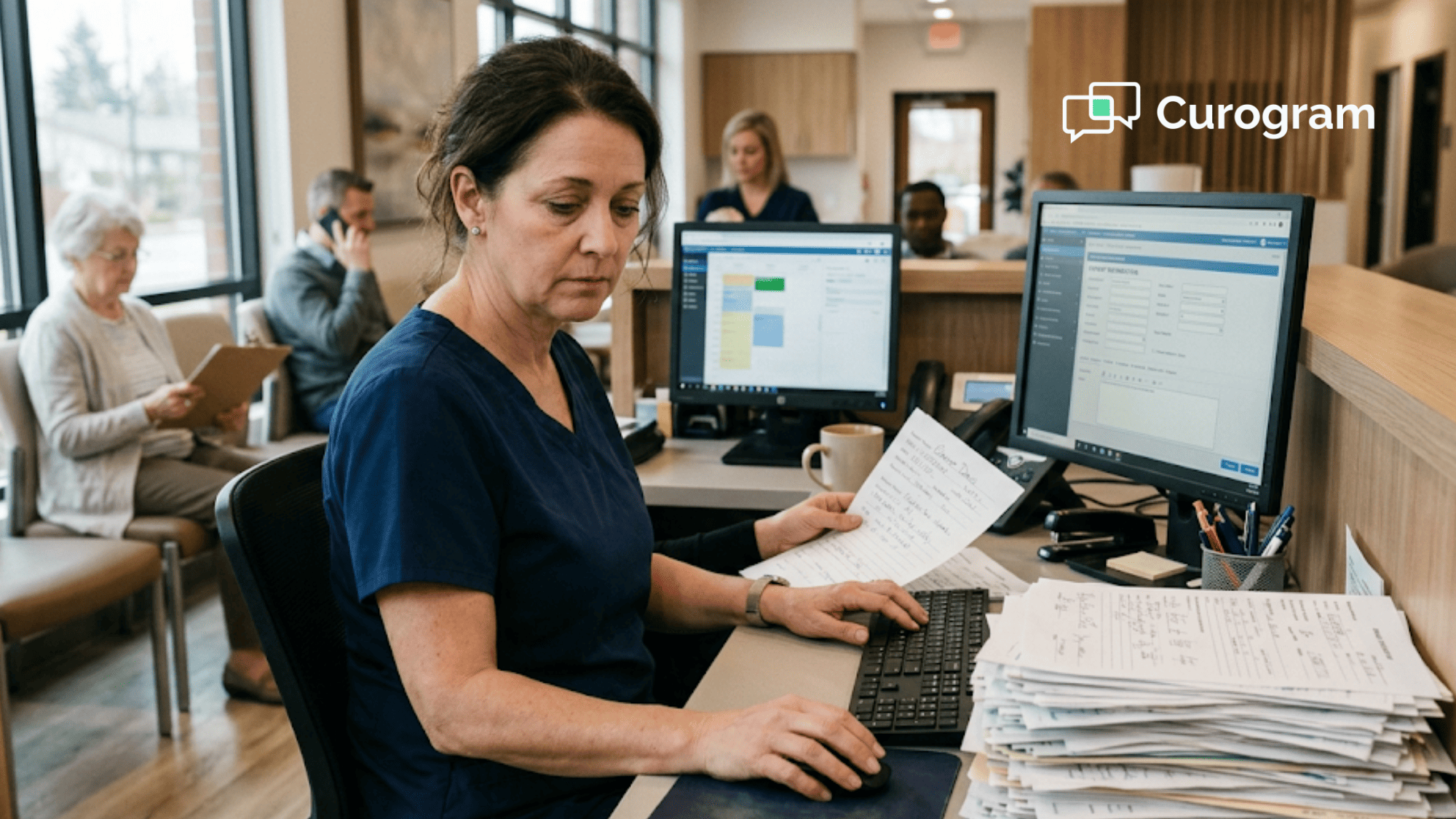
A patient walks in for a 10:00 AM ketamine infusion. The Osmind in-app assessment was never completed. Your nurse pauses everything, prints a paper screening, and hands it over with a pen. Twelve minutes later, the infusion finally starts.

That single delay does not stay contained. It rolls into the next chair, the next patient, and the rest of the day.

Most teams running Osmind see this pattern 2–3 times daily. The in-app forms are clinically excellent. The completion rate before arrival? Inconsistent. And when patients arrive unprepared, paper becomes the default backup.

The cost is bigger than it looks. You are paying clinical staff $35–$50 per hour to administer forms instead of preparing IVs, taking vitals, or monitoring infusions. You are pushing back chair times that should be billable. You are losing the on-time rhythm a busy infusion suite needs to function.

This article walks through how to eliminate clipboard intake forms at your Osmind ketamine clinic with a digital workflow built around SMS-delivered screening.

You will see why paper fallbacks keep happening, what they actually cost, and how a simple change in delivery method can give your clinical team back an hour or two of every workday.

The fix is not more staff. It is not more software bolted onto Osmind. It is making sure the form is already done before the patient ever walks through your door.

That is what we will unpack next.

The Hidden Cost of Paper Fallbacks in Modern Infusion Suites

Osmind built strong measurement-based care tools. The platform tracks longitudinal outcomes and surfaces the clinical context your providers need at the point of care. That part works.

The weak link is delivery. The in-app assessments live behind an app the patient may not open, may not remember, or may have stopped using between visits. When that happens, paper takes over.

A nurse trained in interventional psychiatry walks across the suite, prints a PHQ-9, finds a pen, and waits while a patient fills it in.

That is 10–15 minutes of clinical labor spent on form administration. Multiply by 2–3 patients per day. Then multiply by five days a week.

10–15 minutes

Clinical labor lost per clipboard fallback, every single time it happens.

The picture sharpens fast.

How One Late Form Compresses an Entire Day

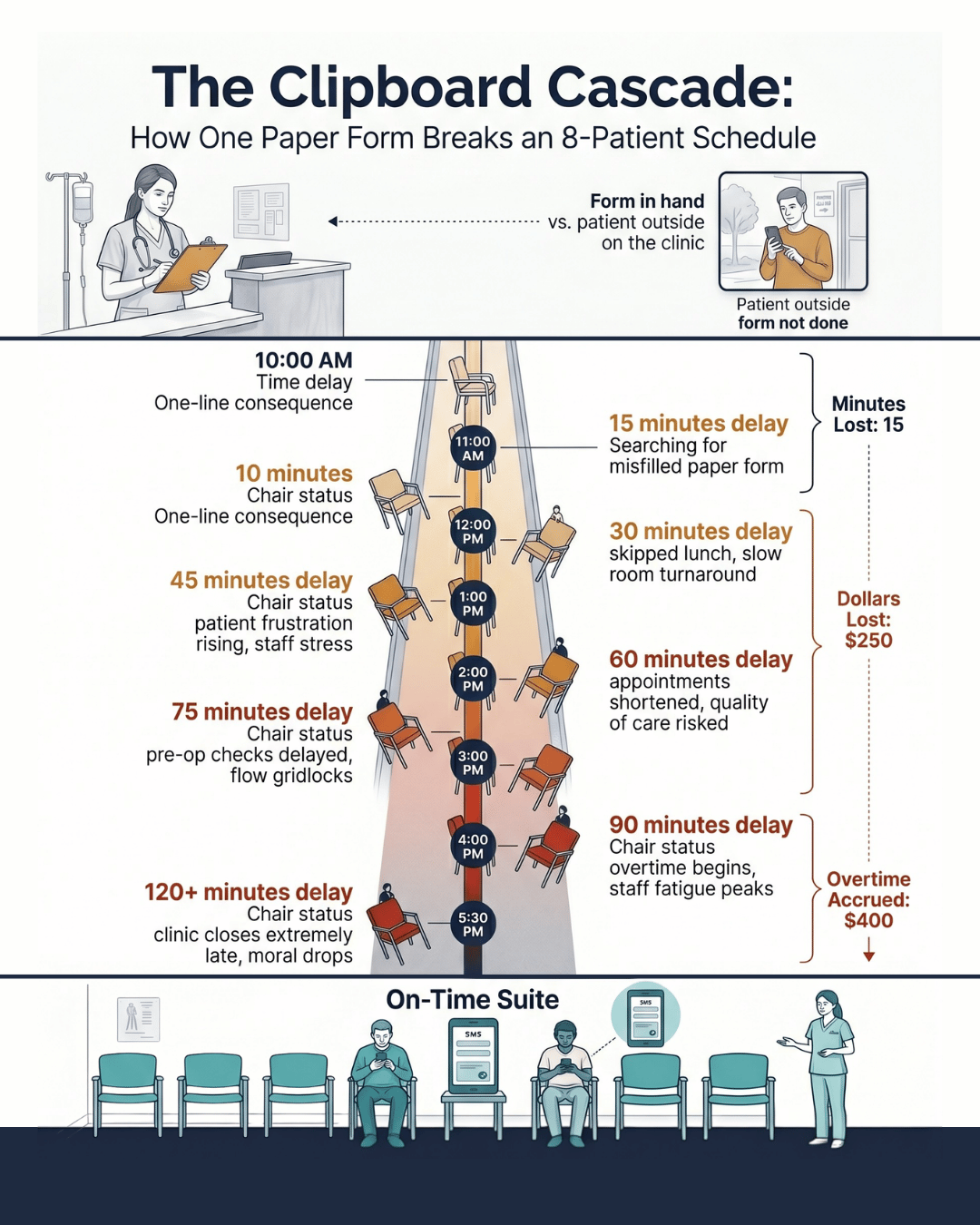
Think about a 4-chair infusion suite running 8 patients on a tight schedule.

Patient A starts 12 minutes late because of a paper screening.

Chair 1 is still busy when Patient B arrives at 10:30.

Patient B waits.

Patient C feels the ripple at noon.

By 4:00 PM, the schedule is 30–45 minutes behind. Staff stay late to finish. The minutes add up faster than most practice managers realize.

What Clipboard Time Actually Costs

Run the math on a single suite. Nursing time at $35–$50 per hour, 30–45 minutes of daily form administration, is $17–$37 a day in labor spent on non-clinical work. Over a month, that is $350–$770 in nursing hours used on paperwork.

Now layer in lost chair revenue. If cascading delays cost just one session per week at $400–$600, that is $1,600–$2,400 a month walking out the door. For your team, this means roughly $20,000–$30,000 a year tied up in a workflow problem.

The paper, transcription, and filing costs are smaller, but they pile up. The bigger loss is intangible: clinical staff doing administrative work instead of the patient care they trained for.

Why Osmind Alone Isn't Solving the Pre-Arrival Gap

Osmind is excellent at what it is built for. The platform handles clinical documentation, measurement-based care tracking, and AI-surfaced patient context during the visit. That is the right job for an EMR built around interventional psychiatry.

But Osmind's pre-visit form delivery relies on the patient opening the app. That is the gap. App engagement varies. Older patients skip it. Newer patients have not set it up yet. Some forget. Some uninstalled it after the last visit.

The result is a workflow that succeeds most of the time and quietly fails 20–30% of the time.

The fallback is not nothing. The fallback is paper. And paper is what creates the cascade.

The Friction Patients Actually Run Into

Most patients are not avoiding the form.

They are running into small barriers that add up to non-completion:

  • The app requires a login they cannot find
  • The notification got buried under other phone alerts
  • They are not sure which form to complete or when
  • They started the form and got interrupted before submitting

None of these are dramatic problems. They are the everyday friction points that quietly drop completion rates. And every dropped completion shows up at your front desk as another clipboard.

This is the case for pre-infusion screening with a paperless workflow at your Osmind practice. Not as a replacement for Osmind, but as the delivery layer that makes sure the screening actually happens before arrival.

How SMS-Delivered Forms Recover Clinical Time

SMS is the lowest-friction communication channel in healthcare. Open rates sit above 95% for text messages, usually within 3 minutes of delivery. No app to open. No login to remember.

This is where Curogram fits into your Osmind practice operations.

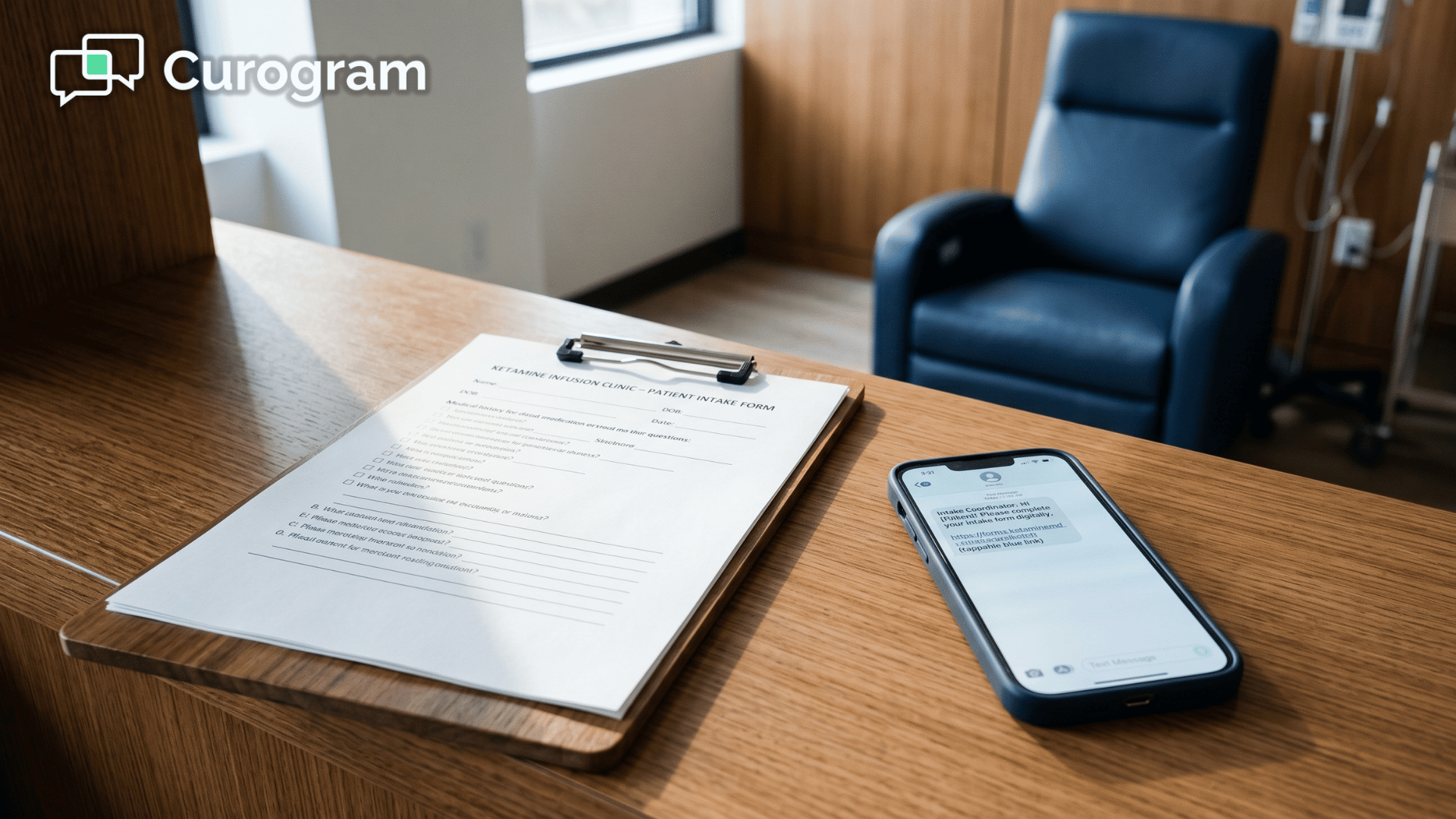
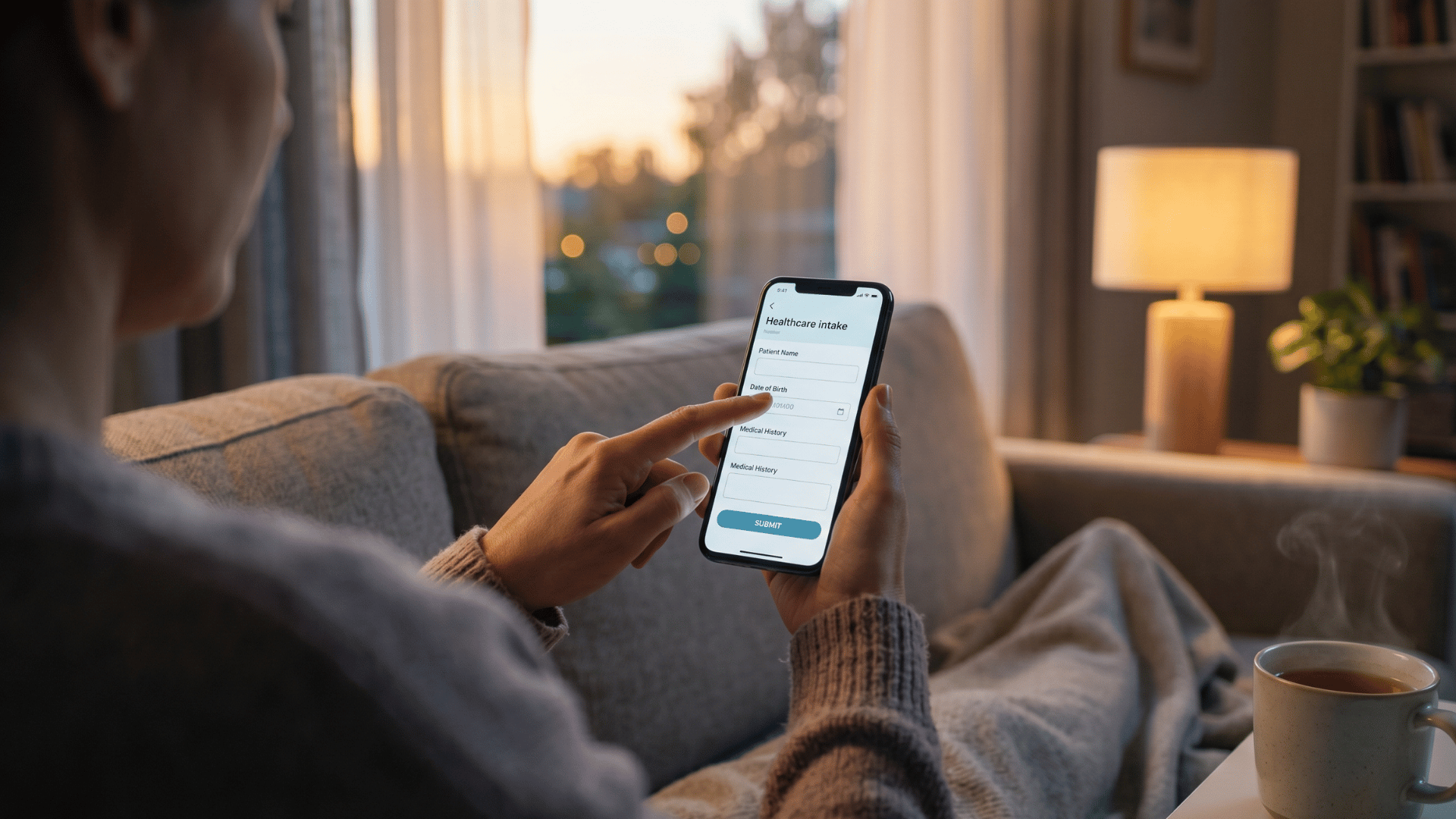
As a digital intake optimization layer, the platform sends pre-treatment screening forms by text 24 hours before each appointment. The patient taps the link. The form opens in their browser. They complete it on the couch the night before. Done.

Infographic showing how one paper intake form delays an Osmind ketamine clinic's 8-patient schedule.

What the Workflow Looks Like in Practice

Once your form templates are configured, the system runs in the background.

Here is the basic sequence:

  1. The appointment is scheduled in your system
  2. Curogram triggers an automated SMS with the right form 24 hours before
  3. The patient completes the form on their phone
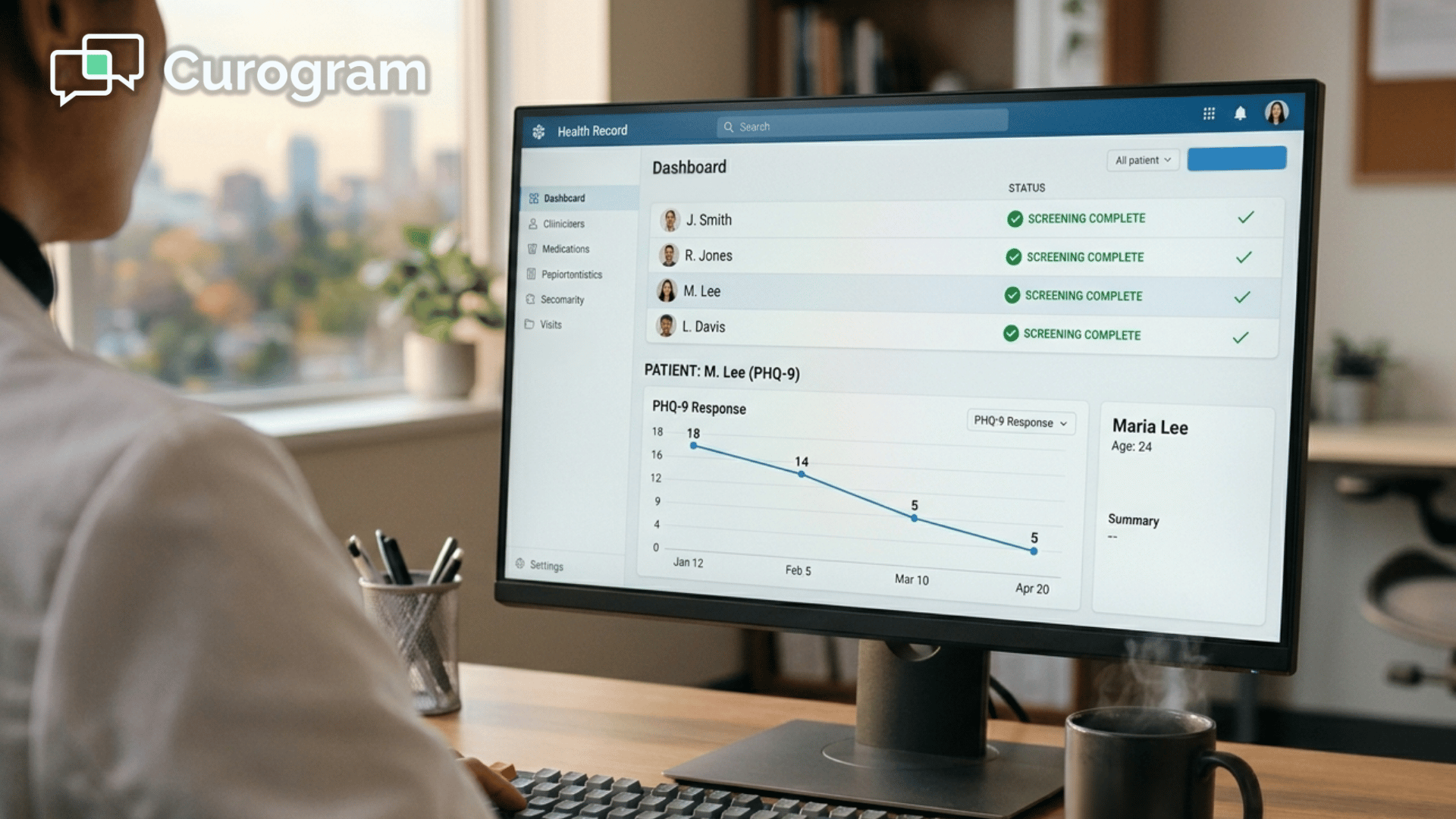
  4. Your dashboard shows completion status for the next day's schedule
  5. Incomplete forms trigger an automatic follow-up text

By 8:00 AM, your infusion nurse checks the Curogram dashboard. The screenings for the day are sitting there, ready to review. Anything flagged gets escalated to the psychiatrist before the patient arrives.

This is what digital patient forms on an Osmind infusion practice look like when staff efficiency is the goal. The forms still match your clinical standards. The delivery method just stops failing.

The Honest Trade-Off on Integration

There is one thing to be straight about. Curogram does not auto-populate Osmind's chart. Staff review the completed form in Curogram's dashboard and document findings in Osmind during normal charting.

That adds roughly 1–2 minutes per patient to charting. But it eliminates 10–15 minutes of clipboard administration per incomplete-form patient. Net result: 8–13 minutes saved per patient. Across 2–3 patients a day, that is 16–39 minutes recovered. Minimum.

For a 4-chair suite running full days, the total reaches 60–120 minutes of daily clinical time returned to actual patient care.

The Numbers Behind Staff Time Recovery

Let's translate this into something concrete for your team. The reduce form administration time at your ketamine TMS clinic equation looks like this when modeled across a typical week.

Patient completing a digital pre-visit intake form on their phone from home before a clinic appointment.

Before vs After the Digital Switch

Before the digital workflow, your team loses 30–45 minutes a day to paper-based screenings.

That stacks up to 2.5–3.75 hours of clinical time gone every week. Cascading delays push back chair revenue worth $1,600–$2,400 a month. End-of-day overtime becomes routine, not the exception.

After the switch, the picture changes fast.

The biggest shifts your team will feel inside the first month:

  • Clipboard incidents drop to near zero
  • Form administration falls below 5 minutes a day
  • Overtime becomes rare instead of routine
  • Monthly chair revenue at risk drops close to zero

Under 30 min/week

Time spent on form administration with a digital workflow in place.

In practice, this means your nurses spend their first hour on clinical prep, not paper distribution. Your schedule holds. Your last patient of the day finishes on time.

What This Looks Like at the Chair Level

Every minute of chair time is billable. Every minute of clipboard time is not.

For practices tracking chair utilization as a KPI, paperless patient screening for interventional psychiatry is one of the highest-leverage operational improvements available.

Kill the clipboard! Streamline intake and decrease wait times with Curogram's mobile-friendly online forms.  

It requires no new equipment. No renovation. No additional staffing. Just a different delivery method for the same screening forms you already use.

When you also factor in Curogram's 75%+ appointment confirmation rate across active clients, the operational lift compounds. Better attendance, better preparedness, fewer cascading delays.

A Day in the On-Time Infusion Suite

8:00 AM. Your infusion nurse checks the Curogram dashboard. All 8 patients scheduled for the day have completed their pre-treatment screenings. One PHQ-9 shows a meaningful score change.

The nurse flags it for the psychiatrist before the patient arrives. The clinical conversation that needs to happen, happens early.

No clipboards are printed. No forms handed out. At 10:00 AM sharp, the first infusion begins. The suite runs on time all day.

What the Day Actually Delivers

A day without the clipboard cascade looks different in ways your team will notice almost immediately:

  • The schedule starts on time and stays on time
  • Flagged scores get clinical attention before the visit, not during it
  • Nurses spend their morning on prep, not paper distribution
  • Staff leave at closing instead of an hour later

By 5:00 PM, the last patient is finishing on schedule. Staff close out their notes. Nobody stays late because nobody started late. The clipboard basket in the supply closet gathers dust.

This is what a pre-infusion screening with a paperless workflow on your Osmind setup actually delivers. Not magic. Just a delivery method that does its job.

Give Your Clinical Staff Their Time Back

The shift from clipboard to digital is smaller than most practice managers expect. The impact is larger.

You keep Osmind for what it does best, which is clinical documentation, measurement-based care, and longitudinal patient tracking. You add Curogram as the pre-visit delivery layer, which is the part that makes sure your screening data is ready before the patient walks in.

The combination gives you back 60–120 minutes of daily clinical time across a typical infusion suite. It removes the cascade that compresses your schedule. It returns your nurses to clinical work instead of paper administration.

For your team, this means less overtime. For your patients, this means a calmer, on-time experience. For your practice, this means recovered revenue and a workflow that holds up under volume.

The math is straightforward. If clipboard fallbacks are costing you 5–15 hours of clinical time per month and $1,600–$2,400 in lost chair revenue, the value of fixing the pre-arrival gap is measured in real dollars, not theoretical efficiency.

This is the value of practice operations and digital intake optimization at your Osmind setup, done right. Forms that arrive. Forms that get completed. Forms that are ready when you are.

You did not build an interventional psychiatry practice to hand out clipboards. Your nurses did not train for it either. The technology to fix this has existed for years. The question is whether your current workflow is still leaning on paper because nobody has shown you the alternative.

Schedule a demo to see how SMS-delivered forms integrate with your infusion suite scheduling. No obligation, no disruption to your current Osmind workflow.


Frequently Asked Questions

How long does it take staff to set up form templates in Curogram?

Curogram's form builder is designed for non-technical staff. Creating a form template that replicates your PHQ-9, safety checklist, or custom screening takes 15–30 minutes during initial setup. Once created, templates are reused automatically. The system delivers the right form to the right patient at the right time without ongoing staff effort beyond initial configuration.

What if a patient doesn't complete the form before arriving?

The Curogram dashboard flags incomplete forms, and the system can automatically send a follow-up text reminder. If a patient still arrives without completing the form, they can fill it out on their phone in the waiting area using the same text link. That is still faster than clipboard administration because there is no paper, no transcription, and the data is immediately available digitally. Over time, practices report higher pre-visit completion rates with SMS than with app-only workflows because the barrier to entry is lower.

Does switching to SMS forms mean we lose Osmind's measurement-based care tracking?

No. Osmind's measurement-based care features, including longitudinal tracking, AI-surfaced context, and outcome monitoring, remain fully functional. Staff document the screening scores from Curogram's dashboard into Osmind's clinical record during normal charting. The clinical data still flows into Osmind's tracking systems. The only change is the delivery method for getting the assessment completed before arrival.

Is the SMS form delivery HIPAA-compliant?

Yes. Curogram is a HIPAA-compliant patient communication platform built specifically for healthcare practices. SMS form links are delivered securely, and form responses are stored within Curogram's compliant environment. Patients complete forms over a secure connection, and PHI is never transmitted in the SMS body itself.

Can we customize which forms get sent for ketamine versus TMS appointments?

Yes. Curogram delivers forms based on appointment type and timing. Ketamine infusion appointments can trigger a safety screening 24 hours before, while TMS appointments can trigger a mood assessment on a clinician-defined cadence. You set the rules once, and the system handles delivery from there.