
Office Ally Patient Recall Campaigns | Text Broadcast
💡 Office Ally has no built-in broadcast or mass messaging feature. Practices using Practice Mate can store hundreds of patient records, but there...
It starts the same way every time.
You open Practice Mate, filter for patients not seen in six months or more, and a list of 200 names appears on your screen. You know these people. They were doing well. They just stopped coming back.
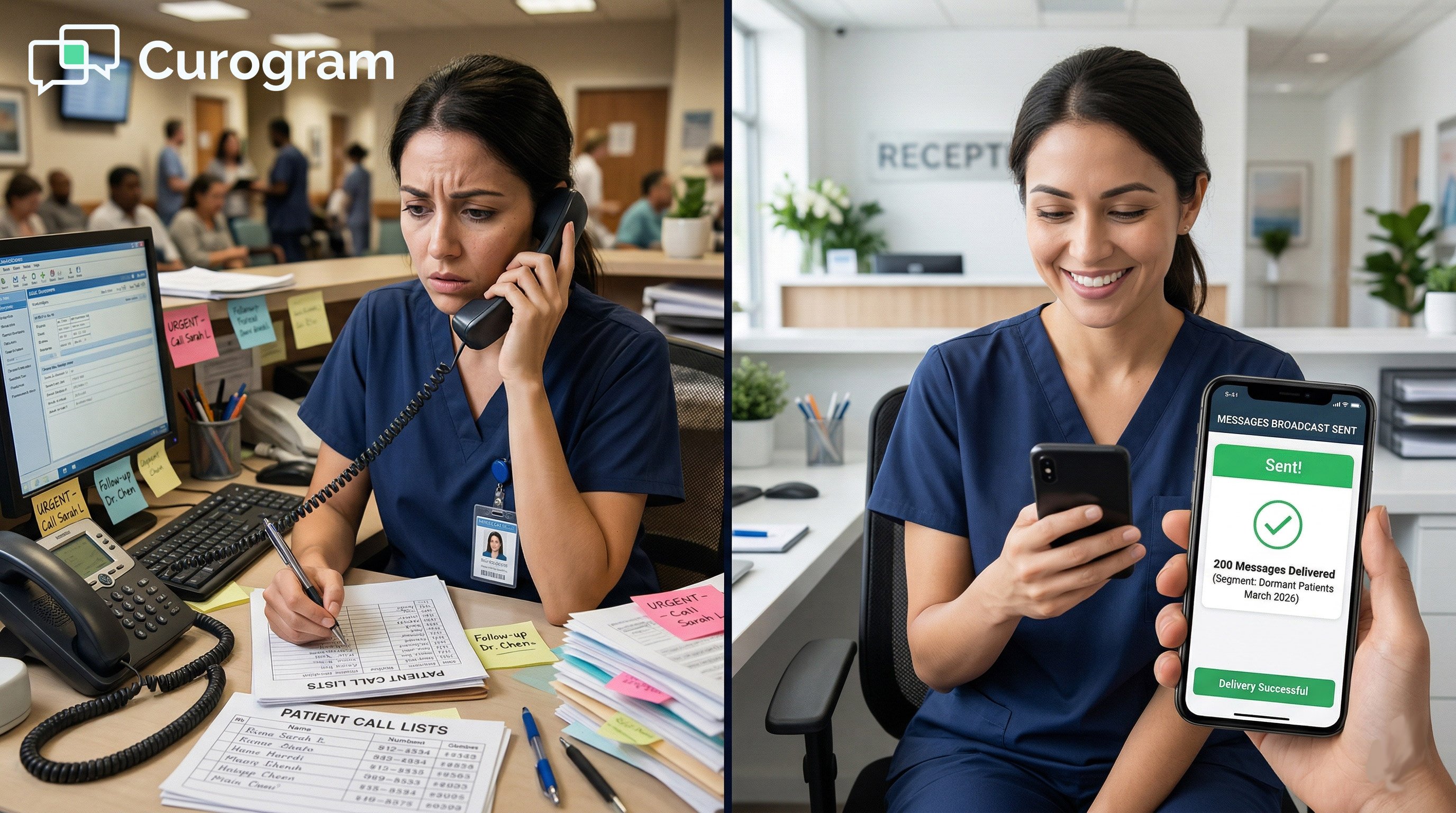
Then the math hits you. Two hundred calls at three minutes each is 600 minutes. That is 10 full hours of phone time. Your front desk already handles 40 or more calls a day. Those 10 hours do not exist.
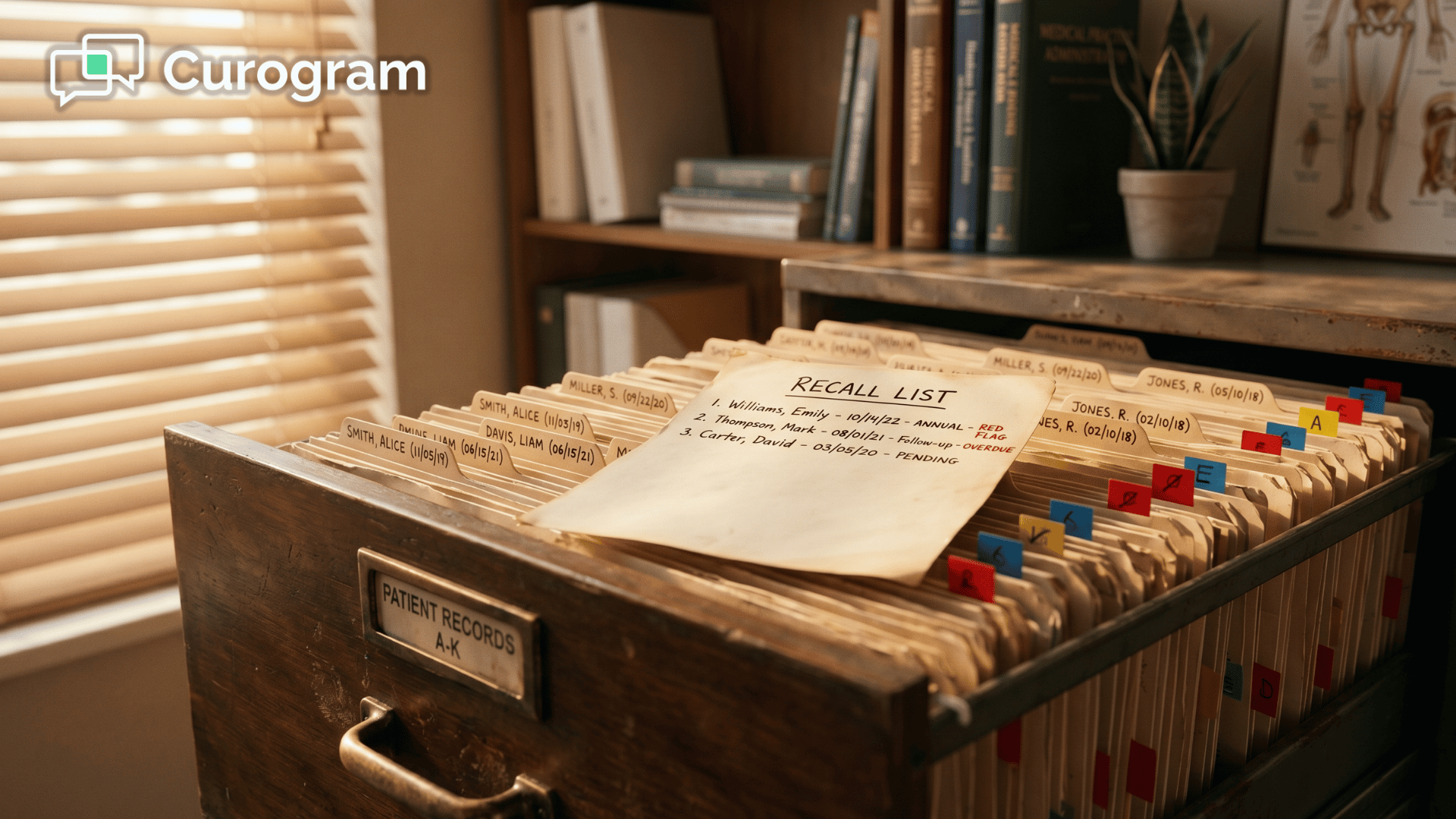
So you print the list. Pin it to the wall. Tell yourself you will get to it next week. Three months pass. The list is still there. The patients are still gone.
This is not a motivation problem. It is a tool problem. Office Ally is built to manage your active patients well. But when it comes to bringing back the ones who have drifted away, the only option it gives you is a phone.
That is where a patient reactivation campaign through Curogram changes things. Instead of calling one patient at a time, you send a text to all 200 at once. No phone calls. No voicemails. No extra staff.
Based on our internal research, this approach has produced a 35% appointment reconversion rate, with one practice recovering 1,240 patients through text outreach alone. The entire Office Ally staff broadcast messaging setup takes less than five minutes from start to send.
This article walks you through why manual recall fails, how the broadcast tool works, and what practices are seeing once they stop relying on the call list.
Manual recall is not just slow. It is built to fail. The math, the staff pressure, and the daily competition for time make it nearly impossible to finish what you start. Understanding why it breaks down is the first step toward fixing it.
Every practice that has tried manual recall knows how the numbers play out.
You filter inactive patients in Practice Mate. Two hundred names. You assign a staff member to start calling. The first call rings four times and goes to voicemail. You leave a message. That is 90 seconds.
The second call connects, and the patient wants to talk through rescheduling. That is three minutes. The third number is wrong. The fourth goes to voicemail again.
At an average of three minutes per contact attempt and a 30% reach rate, working through 200 patients takes close to 10 hours.
For a solo practitioner recall campaign with no staff, those hours simply do not exist. For a practice with one front desk person, pulling them off active patient calls for an entire week is not realistic.
The call sheet gets printed, posted, and quietly forgotten.
A small practice with 50 inactive patients might be able to manage a manual recall once. But as a practice grows, patient records pile up. What worked at 50 breaks at 200. At 500, most practices will not even try.
Office Ally provides no built-in tool that scales recall beyond individual phone calls. That gap only widens over time.
Even when staff time technically exists on paper, recall calls lose the daily priority battle.
Insurance checks, patient check-ins, scheduling calls, and billing follow-ups: all of these feel urgent because they are tied to patients in the office right now.
An inactive patient who needs a recall call is important, but not urgent. In a small practice, urgency always wins.
The inactive patient who needed a three-minute recall call loses to the active patient calling to reschedule right now. Tomorrow, the same thing happens. The recall project stays on the whiteboard for months, then quietly disappears from it entirely.
Most practices have started a recall effort at least once. An office manager blocks off Monday morning. By Wednesday, they had reached 40 patients and rescheduled eight. Thursday gets busy. Friday, the routine takes over.
The remaining 160 patients never hear from you. Three months later, someone asks about the recall project. The cycle restarts. The same patients stay inactive. The same revenue stays unrealized. This is not a staffing failure. It is what happens when the only tool available is a phone.
Manual Recall vs. Broadcast Text: At a Glance
|
Factor |
Manual Phone Calls |
Broadcast Text (Curogram) |
|
Time to reach 200 patients |
~10 hours |
Under 5 minutes |
|
Staff hours consumed |
High (blocks other tasks) |
Near zero |
|
Reach rate |
~30% |
Text open rates avg. 90%+ |
|
Cost |
Staff wages for 10 hours |
Included in platform |
|
Scalable to 500 patients? |
No |
Yes, same effort |
|
Response tracking |
Manual notes |
Auto-flows to 2-way inbox |

The broadcast tool inside Curogram is designed to replace the call list entirely. It pulls from your existing patient data, builds the outreach list for you, and sends personalized messages in one step. Here is how each part of the process works.
Curogram connects to your Office Ally practice data through Practice Mate, so there is no CSV export or manual list to build.
You open the campaign builder, set your filter (patients not seen in six months, 12 months, or a custom range), and the list generates automatically.
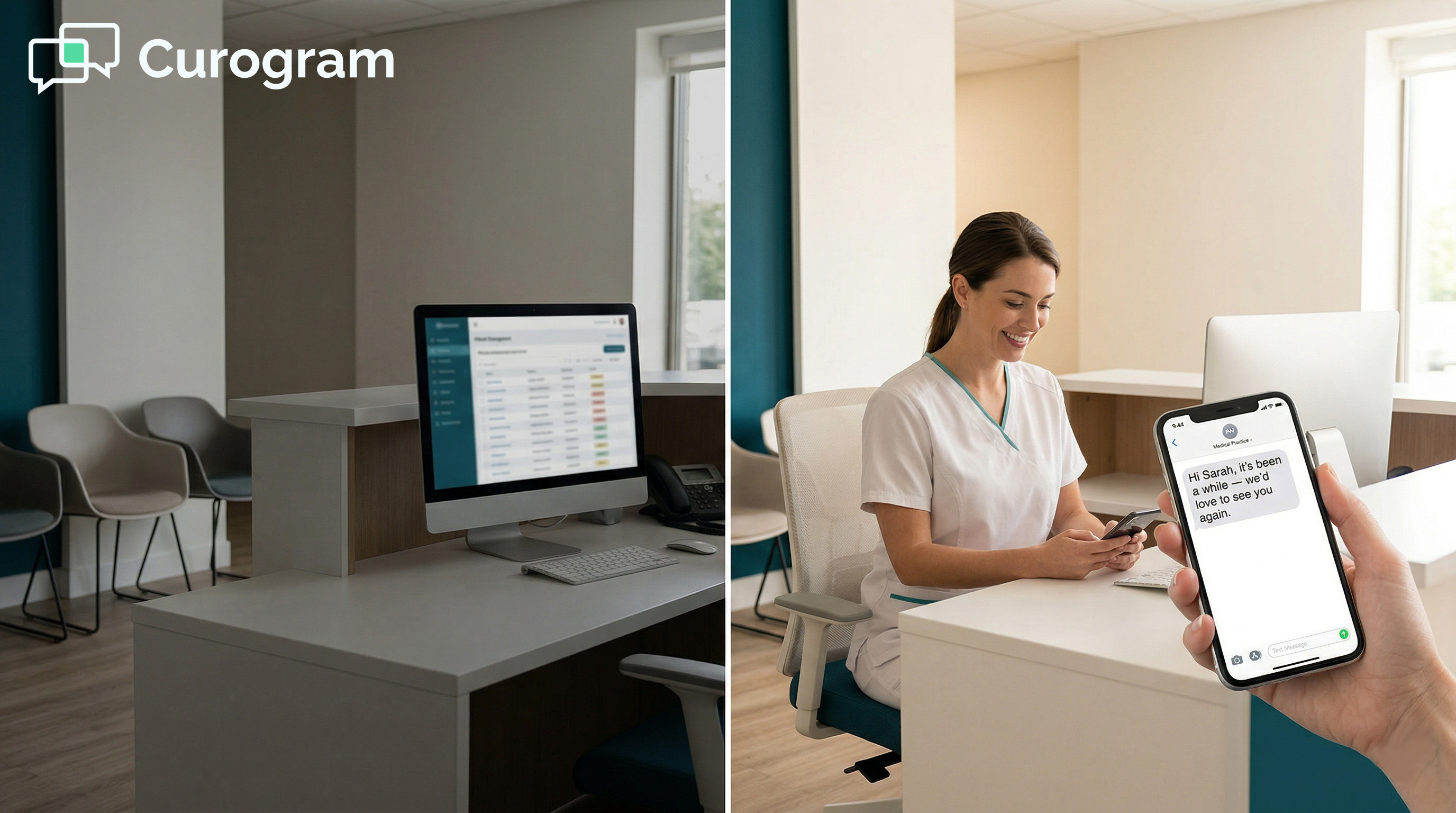
From there, you either write a message or choose from a set of ready-made templates. Hit send. Two hundred texts go out at once. No phone calls. No voicemails. No hours lost.
Responses come back through Curogram's two-way inbox, the same inbox your team already uses for daily patient texts. Scheduling a follow-up feels like a normal conversation, not a marketing reply thread.
The whole process, from deciding you want to run a small practice recall campaign text broadcast to having messages in patients' hands, takes less than five minutes. That is the entire Office Ally patient recall workflow automation in one session.
One of the things that slows down manual outreach is figuring out what to say. Curogram solves this with specialty-specific templates that practices can use right away or adjust to fit their voice.
A chiropractic recall might read: "Hi [Name], it has been [X months] since your last adjustment at [Practice Name]. Maintenance care keeps your spine healthy. Schedule your next visit: [link]."
A physical therapy follow-up: "Hi [Name], your PT plan included a reassessment at this point. Let us check your progress: [link]."
A mental health check-in: "Hi [Name], we have not seen you in a while and want to make sure you are doing well. Your next session is just a text away: [link]."
Each message is HIPAA-compliant and personalized with the patient's name and visit history. They feel like a note from a practice that cares, not a mass marketing blast.
Many practices using Office Ally staff broadcast messaging setup tools from third-party vendors run into the same problem: they have to manually export patient data, clean it up, and re-import it somewhere else. That prep work alone can take hours.
Curogram skips that entirely. Because it works directly with your Practice Mate data, the patient list is always current.
You are not working from a spreadsheet that is two weeks old. You are pulling from the same records your front desk sees every day.
Sending the broadcast is step one. What happens next matters just as much.
When a patient replies, their message lands in the same Curogram inbox used for appointment confirmations, intake forms, and daily texts.
Your team does not have to switch apps or check a separate dashboard. The conversation is already there, ready to move toward scheduling.
For the solo practitioner recall campaign with no staff, this is especially valuable. One person can manage a full recall response queue between appointments, without ever picking up the phone.
Sending the messages is the easy part. What actually convinces a practice to make this a habit is seeing what comes back. The numbers from practices using Curogram's broadcast tool are hard to ignore.
Based on our internal research, one multi-location practice achieved a 35% appointment reconversion rate from broadcast recall campaigns. In total, 1,240 patients were seen as a direct result of those recall messages.
For a solo practice sending a broadcast to 200 inactive patients at that same 35% response rate, the math looks like this:
|
Metric |
Result |
|
Texts sent |
200 |
|
Responses received (35%) |
70 patients |
|
Appointments rebooked |
35-50 |
|
Revenue recovered (at $150/visit) |
$5,250 - $7,500 |
|
Staff hours used |
Under 1 (setup + follow-up) |
|
Time to send campaign |
Under 5 minutes |
That is the return on five minutes of work. No marketing agency fee. No extra staff hire. No dedicated phone-bank session.
When recall takes 10 hours, it happens once a year, if it happens at all. When recall takes five minutes, it becomes a monthly routine.
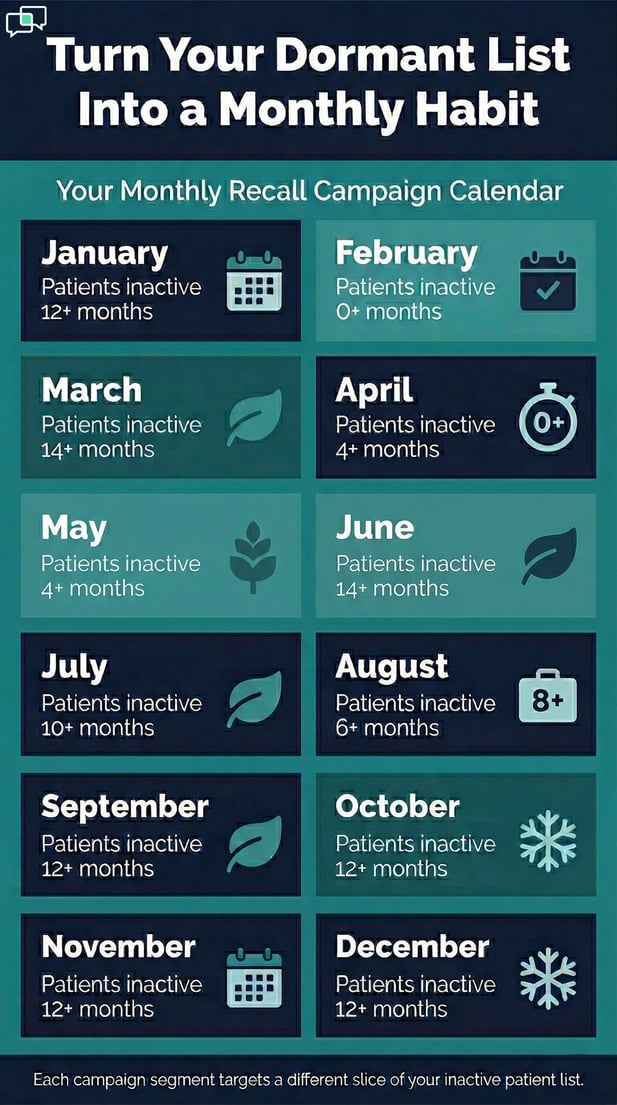
A practice running a patient reactivation campaign through Curogram on a monthly schedule might look like this: January targets patients not seen in 12 or more months.
February focuses on patients who finished treatment plans but never booked a follow-up. March sends a seasonal wellness message for spring. Each campaign is a different segment of the dormant list.
The inactive patient list stops quietly growing. It starts actively shrinking.
A solo mental health practitioner sends a quarterly recall text to 120 patients who have not scheduled in three or more months.
The message is warm and low-pressure: "Hi [Name], it has been a while since your last session. We are here whenever you are ready. Schedule at your convenience: [link]."
Within three days, 18 patients respond. Twelve rebook sessions. Three mention they had been meaning to call but kept putting it off. Two reach out to say thank you for the check-in.
The practitioner filled two weeks of open slots. No phone calls were made. No marketing budget was spent. The only tool that made it possible was one that Office Ally does not offer on its own.
Patients do not answer unknown numbers. Voicemails get deleted. Calls interrupt. A text, on the other hand, arrives quietly and gives the patient the option to respond when it is convenient for them.
That is the core reason broadcast text outperforms phone calls for recall. It respects the patient's time.
Because the message is personalized and comes from a practice they already know, it does not feel intrusive. It feels like a reminder from someone who noticed they were gone.

The problem with manual recall has never been intent. Practices want to bring patients back. The problem is that the only tool available, the phone, makes it nearly impossible to do at scale.
Practice Mate stores your patient records. EHR 24/7 holds your clinical notes. But neither one gives you a way to reach your inactive patients at scale, quickly, and without burning through staff hours.
Curogram fills that gap. The Office Ally recall campaign setup staff workflow broadcast text process is no longer a 10-hour manual project. It is a five-minute task that any staff member can run before the morning rush starts.
For practices using Office Ally patient recall workflow automation through Curogram, the inactive patient list transforms from a source of guilt to a reliable revenue channel.
The patients are already in your system. They already chose your practice once. They often just need a nudge.
The real value of a five-minute recall campaign is not just what happens the first time. It is what happens when you run it every month.
A practice that contacts inactive patients once a year might recover a few dozen appointments. A practice that does it monthly recovers patients before they become truly lost, before they find another provider, before they stop thinking of you as their care team.
The Office Ally staff broadcast messaging setup through Curogram is not a replacement for good clinical care. It is the connection between the care you provide and the patients who need a reason to come back.
If you have an inactive patient list sitting in Practice Mate right now, you already have everything you need to start.
Schedule a demo to see Curogram's broadcast campaign builder with your own patient data. Most practices recover more revenue in their first campaign than the platform costs for the entire year.
Curogram connects to your existing Practice Mate data, so no manual list building is needed. You set filters like last visit date or appointment type, and the broadcast list is built for you. There are no CSV exports, no spreadsheets, and no data entry. The full Office Ally patient recall workflow automation runs in one session.
Text messages have far higher open rates than phone calls have answer rates. Patients can respond at their own convenience, which removes the friction of catching them at the right moment.
Based on our internal data, practices using Curogram's broadcast tool have seen a 35% appointment reconversion rate from recall messages. That kind of result is very hard to match through manual outreach.
Most patients do not answer calls from numbers they do not recognize. Even if they see a missed call from a known provider, many will put off calling back. A text arrives quietly and lets the patient decide when to respond, which means less friction between intent and action. When the message is warm and personal, it feels like a check-in, not a sales call.
Monthly is the sweet spot for most small practices. Running a patient reactivation campaign each month means you are reaching patients before they fully drift to another provider.
Each campaign can target a different segment: patients inactive for six months, 12 months, or those who finished a treatment plan but never booked a follow-up. The goal is to keep the inactive list from quietly growing.
Every Curogram broadcast includes a standard opt-out option. Patients reply STOP and are removed from future campaigns right away. This is required by TCPA regulations and is built into every message automatically. In practice, opt-out rates tend to be very low, typically under 2%, because the messages come from a provider the patient already knows.
💡 Office Ally has no built-in broadcast or mass messaging feature. Practices using Practice Mate can store hundreds of patient records, but there...
💡 NextGen Enterprise mass messaging with Curogram lets large ambulatory orgs send targeted texts to 50K+ patients—by diagnosis, age, or care...
💡 eClinicalWorks operations targeted text campaigns for patient recall and let enterprise networks replace spreadsheet exports and phone marathons...