

7 min read

Set Up Text-to-Pay for Netsmart | Staff Guide

Set Up Text-to-Pay for Netsmart | Staff Guide

💡 Netsmart text-to-pay setup starts by adding a secure SMS payment tool like Curogram that sends payment links straight to a patient's phone.   

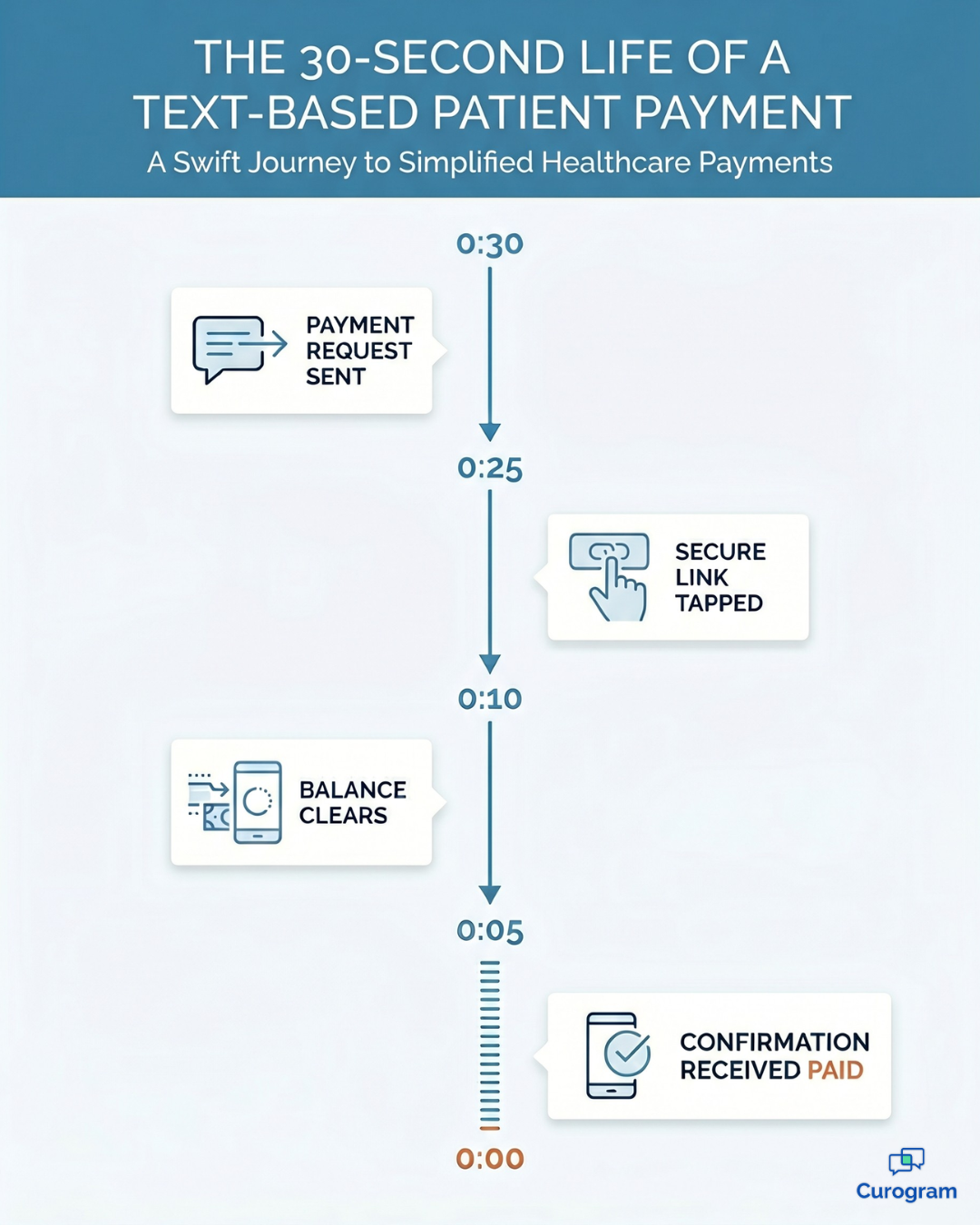
They tap the link, pay on a mobile page, and finish in under 30 seconds — no portal login, no paper, no stamp.                 

It runs alongside Netsmart without API access. So billing staff get a faster, cheaper way to collect than $800–$1,000/month paper statements that convert only about 20% of the time.

Practices with self-pay and sliding-scale patients see the biggest gains from removing payment friction.


Your billing team did everything by the book. They generated the statement in Netsmart, printed it, stuffed the envelope, and dropped it in the mail. Then they waited.

Two weeks passed. Nothing. So they printed another one. They made a few calls that went to voicemail. They waited again.

This is the quiet drain inside many behavioral health practices. Paper billing keeps running, month after month, while most of the money it chases never arrives. The numbers point to one uncomfortable truth: only about 20% of mailed statements ever convert into a payment.

Meanwhile, the expenses never stop. Printing, postage, envelopes, and staff hours add up to $800–$1,000 every month. Four out of five statements accomplish nothing except spending your budget.

For practices carrying heavy self-pay and sliding-scale balances, the damage compounds. Those are exactly the balances a printed statement loses, and once they age past a point, collecting them becomes nearly impossible.

It registers as an ordinary cost of doing business. It isn't.

Here's the part that stings.

Most of those patients would happily pay. They don't want to dig out a checkbook, find a stamp, or read a card number over the phone. The friction wins, and your revenue waits.

There's a simpler approach, and it lives on the device every patient carries. Text-based payments let you send a secure link by text message. The patient taps it, pays on a mobile page, and you receive confirmation in under 30 seconds.

This guide walks your billing staff through Netsmart text-to-pay setup with Curogram. You'll see how it fits into your existing staff billing workflow, how the daily process changes, and what it does to your numbers.

No new clinical system. No API project. Just a faster, cheaper way to get paid.

Let's stop mailing money out the door.

The Hidden Cost of the Paper Statement Cycle

Paper billing feels routine, almost invisible. That's exactly the problem. The cost hides inside a process everyone treats as normal.

Behavioral health practices on Netsmart lean on printed statements that run $800–$1,000 per month. That covers printing, mailing, and the staff hours behind it. The return on all that effort is a 20% collection conversion rate.

Read that again.

Four out of five statements accomplish nothing except draining resources. You pay the full cost of printing and mailing all five, but only one comes back as money.

The cycle itself is slow and heavy, and every round demands the same effort no matter how few patients respond.

Here is what one round looks like:

  1. Generate the statements in Netsmart. This part is quick — a few minutes per batch — and it's the only step that feels productive.
  2. Print, fold, and seal the envelopes. Now the staff hours start piling up, along with the cost of paper, toner, and postage on every single piece.
  3. Mail them out, then wait. Two to four weeks pass before you know whether a statement worked, and for most of them, the answer is silence.
  4. Follow up with phone calls. Staff spend hours each week chasing balances by phone, and patients screen or ignore most of those calls.
  5. Reprint and resend the non-responders. The unpaid statements go back through the same loop, doubling the cost on the balances least likely to pay.

Each step adds expense and pushes payment further down the road. Worse, the steps that cost the most — printing, mailing, and calling — are the ones aimed at the 80% who won't pay this way at all. Then the whole thing repeats next month, and the month after that.

Now stretch that across a full patient panel. The gap between care delivered and payment collected widens with every cycle.

For practices with sliding-scale fees and self-pay patients — common in community mental health and substance use treatment — that gap grows fastest. Some balances age past the point where you can collect them at all.

The cost no spreadsheet captures

The cruelest part is the human one. Your billing staff know paper statements don't work. They just don't see another option inside the Netsmart workflow. So they keep printing.

And the patients on the other end?

Many of them want to pay. They simply don't want to write a check or call in a card number. The system asks for effort, and effort is where payment dies.

Infographic showing a text-to-pay patient payment completing in 30 seconds

A Payment Channel That Meets Patients on Their Phones

Now picture the opposite of that cycle.

Instead of an envelope, your patient gets a text. Inside is a secure link. They tap, pay, and get a confirmation — all before they've set the phone back down.

That's the shift Curogram makes possible. It works as a frictionless payment channel that sits next to Netsmart and handles the part paper handles badly: actually getting paid.

How it works in three steps

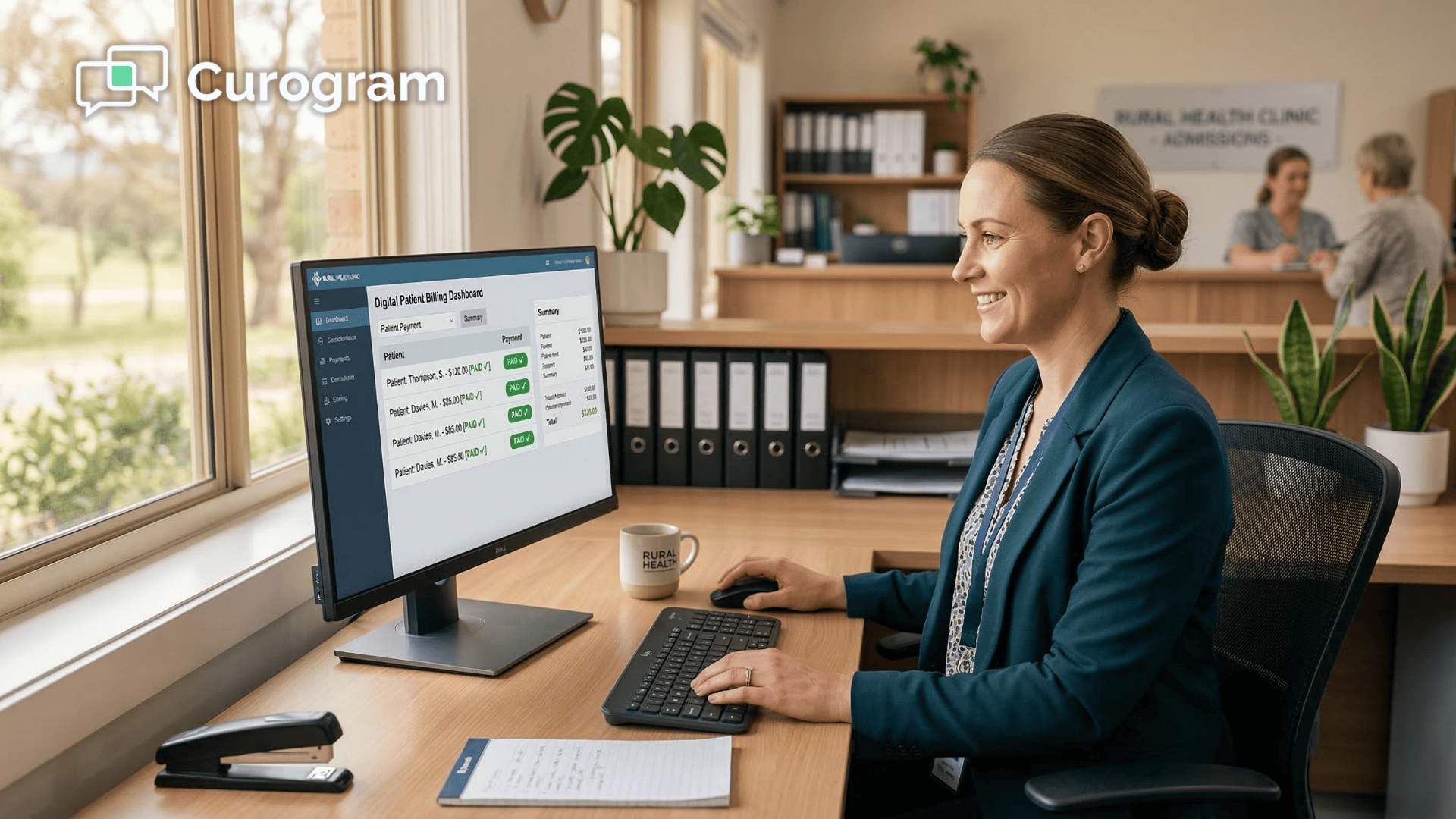
  1. Send. From the Curogram dashboard, billing staff send a secure payment request by text. It takes seconds, not envelopes.
  2. Pay. The patient taps the link and lands on a mobile-optimized page that shows their balance. They enter their card details and confirm.
  3. Confirm. Payment posts and both sides get a record. No portal login, no app download, no paper check.

That middle step is the whole game. These one-tap payment links open in the phone's own browser, so there's nothing to install and no account to create. Any smartphone can complete the payment.

Here's the practical bit for setup:

This is SMS billing for a Netsmart practice that does not require API access.

Curogram's text-to-pay operates alongside your existing system. Staff generate and send links from the Curogram dashboard, and payment records live in Curogram with reference to the patient's account. There's no integration project to schedule and no IT ticket to wait on.

Why this fits behavioral health so well

Behavioral health carries more self-pay and sliding-scale balances than most specialties. Those are exactly the balances that paper loses.

When you reduce friction, you recover those payments. Text payment collection for Netsmart behavioral health practices meets patients on the device they already check dozens of times a day.

No mailing delays. No lost statements. No phone calls to dodge.

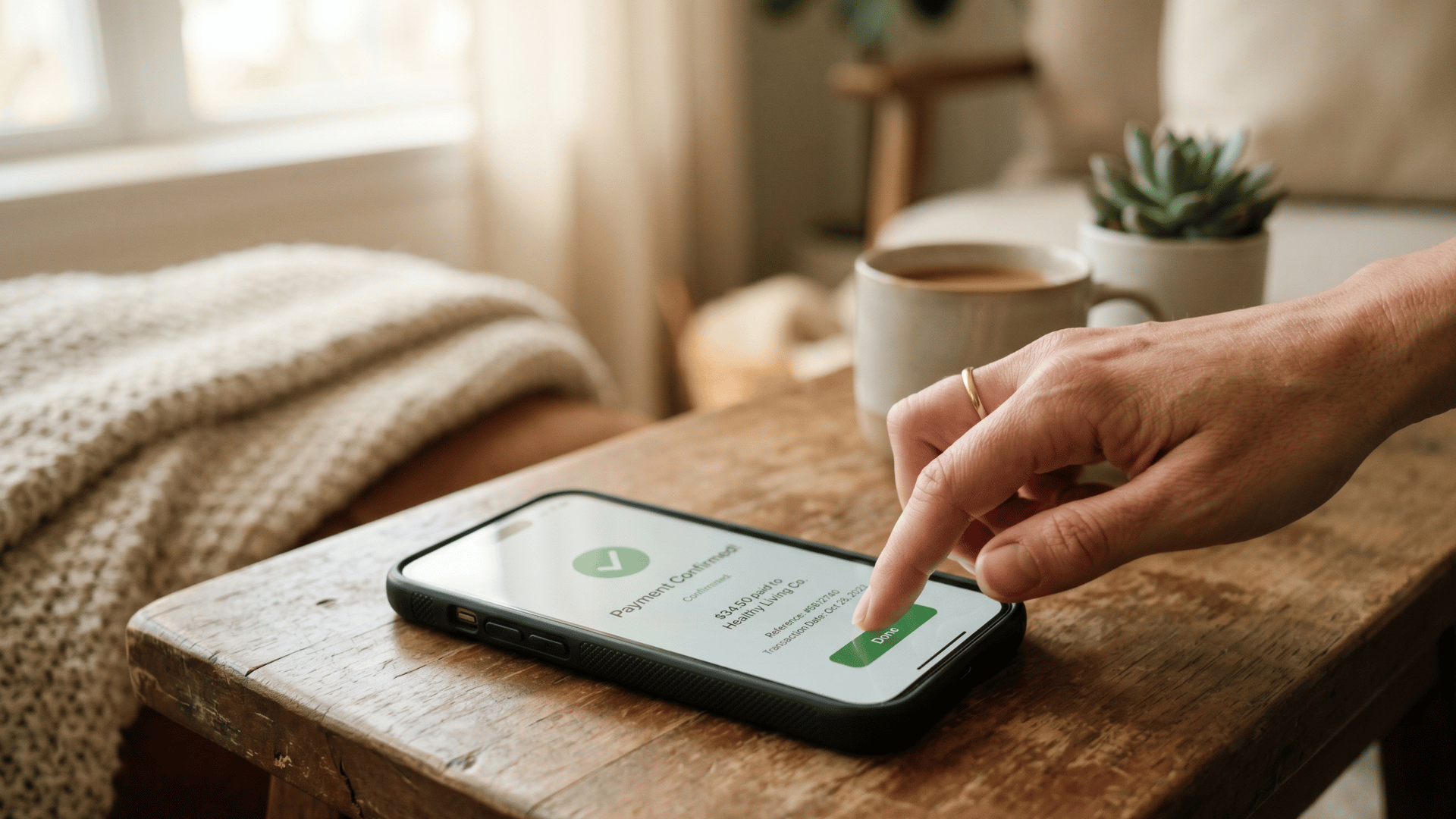
Hand tapping a phone to complete a secure payment confirmation

What Changes When You Stop Mailing and Start Texting

The clearest way to see the impact is to put the two workflows side by side.

  Paper statements Text-to-pay
Cost per month $800–$1,000 Near zero in print/postage
Conversion rate ~20% Higher, friction removed
Time to payment 2–4 weeks Under 30 seconds
Staff effort Hours of mailing and calls Minutes per batch
Patient action Find checkbook or call Tap a link

The workflow itself collapses from "print, mail, wait, call, repeat" down to "text, collect, confirm." Staff stop chasing every balance by hand and start managing only the exceptions.

Run the math on your own panel

Let's put numbers on it.

Say your practice mails 400 statements a month. At a 20% conversion rate, you collect on roughly 80 of them.

Now you automate patient payments alongside Netsmart and remove the friction. Even a modest lift to a 45% conversion rate means 180 patients pay instead of 80.

That's 100 additional payments a month you were already owed.

For your team, it means less aging AR and more cash arriving in days instead of weeks.

The cost side moves too. Cut most of that $800–$1,000 monthly paper spend, and you're saving close to $10,000 a year before you count a single recovered balance. Each dollar you collect that would have aged out is net positive revenue.

Get paid faster! Strengthen your balance sheet by simplifying patient payments via secure SMS with Curogram.

In practice, three things change at once. Collection rates climb. AR aging shrinks. And paper costs drop toward zero.

Patients are happier paying by phone, and your billing staff finally spend their time on real problems instead of stuffing envelopes.

Getting Your Billing Team Ready to Send the First Link

Switching channels sounds like a big project. It isn't. Because text-to-pay sits alongside Netsmart with no API work, the rollout is mostly about people, not technology.

Most of the setup is decisions, not configuration.

Before your team sends a single payment request, settle a few basics:

  • Who sends links. Decide which billing staff own the daily sends so requests don't get duplicated or missed.
  • When you send. Pick a trigger, such as at discharge, at statement time, or a set number of days after a visit.
  • How you follow up. Agree on a simple cadence for the small share of patients who don't pay on the first text.
  • What the message says. Keep it short and free of clinical detail, with the secure link doing the work.

Once those calls are made, training is quick. Staff learn to pull up a balance, send a link from the dashboard, and confirm payment — a routine most teams pick up in one short session.

The bigger change is mental. Your team stops thinking in mailing cycles and starts thinking in same-day sends. A balance no longer waits for the next print run; it goes out the moment it's ready.

Start small if it helps. Run text-to-pay on one patient segment first, like self-pay balances, then expand as the numbers prove themselves. Most teams see enough lift in the first month to justify rolling it across the whole panel.

Trade Your Statement Stack for a Single Text

Paper billing was built for a slower era. It still works the way it did decades ago: print, mail, wait, call, repeat. Every step adds cost, and every delay pushes another balance closer to aging out for good.

Curogram text-to-pay alongside Netsmart breaks that loop. It turns a multi-week chase into a few simple steps. You text a secure link, the patient pays from their phone, and you confirm it the same day.

The math is hard to ignore. You erase most of that $800–$1,000 monthly paper cost. You lift collection rates by removing the friction that stalls payment. And you free your billing staff from hours of envelope-stuffing and voicemail tag.

Think about what that means in practice.

A practice that lifts conversion from 20% to 45% more than doubles the balances it recovers each month. On a panel of 400 statements, that's the difference between collecting on 80 patients and collecting on 180. That's real revenue you were already owed, arriving in days instead of weeks.

Here's the clean division of labor. Netsmart manages your clinical and billing records. Curogram makes sure patients can actually pay without friction. Together, they close the gap between care delivered and dollars collected.

Your patients aren't avoiding their bills. They're avoiding the hassle of checks, stamps, and callbacks. Eliminate that hassle entirely, and the majority will pay without a second thought.

Every statement you mail costs money and waits weeks for an answer. A text arrives in seconds and gets paid in under a minute. One of those is the future of behavioral health payment collection by SMS. The other is a stamp.

Ready to see it run with your own billing workflow?

Schedule a Demo and watch text-to-pay work alongside Netsmart — no API access, no new portal, no paper required.


Frequently Asked Questions

Are text-based payments HIPAA-compliant?

Yes. Curogram's payment links are secure and HIPAA-compliant. The text itself contains only a link to a secure payment page — no billing details or clinical information appear in the message. Payment processing uses industry-standard encryption.

Do patients need to download an app to pay?

No. Patients tap the link in their text, and it opens a secure payment page in their phone's browser. There's no app download, no portal login, and no account to create. Any smartphone with a browser can complete the payment.

Does text-to-pay require Netsmart API access?

No. Curogram's text-to-pay operates independently alongside Netsmart. Billing staff send links from the Curogram dashboard, so no system integration or API access is needed to start collecting payments by text.

How fast can my billing team get started?

Quickly. Because there's no API project or IT build, setup centers on training staff to send links from the dashboard. Most teams are sending their first payment requests within days, not months.

Will text-to-pay work for sliding-scale and self-pay patients?

Yes, and these are often the patients who benefit most. Sliding-scale and self-pay balances are the ones paper statements lose. Removing payment friction makes it easy for them to pay the moment they get the text.