

7 min read

Automate Appointment Reminders for Netsmart | Setup

Automate Appointment Reminders for Netsmart | Setup
💡 Setting up automated appointment reminders alongside Netsmart means adding a 2-way SMS platform like Curogram that runs next to your scheduling.            

It sends texts at set intervals, and consumers reply to confirm or reschedule — no portal login required.

For behavioral health, where no-show rates run 23%–50% and cost $20,000–$30,000 a month per location, this is a financial fix, not a nice-to-have.

Curogram practices see no-show rates 53% below average. Atlas Medical Center dropped from 14.2% to 4.91%. No Netsmart API required.  


There's a seat in your waiting room that should be full right now. It's empty.

A consumer booked that slot three weeks ago. Your front desk called twice to confirm, and both calls rang out to voicemail. So a clinician sits in a quiet room while the schedule quietly loses money.

This scene plays out more often than most behavioral health teams like to admit. And it rarely stays small.

One missed appointment is annoying. Five missed appointments a day, across a busy location, become a budget problem. The hours your staff burn chasing confirmations are hours they aren't spending on the people in front of them.

Here's the part that stings.

Netsmart does a great job managing your schedule. But managing a schedule and making sure people show up for it are two very different jobs.

Netsmart's myHealthPointe sends portal-based reminders. The catch is that those reminders depend on the consumer downloading the app, keeping it, and opening it. In behavioral health, plenty of people never do, so the reminder goes out and no one sees it.

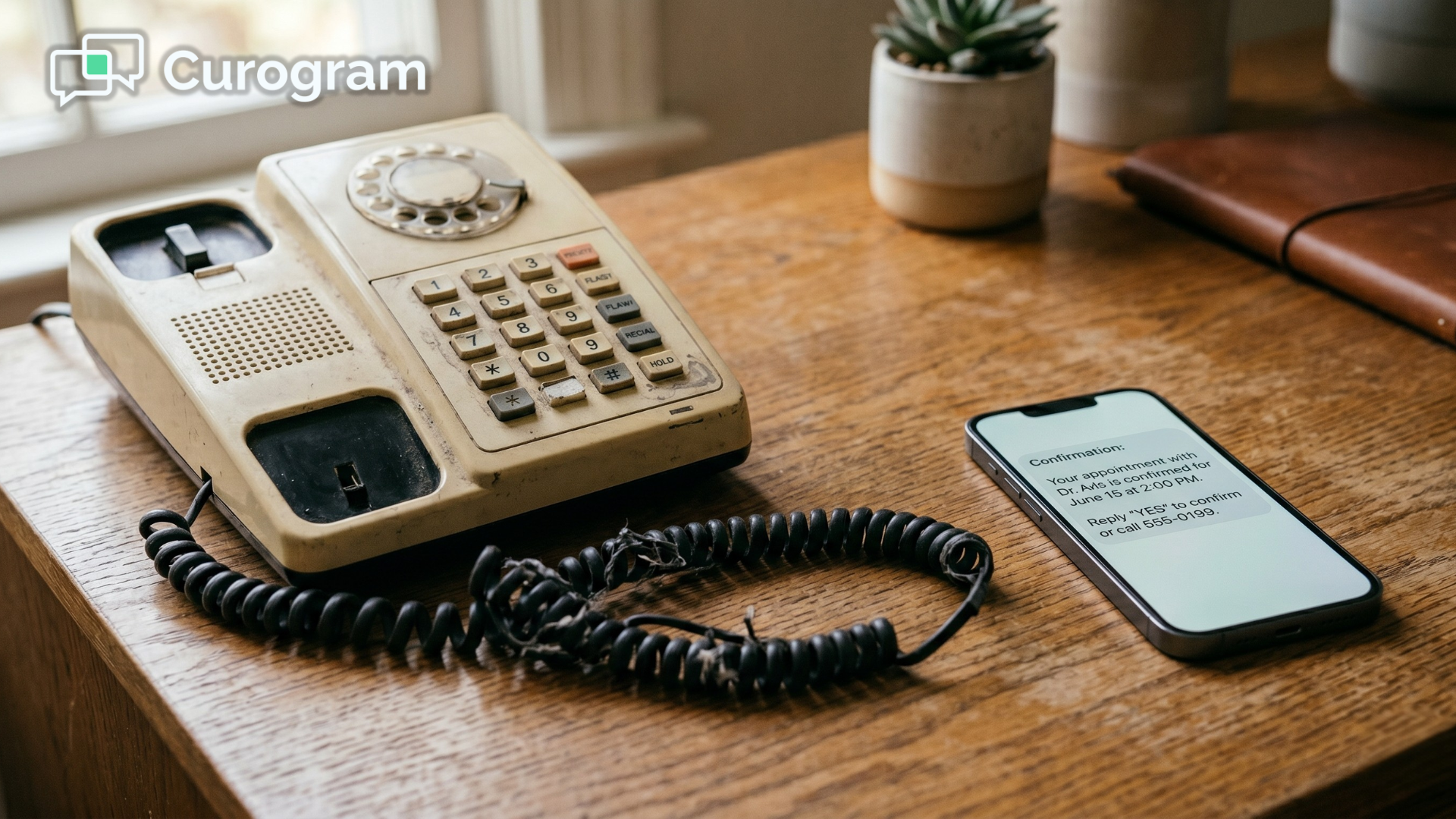
Meanwhile, your staff fall back on the phone. Call after call, voicemail after voicemail, three to four minutes each once you add the documentation. It's slow, it's draining, and it barely moves your no-show rate. Worse, the consumers you most need to reach are often the ones least likely to pick up.

You already know the channel people actually check. It's the text messages on the phone in their pocket.

The good news is you don't have to replace Netsmart to fix this. You just have to add the piece it was never built to handle.

This guide walks through building a Netsmart automated appointment reminder setup workflow using 2-way SMS, so confirmations happen on their own and your team stops dialing into the void.

Let's start with the real cost.

How the No-Show Spiral Drains Your Schedule and Your Budget

Every practice has a "villain." For behavioral health, it's the no-show spiral — the quiet cycle where one missed appointment leads to another, and another, until a consumer drifts out of care entirely.

It starts with a reminder no one sees

It usually starts with the reminder that never lands. Portal-based reminders only reach people who have the app and open it. Consumers who skipped the download, or uninstalled it months ago, simply never get the message.

So your team picks up the phone. And this is where the time vanishes.

Then your staff lose hours to the phone

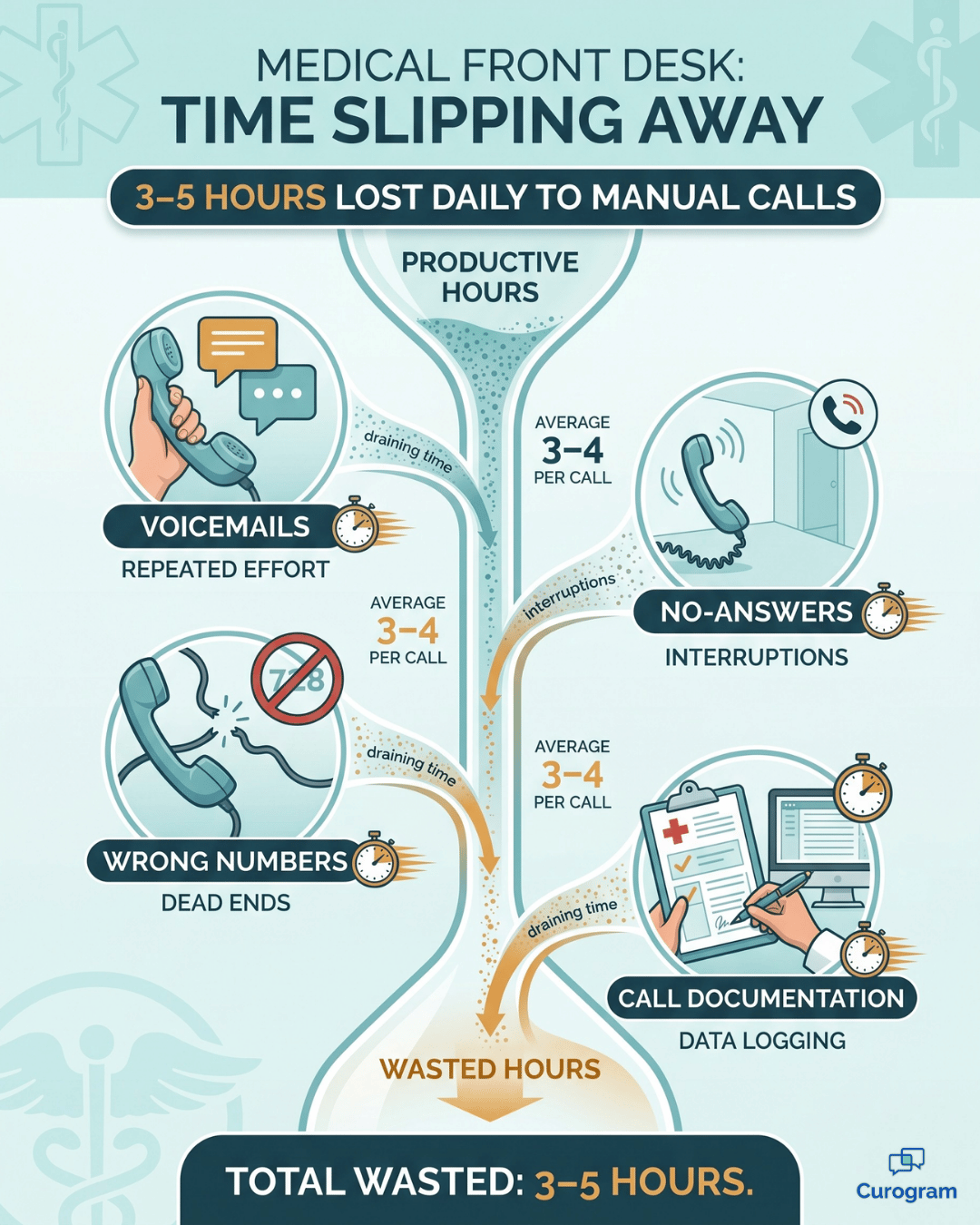
Staff can spend 3 to 5 hours a day on manual confirmation calls. Each missed attempt — a voicemail, a no answer, a disconnected number — eats 3 to 4 minutes once you count the notes.

While someone is dialing, they can't help the consumer standing at the front desk, so a bottleneck forms right where you can least afford one.

The revenue hit adds up fast

Then comes the financial hit. No-show rates in behavioral health range from about 23% in psychiatry to 50% in higher-acuity populations. At $150 to $250 per session, every empty slot is revenue that doesn't come back.

Here's how fast that adds up. Treat this as a sample calculation, not a promise — your numbers will vary.

Daily no-shows Session value Lost per day Lost per month (~22 days)
5 $200 $1,000 ~$22,000
8 $200 $1,600 ~$35,000
12 $200 $2,400 ~$53,000

For many locations, that lands in the $20,000 to $30,000 range every single month. In practice, that's a full-time salary or two walking out the door before lunch.

The cost you can't see on a spreadsheet

The worst cost isn't financial, though.

A missed psychiatry visit can interrupt medication management.

A missed therapy session during a fragile stretch can undo real progress.

And the spiral feeds itself. Consumers who miss one appointment are more likely to miss the next, so clinical leaders watch people slip away and feel like there's nothing they can do.

There is. It starts with reaching people where they already are.

How Automated 2-Way Reminders Replace the Confirmation Call

The fix isn't more phone calls. It's a system that confirms appointments without anyone lifting a finger, then points your staff only at the consumers who actually need a nudge.

That's the idea behind Curogram's automated confirmation engine. Think of it as the layer that sits on top of your schedule and quietly does the chasing for you.

How front desk staff lose 3–5 hours daily to manual appointment confirmation calls

Reminders that confirm themselves

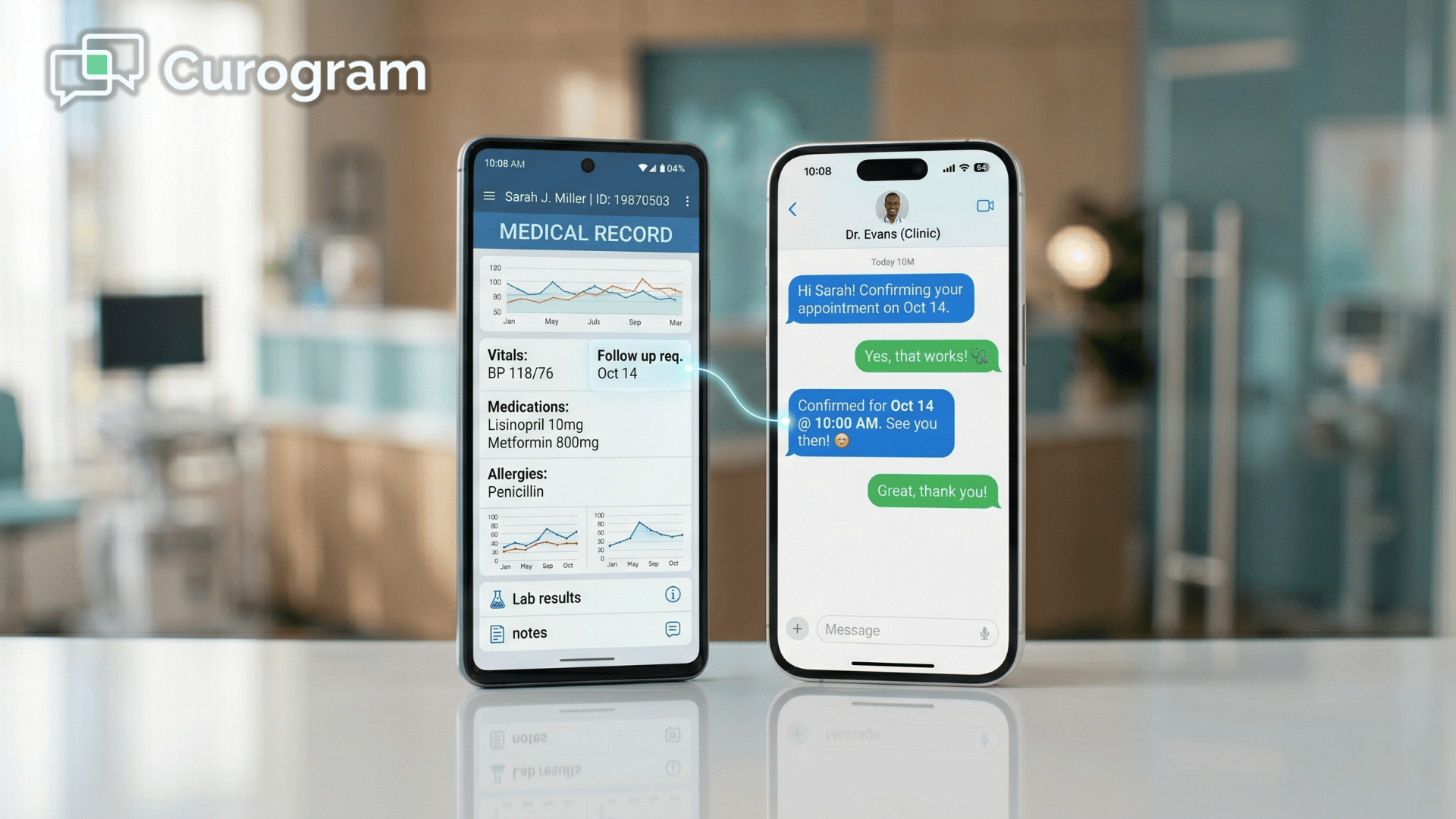
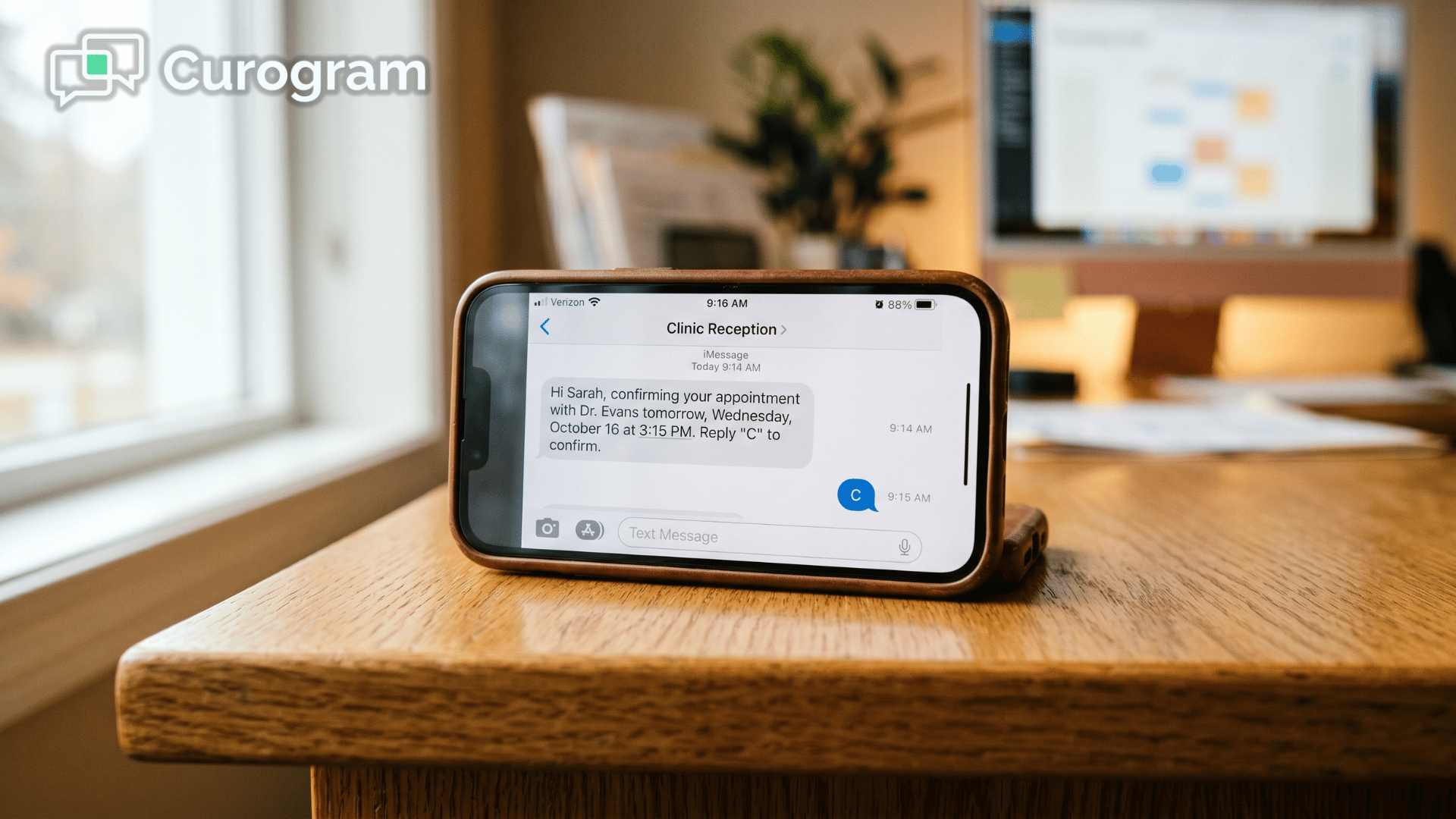
Curogram sends 2-way SMS reminders at intervals you choose, usually 48 hours, 24 hours, and 2 hours before the appointment. The consumer replies with a single letter to confirm, reschedule, or cancel.

Confirmations update the dashboard on their own. Reschedule and cancellation requests route straight to your scheduling staff, so nothing slips through. No portal, no login, no app to download.

Flagging the consumers who go quiet

You don't need to call everyone. You need to call the people who haven't responded.

Curogram's at-risk flagging spots consumers who haven't replied by a window you set before their appointment.

That's the heart of a smarter Netsmart staff workflow:

Instead of working the whole schedule to reduce no-shows, your team focuses follow-up calls on the handful of names that need them.

It runs alongside Netsmart, no API needed

This part matters for IT.

Curogram reminder automation works alongside Netsmart without requiring Netsmart API access.

  • Your team keeps scheduling and documenting in Netsmart, exactly as they do today.
  • Your Netsmart SMS reminder configuration lives entirely inside Curogram's dashboard.
  • There's no second schedule to maintain, no data migration, and no rip-and-replace.

In short, you automate appointment reminders alongside Netsmart while leaving the system you rely on untouched.

Built for behavioral health sensitivity

A behavioral health reminder system setup has to respect privacy in ways a dentist's office never thinks about. Curogram's message templates can be customized to feel discreet, warm, and clinically appropriate.

No sensitive clinical detail ever appears in the text. For substance use treatment, reminders are built to meet 42 CFR Part 2 confidentiality standards, so you stay compliant without watering down the message.

Receptionist greeting a returning client at a modern behavioral health clinic front desk

What a Predictable Schedule Actually Looks Like

Here's what changes once the calls stop. The practice shifts from running a manual call center to running an automated confirmation system with exception-based follow-up.

Staff stop chasing confirmations and start handling only the consumers who need attention. The schedule steadies. Revenue gets predictable.

The numbers back this up.

Atlas Medical Center cut its no-show rate from 14.2% to 4.91% — a 65% improvement.

Covina Arthritic Clinic now automates more than 1,100 confirmations a month, which shows the system scales for high-volume teams managing 400 to 600 daily appointments.

  Before automation After automation
Confirmation method Manual calls, 3–5 hrs/day 2-way SMS, hands-off
Confirmation rate Low and inconsistent 75%+
Staff follow-up Every name on the list Only flagged non-responders
No-show rate (Atlas) 14.2% 4.91%

For your team, that 75%+ confirmation rate means most of the schedule confirms itself before anyone touches the phone.

No-shows cost you money! Reduce missed appointments by up to 75% with Curogram's automated, customizable smart reminders.  

Once it's running, the payoff shows up across the whole practice:

  • Front desk: hours of dialing shrink to a quick scan of flagged names.
  • Budget: fewer empty slots recover a real slice of that $20,000-plus monthly loss.
  • Consumers: they stay connected through the device they already carry — a text they'll actually see.

None of this takes heroics. It just takes a reminder that reaches people where they already are.

Getting Your Reminders Up and Running

So how do you actually go from manual calls to a hands-off system? The setup is lighter than most teams expect, mostly because nothing changes inside Netsmart.

Here's the path most practices follow:

  1. Map your appointment types and pick your intervals. Decide which visit types get reminders and when they go out — 48 hours, 24 hours, and 2 hours before is a common starting point.
  2. Customize your message templates. Set the tone to feel warm and discreet, with no sensitive clinical detail in the text.
  3. Set your at-risk flag window. Choose how long before an appointment a non-response should trigger a follow-up call.
  4. Brief your front desk. Staff keep scheduling in Netsmart and simply learn to read the Curogram dashboard for confirmations and flags.
  5. Go live and watch. Reminders start sending on their own, and your team only steps in for the flagged exceptions.

That's the whole lift. There's no data migration and no long IT project, which is why a behavioral health reminder system setup like this usually goes live in days.

Once it's running, the routine quietly changes. Your staff stop dialing, the dashboard fills with confirmations, and the schedule starts to settle on its own.

Automate the Calls, Keep the Connections

Let's bring it back to that empty chair.

The chair was never empty because the consumer didn't care. It was empty because the reminder never reached them, and a voicemail isn't a conversation.

Automated 2-way SMS reminders alongside Netsmart close that gap. They wipe out hours of manual calls, lift confirmation rates above 75%, and keep consumers connected through the one channel they actually check.

The split is simple. Netsmart manages your schedule. Curogram makes sure people show up for it. Together they create a clean loop where appointments get booked, confirmed, and attended.

So here's the honest math. Every hour your staff spends dialing voicemails is an hour they could spend on consumer care. Every flagged non-responder is a person you can still reach before the slot is lost. Small saves like that, repeated daily, add up to a schedule that finally holds.

You don't have to choose between a stable schedule and a sane front desk. The right setup gives you both, and it doesn't ask your team to learn a new way to work.

Best of all, your daily routine barely changes. Your team keeps working in Netsmart, the reminders run quietly in the background, and the only real difference is a calendar that actually holds. No retraining, no migration, no second system to babysit.

That's the whole point. Less time chasing. More time caring. A schedule you can trust.

If you want to see it in motion, the fastest way is to watch it work on your own workflow.

Schedule a demo and we'll walk you through exactly how automated reminders run alongside Netsmart — in a live, no-pressure tour built around how your practice actually operates.


Frequently Asked Questions

Are automated text reminders HIPAA-compliant for behavioral health?

Yes. Curogram is HIPAA-compliant and SOC 2 Type II certified. Reminder messages can be customized to leave out sensitive clinical details. For substance use disorder treatment, Curogram supports 42 CFR Part 2 confidentiality requirements, so reminder content meets the stricter privacy bar these programs have to clear.

Will staff need to manage two scheduling systems?

No. Your staff keep scheduling in Netsmart exactly as they do today. Curogram handles reminder delivery and confirmation tracking on its own dashboard. There's no duplicate scheduling, no data migration, and no change to your Netsmart workflow.

What happens when a consumer doesn't respond to the reminder?

Curogram's at-risk flagging spots non-responders before the appointment window closes. That lets staff make targeted follow-up calls to the people who actually need them, instead of working the entire schedule. Your team's effort goes where it counts most.

How quickly can we get reminders running alongside Netsmart?

Fast, because there's nothing to integrate on the Netsmart side. Since the setup doesn't require Netsmart API access, you skip the long IT approval cycles that usually stall these projects. Reminder timing and message templates are configured in Curogram's dashboard, so most practices are sending automated reminders in days, not months.

Can we control how often reminders go out and what they say?

Yes, and you should. You set the intervals — common choices are 48 hours, 24 hours, and 2 hours before the appointment — based on what fits your population. Message wording is fully customizable too, so reminders stay discreet and clinically appropriate without ever exposing sensitive details.