
8 min read

App-Free Telemedicine for Lytec | Why Keeping It Simple Wins

App-Free Telemedicine for Lytec | Why Keeping It Simple Wins
💡 App-free telemedicine for Lytec patients removes the biggest reason virtual visits fail—login walls, app downloads, and lost passwords.

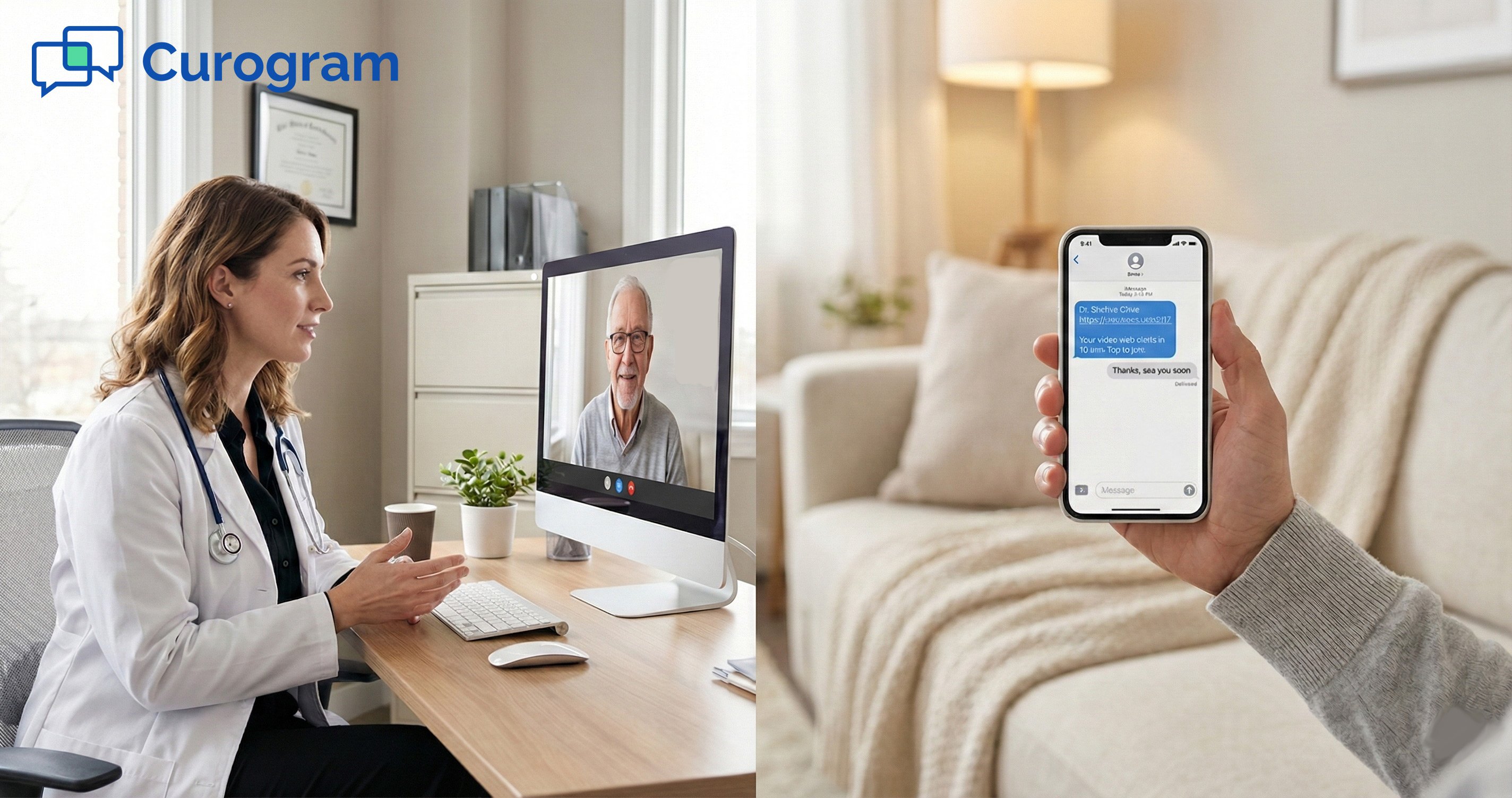
Instead of forcing patients through a portal, Curogram sends a one-time text link that opens a secure video visit right in the phone’s browser.

There is no app to install. There is no username to recall. The patient taps one link and connects with their doctor in under 30 seconds. This browser-based telemedicine approach works on any iPhone, Android, tablet, or laptop.

For Lytec practices, this means fewer tech support calls, higher show rates, and easy video visits for seniors who are used to texting but not to managing apps. The result is a smoother workflow for staff and a better experience for every patient.

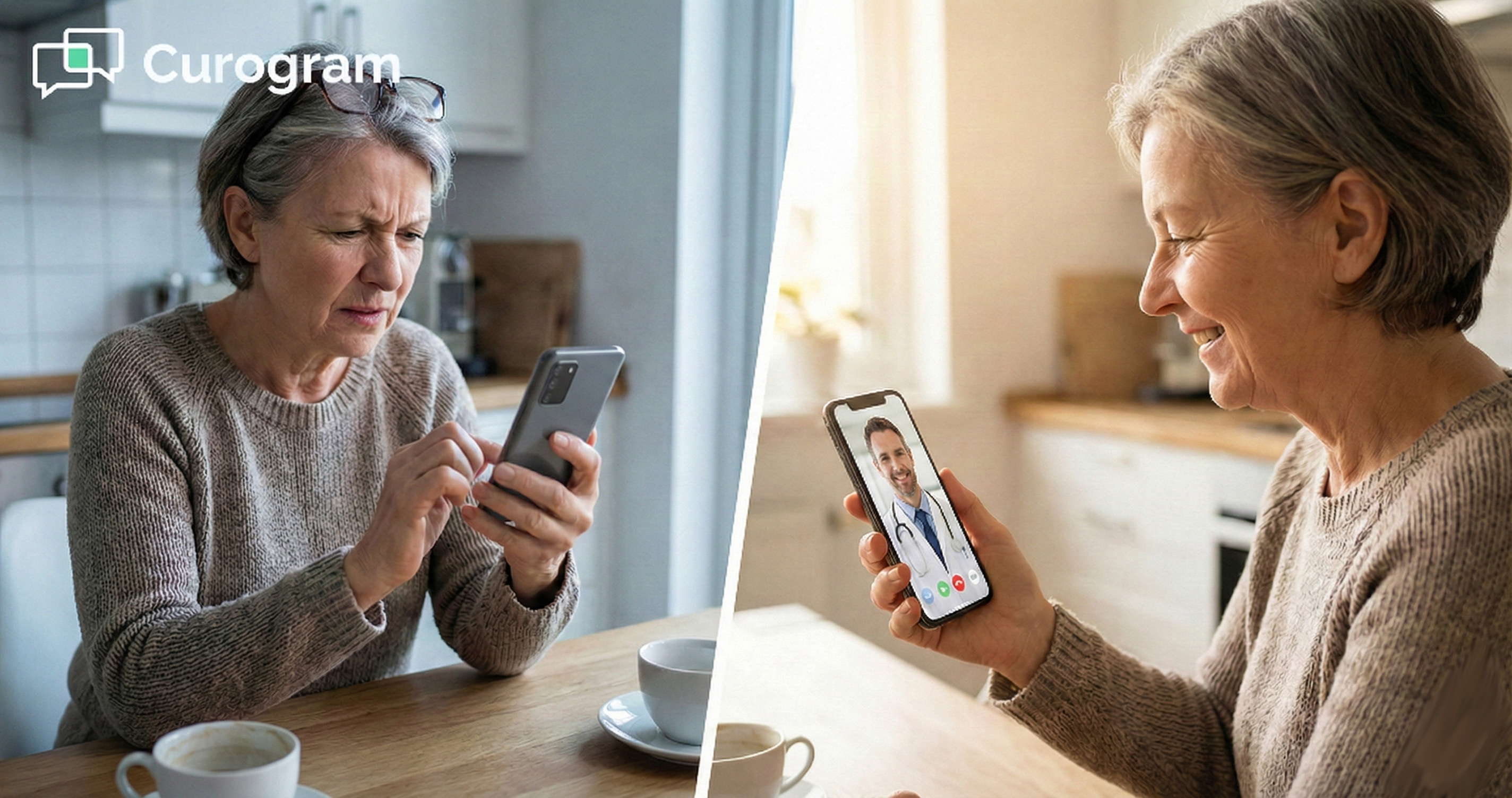
Your patient is sick. They just want to see the doctor. But first, they need to find the right app, create a login, set a password, confirm their email, and hope their phone cooperates.

By minute five, they’re fed up. By minute ten, they’ve hung up.

This is the story that plays out in small clinics every single day. The promise of virtual care was speed and ease.

The reality, for too many practices using Lytec, is a tech support nightmare that eats into staff time and drives patients away.

Here is the real problem. It’s not that patients don’t want virtual visits. Studies show that over 80% of patients who try a video visit say they’d do it again.

The friction isn’t demand—it’s the process. When a sick person has to wrestle with a portal just to see a nurse, something is broken.

App-free telemedicine for Lytec patients fixes this by getting rid of the barrier itself. Instead of asking people to download one more app, Curogram sends a text with a single link.

One tap, and the visit opens in Safari or Chrome. No portal. No password. No wasted time.

Reducing telemedicine technical issues starts with a simple question: why make it hard? If your patient can read a text, they can start a visit.

That’s the whole point of this approach. It mirrors what people already do every day.

In this article, we’ll break down why the old model fails, how the click-and-chat model works, and why it leads to better results for staff and patients alike.

If you’ve been looking for Lytec virtual visit software that doesn’t create more work than it saves, you’re in the right place.

The Villain: The Tech Support Desk

Every clinic has a front desk. And every front desk has that one call: the patient who can’t get into their visit.

What should take seconds turns into a 15-minute phone rescue. This section looks at why the login wall is the real villain of virtual care.

The Portal Wall

Most virtual visit platforms ask patients to go through a portal. That sounds fine on paper. In practice, it’s where good intentions go to die.

Passwords No One Remembers

Think about your own life. How many logins do you juggle? Now, picture a 72-year-old patient who made an account six months ago for a blood pressure check.

They can’t recall the username. The password reset email went to the junk folder. The clock is ticking on their visit.

This isn’t a rare event. It happens daily. Password fatigue is real, and it hits hardest among the patients who need virtual care the most.

When removing telehealth barriers becomes the focus, password walls are the first thing that has to go.

The App Store Maze

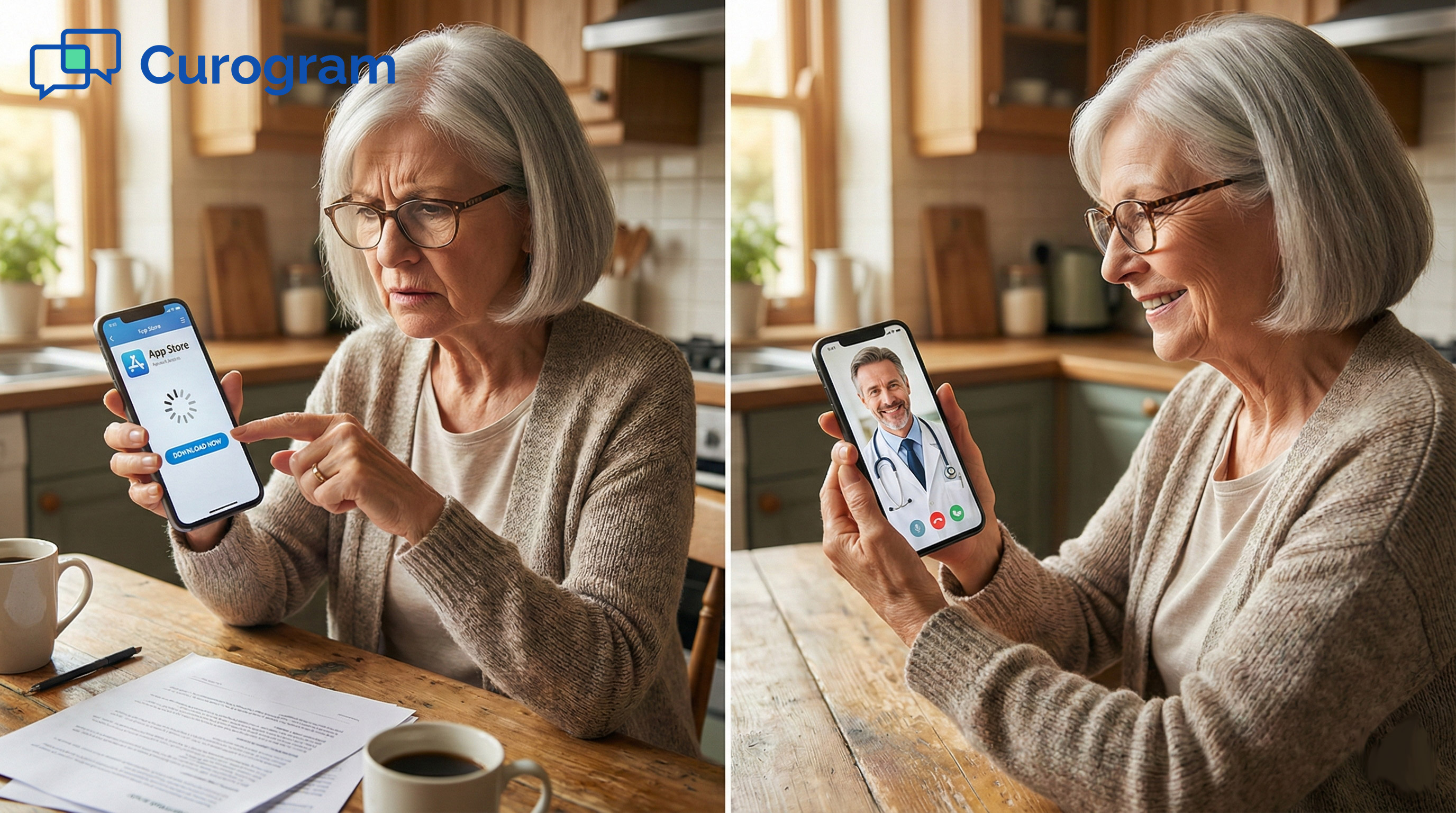
Even when a patient does manage their login, they often hit a second wall: the app itself. They need to find it in the App Store or Google Play. They need to download it. They need to grant camera and mic access. If their phone is low on storage, the whole thing stalls.

Staff end up walking patients through each step over the phone. That’s 10 to 15 minutes of hand-holding that could have been spent on care. The irony is stark; the tool meant to save time is now the biggest time sink in the office.

The Abandonment Problem

When a patient hits too many walls, they don’t push through. They leave. And that’s a loss that goes beyond one missed visit.

“I’ll Just Come In”

After a few failed attempts, most patients say the same thing: “I’ll just come in.”

That one sentence undoes every benefit of offering virtual care. The visit now costs more—more time, more exposure risk, more strain on an already packed waiting room.

For Lytec practices in rural areas, “coming in” might mean a 45-minute drive each way. Patients with limited mobility or chronic conditions feel this most.

A system that was meant to bring care closer ends up pushing it further away.

The Hidden Cost of No-Shows

Not everyone pivots to an in-person visit. Some just give up. They cancel. They no-show. That empty slot on your schedule isn’t just lost care, it’s lost revenue. No-show rates for portal-based virtual visits can climb past 30%, far higher than the rate for in-office visits.

Every no-show also increases the load on staff who have to reschedule, follow up, and fill gaps. It’s a cascade that starts with one simple failure: the patient could not get to the visit.   

The Guide: Just Click and Chat

If the villain is the login wall, the hero is the text message. Curogram’s approach strips away every step that isn’t needed and replaces it with a single link.

Here’s how the process works from start to finish.

How the SMS Link Works

The system is built around something every patient already knows how to do: open a text. That’s what makes browser-based telemedicine so effective; it meets people where they are.

One Text, One Tap

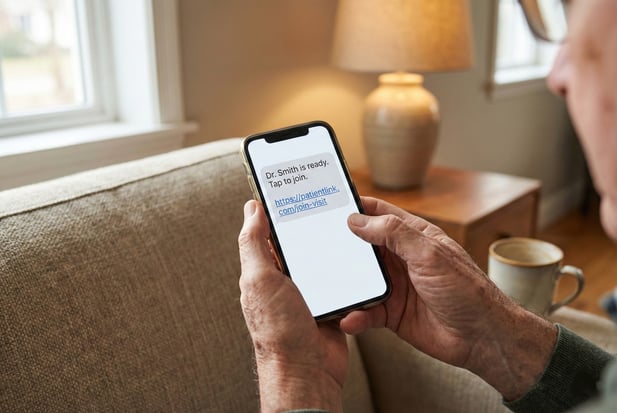
When a visit is ready, Curogram sends a text to the patient: “Dr. Smith is ready. Click to join.”

That’s it. The patient taps the link, and their phone opens a video call straight in Safari or Chrome. No app to hunt for. No login to recall.

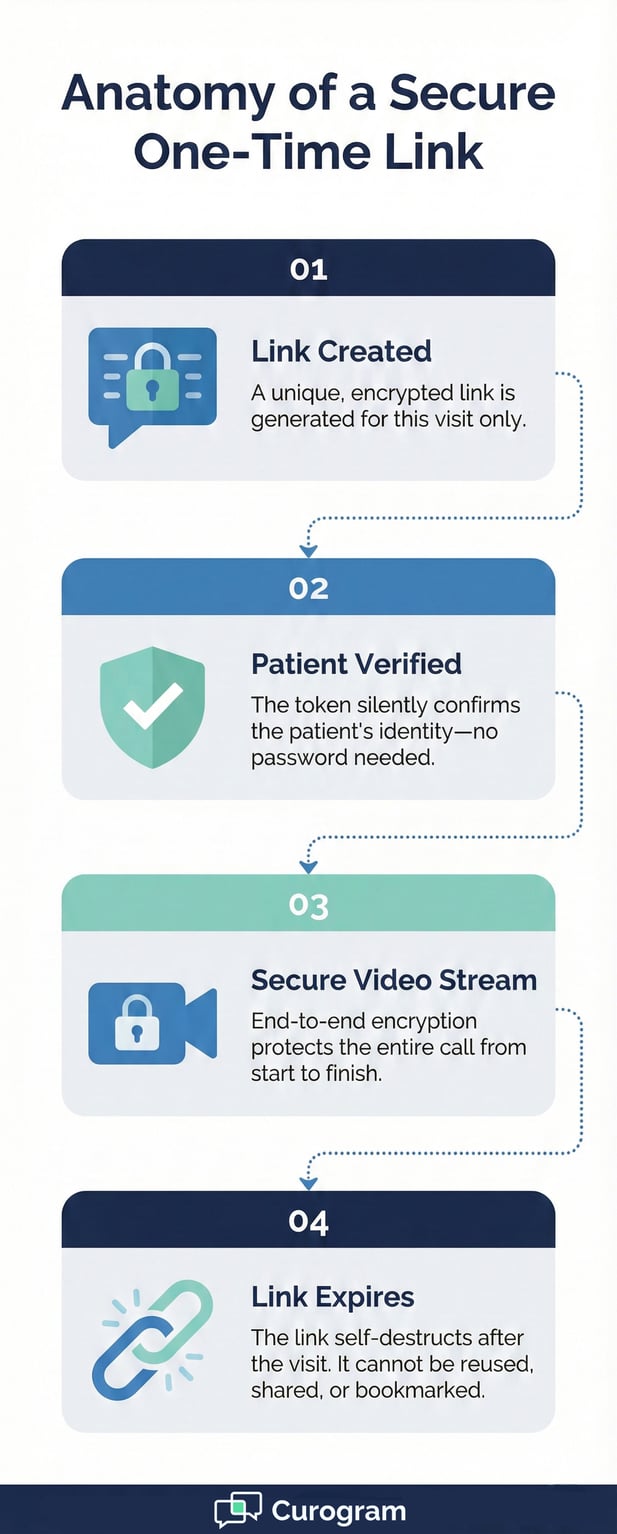
The link itself holds a unique, encrypted token. It verifies the patient behind the scenes. The patient never sees a password field. They never see a portal. They just see their doctor, often in under 30 seconds.

Works on Any Device

One of the best parts of this approach is reach. The link works on iPhones, Androids, tablets, and laptops.

If the device has a browser and a camera, it can run the visit. There is no need for a certain phone model or a certain app version.

This wide reach is key for practices that serve a mixed patient base. Some patients use the latest iPhone. Others use a five-year-old Android.

With Lytec virtual visit software built on a click-to-join model, both patients get the same smooth start.

Security Without the Hassle

A common concern is whether skipping the login makes the visit less secure. The short answer: no. The longer answer is worth hearing.

Encrypted End-to-End

Every video stream runs through full end-to-end encryption. The data is scrambled from the moment it leaves the patient’s phone to the moment it reaches the provider’s screen. No one in between can read or watch it.

Curogram meets HIPAA standards, which means the platform follows the same rules as any hospital-grade system. The difference is that patients don’t have to jump through hoops to access it.

One-Time Links That Expire

Each link is tied to one visit. Once the visit ends, the link dies. It cannot be reused, shared, or bookmarked for later access.

This means even if someone else sees the text, they can’t sneak into a future visit.

This one-time-use model is actually more secure than a standing login. A portal login can be guessed, stolen, or phished. A link that expires in minutes leaves no window for bad actors to exploit.
 

Infographic detailing the four steps of a secure, password-free one-time medical video link

The Success: Adoption Across All Ages

A tool only works if people use it. The real test of any virtual visit system isn’t the tech specs, it’s the adoption rate. Here’s what happens when you remove the friction and let patients join with a text.

Why Seniors Love Texting (But Hate Apps)

There’s a myth that older patients can’t handle virtual care. The truth is more nuanced. Seniors don’t hate tech; they just hate bad tech.

Easy video visits for seniors are possible when the design respects how they already use their phones.

Texting Is Second Nature

Research from AARP shows that over 90% of adults aged 50 and up own a smartphone. Most of them text daily—with family, with friends, even with their pharmacy.

The motion of reading a text and tapping a link is muscle memory. It doesn’t feel like “technology.” It feels like a normal part of the day.

That’s the insight behind Curogram’s approach. By sending the visit as a text, the system taps into a habit that already exists. There’s no learning curve. There’s no training session. Just a familiar ding and a simple link.

Apps Are the Real Barrier

Apps require downloads, updates, storage space, and often a new account. For a patient over 65, each of those steps is a place where things go wrong. A failed update can block access. A full phone can stop the download. And if the app needs a login, we’re back to square one.

When you shift to a model that skips all of that, you see the results fast. Practices using Curogram report strong adoption in the 65-and-older group. That’s not despite the tech—it’s because the tech stayed out of the way.

Staff Time Reclaimed

Patient adoption is only half the story. The other half is what happens on the clinic side. When patients can join a visit without help, staff get their time back.

No More IT Helpdesk Calls

In practices that use portal-based tools, front desk staff spend a chunk of each day playing tech support. They walk patients through downloads. They reset passwords. They troubleshoot audio and camera settings. None of that is what they were hired to do.

With a text-link model, those calls nearly vanish. The patient taps the link. The visit starts. If there is a rare glitch, staff can troubleshoot audio issues via text while on the call, using Curogram’s two-way texting features.

Visits Start on Time

When there’s zero setup time, visits actually begin when they’re scheduled. Providers aren’t waiting five minutes for a patient to figure out their camera.

The patient isn’t flustered from a 10-minute login battle. Everyone starts calm and ready.

This matters more than it sounds. A provider who runs four virtual visits an hour can lose 20 minutes just to tech delays.

Over a full day, that’s over an hour of care lost to software issues. Removing telehealth barriers doesn’t just help patients—it protects provider time.  


Frequently Asked Questions for Lytec Users

Below are some of the most common questions Lytec practices ask about moving to a link-based video visit system.

Is app-free telemedicine secure?

Yes. Each video link is unique to that visit and expires once the session ends.

The video stream uses full end-to-end encryption, which means no one outside the call can see or hear what happens. Curogram meets HIPAA requirements, so the same privacy rules that protect in-person visits also protect virtual ones.

In many ways, a one-time link is more secure than a fixed login. There’s no stored password to hack. There’s no account to breach. The link is alive for a few minutes, and then it’s gone.

Can more than one person join the call?

Yes. You can send the link to a family member so they can join the visit from a different location.

This is useful when an adult child wants to listen in on a parent’s visit, or when a caregiver needs to hear the doctor’s instructions firsthand.

Each person receives their own link. All they need is a device with a browser and a camera. There’s no limit baked into the system for family members, though your practice can set its own guidelines.

What if the patient does not have a smartphone?

If a patient uses a flip phone or a basic phone without a browser, Curogram can fall back to a standard audio call.

The patient still gets care—just without video. You can also email the link to the patient’s computer if they prefer a larger screen.

This flexibility means no patient is left behind. Whether they own the newest phone or an older model, there is always a path to connect with their provider.


Close-up of senior hands holding a phone with a simple one-tap telehealth text message link

Technology Should Be Invisible

The best tools don’t draw attention to themselves. They fade into the background and let the real work happen. That’s the standard virtual care should aim for.

If your patient has to “learn” your software, you’ve already lost. The goal isn’t to teach people new tricks. It’s to use the tricks they already know.

People text. People tap links. People open their browsers. These actions are so routine that they barely register as “tech.”

When you build a virtual visit around these habits, the technology becomes invisible. The patient just sees their doctor.

That’s what app-free telemedicine for Lytec patients delivers. Not a flashy new system. Not a steep learning curve.

Just a quiet, fast bridge between a patient at home and a provider at the clinic.

If your practice runs on Lytec and you’ve been fighting login issues, dropped visits, or low virtual care adoption, the fix might be simpler than you think. Swap the portal for a text link. Swap the app for a browser. Watch what happens.

You can also send automated reminders before the visit—a “pre-flight checklist” that tells patients to check their wifi and lighting.

These small touches, paired with a zero-friction link, make the whole experience feel effortless.

Schedule a Demo and we will text you a link so you can see how fast it is.

Integrated Telehealth for Prime Clinical EHR: End the Double Workflow

Integrated Telehealth for Prime Clinical EHR: End the Double Workflow

💡 Integrated telehealth for Prime Clinical Systems lets practices run virtual visits without leaving their existing schedule. Curogram syncs with...

Read More
Integrated Telemedicine for Lytec | Stop The Link Juggle

Integrated Telemedicine for Lytec | Stop The Link Juggle

💡 Integrated telemedicine for Lytec practice workflows cuts the chaos of juggling video links and separate apps.When a visit is marked as...

Read More
Telehealth Billing for Lytec | Stop Giving Away Free Advice

Telehealth Billing for Lytec | Stop Giving Away Free Advice

💡 Telehealth billing for Lytec phone consultations lets practices turn unpaid patient calls into real revenue. Many doctors spend hours each day on...

Read More