

8 min read

Exa Imaging Center Text-to-Pay | Collect Patient Balances via Text

Exa Imaging Center Text-to-Pay | Collect Patient Balances via Text
💡 Exa PACS RIS imaging center text-to-pay patient payment links fill the final gap in the radiology revenue cycle. Exa Billing handles claims. Exa Clear checks insurance in real time. But neither one collects the patient's share after the claim is done.

Curogram closes that gap. It sends a secure, HIPAA-compliant payment link by text right after the patient's portion is set. The patient taps the link, enters a card, and pays in under 60 seconds.

Imaging centers report collecting balances in 1 to 3 days, not months. Based on Curogram client data from clinical settings, practices see a 10 to 20% boost in patient responsibility collection rates. Statement printing and postage costs drop by $1,500 to $4,000 per month. No $2,500/month platform needed.

Your MRI scanner just ran a $2,000 study. Insurance paid $1,650. The patient owes $350. So what happens next?

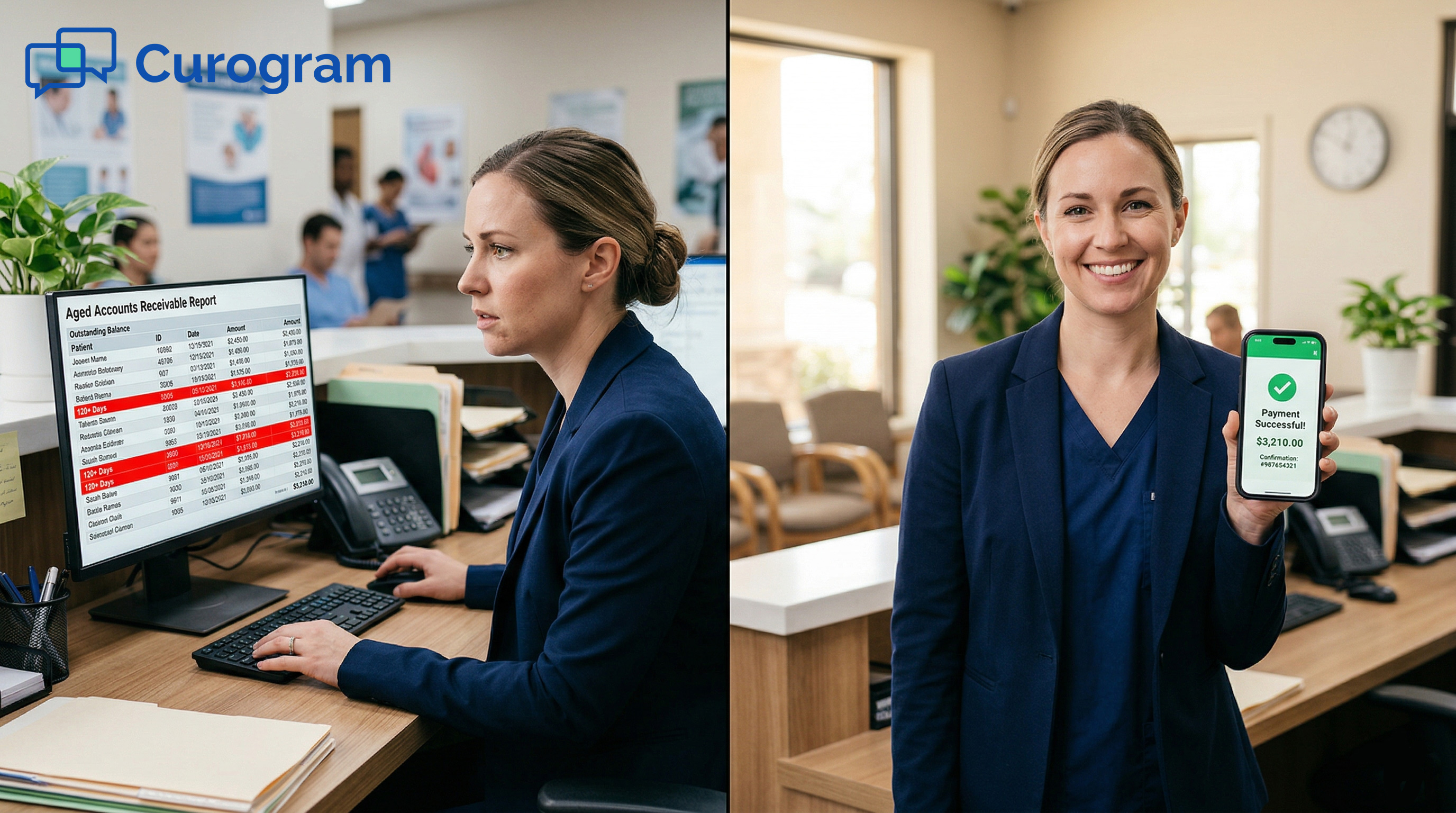
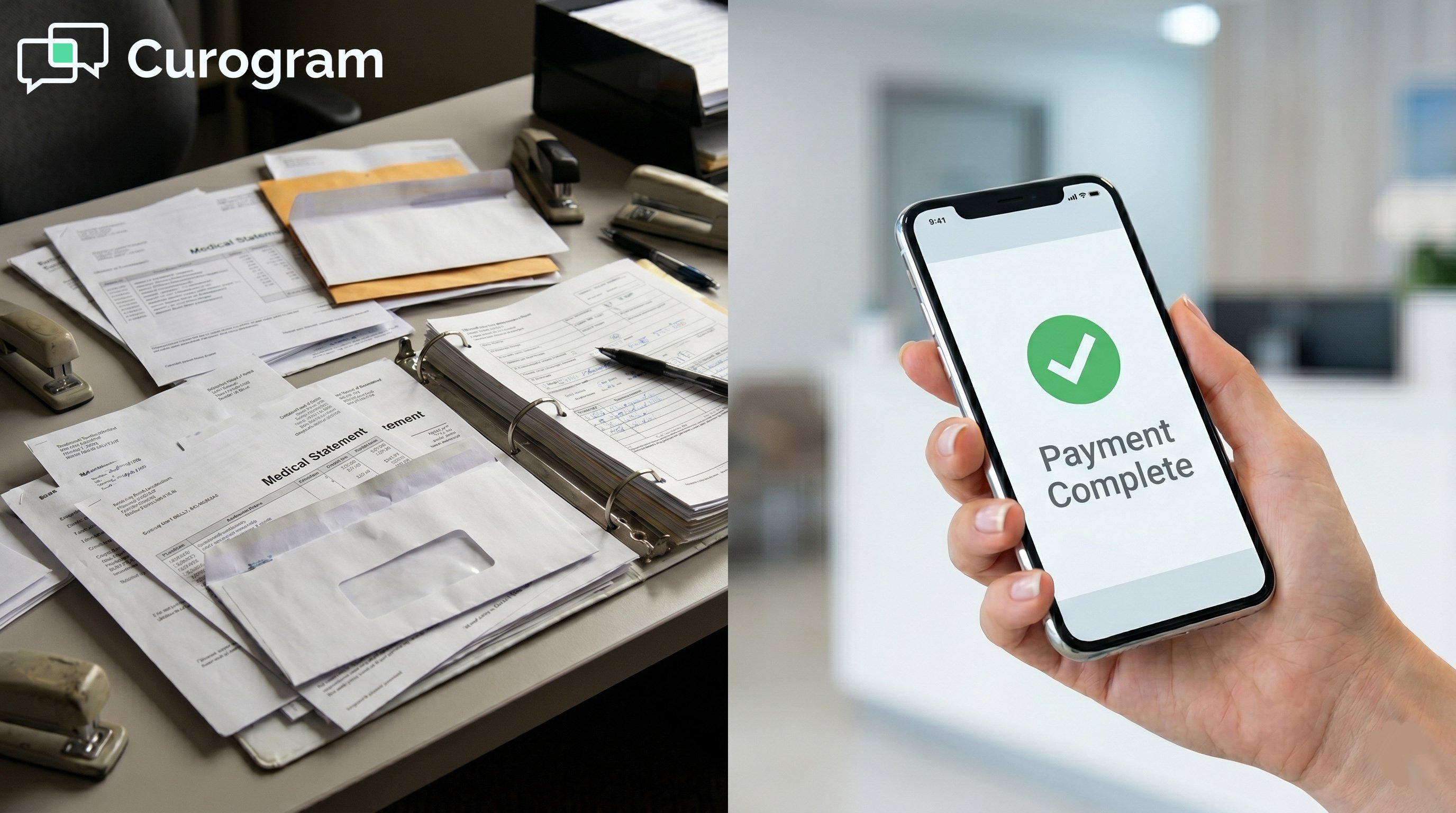
A paper statement gets printed. It goes in the mail. It sits in a pile. Two weeks pass. Then another statement. Then maybe a call. Then collections. That $350 may take 90 days to arrive, if it arrives at all.

This is the silent revenue problem most imaging centers live with every day. The billing system works. The claims get filed. But the last step, actually getting paid by the patient, is broken.

The root cause is not patient intent. Most patients plan to pay. The problem is friction: a portal they never set up, a checkbook they cannot find, a phone number they do not call.

Text-based billing collection removes that friction. When a payment link arrives by text right after the claim clears, patients pay fast. The path from balance due to cash in hand shrinks from weeks to hours.

This guide covers how Curogram's text-to-pay feature works with Exa-powered imaging centers, why paper statements fail, and what the numbers look like when you switch to a faster collection method.

If your imaging center is still mailing paper statements, you are leaving real money on the table, one billing cycle at a time. 

The Villain: The Statement That Sits on the Counter

Paper-based billing was built for a different era. It assumes patients open mail, find their checkbooks, and log into portals they barely remember. That assumption costs imaging centers thousands of dollars every month.

There are three places where the old collection system breaks down. Each one delays payment, adds cost, or both.

The Paper Chase

After a study is done and Exa Billing processes the claim, the patient's share gets printed and mailed. That letter may take five to seven days to arrive, assuming the address on file is current.

Then it waits. Most people set it aside, planning to deal with it later. A second statement goes out two weeks later, costing the center another $3 to $8 in printing and postage. Then a third.

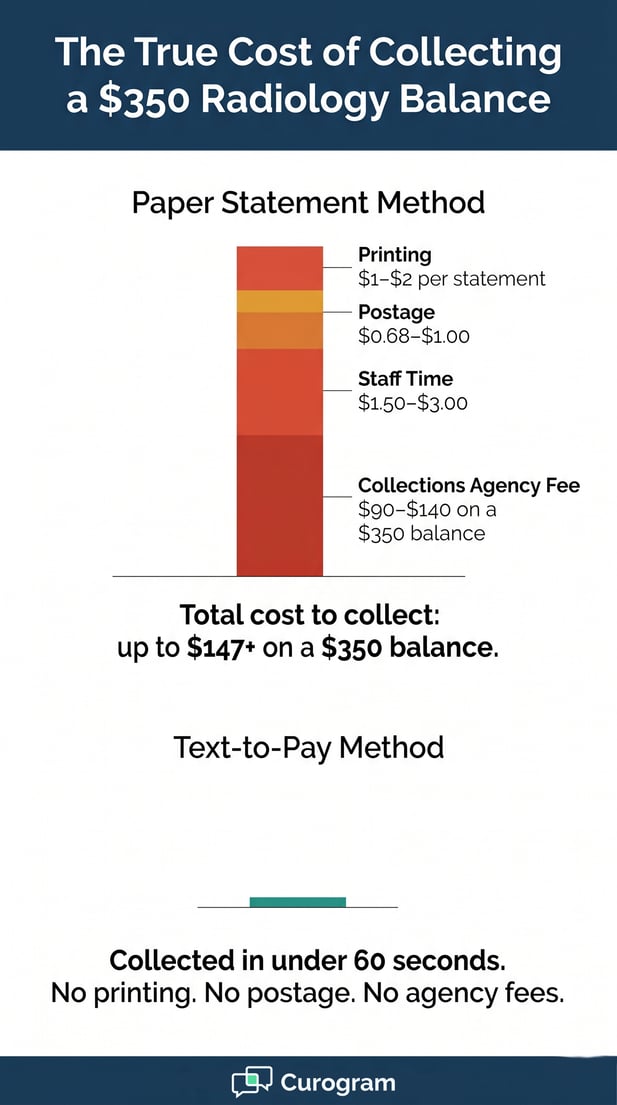
After 90 days, the balance often moves to a collections agency. That agency takes 25 to 40% of whatever they recover. The total cost to collect a $350 radiology balance can run $15 to $25 in statement costs plus $90 to $140 in agency fees.

The statement did not fail because the patient refused to pay. It failed because the process made paying too hard.

What Paper Statements Actually Cost Per Cycle

Cost Item

Per Statement

Per Month (500 patients)

Printing

$1.00 - $2.00

$500 - $1,000

Postage

$0.68 - $1.00

$340 - $500

Staff time to process

$1.50 - $3.00

$750 - $1,500

Collections agency (25-40%)

Varies

$500 - $2,000+

Total estimated cost

$3.18 - $6.00+

$2,090 - $5,000+


The Portal Dead End

Some imaging centers offer online payment through a patient portal. The idea is sound. The reality is not. Patients must remember they have an account, reset a password, find the billing section, and then enter payment details.

For a hospital or primary care practice, that setup may pay off. Patients return often and build habits. But a radiology visit is usually a one-time event. Patients do not set up accounts for something they rarely use.

Portal payment adoption for imaging centers typically runs 10 to 20% of patients. The other 80 to 90% fall back on paper statements or ignore the bill entirely.

No Surprises Act compliance added another layer to this problem. Imaging centers now must generate Good Faith Estimates for self-pay and uninsured patients, which means more financial communication, more staff time, and more documents to track, with no better tool to actually collect the payment.

Portal Adoption vs. Text-to-Pay: A Side-by-Side Look

Factor

Patient Portal

Text-to-Pay

Account required?

Yes

No

Password needed?

Yes

No

Steps to pay

5 to 7 steps

1 tap

Typical adoption rate

10 to 20%

Up to 80%+

Time to payment

Days to weeks

Under 60 seconds

Mobile optimized?

Sometimes

Always


The Cash Flow Squeeze

For imaging centers running expensive equipment on thin margins, slow patient collections hit hard. A center with $150,000 in monthly patient responsibility and a 90-day average collection cycle has $450,000 sitting in accounts receivable at any given time.

Meanwhile, equipment leases, staff wages, and operating costs are due every month. That mismatch strains cash flow and forces centers to over-depend on insurance payments alone.

Some centers look to enterprise platforms for help. But a platform that costs $2,500 per month and bundles scheduling, registration, and payment into one system is more than most independent imaging centers need or can afford.

The fix does not need to be complex. It needs to be fast, secure, and easy for patients to use.

Infographic comparing the costs of manual balance collection and text-to-pay

The Guide: The 60-Second Payment Accelerator

Text-to-pay works because it meets patients where they already are: on their phones. There is no login, no portal, no paper. Just a link that opens a payment page in seconds.

This section covers how Curogram delivers that experience for Exa-powered imaging centers, from the moment a claim is processed to the moment payment lands in the account.

How the Text-to-Pay Workflow Works

When Exa Billing finalizes a claim and Exa Clear confirms the patient's share, Curogram triggers a text. The message goes directly to the patient's phone. It contains a secure, HIPAA-compliant payment link. No balance amount appears in the text itself. That keeps the message compliant without extra steps.

The patient taps the link. A mobile-optimized payment page opens. It shows the imaging center's name, the amount owed, and a simple form. The patient can pay with a credit card, debit card, or HSA/FSA card.

Payment confirmation is instant. Both the patient and the billing team receive a notice. The transaction closes in under 60 seconds from the time the patient receives the text.

No stamps. No portal logins. No phone calls chasing down payments. The imaging center receives its money, and the patient checks off a task they were already dreading.

What the Patient Sees: Step by Step

Step

What Happens

Time

1

Patient receives a text with a secure payment link

Immediate after claim

2

Patient taps the link

Any time, any device

3

Payment page opens (no login needed)

Under 5 seconds

4

Patient enters card info and confirms

Under 1 minute

5

Confirmation sent to patient and billing team

Instant


The Exa Integration Explained

Curogram connects to Exa through its API platform. When Exa Billing processes a claim and sets the patient's portion, that data flows to Curogram automatically. The payment link is generated with the correct balance already loaded.

The patient does not need to type in an amount or reference a bill number. The link handles that. When they pay, the confirmation syncs back to the revenue cycle, closing the loop without manual work.

This means billing staff spend less time chasing payments and more time on complex cases that actually need human attention. The routine follow-up work happens without anyone lifting a finger.

For radiology in particular, this matters more than most people realize. MRI copays run $200 to $500. CT coinsurance can hit $150 to $400. PET scan responsibilities can exceed $1,000. These are not small amounts. At these levels, patients are motivated to pay when the path is easy.

HIPAA Compliance and Security

Every payment link is encrypted with bank-level security. The text message itself contains no protected health information (PHI). It is just a link. Curogram is SOC 2 Type II certified, and all imaging centers sign a Business Associate Agreement before going live.

PCI DSS-compliant payment processing handles every transaction. This means the imaging center never stores raw card data, and neither does the patient-facing payment page.

Two-way texting also supports billing questions. If a patient replies to the payment text, the billing team sees the message and can respond directly. That cuts down on inbound calls while keeping patients informed.

Radiology text-to-pay that is HIPAA secure is not a bonus feature. It is the baseline. Curogram is built to meet that standard from the ground up.


The Success: The 60-Second Revenue Cycle

The shift from paper to text does more than speed up a single payment. It changes the entire shape of accounts receivable. Days to collect drop. Cash flow steadies. Staff have more time for real work.

Here is what that looks like in practice, based on Curogram client data from clinical settings.

The Numbers Behind the Shift

Text-based payment links reduce average days to payment from 30 to 90 days (paper) to 1 to 3 days. Based on Curogram client data from clinical settings, practices using text-to-pay see a 10 to 20% improvement in patient responsibility collection rates.

For an imaging center collecting $150,000 per month in patient responsibility, that improvement translates to $15,000 to $30,000 in additional revenue each month. That is money that was always earned but never collected.

Statement costs drop at the same time. Based on Curogram client data from clinical settings, centers eliminate $1,500 to $4,000 per month in printing and postage once they switch to text-based billing collection.

The imaging center accounts receivable reduction is often visible within the first billing cycle. Most centers see measurable AR drops within 30 days of going live.

Monthly Impact Summary (Based on $150K Patient Responsibility)

Metric

Before Text-to-Pay

After Text-to-Pay

Days to payment

30 to 90 days

1 to 3 days

Collection rate improvement

Baseline

+10% to 20%

Additional revenue/month

$15,000 to $30,000

Statement costs/month

$1,500 to $4,000

Near $0

AR balance held

~$450,000

Significantly reduced


From 90-Day Statements to 60-Second Texts

The most important shift is not just speed. It is alignment. Exa Clear calculates patient responsibility in real time. Exa Billing closes claims within days. But without a fast collection channel, that speed stops at the patient's door.

Curogram closes that gap. The entire revenue cycle, from scan completion to cash in the account, compresses from months to days. The infrastructure you already have finally works as fast as it was designed to.

Collections agency referrals drop because fewer balances go unpaid long enough to reach that stage. Staff are not calling patients to remind them about bills. Patients appreciate the convenience of paying from their phones without hassle.

Million-dollar scanners should generate cash fast. Text-to-pay makes sure the money you earn actually arrives.

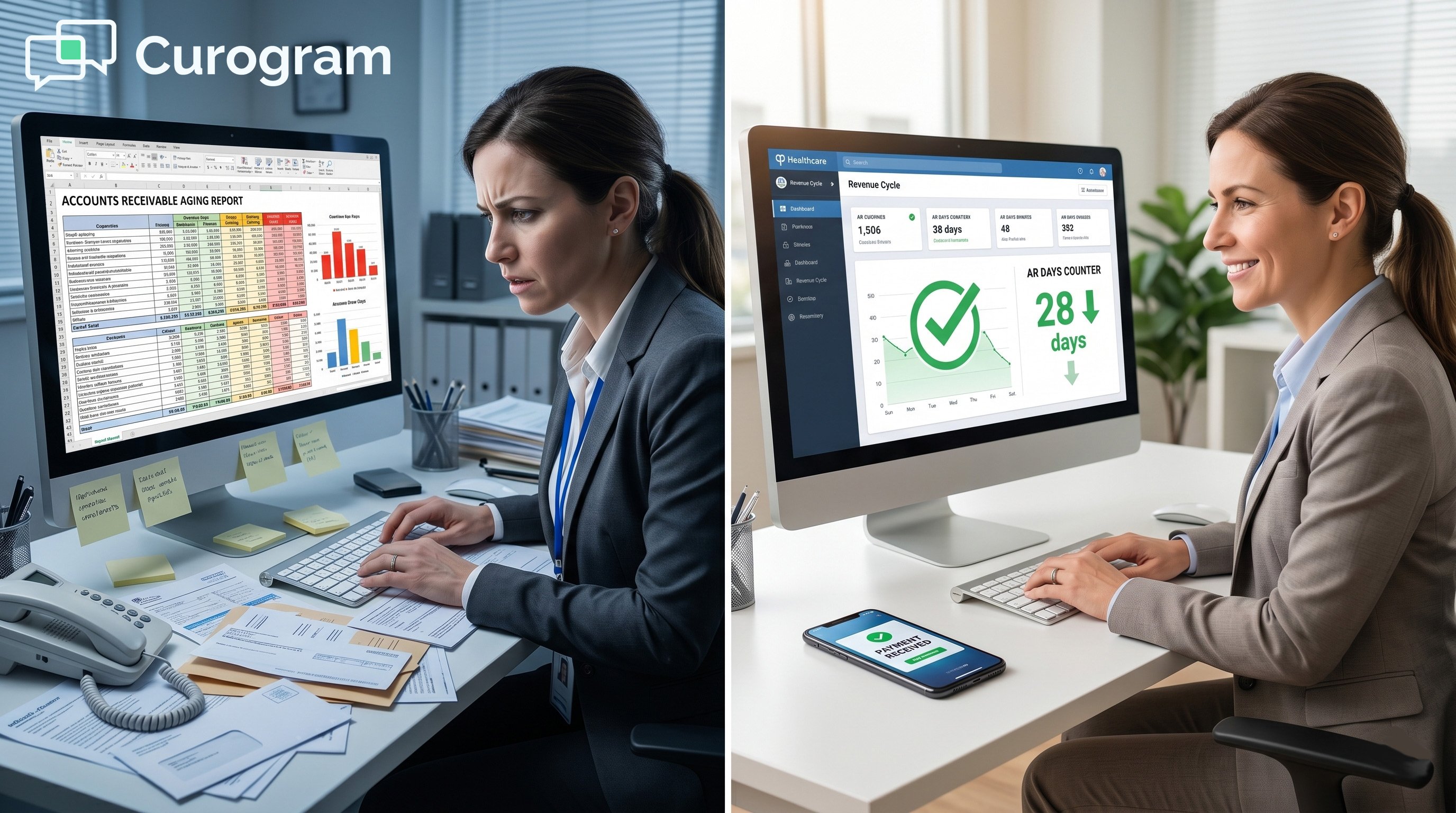
A medical admin looking at figures in her computer

Conclusion: Collect What You've Already Earned

Exa Billing processes the claim. Exa Clear sets the patient's portion. Curogram sends the payment link and collects in under 60 seconds.

The revenue cycle's last mile is finally solved.

Exa is the engine that determines what is owed. Curogram is the layer that collects it, turning a balance on a screen into cash in the account.

Your imaging center has already done the hard work. See how Curogram fills the Exa engagement gap.

Schedule a demo and connect Curogram to your Exa billing workflow. 


Frequently Asked Questions

How does text-to-pay protect patient data and stay HIPAA compliant?

Curogram's payment links use bank-level encryption and PCI DSS-compliant payment processing. The text message itself contains no balance amount or health details. It is just a secure link. Curogram is SOC 2 Type II certified, and every imaging center signs a Business Associate Agreement before going live.

How does Curogram work alongside Exa Billing without replacing it?

Curogram supplements Exa Billing rather than replacing it. Exa Billing continues to handle claims processing, insurance review, and revenue cycle management.

Curogram adds the patient-facing collection step by sending payment links via text after Exa determines the patient's portion. The two systems work in sequence: Exa calculates what is owed, Curogram collects it.

Why does text-to-pay work better than a patient portal for radiology?

Radiology is usually a one-time visit, so patients rarely create portal accounts. Portal payment typically reaches 10 to 20% of patients. Text-to-pay requires no account, no password, and no navigation. The patient taps a link and pays in under 60 seconds, which removes every barrier between intent and action.

How does the No Surprises Act affect radiology payment collection?

The No Surprises Act requires imaging centers to provide Good Faith Estimates to uninsured and self-pay patients. This increases the volume of financial communication that billing staff must manage. However, the rule does not solve the collection problem on its own. Text-to-pay gives patients a fast, simple path to act on those estimates without friction.

How quickly can an imaging center expect to see a drop in accounts receivable?

Based on Curogram client data from clinical settings, most imaging centers see a measurable drop in AR within the first billing cycle after going live. Days to payment typically shrink from 30 to 90 days down to 1 to 3 days. Collection rate improvements of 10 to 20% often appear within the first 30 days of using text-based payment collection.