
7 min read

Digital Patient Intake for CureMD: The Living Room Onboarding Strategy

Digital Patient Intake for CureMD: The Living Room Onboarding Strategy
💡 Digital patient intake for CureMD workflows lets patients complete check-in forms from home using their phone. Curogram sends a secure SMS link 48 hours before the appointment. No app download or portal login needed.

Patients enter demographics, medical history, and insurance photos on mobile patient forms. The data maps directly into CureMD, so staff skip manual entry entirely.

Practices using this approach see 15 fewer minutes of wait time per patient, an 80% form completion rate, and 40% fewer data entry errors.

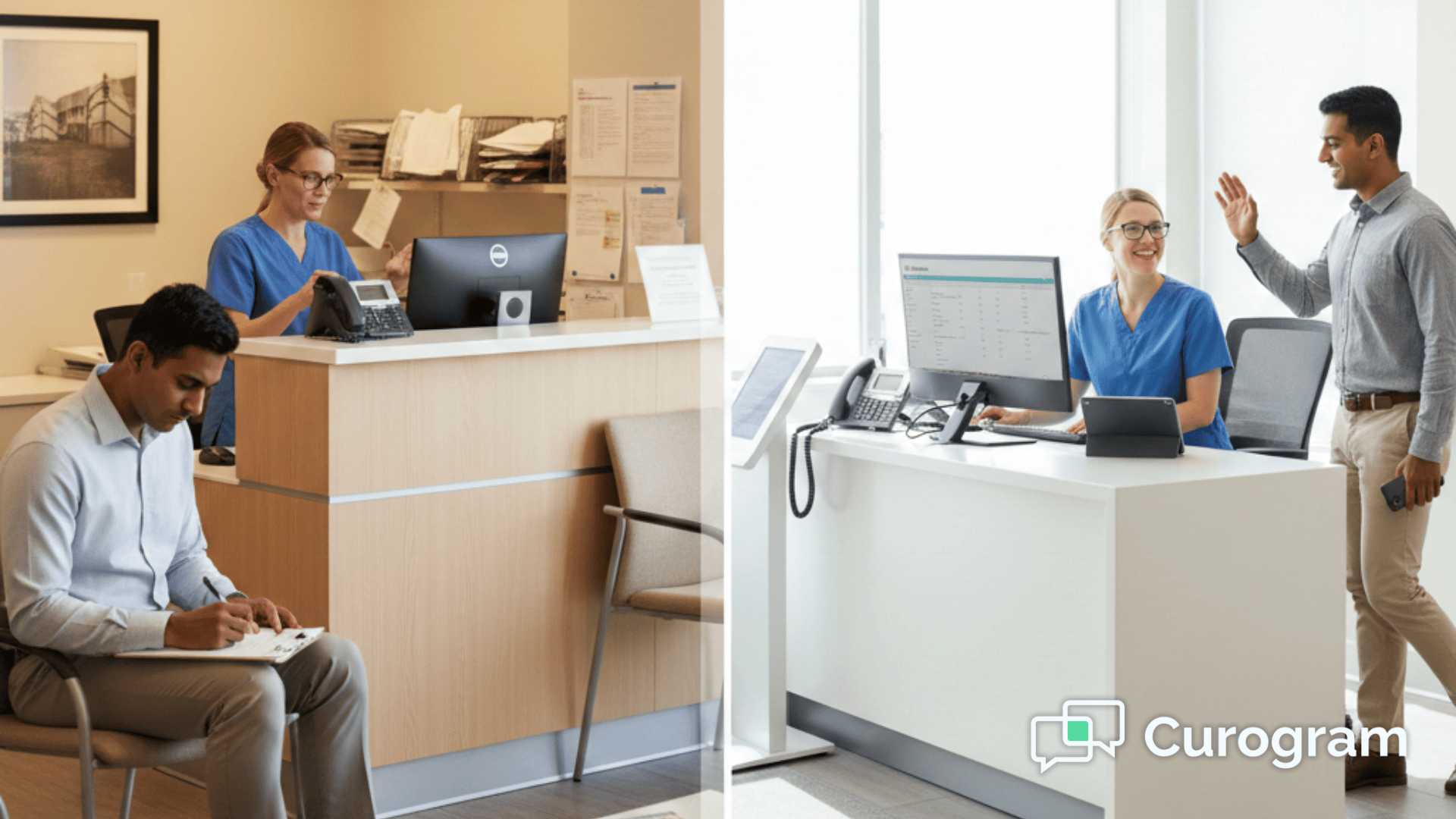
A patient walks into your office, sits down, and is handed a clipboard stacked with paper forms. They spend the next 15 to 20 minutes writing down the same details they have given a dozen times before.

Meanwhile, your waiting room backs up, your front desk scrambles, and your schedule falls behind.

This scene plays out in thousands of medical practices every single day. It wastes time for patients and staff alike. Worse, it leads to mistakes that can cause claim denials and billing headaches down the road.

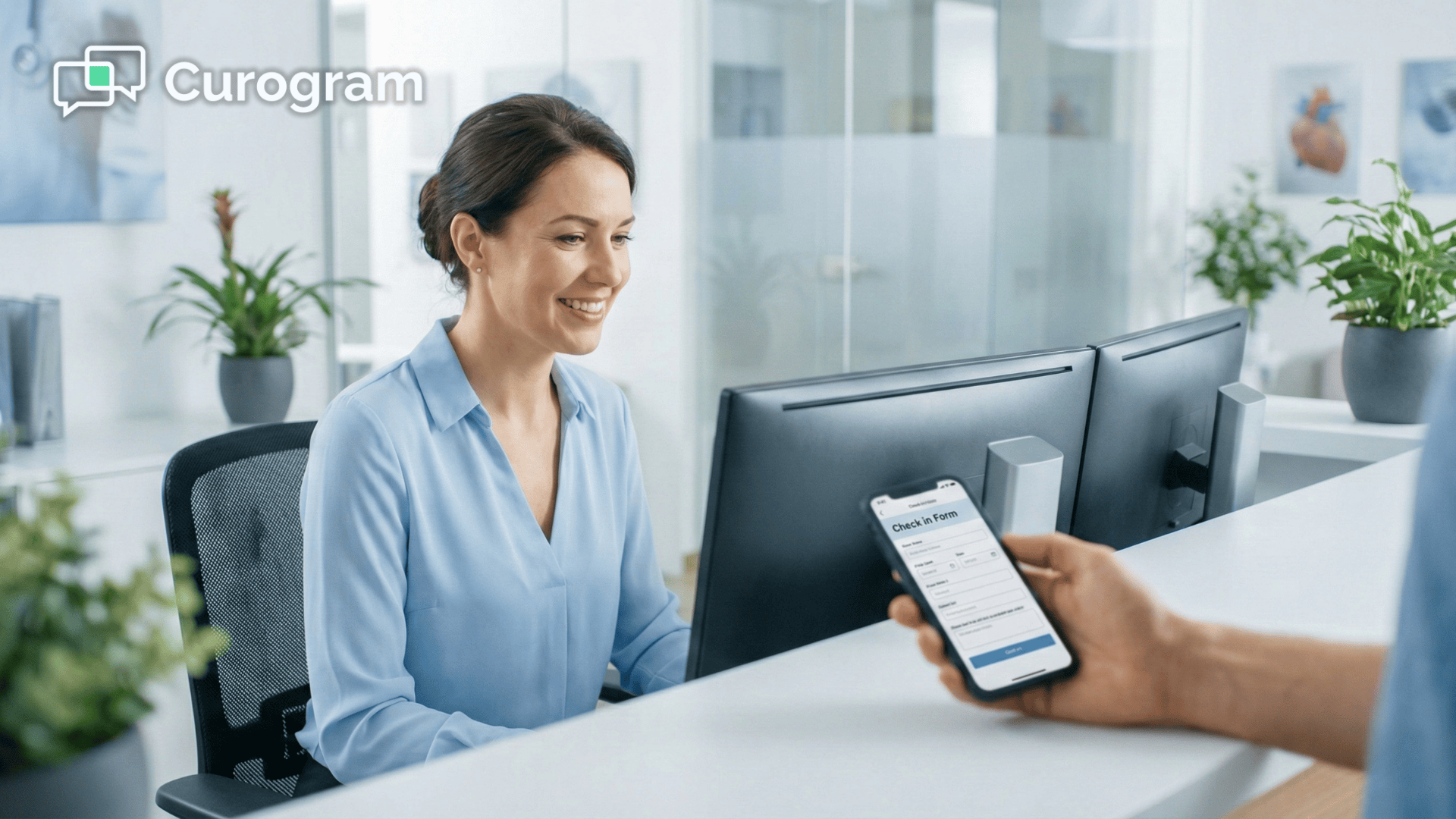
There is a better way. Digital patient intake for CureMD workflows moves the entire check-in process out of the waiting room and into the patient's living room. Instead of handing out clipboards, your office sends a simple text message with a secure link.

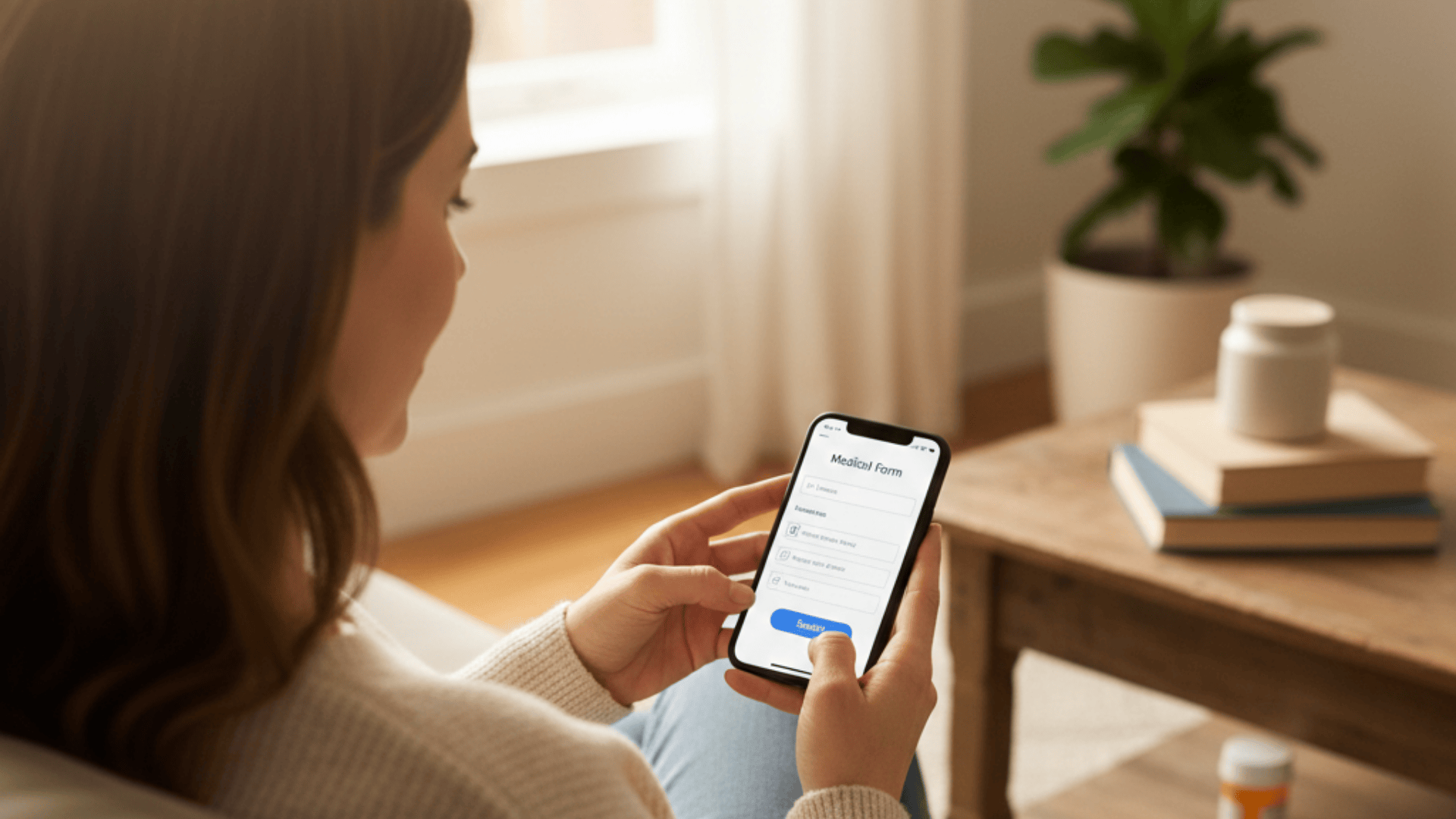
Patients fill out mobile patient forms on their couch, where they have easy access to their medication bottles and insurance cards.

With Curogram, that data flows straight into CureMD. No re-typing. No chasing down missing info. Staff can see who has finished their forms before the patient even arrives.

The result is electronic check-in that takes less than two minutes at the front desk.

This paperless intake approach for your medical practice is not just about saving paper. It is about giving your team hours back every week, cutting errors by 40%, and making patients happier from the moment they step through the door.

In this guide, we will show you exactly how it works, why paper intake is holding you back, and what kind of results you can expect when you reduce waiting room time with CureMD and Curogram working together.

How Paper Intake Creates Bottlenecks in Your Office

When a patient gets a clipboard at the front desk, the clock starts ticking. They spend 15 to 20 minutes filling out pages of forms by hand. Every minute they write is a minute they sit in your waiting room.

This creates a chain reaction that delays providers, backs up your schedule, and frustrates everyone involved.

Once the patient hands back the forms, the work does not end. Your front desk staff must now read through handwritten pages and type every detail into CureMD by hand.

This is tedious, non-clinical work that eats up hours each week and generates unnecessary economic costs. It pulls your team away from tasks that actually improve the patient experience.

Where the Real Costs Add Up

The damage from paper intake goes beyond wasted time.

Small mistakes pile up fast and turn into expensive problems for your practice.

  • Messy handwriting leads to misspelled names and wrong dates of birth, creating duplicate charts in CureMD
  • Incorrect insurance details cause rejected claims and delayed payments
  • Staff spend hours each week on rework instead of helping patients at the window

Paper intake also means your staff has no way to see who is ready before the patient walks in. There is no dashboard, no status update, and no heads-up.

Everyone is reacting instead of preparing, which weakens patient flow throughout the day. If you want to reduce waiting room time and improve patient flow in your CureMD practice, the first step is getting rid of the clipboard.

Why SMS-Based Forms Beat Patient Portals Every Time

Most EHR systems offer a patient portal for collecting forms before a visit. The problem is that portals require a username, a password, and often a separate app. Many patients forget their login or never set one up in the first place. That is why portal completion rates stay low across the industry.

One Text, One Tap, Done

Curogram takes a different approach with electronic check-in for CureMD users. Instead of asking patients to log into a portal, the system sends a secure text message with a link.

One tap opens the forms in their phone's browser. No download, no password, and no tech support calls from confused patients.

When patients fill out forms at home, they have everything they need within reach. Their insurance card is in their wallet. Their medication bottles are in the cabinet.

They can take their time and enter details correctly. This is what makes mobile patient forms through CureMD so much more accurate than paper.


Smart Mapping That Skips the Middle Step

Once a patient hits submit, the data does not sit in a PDF somewhere. It maps directly to the right fields in CureMD, including allergies, medical history, and insurance information.

Your staff can check a dashboard to see which patients have finished their forms and which ones still need a reminder.

This is the key difference with paperless intake for your medical practice. Your team goes from reactive to proactive.

They know who is ready before anyone walks through the door, and they can focus their energy on the patients who actually need help at check-in.

How to Get Started with Digital Intake in Your CureMD Practice

One of the biggest concerns office managers have about switching to digital intake is the setup process. They worry it will take weeks, require IT support, or disrupt their daily flow.

The truth is much simpler than that. Most practices using Curogram with CureMD are up and running within a day or two.

Building Your Digital Forms

You start by recreating the paper forms you already use. Curogram lets you build digital versions of your consent forms, HIPAA acknowledgments, medical history sheets, and any custom questionnaires your practice needs.

The layout stays familiar to your staff, so there is almost no learning curve.

Once your forms are ready, you connect them to your automated appointment reminders. Curogram attaches the intake link directly to the reminder text that goes out 48 hours before the visit.

Patients do not need to go looking for a portal or remember a website. The forms come right to them.

What Your Staff Needs to Know

Training is fast because the system works like regular texting.

Front desk staff learn three things on day one.

  • How to check the dashboard to see which patients have completed their forms
  • How to send a manual reminder if a patient has not finished before their visit
  • How to verify uploaded insurance card images in the Documents tab of CureMD

Most teams finish training in about 10 minutes. There is no complex software to learn and no extra hardware to install. The system fits right into the workflow your office already follows, which is what makes digital patient intake for CureMD workflows so easy to adopt.

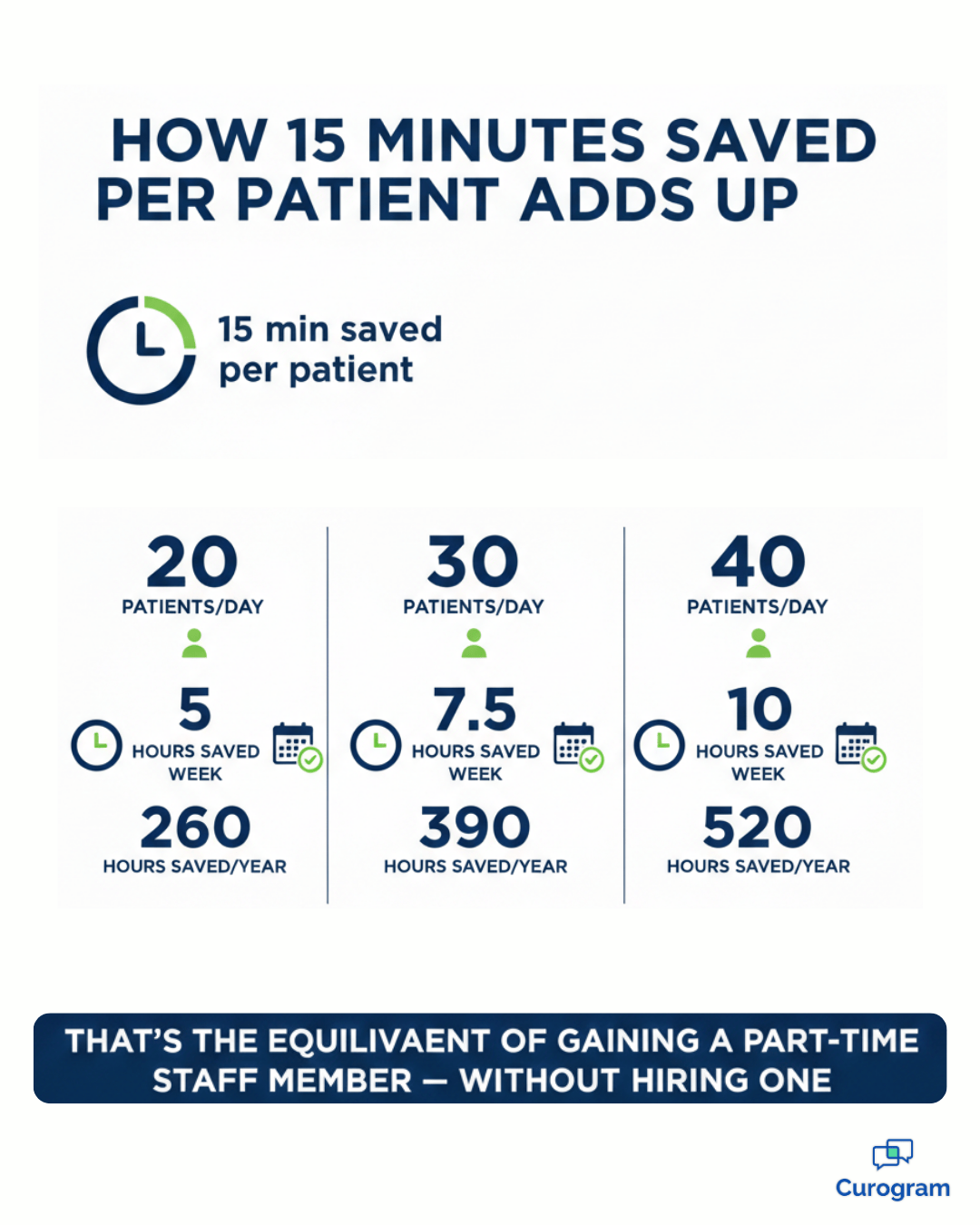
Patient intake time savings calculator showing hours saved per week with digital forms

Keeping Patient Data Safe with HIPAA-Compliant Intake

Any time you collect patient information digitally, security layer has to be part of the conversation. Practices have a legal duty to protect health data under HIPAA. That means the tools you use for intake need to meet strict standards for how data is sent, stored, and accessed.

Curogram was built from the ground up to be HIPAA compliant. The SMS link patients receive does not contain any protected health information.

It simply directs them to a secure, encrypted form in their mobile browser. Once they fill it out, the data travels through encrypted channels before landing in CureMD.

How Security Works Behind the Scenes

The forms themselves are hosted on secure servers that meet healthcare industry standards. Patient responses are encrypted both in transit and at rest, which means the data is protected while it moves and while it sits in storage.

Insurance card photos follow the same path, uploading directly to CureMD through an encrypted connection.

Your practice also keeps full control over who can view submitted forms on the staff side. Role-based access in CureMD means only the right people see the right data.

This is an important layer of protection that paper forms simply cannot offer. A clipboard in a waiting room is visible to anyone who walks by, but a digital form behind a secure login is not.

For practices that worry about compliance risk, moving to electronic check-in with CureMD and Curogram actually reduces your exposure.

You eliminate loose paper, unsecured fax transmissions, and filing cabinets full of sensitive records. Everything lives in one protected digital system instead.

Digital Patient Intake - landscape

What Happens When You Save 15 Minutes Per Patient

The numbers tell a clear story. Patients who complete their forms at home spend less than two minutes at the front desk when they arrive. That is a drop from the typical 15 to 20 minutes of clipboard time. Multiply that across a full day of appointments and you free up hours for your staff.

Key Results Practices Are Seeing

  • Around 80% of patients complete forms before arriving, compared to roughly 25% with portal-only systems
  • About 40% fewer data entry errors thanks to patient self-entry on mobile patient forms
  • Front desk staff reclaim several hours per week previously spent on manual transcription

Because SMS is so much easier than a portal login, practices using Curogram with CureMD see high completion rates without chasing patients down. Your front desk deals with far fewer paper stragglers, and the overall flow of the day improves.

The Patient Experience Shift

Patient satisfaction also rises when you cut out the clipboard step. Nobody likes sitting in a waiting room filling out forms. When you remove that friction, you show patients that you respect their time. This leads to better reviews, stronger loyalty, and a smoother experience from start to finish.

Frequently Asked Questions About CureMD Intake

Do patients need to download an app?
No. Patients do not need to download anything from the App Store or Google Play. The intake forms open securely in their mobile browser through a link sent via text or email.

It looks and feels like a native app, with a smooth, mobile-friendly experience, but it functions entirely as a secure web page. There is nothing to install, no passwords to remember, and no account creation required.

This removes friction and makes completion faster, especially for patients who are not tech-savvy.

What about insurance cards?
Patients can simply use their phone camera to snap a clear photo of the front and back of their insurance card during the intake process. The image uploads securely and automatically attaches to the appropriate Documents tab inside CureMD.

Your front desk does not need to scan or manually upload anything later. This ensures your billing team has accurate insurance information before the visit, reducing eligibility errors, claim delays, and follow-up calls after the appointment.

Can we customize the forms?
Yes. You can fully customize the intake forms to match your existing paper workflow and specialty requirements. Practices can recreate consent forms, HIPAA acknowledgments, financial policies, medical history questionnaires, and specialty-specific screening tools in a digital format.

Required fields, conditional logic, and electronic signatures can all be included. You maintain full control over your content and compliance standards while eliminating clipboards, scanning, and manual data entry.

Turn Check-In into a Two-Minute Experience: Schedule a Demo Today

The waiting room should be for waiting, not writing. When you move patient intake from the clipboard to the phone, everything gets easier. Your staff spends less time typing.

Your patients spend less time sitting. Your providers stay on schedule.

Digital patient intake for CureMD workflows is not a small upgrade. It is a shift in how your practice runs from the moment a patient books an appointment to the moment they sit down in the exam room.

Curogram makes that shift simple with SMS-based forms that map directly into your existing system.

Practices that adopt this approach cut front desk check-in down to about two minutes per patient. They see fewer errors, faster collections, and happier patients.

Staff get to focus on the work that matters instead of decoding handwriting all morning.

Ready to see it for yourself? Schedule a demo with Curogram and try the patient experience firsthand. Scan a QR code during your demo session and watch how fast the forms load on your phone. 


Eliminating the Scanner Bottleneck in Prime Clinical

Eliminating the Scanner Bottleneck in Prime Clinical

💡 Practices that want to eliminate scanning medical records in Prime Clinical can do so by switching to digital intake forms. Curogram replaces...

Read More
How to Reduce Data Entry Errors in Prime Clinical | Clean Intake Data

How to Reduce Data Entry Errors in Prime Clinical | Clean Intake Data

💡 You can reduce data entry errors in Prime Clinical Intellect by removing manual transcription from your intake process.When staff retype data...

Read More
How GE Centricity Clinics Streamline Intake With Online Forms

How GE Centricity Clinics Streamline Intake With Online Forms

💡 GE Centricity specialty clinics struggle with paper-based patient intake across multiple locations. A digital intake workflow GE Centricity...

Read More