
11 min read

AdvancedMD Telemedicine via Text | One Tap. No Zoom. No Download.

AdvancedMD Telemedicine via Text | One Tap. No Zoom. No Download.
💡 AdvancedMD uses Zoom for its built-in telehealth platform. Zoom works fine for users who already have it installed. But for many patients, it creates a long list of steps before the visit can start. They must download the app, set up an account, configure permissions, and enter a meeting ID.

Curogram removes every one of those steps. The practice sends a text. The patient taps the link. A HIPAA-compliant video visit opens in their phone's browser right away. No app. No account. No setup.

This is how AdvancedMD telemedicine video visits can work through a text link with no Zoom, no download, and full HIPAA compliance in a browser-based format.

Fewer barriers mean fewer no-shows and more completed visits. Practices that make this shift see more of their patient panel engage with telehealth, including elderly patients, behavioral health patients, and anyone without a strong tech background.

Most patients don't miss telehealth visits on purpose. They miss them because getting in is too hard. A download prompt here. A login screen there. A permission pop-up that sends them digging through settings. By the time everything cooperates, the visit window is almost gone.

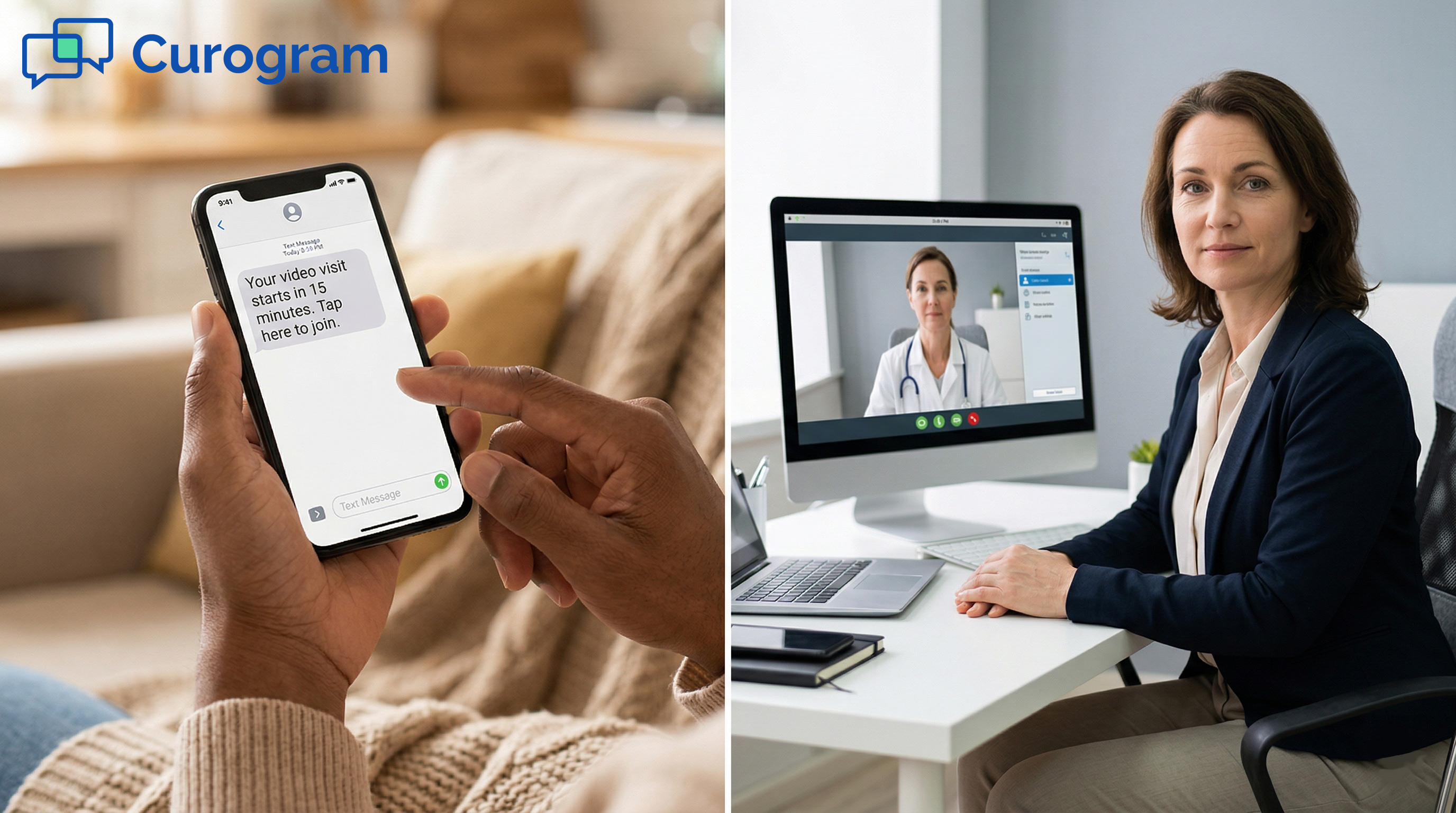
AdvancedMD telemedicine video visits can now be delivered through a text link with no Zoom required, no app download, and HIPAA-compliant browser-based access, using Curogram's One-Tap Video Visit. The practice sends a text. The patient taps the link. The video call opens in their phone's browser. That is it.

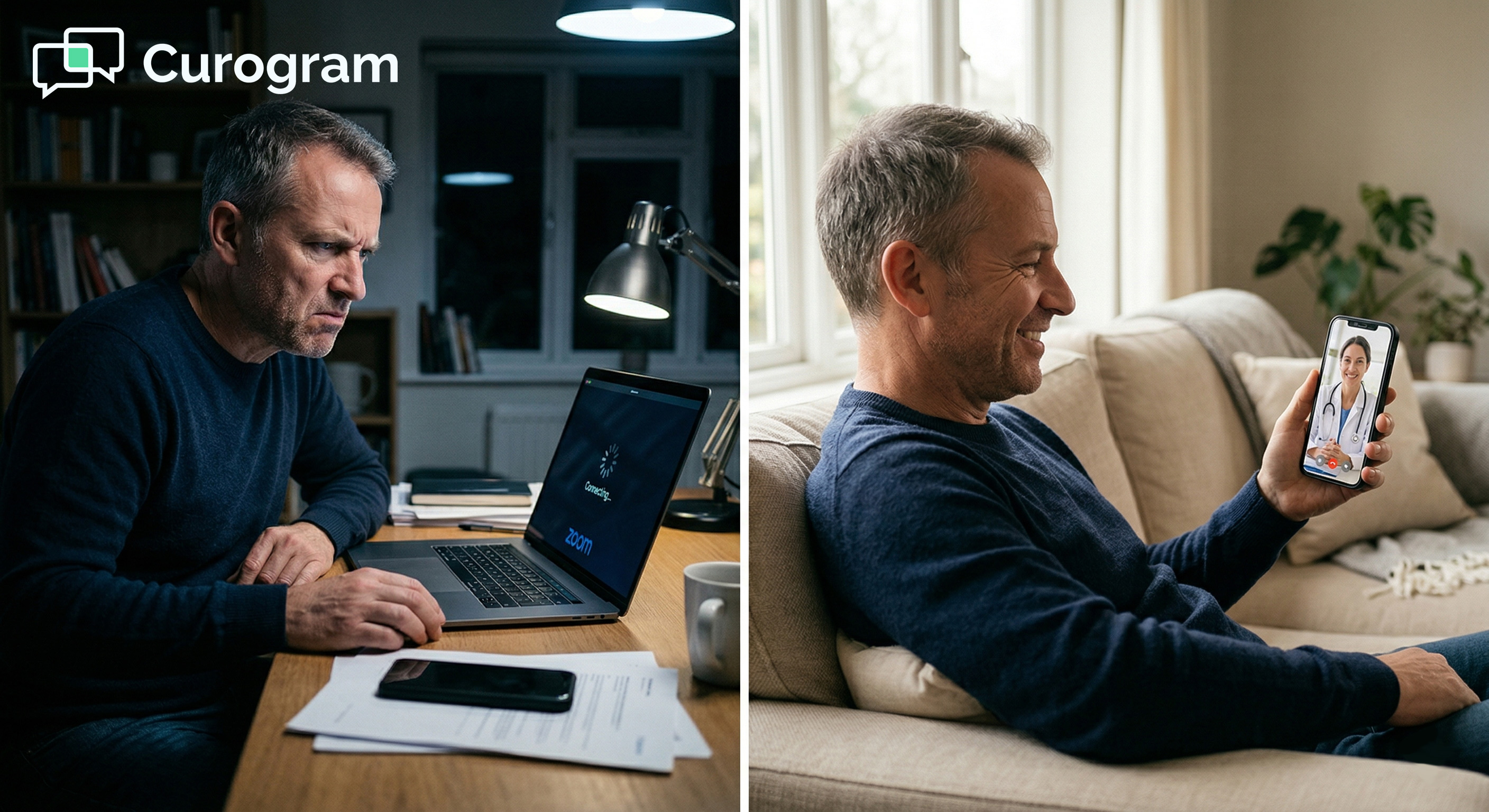
AdvancedMD's built-in telehealth runs on Zoom. For a tech-savvy colleague on a business call, Zoom is great. For a 72-year-old patient who has never downloaded an app, it is a roadblock.

For a parent trying to squeeze in a 10-minute check during lunch, it is a source of daily stress. For a behavioral health patient already hesitant about reaching out, it can be the reason they do not show up at all.

The problem is not AdvancedMD. The platform handles scheduling, charting, and billing well. The problem is how patients get into the video visit.

Zoom was built for workplace communication, not for patient care. Curogram was built the other way around.

Curogram connects with AdvancedMD to replace the Zoom-based access model with a text-link approach. Patients get a message in the same thread where they confirmed their appointment and filled in their intake form. One tap, and they are face-to-face with their doctor. Under 10 seconds, start to finish.

This article explains why Zoom creates barriers for patients, how Curogram's text-link model solves that, and what practices can expect when technology stops getting in the way of care.

The Villain: The Download Before the Doctor

AdvancedMD's Zoom-based telehealth handles the clinical side of a visit well. It manages video quality, screen sharing, and pre-call payment capture.

But before any of that happens, the patient needs to get in. And getting in through Zoom is harder than it should be for a large slice of the average practice's patient panel.

The App Download Barrier

For patients who do not have Zoom on their phone, a telehealth visit starts with a detour. They need to open the App Store or Google Play, search for Zoom, and wait for it to download. On an older device with limited storage, this step alone can take 5 to 15 minutes.

Some patients will not have enough storage space to install Zoom at all. Others will get confused by the app store flow. A few will simply not understand why they need to download something just to talk to their doctor.

When Patients Give Up Before the Visit Starts

Not every patient pushes through a long download. Some close the app store and stop trying. Others call the front desk for help. In either case, the visit has not started, and the patient has already had a frustrating first experience with telehealth.

First impressions stick. A patient who struggles to access one telehealth visit is less likely to try again. The practice loses not just that visit but potentially a long-term channel for care delivery.

How the Download Barrier Affects No-Show Rates

Technology friction is one of the most common causes of telehealth no-shows. Based on our internal data, practices that removed access barriers and improved patient outreach reduced no-show rates from 14.20% to 4.91% in just three months. That is a direct link between easier access and better patient outcomes.

Practices using automated, text-based communication tools also saw no-show rates that were 53% lower than the industry average. The data is clear: when access gets easier, more patients show up.

The Account and Permission Gauntlet

After Zoom downloads, the patient still needs to sign in or create a new account. Then Zoom asks for camera and microphone access.

On some phones, granting those permissions means going into the settings app, finding Zoom in a long list, and switching on each item one by one.

Patients who have never granted app permissions before do not know where to start. They call the front desk: "Zoom says it needs my microphone. Is that safe?"

Staff walk them through it. The patient tries. Sometimes it works. Sometimes it does not. The 15-minute visit window keeps shrinking.

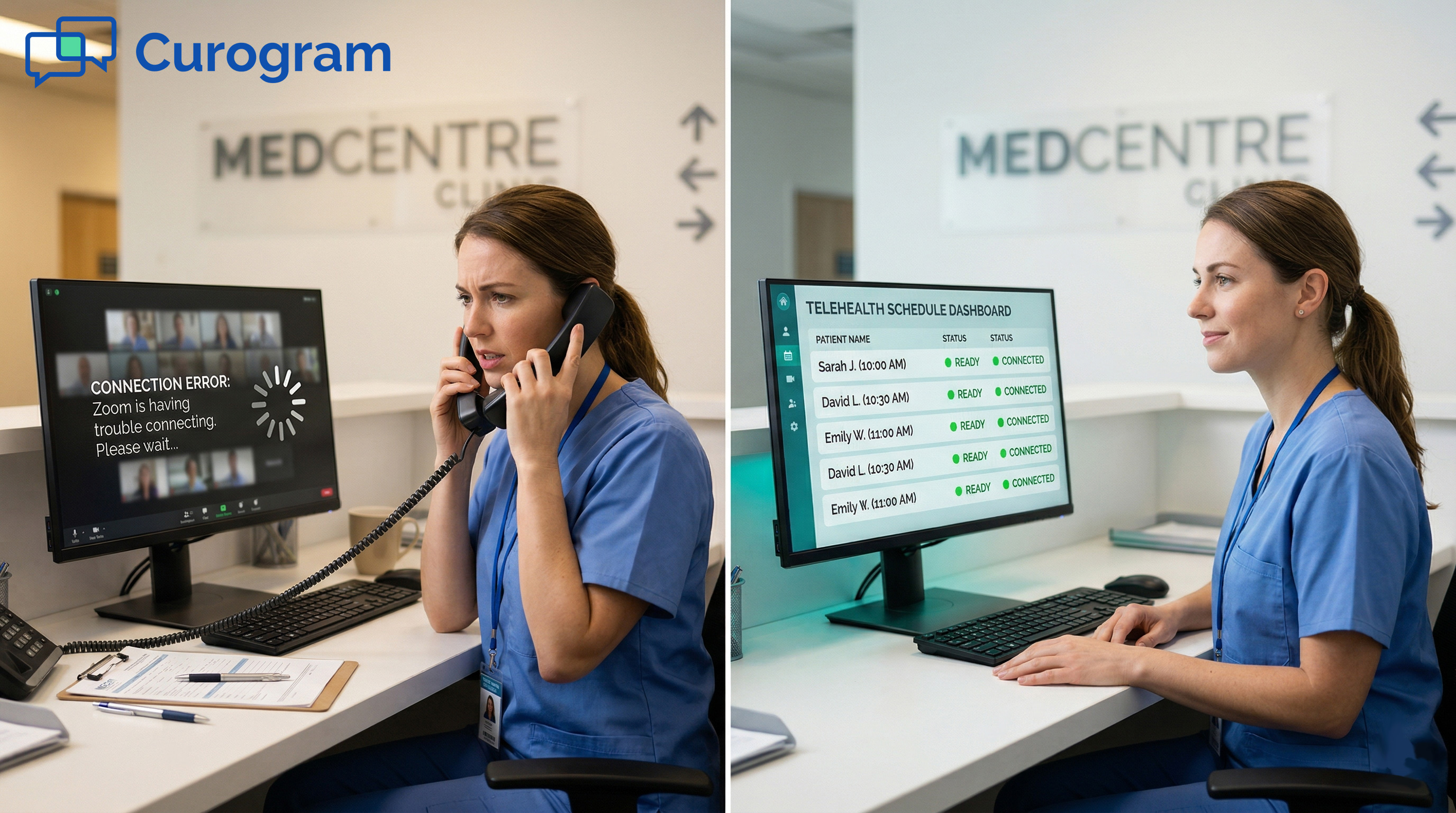
Meanwhile, the provider waits in an empty virtual room. Five minutes pass. Ten minutes. The clinical time is half gone before the conversation begins.

The Connectivity Reality

Even a smooth setup does not guarantee a smooth call. Zoom runs extra features like virtual backgrounds and recording, which use more bandwidth and device resources. Patients on older phones or slower connections often face frozen video, dropped calls, and audio delays.

User reviews of AdvancedMD's telehealth have noted repeated problems with patients and providers failing to connect or hold a stable signal.

A provider cannot assess a patient properly when the video freezes every 30 seconds. That is not a minor inconvenience. It has a direct impact on the quality of care delivered.

The Demographic Reality

AdvancedMD serves practices across primary care, behavioral health, physical therapy, and multi-specialty settings. Each specialty serves patients whose comfort with technology varies widely.

Primary care panels often include patients in their 70s and 80s who are unlikely to have Zoom installed. Behavioral health patients may find technology troubleshooting especially stressful, adding friction to an already sensitive care interaction. Physical therapy providers need to see movement in real time, so a choppy or frozen feed makes the visit nearly useless clinically.

Zoom works for the tech-comfortable mainstream. A medical practice serves everyone. That gap is where telehealth visits are lost.

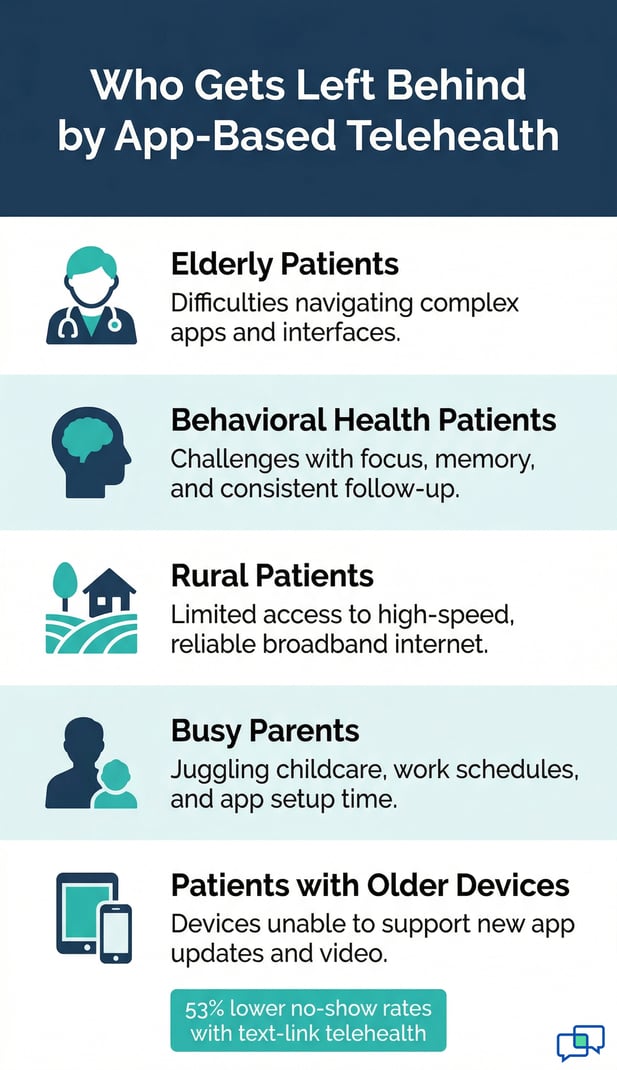
Patient Group

Typical Zoom Barrier

Elderly patients

App install, no Zoom account

Behavioral health patients

Stress of tech troubleshooting

Rural patients

Low bandwidth, dropped signal

Busy parents

No time for a multi-step setup

Patients with older devices

Limited storage, app compatibility


Telehealth infographic showing five patient groups at risk of being left behind.

The Guide: The One-Tap Video Visit

Curogram builds telehealth around the way patients already use their phones. Most patients already text with their doctor's office to confirm visits, fill in forms, and get reminders.

Curogram adds the video visit link to that same channel. The result is telehealth that feels familiar, not foreign, and requires nothing new from the patient.

How Text-Link Telehealth Works

The provider starts the visit from Curogram's dashboard with one click. At that same moment, the patient gets a text with a secure link. They tap it.

A HIPAA-compliant video call opens in the phone's browser, whether that is Safari on an iPhone or Chrome on an Android device. The browser is already on the phone. The patient already knows how to use it. Nothing new to learn.

The video runs on WebRTC, a technology built into modern browsers. It handles real-time video and audio without any extra software.

Because it runs in the browser rather than a dedicated app, it uses fewer device resources and stays stable on a wider range of devices and connection speeds.

From Text to Face-to-Face in Under 10 Seconds

The time from receiving the text to seeing the provider is under 10 seconds. There are no loading screens, no sign-in pages, and no permission pop-ups.

The browser opens the call. The visit begins. For patients who have struggled with Zoom in the past, this moment is often a revelation.

Where the Text Fits in the Patient's Experience

The telehealth link arrives in the same text thread the patient has been using all along. That is the thread where they confirmed their appointment and completed their intake form.

The message is simple: "Your visit starts in 5 minutes. Tap here to join." One channel. One tap. One experience.

Patients do not need to switch apps, check email, or log in to a portal. The visit link is already waiting in the conversation they already know.

HIPAA Compliance Built In

Every link Curogram generates is unique to that patient and that visit. It expires after the call ends and cannot be reused or forwarded.

There is no meeting ID to be shared by mistake, no visible participant list, and no recording sent to a third-party server.

Practices looking for AdvancedMD HIPAA telemedicine video visits via a text link with browser-based access will find that Curogram was built for exactly that use case.

It is not a general video tool retrofitted for healthcare. It was designed from the start for patient-provider encounters, with compliance as a core requirement, not an add-on.

The Provider Experience

For the provider, starting a text-link visit is a single click. No Zoom room to configure. No meeting to schedule in advance. No waiting while a patient tries to troubleshoot. The provider clicks "Start Visit," the patient gets the text, and they connect.

Practices running 10 to 15 telehealth visits per day can recover 30 to 75 minutes of provider time every day just from faster connection. That time goes back to clinical care, not to watching a loading screen.

What This Means for Your Practice

Curogram does not replace AdvancedMD. It works alongside it. Scheduling, documentation, and billing all stay in AdvancedMD.

Curogram handles the communication layer: reminders, two-way texts, intake forms, and the video visit link.

Practices that want telemedicine on the AdvancedMD platform with video visits delivered through a text link, no Zoom, no download, and HIPAA-compliant browser access are choosing a model built around patient access, not patient tech skills. That matters when your panel includes patients of every age, background, and bandwidth situation.  


The Success: Every Patient, Every Visit Type

Removing the technology barrier does not just make telehealth more comfortable. It changes outcomes. When patients can join a visit without friction, more of them show up.

When staff are not fielding tech support calls, they can focus on actual care work. The shift touches every part of the practice.

Technology friction is one of the top reasons patients miss virtual visits. When that friction disappears, no-show rates drop. Based on our internal data, practices using Curogram's text-based tools achieved no-show rates 53% lower than the industry average. The path from scheduled to connected went from a multi-step ordeal to a single tap.

Why Access Drives Completion

A scheduled visit only becomes a completed visit if the patient can get in. With Zoom-based telehealth, a patient who hits a wall during setup has no easy way forward.

They miss the visit. With a text-link model, the path is clear: tap, connect, done. That clarity turns scheduled visits into completed ones.

Patients who have had a bad experience with technology in a previous telehealth attempt are less likely to book again. Removing the friction does not just fix the current visit. It preserves the relationship with the patient for future care.

The Revenue Impact of Recovered Visits

Every recovered no-show is a recovered revenue slot. Based on our internal research, practices that improved patient access and visit confirmation saw a 10 to 20% increase in revenue. Each recovered appointment contributed directly to the bottom line.

Telehealth no-shows are not just a care problem. They are a business problem. A practice running 15 virtual visits per day with a high no-show rate is leaving significant revenue on the table every single week.

From Tech Support to Patient Care

Staff time is one of the most underrated costs of Zoom-based telehealth. Every "I can't connect to Zoom" call takes 5 to 10 minutes to resolve. Multiply that by a full day of telehealth visits, and the front desk is spending over an hour each day on technology support.

With text-link telehealth, that work disappears. There is nothing to support because there is nothing for the patient to set up.

Staff spend their time on care-related questions instead of explaining how to grant camera permissions. Providers start visits on time instead of waiting in empty virtual rooms.

Who Benefits Most

Some patients gain the most when the path to a virtual visit gets simpler. Elderly patients who have avoided telehealth because of the download step can now attend visits from home without help. Behavioral health patients who find technology stressful face one less barrier on the way to care they need.

Rural patients with slower internet benefit from the lower bandwidth use of browser-based video. Busy parents no longer need a 15-minute window to set up Zoom before a 10-minute check-in. The patients who benefit most are also the ones most likely to avoid care when access is difficult.

The Shift for the Practice

An AdvancedMD patient telehealth video visit delivered through a text link with no app download and no Zoom required does more than reduce no-shows.

It changes what telehealth means for the practice as a whole. Instead of being something that works for some patients some of the time, it becomes a reliable care channel.

Practices that make the shift report that patients who once chose in-person visits because they could not navigate Zoom now use telehealth regularly.

Schedules fill more predictably. The front desk stops dreading telehealth days. And the practice reaches more of its panel with every visit type it offers.

Telehealth should expand access to care. Not limit it to patients who already know how to use Zoom.

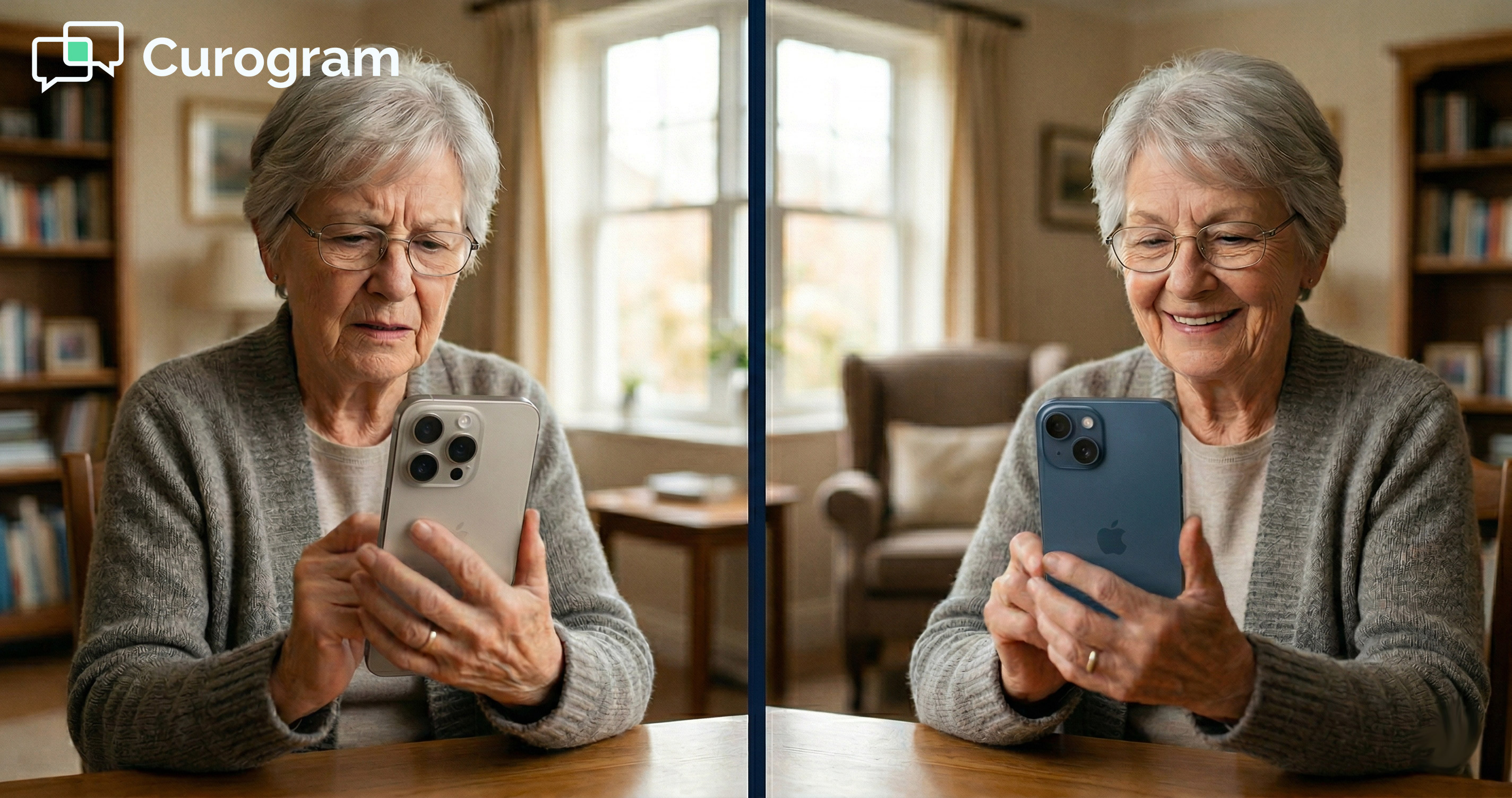
Senior patient on successful video call, smiling and comfortable

Telehealth Should Start with a Tap, Not a Download

The promise of telehealth is simple: patients get care without leaving home. The technology should support that promise, not block it.

When the access model requires downloads, account creation, and permission troubleshooting, the promise breaks before the visit even starts.

AdvancedMD's Zoom-based telehealth is a capable platform. It handles the clinical and administrative side of a visit well. But it asks patients to do too much before they can walk through the door. That gap shows up as no-shows, tech support calls, and patients who quietly stop using telehealth after one bad experience.

Curogram's approach is different by design. Every telemedicine AdvancedMD video visit delivered through a text link, with no Zoom account and no app to download, starts from one simple step: tap. The visit opens in the browser. The provider is right there.

Patients receive a text in the same thread they have been using throughout their care. One tap opens the visit in their browser.

There is no new app, no new account, and no settings to configure. The experience matches how most patients already use their phones every day.

For older patients, behavioral health patients, and anyone uncomfortable with new technology, this shift from Zoom-based to text-link access is not a small improvement. It is the difference between attending the visit and missing it.

The front desk stops fielding "I can't connect to Zoom" calls. Providers stop waiting in empty virtual rooms while patients troubleshoot. Staff time goes back to patient care and scheduling instead of technology support.

For a practice running 10 to 15 telehealth visits per day, those recovered minutes add up fast. The practice runs more smoothly, and the clinical team spends more time on the work they trained for.

Based on our internal data, practices that improved patient access and outreach saw no-show rates fall by 53% compared to the industry average.

In one case, a practice reduced its no-show rate from 14.20% to 4.91% in three months. Those are not minor gains. That is a transformation in how reliably the practice delivers care.

Recovered visits translate directly to recovered revenue. Practices in our data set saw a 10 to 20% revenue increase when access friction was removed and appointment confirmation improved. Telehealth no-shows are a financial problem with a practical solution.

Your patients did not choose telehealth to learn how to use Zoom. They chose it to see their doctor without driving to the office. The simpler the path from "I need care" to "I'm talking to my doctor," the more patients will take it.

AdvancedMD HIPAA telemedicine that works through a video visit text link, opens in the browser, and requires no Zoom and no app gives every patient that simple path. Not just the tech-comfortable ones. Every patient on your panel.

Schedule a demo to compare connection times and no-show rates between Zoom-based and text-link telehealth at AdvancedMD practices.


Frequently Asked Questions

How does Curogram's text-link telehealth connect to AdvancedMD?

Curogram integrates with AdvancedMD to add a text-based communication layer on top of the existing platform. Scheduling, charting, and billing all stay in AdvancedMD.

Curogram handles patient messaging, intake forms, appointment reminders, and the video visit link. The two systems work together so the practice does not have to change its clinical workflow.

Why do patients miss telehealth visits when Zoom is required?

Zoom asks patients to download an app, create an account, grant permissions, and enter a meeting ID before the visit starts. Each of those steps is a potential drop-off point. Patients without strong tech skills, older devices, or limited time often give up before they connect. The visit is missed not because the patient did not want care, but because the path to care was too difficult.

How does browser-based video quality compare to Zoom?

Curogram's video visits use WebRTC, the same underlying technology that powers real-time video in modern browsers. Quality is comparable to dedicated video apps.

Because the browser does not run Zoom's extra features like virtual backgrounds and recording, the call uses less bandwidth and is more stable on older devices and slower connections, which is exactly the situation many patients face.

Why is removing the app requirement important for behavioral health practices?

Behavioral health patients often experience anxiety or depression that makes everyday tasks feel harder. Adding a technology challenge before a care visit creates one more source of stress.

When the visit link arrives by text and opens with one tap, that barrier is removed. The patient can focus on the appointment, not on troubleshooting software.

How does text-link telehealth affect no-show rates at AdvancedMD practices?

Based on our internal data, practices that removed technology friction and improved patient communication saw no-show rates 53% lower than the industry average. In a specific case study, a practice reduced no-shows from 14.20% to 4.91% in three months. Recovering those visits has a direct revenue impact, with some practices reporting a 10 to 20% revenue increase from improved access and confirmation rates.