
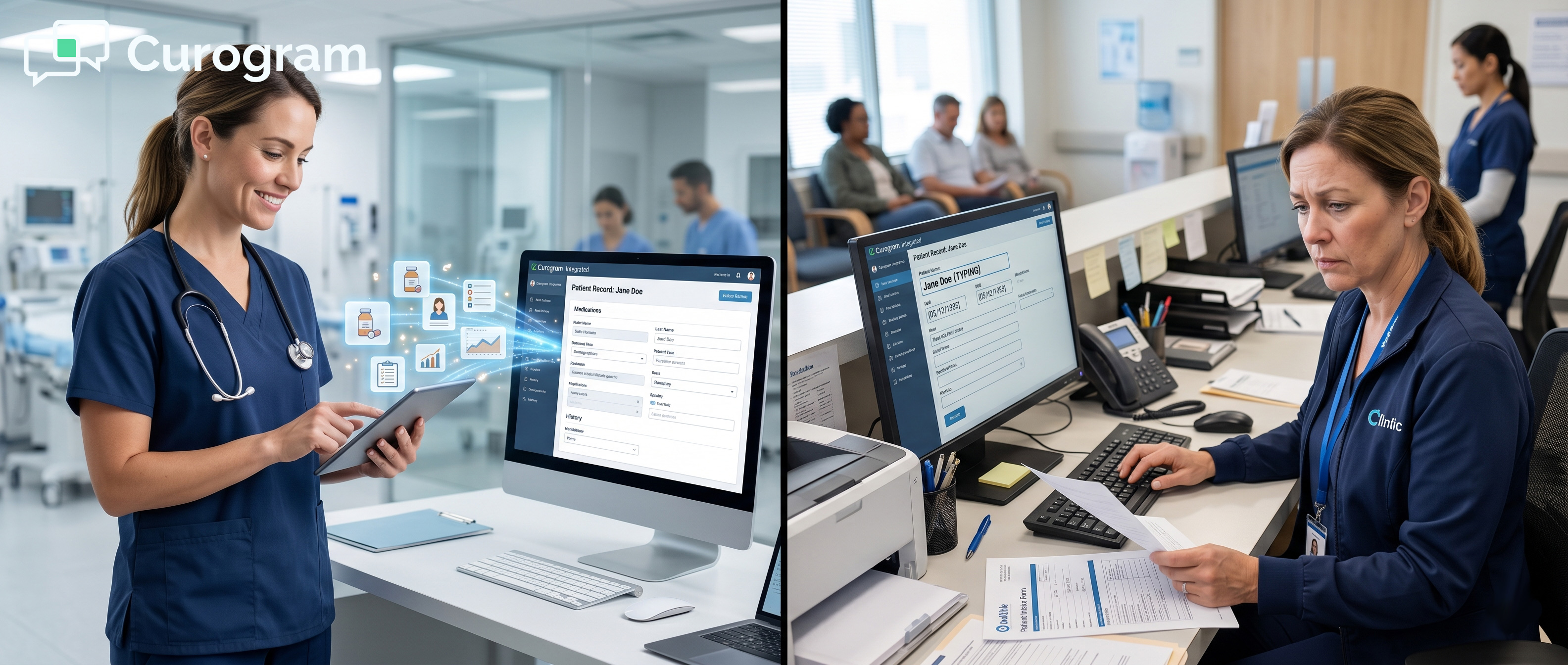
Its tools are built around reviews, waitlist broadcasts, and marketing campaigns. For practices dealing with high call volumes, paper intake, and disconnected workflows, the difference between these two platforms is not just about features. It is about whether the platform was built for clinical operations or built for growth marketing.
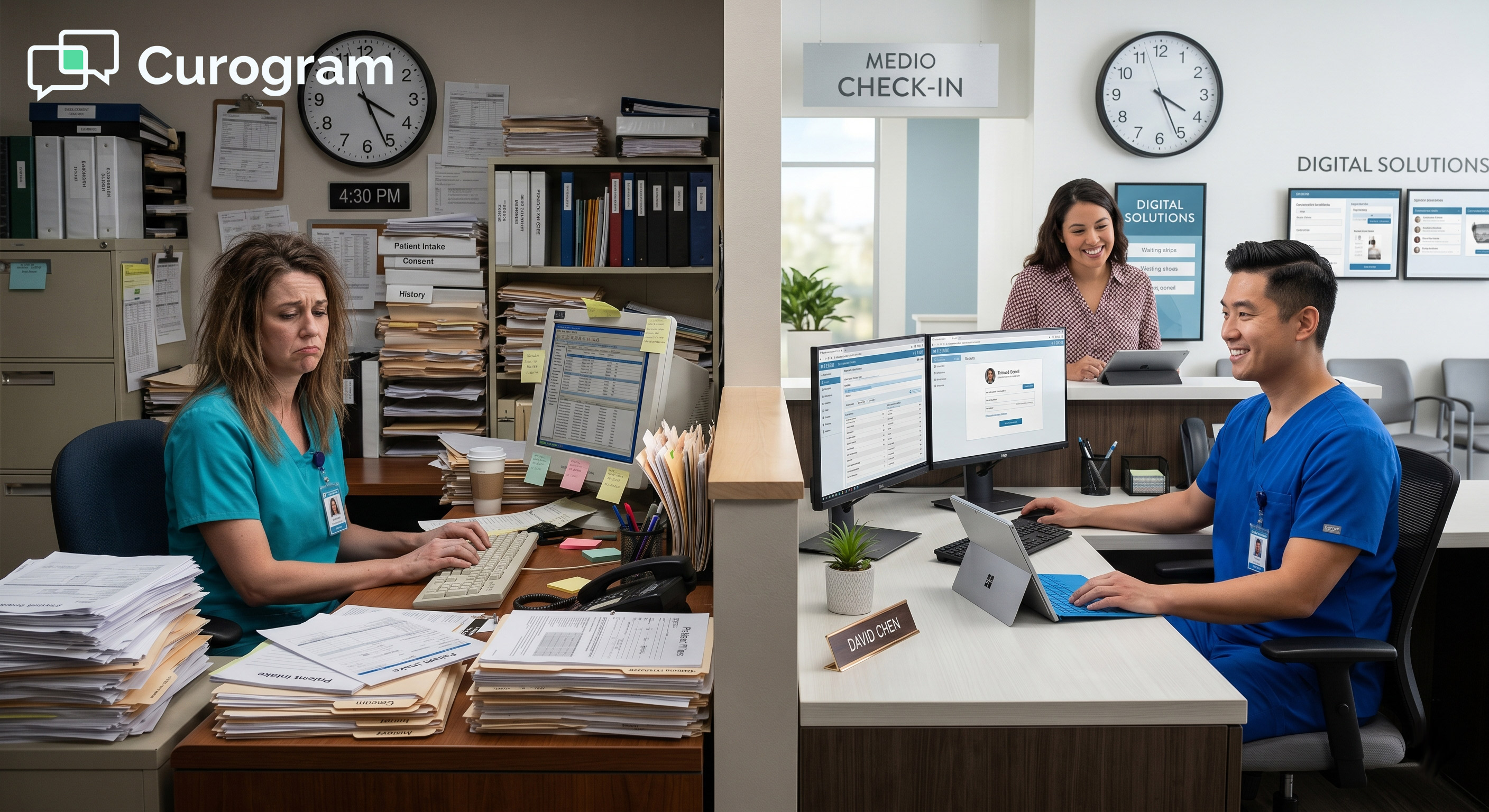
Your front desk is already stretched thin. Phones ring back to back. Paper forms pile up. And somewhere between managing walk-ins and chasing down no-shows, staff are expected to handle patient questions that come in through a text reminder system that was never meant for clinical work.
This is where the platform you choose really matters.
Many medical practices first adopt a patient engagement tool with one simple goal in mind: get more reviews or cut down on no-shows. That works — for a while. Then clinical reality steps in.
Patients start replying to reminders with detailed medical questions. Intake data needs to flow into the EHR without staff retyping it. Telehealth becomes a routine need, not an exception. Recall campaigns need to go out by text, not email blasts.
At that point, the gap between a clinical automation engine and a practice growth marketing suite becomes a real problem. Practices running 80 or more inbound calls per day, managing 19-page paper intake packets, and juggling multiple disconnected platforms start to feel that friction fast.
This article looks at how Curogram and Doctible each handle these realities. Both tools offer patient communication features. But their underlying design, and what that means for clinical operations, is very different. If you are evaluating Curogram vs. Doctible clinical workflow automation, this comparison is for you.
We will look at platform architecture, front-desk workflow impact, measurable outcomes, and the key questions that help practices decide which tool actually fits how they operate.
Lead-in: When Practice Growth Tools Meet Clinical Workflow Demands
Most patient engagement tools start with a pitch around growth: more reviews, better online presence, fewer empty slots. That pitch resonates.
But over time, the clinical demands of a medical practice tend to outgrow what a growth-first platform can handle. Here is what that gap looks like in practice.
The Limits of a Marketing-First Platform in a Medical Setting
A marketing-oriented platform is built to help practices look good and attract new patients. Review generation, email campaigns, and waitlist broadcasts all serve that goal well. But these tools were not designed to handle the day-to-day operational load of a medical front desk.
When a patient replies to a reminder with a question about their medication, the marketing inbox is not set up to route that message to the right person. There is no clinical triage logic. Staff end up handling those replies manually, which puts the burden right back where it started.
This pattern shows up across specialties. The platform handles the promotion side, but the clinical side still runs on manual processes.
Why Inbox Design Matters for Medical Teams
In a healthcare setting, two-way patient messaging is not a marketing feature. It is a clinical tool. Patients use text to cancel, reschedule, ask about symptoms, request forms, and flag concerns before their visit.
A clinical inbox is built to handle that volume with routing logic and HIPAA compliance built in.
A marketing inbox is built for campaign replies and broadcast responses. The moment a patient sends a medical question, the system is out of its element. Staff step in, and the time savings disappear.
The Scale Problem Practices Do Not See Coming
A small practice might manage fine with a basic messaging tool for the first few months. But as patient volume grows, the gaps become harder to ignore. A platform that handles 200 messages a month looks very different at 2,000.
Without intelligent routing and clinical workflow structure, staff capacity becomes the bottleneck instead of the system solving it.
What Clinical-First Architecture Actually Means
Clinical-first architecture means the entire platform was designed with healthcare workflows in mind from the start. Not adapted. Not modified to include a few medical features. Built for it.
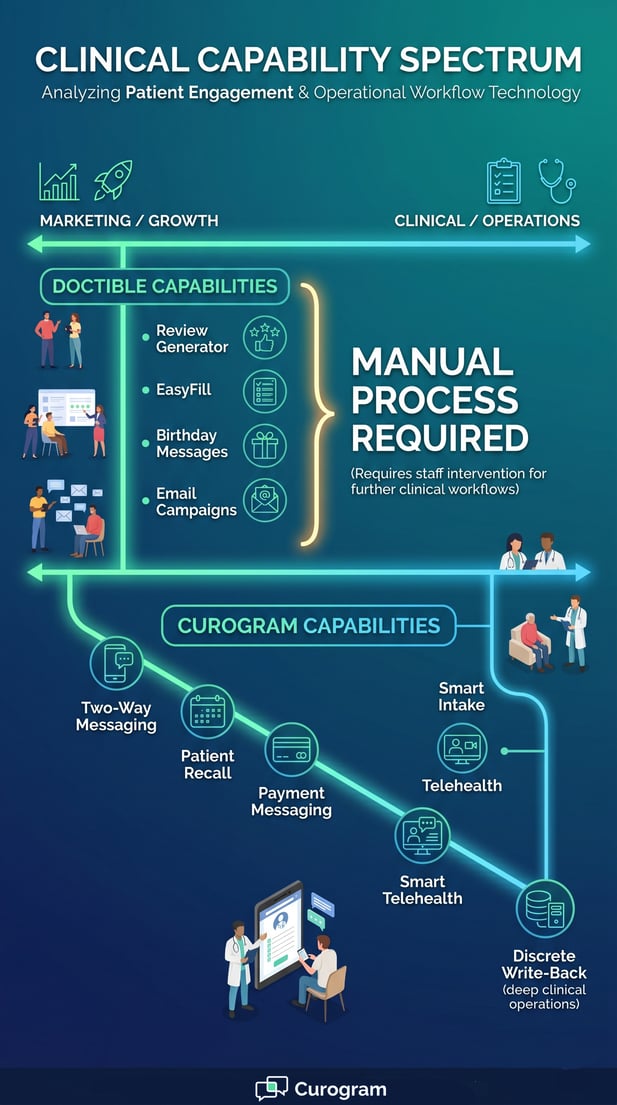
Curogram's platform was designed exclusively for healthcare. Every feature, from HIPAA-compliant two-way messaging to smart intake forms and telehealth, connects to the clinical workflow. Data flows into the EHR without staff retyping it. Appointment confirmations sync with the schedule in real time.
EHR Integration as a Core Feature, Not an Add-On
For a clinical automation tool, EHR integration is not optional. It is the foundation. When intake form data writes directly to the right fields in the EHR, staff do not spend time on data entry. When confirmation responses update the schedule automatically, no one has to check two systems.
Doctible uses a surface-level sync for reminders. Intake forms are link-based, and the data they collect often requires manual entry into the EHR. For practices that see dozens of patients a day, that difference adds up fast.
HIPAA Compliance as a Design Standard
Healthcare patient engagement requires HIPAA-compliant messaging by default. In a clinical platform, compliance is baked into every message thread, form, and data transfer. In a marketing tool adapted for healthcare, compliance may be present but is not always central to how the system was designed to operate.
Clinical-First Architecture vs. Practice Growth DNA
Platform DNA determines what a tool does well and where it falls short. Curogram and Doctible were built with different goals, and that shows up in every feature they offer.
Understanding how each platform is structured helps explain why similar-sounding features can produce very different results on the front desk.
How Curogram Is Built for Medical Operations
Curogram was built to solve the bottlenecks specific to medical front offices. That focus shapes every part of the platform.
Two-way messaging is HIPAA-compliant and includes intelligent routing so the right staff member gets the right message. Smart intake forms collect patient data and write it directly to discrete EHR fields, cutting out manual data entry entirely.
Telehealth is a native feature, not a third-party add-on. Appointment confirmations are automated and sync with the EHR schedule in real time. Patient recall goes out by SMS, with clinical context built in.
A Unified Platform Designed Only for Healthcare
Every feature in Curogram exists to serve a clinical workflow. There are no multi-industry templates. No campaign builder for birthday messages.
The platform is not trying to be everything to everyone. It is built to handle the operational demands of a medical practice and nothing else.
That focus matters because it means the product decisions, updates, and support are all oriented around the same environment you work in every day.
Front Desk Workflow as the Core Design Problem
Curogram's development started from a clear observation: medical front desks were overwhelmed with phone calls, paper forms, and disconnected tools. Every feature was designed to reduce that load. Reducing phone call volume.
Automating confirmations. Letting patients complete intake before they arrive. Moving recall campaigns from manual outreach to automated SMS workflows.
How Doctible Is Positioned in the Market
Doctible leads with a practice growth value proposition. Its core features reflect that positioning.
The Review Generator helps practices build their online reputation by collecting patient feedback. EasyFill broadcasts available appointment slots to patients on a waitlist by text. Birthday messages keep patients engaged through outreach campaigns.
These are genuinely useful tools, especially for dental and small wellness practices focused on attracting new patients and maintaining visibility.
The Target Market Behind the Feature Set
Doctible's feature set is designed for a broad market that includes dental offices, chiropractic clinics, and small wellness practices. That audience values growth-oriented tools.
But medical practices with complex intake needs, high daily message volume, and clinical triage requirements often find the platform underpowered for their actual workload.
Verified user reviews from 2025 to 2026 reflect this pattern. Medical users note that the platform feels limited for clinical operations and lacks the advanced automation logic found in systems built specifically for healthcare.
What Happens When a Marketing Platform Handles Clinical Messages
When a patient sends a detailed clinical question through a Doctible reminder thread, the marketing-oriented inbox is not built to route it appropriately.
Staff need to identify the right recipient, move the conversation to the right channel, and document it properly. That is extra work that a clinical automation platform handles through built-in routing logic.

Measurable Clinical Outcomes: What Medical-Native Automation Delivers
It is easy for platforms to make broad claims about efficiency and patient engagement. The clearer test is what actually happens in practice, measured over time.
Clinical-native automation tends to produce results that marketing-adapted tools are not designed to replicate.
Appointment Confirmation Rates and Volume
Covina Arthritic Clinic started with 369 confirmed appointments in May 2024. By September 2024, that number had grown to more than 1,300, averaging over 1,100 automated confirmations per month, based on Curogram client data from clinical settings.
That kind of volume is only possible when the reminder engine, confirmation logic, and EHR schedule sync all work as one system. A marketing tool with a scheduling add-on would require manual checks and staff intervention to keep up with that pace.
Why Confirmation Rate Matters Beyond the Number
A confirmation rate above 75% means fewer surprise no-shows, better daily schedule management, and less reactive scrambling by staff.
When that rate is driven by an automated system tied directly to the EHR, the benefit compounds. Staff spend less time on follow-up calls and more time on patient care.
Based on Curogram client data from clinical settings, Curogram clients average above 75% appointment confirmation rates. That figure is the result of automation that runs inside the clinical workflow, not alongside it.
The Cost of a Disconnected Confirmation Loop
When a confirmation system is not fully connected to the EHR schedule, staff end up checking two places. They confirm in one system and update manually in another.
At scale, that creates room for errors, double-bookings, and missed updates. The operational cost of that gap is real.
No-Show Rates Across Specialties
No-shows carry a direct cost: lost revenue, wasted slots, and harder-to-fill schedules. Based on our internal research, no-show rates across Curogram clients are 53% lower than the industry average.
The gap is most visible in specialties where no-show rates tend to be high. In psychiatry, the industry average is around 23%. Curogram clients in that specialty average 11.03%. In pediatrics, the industry average is around 30%, while Curogram clients average 14%. That difference reflects what a front desk workflow tool built for healthcare can do that a
Clinical automation vs marketing tool comparison makes clear: a platform built to handle clinical operations reduces no-shows at a fundamentally different rate than one built around practice growth.
How Reminder Logic Affects No-Show Outcomes
Automated reminders alone do not guarantee low no-show rates. The timing, frequency, and content of reminders all affect whether a patient shows up or cancels in advance.
A clinical platform can use appointment type, specialty, and patient history to shape reminder logic. A marketing-oriented tool sends reminders from a broadcast template.
The more the reminder system knows about the clinical context, the better the outcome tends to be.
Recovering Revenue Through Better Scheduling
Each recovered appointment slot is a direct revenue gain. A 10 to 20% increase in revenue is achievable when no-show rates drop significantly, with each recovered appointment contributing directly to profitability, based on Curogram client data from clinical settings.
For a busy practice, that difference in no-show performance is not a minor operational metric. It is a meaningful financial outcome.
Patient Recall and Reconversion Rates
Recall is where the gap between a clinical automation engine and a practice growth suite is most direct. SMS patient recall sent to patients who have not scheduled follow-ups within a recommended timeframe is a clinical workflow feature. It requires knowing who is overdue and why, not just broadcasting to a list.
Based on Curogram client data from clinical settings, a multi-location practice achieved a 35% appointment reconversion rate through Curogram's native SMS recall, recovering 1,240 patients from recall messages alone in a single month. That result came from a system that connects recall logic to clinical context, appointment type, and patient history.
What Native SMS Recall Looks Like in Practice
A native recall feature sends personalized SMS messages to patients who are overdue for a specific type of care. It knows who they are, when they were last seen, and what type of appointment they need.
The message is routed through a HIPAA-compliant channel, and the response can update the EHR schedule directly.
A broadcast-based recall tool sends the same message to a list of patients. There is no clinical context, no EHR sync, and no direct workflow connection. The operational lift falls on the staff.
Reputation Management With Clinical Context
Reputation management works differently when it has clinical context behind it. A multi-location Curogram client generated 1,064 new 5-star Google reviews in three months through automated post-appointment surveys, based on Curogram client data from clinical settings.
90% of the patients surveyed left a 5-star review. Those surveys were triggered by appointment type, provider, and specialty, giving the feedback clinical relevance. A generic review template cannot replicate that level of relevance.
Workflow Comparison: Front-Desk Staff Experience
The front desk is where platform decisions become real. Features that look similar on a product page can produce very different day-to-day experiences for staff.
The table below shows how Curogram and Doctible compare across the workflows that matter most to medical teams.
Side-by-Side Feature Breakdown
The following comparison covers the key clinical and administrative workflows that affect front-desk operations daily. This is not a full feature list. It focuses on what actually matters when a practice is running 30, 50, or 100 patient interactions a day.
|
Clinical Workflow |
Curogram (Clinical Automation Engine) |
Doctible (Practice Growth Suite) |
|
Two-way patient messaging |
Unified clinical inbox with intelligent routing and HIPAA compliance |
Web dashboard messenger; limited clinical routing capability |
|
Intake forms |
Smart forms with discrete EHR field write-back; no manual re-entry |
Link-based digital forms; manual EHR entry often required |
|
Appointment confirmations |
Automated; above 75% avg. rate; real-time EHR sync |
Automated reminders via surface-level sync; limited confirmation loop |
|
Waitlist management |
Automated workflow-driven slot filling |
EasyFill: text-broadcast based; manual follow-up needed |
|
Telehealth |
Native, fully integrated module |
Not available |
|
Patient recall |
Native SMS recall; 35% reconversion documented |
Limited recall capability; not SMS-native with clinical context |
|
Reputation management |
Automated post-appointment survey with clinical context; Google Reviews integration |
Review Generator with multi-industry templates |
|
Payment messaging |
Native patient billing communication via SMS |
Not available as a native feature |
|
Platform design context |
Built exclusively for medical and healthcare |
Built for dental, chiropractic, and small wellness practices |
Where the Gaps Have the Biggest Impact
Some of the gaps in the table above are inconvenient. Others have a real operational cost. Telehealth is a good example. Practices that need telehealth as a routine part of care cannot rely on a platform that does not offer it natively.
A third-party telehealth tool means another login, another system to manage, and another point where data does not flow automatically.
Intake is another area where the difference matters at scale. Manual EHR entry after a digital form is submitted is only a small cost per patient.
But across 50 patients a day, it adds up. Staff time spent on re-entry is time not spent on care, and it is a source of data entry errors.
The Hidden Cost of Tool Fragmentation
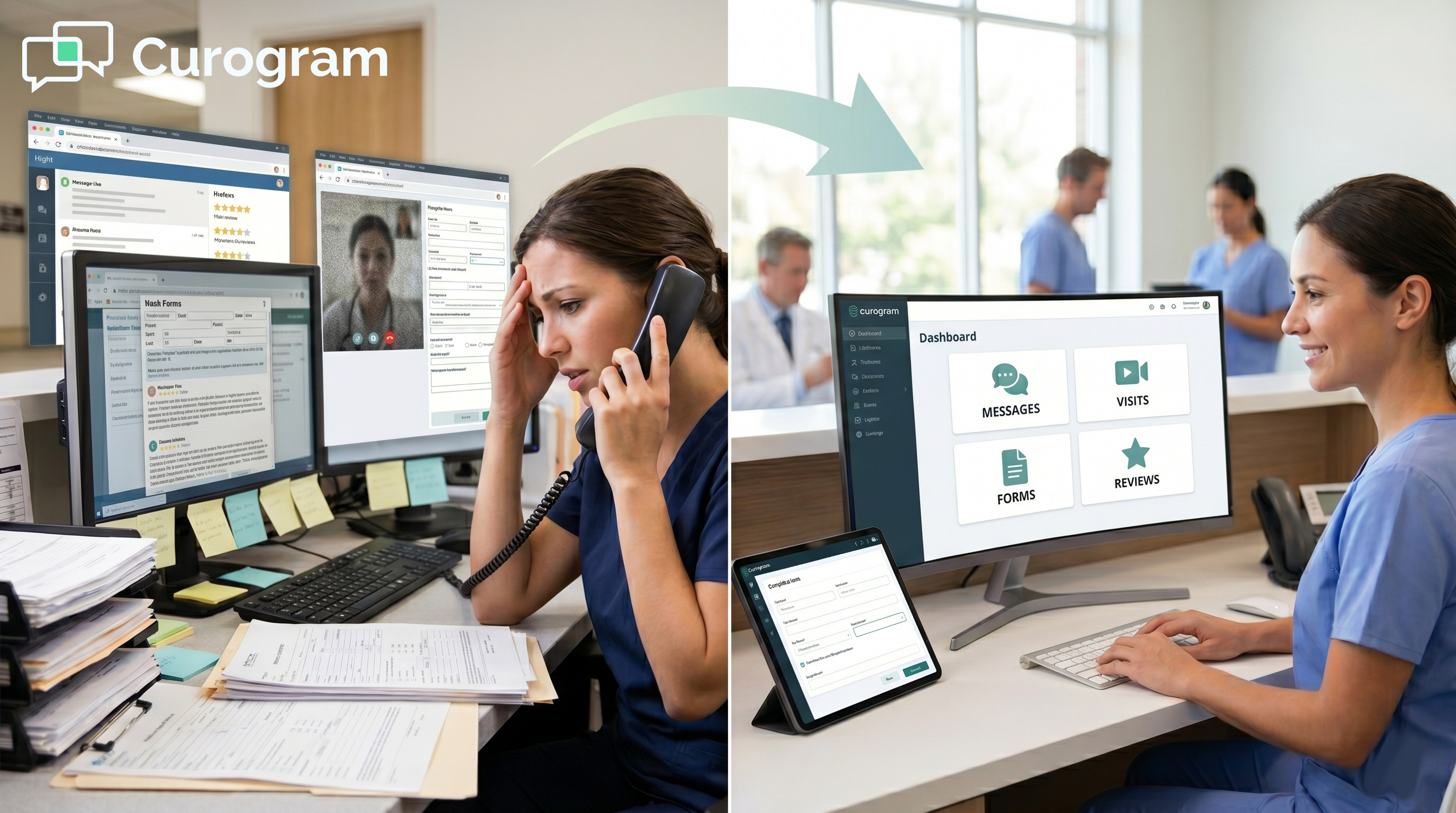
When a platform does not cover a clinical need natively, practices fill the gap with a separate tool. Each additional tool means another subscription, another login, and another training requirement.
More importantly, it means data that does not flow between systems automatically. The operational cost of tool fragmentation is one of the most common sources of inefficiency in medical front offices.
What Staff Actually Experience Day to Day
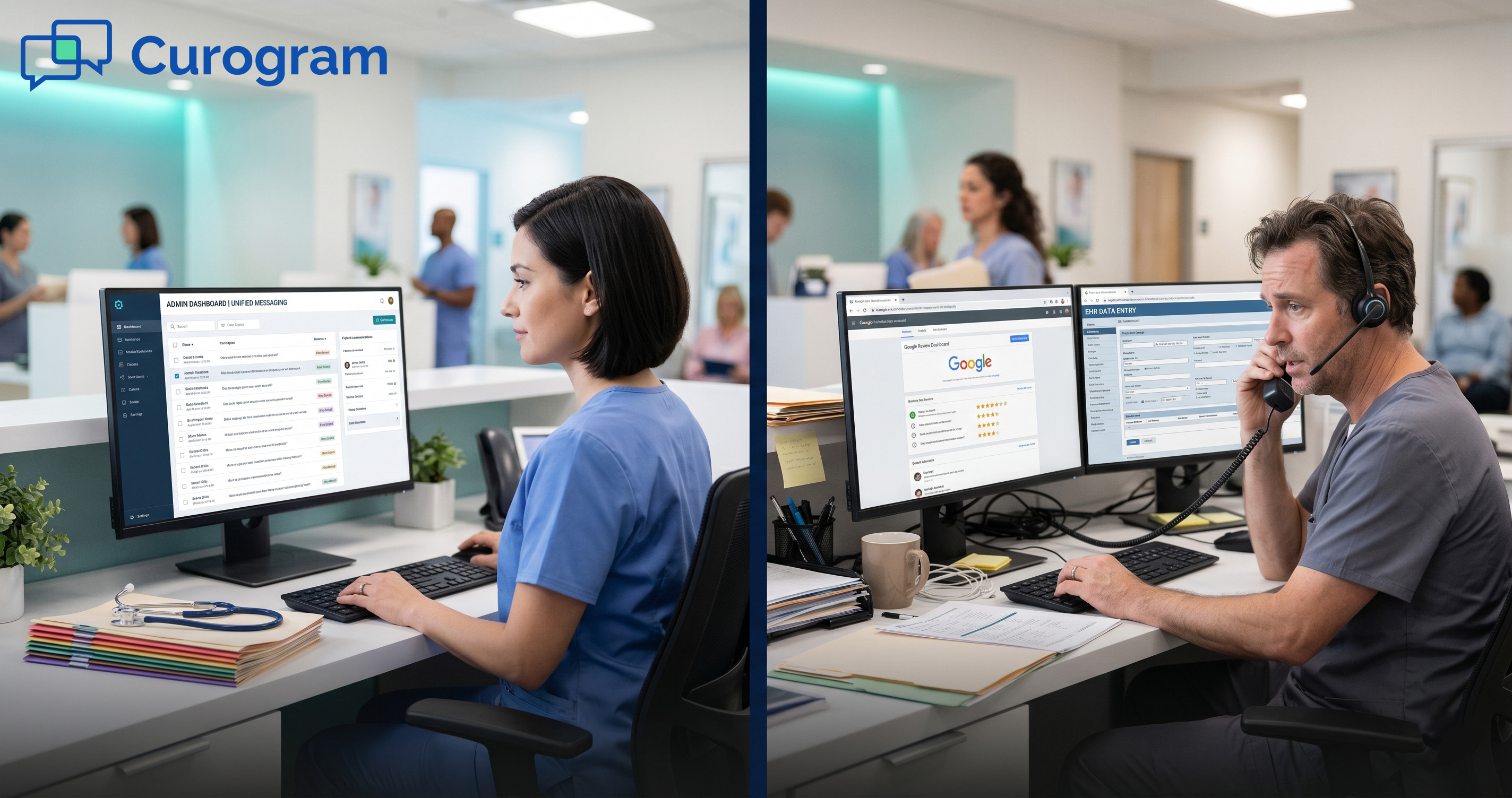
Staff working in a clinical automation platform spend less time switching between systems, re-entering data, and managing message threads manually.
The automation handles the routing, the confirmations, and the follow-ups. Staff focus on the interactions that require human judgment.
Staff working in a marketing-adapted platform often find that the tool handles the promotional workflows well but leaves the clinical interactions to manual processes. The platform creates efficiency in one area while adding friction in another.
Practice Growth vs. Clinical Operations: Which Problem Do You Have?
Both platforms solve real problems. The question is which problem your practice needs to solve most urgently.
If the main challenge is building an online presence and attracting new patients, a practice growth tool is a reasonable fit. Doctible is well-designed for that goal.
If the main challenge is front desk workflow, based around high call volume, manual intake, disconnected platforms, and low confirmation rates, a clinical automation engine is the more practical choice.
Practices That Benefit Most From Clinical Automation
Multi-location practices with high daily patient volume, specialties with above-average no-show rates like psychiatry and pediatrics, and practices currently running multiple disconnected tools tend to see the biggest gains from switching to a clinical-first platform. The complexity of their operations requires a system that was designed for that complexity.
Practices That May Be Well-Served by a Growth Tool
A single-location dental or wellness practice focused primarily on patient acquisition and online reputation may find that Doctible's growth-oriented feature set covers what they need. The clinical workflow demands at that scale and in that context are often less complex, and the platform's core strengths align with the priority.
Medical Operations Require Medical-Grade Automation
The difference between Curogram and Doctible is not a matter of how many features each platform has. It is a matter of what those features were built to do and who they were built for.
Doctible was built around practice growth. That is a legitimate goal, and for the right type of practice, the platform delivers on it. Its Review Generator, EasyFill waitlist broadcast, and engagement campaigns serve dental and wellness practices looking to attract and retain patients through marketing-oriented outreach.
Curogram was built for clinical operations. Two-way messaging with intelligent routing, smart intake with discrete EHR write-back, native telehealth, real-time schedule sync, and SMS-native patient recall are not features added to a growth tool. They are the foundation of a platform designed specifically for healthcare front desks.
For practices whose main challenge is operational, not promotional, the platform's DNA is the deciding factor. A marketing layer placed on top of a clinical workflow does not resolve the underlying bottleneck. It adds a tool to an already fragmented system.
The data from our client data from clinical settings reflects this. No-show rates 53% lower than the industry average. Over 1,100 appointments confirmed per month through full automation.
A 35% patient reconversion rate from SMS recall alone. These are outcomes produced by a system that was designed for the work, not adapted to it.
If your practice is evaluating options and your priority is front desk workflow, not just patient acquisition, the question is not which platform has the longer feature list. The question is which platform was built for the environment you actually operate in.
See how clinical-grade automation performs in a live medical environment. See Curogram in action.
Frequently Asked Questions
Curogram provides a unified clinical inbox with HIPAA-compliant two-way messaging and intelligent routing built for medical workflows. Doctible offers a web dashboard messenger that works for basic patient communication but lacks the clinical triage logic that medical practices need.
When patients reply with detailed medical questions, a marketing-oriented inbox creates extra work for staff rather than resolving the interaction automatically. The routing logic in a clinical platform handles that volume without adding to the front desk load.
A clinical intake system, like the one in Curogram, collects patient data through smart forms and writes it directly to specific EHR fields without staff re-entering it. A marketing-oriented intake tool, like Doctible's link-based forms, collects data in a flat format that often requires manual entry into the EHR.
For a practice seeing 30 to 100 patients a day, the time cost of manual re-entry is high. The clinical approach eliminates that step entirely.
Platform architecture determines what the system can automate, how data flows, and what still requires manual intervention. A clinical automation engine is built with healthcare workflows as the foundation.
Every feature, from messaging to recall to confirmations, connects to the EHR and runs within a HIPAA-compliant structure. A practice growth platform is built around marketing logic. Even when it includes healthcare-adjacent features, the underlying architecture was not designed for clinical triage, EHR write-back, or workflow-driven automation.
Curogram's native SMS recall is connected to the clinical context. It identifies patients who are overdue for care based on appointment type and last visit, sends HIPAA-compliant text messages, and can update the EHR schedule when a patient responds.
Doctible's recall capability is more limited and does not offer the same level of clinical context or EHR integration that medical practices need for effective follow-up care.
Based on Curogram client data from clinical settings, Curogram clients see no-show rates that are 53% lower than the industry average across specialties. In psychiatry, the average drops from 23% industry-wide to around 11%. In pediatrics, from 30% to about 14%.
A marketing tool sends reminders from broadcast templates without the clinical context that shapes how and when those reminders are sent. A clinical automation platform uses appointment type, specialty, and patient history to optimize reminder logic, which is what drives that level of no-show reduction.