9 min read

Reduce Front Desk Calls in Modmed Practices | Two-Way Texting

Reduce Front Desk Calls in Modmed Practices | Two-Way Texting
💡 Reducing front desk phone volume in Modmed practices with two-way texting is possible through Curogram, a HIPAA-compliant SMS platform that runs alongside EMA without disrupting clinical workflows. 

Modmed specialty practices report front desks fielding 80+ daily calls for confirmations, refills, and instructions.  

Klara was meant to automate this but often falls short. Curogram converts those calls into text conversations and cuts inbound phone volume by up to 50%. 

The result: staff manage 40–50 text threads at once instead of one call at a time, freeing hours each day.


Your front desk coordinator answered 23 calls before lunch. Six were appointment confirmations. Four were prescription refill questions. Three asked for directions. The rest were routine pre-visit instructions that took five minutes each to read aloud.

None of those calls needed a human voice on the line. But every one of them stole time from the work that actually moves your practice forward.

This is the daily reality inside most Modmed specialty practices. Your providers love EMA for charting. Your staff, on the other hand, are buried under a phone-driven workflow that the system was never built to fix. Klara was supposed to solve this. For most teams, it hasn't.

It promises automation. It delivers half-confirmations and clunky workflows.

So your coordinators do what they always do — they pick up the phone. They leave voicemails. They call back. They lose two hours before the first appointment even checks in.

The cost is bigger than it looks. Lost time. Lost confirmations. Lost revenue from no-shows that a simple text could have prevented. And eventually, lost staff who quit because they're spending half their day on hold instead of helping patients.

Here's the good news.

The fix isn't replacing your EMR. It isn't asking your front desk to learn another EHR interface. The fix is a HIPAA-compliant texting layer that sits next to Modmed and turns the 80-call day into something your team can actually manage.

This guide walks you through what that looks like in practice — how reducing front desk phone volume Modmed practices two-way texting can recover hours of staff time, lift revenue, and give your team back the workday they were promised.

Why Modmed's Admin Workflow Drains Your Front Desk

Modmed's EMA is a strong clinical product. Providers genuinely like the charting flow, and for good reason — it was designed around the way specialists document care. The administrative side is a different conversation.

Front desk staff describe the scheduling and PM workflows as click-heavy and rigid.Routine tasks that should take 30 seconds create measurable administrative workflow burden through repeated clicks and page changes.

When automation breaks down, the workaround is always the same — pick up the phone.

Where Klara Falls Short

That's where Klara was supposed to help. The Klara phone volume specialty practice problem is well known among administrators.

And it usually comes down to a few recurring gaps:

  • Confirmation reply rates that hover well below what's needed to actually skip the callback round
  • Batch messaging that delivers inconsistently, especially for larger send lists
  • Individual follow-ups that require navigating multiple screens per patient
  • Workflows built around an app many patients never download in the first place

Layer those gaps on top of EMA's click-heavy scheduling interface, and you've got a coordinator toggling between three screens, leaving voicemails, and trying to greet the patient who just walked in — all at once.

The fallback is always the same. Pick up the phone.

A Day in the Life: The 80-Call Reality

Let's walk through a typical morning at a Modmed dermatology practice. Your coordinator arrives at 7:30 AM with 15 appointment confirmations to clear before the 9 AM rush.

Klara's automated reminders went out the night before. Fewer than half of patients replied. The confirmation workflow is awkward enough that many patients simply ignore it.

So the coordinator starts dialing. Voicemail picks up 60% of the time. Eight appointments are still unconfirmed when the doors open.

When the Inbound Wave Hits

Then the inbound calls start. A patient wants post-Mohs care instructions read aloud. Two more need refill status updates. One asks for directions. Another wants to know what their balance is. Twelve calls before 10 AM, every one of them eating three to five minutes.

This is the 80-call day. And it's not an exception — it's Tuesday.

What Phone Volume Actually Costs Your Practice

Here's where the numbers get uncomfortable.

At 80 calls per day averaging 3–5 minutes each, your front desk burns 4–7 hours daily on the phone. Per person.

Over a week, that's 20–35 hours of staff time spent on tasks a text could close in 30 seconds.

The True Annual Cost of an 80-Call Day

Phone Cost Driver Daily Weekly Annual
Time on phone (per FTE) 4–7 hours 20–35 hours 1,000–1,750 hours
Phone-only labor cost $72–$175 $360–$875 $18,000–$45,000
Unconfirmed no-shows (5/week at $300 avg) $1,500 $78,000

That's a five-figure cost center hiding inside what looks like "just answering the phone." For a three-person front desk, the labor math alone clears $50,000 a year before you even count the revenue lost to no-shows.

The takeaway is simple. For your practice, every phone call that didn't need to happen is a dollar that didn't need to be spent.

The Hidden Cost: Burnout and Turnover

Now zoom out from the dollars. Your front desk coordinators are skilled professionals. They handle insurance verification, complex specialty scheduling, and the first patient impression of your practice.

When half their day is voicemail tag, the burden contributes to staff burnout and retention problems.

That's how good people start looking for new jobs.

Replacing a front desk hire costs roughly $4,000–$7,000 once you factor in:

  • Recruiting fees and time spent screening candidates
  • Onboarding hours pulled from your office manager's schedule
  • The productivity dip during the 60–90 day ramp-up window
  • Errors and patient experience hits during the transition

Klara was supposed to prevent that cycle. Most practices report it didn't, because the underlying workflow — phone-first, screen-heavy, fragmented — never actually changed.

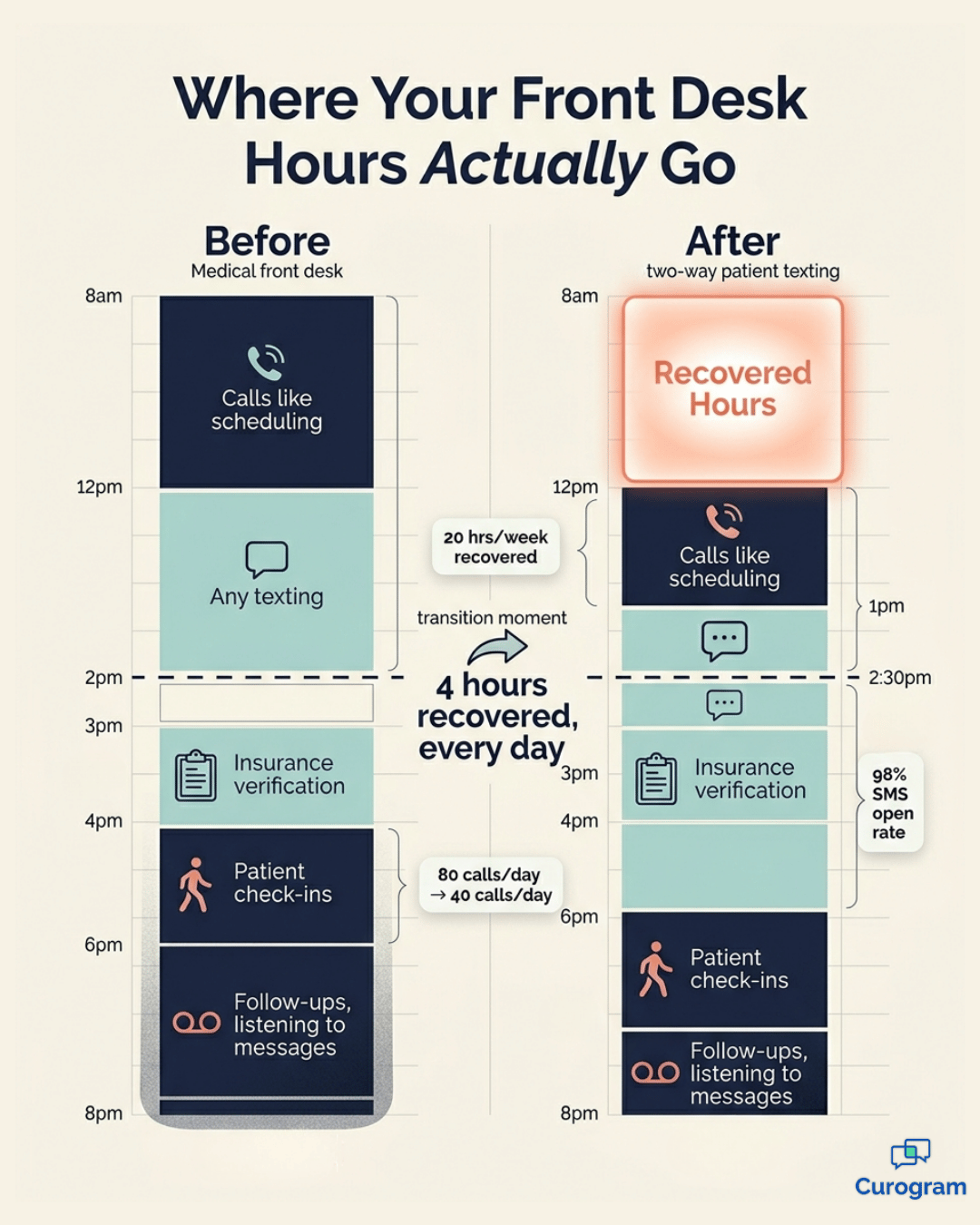
Vertical infographic comparing Modmed front desk hours before and after two-way patient texting.

A Different Approach: Texting as the Default Channel

Now the fix. The shift starts with a simple question — what if 50% of your inbound calls never had to be calls in the first place?

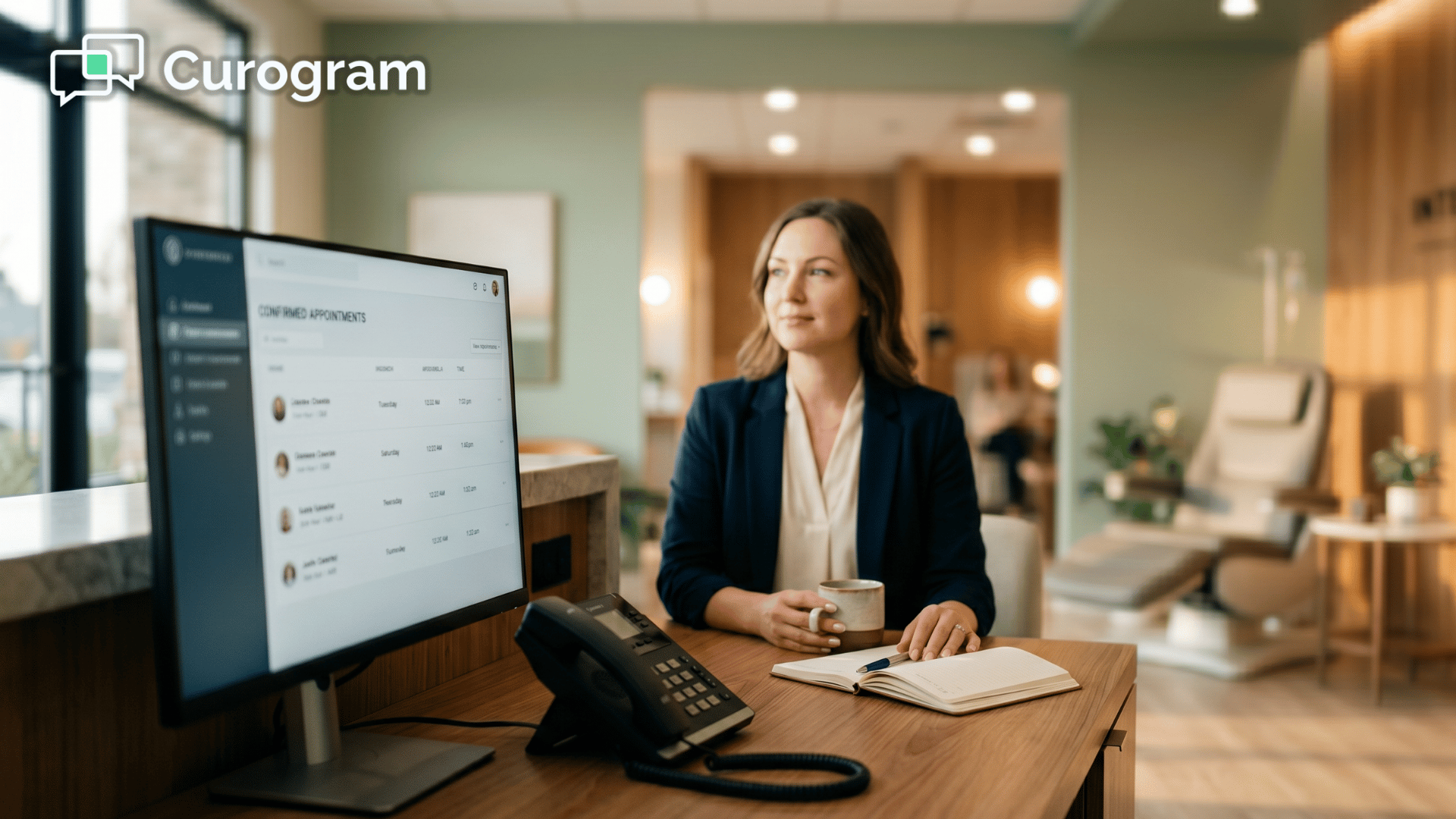
That's where Curogram fits in. It's an independent, HIPAA-compliant two-way texting platform that runs alongside Modmed. Your providers keep charting in EMA. Your front desk handles communication through a dedicated SMS dashboard.

One coordinator can manage 40–50 text conversations at once. Compare that to one phone call at a time, and the math gets obvious fast.

The Modmed front desk call reduction SMS workflow looks like this: confirmations, pre-procedure instructions, refill status updates, billing reminders, and directions all move from the phone to text. The phone still rings — but only for the calls that genuinely need a live voice.

Broadcast and Individual Messaging in One Dashboard

Curogram supports both broadcast messages and one-to-one threads. A coordinator can fire off confirmation texts to 30 patients in under two minutes, then handle each reply individually as it comes in.

Everything stays in one view. No tab-switching between Klara's dashboard and EMA's scheduling screen. No re-entering data.

Compared to Klara's confirmation workflow — where batch sends are unreliable and individual responses bury you in screen changes — this is closer to how modern messaging actually works.

Integration With Modmed That Doesn't Get in the Way

This is the part that matters for Curogram front desk productivity Modmed integration. Curogram pulls appointment data from Modmed through HL7/FHIR protocols. That means every confirmation text is tied to a real, scheduled appointment.

Staff don't manually look up patients. They don't re-enter data into two systems. EMA remains the system of record for clinical work. Curogram handles the communication layer.

The two systems work in parallel, not on top of each other. Your providers' workflow stays exactly as it is today.

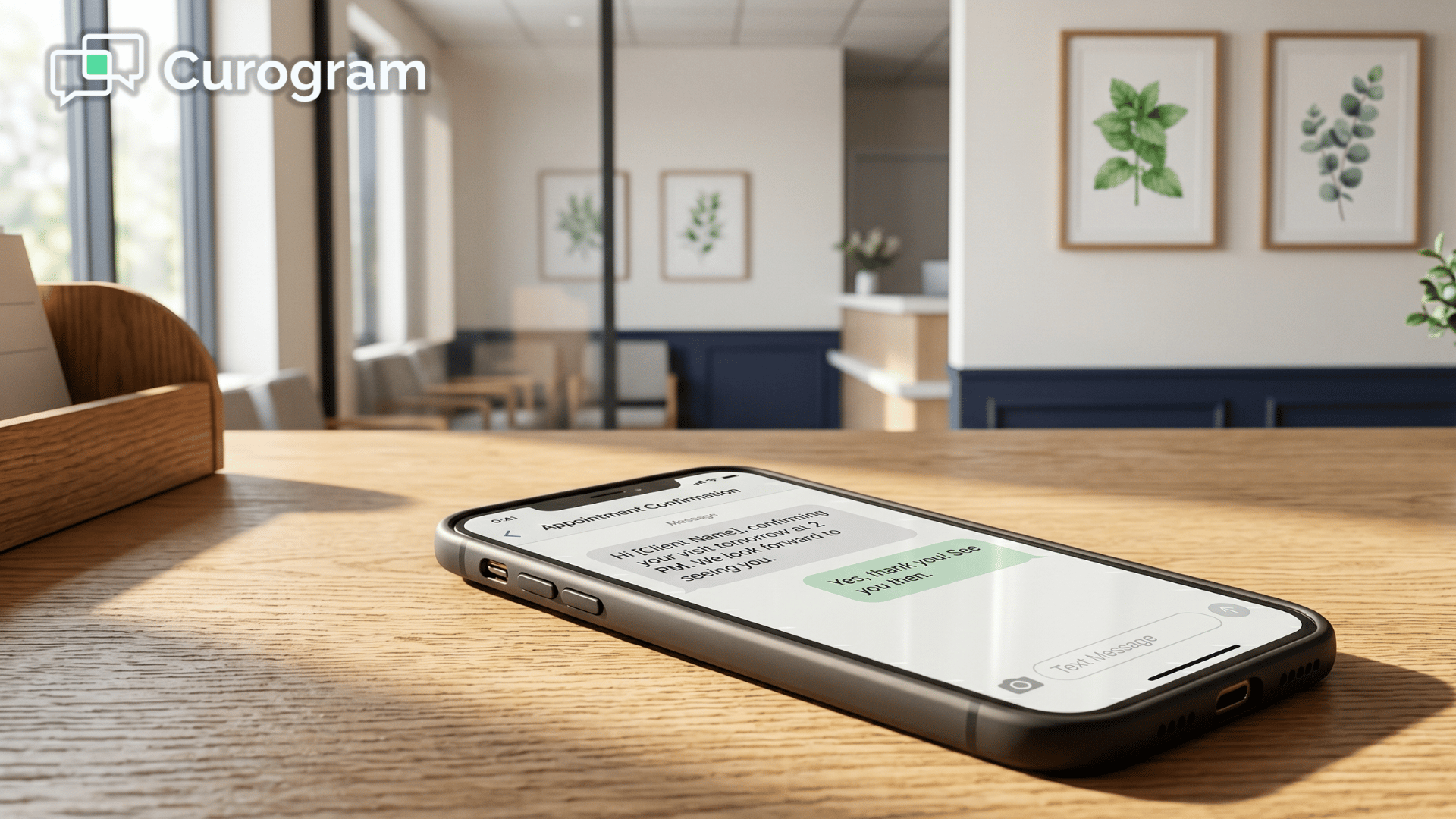
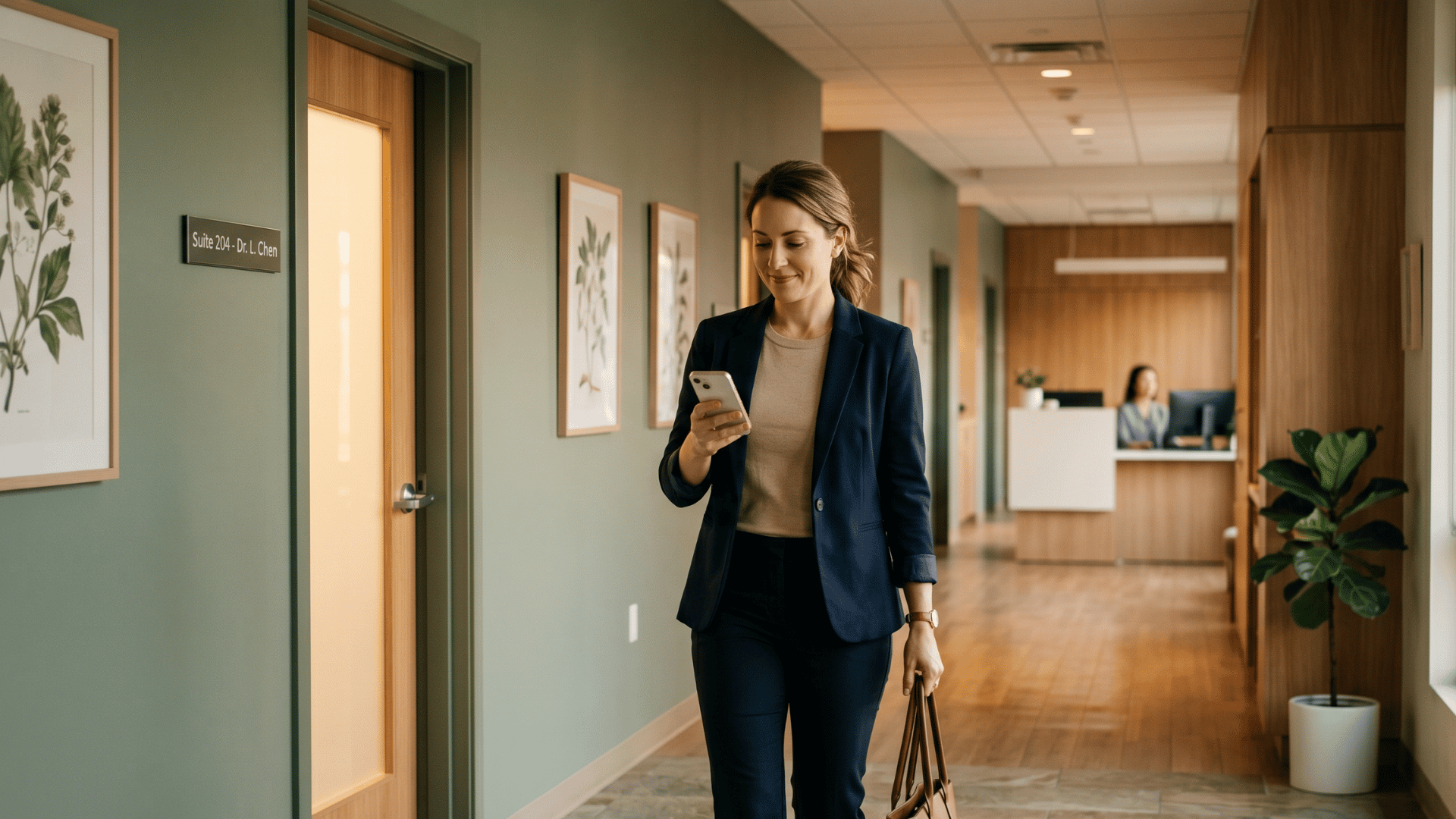
Patient leaving specialty clinic reading appointment text on phone in a quiet modern hallway.

Where Specialty Practices Win With Texting

The benefits compound when you map them to specialty workflows. For dermatology teams, this is how you automate patient communication Modmed dermatology practices have been trying to fix for years — pre-Mohs instructions, biopsy follow-ups, and post-procedure care messages all move to text.

Each one saves 5–10 minutes versus a phone call.

Specialty-by-Specialty Use Cases

The same texting layer plays a different role in each specialty's day-to-day:

  • Orthopedics: surgical coordinators text post-op physical therapy schedules and prep instructions instead of chasing patients by phone
  • Ophthalmology: coordinators text medication drop schedules to cataract patients — many of whom find phone calls difficult due to hearing or vision challenges
  • Pain management: staff send controlled substance refill status updates by text, cutting the anxious callback chains that consume hours every week
  • Dermatology: Mohs prep, biopsy results notification, and skincare follow-ups move out of the phone queue entirely

Stop playing phone tag! Reduce your call volume by 50% with Curogram's HIPAA-compliant 2-way texting platform.  

In every case, texting is faster for your team and preferred by patients. SMS has a 98% open rate compared to email — patients actually see and respond to the messages you send.

The 40-Call Day: What Recovery Looks Like

Here's the headline metric. Curogram clients consistently report a 50% reduction in inbound call volume within the first month of deployment.

For a practice fielding 80 calls daily, that's 40 fewer phone interruptions. Four hours of staff time recovered every day. Twenty hours per week. Over 1,000 hours per year, per front desk team.

That's not a small efficiency gain. That's a structural change to how your front desk operates.

From Phone Desk to Command Center

When the call volume drops, the role shifts. Your front desk stops being a reactive phone-answering station and becomes a proactive communication hub.

Staff manage text queues, prioritize urgent threads, batch-send confirmations, and flag no-response patients for follow-up — all from one screen. The phone still rings, but it rings for the complex conversations that genuinely need a voice on the line.

This is where the staff efficiency two-way texting Modmed EMA story starts paying off. The same coordinator who used to answer 80 calls now handles 40 calls plus 60 text threads — and finishes the day with hours to spare.

Where That Recovered Time Goes

The 4 hours your team gets back every day don't vanish into longer lunches. They get reallocated to higher-value work.

Insurance verification gets done more thoroughly, which cuts claim denials. Check-in flow gets optimized, which shrinks wait times. Recall outreach finally happens, which recovers lapsed patients who were slipping through the cracks.

A typical dermatology practice that recovers 20 hours per week and reallocates even half of that to recall outreach can recover 10–15 lapsed patients per month.

At $200–$500 per visit, that's $2,000–$7,500 in new revenue every month — purely from time that used to be spent on hold.

Add the no-show reduction Curogram clients report — no-show rates 53% lower than the industry average — and the revenue picture stacks up fast. For a practice running 80 appointments a day, cutting no-shows from 12% to 6% recovers roughly 5 appointment slots daily, which is $1,000–$2,500 in daily revenue that used to walk out the door.

For your team, that's the equivalent of adding a part-time front desk hire — without adding a single payroll line.

Your Front Desk Wasn't Built for 80 Calls a Day

Your front desk team is doing the best they can with a workflow that was never designed for them. Modmed's EMA is excellent for clinical documentation. It wasn't built to be a communication platform — and it doesn't need to be.

That's the role Curogram fills. It's the independent texting layer that handles the routine 50% of patient interactions your staff is currently spending hours of phone time on.

Your providers keep charting in EMA. Your administrators keep using PM. Nothing in your clinical workflow changes.

What changes is the call volume. What changes is staff morale. What changes is how much revenue your front desk recovers in a week when they're no longer trapped on the phone.

Practices that reduce 80 daily calls Modmed specialty clinic teams handle report the shift takes effect in the first week. Not the first quarter. Not after a six-month rollout. The first week.

Staff training takes 10 minutes. The dashboard is separate from EMA, so there's nothing new for your providers to learn. Integration with Modmed runs through standard HL7/FHIR protocols — your IT team doesn't need to build anything custom.

If your front desk is fielding 60, 80, or 100+ calls a day, the next 30 days could look very different. Less ringing. More texting. More time for the work that actually grows your practice.

See how Curogram works inside a Modmed specialty practice. The demo runs 15 minutes — short enough to fit between patients, long enough to show you exactly how the 40-call day works.

Bring your office manager. Bring your front desk lead. Ask the hard questions about integration, HIPAA compliance, and rollout. You'll see the actual workflow, not a slide deck.

Schedule a Demo today. Your front desk has been waiting for this fix longer than they should have.


Frequently Asked Questions

Is patient texting HIPAA-compliant for sharing appointment details and pre-procedure instructions?

Yes. Curogram is fully HIPAA-compliant with end-to-end encryption, audit logging, and a Business Associate Agreement for every practice. Your staff can safely text appointment confirmations, pre-procedure instructions, and care reminders — the same information they currently share by phone, delivered more efficiently and with a documented trail. For anything involving Protected Health Information like test results or diagnoses, Curogram provides a secure portal so that sensitive content stays encrypted.

Will my front desk staff need extensive training to use Curogram alongside Modmed?

No. Curogram connects to Modmed using standard HL7/FHIR protocols for appointment syncing, patient demographics, and reminder triggers. Your providers keep charting in EMA exactly the way they do today — nothing about the clinical workflow changes. Curogram handles the patient communication layer separately, so staff manage texting from one dashboard without bouncing between multiple Modmed modules.

What happens to patients who prefer phone calls over texting?

Curogram doesn't eliminate phone calls — it reduces them to the calls that genuinely need a live conversation. Patients who prefer calling can still call your practice directly, and your team answers as they always have. The difference is that the 50% of calls that are for routine confirmations, refill status, and directions move to text, which frees the phone line for patients who actually need to speak with someone. Curogram also offers call-to-text functionality, so callers who'd rather text can be converted to a text thread on the spot.

How long does it take to deploy Curogram alongside our existing Modmed setup?

Most practices are live within 1–2 weeks. The integration runs through standard HL7/FHIR protocols, so there's no custom development required on your end. Your IT team isn't building anything, and your providers don't change a single EMA workflow. Curogram's onboarding team handles the configuration, imports your appointment data, and trains your front desk in a 10-minute session — and call volume typically starts dropping within the first week of use.

Can we keep using our existing practice phone number for texting?

Yes. Curogram texts come from your practice's existing phone number, so patients see the same caller ID they already recognize. There's nothing for them to download, no new number to save, and no app required. They reply by text the way they'd reply to any other message, and your front desk handles the thread from the Curogram dashboard. This is one of the reasons response rates are higher than Klara's app-based workflow — the friction simply isn't there.