9 min read
Complete Modmed Intake Forms Before Your Visit | No Clipboard
Aubreigh Lee Daculug
:
May 21, 2026
Table of Contents
Patients fill out medical history, insurance, and consent forms on their phone — no app, no portal login, no clipboard.
Curogram, an independent patient engagement platform, delivers these mobile forms by SMS and pushes the data into Modmed-friendly workflows.
The result for specialty practices: check-in drops from 15–20 minutes to 2–3 minutes, completion rates exceed 70%, and the visit begins with care instead of paperwork.
A patient picks your dermatology practice because of your Mohs outcomes. Another chooses your ophthalmology clinic because a friend raved about her cataract result. A third drives 40 minutes to see your orthopedic surgeon.
They are not coming for your front desk. They are coming for your expertise.
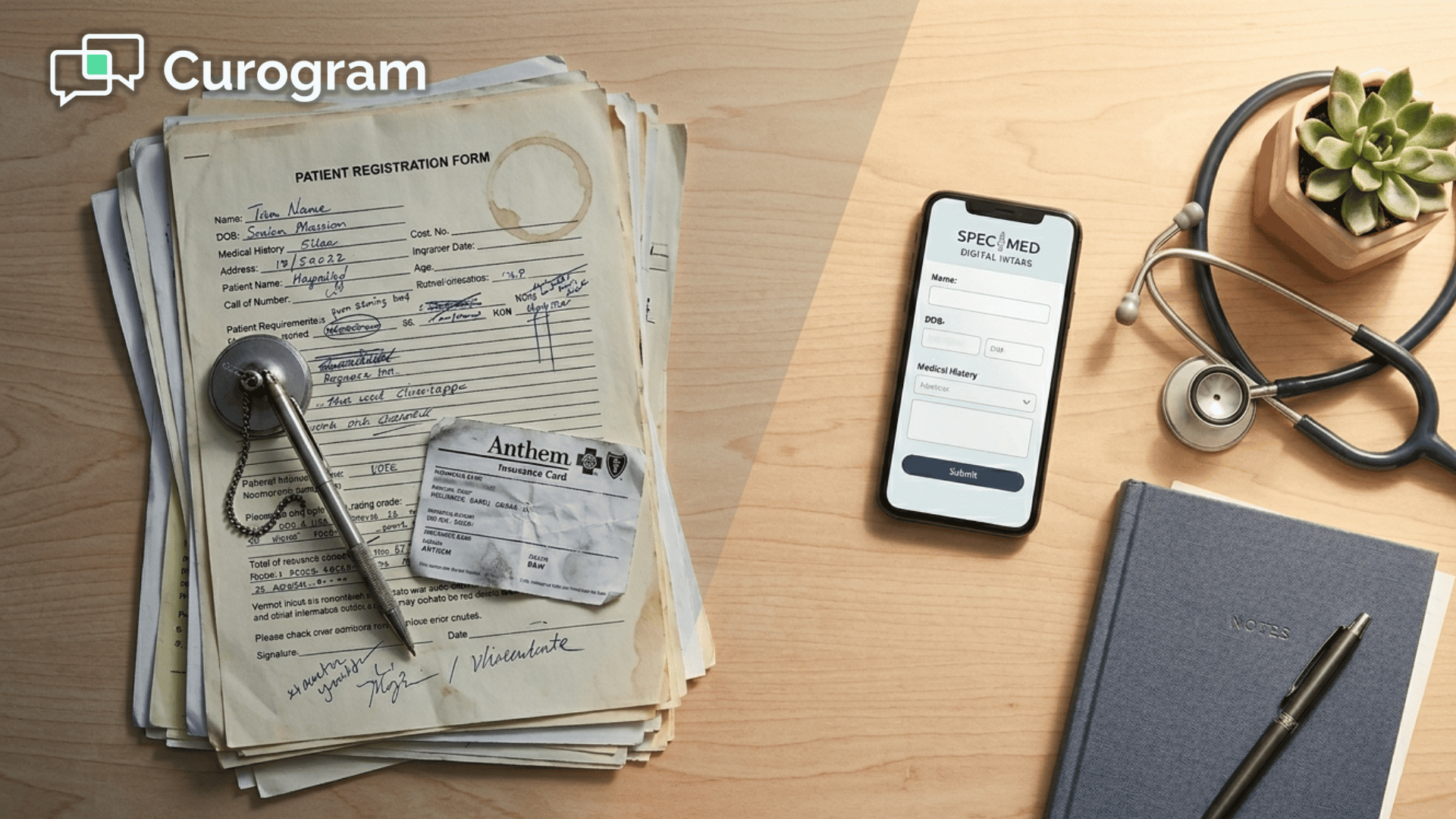
Then they walk in and meet a clipboard.
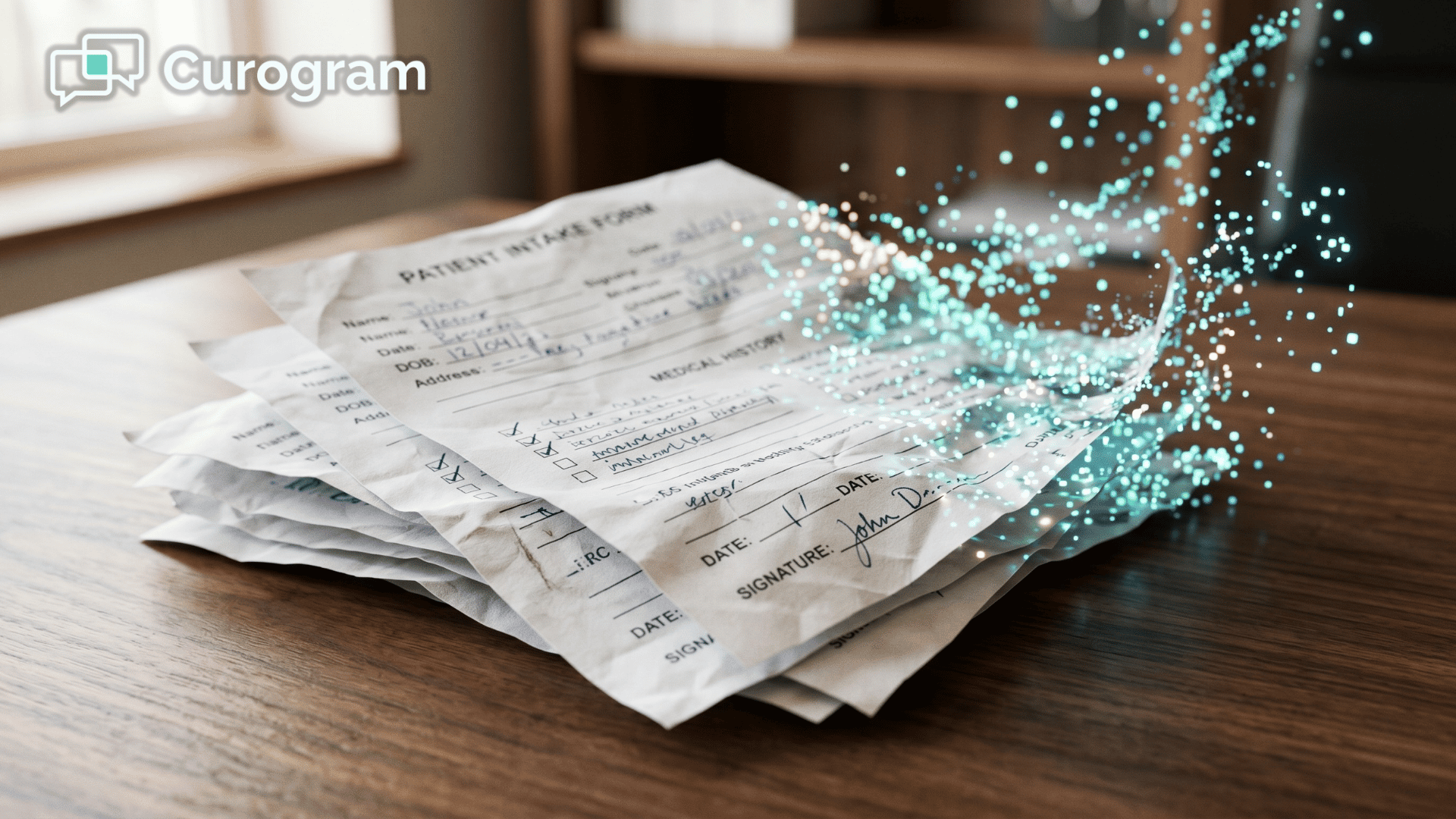
Twelve to nineteen pages. A pen attached by a coiled wire. Demographics, medical history, medications, allergies, surgical history, insurance, HIPAA, specialty-specific consent forms. Twenty minutes of writing before the visit even starts.
Here is the part that stings.
Your clinical care is excellent, but the first impression you make is administrative. The patient remembers the wait. They remember the small print. They remember filling in their pharmacy fax number from memory and giving up halfway down the page.
This is the waiting room clipboard, and it is quietly working against you. It delays your schedule. It frustrates patients who already filled out the same forms across three other specialists this year.
And in a market where every Modmed specialty practice competes on patient experience as much as outcomes, the clipboard is the weakest part of your front-of-house operation.
There is a better way, and it has nothing to do with buying tablets for the lobby. The fix is to move intake off the clipboard entirely and into the place where your patients already live: their phone.
Pre-visit digital forms Modmed patients complete intake before arriving change the math on check-in time, data quality, and first impressions.
In the next few minutes, you will see exactly how that shift works, what it looks like for the patient, and why specialty practices are seeing 70%+ completion rates without changing a single clinical workflow.
Why the Clipboard Quietly Costs You Patients
Specialty patients are not casual healthcare consumers. They have done research. They have likely waited weeks for the appointment. They have arranged time off, transportation, and sometimes a family member to drive them home.
So when the first interaction is a 15-page packet, the message lands wrong.
The clipboard says,
"We were not ready for you." It does not matter that your provider is brilliant.
The patient's clock started when they walked in, and you are spending the first 20 minutes of it on data entry the patient is doing themselves.
The Hidden Schedule Tax
It also creates a quiet schedule problem. If Patient 1 takes 25 minutes to finish their forms, your 9:15 appointment slides to 9:30. By 11 a.m., your provider is 45 minutes behind, and the apology starts to feel automatic. You did not lose time to clinical complexity.
You lost it to paper. The same logic applies down the entire morning block, which is why the back-of-day appointments often feel rushed for reasons no one can quite name.
The Real Cost of Paper Intake in Specialty Care
Let's put numbers on it. Most specialty practices schedule patients every 15 to 20 minutes. Paper intake eats 20 to 30 minutes per patient when you include both filling out the forms and the data entry that follows.
Here is a simple comparison for a single provider seeing 20 patients a day.
| Workflow stage | Paper intake | Pre-visit digital forms |
|---|---|---|
| Patient form completion | 15–20 min on-site | 5–10 min at home |
| Staff data entry per patient | 5–10 min | Near zero |
| Daily admin time, 20 patients | 6–10 hours | Under 1 hour |
| Schedule drift by 11 a.m. | 30–45 min | Under 5 min |
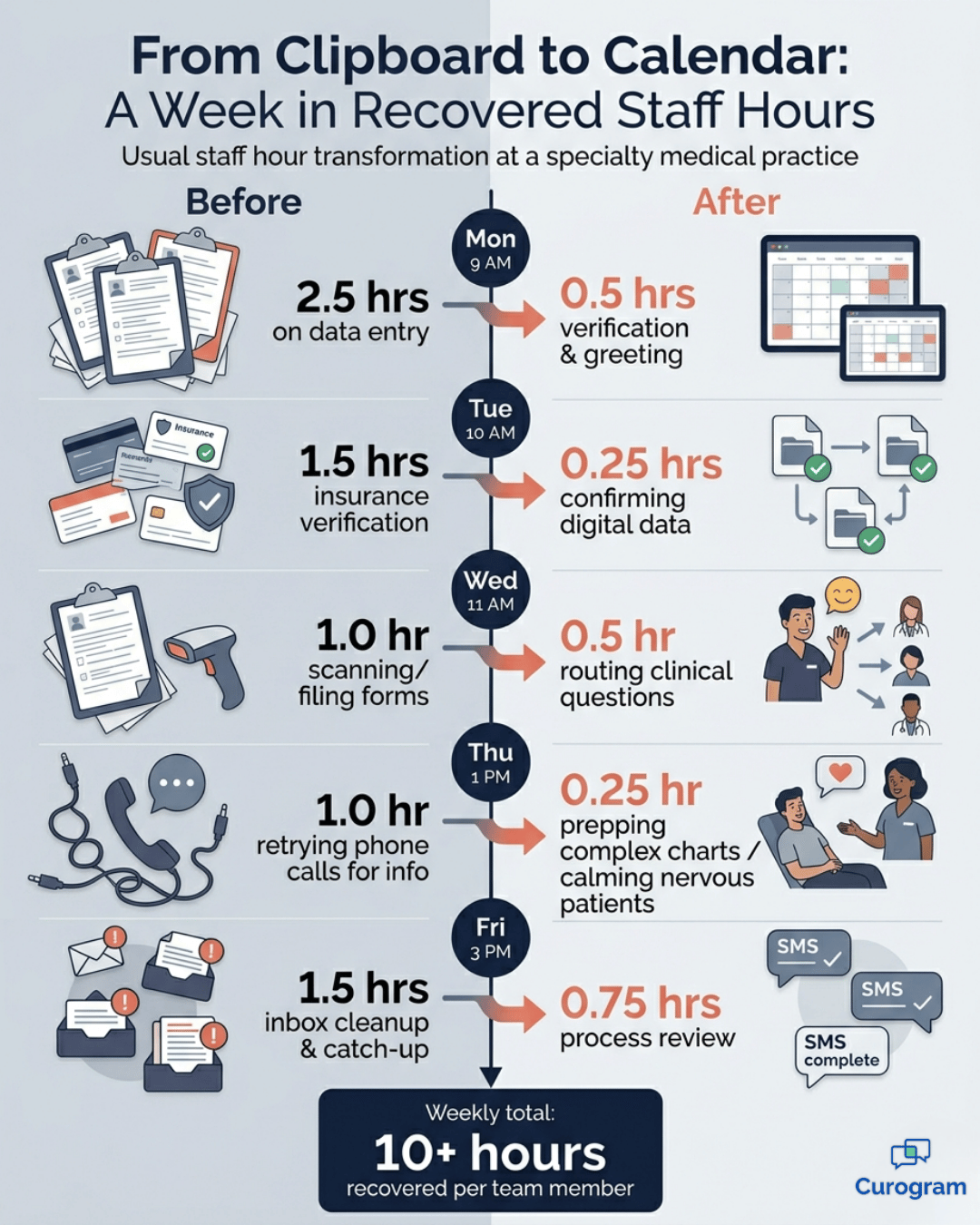
For your team, that recovered admin time is the difference between a chaotic Monday and a calm one. Staff can verify insurance, prep charts, and actually look up at patients walking in.
For your patients, the savings show up as a check-in that takes 2 to 3 minutes instead of 20.
There is also a softer cost that does not show up in a spreadsheet. Patients who see three or four specialists a year fill out nearly the same forms each time. The redundancy reads as disrespect. In post-visit surveys, that frustration shows up as lower satisfaction scores, even when the clinical outcome was excellent.
Why Existing Fixes Inside Modmed Often Fall Short
Modmed's EMA is built to make your providers fast. Specialty templates, image-driven charting, and protocols tuned to dermatology, ophthalmology, orthopedics, and pain management are real strengths.
What it was not built to do is fix the patient's pre-visit experience for you.
The common workarounds practices try each break down in predictable ways:
- Patient portals: Adoption stays low, especially in older specialty populations. Patients forget the login, reset the password, and give up. The same 15% who would have filled out forms either way are the ones using it.
- Mailed paper packets: Less than half come back. Of those that do, many are partial or illegible, so staff still re-key the information.
- Front-desk tablets: Better than paper, but still consumes waiting room time and only works if every patient arrives early.
The honest version: there is no patient pre-registration digital forms Modmed EHR feature inside the box that meets patients where they already are.
To get there, you need a layer that lives on top of Modmed and speaks the channel patients actually open — text.
How Pre-Visit Digital Forms Actually Work
This is where Curogram fits in. Curogram is an independent patient engagement platform that delivers mobile intake forms by SMS, 24 to 48 hours before the appointment. There is no app to install and no portal to log into.
Here is the patient flow, written the way a patient would experience it:
- A text arrives the day before the visit with a friendly note and a secure link.
- The patient taps the link and the form opens in their phone browser.
- They fill in demographics, medical history, medications, and allergies — most of it through dropdowns and checkboxes, not free text.
- They snap a photo of the front and back of their insurance card instead of copying numbers by hand.
- They sign consent forms with a finger.
- They submit. Done. Total time: 5 to 10 minutes.
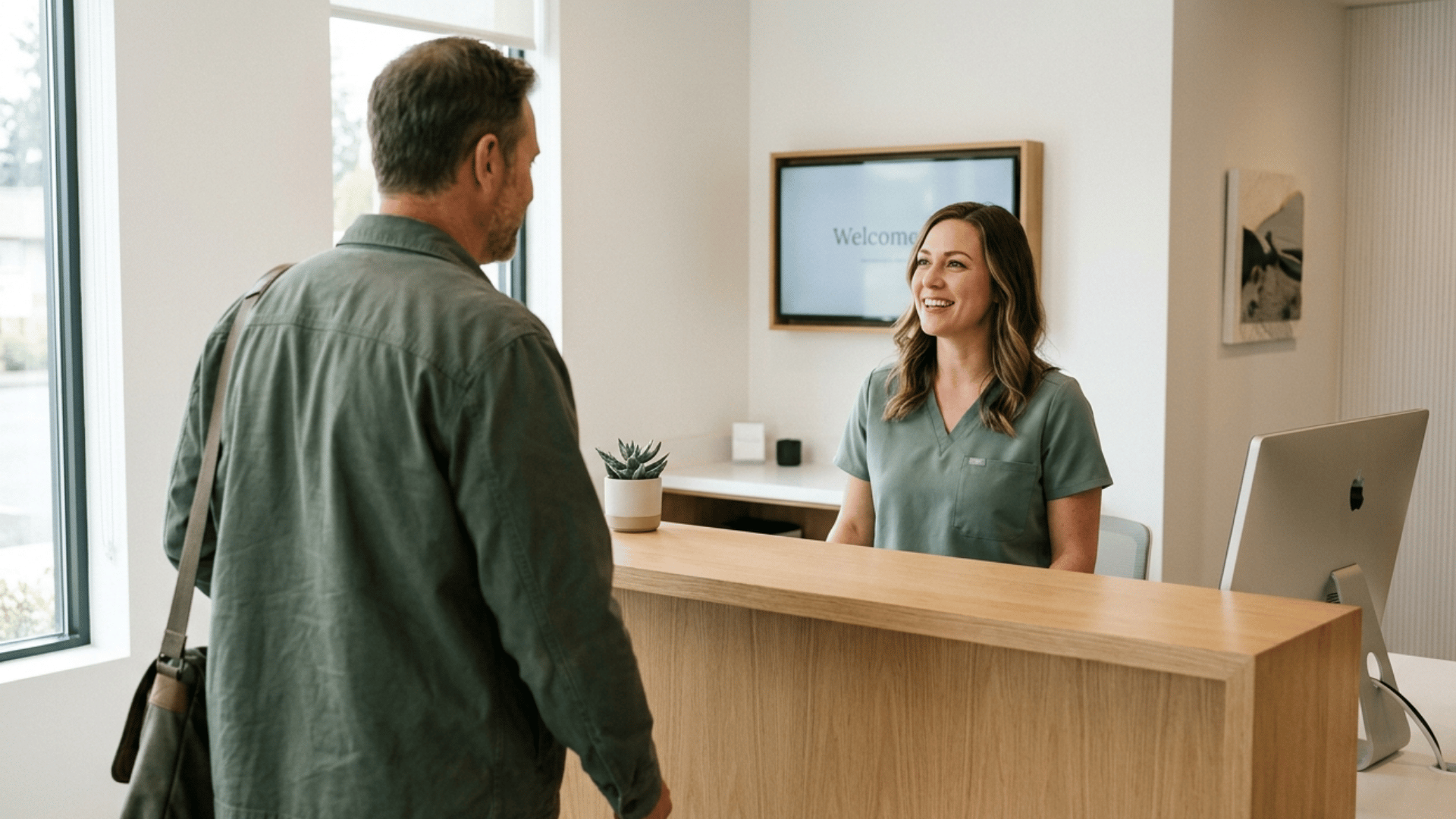
When they walk into your office, the data is already there. Check-in becomes ID verification and a friendly greeting. That is what "Modmed patient intake experience no clipboard" looks like in practice.
The Curogram patient intake experience Modmed practices roll out feels like part of the appointment reminder, because it is.
Patients do not need to know it is a separate platform. They just know the office finally figured out the phone.
Why Mobile Intake Fits Specialty Patients So Well
Mobile intake forms dermatology ophthalmology specialty practices use are not just a nicer version of paper. They are actually a better fit for specialty patient needs.
Ophthalmology and Dermatology
Think about an ophthalmology cataract consult.
The patient's vision is compromised — small print on paper is uncomfortable to read. On their phone, they pinch to zoom, switch to dark mode, or use the system's voice input.
The form gets easier, not harder.
In dermatology, patients can upload a photo of a lesion before the visit. The provider walks into the room with visual context already in mind. The exam is faster and more focused.
Orthopedics and Pain Management
For orthopedics and pain management, voice-to-text replaces handwriting for patients who literally cannot hold a pen comfortably. Medication histories — the most error-prone part of paper intake — are completed thoughtfully at the kitchen table instead of rushed in a waiting room chair.
In every specialty, the quality of data you receive goes up. Not because the patient changed. Because the medium did.

What Changes When the Visit Starts with Care
The numbers speak loudly. Practices using pre-visit digital forms see:
- Completion rates of 70% or higher when forms arrive by text link
- Check-in time cut from 15–20 minutes to 2–3 minutes
- Schedule drift reduced to near zero through the morning
- Staff hours saved per day, recovered for verification and patient prep
Translate that to a single multi-provider ophthalmology practice. Say it sees 80 patients a day across four providers. If 75% of those patients complete forms before arriving, that is 60 clipboards eliminated.
At an average of 15 minutes saved per patient on intake plus data entry, that is roughly 15 hours of admin friction removed from a single day.
This means your 9:15 appointment actually starts at 9:15. Your front desk stops apologizing. Patients comment in Google reviews about how smooth the visit was. Word travels, and word is how specialty practices grow.
There is also a clean cultural shift in the lobby itself. Patients are not hunched over paperwork. They are looking at their phones the way they would anywhere else — but the form-filling is already done. The room is quieter, calmer, and more in line with the quality of care your providers deliver.
Putting Curogram on Top of Modmed: What It Looks Like in Practice
Curogram does not replace Modmed. It sits alongside it as the patient-facing layer that handles communication and intake. Practices keep their Modmed workflows for clinical charting and use Curogram for everything that touches the patient's phone.
A typical rollout for a specialty practice looks like this.
Curogram works with your team to build digital versions of your current intake forms — same fields, same consents, same compliance.
The forms get attached to appointment reminders for selected visit types. Staff watch completed submissions arrive in a clean dashboard before the patient walks in.
When a Patient Does Not Complete the Form in Time
For patients who do not complete the form ahead of time, you have backup options. An automated reminder text nudges them the night before. If they still arrive without finishing, a front-desk tablet loads the same digital form — faster than paper, still no clipboard.
The point is not to be rigid. The point is to reduce waiting room time Modmed specialty practice teams have accepted as normal for too long.

What It Means for Your Front Desk and Your Providers
The biggest mistake practices make when evaluating digital intake is thinking of it as a patient-only benefit. The bigger story is what changes for your team.
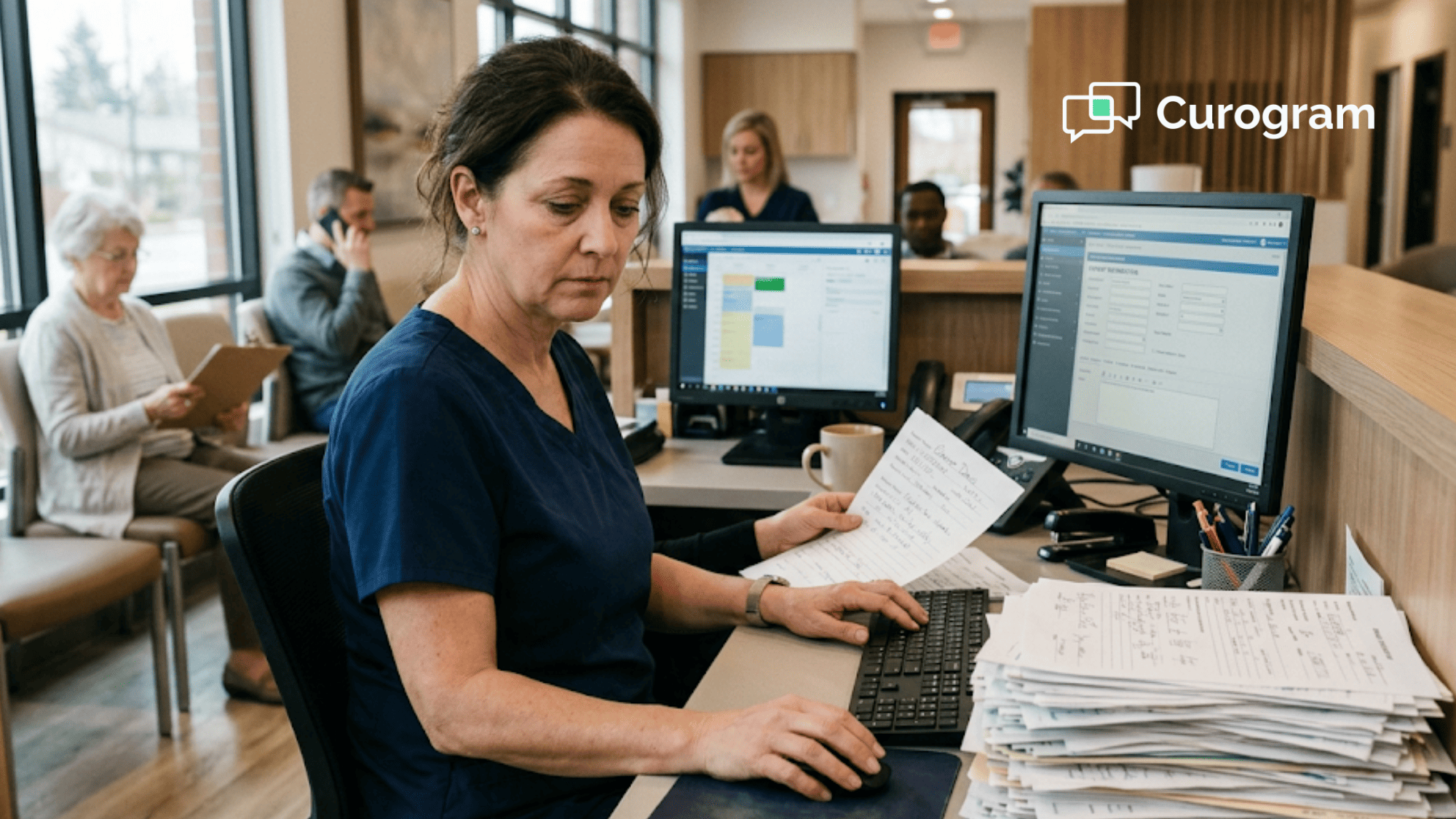
Front desk staff stop being human OCR machines.
The hours they used to spend re-keying handwritten forms get redirected to the work only humans can do:
- Greeting patients and setting the tone of the visit
- Verifying insurance and chasing prior authorizations
- Calming nervous patients before procedures
- Routing clinical questions to the right team
Their job becomes more interesting, and turnover drops with it.
Providers gain something subtler but valuable:
Better data on the screen at the moment they walk into the exam room.
When patients complete medical forms on phone before appointment from home, they take their time.
They look up that medication they could not remember.
They include the surgery they would have skipped at the front desk because they were embarrassed it took too long.
That data quality compounds. Better charts mean fewer chart corrections. Fewer corrections mean fewer billing kickbacks. Fewer kickbacks mean cleaner revenue.
A Quick, Honest Look at What This Costs
Digital intake is not free. There is a software cost, a setup cost, and a small adjustment period while patients get used to the new flow. But the math holds up under scrutiny.
A Simple ROI Walk-Through
Take a practice paying a front-desk team member roughly $20 an hour fully loaded. If digital intake saves 2 hours of admin work per day across the team, that is $40 a day, or roughly $10,000 a year per location.
Add the time providers save by starting on schedule and the no-shows you reduce because reminder texts also confirm appointments, and the ROI usually shows up inside the first quarter.
In practice, the bigger return is the one that is harder to measure: the patient who tells two friends about your practice because the visit was easy. That is how specialty practices win the long game.
Bring the Pre-Visit Advantage to Your Practice
The clipboard is not a small problem. It is the first thing your patients touch, and right now it does not match the quality of the care they are about to receive.
Twenty minutes of paperwork before a specialist visit is the kind of friction patients quietly hold against you in the review they leave or the friend they refer somewhere else.
Pre-visit digital forms close that gap. Patients show up ready. Your team starts the day calm. Your providers walk into rooms with cleaner data and on-time schedules. The first impression of your practice finally lines up with the clinical reputation you have worked years to build.
Curogram was built to make this shift simple. Forms delivered by text. No app for patients. No replacement for Modmed.
Just a clean patient-facing layer that handles what EMA was never built to handle — meeting your patients in the channel they already use.
If your front desk still spends mornings deciphering handwritten forms, your schedule still slips by 11 a.m., or your post-visit surveys keep mentioning the wait, this is the lowest-friction fix on the table.
You do not need a full tech overhaul. You need one piece that lets your patients prepare at home.
Schedule a Demo with our team for a focused 15-minute walkthrough. You will see the patient-side form experience exactly as your patients would, watch a sample completion flow, and get straight answers on setup timelines for your specialty.
Frequently Asked Questions
No. Patients receive a text with a secure link that opens directly in their phone's browser. There is no app to download and no portal password to remember. They tap, fill out, and submit — the same simplicity as replying to a text from a friend. For older specialty populations especially, this is often the difference between 15% adoption and 75% adoption.
Curogram forms support save-and-resume. A patient can fill out half on Monday evening, close the phone, and pick up where they left off Tuesday morning from the same link. Automated reminder texts gently nudge anyone who has not finished. And if someone still walks in with nothing completed, your front desk hands them a tablet preloaded with the same digital form — still faster than paper, still no clipboard.
Yes. Curogram forms support photo uploads, so patients snap a picture of the front and back of their insurance card right from the form. This wipes out the most error-prone part of paper intake — hand-copying ID numbers, group numbers, and plan details into tiny boxes. Your staff sees a clear image alongside any typed data, which speeds up verification and cuts down on billing rework.
Yes. Curogram delivers forms through a secure, encrypted link rather than sending any protected health information directly in the SMS itself. The text message contains only a friendly note and the link — no medical details, no identifiers. When patients tap through, they enter their information into a secure session that meets HIPAA standards. Your practice gets the same compliance posture as a portal, without forcing patients through a portal login.
Most specialty practices are up and running within 2 to 4 weeks. The bulk of that time is spent digitizing your current intake forms exactly as they are — same fields, same consents, same specialty-specific questions — so nothing changes about what you collect. Staff training takes under an hour because the dashboard is straightforward. Patients adapt almost immediately, since the experience feels like any other text they receive. You do not need to change your Modmed workflow or retrain providers.