
10 min read
Digital Patient Intake Forms for WebPT: Eliminate Manual Data Entry
Jo Galvez
:
February 28, 2026
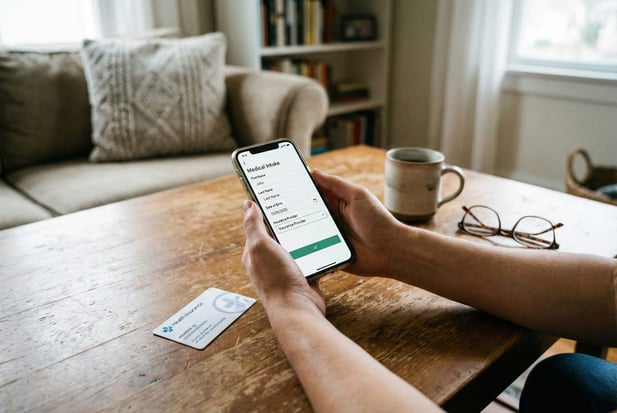
When a new patient is booked in WebPT, Curogram sends an SMS with a link to the intake forms. The patient fills them out on their phone before they arrive.
Once done, the system writes data like name, insurance, and health history straight into the WebPT profile. It also creates a signed PDF for the chart. This removes the need for staff to scan pages or type fields by hand.
Practices save roughly 15 minutes per patient. Errors drop because there is no more guessing at messy handwriting. The process is HIPAA compliant, and no data is stored on the patient's device.
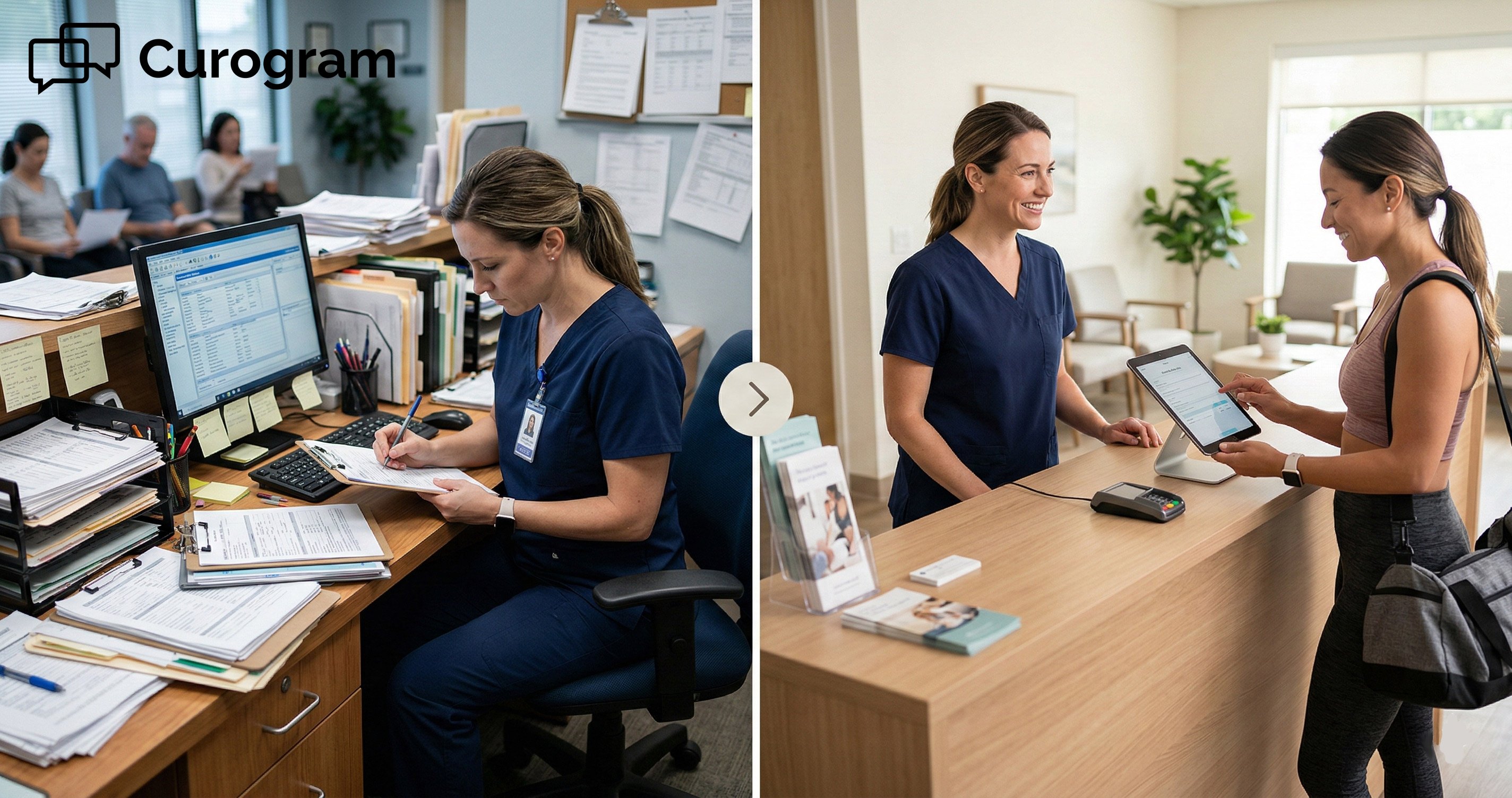
Picture this. A new patient walks into your rehab clinic. They grab a clipboard packed with 20 pages of forms.
They scribble through it fast, hand it back, and sit down. Now your front desk has to scan every page and type it all into WebPT by hand.
Sound like your Monday morning? You're not alone. This old-school intake process eats up hours of staff time each week.
It leads to typos, wrong insurance IDs, and backed-up waiting rooms. Worst of all, your therapist can't start on time because the chart isn't ready.
There is a better way. Digital patient intake forms for WebPT let you skip the paper stack and move the whole process to the patient's phone.
Before they even step through the door, they can fill out every form from their couch. Their insurance card is right there in their wallet, not buried in a bag.
With a tool like Curogram, the data flows right into WebPT. No scanning. No typing. No squinting at bad handwriting.
The result? Your staff gets hours back. Your patients spend less time in the waiting room. And your data is clean from the start.
This guide walks you through exactly how it works. You'll see why the paper clipboard is holding your clinic back and how mobile patient forms for rehab clinics are changing the game.
We'll cover the real cost of manual intake, the step-by-step digital workflow, and the results practices like yours are seeing right now.
If you're ready to automate the new patient packet at your PT practice, keep reading.
The Villain: The Clipboard of Doom and Data Entry Hell
Every front office lead in physical therapy knows the drill. A new patient shows up and gets a thick stack of forms. This packet is often 15 to 20 pages.
It includes HIPAA consent, financial policies, medical history, and clinical outcome measures like the Oswestry or LEFS.
That's a lot of paper. And it's only the start of the problem.
The Weight of the Paper Packet
The average PT intake packet is one of the heaviest in healthcare. It covers far more than just basic contact info.
Why PT Forms Are Longer Than Most
A rehab clinic needs details that go beyond what a primary care office asks for. Patients must report their pain levels, describe how their injury affects daily tasks, and fill out scored tools like the DASH or LEFS.
These outcome measures are key to building a care plan, but they add many pages to the packet.
On top of that, clinics must collect HIPAA forms, photo consent, financial agreements, and insurance details. All of this lands on the patient's lap in one big stack when they walk through the door.
The Rush to Fill It Out
Most clinics ask patients to arrive 15 minutes early. But many show up right on time or even late. That means they rush through the forms, skip fields, and write in a hurry.
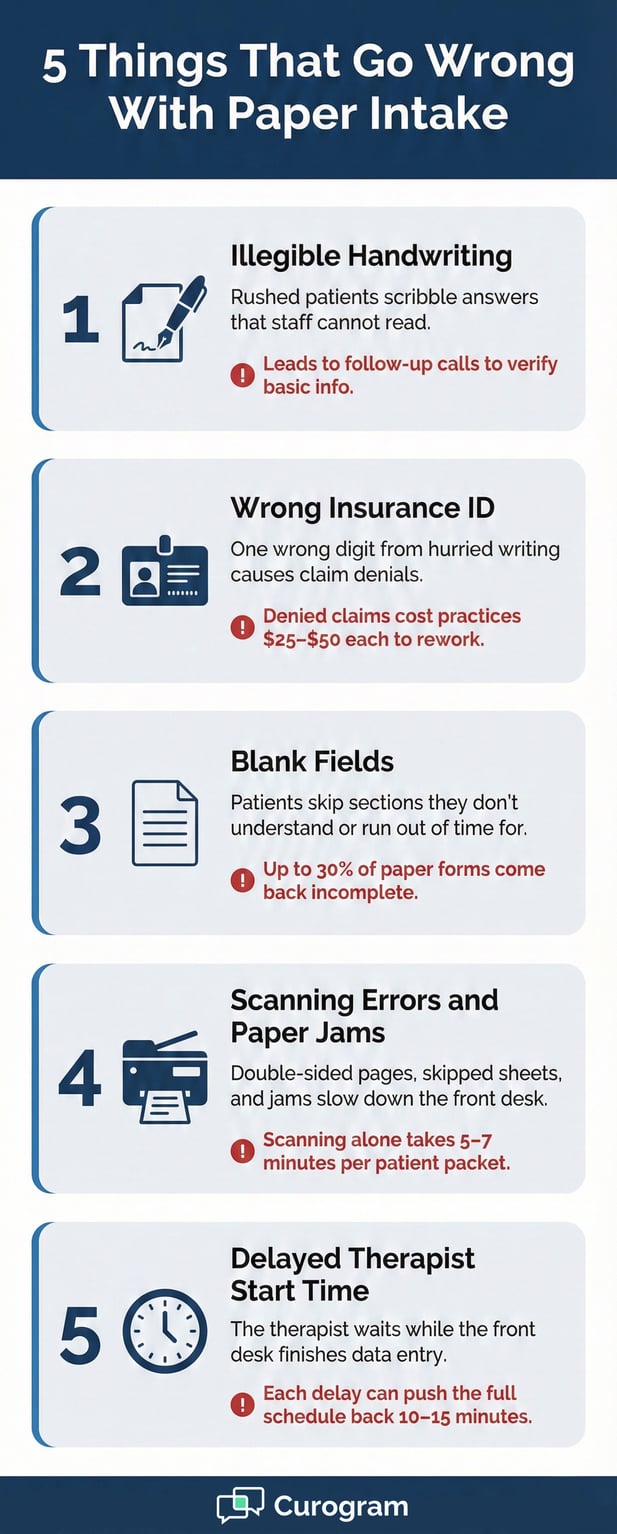
The result is messy handwriting, blank spots, and wrong dates. When the front desk gets the clipboard back, the real work begins.
The Bottleneck at the Front Desk
Once the forms come back, your staff faces a two-part task. First, they scan each page into the system. Then, they type the key data into WebPT field by field.
Scanning Takes Longer Than You Think
Feeding 15 to 20 pages through a scanner is not quick. Paper jams happen. Pages get skipped. Double-sided sheets cause errors.
For a busy clinic, the scanning room can become a bottleneck that backs up the whole schedule. Trying to eliminate manual scanning in physical therapy is a daily struggle for most front office teams.
Typing Leads to Costly Mistakes
After scanning, staff must type insurance IDs, phone numbers, addresses, and health history into WebPT by hand. This is where errors creep in.
One wrong digit on an insurance ID can cause a denied claim. A missed allergy note can slow down care. Each mistake costs time and money to fix later.
The whole process can take 10 to 15 minutes per patient. If your clinic sees 10 new patients a week, that adds up to over two hours of pure data entry. Those are hours your staff could spend on patient care, phone calls, or billing tasks.
The Ripple Effect on the Whole Clinic
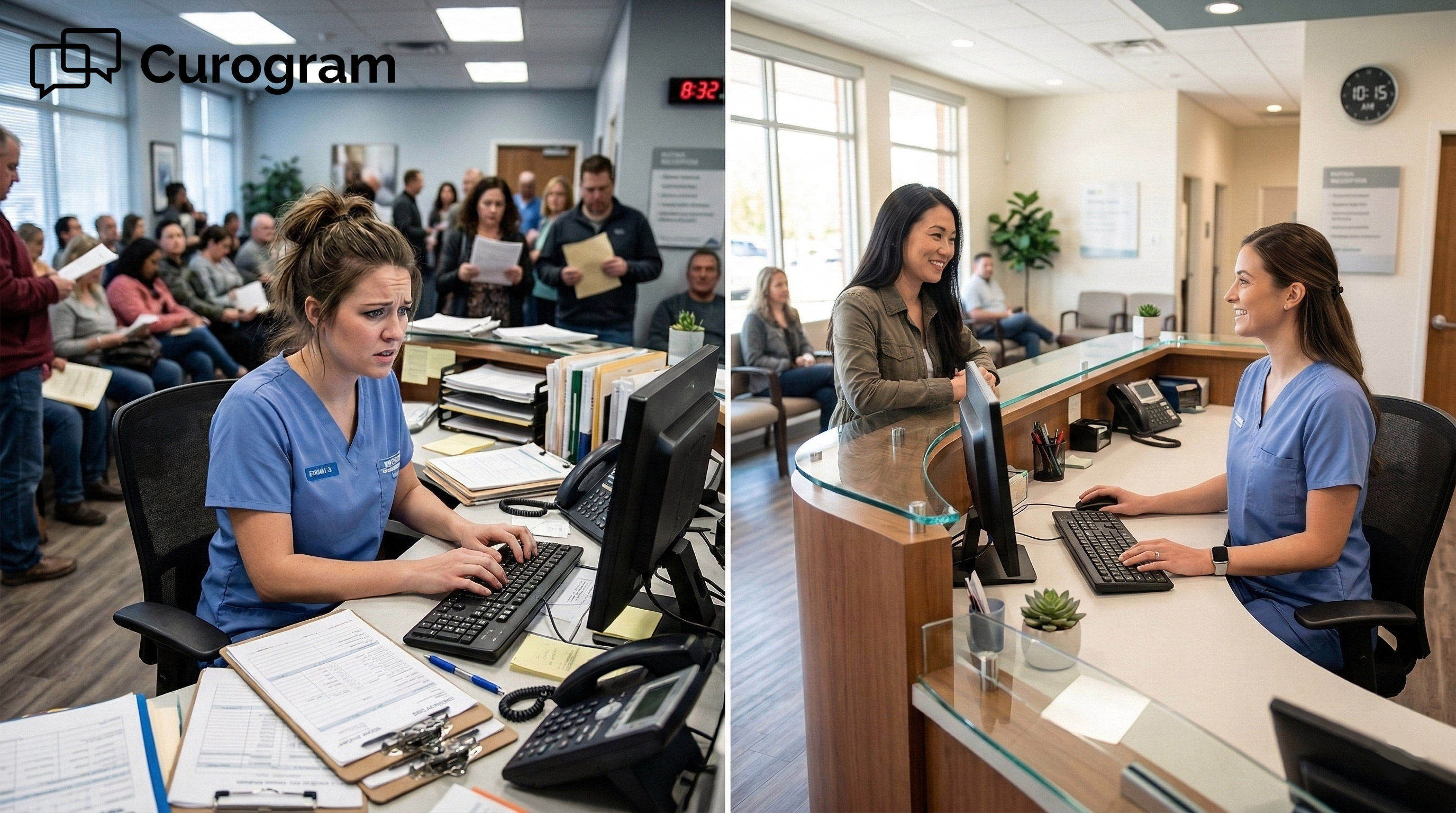
The impact doesn't stop at the front desk. When intake takes too long, the therapist can't start on time. That pushes the whole schedule back and leads to longer wait times for every patient after the first.
Patients notice this too. Sitting in a waiting room with a hand cramp from filling out forms is not a great first impression. It sets a tone that says your clinic is behind the times.
In an age where people book flights and order food from their phones, handing them a paper clipboard feels out of place.
The truth is, the paper packet is a relic. It slows your team down, creates bad data, and frustrates your patients. But there's a clear path forward, and it starts with moving the clipboard to the patient's phone.
The Guide: The Mobile Intake Revolution
The fix for paper intake isn't just going paperless. It's about moving the entire process to where patients already spend their time: their phones.
Curogram's mobile patient forms for rehab clinics do exactly that, turning a slow and error-prone workflow into a smooth one.
Here's how the shift from paper to digital works in practice.
How the Digital Workflow Runs
When you use Curogram with WebPT, the intake process starts before the patient sets foot in your clinic. The system handles the heavy lifting so your staff can focus on what matters.
Step One: The Patient Gets Booked
It all begins when a new patient is scheduled in WebPT. Curogram picks up this event and triggers the next step without any input from your team.
There's no need to send a separate email or make a reminder call. The system knows a new visit is on the books.
Step Two: The Text Goes Out
Curogram sends the patient a text message right away. The message might say something like, "Welcome! Please click here to complete your forms before your visit."
The link takes them to a secure form they can fill out on their phone, tablet, or laptop.
Because the patient gets this at home, they have time to look up details. Their insurance card, their list of meds, their doctor's contact info — it's all within reach.
They don't have to guess or leave fields blank. This is what it means to automate the new patient packet in a PT setting. The process runs on its own.
What Makes It More Than a PDF Upload
A lot of clinics think "digital forms" just means emailing a PDF. But that still leaves your staff typing data into WebPT by hand. Curogram is built to do more than that.
The Write-Back Feature
The real power lies in WebPT integration with intake write-back. When a patient submits their form, the data doesn't just sit in a file.
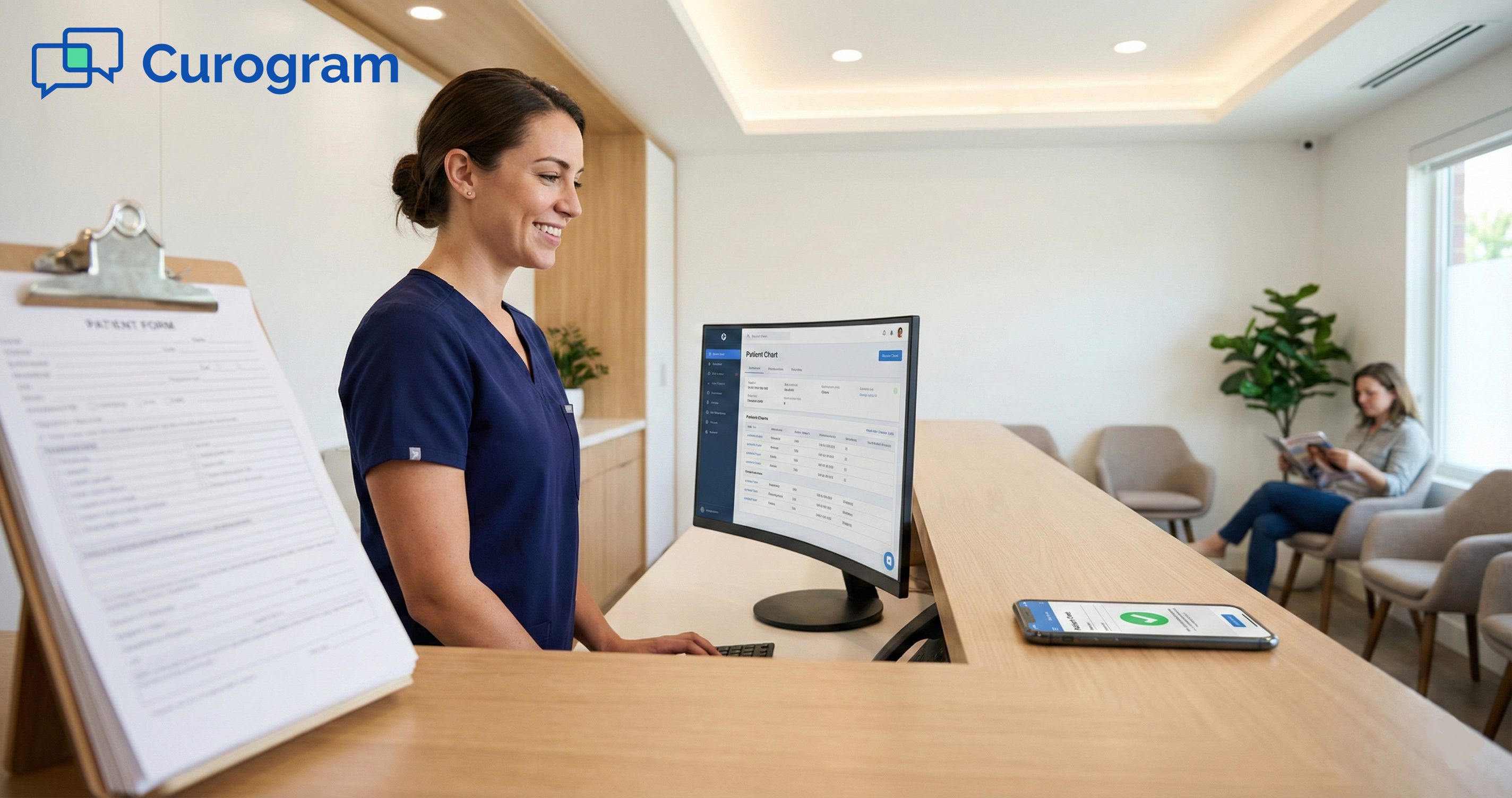
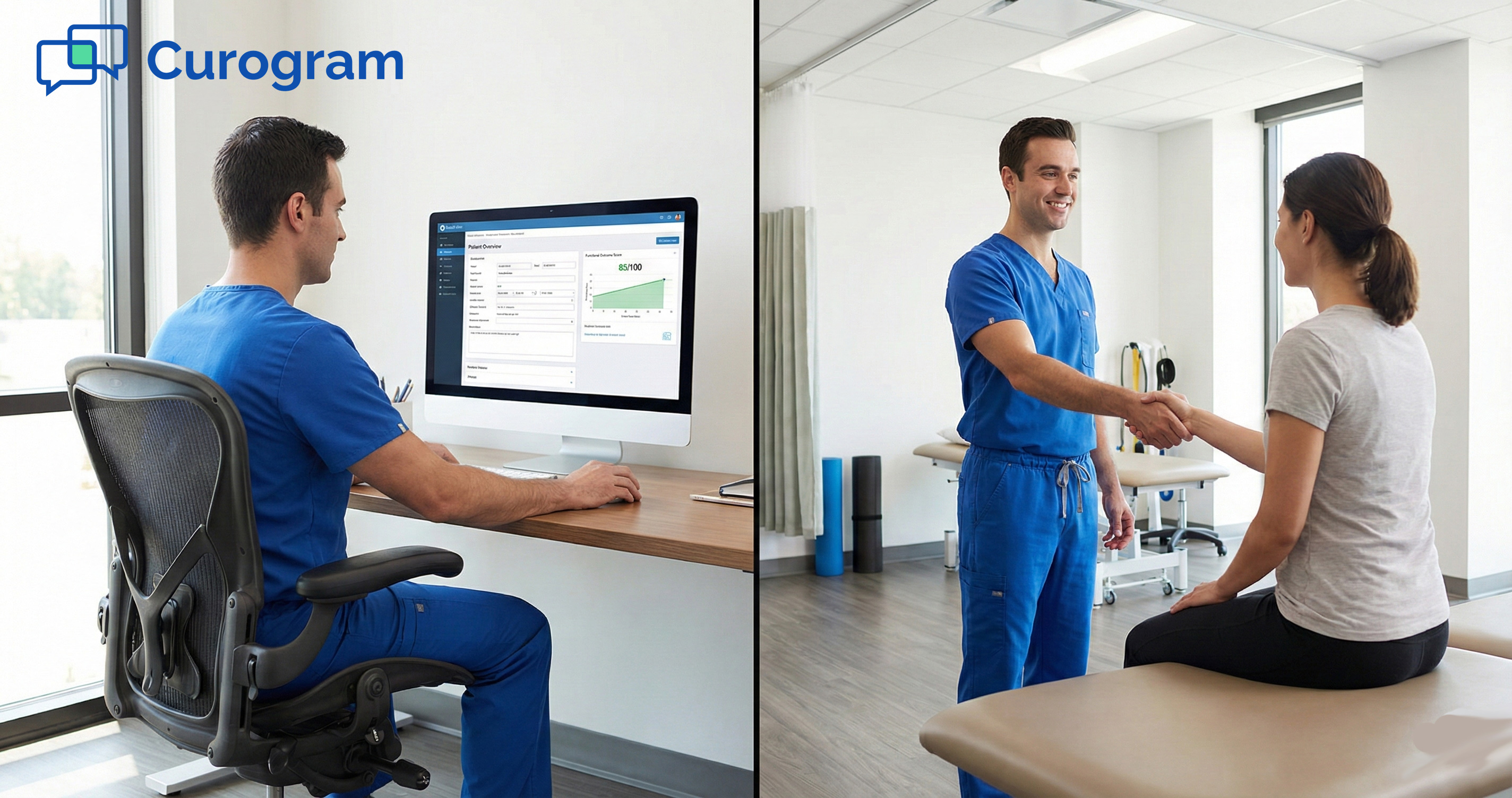
Curogram pushes the key fields, like name, date of birth, insurance info, and health history, straight into the right spots in the WebPT profile.
This means no one on your team has to retype a single field. The data goes where it belongs on its own. It's clean, it's complete, and it's ready for the therapist to review before the visit.
The Signed PDF
Along with the data write-back, Curogram also creates a signed PDF of the entire form. Patients sign on their phone's touchscreen, and that signature gets stamped onto the document.
This PDF is stored in WebPT just like a scanned page would be, except it's clear, complete, and legible every time.
Why Patients Actually Prefer It
You might wonder if patients will push back on a digital process. In practice, the opposite is true.
Most people are used to doing things on their phones. They pay bills, book rides, and order groceries from a screen. Filling out medical forms on the same device feels natural.
Patients also prefer it because they can take their time. There's no pressure to rush in the waiting room.
They can sit on their couch, look up their info, and complete the forms at their own pace. This leads to more complete answers and fewer blank fields.
For rehab clinics, this is a game changer. The forms come in clean and ready. The front desk doesn't have to chase missing info.
The patient walks in feeling prepared, not stressed. By making mobile patient forms part of your rehab intake, you set the tone for a smoother visit from start to finish.

The Success: Zero Scanning, Zero Typing
Moving to digital intake isn't just about saving paper. The real wins show up in your schedule, your data, and your patient reviews.
When you eliminate the scan-and-type routine, the results touch every part of your clinic.
Let's break down what practices are seeing after they make the switch.
Time Saved at the Front Desk
The most direct benefit is time. When staff no longer scan or type intake data, those minutes add up fast.
15 Minutes Back Per Patient
On average, the old paper process takes about 15 minutes per new patient. That includes scanning the pages and typing the fields into WebPT.
With digital forms, that drops to near zero because the data writes itself into the system.
If your clinic sees 10 new patients a week, that's 2.5 hours saved. Over a month, you gain a full day of staff time.
Your front desk can use those hours for tasks that matter more, like confirming upcoming visits, handling calls, or helping patients at check-in.
Less Overtime and Fewer Backlogs
Busy clinics often see a pile of forms stack up by midday. Staff may stay late just to process the day's intake packets.
With digital forms, there's no pile to work through. The data lands in WebPT before the patient walks in. That means no more end-of-day scanning marathons and no more overtime costs just to keep up.
Clinical Wins for the Therapist
Digital intake not only helps the front desk. Therapists benefit just as much, if not more.
Outcome Measures Ready Before the Visit
One of the biggest wins is that clinical scores are filled out and ready before the patient arrives. When a patient reports their pain level or completes a scored tool like the LEFS, the therapist can review it before they step into the room.
This helps to reduce waiting room time because the visit starts faster. The therapist walks in with a clear picture of the patient's baseline.
That means more time for hands-on care and less time asking questions that should have been answered on paper.
Cleaner Data for Better Care Plans
When patients type their answers instead of writing by hand, the data is always legible. No more squinting at messy forms or guessing at a number.
Clean data leads to better care plans because the therapist can trust what's in the chart. This matters even more for outcome measures, where a wrong score can shift the whole treatment approach.
A Better First Impression for Patients
The patient's view of your clinic starts before they meet the therapist. It starts with the intake process.
When a patient can fill out forms at home on their phone, they skip the waiting room scramble. There are no hand cramps, no lost pages, no asking the front desk for a pen. They walk in, check in, and get started.
This kind of ease makes a strong first impression. It tells the patient that your clinic values their time.
In a market where patients have choices, that first touchpoint can set you apart from the clinic down the road that still uses paper.
The bottom line is clear. Digital patient intake forms for WebPT save your staff hours, give therapists better data, and create a smoother start for every patient.
The paper clipboard served its purpose, but it can't keep up with a modern rehab practice.
Frequently Asked Questions for WebPT Users
Below are some of the most common questions from front office leads and practice managers who use WebPT.
These answers cover the features that matter most when switching from paper to digital intake.
Does it handle complex outcome measures like DASH or LEFS?
Curogram forms are built to handle the clinical tools that PT clinics rely on. This includes scored measures like the DASH, LEFS, and Oswestry.
The forms use conditional logic, which means they adapt based on the patient's answers. If a patient selects "Shoulder Pain" as their main concern, the form serves the DASH.
If they pick "Back Pain," it pulls up the Oswestry instead. This keeps the form relevant and avoids wasting the patient's time on sections that don't apply.
Once the patient submits the form, the scores are calculated and placed in the chart. The therapist can review them before the visit begins.
This cuts down on in-room questions and lets the session focus on hands-on care from the start.
What about the signature?
Signatures are a must for any intake form. Curogram handles this with a built-in touchscreen signature tool.
When the patient reaches the end of the form, they sign with their finger right on their phone screen. It feels natural and takes just a few seconds. There's no need to print, sign, and scan a separate page.
The electronic signature is legally binding. It gets stamped onto the PDF that Curogram creates and stores in the patient's WebPT profile. Your clinic has a clear, dated record of consent without any paper involved.
Is it HIPAA compliant?
Data security is a top concern for any practice. Curogram is fully HIPAA compliant, and the intake process is designed with privacy at every step.
The form link sent to the patient is encrypted. The data moves through a secure tunnel from the patient's device to your EMR.
No health information is stored on the phone itself. Once the form is submitted, the data lives only in WebPT.
Because the process is encrypted end to end, your practice meets the same compliance standards as any other secure data transfer. You can rest easy knowing patient information is protected from start to finish.
Retire the Scanner
Paper forms had their time. For years, the clipboard was just how things worked in rehab clinics. But today, it's the weak link in an otherwise modern workflow.
Your EMR runs on the cloud. Your billing goes through the software. Your scheduling is digital.
Yet intake, the first step of every new patient visit, still relies on pen and paper. That gap creates data errors, delays, and a clunky patient experience.
Many clinics stick with paper because it's what they know. Change feels risky when you have a system that "works."
But the truth is, the current system only works at a cost. That cost shows up as overtime hours, denied claims from bad data, and patients who leave their first visit feeling like they wasted time.
The shift to digital intake doesn't have to be hard. Tools like Curogram are built to work with WebPT, not replace it. The learning curve is short, and the payoff starts on day one.
Your patients live on their phones. They text more than they call. They pay bills from apps and book rides with a tap. Meeting them on that same device for intake just makes sense.
When you send forms by text, patients fill them out on their own time. They don't rush. They give you better answers. And they show up ready to start treatment, not stuck in the waiting room.
The data entry grind doesn't have to be part of your day. You can stop the scanning, stop the typing, and let the system handle it.
Start Your 30-Day Free Trial and never scan a clipboard again.