
Collecting Copays and Balances Faster with Text-to-Pay in DrChrono
 Sharee Narciso : Dec 4, 2025, 2:30:00 PM
Learn how small practices using DrChrono streamline copay and balance collection with Curogram’s secure text-to-pay solution.
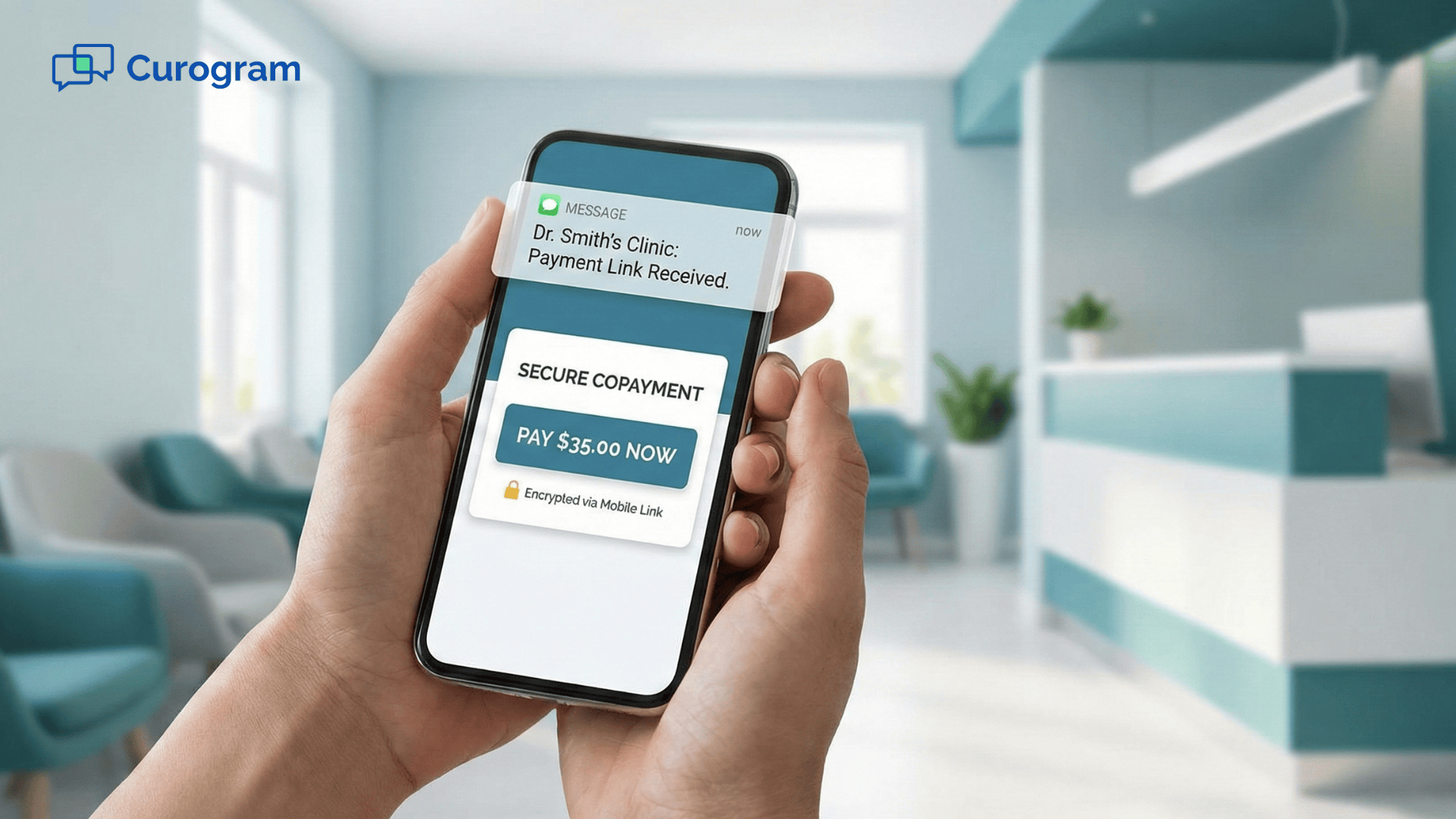
Collecting payments should be simple, but it often becomes one of the most stressful parts of a clinic’s day. Patients arrive in a hurry and forget their copay. Front desk staff try to stay polite while also trying to keep the schedule moving. When payments stack up, it creates more follow-up work and more pressure. Many practices wish there was a way to solve this without adding extra steps.
Digital tools help make this easier. When patients can pay from their phone, they do not have to stop at the front desk or search for a card at the last minute. It also helps staff avoid awkward money conversations. With clear reminders and simple links, patients understand what is due before they arrive.
Text-to-pay fits naturally into the way people use their phones every day. It supports collect copays Office Ally workflows by connecting payment steps to the appointment cycle. A quick message before or after the visit helps patients follow through. Staff save time by avoiding repeated calls and manual tracking.
In this blog, you will see the common challenges clinics face without text-to-pay, how Curogram simplifies Office Ally payment workflows, the benefits for staff and patients, a real example from a solo provider, and clear next steps to begin offering mobile payments in your own practice.
Many patients forget to bring payment when they arrive for their appointment. They may assume they can pay later or simply forget the amount. When this happens often, the front desk must track down unpaid balances. This creates more work and slows the check-in process.
Some patients intend to pay later but push it off because the process feels inconvenient. They may lose the printed statement or not remember how to log in to a portal. Without a simple digital option, these delays become normal. Over time, overdue balances increase and staff must spend more time calling and following up.
Staff often feel frustrated because payment collection becomes a manual process. They make repeated calls that go unanswered. They write notes, send reminders, and try to stay organized. This takes time away from patient care and makes the front desk feel busier than it should be.
When balances pile up, A/R days stretch cash flow thin as required in your outline. This creates pressure on the clinic and makes scheduling more stressful. Staff begin to feel the weight of these tasks, even though most of the problem begins with simple forgetfulness or lack of convenient ways to pay.
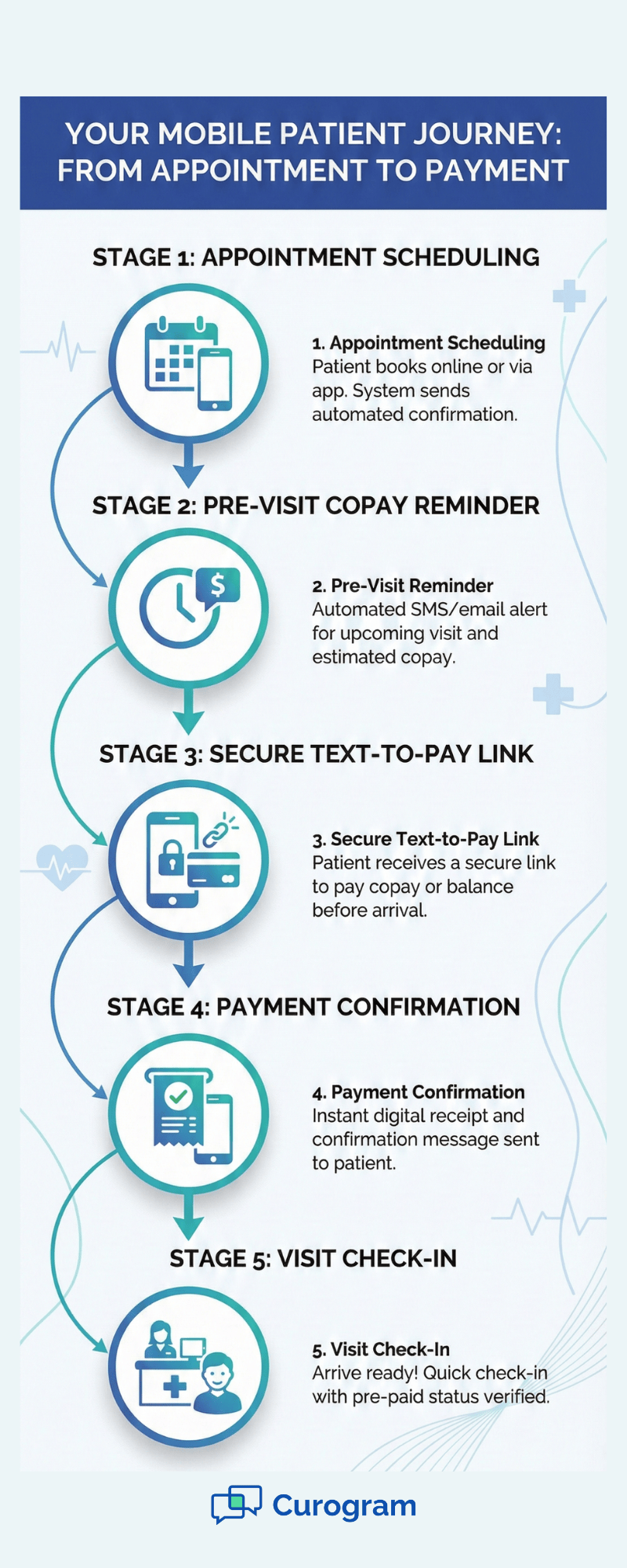
Curogram supports collect copays Office Ally workflows by allowing clinics to send pre-visit copay requests. Patients receive a short message reminding them about the amount due. They can tap the link and pay before they even leave home. This reduces stress at check-in.
Secure mobile payment links help patients pay without logging into a complicated portal. There are no usernames to remember or apps to download. They can use their phone to complete the payment in a few seconds. This makes the process natural and accessible.
For patients who forget or get distracted, automated patient reminders help them stay on track. A gentle message after the visit gives them another chance to pay on time. Staff no longer need to make as many calls or send manual messages. The system handles the follow-up for them.
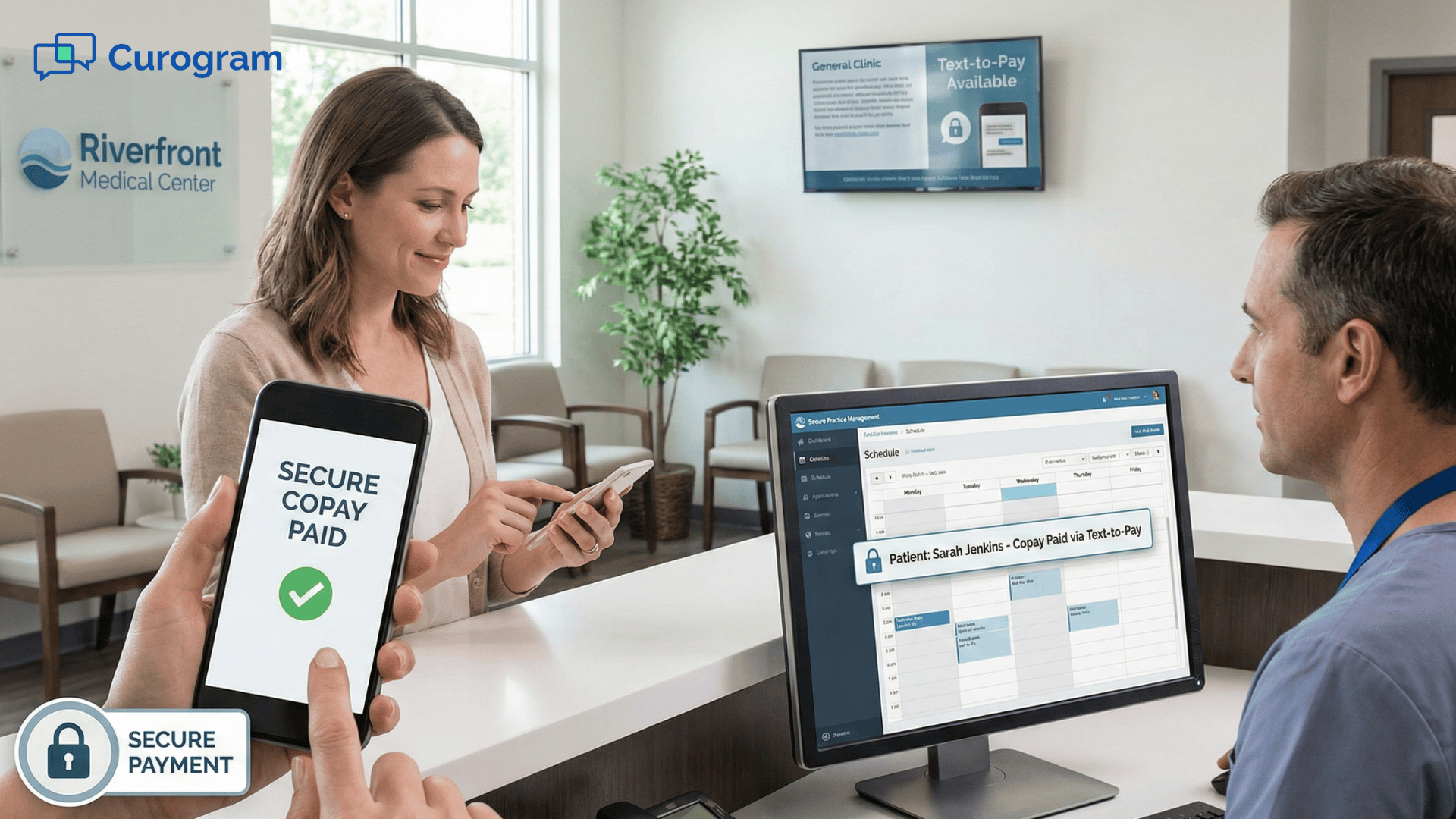
Curogram centralizes payment activity so staff can see who has paid and who still needs reminders. Everything stays organized within your Office Ally payment workflows. This helps your team stay focused on care instead of paperwork and repeated conversations.
Digital payments change the experience for everyone in the clinic. For patients, it feels easier and more modern. For staff, it removes some of the hardest and most repetitive tasks. For the practice, it creates smoother workflows connected to Office Ally payment systems.
Many patients prefer quick mobile actions instead of in-person transactions. Paying through a secure link feels natural because they already use their phone for everyday tasks. This helps them stay on track with payments without waiting in line. It also reduces awkward moments at the front desk.
When payments happen earlier, staff do not have to chase balances. They avoid repeated phone calls and manual note tracking. This gives them more time for scheduling, questions, and helping patients in person. A smoother billing process creates a calmer workflow overall.
Your outline states that faster revenue collection is a practice benefit. By sending pre-visit requests and post-visit reminders, the payment cycle moves faster. Staff no longer wait days for a simple copay. Progress feels steady and predictable.
When patients prepay their copay, check-in becomes simple. Staff can confirm the payment and move on. Patients feel more prepared and less rushed. This helps the clinic start appointments on time.
Automated reminders support patient follow-through. People often intend to pay later but forget during their busy day. A simple reminder helps them finish the task quickly. This reduces the load on the billing team.
Because payments link into your Office Ally payment workflows, staff do not need to switch between disconnected tools. Everything stays in one organized place. This makes training easier and reduces mistakes. It also helps new staff understand the flow more quickly.
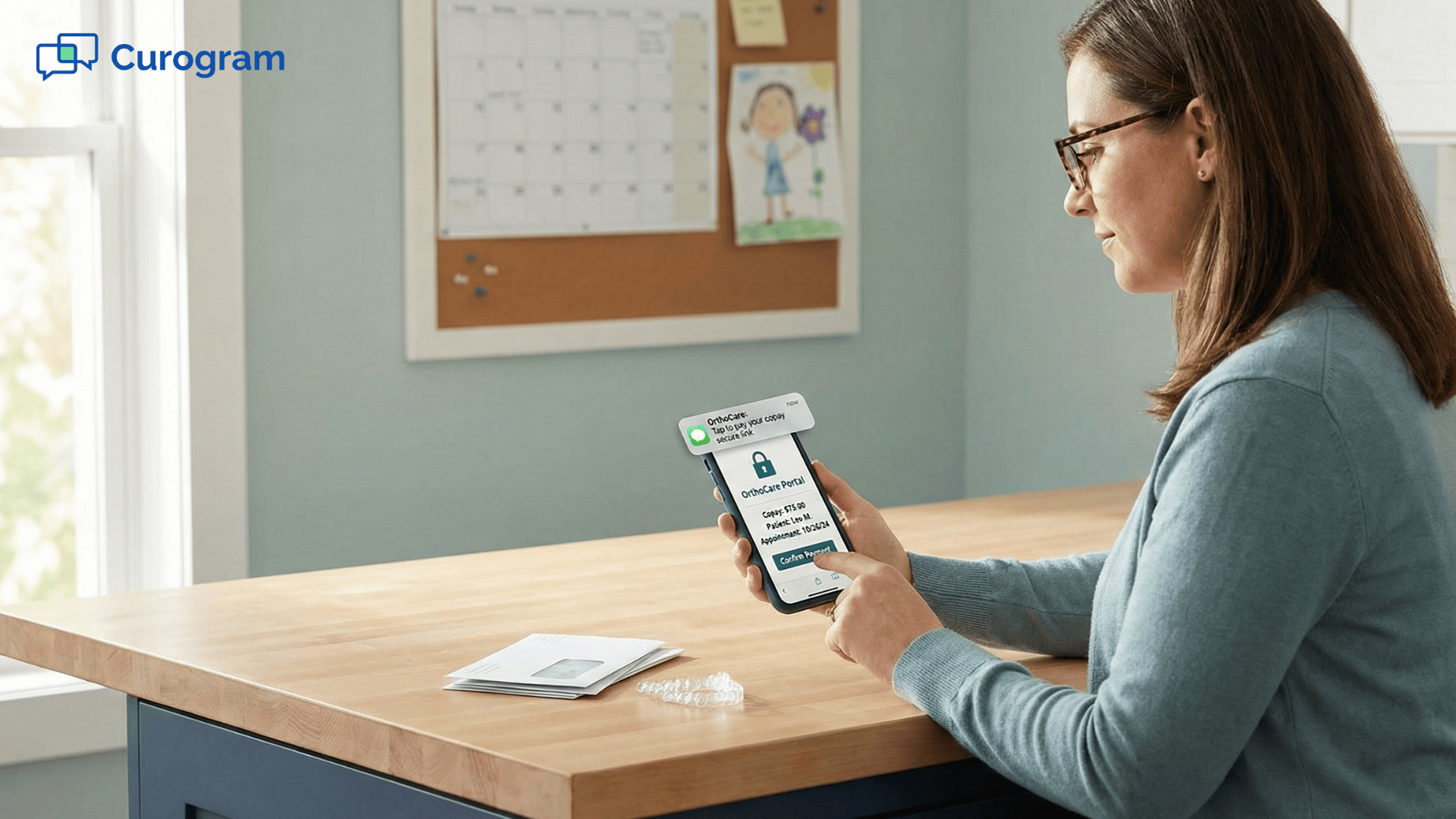
Parents often juggle many responsibilities during visits. Mobile payments give them flexibility. They can pay from the car, their workplace, or their home. This reduces stress and helps them focus on the appointment itself.
Patients who come frequently appreciate not having to repeat the same payment steps each time. When they receive reminders, they know exactly what to expect. This creates a reliable routine. It also builds trust in the process.
Overall, text-to-pay makes life easier for patients and staff. It keeps payments clear, simple, and connected to daily workflows. It also strengthens collect copays Office Ally systems by reducing delays and improving follow-through.
A solo provider struggled with late copays and frequent follow-up calls. Patients would promise to pay later but often forgot. The provider decided to use text-to-pay to support Office Ally payment workflows. Form here, everything changed.
Within weeks, more patients began paying before the visit. The front desk felt calmer because fewer conversations were about money. According to your outline, the provider improved same-day collection by 35%. This lifted stress and created a more predictable routine.
If you want to bring text-to-pay into your clinic, start with pre-visit requests. Patients are more likely to follow through when they have time to prepare. Next, turn on automated reminders for overdue balances. This keeps the process steady without extra work for staff.
Finally, connect everything to your Office Ally payment workflows. This keeps your team organized. It also helps patients feel supported with clear communication. The goal is to make payments simple and stress-free.
Curogram makes it easier for clinics to collect copays Office Ally workflows depend on. The platform sends simple text messages with secure payment links. Patients can pay in seconds without downloading anything or logging into portals. This removes many of the barriers that slow down payments.
The system also supports automated reminders. This helps patients stay aware of what they owe without feeling pressured. Staff no longer need to send manual follow-ups or make repeated calls. The workflow becomes steady and predictable.
Curogram keeps payment activity organized so your team can see what has been paid and what still needs attention. Everything connects to your Office Ally payment workflows. This makes training easier and reduces mistakes. It also frees your staff to focus on helping patients instead of chasing balances.
Collecting payments does not have to be stressful. When patients can pay from their phone, the entire visit feels smoother. Staff no longer need to juggle repeated calls or reminders. Patients feel more prepared and less rushed.
Text-to-pay tools support collect copays Office Ally workflows by connecting payments to the visit cycle. A simple message before or after the appointment helps patients follow through. This creates a calmer and more dependable routine for your team. It also gives patients more flexibility.
If your clinic wants to make payment collection easier, start small. Try pre-visit requests. Add automated reminders. Connect everything to your payment workflows. These simple steps build a strong foundation and reduce stress for everyone.
See how Curogram simplifies payments. Book your demo today.
 Sharee Narciso : Dec 4, 2025, 2:30:00 PM
Learn how small practices using DrChrono streamline copay and balance collection with Curogram’s secure text-to-pay solution.
 Sharee Narciso : Dec 4, 2025, 8:00:01 AM
Learn how Cloud 9 users streamline copay and balance collection with Curogram’s secure text-to-pay system.
 Sharee Narciso : Dec 4, 2025, 11:00:00 AM
Learn how Dolphin practices streamline copay and balance collection with Curogram’s secure text-to-pay system.